
'%3e%3cpath%20fill-rule='evenodd'%20clip-rule='evenodd'%20d='M19%208.5C24.799%208.5%2029.5%2013.201%2029.5%2019C29.5%2024.6782%2024.9928%2029.3036%2019.361%2029.4939L19%2029.5C18.8794%2029.5%2018.7592%2029.498%2018.6396%2029.4939L18.2811%2029.4758C12.8174%2029.1063%208.5%2024.5574%208.5%2019C8.5%2013.201%2013.201%208.5%2019%208.5ZM22.3063%2010.6267L22.2342%2010.6539C21.3423%2011.0061%2020.5541%2011.6368%2020.5606%2012.4987C20.5631%2012.8302%2020.869%2014.8871%2020.2141%2014.8486C19.5589%2014.8102%2019.413%2013.8753%2018.7116%2013.616C17.5944%2013.2026%2016.9819%2014.3401%2017.0939%2015.3106C17.1695%2015.9655%2018.9289%2018.3871%2017.9028%2019C17.292%2019.3651%2015.7279%2017.5692%2015.1007%2017.1842C14.4805%2016.8034%2013.2758%2017.3333%2012.4974%2016.7029C11.9874%2016.2899%2012.3881%2014.4098%2012.2786%2013.8372C12.2271%2013.5698%2012.1155%2013.3689%2011.9794%2013.2166L12.0402%2013.2934C10.7653%2014.8464%2010%2016.8339%2010%2019C10%2023.8465%2013.8307%2027.7982%2018.6295%2027.9925L18.6769%2027.9747C18.8597%2027.8677%2019.0394%2027.7557%2019.216%2027.6387C19.4137%2027.4534%2019.5436%2027.2072%2019.5849%2026.9394C19.8806%2025.1222%2018.3616%2025.4302%2017.9367%2024.5622C17.5489%2023.7695%2018.5712%2023.7684%2018.5524%2021.7923C18.4607%2021.1774%2018.5279%2020.547%2018.7211%2020.0315C19.1834%2018.7987%2020.7077%2017.2643%2022.5889%2018.0081C23.5567%2018.3906%2023.1524%2019.9831%2023.4737%2020.3394C24.251%2021.2018%2025.3228%2020.6863%2026.2856%2021.2253C26.7816%2021.5032%2026.9797%2022.41%2027.056%2023.2248L27.038%2023.0528C27.6534%2021.8348%2028%2020.4579%2028%2019C28%2015.1968%2025.6409%2011.9445%2022.3063%2010.6267Z'%20fill='%23757575'/%3e%3ccircle%20cx='19'%20cy='19'%20r='10.125'%20stroke='%23757575'%20stroke-width='2.25'/%3e%3c/g%3e%3cdefs%3e%3cclipPath%20id='clip0_1827_14613'%3e%3crect%20width='24'%20height='24'%20fill='white'%20transform='translate(7%207)'/%3e%3c/clipPath%3e%3c/defs%3e%3c/svg%3e)


AI video effects and face swapping have become popular ways to create eye-catching social media content. Both can transform ordinary photos and videos into something more engaging without requiring advanced editing skills.
However, they serve different purposes. AI video effects offer a broad range of visual changes, while face swapping focuses on replacing one person's face with another. Understanding these differences can help creators choose the right approach for their content, audience, and creative goals.
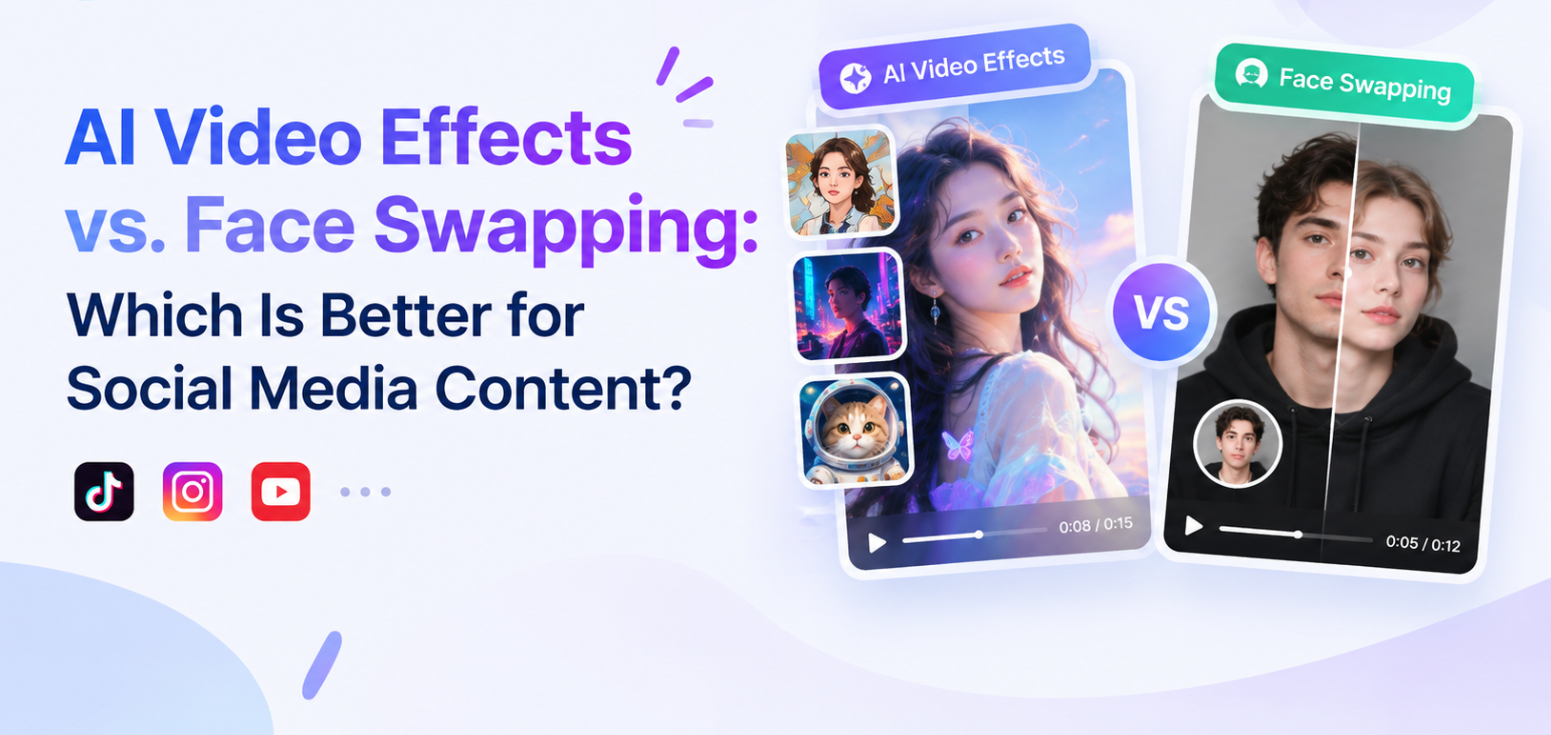
AI Video Effects vs. Face Swapping: What’s the Difference
AI video effects change how a video looks or moves. They can add filters, animate photos, or turn a simple image into a short clip. Creators often use them to make social media posts more interesting.
AI video face swapping replaces a person's face in a video with another face. It's often used for funny clips, character edits, or creative videos. The result depends on the original footage and how well the tool handles facial movements.
Although both use AI to modify visual content, their main differences lie in what they change and the creative results they produce.
| Feature | AI Video Effects | AI Video Face Swap |
|---|---|---|
| Main purpose | Add visual effects or transform content | Replace a face in existing footage |
| Typical results | Animated photos, stylized clips, creative transformations | Videos featuring a different face |
| Best for | Visual experimentation and artistic content | Character-based edits and humorous videos |
| Creative flexibility | Broad range of effects and styles | Focused on facial replacement |
| Main challenge | Maintaining visual consistency | Keeping the replacement realistic across movements |
Which Option Is Better for Social Media Content
Both AI video effects and face swapping can make social media videos more engaging, but they suit different content styles. AI video effects offer more ways to change a video's look, while face swapping works best when replacing a face is central to the idea.
AI Video Effects Best For:
TikTok trends: Creating eye-catching clips with popular visual effects.
Instagram Reels: Animating photos or adding creative touches to short videos.
Product and lifestyle content: Making visuals more dynamic without filming new footage.
Creative storytelling: Changing the mood or style of a scene.
AI Video Face Swap Best For:
Funny videos: Putting a different face into a familiar scene for humor.
Character edits: Reimagining movie scenes or creating playful character transformations.
Reaction videos: Making entertaining clips around facial changes.
Personalized content: Creating face-swap videos for friends or social media trends, with their permission.
How to Choose the Right AI Tool for Your Content
Choosing a tool starts with the content idea, not the number of features it offers. Different platforms focus on different types of AI creation, so consider these four factors before getting started.
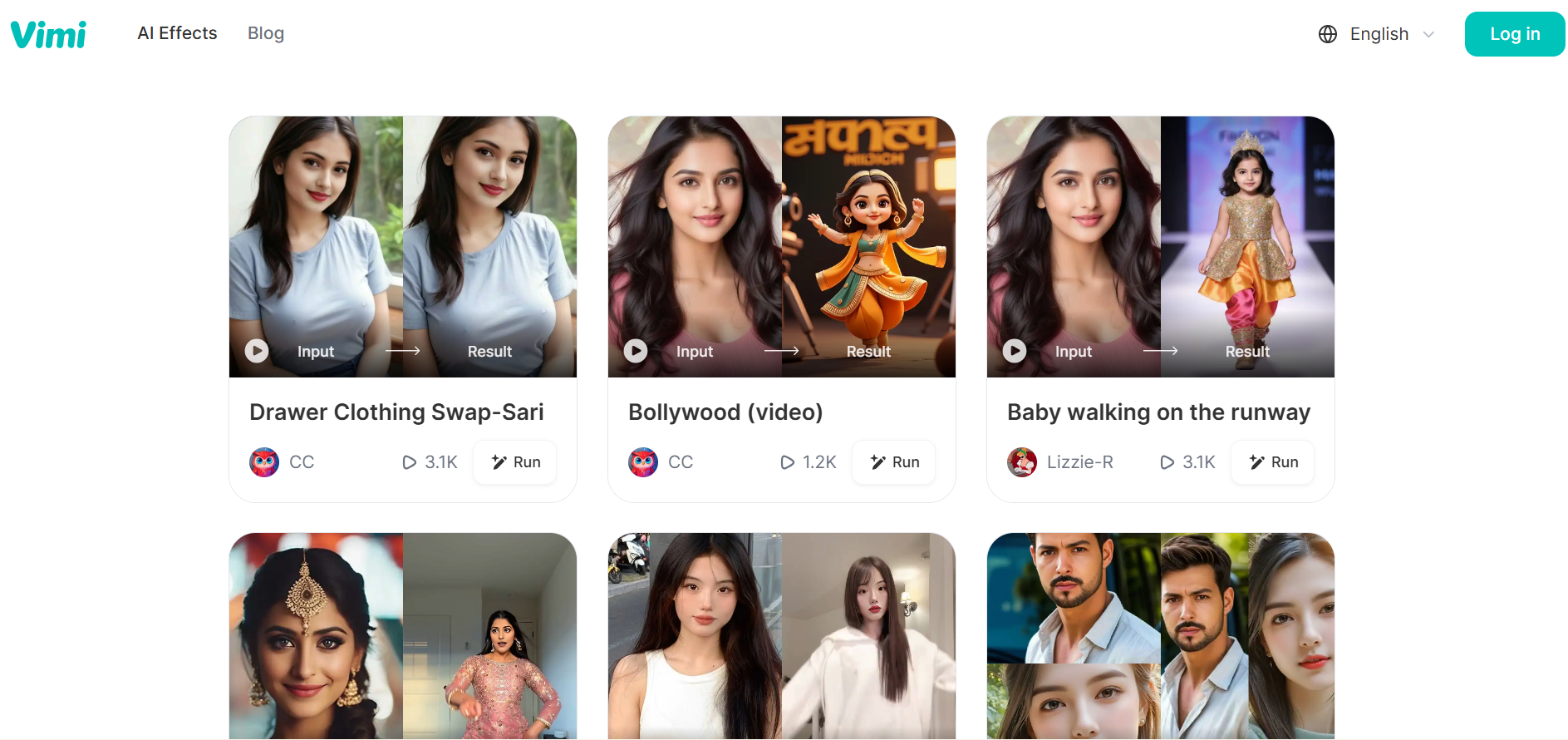
Define the result you want. If you want to animate a portrait or experiment with creative visual styles, explore an AI effects platform such as Facefame. Its AI effects and portrait options can help users explore different looks for social media content. If your concept requires replacing a face in an existing video, Vimi.art is a more directly relevant option.
Check the available features. Not every AI tool supports the same input formats or effects. Check whether it works with photos, existing videos, or ready-made templates. Make sure the features match your project before spending time preparing the source material.
Consider quality and ease of use. A simple workflow can save time, especially when creating content regularly. However, convenience should not be the only consideration. Review the output for facial distortions, unnatural transitions, inconsistent lighting, and other visible errors.
Review pricing and privacy. Check whether the tool offers free trials, paid features, export limits, or watermarks. Read its privacy policy to understand how uploaded images and videos may be processed or stored. If the content includes another person's face, make sure you have permission to use their likeness.
Practical Tips for Creating Better AI Videos
Even with an effective AI tool, the quality of the final video depends on the source material, editing decisions, and how well the result fits the intended platform. A few practical steps can make the process more reliable.
Start with clear source material. Use sharp images and well-lit footage. Blurry faces, heavy shadows, and obstructed facial features can make AI processing more difficult.
Keep the concept simple. One clear visual transformation is often more effective than several unrelated effects competing for attention.
Check the result frame by frame. Watch for flickering, distorted facial features, unnatural expressions, or sudden changes in appearance. Pay particular attention to transitions and moments when the subject moves.
Match the platform's format. Consider vertical framing for short-form platforms such as TikTok and Instagram Reels. Keep important visual details visible on a mobile screen.
Edit before publishing. Trim unnecessary sections, adjust pacing, and add captions or sound where appropriate. AI-generated footage may still need conventional editing to feel polished.
Respect consent and context. Get permission before using another person's face, and avoid presenting manipulated footage in a way that could mislead viewers or harm someone's reputation.
Final Thoughts
AI video effects and face swapping offer different ways to make social media content more creative. Video effects provide flexibility for visual transformations, animated portraits, and stylistic experiments. Face swapping is more focused on replacing faces for character-based videos, humor, and storytelling.
The best choice depends on the idea behind each post. By matching the tool to the intended result, checking the output carefully, and using facial imagery responsibly, creators can make AI-assisted videos that feel more intentional and work better for their audiences.





