
'%3e%3cpath%20fill-rule='evenodd'%20clip-rule='evenodd'%20d='M19%208.5C24.799%208.5%2029.5%2013.201%2029.5%2019C29.5%2024.6782%2024.9928%2029.3036%2019.361%2029.4939L19%2029.5C18.8794%2029.5%2018.7592%2029.498%2018.6396%2029.4939L18.2811%2029.4758C12.8174%2029.1063%208.5%2024.5574%208.5%2019C8.5%2013.201%2013.201%208.5%2019%208.5ZM22.3063%2010.6267L22.2342%2010.6539C21.3423%2011.0061%2020.5541%2011.6368%2020.5606%2012.4987C20.5631%2012.8302%2020.869%2014.8871%2020.2141%2014.8486C19.5589%2014.8102%2019.413%2013.8753%2018.7116%2013.616C17.5944%2013.2026%2016.9819%2014.3401%2017.0939%2015.3106C17.1695%2015.9655%2018.9289%2018.3871%2017.9028%2019C17.292%2019.3651%2015.7279%2017.5692%2015.1007%2017.1842C14.4805%2016.8034%2013.2758%2017.3333%2012.4974%2016.7029C11.9874%2016.2899%2012.3881%2014.4098%2012.2786%2013.8372C12.2271%2013.5698%2012.1155%2013.3689%2011.9794%2013.2166L12.0402%2013.2934C10.7653%2014.8464%2010%2016.8339%2010%2019C10%2023.8465%2013.8307%2027.7982%2018.6295%2027.9925L18.6769%2027.9747C18.8597%2027.8677%2019.0394%2027.7557%2019.216%2027.6387C19.4137%2027.4534%2019.5436%2027.2072%2019.5849%2026.9394C19.8806%2025.1222%2018.3616%2025.4302%2017.9367%2024.5622C17.5489%2023.7695%2018.5712%2023.7684%2018.5524%2021.7923C18.4607%2021.1774%2018.5279%2020.547%2018.7211%2020.0315C19.1834%2018.7987%2020.7077%2017.2643%2022.5889%2018.0081C23.5567%2018.3906%2023.1524%2019.9831%2023.4737%2020.3394C24.251%2021.2018%2025.3228%2020.6863%2026.2856%2021.2253C26.7816%2021.5032%2026.9797%2022.41%2027.056%2023.2248L27.038%2023.0528C27.6534%2021.8348%2028%2020.4579%2028%2019C28%2015.1968%2025.6409%2011.9445%2022.3063%2010.6267Z'%20fill='%23757575'/%3e%3ccircle%20cx='19'%20cy='19'%20r='10.125'%20stroke='%23757575'%20stroke-width='2.25'/%3e%3c/g%3e%3cdefs%3e%3cclipPath%20id='clip0_1827_14613'%3e%3crect%20width='24'%20height='24'%20fill='white'%20transform='translate(7%207)'/%3e%3c/clipPath%3e%3c/defs%3e%3c/svg%3e)
"I review dozens of research papers each week. This ai summarizer gives me the key takeaways in seconds — I decide what to read in full."
Marcus Chen
Graduate Researcher
Turn long articles, documents, or notes into clear, concise summaries. Choose length and audience — get the key points in seconds.


 Free and UnlimitedNo Signup RequiredSave TimeNo Ads
Copy and paste any article, report, or notes. Our ai summarizer handles everything from short paragraphs to lengthy documents.

Choose the length and age group. The summarizer adjusts complexity and detail accordingly.

Your condensed version appears in seconds. Copy, edit, or adjust settings and regenerate until it’s exactly what you need.

Too much to read? Our ai summarizer pulls out the essential points so you can grasp the core ideas without wading through every paragraph. Perfect for research, studying, or catching up on long reports — get the gist in moments.
Get StartedA summary for a child looks different than one for a professional. Choose the age group and our summarizer adapts vocabulary and depth.
Get Started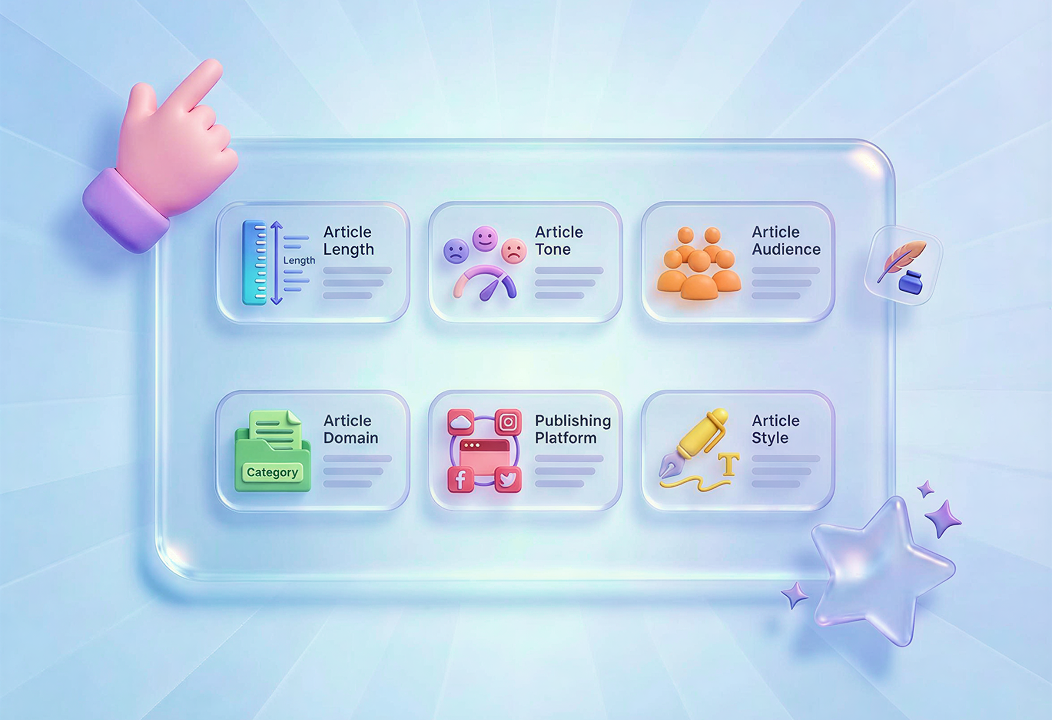

Whatever you paste is processed securely and never stored. Use the ai summarizer freely — even with sensitive or unpublished material. No accounts, no fine print, just a clean tool that respects your privacy.
Get StartedDesktop at work, laptop at home, or phone on the go — our summarize ai tool works in any browser. No installation, just open and go. Ideal for students, researchers, and busy professionals who need quick insights anywhere.
Get Started

Convert PDF files into editable DOC and DOCX documents.

Pull data straight from PDFs into Excel spreadsheets.

Turn your PDF files into editable PPT and PPTX.

Make DOC and DOCX files easy to read by converting them to PDF.

Make Excel spreadsheets easy to read by converting them to PDF.

Make PPT, PPTX easy to read by converting them to PDF.

Convert JPG images to PDF. Easily adjust orientation and margins.

Combine PDFs in the order you want.

split a large PDF file and extract pages into multiple PDF files.

Reduce file size while optimizing for maximal PDF quality.

Sign yourself or request electronic signatures from others.

Sort pages of your PDF file however you like.

"I review dozens of research papers each week. This ai summarizer gives me the key takeaways in seconds — I decide what to read in full."
Marcus Chen
Graduate Researcher

"I write daily briefs for my team. The summarizer turns long articles into clear bullet points I can share instantly."
Elena Foster
Team Lead

"I use this summarize ai tool to help my students break down complex readings. The age group setting keeps explanations appropriate."
Sophia Rivera
High School Teacher

