

"Create a workplace-appropriate new baby congratulations card for a manager or coworker. Review the message as a team before sharing or printing it."
Workplace Congratulations
Coworkers and teams
Create a new baby card, congratulations message, birth announcement, or keepsake poster from the details you have. Enter your relationship to the parents, add optional baby details, then review and download the generated design as PNG or PDF.
We’re matching the wording to your relationship, combining the baby details you entered, and preparing a visual card layout for the final preview.
Install the client for easier saving and management
The desktop client makes it easier to save, organize, and revisit your generated baby cards and keepsake posters in one place.

Enter your relationship to the parents. Add the baby's name, birth date, and gender when known; the interface marks these baby details as optional.

Start the generator to prepare a newborn greeting, birth card, announcement, and keepsake-style design from the information you supplied.

Review names, dates, wording, and design details, then download PNG or PDF. Use the result in a message, email, printed group card, or keepsake.
A message for close family usually sounds different from a workplace congratulations note. Enter your relationship to give the baby card generator useful context, then review the wording and adjust anything that feels too formal, casual, or personal.
Get StartedUse the birth announcement maker to organize a baby's name, birth date, and other supplied details into a shareable design. Because the name, date, and gender fields are optional in the interface, you can generate a draft with only the information you have.
Get Started
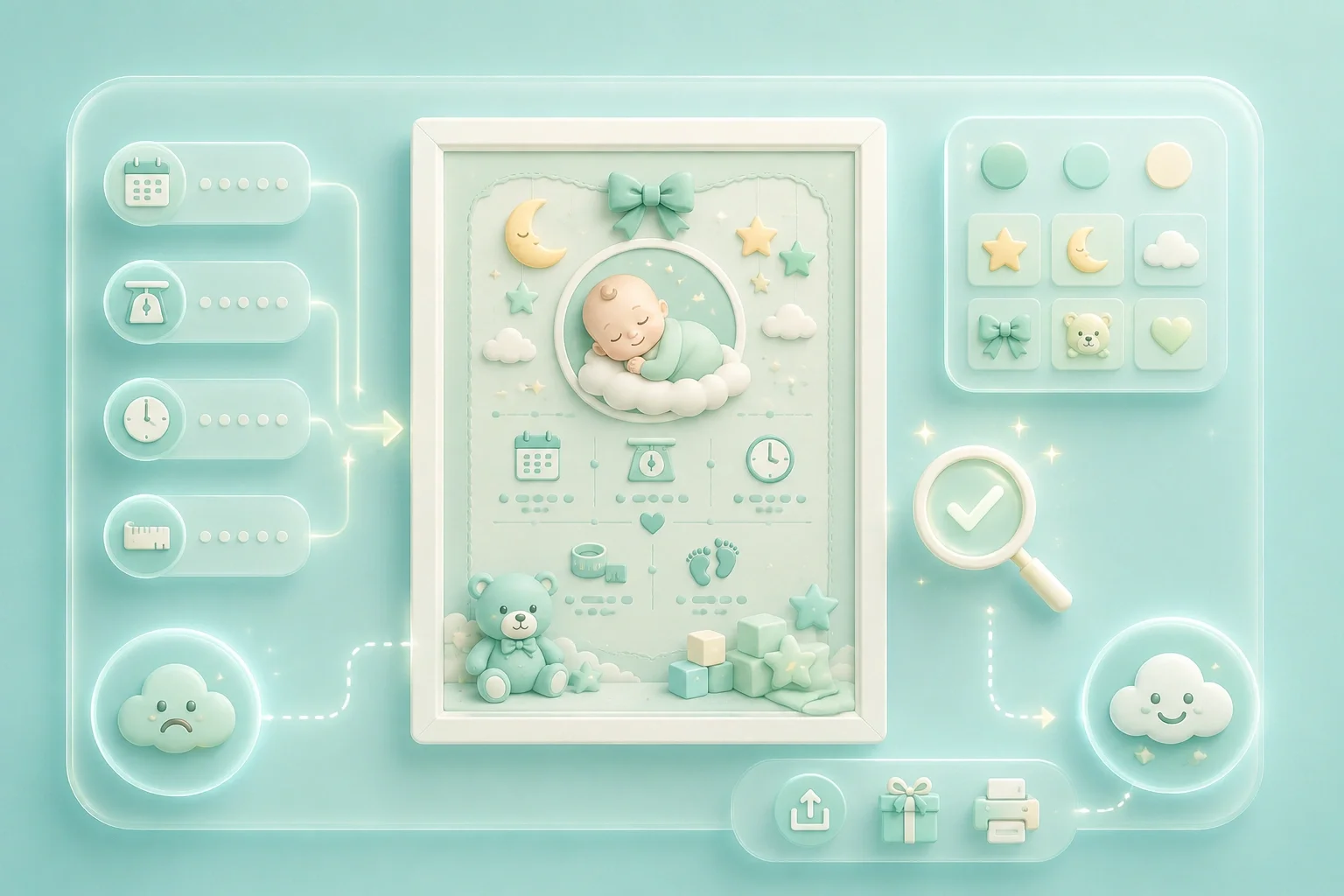
Use the keepsake-style output to present the birth details you provide in a visual format for family sharing or a group gift. Verify spelling and dates in the preview before saving or printing the file.
Get StartedChoose PNG for a raster image you can place in messages, posts, or email. Choose PDF when you want a document file for printing, an office group card, a family album, or a keepsake folder.
Get Started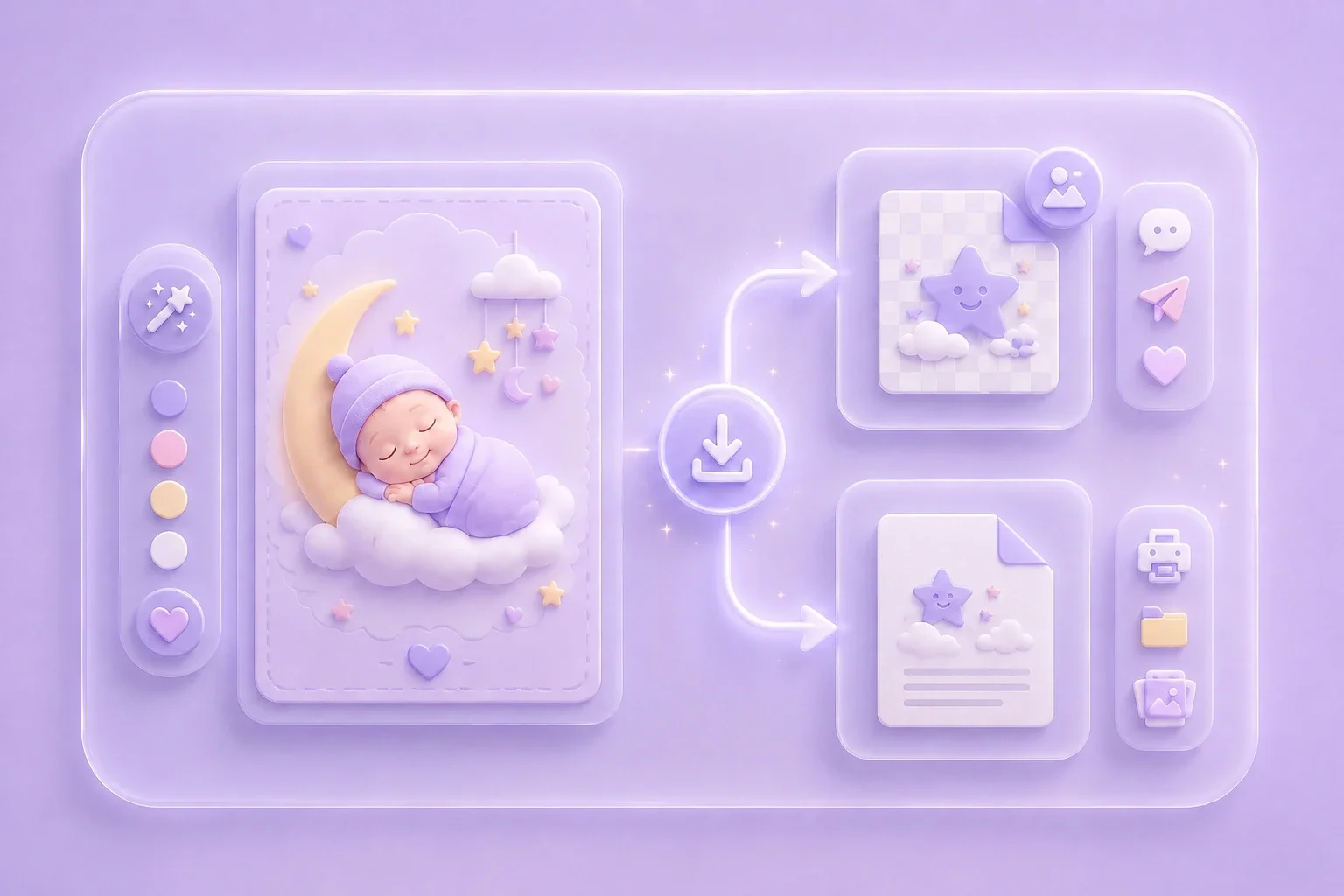

Convert PDF files into editable DOC and DOCX documents.

Pull data straight from PDFs into Excel spreadsheets.

Turn your PDF files into editable PPT and PPTX.

Make DOC and DOCX files easy to read by converting them to PDF.

Make Excel spreadsheets easy to read by converting them to PDF.

Make PPT, PPTX easy to read by converting them to PDF.

Convert JPG images to PDF. Easily adjust orientation and margins.

Combine PDFs in the order you want.

split a large PDF file and extract pages into multiple PDF files.

Reduce file size while optimizing for maximal PDF quality.

Sign yourself or request electronic signatures from others.

Sort pages of your PDF file however you like.

"Create a workplace-appropriate new baby congratulations card for a manager or coworker. Review the message as a team before sharing or printing it."
Workplace Congratulations
Coworkers and teams

"Make a newborn card for a relative using the baby's name and birth date when available. Check every personal detail before downloading the PNG or PDF."
Family Greetings
Relatives and friends

"Arrange the supplied birth details in a keepsake-style poster for a friend or family member. Verify names and dates in the preview before printing."
Keepsake Poster
Birth details and memories
