
'%3e%3cpath%20fill-rule='evenodd'%20clip-rule='evenodd'%20d='M19%208.5C24.799%208.5%2029.5%2013.201%2029.5%2019C29.5%2024.6782%2024.9928%2029.3036%2019.361%2029.4939L19%2029.5C18.8794%2029.5%2018.7592%2029.498%2018.6396%2029.4939L18.2811%2029.4758C12.8174%2029.1063%208.5%2024.5574%208.5%2019C8.5%2013.201%2013.201%208.5%2019%208.5ZM22.3063%2010.6267L22.2342%2010.6539C21.3423%2011.0061%2020.5541%2011.6368%2020.5606%2012.4987C20.5631%2012.8302%2020.869%2014.8871%2020.2141%2014.8486C19.5589%2014.8102%2019.413%2013.8753%2018.7116%2013.616C17.5944%2013.2026%2016.9819%2014.3401%2017.0939%2015.3106C17.1695%2015.9655%2018.9289%2018.3871%2017.9028%2019C17.292%2019.3651%2015.7279%2017.5692%2015.1007%2017.1842C14.4805%2016.8034%2013.2758%2017.3333%2012.4974%2016.7029C11.9874%2016.2899%2012.3881%2014.4098%2012.2786%2013.8372C12.2271%2013.5698%2012.1155%2013.3689%2011.9794%2013.2166L12.0402%2013.2934C10.7653%2014.8464%2010%2016.8339%2010%2019C10%2023.8465%2013.8307%2027.7982%2018.6295%2027.9925L18.6769%2027.9747C18.8597%2027.8677%2019.0394%2027.7557%2019.216%2027.6387C19.4137%2027.4534%2019.5436%2027.2072%2019.5849%2026.9394C19.8806%2025.1222%2018.3616%2025.4302%2017.9367%2024.5622C17.5489%2023.7695%2018.5712%2023.7684%2018.5524%2021.7923C18.4607%2021.1774%2018.5279%2020.547%2018.7211%2020.0315C19.1834%2018.7987%2020.7077%2017.2643%2022.5889%2018.0081C23.5567%2018.3906%2023.1524%2019.9831%2023.4737%2020.3394C24.251%2021.2018%2025.3228%2020.6863%2026.2856%2021.2253C26.7816%2021.5032%2026.9797%2022.41%2027.056%2023.2248L27.038%2023.0528C27.6534%2021.8348%2028%2020.4579%2028%2019C28%2015.1968%2025.6409%2011.9445%2022.3063%2010.6267Z'%20fill='%23757575'/%3e%3ccircle%20cx='19'%20cy='19'%20r='10.125'%20stroke='%23757575'%20stroke-width='2.25'/%3e%3c/g%3e%3cdefs%3e%3cclipPath%20id='clip0_1827_14613'%3e%3crect%20width='24'%20height='24'%20fill='white'%20transform='translate(7%207)'/%3e%3c/clipPath%3e%3c/defs%3e%3c/svg%3e)
"I paste every long prompt here before hitting the API. Seeing context % and cost in one place saves me from failed calls."
Alex Rivera
Backend Engineer
Count tokens for GPT, Claude, and Gemini instantly. Estimate input cost and see how much of the model context window your text uses.

 Free and UnlimitedNo Signup RequiredSave TimeNo Ads
Paste your prompt, article, or code into the box, or upload a .txt / .md file.

Select GPT, Claude, or Gemini so the count matches that model’s tokenizer style.

Click Calculate to see token count, context usage, and an optional input cost estimate.
An AI Token Counter shows how models split your text into tokens before processing it. Paste a prompt, document, or code snippet to check its token count, avoid unexpected context limit errors, and estimate potential API costs before sending your request. It also helps you remove unnecessary content and create clearer, more efficient prompts.
Count Tokens Now
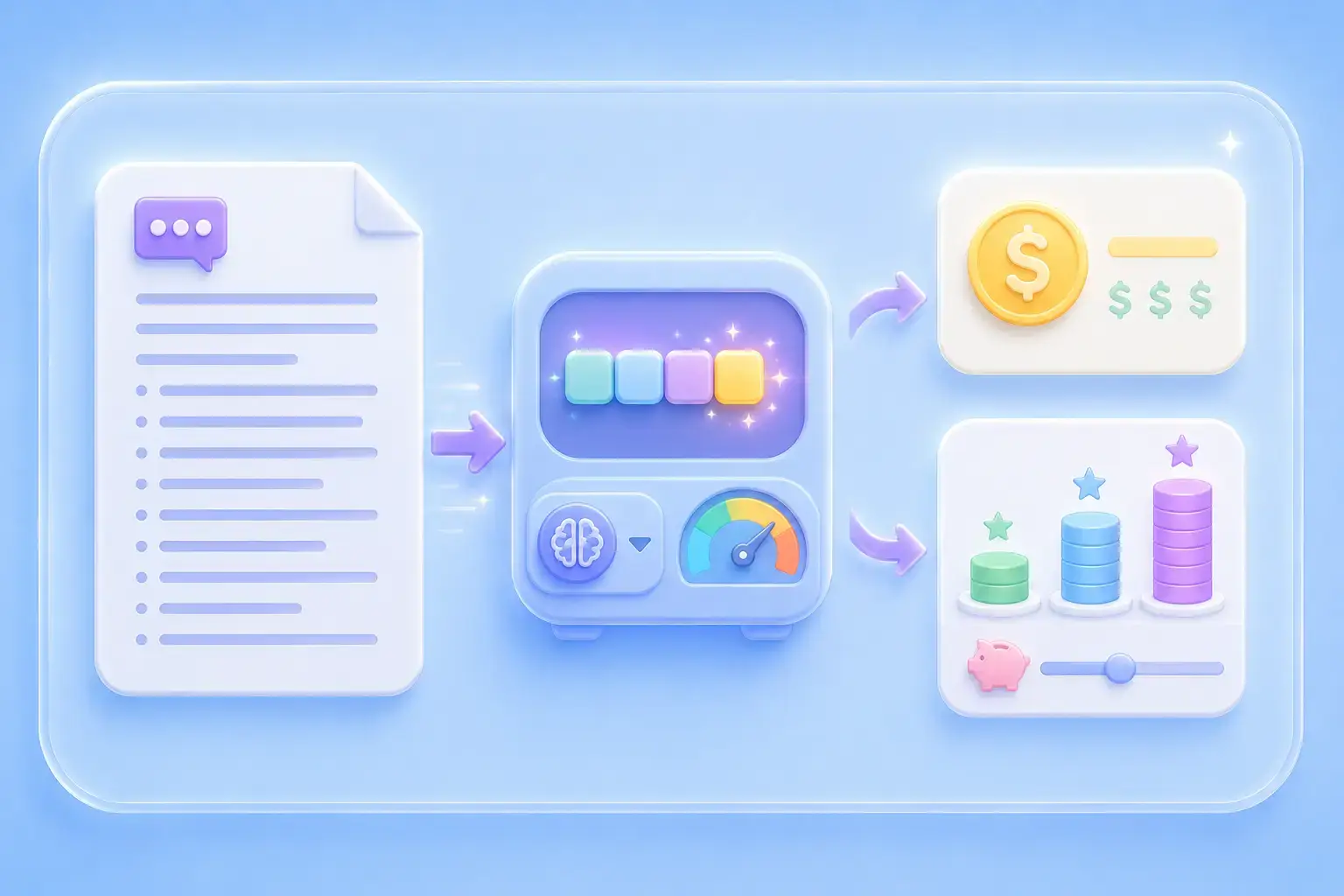
Unexpected API charges often come from sending long prompts without knowing how many input tokens they contain. Turn on “Estimate input cost” to calculate an approximate cost based on the selected AI model and its public input token pricing before making an API call. This makes it easier to compare models, control your budget, and reduce unnecessary token spending.
Try It FreeLong prompts, documents, and conversation histories can exceed an AI model’s context window, causing errors, missing information, or incomplete responses. Check how many tokens your text uses and how much context space remains before submitting it. You can then shorten oversized content or split it into smaller sections before it reaches the model limit.
Check Context Usage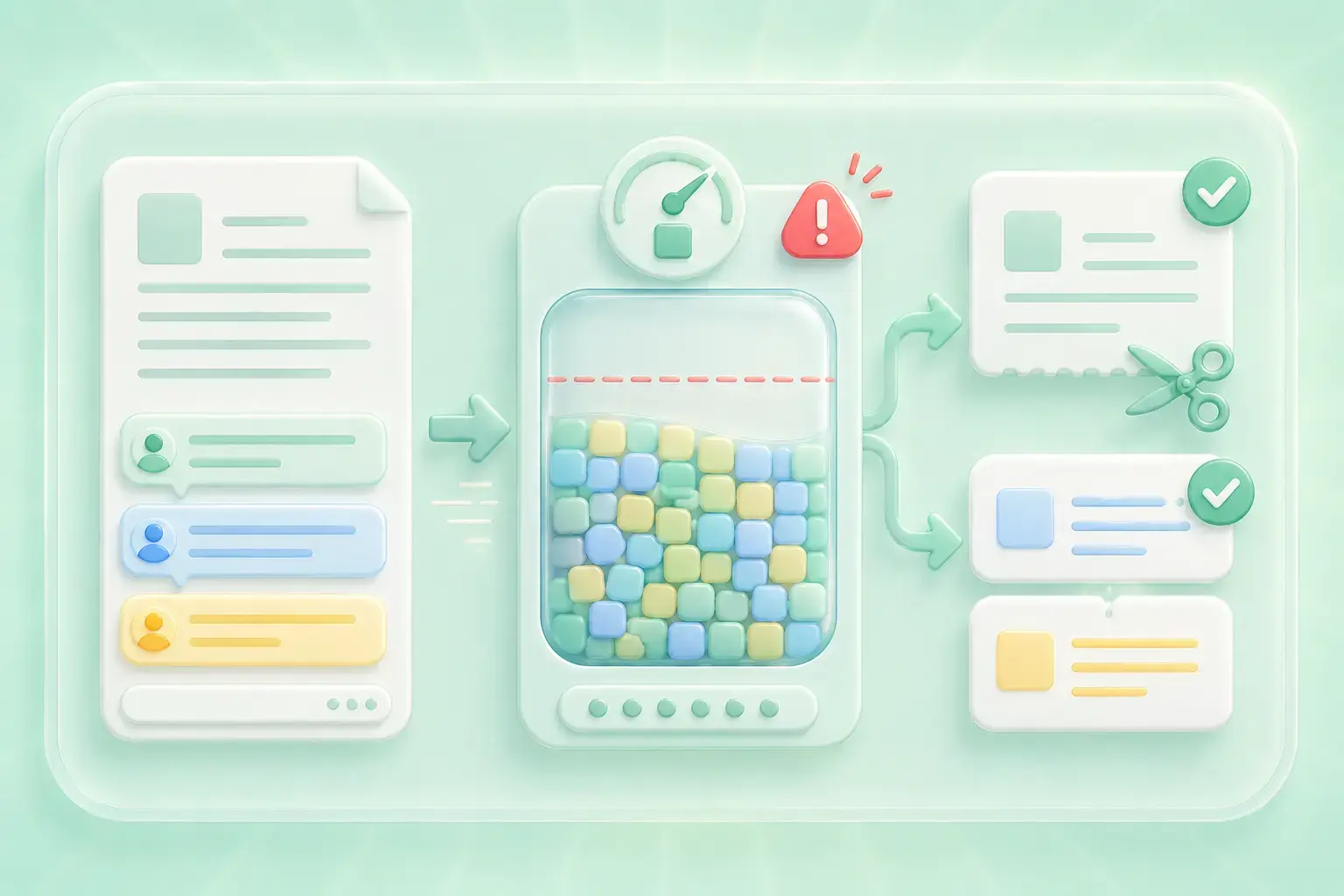
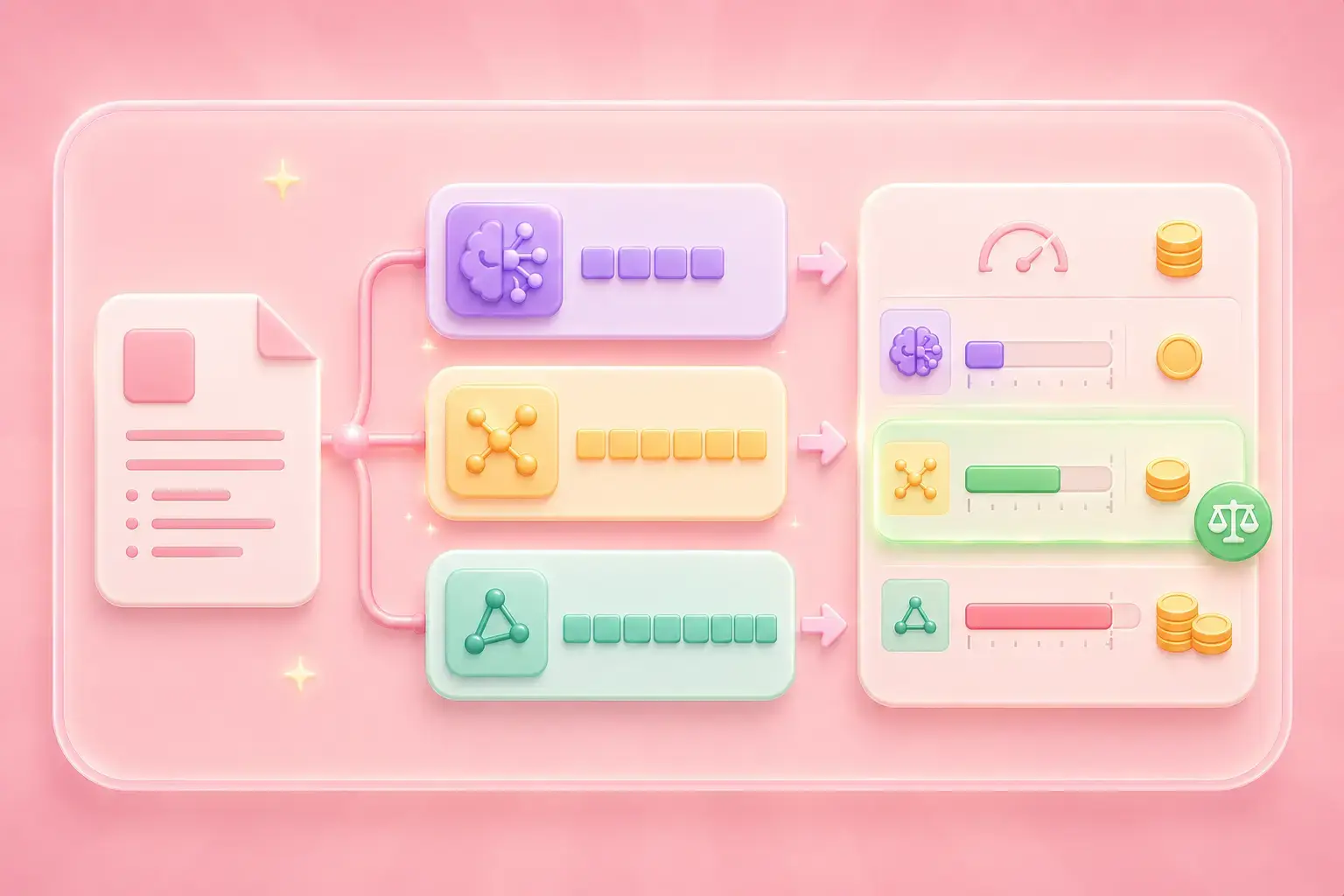
The same prompt may produce different token counts in GPT, Claude, and Gemini because each model uses a different tokenizer. Compare token usage side by side to choose a suitable model, optimize long prompts, and plan API usage with greater confidence. This helps you find the model that offers the right balance between context capacity, token usage, and estimated cost.
Compare Token Counts
Convert PDF files into editable DOC and DOCX documents.

Pull data straight from PDFs into Excel spreadsheets.

Turn your PDF files into editable PPT and PPTX.

Make DOC and DOCX files easy to read by converting them to PDF.

Make Excel spreadsheets easy to read by converting them to PDF.

Make PPT, PPTX easy to read by converting them to PDF.

Convert JPG images to PDF. Easily adjust orientation and margins.

Combine PDFs in the order you want.

split a large PDF file and extract pages into multiple PDF files.

Reduce file size while optimizing for maximal PDF quality.

Sign yourself or request electronic signatures from others.

Sort pages of your PDF file however you like.

"I paste every long prompt here before hitting the API. Seeing context % and cost in one place saves me from failed calls."
Alex Rivera
Backend Engineer

"Simple and fast. I upload draft docs as .md and instantly know whether they’ll fit in Claude’s context."
Maya Chen
Technical Writer

"Great for comparing GPT vs Gemini token usage on the same text. Helps our team pick the right model for a job."
Jordan Lee
Product Manager

