
'%3e%3cpath%20fill-rule='evenodd'%20clip-rule='evenodd'%20d='M19%208.5C24.799%208.5%2029.5%2013.201%2029.5%2019C29.5%2024.6782%2024.9928%2029.3036%2019.361%2029.4939L19%2029.5C18.8794%2029.5%2018.7592%2029.498%2018.6396%2029.4939L18.2811%2029.4758C12.8174%2029.1063%208.5%2024.5574%208.5%2019C8.5%2013.201%2013.201%208.5%2019%208.5ZM22.3063%2010.6267L22.2342%2010.6539C21.3423%2011.0061%2020.5541%2011.6368%2020.5606%2012.4987C20.5631%2012.8302%2020.869%2014.8871%2020.2141%2014.8486C19.5589%2014.8102%2019.413%2013.8753%2018.7116%2013.616C17.5944%2013.2026%2016.9819%2014.3401%2017.0939%2015.3106C17.1695%2015.9655%2018.9289%2018.3871%2017.9028%2019C17.292%2019.3651%2015.7279%2017.5692%2015.1007%2017.1842C14.4805%2016.8034%2013.2758%2017.3333%2012.4974%2016.7029C11.9874%2016.2899%2012.3881%2014.4098%2012.2786%2013.8372C12.2271%2013.5698%2012.1155%2013.3689%2011.9794%2013.2166L12.0402%2013.2934C10.7653%2014.8464%2010%2016.8339%2010%2019C10%2023.8465%2013.8307%2027.7982%2018.6295%2027.9925L18.6769%2027.9747C18.8597%2027.8677%2019.0394%2027.7557%2019.216%2027.6387C19.4137%2027.4534%2019.5436%2027.2072%2019.5849%2026.9394C19.8806%2025.1222%2018.3616%2025.4302%2017.9367%2024.5622C17.5489%2023.7695%2018.5712%2023.7684%2018.5524%2021.7923C18.4607%2021.1774%2018.5279%2020.547%2018.7211%2020.0315C19.1834%2018.7987%2020.7077%2017.2643%2022.5889%2018.0081C23.5567%2018.3906%2023.1524%2019.9831%2023.4737%2020.3394C24.251%2021.2018%2025.3228%2020.6863%2026.2856%2021.2253C26.7816%2021.5032%2026.9797%2022.41%2027.056%2023.2248L27.038%2023.0528C27.6534%2021.8348%2028%2020.4579%2028%2019C28%2015.1968%2025.6409%2011.9445%2022.3063%2010.6267Z'%20fill='%23757575'/%3e%3ccircle%20cx='19'%20cy='19'%20r='10.125'%20stroke='%23757575'%20stroke-width='2.25'/%3e%3c/g%3e%3cdefs%3e%3cclipPath%20id='clip0_1827_14613'%3e%3crect%20width='24'%20height='24'%20fill='white'%20transform='translate(7%207)'/%3e%3c/clipPath%3e%3c/defs%3e%3c/svg%3e)


New designers often juggle paper sketches, scattered files and costly
tailors, making the journey from idea to runway slow and expensive. Most
“free” tools either lack 3D fit, vector patterns or real time sharing,
forcing you to hop between software and lose creative flow.
So is there an all in one, beginner-friendly solution that lets you
design, visualize and share professional garments without breaking the
bank? Yes. Below, we hand-pick six 2026-ready clothing-design platforms,
from browser based studios to AI powered CAD, that let you turn sketches
into runway ready collections in minutes.
Part 1: 6 Best Software to Design Clothes
TUKAcad
TUKAcad is a professional grade apparel pattern making software designed to help fashion designers create accurate, production ready patterns with ease. Used by brands and manufacturers worldwide, it offers powerful tools for drafting, grading, and marker making bringing industry level precision to both beginners and experienced pattern makers. Whether you're designing custom garments or preparing files for factory production, TUKAcad streamlines the entire workflow with speed and accuracy.

Features:
Industry grade apparel pattern-making software
Automated grading, marker making and DXF export
Integrated digital fashion illustration and CAD tools
Works for both mass production and custom fit garments
Pros:
Precise pattern accuracy trusted by manufacturing teams
Affordable compared to most enterprise CAD systems
Powerful automation tools save hours per project
Cons:
Interface feels technical for complete beginners
Requires installation; not browser based
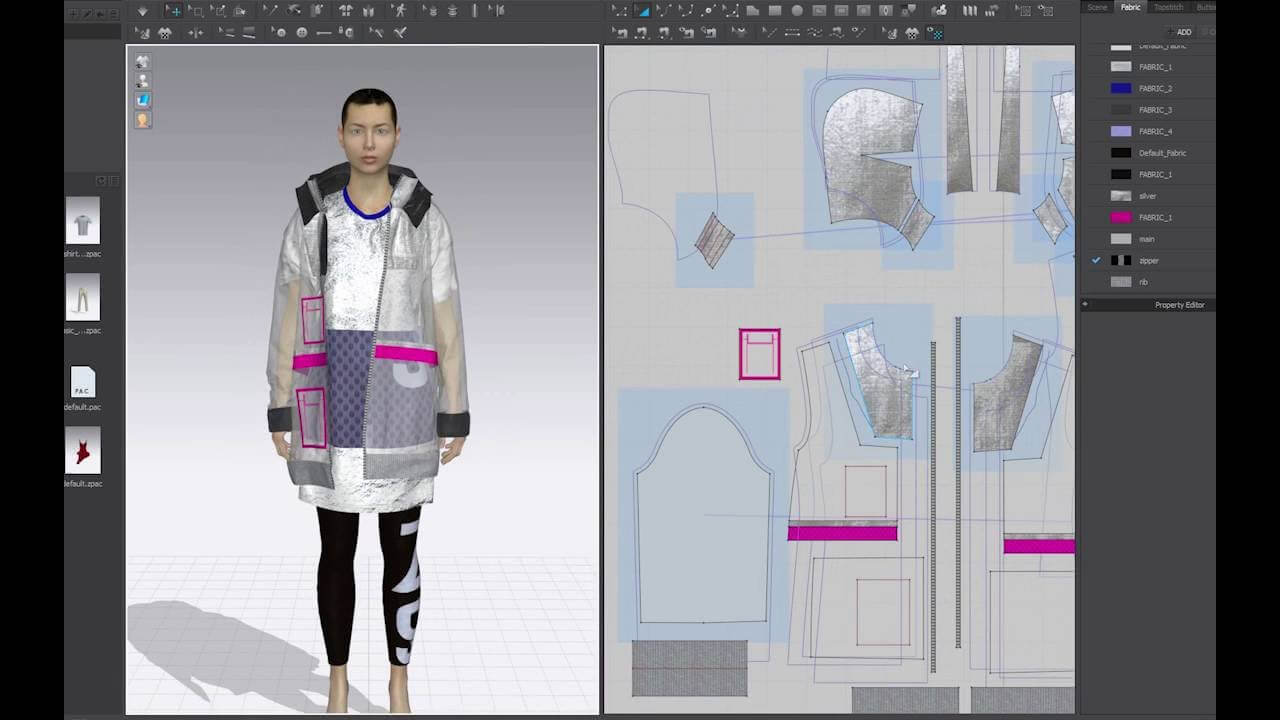
CLO 3D
CLO 3D is an industry-leading 3D garment design software that lets fashion designers visualize, drape, and fit clothing in a hyper realistic digital environment. Using advanced physics simulation, it allows you to test fabrics, adjust patterns, and preview final looks without sewing a single stitch. From beginners exploring 3D fashion to professionals creating production ready samples, CLO 3D streamlines the design process and brings ideas to life with stunning accuracy.

Features:
High-fidelity 3D garment design software
Realistic fabric draping powered by physics simulation
Avatar customization, animation and fit testing
Supports OBJ, FBX, DXF and full tech-pack export
Pros:
Most realistic garment simulation in the industry
Huge online library of fabrics and trims
Ideal for designers transitioning into 3D workflows
Cons:
Requires a strong computer for smooth simulation
Paid subscription for full exports and assets
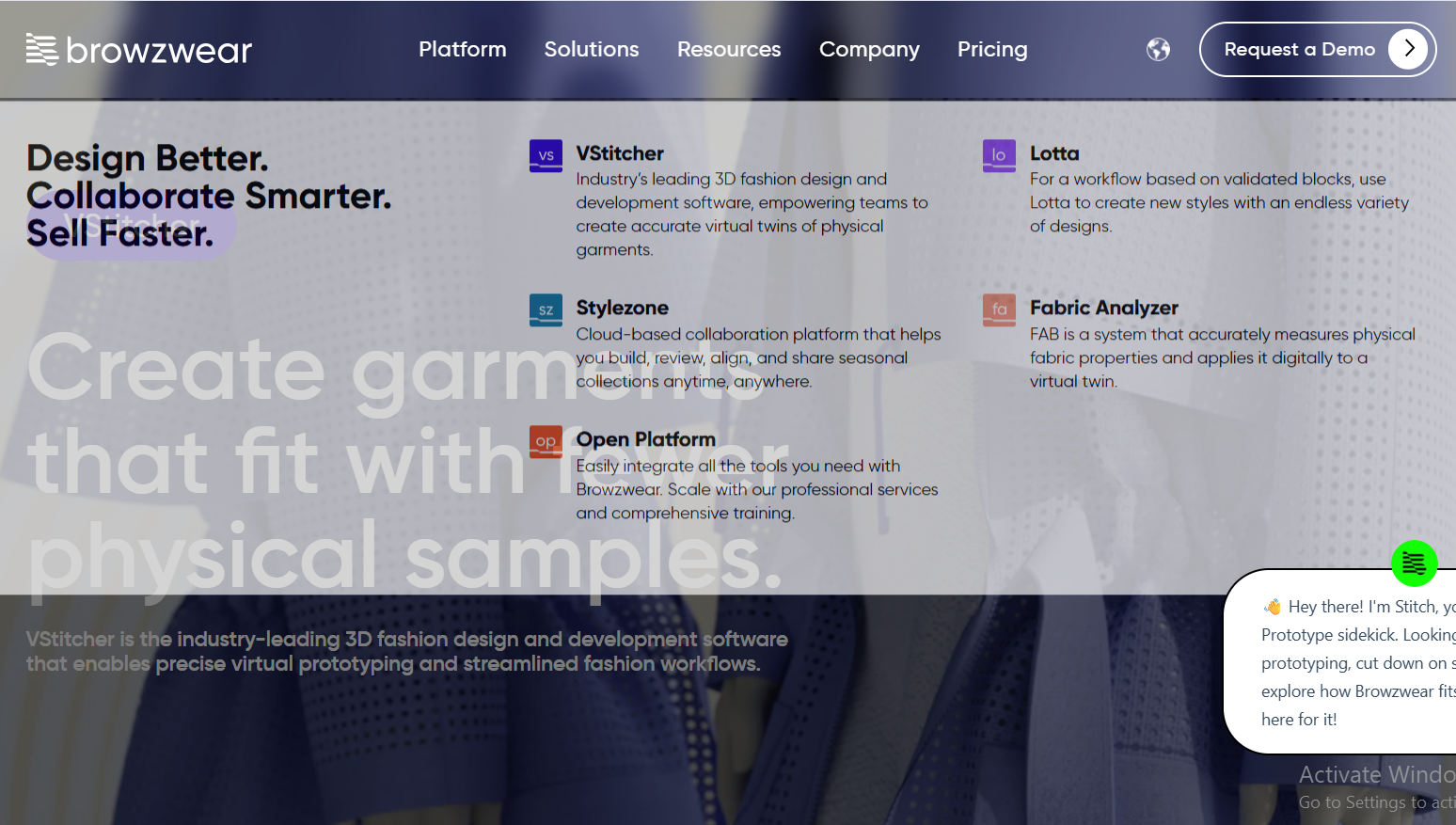
Browzwear VStitcher
Browzwear VStitcher is a professional 3D garment design and apparel CAD software built for brands, technical designers, and production teams. Known for its precision and realistic fabric simulation, VStitcher lets you transform 2D patterns into accurate 3D garments, test fit and drape and generate production ready files, all in one streamlined workflow. Ideal for teams that need speed, accuracy, and seamless collaboration, it’s a top choice for modern fashion development.
Features:
Professional 3D garment design and apparel CAD
Hyper-accurate pattern-to-3D workflow
Material scanning, collision detection and virtual try-on
Enterprise-grade collaboration tools
Pros:
Production-ready precision for brands and factories
Fast rendering and powerful fabric simulation
Great integration with PLM systems
Cons:
Expensive for solo designers or beginners
Learning curve is steeper than CLO
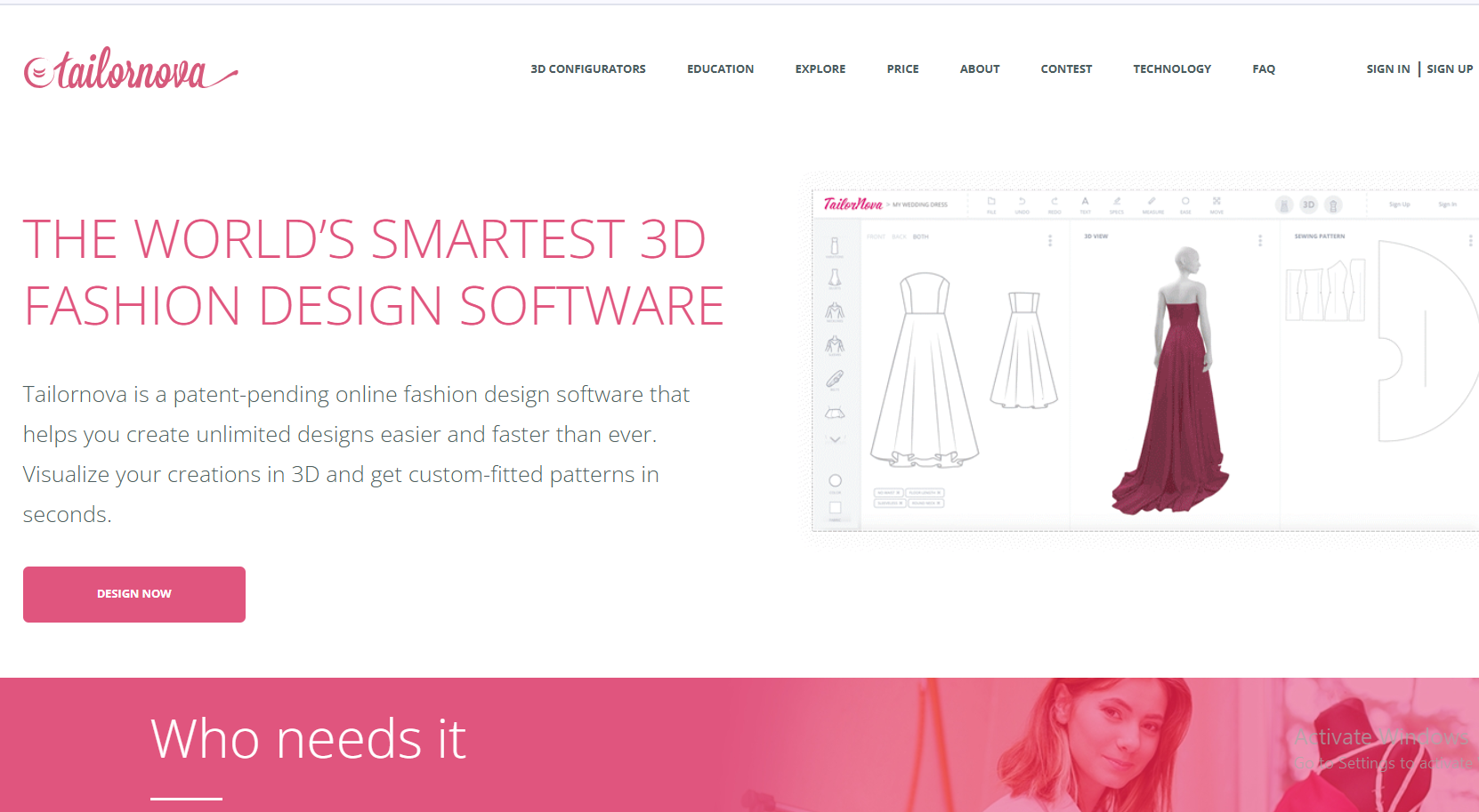
Tailornova
Tailornova is a browser based clothing design platform that instantly turns your measurements and style choices into custom fit patterns and 3D garment previews. Designed for beginners and hobbyists, it offers an intuitive drag and design interface with no software installation required. Whether you're creating everyday wear or unique custom pieces, Tailornova makes pattern drafting fast, accessible, and incredibly easy.
Features:
Browser-based clothing design software
Auto-generated sewing patterns based on body measurements
Instant 3D visualization with customizable styles
Free tier allows three pattern downloads per month
Pros:
No installation required, runs on Chromebook, Mac, Windows
Extremely beginner-friendly and intuitive
Fastest way to generate custom-fit patterns
Cons:
Limited tools compared to full CAD platforms
3D realism is simpler than CLO or VStitcher
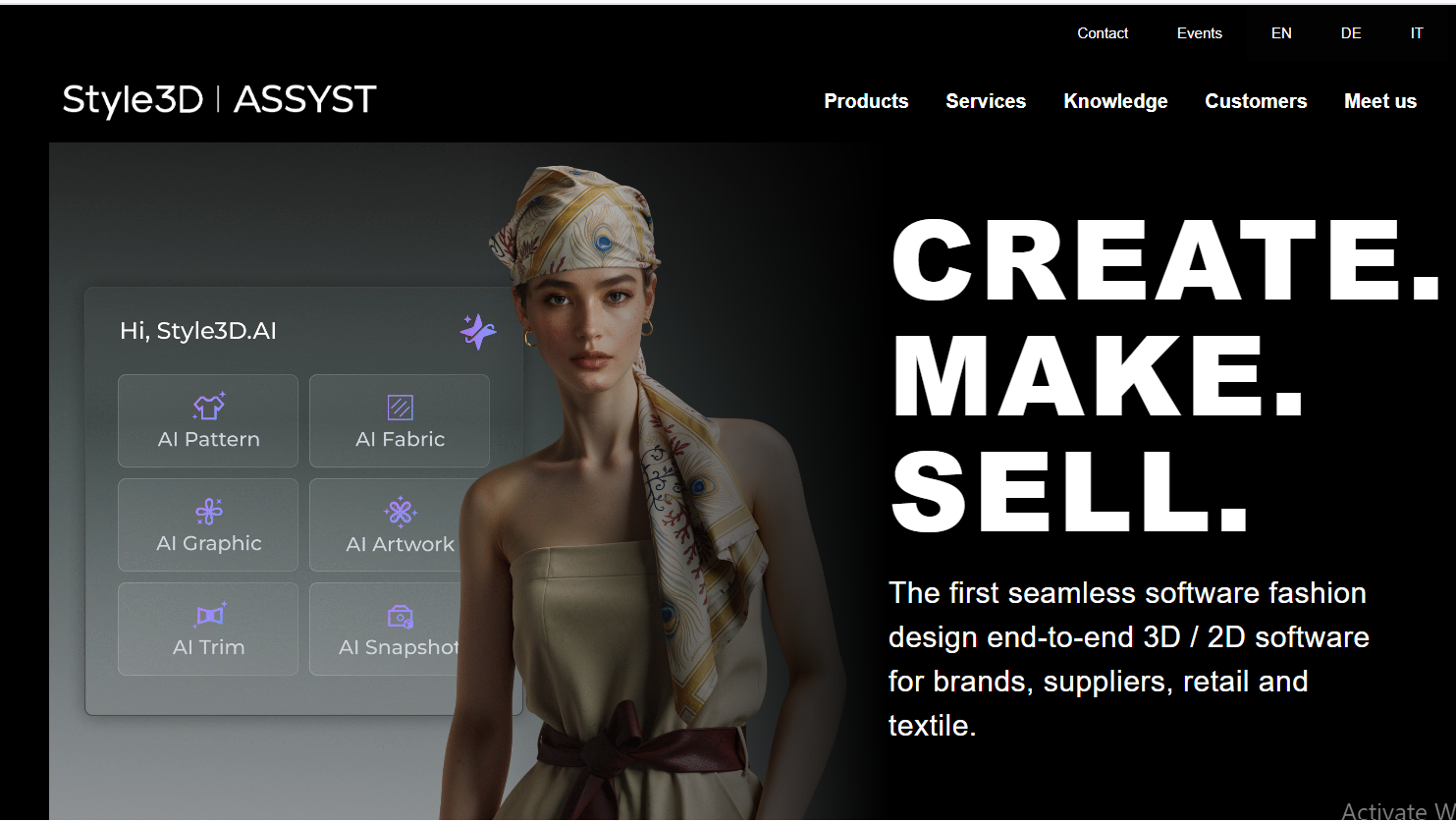
Style3D
Style3D is a modern 3D garment design and pattern-making software that combines realistic simulation with AI-driven tools to speed up the entire fashion workflow. Its intuitive interface allows designers to draft patterns, drape fabrics, and visualize garments in real time, while cloud collaboration makes sharing and reviewing designs effortless. Ideal for both beginners and professional teams, Style3D offers a smooth, powerful entry into digital fashion creation.
Features:
3D garment design software with real-time simulation
AI-assisted pattern generation
Material library + asset marketplace
Integrates 2D patternmaking with 3D draping
Pros:
Smooth interface and beginner-friendly workflow
Strong balance between price and realism
Cloud sharing for teams and studios
Cons:
Less widely used in Western markets
Some advanced tools are locked behind higher tiers
Blender
Blender is a free, open-source 3D creation platform that has become a favorite among digital fashion designers for its powerful modeling and cloth simulation tools. With add ons like Garment Tool and Simply Cloth, Blender transforms into a flexible environment for building patterns, draping fabrics, and creating fully animated virtual garments. Its versatility and zero cost make it an ideal choice for creatives exploring fashion in 3D.
Features:
Free 3D creation suite usable for fashion modeling
Cloth physics simulation suitable for garment draping
Add-ons like Garment Tool & Simply Cloth add pattern workflows
Ideal for digital fashion creators (Metaverse, virtual wearables)
Pros:
100% free open-source software
Massive community and countless tutorials
Highly flexible, great for futuristic or artistic fashion
Cons:
Not built for apparel CAD by default
Requires add ons and more technical skill to simulate clothing
Part 2: Comparison of the Top 6 Clothing Design Tools
Below is a copywriter-ready comparison table based on platforms, pricing, ease of use, and extra features.
| Software | Platforms (Web/PC/Mobile) | Free vs. Paid | Ease of Use | Extra Features |
|---|---|---|---|---|
| TUKAcad | PC (Windows) | Free trial + Paid | Medium (technical) | Automated grading, DXF export |
| CLO 3D | PC/Mac | Free trial + Paid | Medium | Tech packs, fabric physics |
| VStitcher | PC/Mac | Paid (enterprise) | Medium–Hard | Material scanning, PLM integration |
| Tailornova | Web (runs on any device) | Free tier + Paid | Easiest | Auto pattern generation, instant 3D |
| Style3D | PC/Mac + Cloud | Free trial + Paid | Easy | AI patterning, cloud teamwork |
| Blender | PC/Mac/Linux | Completely Free | Medium–Hard | Add ons for garment physics, animation |
Part 3: Polish Your Fashion Designs with Toolsmart Background Remover
Once your garment is designed, presentation matters just as much as the pattern itself. A beautifully crafted piece can lose its impact if the background is cluttered, poorly lit, or distracting. Whether you’re posting your work on Instagram, sharing concepts with clients, sending a tech pack to a manufacturer, or building a professional portfolio, clean visuals instantly elevate your design and communicate quality.
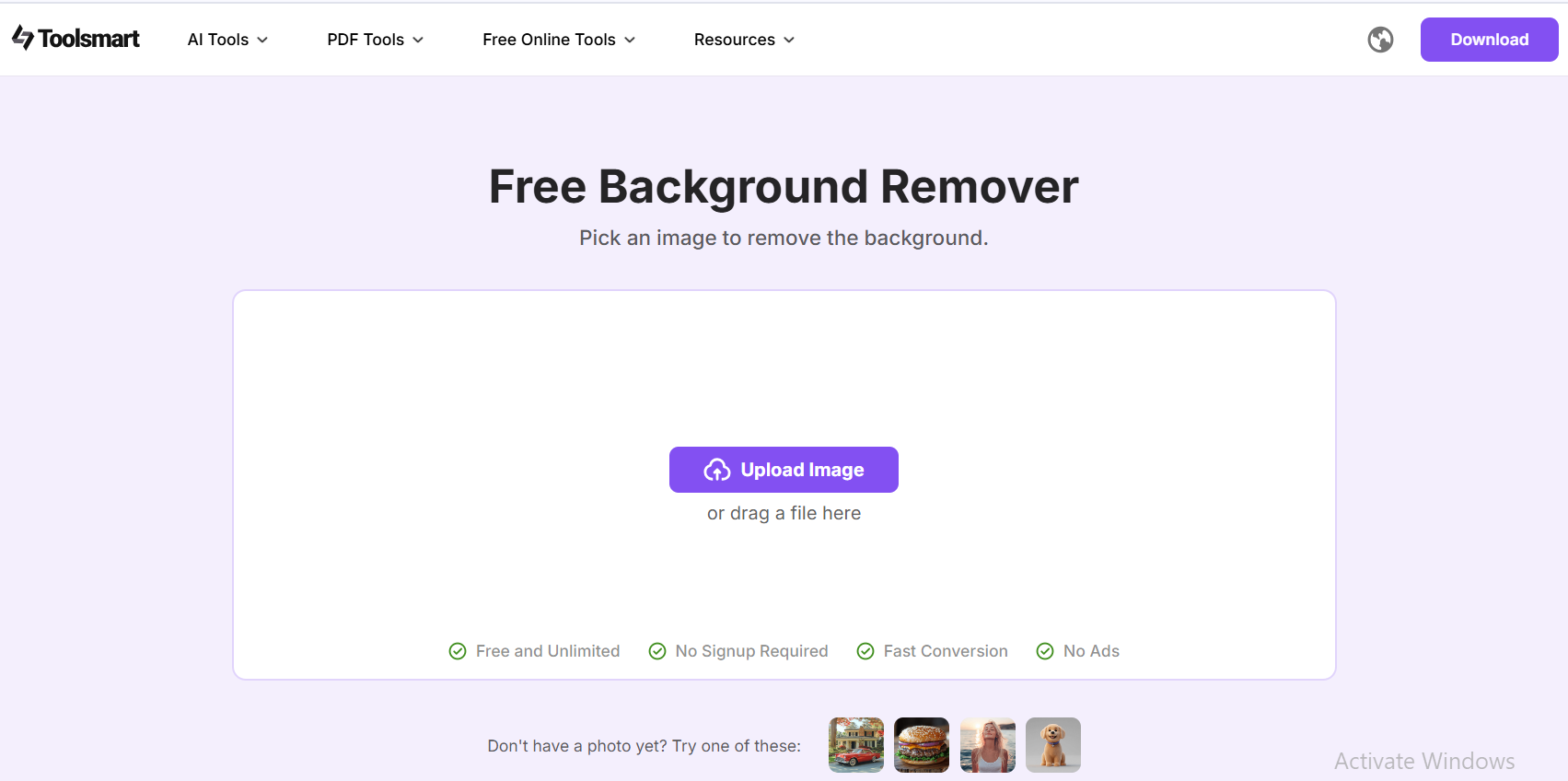
Toolsmart Background Remover helps you remove unwanted backdrops with a single upload, making your garments the clear focal point. It’s perfect for:
Uploading crisp, studio-like garment shots
Cleaning photos of fabric swatches for tech packs
Making product listings look polished and professional
Creating cohesive mood boards and standout lookbooks
What makes Toolsmart especially appealing is its simplicity.It’s completely free, requires no login, and adds zero watermarks, making it accessible to beginners, students, small brands, and anyone who just wants clean visuals without the hassle. Just upload → remove → download. It’s fast, intuitive, and a great finishing touch for designers who want their presentations to look as sharp as their sketches and patterns.
FAQs
Q: Is Toolsmart Background Remover free to use?
Yes, Toolsmart is completely free, requires no login, and adds
no watermark, making it ideal for quick signature cleanup.
Q: Which of these tools is the best for absolute beginners
with zero budget?
Tailornova, no install, browser-based, and the free tier lets
you create & download three patterns per month.
Q: Can I design 3D garments on a Chromebook?
Yes, Tailornova runs fully in the browser; for heavier 3D, use
CLO 3D or VStitcher on a cloud gaming PC via streaming.
Q: Do any of these free tiers let me export production-ready
files?
TUKAcad trial exports DXF; Tailornova free exports PDF; CLO
& VStitcher trials export OBJ & tech-packs.
Q: Is Blender really usable for fashion without paid
add-ons?
Yes. Free add ons like “Garment Tool” or “Simply Cloth” give
you patterns to 3D workflows at no cost.
Summary
Designing clothes no longer requires expensive tools, complex CAD systems, or high end computers. The six platforms reviewed, TUKAcad, CLO 3D, Browzwear VStitcher, Tailornova, Style3D, and Blender, offer solutions for every level, from beginner friendly pattern generators to advanced 3D simulation software. Tailornova is ideal for newcomers, CLO and VStitcher dominate the professional 3D landscape, and Blender unlocks limitless creativity for digital fashion artists. Together, they provide fast, flexible ways to turn ideas into production ready garments.
And once your designs are complete, Toolsmart Background Remover helps you showcase them at their best. With its free, login free, watermark freeworkflow, Toolsmart instantly cleans up your images, making your garments pop with a crisp, professional finish, perfect for portfolios, tech packs, and online shops.



