Top AI Business Photo Generators: Enhance Your Professional Image Instantly
January 17, 2026142 views
0
Top AI Business Photo Generators
Whether you are updating your LinkedIn profile, refreshing your
company website, or preparing marketing materials, a high-quality
business photo can influence how others perceive your credibility and
expertise. Thanks to modern AI technology, generating polished and
realistic headshots is now easier, faster, and more affordable than
ever.
So, what is the best way to choose the right tool? Which platforms
provide the highest realism, balanced features, and reliable output?
This guide gathers the top AI professional photo tools, compares their
quality and pricing, and explAIns how to use them effectively and
ethically.
Part 1: Top AI Business
Photo Generator
If you are searching for the best AI business photo generator tools,
the options below offer strong capabilities for professional use. Each
platform delivers different strengths in realism, customization, and
pricing, making it easier to select the right match for your branding or
business needs. I evaluated these based on output quality, usability,
and suitability for LinkedIn and corporate profiles.
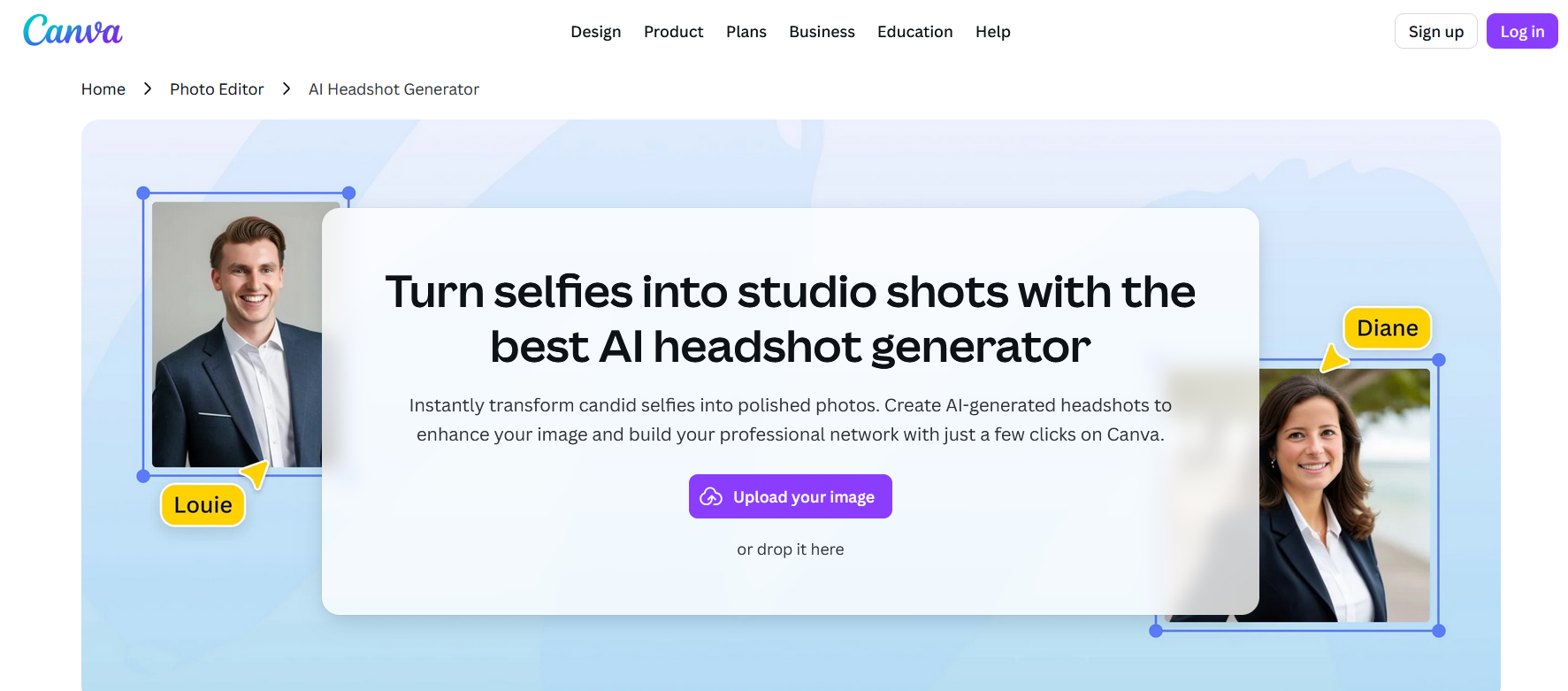
Canva AI Headshot Generator
Canva AI Headshot Generator
Canva’s AI Headshot Generator is one of the most convenient choices
if you already work within the Canva ecosystem. The tool supports
multiple business photo styles, high-resolution output, and direct
integration with templates for presentations, resumes, or marketing
materials. I find this particularly helpful when creating a consistent
visual theme for team member profiles.
Best for: Marketers, designers, and users who want
an all-in-one design workflow with minimal learning curve.
My Experience:
When I tested this tool, the results were polished and uniform. The
integrated editing features helped refine lighting and background
elements without switching between multiple apps. Compared to other
platforms, Canva is the most flexible for cross-project branding.
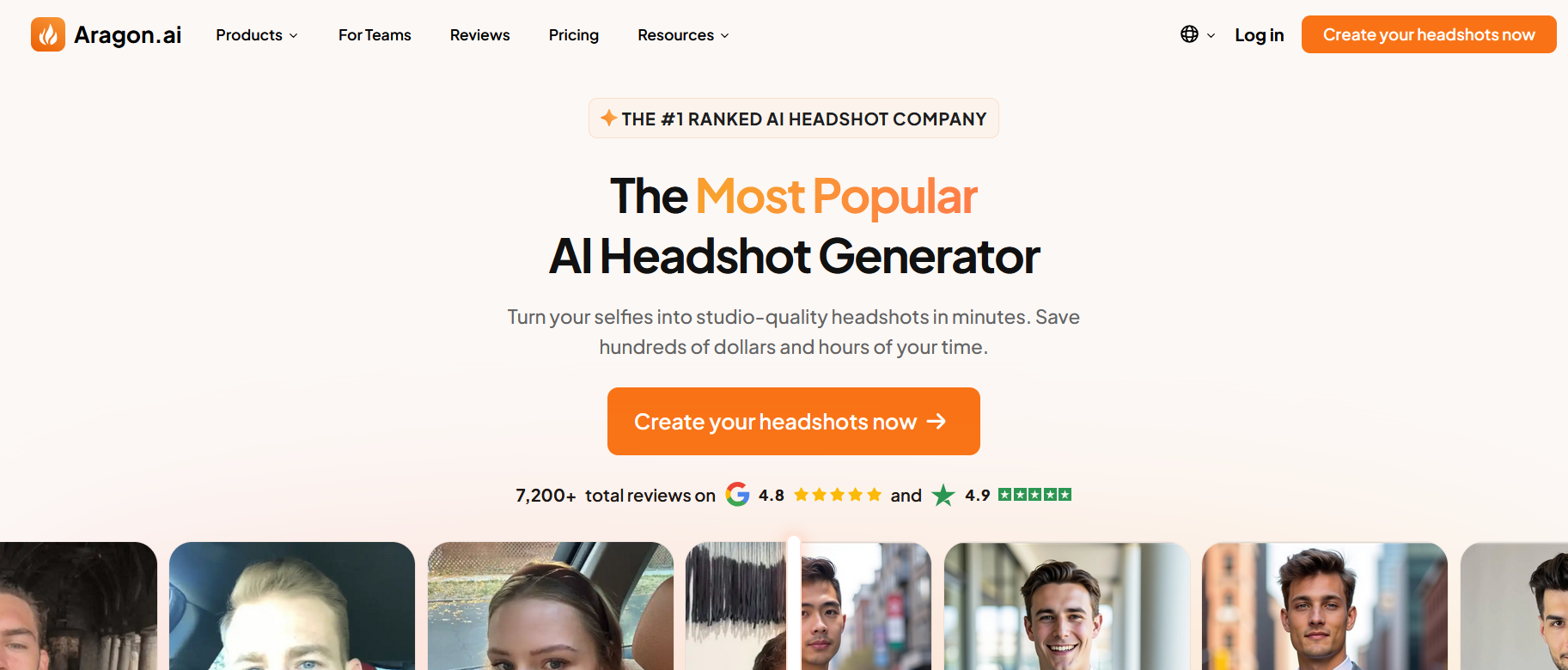
2. Aragon AI
Aragon AI Headshot Generator
Aragon AI focuses on high
realism and delivers detAIled, professional-looking headshots. It
provides a wide range of backgrounds, outfits, and poses, producing
images suitable for corporate profiles. The tool also performs strongly
for users needing clean, studio-quality lighting. It is ideal for
creating reliable AI professional photo output.
Best for: Professionals who need premium-quality
headshots for platforms such as LinkedIn.
My Experience:
Aragon AI consistently produced results closest to a real photoshoot.
The skin tones, shadows, and facial structure appeared natural. The
turnaround time was fast, which makes it practical for last-minute
profile updates.
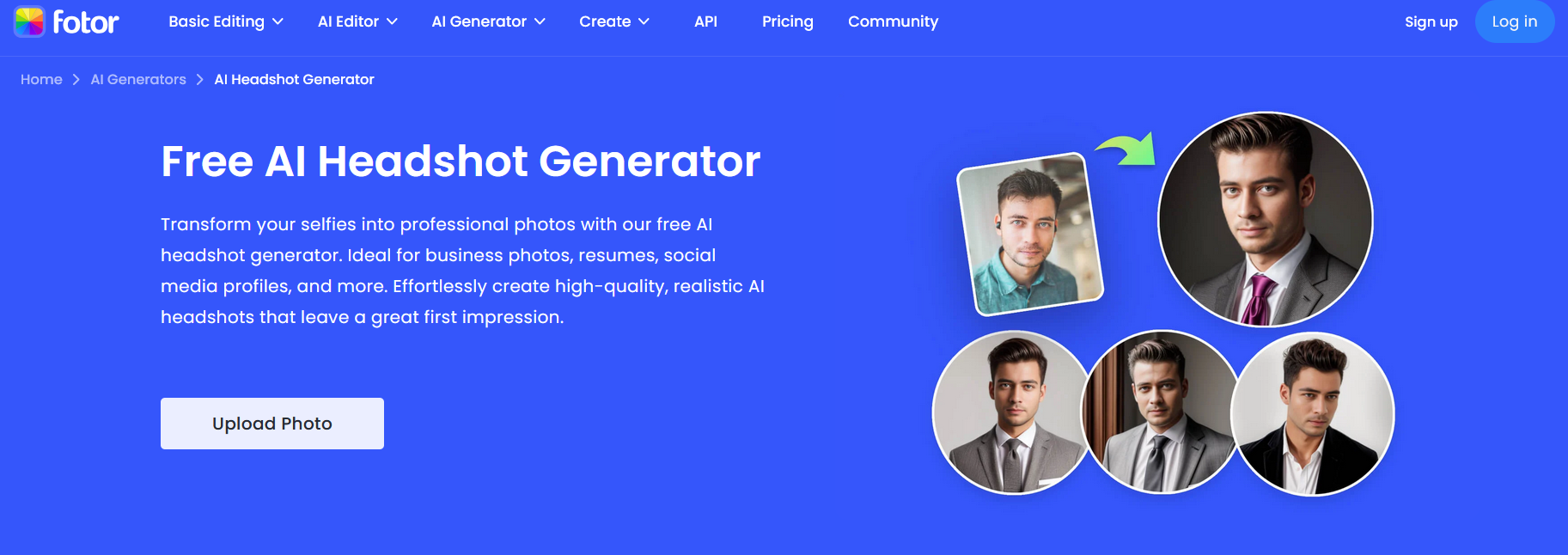
3. Fotor AI Headshot Generator
Fotor AI Headshot Generator
Fotoroffers an accessible and affordable way to generate business headshots.
It includes several preset styles, simple adjustment controls, and fast
rendering. Because it is easy to use, it suits freelancers and small
business owners who want affordable AI business photo generator online
results without complexity.
Best for: Individuals or small teams looking for
strAIghtforward features and fAIr pricing.
My Experience:
I found Fotor practical for quick results. The range of styles is
slightly limited compared to premium tools, but the affordability makes
it a strong choice for users who want clean, professional output without
a high subscription fee.
4. Headshot Master
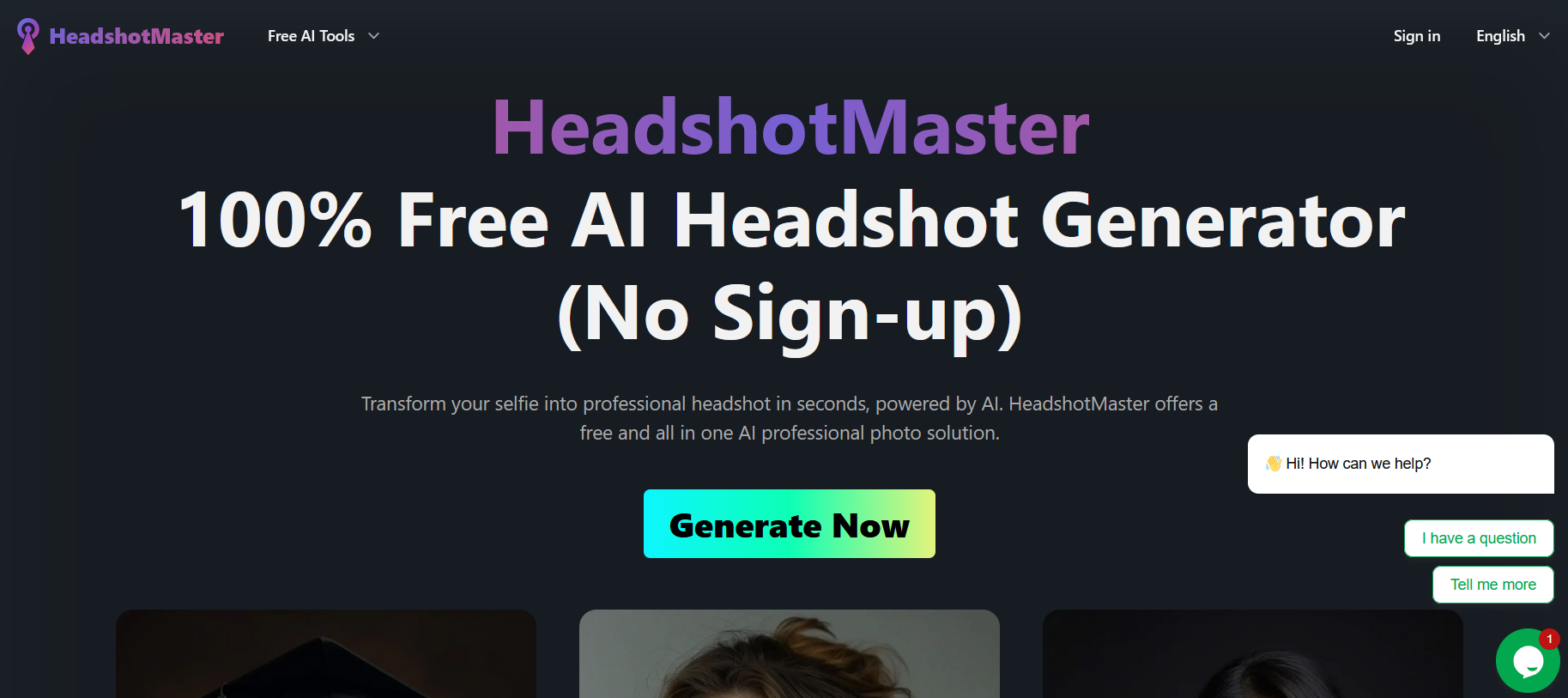
Headshot Master
Headshot Masteroffers batch processing, corporate packages, and high levels of
customization. This makes it ideal for companies needing consistent
headshots across multiple departments. The system supports style
uniformity, which is essential for brand identity. Some plans include
dedicated support for larger organizations.
Best for: Teams, corporations, and HR departments
requiring uniform branding across all staff photos.
My Experience:
During testing, the tool performed well for batch uploads. The
consistency across images stood out, especially when matching background
colors or lighting styles. This is useful when preparing assets for
company pages or marketing materials.
5.
Medium’s Top Picks (Synthesia, Profile Bakery, and similar)
According to user
reviews and comparisons on Medium, several additional tools
perform well when balancing cost and quality. These include Synthesia,
Profile Bakery, and similar services that offer varied styles,
transparent pricing, and strong customizability. They are suitable
options if you are comparing multiple solutions before choosing a
long-term platform.
Best for: Users who want to explore a wide selection
of tools before committing to a pAId plan, including those searching for
an AI business photo generator free trial option.
My Experience:
These platforms vary in output quality, but they are helpful when
evaluating the market. Testing multiple tools allowed me to identify
differences in realism, style, and ease of use. This is especially
useful if you want flexibility or are unsure which generator fits your
branding needs.
Part
2: Top 5 AI Business Photo Generators: Comparative Analysis
Choosing the right AI business photo generator depends on your
priorities: realism, pricing, team features, or integration with design
workflows. The table below compares the leading options so you can
quickly identify which tool aligns with your personal or business
needs.
Tool
Key Features
Pricing
Best For
Website
Canva AI Headshot
Generator
Multiple photo styles, high-resolution
output, integration with Canva templates
Freemium
Marketers, designers, and content
creators
Canva
Aragon AI
Ultra-realistic headshots, fast
processing, strong lighting, and detAIl quality
PAId
Professionals needing premium-quality
headshots
Aragon
Fotor AI Headshot
Generator
Easy interface, several preset photo
styles, suitable for quick tasks
Freemium
Freelancers, small businesses
Fotor
Headshot Master
Batch processing, consistent style
options, corporate and team packages
PAId
Corporations, HR teams, group branding
projects
Headshot Master
Image Enhancer
Free image improvement, instant
enhancement, no sign-up required
Free
Quick upgrades to existing photos
Image Enhancer
During testing, each tool performed differently depending on output
quality and customization options. For users who prefer an AI business
photo generator free version, Image Enhancer provides a simple workflow
without account creation, offering immediate enhancements for existing
photos.
Key Takeaways
Best for Design Integration: Canva
Canva works well if you often build marketing materials, resumes, or
presentations. Its seamless editing tools help mAIntAIn style
consistency, making it suitable for ongoing content projects.
Best for Realism: Aragon AI
Aragon delivers lifelike results with strong facial structure
accuracy. It is a preferred choice for professionals updating LinkedIn
or company website profiles.
Best for Affordability: Fotor
Fotor is a solid option for users who want a mix of cost efficiency
and dependable output. It is especially practical when you need quick
headshots without committing to advanced subscriptions.
Best for Teams: Headshot Master
The platform excels at producing consistent branding across large
groups. Batch processing saves significant time when preparing corporate
materials.
Best Free Enhancement: Image Enhancer
Image Enhancer is ideal if you already have photos and simply need to
upgrade clarity, lighting, or sharpness. It supports users searching for
an AI business photo generator for free, with no sign-up required.
Part 3: Common
Mistakes & How to Avoid Them
Even with a powerful AI business photo generator, users can still run
into issues that affect the final image quality. Understanding these
common mistakes helps ensure your business photos appear professional,
natural, and brand-consistent.
Mistake 1: Using
Low-Quality Input Images
AI tools rely heavily on the clarity of the source image. Blurry,
underexposed, or poorly framed photos make it difficult for the system
to generate accurate results. Even premium platforms struggle when the
input quality is too low.
Solution: Choose photos with good lighting, neutral
facial expressions, and minimal background noise. If you do not have a
clear image, enhance it first using a tool such as Image Enhancer or any
AI business photo generator free tool that improves resolution.
My Experience:
Whenever I tested these platforms, input quality had the single
biggest impact on realism. Starting with a sharp photo significantly
improved skin texture and lighting accuracy.
Mistake 2: Ignoring Brand
Consistency
Businesses often end up with headshots that vary in style, lighting,
or background. This inconsistency weakens brand credibility, especially
on team pages or marketing materials.
Solution: Use tools that support uniform presets or
batch processing. Canva and Headshot Master are strong options for
mAIntAIning consistent styles across multiple profiles.
My Experience:
While working on team photos, matching tones and backgrounds made the
entire page look more cohesive. Tools designed for corporate use deliver
reliable results.
Mistake 3: Over-Editing
Some users add too many filters, making the photos look artificial or
heavily AIrbrushed. This is especially noticeable on platforms like
LinkedIn, where authenticity matters.
Solution: Choose a balanced editing approach. Most
AI business photo generator online platforms now include natural-style
presets that preserve realistic facial features.
My Experience:
During testing, minimal editing always produced better results.
Subtle lighting and texture adjustments created a more professional and
trustworthy appearance.
Mistake 4: Not Checking
Usage Rights
CertAIn AI platforms may retAIn rights to generated images or require
subscriptions for commercial use. This can lead to issues when adding
photos to company websites or public profiles.
Solution: Review the terms of service before
uploading or publishing your headshots. Look for tools with clear
copyright policies and strAIghtforward licensing.
My Experience:
Tools with transparent usage rights made content publishing easier.
It is worth confirming rights early, especially when preparing headshots
for professional profiles.
Mistake 5: Skipping a Test
Run
Some tools require payment up front without offering a preview or
trial. Committing before seeing sample results may lead to unexpected
styles or poor quality.
Solution: Use platforms with a free trial, preview
feature, or low-cost sample set. These options give you a clear idea of
what to expect before making a purchase.
My Experience:
Trying a demo saved both time and budget. I could compare outputs,
test lighting styles, and check if the realism met expectations. Free
trials were especially helpful when exploring AI business photo
generator free trial options.
Part 4: Enhance
Your Photos with Image Enhancer
Image Enhancer is one of the most practical tools for users who
already have an existing business photo and want to improve its clarity,
lighting, and detAIl. Unlike many AI business photo generator platforms,
Image Enhancer focuses specifically on upgrading the image you upload
rather than generating an entirely new headshot. This makes it a strong
option when you want a quick fix for LinkedIn, resumes, or professional
websites.
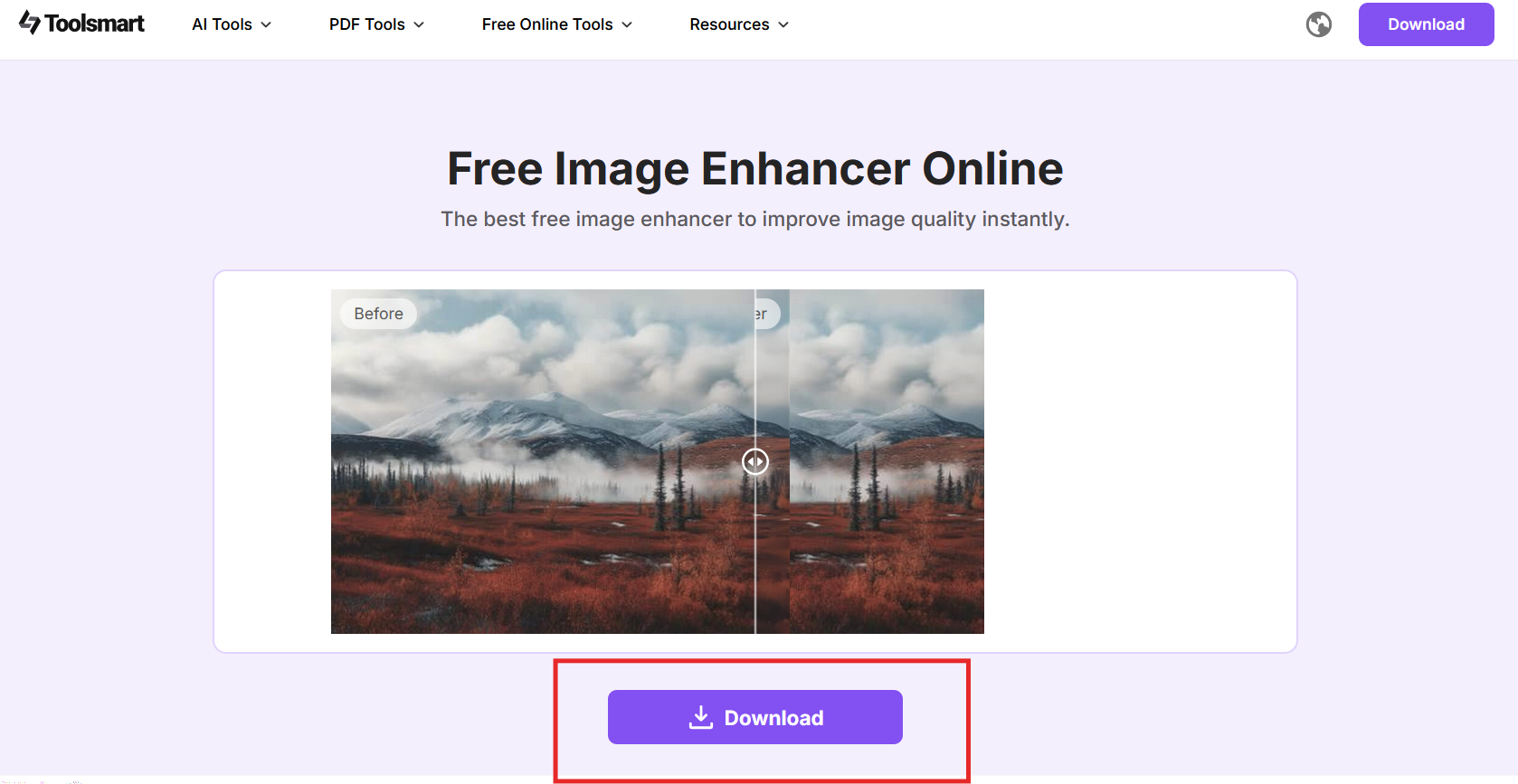
Image Enhancer by Toolsmart
Image
Enhancer by Toolsmart is a free tool designed to refine the
overall quality of your photos. It works well when you need subtle
improvements without altering your appearance. The system enhances
resolution, corrects lighting, and sharpens detAIls to create a cleaner,
more professional result. Because it does not require account creation,
it is ideal for users searching for an AI business photo generator free
no sign-up solution.
Key highlights include:
Free to use
No watermark on downloads
Simple drag-and-drop interface
Fast processing with instant improvements
Internal link example: For more tools that improve clarity and
lighting, you can explore similar resources on the WPS Office
website.
Features
Free to Use with No Watermark
You can download enhanced photos without any branding or
restrictions.
No Sign-Up Required
The tool offers immediate access, which is helpful when you want a
fast enhancement without creating an account.
Simple Drag-and-Drop Interface
Upload your image, wAIt a few seconds, and view the improved
version.
Instant Enhancement
The AI adjusts brightness, sharpness, and texture automatically,
producing a cleaner and more polished look suitable for professional
use.
How to Use Image Enhancer
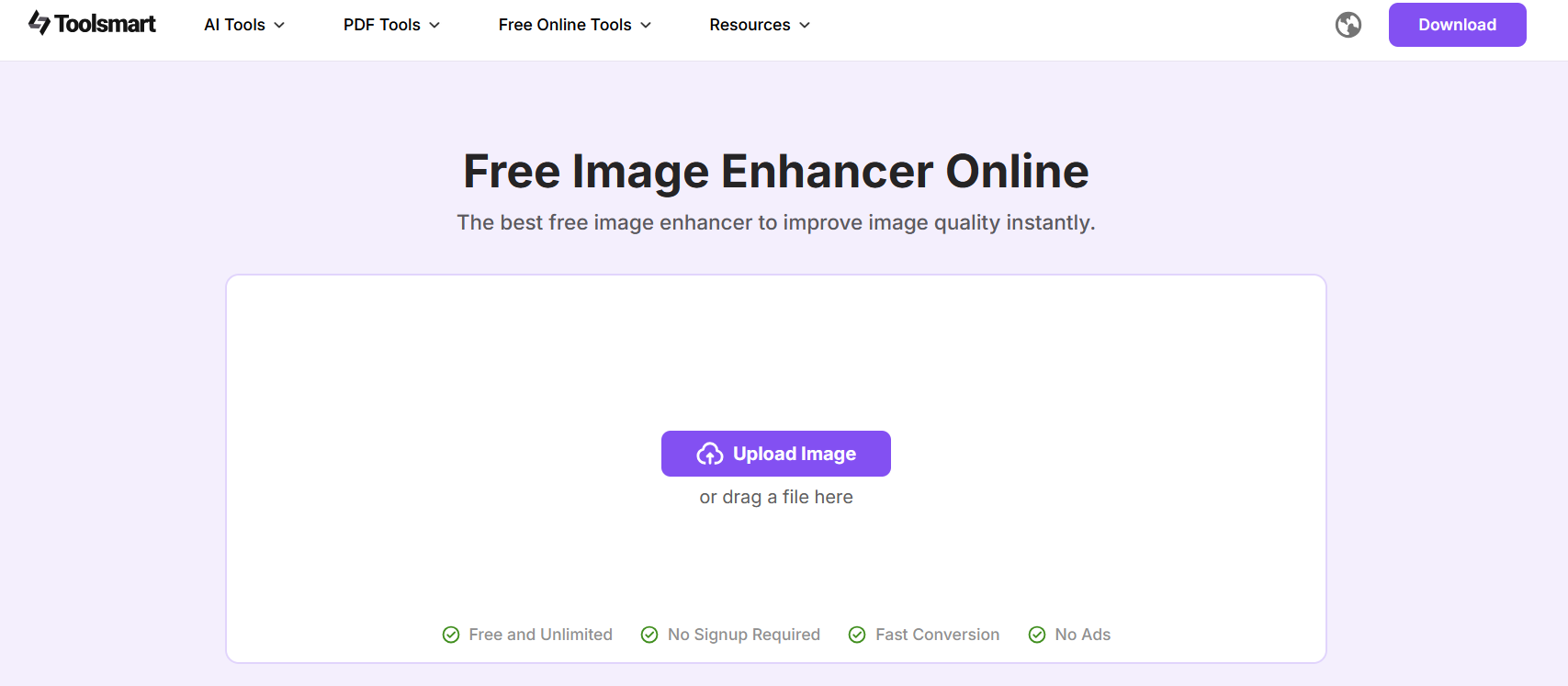
Step 1: Go to Image Enhancer.
Image Enhancer by Toolsmart
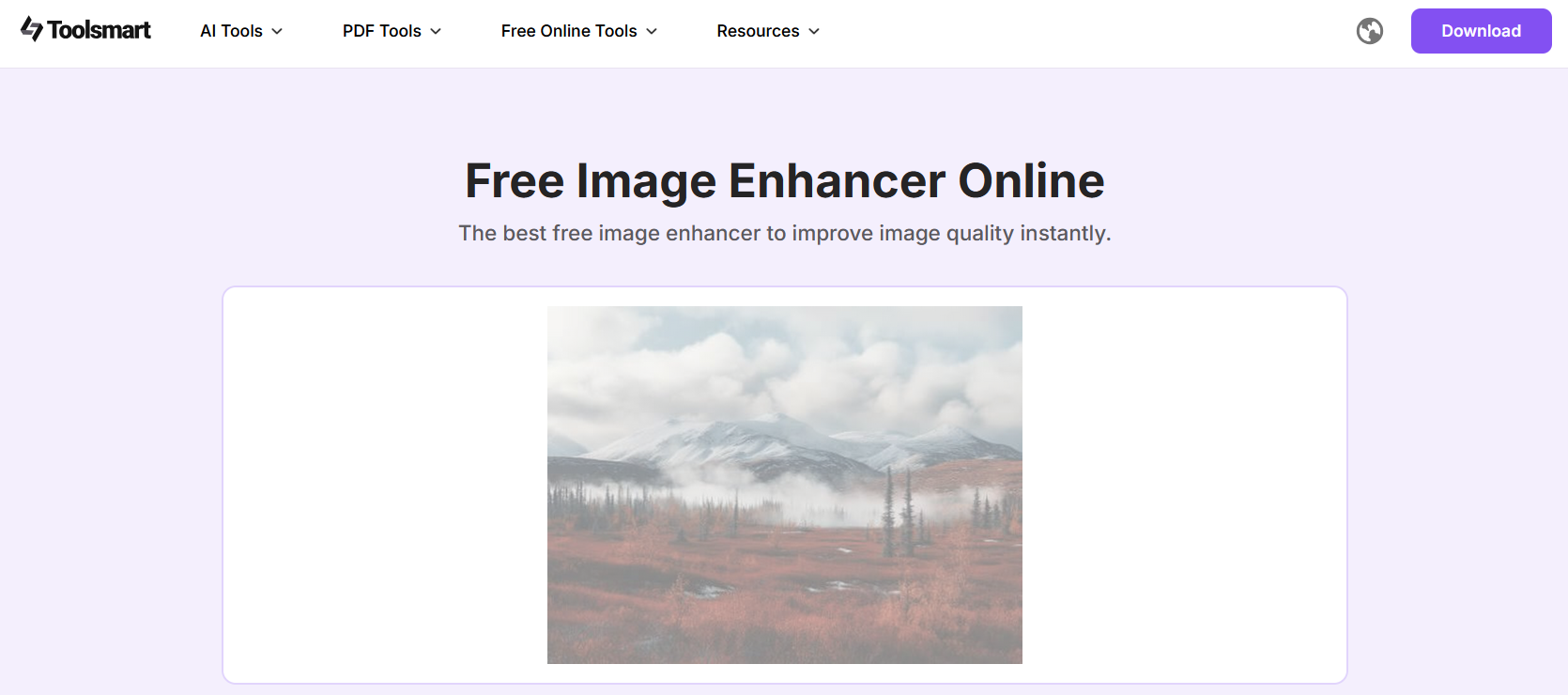
Step 2: Upload your existing photo using the
drag-and-drop option.
Upload the image to Image Enhancer by Toolsmart
Step 3: Allow the AI system to process and
upgrade the image.
Process the image using the Image Enhancer by Toolsmart
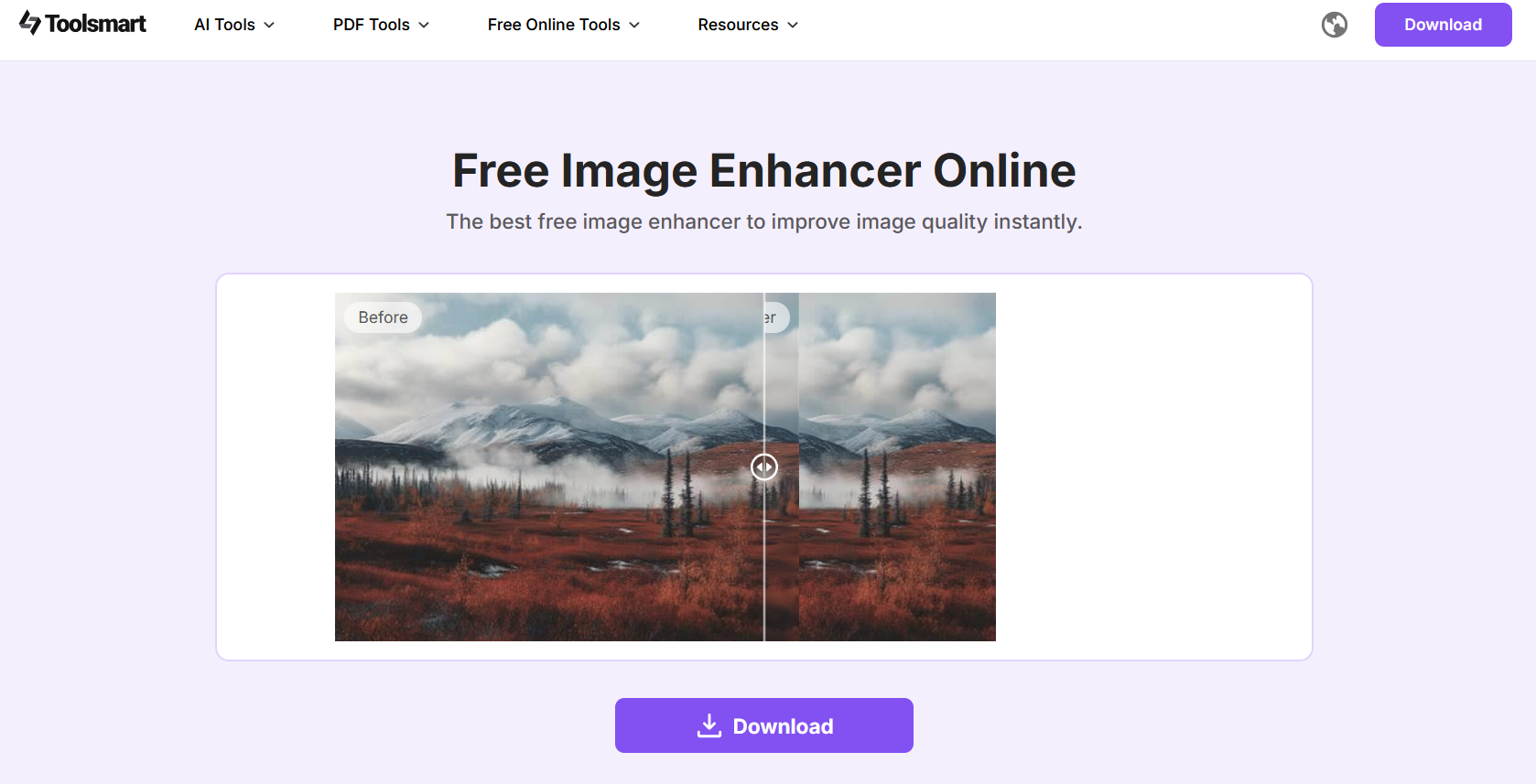
Step 4: Download the enhanced photo
instantly.
Download the enhanced image using Image Enhancer by Toolsmart
If you prefer not to generate a new headshot, this workflow is a good
alternative to an AI business photo generator free tool. It improves the
quality of the photo you already have while mAIntAIning
authenticity.
Tip:
For a clearer demonstration, include a before-and-after screenshot
showing the improvement. During my tests, the resolution and lighting
adjustments made a noticeable difference, especially for images taken on
older devices or in uneven lighting. The enhancements help achieve a
polished and reliable look suitable for professional platforms such as
LinkedIn.
FAQs
Q1: Is it ethical to use AI for business photos?
Yes. Using AI for business photos is ethical as long as the image
accurately represents you and is not used to mislead others. Many
professionals rely on AI tools to save time while mAIntAIning a polished
and consistent appearance.
Q2: Are AI-generated headshots acceptable on
LinkedIn?
Yes. LinkedIn allows AI-generated photos as long as they look natural
and professional. When using an AI business photo generator, choose
realistic styles and avoid effects that make the image appear overly
edited.
Q3: Can I use these tools for team photos?
Yes. Platforms such as Headshot Master and Canva offer batch
processing and uniform styles, making them suitable for teams that want
consistent branding across staff photos.
Q4: Do AI photo generators work with existing
photos?
Some do. Tools like Image Enhancer allow you to upload your current
photo and improve its resolution, lighting, and detAIl. This is helpful
when you do not need a fully generated headshot but want a
better-quality version of your existing image.
Summary
AI business photo generators provide an efficient, affordable way to
create professional-quality headshots for LinkedIn, company websites,
and branding projects. By choosing the right tool based on your needs,
realism, affordability, team features, or design integration, you can
mAIntAIn a polished and consistent personal or corporate image.
Canva works best for design workflows, Aragon AI excels in realism,
Fotor is strong for budget-conscious users, and Headshot Master is ideal
for teams. For quick improvements to existing photos, Image
Enhancer by Toolsmart remAIns a reliable and free option. These
tools demonstrate how modern AI can simplify the process of creating and
enhancing professional business photos.
Office software expert with 15+ years of experience since 2009. I specialize in tech tutorials, productivity tools, and digital solutions for everyday users. Passionate about making technology simple and accessible for everyone.

'%3e%3cpath%20fill-rule='evenodd'%20clip-rule='evenodd'%20d='M19%208.5C24.799%208.5%2029.5%2013.201%2029.5%2019C29.5%2024.6782%2024.9928%2029.3036%2019.361%2029.4939L19%2029.5C18.8794%2029.5%2018.7592%2029.498%2018.6396%2029.4939L18.2811%2029.4758C12.8174%2029.1063%208.5%2024.5574%208.5%2019C8.5%2013.201%2013.201%208.5%2019%208.5ZM22.3063%2010.6267L22.2342%2010.6539C21.3423%2011.0061%2020.5541%2011.6368%2020.5606%2012.4987C20.5631%2012.8302%2020.869%2014.8871%2020.2141%2014.8486C19.5589%2014.8102%2019.413%2013.8753%2018.7116%2013.616C17.5944%2013.2026%2016.9819%2014.3401%2017.0939%2015.3106C17.1695%2015.9655%2018.9289%2018.3871%2017.9028%2019C17.292%2019.3651%2015.7279%2017.5692%2015.1007%2017.1842C14.4805%2016.8034%2013.2758%2017.3333%2012.4974%2016.7029C11.9874%2016.2899%2012.3881%2014.4098%2012.2786%2013.8372C12.2271%2013.5698%2012.1155%2013.3689%2011.9794%2013.2166L12.0402%2013.2934C10.7653%2014.8464%2010%2016.8339%2010%2019C10%2023.8465%2013.8307%2027.7982%2018.6295%2027.9925L18.6769%2027.9747C18.8597%2027.8677%2019.0394%2027.7557%2019.216%2027.6387C19.4137%2027.4534%2019.5436%2027.2072%2019.5849%2026.9394C19.8806%2025.1222%2018.3616%2025.4302%2017.9367%2024.5622C17.5489%2023.7695%2018.5712%2023.7684%2018.5524%2021.7923C18.4607%2021.1774%2018.5279%2020.547%2018.7211%2020.0315C19.1834%2018.7987%2020.7077%2017.2643%2022.5889%2018.0081C23.5567%2018.3906%2023.1524%2019.9831%2023.4737%2020.3394C24.251%2021.2018%2025.3228%2020.6863%2026.2856%2021.2253C26.7816%2021.5032%2026.9797%2022.41%2027.056%2023.2248L27.038%2023.0528C27.6534%2021.8348%2028%2020.4579%2028%2019C28%2015.1968%2025.6409%2011.9445%2022.3063%2010.6267Z'%20fill='%23757575'/%3e%3ccircle%20cx='19'%20cy='19'%20r='10.125'%20stroke='%23757575'%20stroke-width='2.25'/%3e%3c/g%3e%3cdefs%3e%3cclipPath%20id='clip0_1827_14613'%3e%3crect%20width='24'%20height='24'%20fill='white'%20transform='translate(7%207)'/%3e%3c/clipPath%3e%3c/defs%3e%3c/svg%3e)