Top AI Background Generators: Revolutionizing Design, Marketing, and Creativity
January 17, 2026166 views
0
Today, an AI background generator can instantly design stunning,
professional-grade backdrops for product photos, social media posts, and
marketing materials, no design skills required. However, not all tools
deliver the same quality or convenience.
So, which AI background generator online truly offers high-quality,
reliable, and free results? In this article, we explore the top AI
background generators that simplify design, improve productivity, and
produce visually impressive results.
Top AI Background Generators
Part 1: Top AI Background
Generator
AI background tools have become essential for creators, marketers,
and small businesses looking to produce polished visuals quickly. The
following platforms represent the most reliable options available today,
each offering unique strengths depending on your workflow.
Canva AI Background
Generator
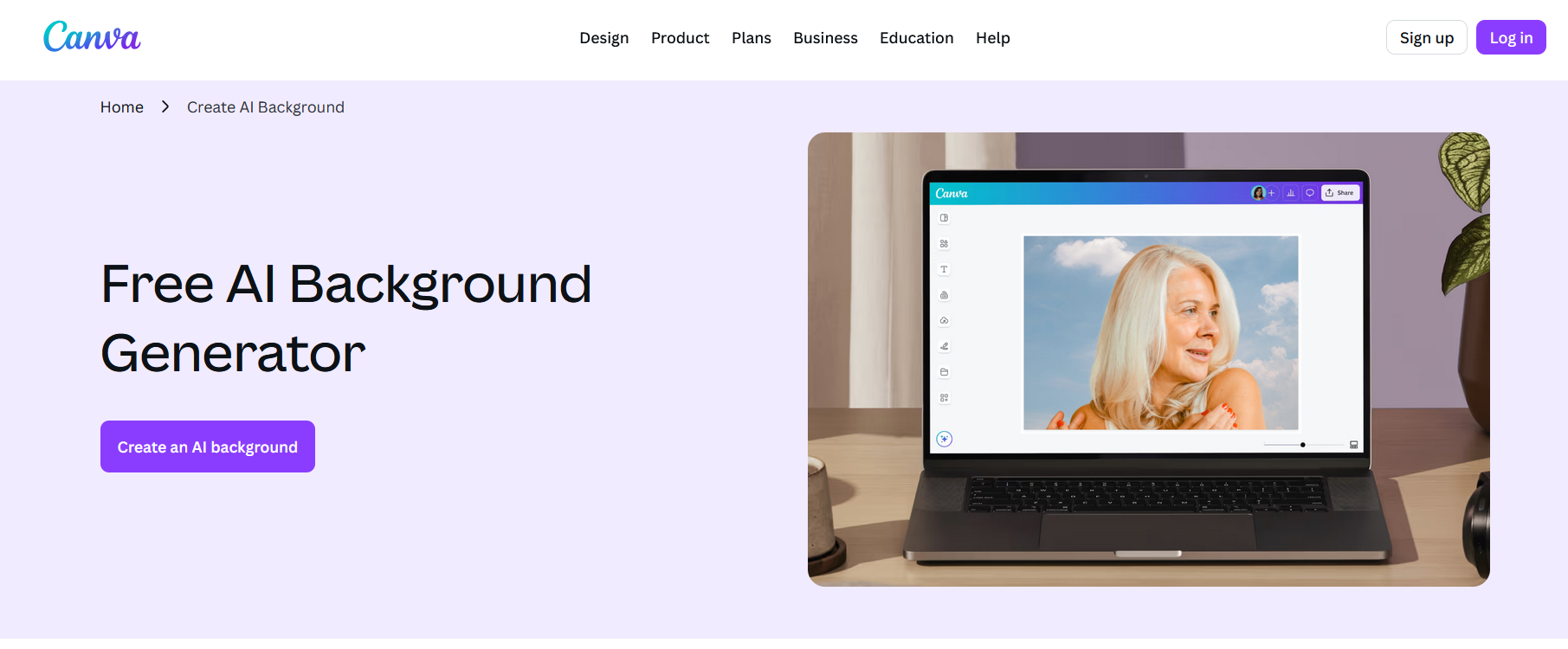
AI background generator Canva
Canva’s AI
background generator integrates directly into its editor,
allowing you to create custom backgrounds from text prompts or modify
existing images. It supports multiple styles, including modern,
abstract, realistic, and cinematic looks. Because everything happens
inside Canva, you can instantly add text, shapes, filters, and templates
without switching tools.
Best for: Social media graphics, marketing banners,
presentations, and quick design tasks. The platform is also ideal if you
need an AI background generator from image, since it supports both
creation and enhancement workflows.
My experience:
When testing Canva, I found its results reliable for branded content.
The styles are consistent, and the editor makes post-generation
adjustments extremely smooth. It may not offer the deepest realism
compared to specialized tools, but its convenience is unmatched for
fast-turnaround work.
2. Pixelcut AI Background
Generator
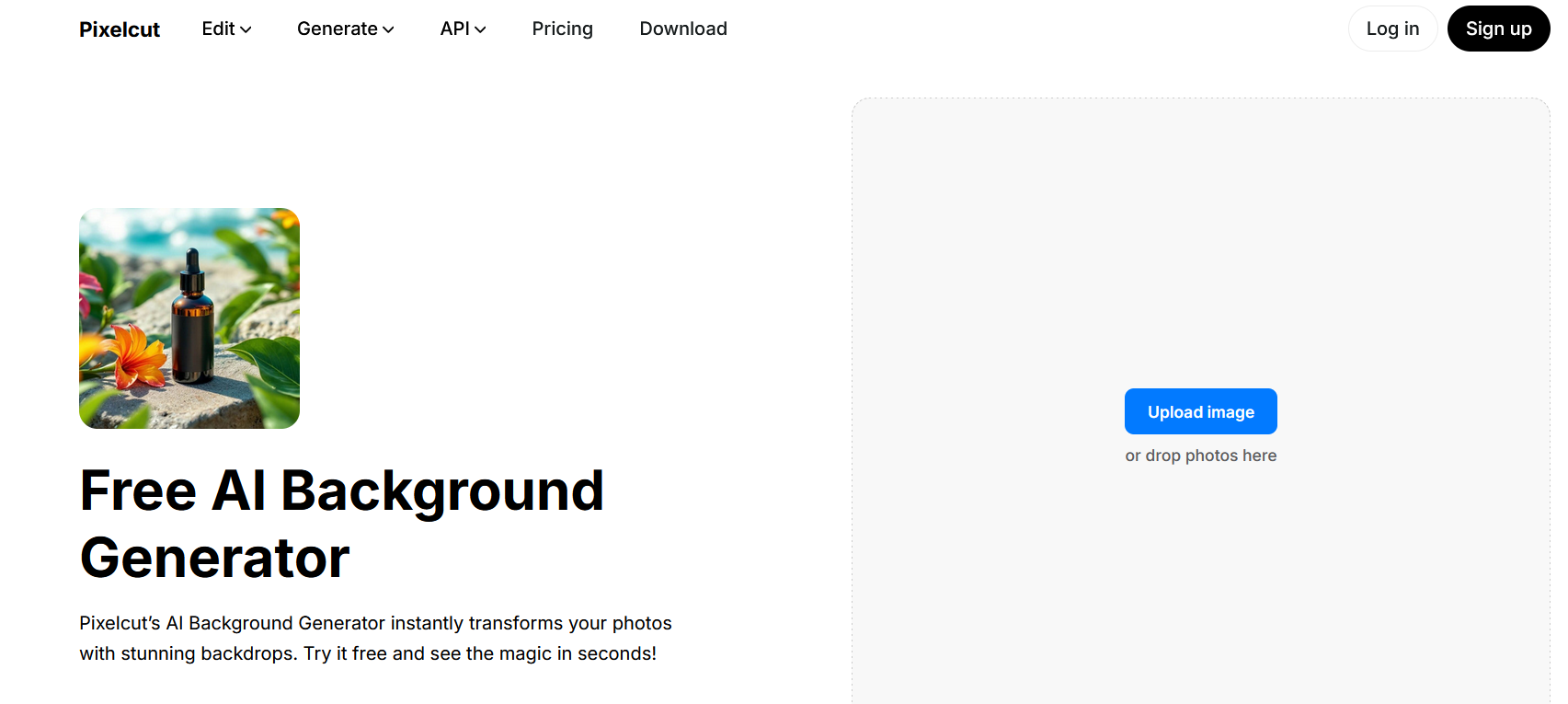
AI background generator Pixelcut
Pixelcutoffers clean, high-resolution backgrounds with strong text-to-background
capabilities. Its presets are especially useful for product photos,
producing uniform lighting and well-balanced compositions suitable for
online stores. Pixelcut also works well as an AI background generator
online, since everything runs in the browser.
Best for: E-commerce product photography,
advertisements, marketplace listings, and catalog images.
My experience:
Pixelcut delivers a professional look with minimal effort. I noticed
that its lighting and shadows work particularly well for product-centric
images. For users working with online stores or ad creatives, this tool
provides a strong advantage.
3. PhotoRoom Instant
Backgrounds
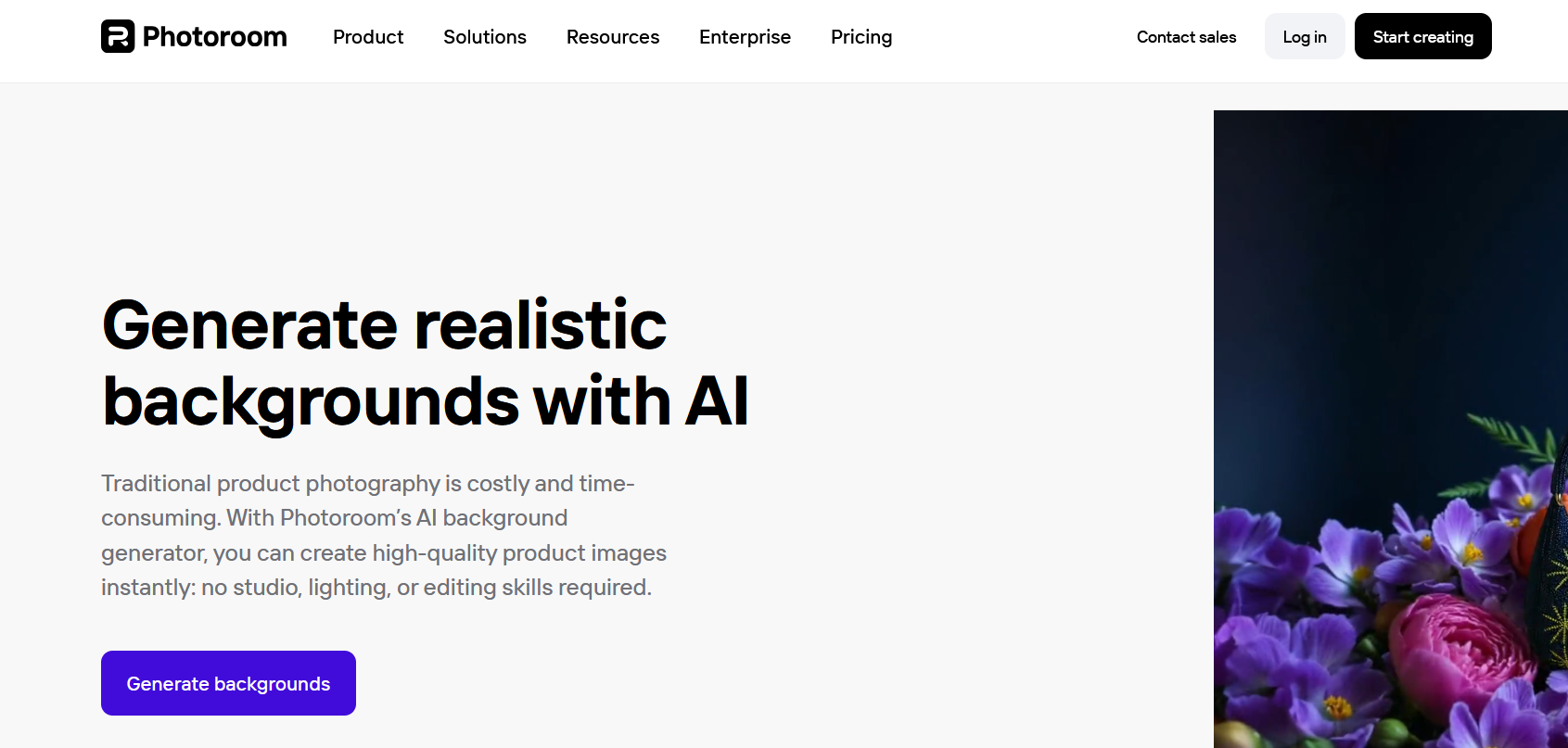
AI background generator PhotoRoom
PhotoRoomgenerates backgrounds that include realistic shadows, natural
reflections, and precise edges. The tool also supports commercial usage,
which is important for agencies and businesses. Because PhotoRoom
handles realism so well, it is a versatile AI background generator app
for mobile and desktop workflows.
Best for: Professional product photography,
promotional material, and lifestyle-themed visuals.
My experience:
PhotoRoom consistently produces the most natural-looking outputs. Its
strength is realism, and the tool adjusts shadow direction effectively.
It works well for anyone who wants to avoid the artificial appearance
some AI tools produce.
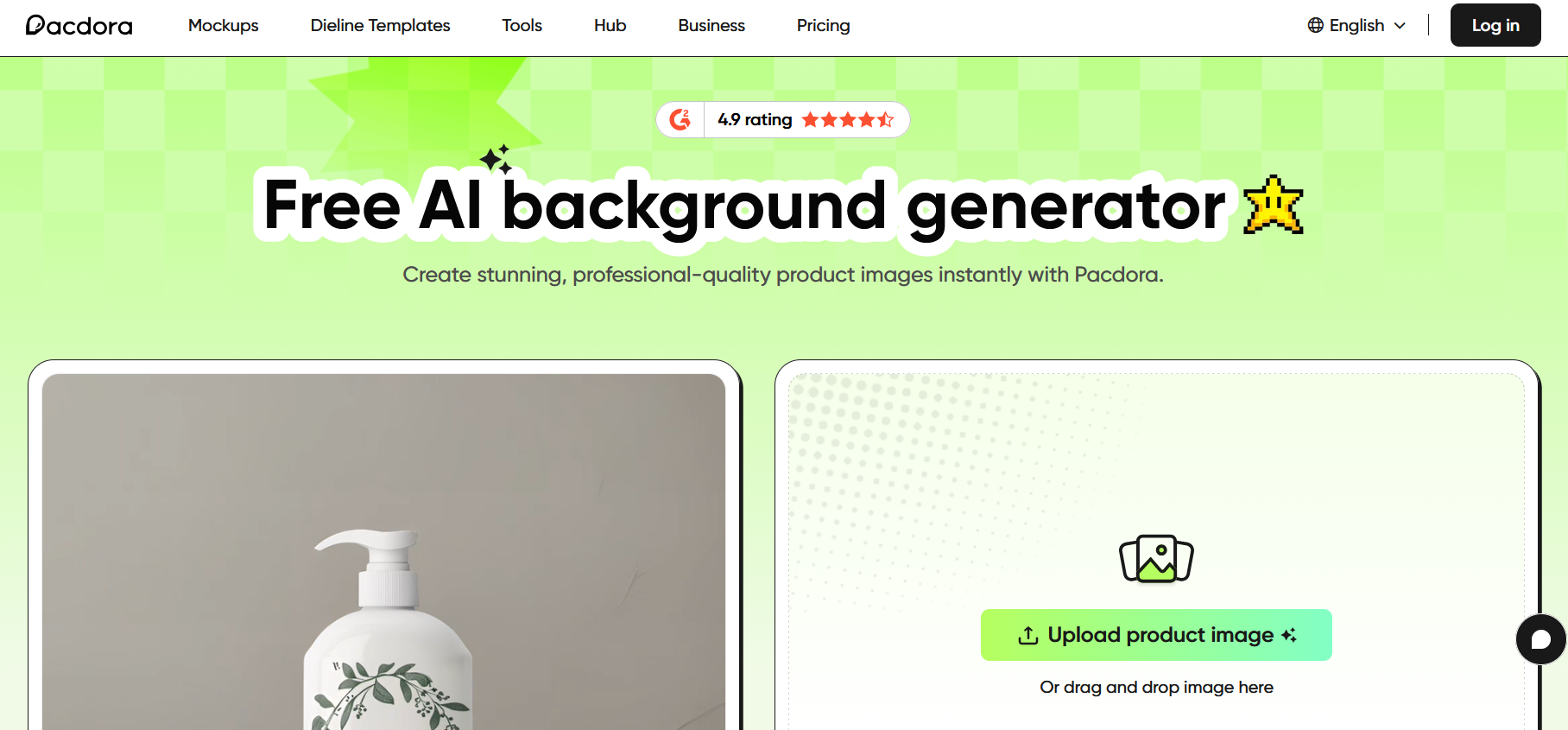
4. Pacdora AI Background
Generator
AI background generator Pacdora
Pacdorais designed specifically for packaging designers. Its AI generates
brand-aligned backgrounds, 3D packaging scenes, and mockups that support
custom color schemes and environmental settings. For businesses working
with brand visuals, this offers more depth than a typical AI background
generator, free without login type of tool.
Best for:
Packaging design, branding kits, mockups, and product
presentation.
My experience:
Pacdora stands out because it focuses on a niche that most background
generators overlook. The 3D previews are especially valuable, and they
help brand owners visualize packaging in realistic environments without
hiring a designer.
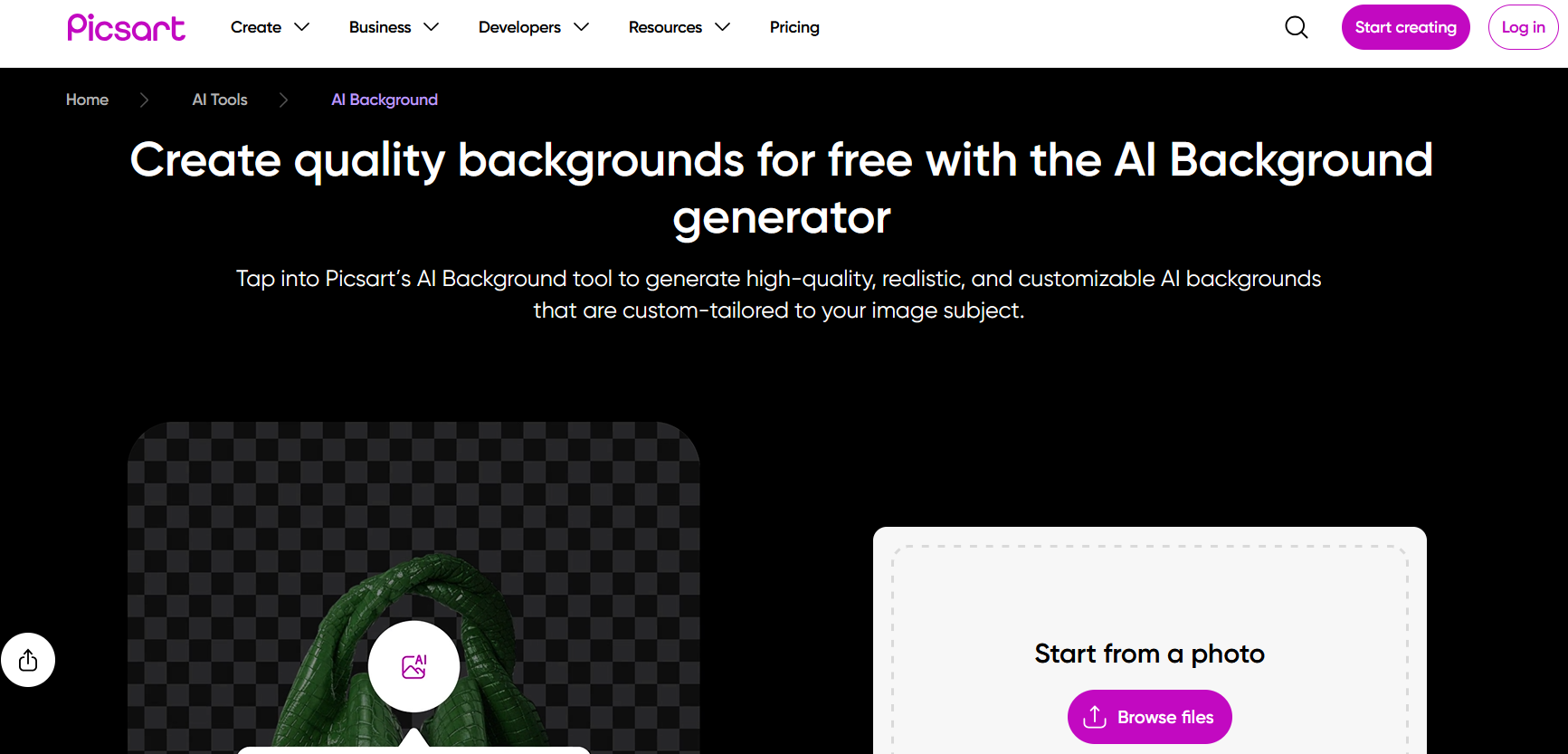
5. PicsArt AI Background
Generator
AI background generator PicsArt
PicsArtdelivers artistic and creative backgrounds, including watercolor,
cartoon, neon, trendy aesthetics, and social-media-ready templates. It
also offers remix tools that allow users to edit quickly on mobile,
making it a solid choice if you're seeking an AI background generator
app free for everyday creative tasks.
Best for: Creative projects, posters, digital art,
and social content.
My experience:
PicsArt is ideal when creativity is the priority. It may not offer
the strongest realism, but it shines when you need something vibrant,
artistic, or experimental. The mobile experience is smooth, which adds
to its flexibility.
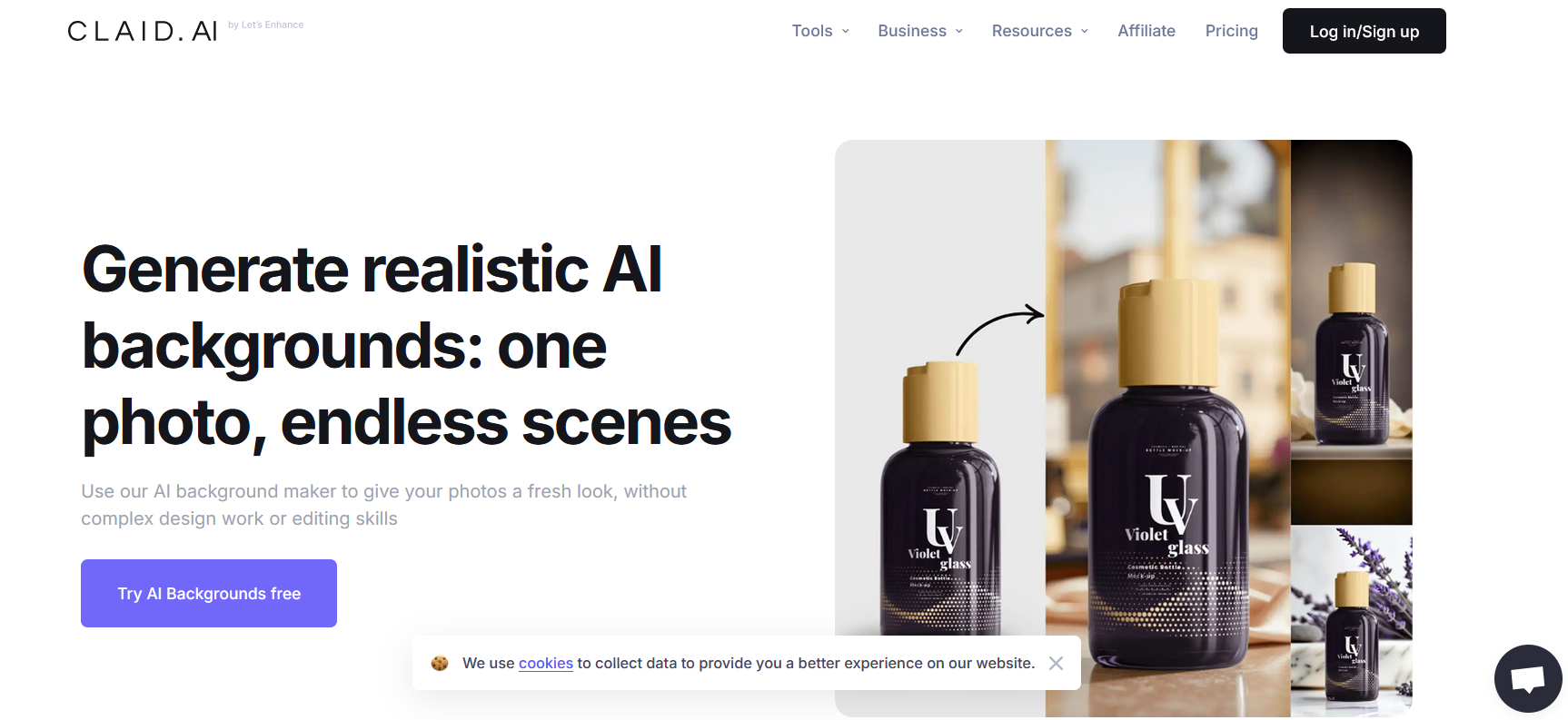
6. Claid AI Background
Generator
AI background generator Claid AI
Claid AIfocuses on automation and scalability. It can generate enhanced
backgrounds in bulk, integrates with APIs, and supports consistent color
themes and standardized outputs. This makes it strong when evaluating
enterprise-friendly options among AI tools.
Best for: Developers, SaaS platforms, marketing
teams, and businesses needing bulk background generation.
My experience:
Claid AI is the most technical option in this list. It’s built for
high volume and consistency rather than casual editing. If you need
automation or integration into a workflow pipeline, this tool is the
most suitable.
Part
2: Top AI Background Generators: Comparative Analysis
Choosing the right tool depends on your goals, preferred workflow,
and the level of realism or creativity you need. The comparison table
below provides a clear overview of features, pricing, and ideal use
cases for each platform. This helps users decide whether they need a
simple AI background generator free option, a mobile-friendly tool, or a
scalable AI solution for business.
Tool
Key Features
Pricing
Best For
Website
Canva AI
Style templates, easy editor
integration
Freemium
Social media, marketing
canva.com
Pixelcut
Text-to-image, high-resolution output
Freemium
E-commerce, ads
pixelcut.ai
PhotoRoom
Realistic shadows, commercial rights
Freemium
Product photography
photoroom.com
Pacdora
3D mockups, packaging customization
Paid
Branding, packaging
pacdora.com
PicsArt
Artistic styles, creative templates
Freemium
Creative projects
picsart.com
Claid AI
Bulk processing, API integration
Paid
Developers, large businesses
claid.ai
Best for Social Media: Canva AI
Canva offers fast editing, easy templates, and reliable generation
results, making it ideal for designers who need quick visual assets.
Best for E-commerce: Pixelcut
Its lighting, clarity, and preset backgrounds are optimized for
product listings and advertisements.
Best for Realism: PhotoRoom
The tool excels at matching natural shadows and real-world lighting,
which improves the final composition.
Best for Packaging: Pacdora
Pacdora’s 3D mockups and tailored branding visuals make it suitable
for designers working on packaging and brand identity.
Best for Creativity: PicsArt
PicsArt encourages experimentation with artistic, trendy, and
stylized backgrounds suitable for mobile-first content.
Best for Scalability: Claid AI
Claid AI supports bulk editing, API usage, and automated workflows,
making it suitable for developers and enterprise users who need
consistent output at scale.
Part 3: Common
Mistakes & How to Avoid Them
Even with powerful tools, users sometimes struggle to get clean,
professional results. In my experience, most issues come from
misunderstanding how AI generation works or choosing the wrong tool for
the task. Below are common mistakes and how to avoid them when using any
AI background generator.
Mistake 1: Using
Low-Resolution Outputs
Some generators limit free downloads to low resolution. This results
in blurry, pixelated, or unprofessional visuals that cannot be used in
marketing or product listings.
Solution:
Choose tools that support high-resolution downloads or freemium plans
with HD output. Pixelcut and PhotoRoom are reliable options if you need
clear results without quality loss.
My experience: I have seen many users overlook
resolution settings and assume the tool is at fault. Ensuring HD output
makes an immediate difference in quality.
Mistake 2: Ignoring
Composition
AI backgrounds might not match the lighting direction or color tone
of the foreground subject, creating an artificial appearance.
Solution:
Use tools with blending features or realistic shadow generation.
PhotoRoom and Pixelcut handle this well by adding natural shadows and
consistent lighting.
My experience: When the background doesn’t match the
subject, even a well-generated image looks off. I always check lighting
and shadow alignment before finalizing the design.
Mistake 3: Overlooking Usage
Rights
Some platforms restrict commercial use, which can create issues for
businesses or creators selling products online.
Solution:
Always verify whether the generator offers commercial usage.
Reputable tools clearly state their usage rights, especially those
designed for product photography.
My experience: Usage rights are often ignored until
a problem arises. Whenever working on commercial designs, I double-check
the licensing terms to avoid complications.
Mistake 4: Not Customizing
Enough
Relying on basic presets results in generic or repetitive backgrounds
that don’t align with your brand or visual identity.
Solution:
Use generators that allow custom text prompts, style adjustments, and
detailed control. Canva AI and PicsArt are effective for personalization
and styling.
My experience: A few simple adjustments, color,
blur, and texture, can elevate a design instantly. I usually refine AI
outputs to make them feel more intentional.
Mistake 5: Forgetting
Mobile Compatibility
Some AI tools do not work smoothly on smartphones, limiting
flexibility and slowing down workflows.
Solution:
Choose mobile-friendly platforms such as Canva, Pixelcut, or PicsArt.
If you often work on your phone, prioritize an AI background generator
app that performs consistently.
My experience: I frequently create quick edits on
mobile, so having a responsive app saves significant time. Tools built
for mobile provide a smoother, faster experience.
Part
4: Create Perfect Backgrounds with Background Remover
Many users rely on multiple tools to remove a background, generate a
new one, and then adjust the final image. This often slows down the
workflow. Background Remover solves this problem by combining removal
and generation in a single platform. It works well as an AI background
generator online, especially for users who want fast results without
signing up.
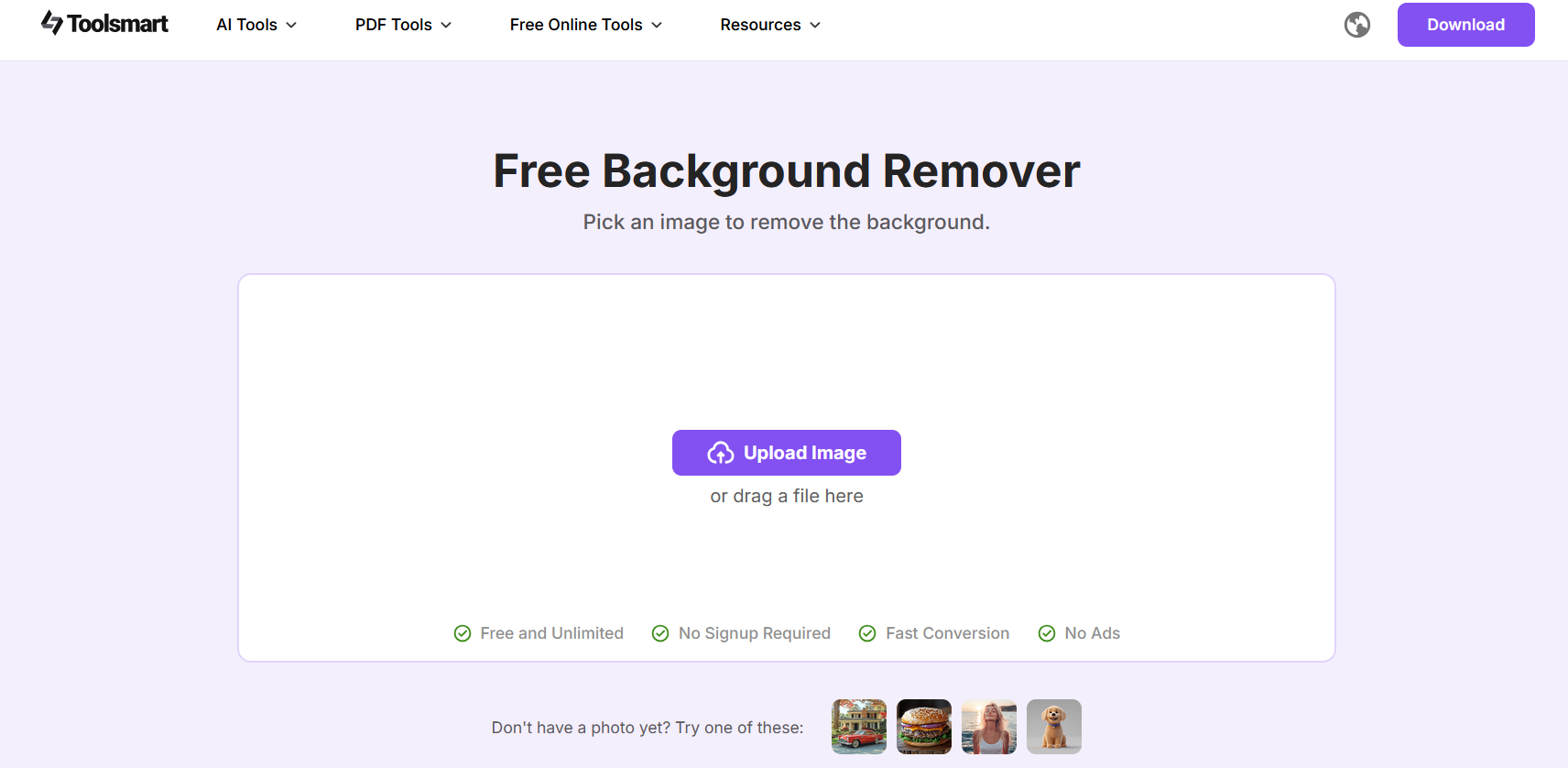
Background Remover by Toolsmart
Background
Remover by Toolsmart is a streamlined AI tool designed for
quick, accurate background removal and instant background generation. It
supports high-resolution exports and works directly in the browser.
Users who need both editing and creativity in one place will appreciate
how smooth the process feels compared to separate applications.
Key Features
One-click background removal for clean cutouts
with sharp edges
AI-generated background replacement using custom
prompts
High-resolution download for professional
use
No sign-up required for basic functions
Beginner-friendly interface suitable for
non-designers
This makes Background Remover a strong alternative to traditional
editing platforms or complex software.
How to Use Background
Remover
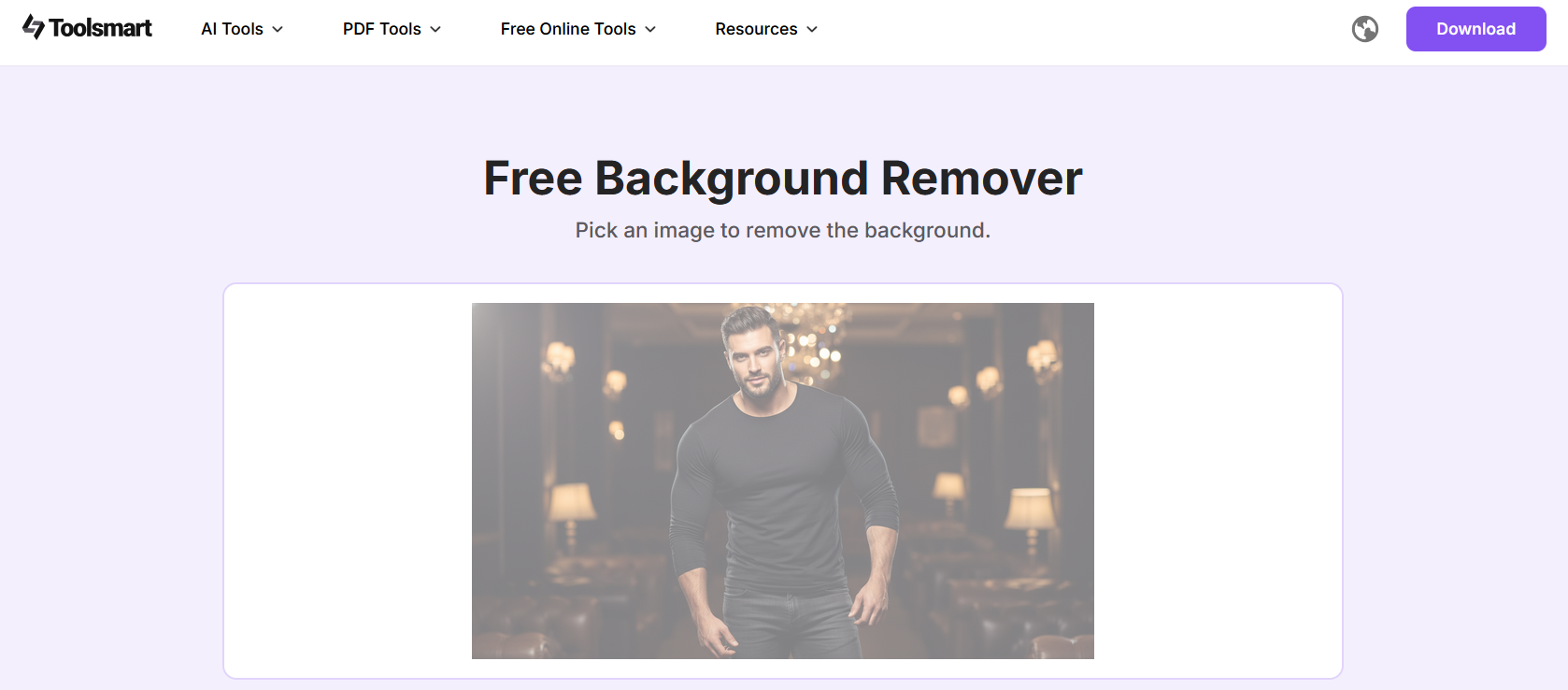
Step 1: Go to Background Remover.
Background Remover by Toolsmart
Step 2: Upload the image you want to
edit.
Upload the image to Background Remover by Toolsmart
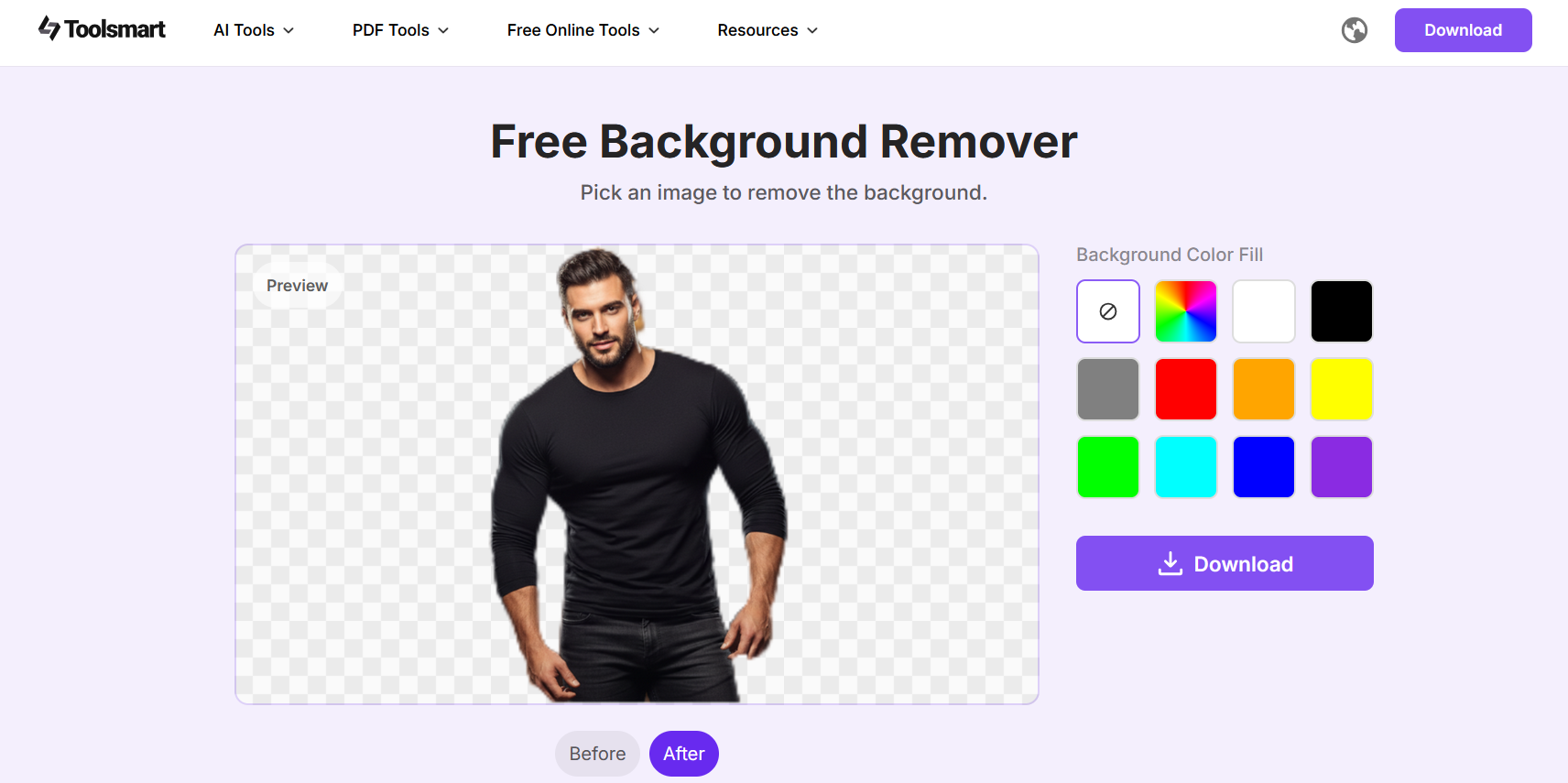
Step 3: Use the AI tool to remove the existing
background instantly.
Output by Background Remover by Toolsmart
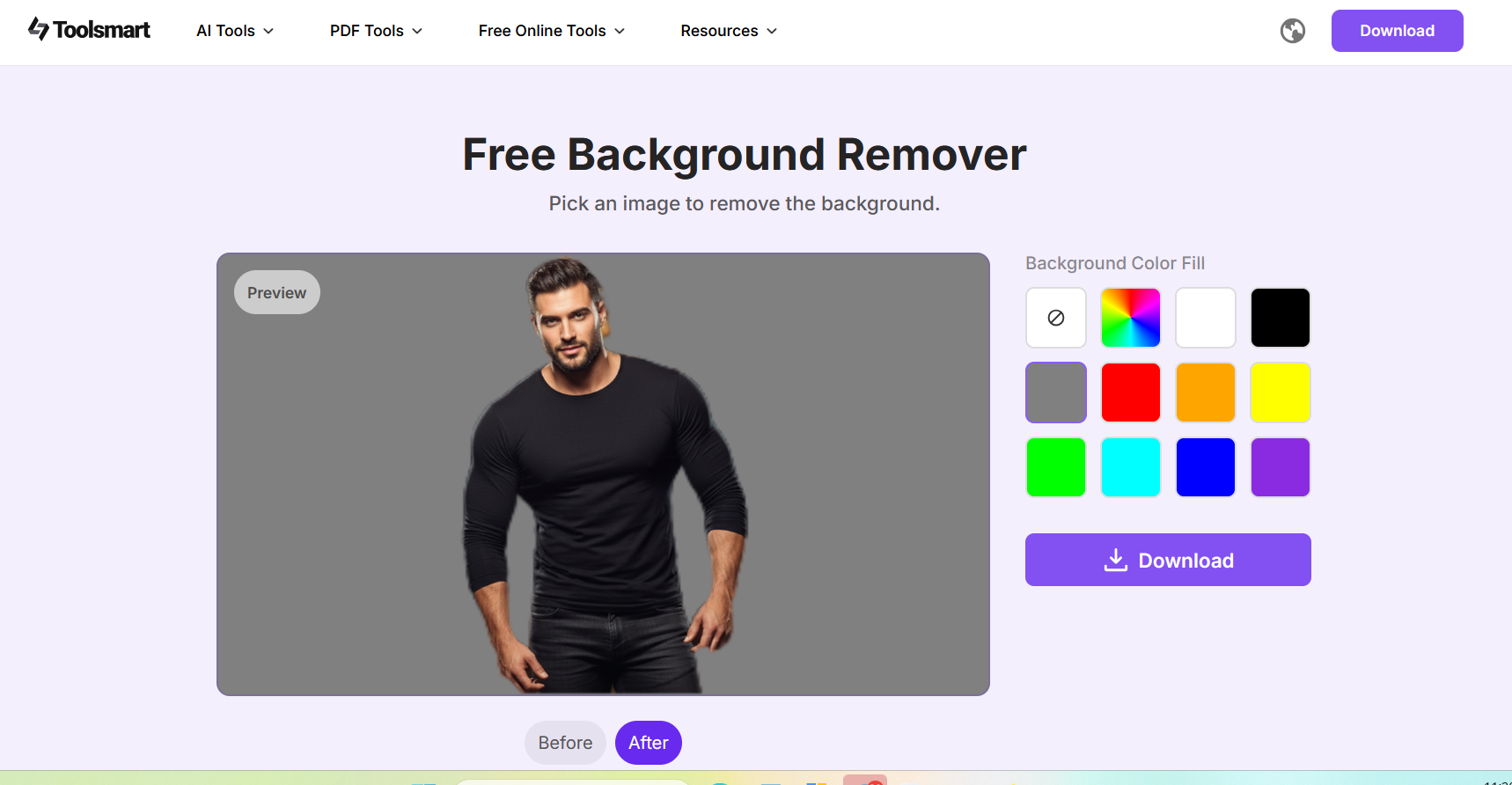
Step 4: Select the preferred
background.
Select the background in Background Remover by Toolsmart
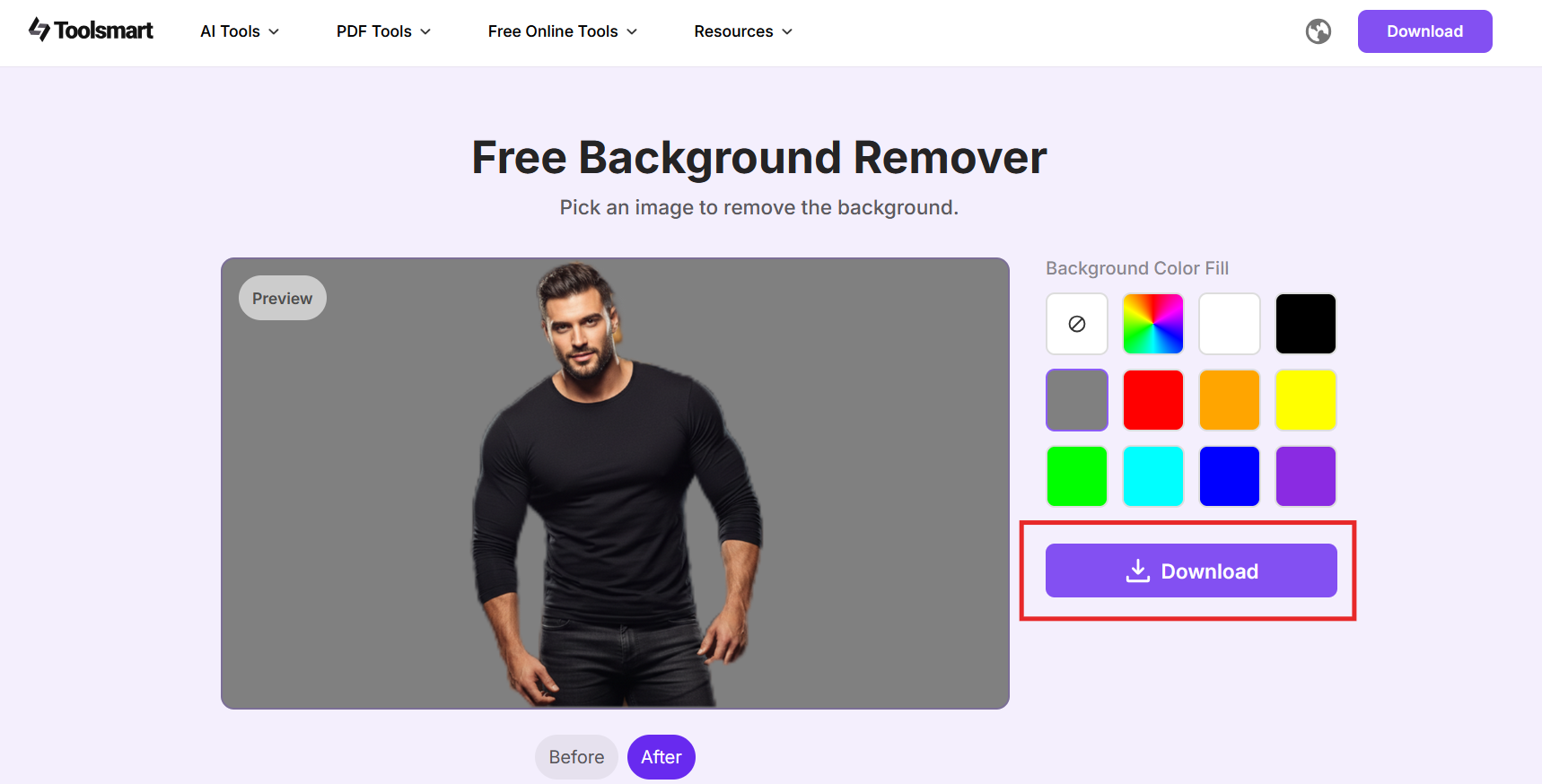
Step 6: Download your final image in high
resolution.
Download your final image in high resolution
Tip:
When testing this tool, I found it especially effective for product
shots and portraits. A simple before-and-after comparison highlights how
the cutout remains clean even on detailed edges like hair or fabric.
This is particularly helpful when replacing backgrounds for e-commerce
or marketing visuals.
FAQs
Q1: Is it free to use AI background generators?
Many AI background generators offer free versions with essential
features. However, advanced functions such as higher resolution,
commercial rights, or unlimited generations may require a paid plan. If
you need an AI background generator free without login, tools like
Background Remover and PicsArt provide accessible options for quick
edits.
Q2: Can I use AI-generated backgrounds
commercially?
Most platforms allow commercial use, but terms vary across tools.
Always review the licensing information, especially for product
photography or branded materials. Tools built for business usage
generally provide clearer permission guidelines.
Q3: Do I need design skills to use these tools?
No. Most AI background generators are designed for beginners and
offer intuitive interfaces. Whether you choose an AI background
generator app or a browser-based platform, you can create professional
results without prior experience.
Q4: Can I use these tools on my phone?
Yes. Many generators, including Canva, PicsArt, and PhotoRoom, offer
mobile apps or mobile-optimized websites. If convenience matters,
selecting a free AI background generator app that performs well on
mobile can streamline your workflow.
Summary
AI background generators have become essential tools for creators,
marketers, and small businesses who need professional visuals quickly.
From simple text-to-background tools to advanced platforms offering
realistic shadows or 3D environments, each option serves a specific
purpose. Whether you prefer a fully online workflow or a dedicated AI
background generator app, the tools reviewed in this guide provide
reliable ways to enhance images without requiring design experience.
For users who want a streamlined workflow, Background
Remover by Toolsmart stands out as a practical solution. It
combines fast background removal with AI-generated background creation,
supports high-resolution downloads, and does not require sign-up for
basic use. Its accuracy and simplicity make it a strong choice for
anyone needing clean, high-quality results without watermarks.
Office software expert with 15+ years of experience since 2009. I specialize in tech tutorials, productivity tools, and digital solutions for everyday users. Passionate about making technology simple and accessible for everyone.

'%3e%3cpath%20fill-rule='evenodd'%20clip-rule='evenodd'%20d='M19%208.5C24.799%208.5%2029.5%2013.201%2029.5%2019C29.5%2024.6782%2024.9928%2029.3036%2019.361%2029.4939L19%2029.5C18.8794%2029.5%2018.7592%2029.498%2018.6396%2029.4939L18.2811%2029.4758C12.8174%2029.1063%208.5%2024.5574%208.5%2019C8.5%2013.201%2013.201%208.5%2019%208.5ZM22.3063%2010.6267L22.2342%2010.6539C21.3423%2011.0061%2020.5541%2011.6368%2020.5606%2012.4987C20.5631%2012.8302%2020.869%2014.8871%2020.2141%2014.8486C19.5589%2014.8102%2019.413%2013.8753%2018.7116%2013.616C17.5944%2013.2026%2016.9819%2014.3401%2017.0939%2015.3106C17.1695%2015.9655%2018.9289%2018.3871%2017.9028%2019C17.292%2019.3651%2015.7279%2017.5692%2015.1007%2017.1842C14.4805%2016.8034%2013.2758%2017.3333%2012.4974%2016.7029C11.9874%2016.2899%2012.3881%2014.4098%2012.2786%2013.8372C12.2271%2013.5698%2012.1155%2013.3689%2011.9794%2013.2166L12.0402%2013.2934C10.7653%2014.8464%2010%2016.8339%2010%2019C10%2023.8465%2013.8307%2027.7982%2018.6295%2027.9925L18.6769%2027.9747C18.8597%2027.8677%2019.0394%2027.7557%2019.216%2027.6387C19.4137%2027.4534%2019.5436%2027.2072%2019.5849%2026.9394C19.8806%2025.1222%2018.3616%2025.4302%2017.9367%2024.5622C17.5489%2023.7695%2018.5712%2023.7684%2018.5524%2021.7923C18.4607%2021.1774%2018.5279%2020.547%2018.7211%2020.0315C19.1834%2018.7987%2020.7077%2017.2643%2022.5889%2018.0081C23.5567%2018.3906%2023.1524%2019.9831%2023.4737%2020.3394C24.251%2021.2018%2025.3228%2020.6863%2026.2856%2021.2253C26.7816%2021.5032%2026.9797%2022.41%2027.056%2023.2248L27.038%2023.0528C27.6534%2021.8348%2028%2020.4579%2028%2019C28%2015.1968%2025.6409%2011.9445%2022.3063%2010.6267Z'%20fill='%23757575'/%3e%3ccircle%20cx='19'%20cy='19'%20r='10.125'%20stroke='%23757575'%20stroke-width='2.25'/%3e%3c/g%3e%3cdefs%3e%3cclipPath%20id='clip0_1827_14613'%3e%3crect%20width='24'%20height='24'%20fill='white'%20transform='translate(7%207)'/%3e%3c/clipPath%3e%3c/defs%3e%3c/svg%3e)