
'%3e%3cpath%20fill-rule='evenodd'%20clip-rule='evenodd'%20d='M19%208.5C24.799%208.5%2029.5%2013.201%2029.5%2019C29.5%2024.6782%2024.9928%2029.3036%2019.361%2029.4939L19%2029.5C18.8794%2029.5%2018.7592%2029.498%2018.6396%2029.4939L18.2811%2029.4758C12.8174%2029.1063%208.5%2024.5574%208.5%2019C8.5%2013.201%2013.201%208.5%2019%208.5ZM22.3063%2010.6267L22.2342%2010.6539C21.3423%2011.0061%2020.5541%2011.6368%2020.5606%2012.4987C20.5631%2012.8302%2020.869%2014.8871%2020.2141%2014.8486C19.5589%2014.8102%2019.413%2013.8753%2018.7116%2013.616C17.5944%2013.2026%2016.9819%2014.3401%2017.0939%2015.3106C17.1695%2015.9655%2018.9289%2018.3871%2017.9028%2019C17.292%2019.3651%2015.7279%2017.5692%2015.1007%2017.1842C14.4805%2016.8034%2013.2758%2017.3333%2012.4974%2016.7029C11.9874%2016.2899%2012.3881%2014.4098%2012.2786%2013.8372C12.2271%2013.5698%2012.1155%2013.3689%2011.9794%2013.2166L12.0402%2013.2934C10.7653%2014.8464%2010%2016.8339%2010%2019C10%2023.8465%2013.8307%2027.7982%2018.6295%2027.9925L18.6769%2027.9747C18.8597%2027.8677%2019.0394%2027.7557%2019.216%2027.6387C19.4137%2027.4534%2019.5436%2027.2072%2019.5849%2026.9394C19.8806%2025.1222%2018.3616%2025.4302%2017.9367%2024.5622C17.5489%2023.7695%2018.5712%2023.7684%2018.5524%2021.7923C18.4607%2021.1774%2018.5279%2020.547%2018.7211%2020.0315C19.1834%2018.7987%2020.7077%2017.2643%2022.5889%2018.0081C23.5567%2018.3906%2023.1524%2019.9831%2023.4737%2020.3394C24.251%2021.2018%2025.3228%2020.6863%2026.2856%2021.2253C26.7816%2021.5032%2026.9797%2022.41%2027.056%2023.2248L27.038%2023.0528C27.6534%2021.8348%2028%2020.4579%2028%2019C28%2015.1968%2025.6409%2011.9445%2022.3063%2010.6267Z'%20fill='%23757575'/%3e%3ccircle%20cx='19'%20cy='19'%20r='10.125'%20stroke='%23757575'%20stroke-width='2.25'/%3e%3c/g%3e%3cdefs%3e%3cclipPath%20id='clip0_1827_14613'%3e%3crect%20width='24'%20height='24'%20fill='white'%20transform='translate(7%207)'/%3e%3c/clipPath%3e%3c/defs%3e%3c/svg%3e)


Digital documents often require clear, transparent signatures instead of messy scans with distracting backgrounds. Removing these backgrounds manually can be frustrating as you still end up with pixelated backgrounds while spending on expensive subscriptions. This article recommends 5 of the best signature background remover tools, including Toolsmart’s Background Remover, to help you create clean and professional signatures in just a few clicks.
6 Best Signature Background Remover Tools
Before exploring each option, it helps to know what makes a signaturebackground remover. You need clean edges, strong contrast handling, and AI that can separate ink from background texture. Tools that don’t require logins or complicated steps, especially when working with contracts or quick office tasks, are perhaps the best. The 6 tools below offer smooth results, beginner-friendly workflows, and trustworthy output.
1. Toolsmart Background Remover
Unlike many competitors that force a sign-up or payment before downloading, Toolsmart Background Remover is designed for pure speed and accessibility. It is specifically optimized to remove background from signature images, handling the high contrast between dark ink and white paper without blurring the fine lines.
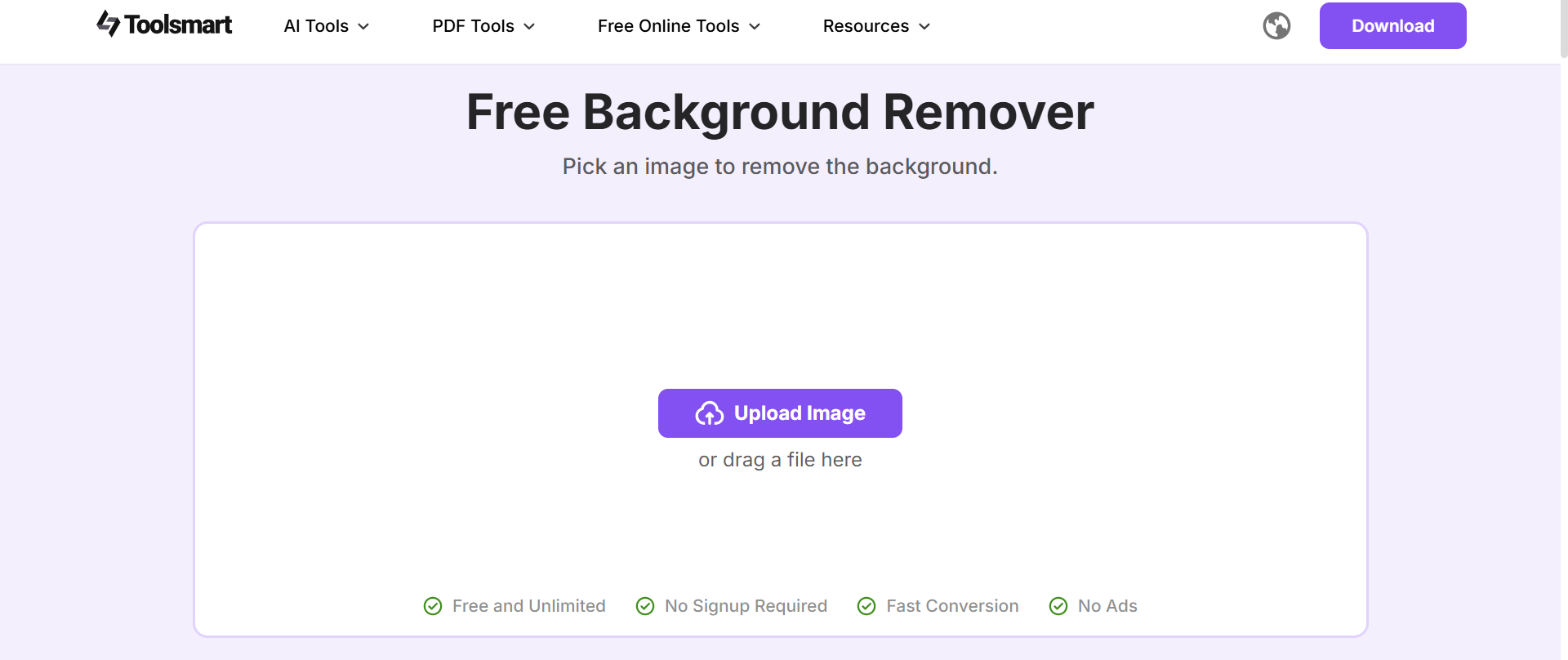
What truly sets this tool apart is its commitment to a clean, user-first experience. It is completely free, void of distracting ads, and features a minimalist interface that does not overwhelm the user with unnecessary buttons. While other platforms might hide their best features behind a Pro subscription, Toolsmart offers its core background removal capability upfront, so anyone can achieve a professional result in seconds without a paywall.
Features:
Specialized Background Removal: Focuses solely on removing backgrounds and unwanted objects, ensuring high accuracy and precision.
Lightweight: The tool is extremely lightweight, meaning it doesn't slow down your system or require heavy resources.
Free to Use: Unlike many competitors, Toolsmart’s Background Remover is completely free with no hidden costs or premium features.
Simple Interface: Offers a straightforward, user-friendly interface that allows quick and easy use without any steep learning curve.
Fast Processing: Provides quick results with minimal wait time, perfect for users who need immediate outcomes.
Pros:
Specialized tool for background removal.
Fast and precise.
Completely free to use.
No subscription or paywall.
Cons:
Limited to background and object removal (not a full-featured editor).
Lacks advanced editing features for more complex image manipulations.
How to use:
Once you try it out, the workflow is pretty seamless. Here’s how I typically use Toolsmart BackgroundRemover when I want fast, polished results without micromanaging the process:
Step 1: First, head over to Toolsmart Background Remover. Don’t worry, you don’t need to create an account or sign in to get started.
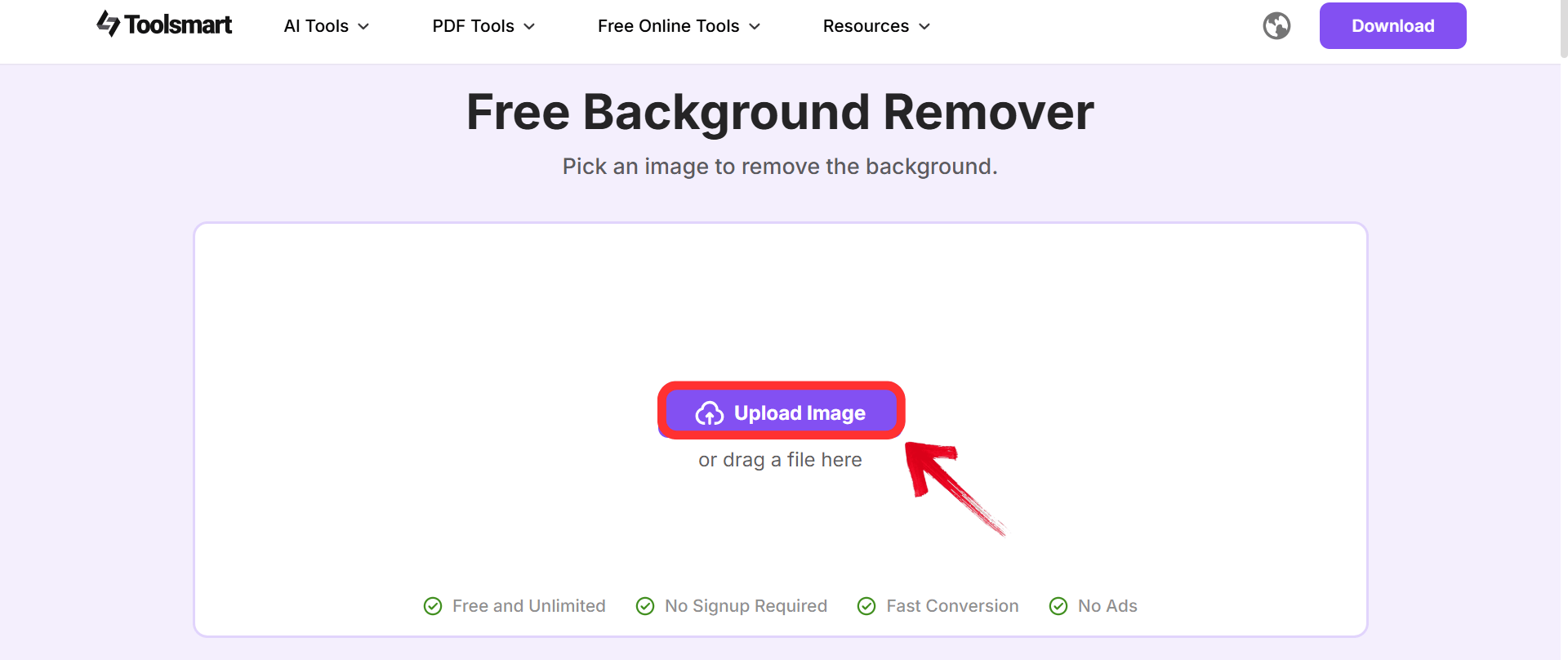
Step 2: Once you're there, click on the“Upload image” option or drag your image directly onto the screen
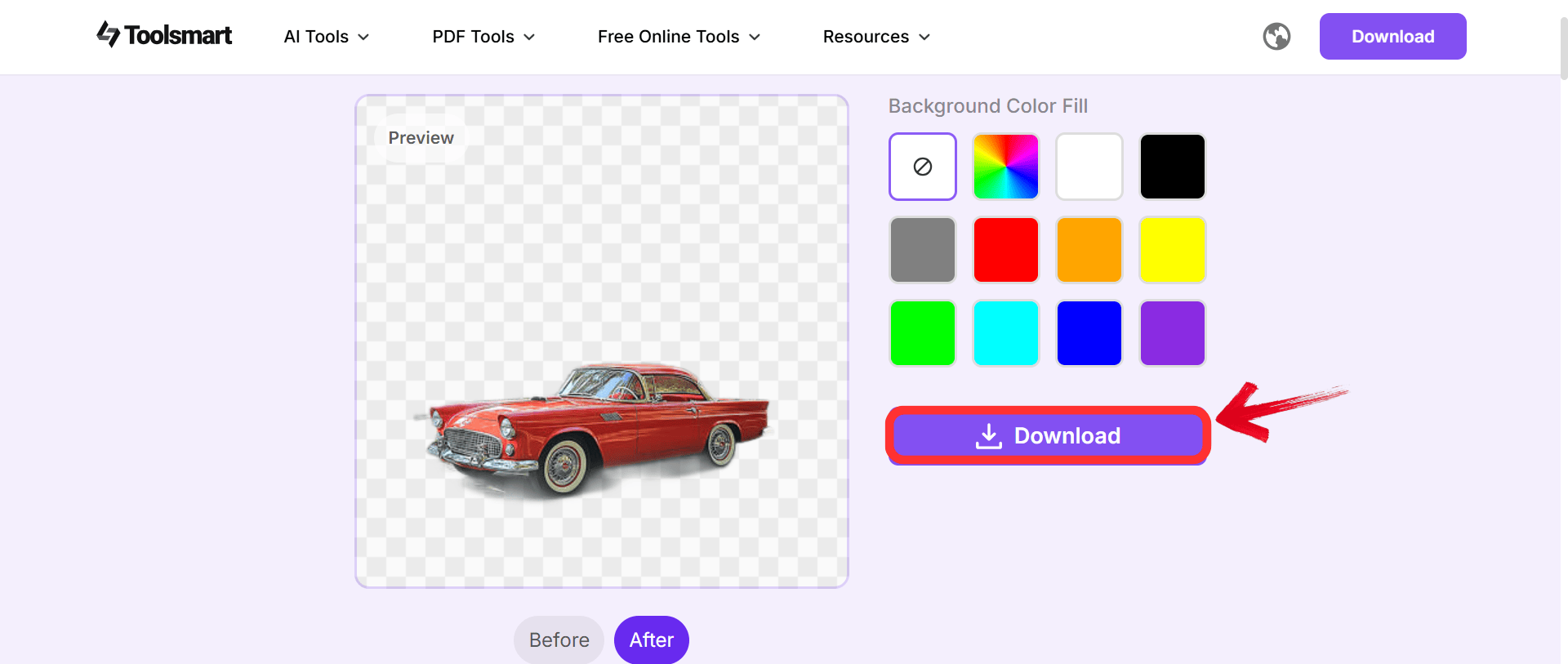
Step 3: Once you’re done, click“Download” to export your image.
2. Remove.bg
While Toolsmart is perfect for quick, manual uploads, a larger workflow might require a tool that integrates deeper into software systems. Remove.bg has its robust API and specialized Magic features. It is particularly useful when the lighting in the original photo is uneven, as the AI is trained to distinguish between the shadow on the paper and the actual ink, which is often a struggle for basic tools.
This tool is built for automation and precision, positioning itself as the industry standard for users who process hundreds of images. Unlike basic editors, it offers Magic Brush tools that allow you to manually erase or restore pixels if the AI misses a spot, giving granular control. However, this level of advanced functionality and workflow integration typically comes with a cost, as the highest resolution downloads are reserved for paid credit tiers, differentiating it from completely free options like Toolsmart.
Features:
Automatic Detection: Identifies the subject instantly to eliminate manual erasing.
Magic Brush: Lets users restore or erase specific parts if the AI misses a faint line.
API Integration: Connects with other software workflows for processing bulk images.
Cross-Platform: Works seamlessly on web, Windows, Mac, and Linux.
Pros:
High precision with difficult edges.
Includes manual restore and erase tools.
Supports API integration for workflows.
Works seamlessly across multiple platforms.
Cons:
High-resolution downloads are not free.
Relies on a credit-based payment system.
How to use:
Getting a transparent signature with Remove.bg involves a simple drag-and-drop workflow that requires minimal technical skill.
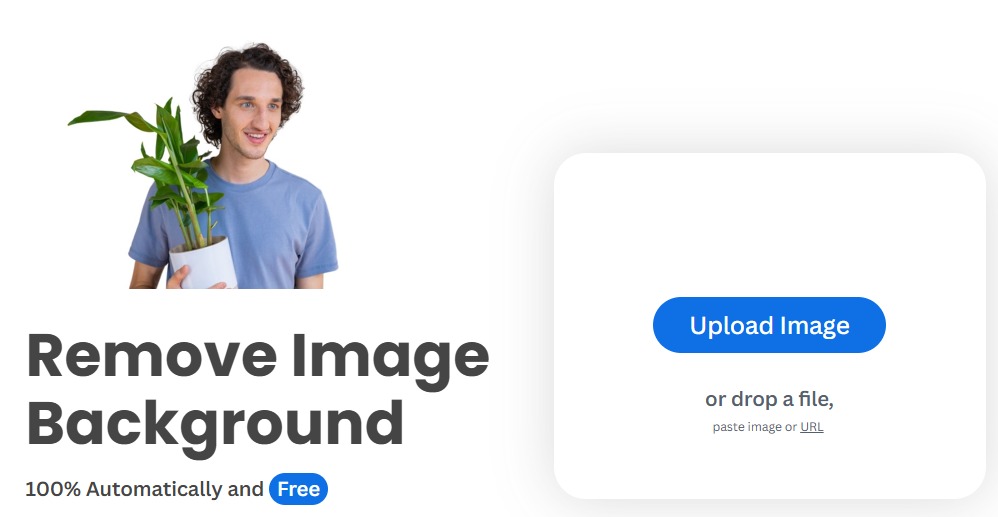
Step 1: First, head on over to the Remove.bg background removerwebsite.
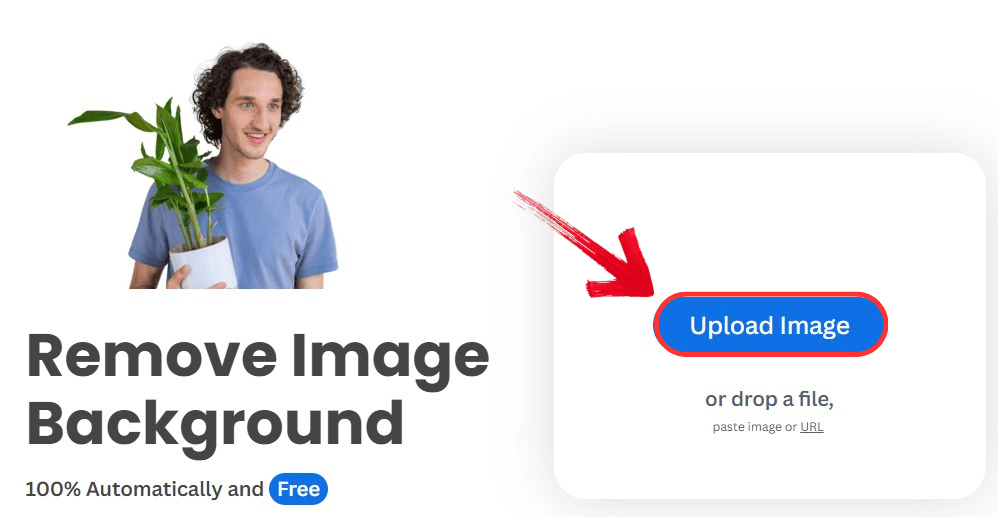
Step 2: Drag and drop the signature file or click the “Upload Image” button.
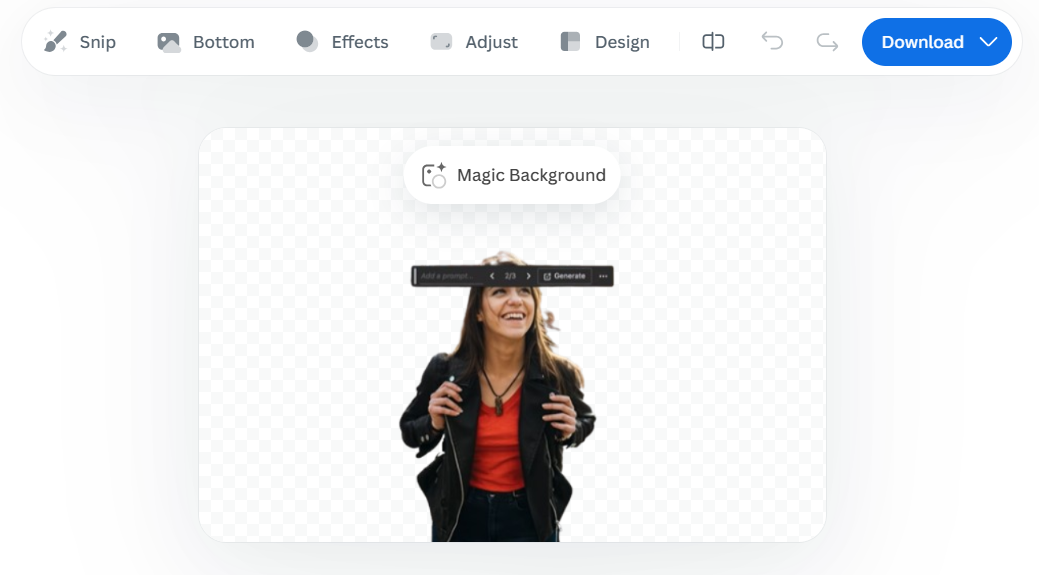
Step 3: The tool will automatically remove the background make any changes you want by the menu.
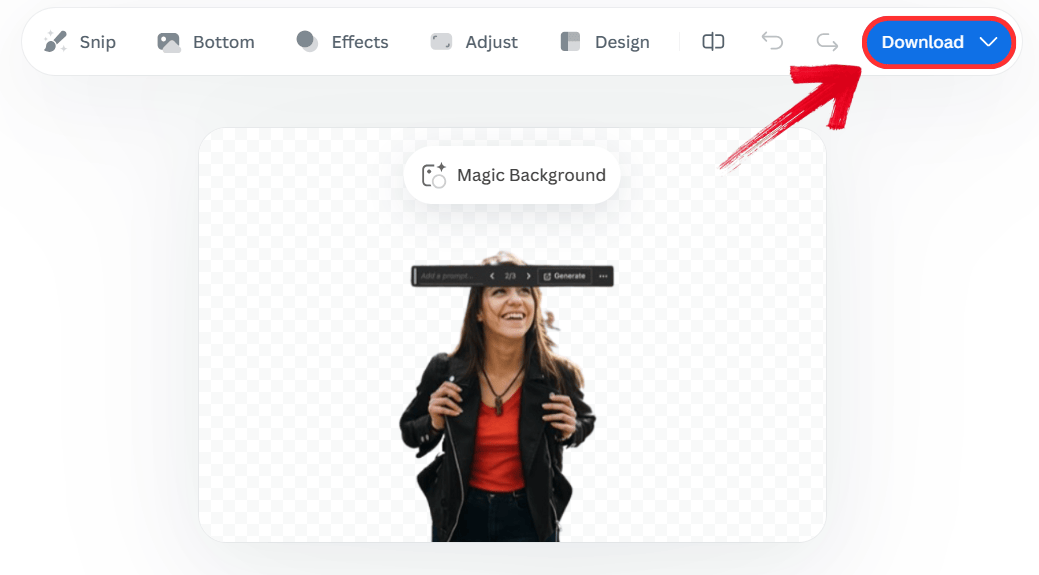
Step 4: Click 'Download' to save the preview size for free.
3. Adobe Express Background Remover
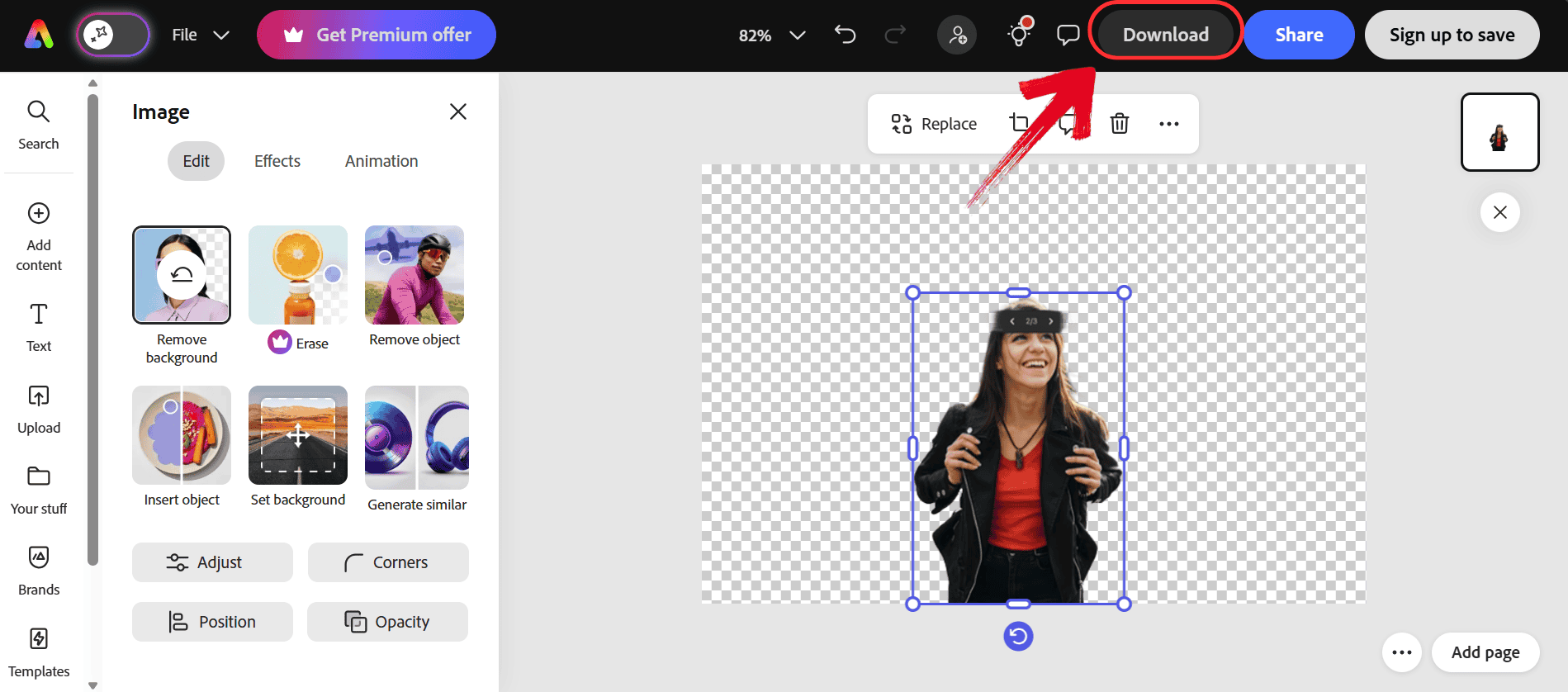
Unlike the standalone nature of Remove.bg, Adobe Express Background Remover brings the user into the Adobe ecosystem. It uses the same powerful engine as Photoshop, but in a simplified browser interface. It handles scanned textures exceptionally well, smoothing out the paper grain that other tools might mistake for part of the signature.
The main difference here is the trust and quality associated with the Adobe brand. It provides a bridge between casual editing and professional graphic design, offering cloud synchronization that saves projects automatically. While it does require a login, it allows you to access a suite of enhancement tools, like contrast adjustments and filters, that allow you to refine the look of the ink, not just remove the background.
Features:
Photoshop Quality: Uses industry-leading algorithms to ensure clean edges around complex curves.
Design Integration: Allows users to place the signature directly into templates or flyers within the app.
Enhancement Tools: Offers quick filters to darken the ink or adjust contrast after removal.
Cloud Storage: Saves projects automatically for access from any device.
Pros:
Uses professional Photoshop-grade engines.
Great for smoothing scanned paper textures.
Saves projects to the cloud automatically.
Integrates with professional design templates.
Cons:
Requires an Adobe account login to use.
It can be overwhelming for simple tasks.
How to use:
Accessing the powerful removal engine requires just a few clicks within the browser interface after signing in.
Step 1: First, head over to the Adobe Express background remover website and drag and drop your image.
Step 2: Adobe will automatically remove the background. Just click “Download” to export the image.
4. Canva Background Remover
Adobe is powerful, but it can feel a bit technical. If the goal is to design a whole document like a letterhead, then Canva Background Remover is a better alternative. The key difference here is that the background remover is embedded directly inside a design suite. This is often used when the signature is just one element of a larger branding project.
Its background remover is designed to be one step in a larger creation process, allowing you to instantly drop a clean signature onto business cards, invoices, or social media posts without leaving the tab. It distinguishes itself from Adobe Express by prioritizing design-readiness and ease of drag-and-drop, though this convenience is exclusive to its Pro subscription model.
Features:
One-Click Removal: Clears the background instantly within the design editor workflow.
Design Ecosystem: Lets users drop the signature straight onto business cards or letterheads.
Manual Refinement: Provides zoom-in brushes to tidy up any stray artifacts.
Brand Kit Sync: Saves the signature as a logo asset for team use.
Pros:
Embedded directly into a design workflow.
One-click instant background removal.
Great for branding and logo integration.
Easy drag-and-drop interface.
Cons:
Requires a paid Canva Pro subscription.
Not ideal for standalone photo editing.
How to use:
You can activate the background remover directly from the photo editing toolbar inside any design project.
Step 1: First, head over to the Canva background remover website and drag and drop your image.
Step 2: Canva will automatically remove the background. Just click “Share” and then “Download” to export the image.

5. Fotor Background Remover
Fotor Background Remover distinguishes itself with excellent batch processing capabilities. This is incredibly helpful when multiple versions of a signature exist (e.g., blue ink, black ink, initials) and there is a need to extract signature from image files all at once.
Fotor can handle bulk tasks, saving time if signatures are being digitized for an entire team. Additionally, it offers a Beauty and Edit suite alongside the remover, giving you tools to thicken lines or change the color of the signature itself. These are features that most single-purpose removers lack.
Features:
Smart Recognition: Separates foreground ink from paper texture effectively.
Built-in Editor: Allows for cropping, resizing, and color adjustment in one tab.
Batch Processing: Handles multiple images at once for high-volume users.
Template Library: Offers backgrounds to place the signature on if needed.
Pros:
Capable of batch processing multiple files.
Includes extra tools like color correction.
Very beginner-friendly interface.
Includes templates for immediate use.
Cons:
Free version displays advertisements.
Advanced features require credits.
How to use:
The platform automates the entire process, requiring minimal input from the user to generate a clean result.
Step 1: First, head over to the Fotor background remover website and drag and drop your image.
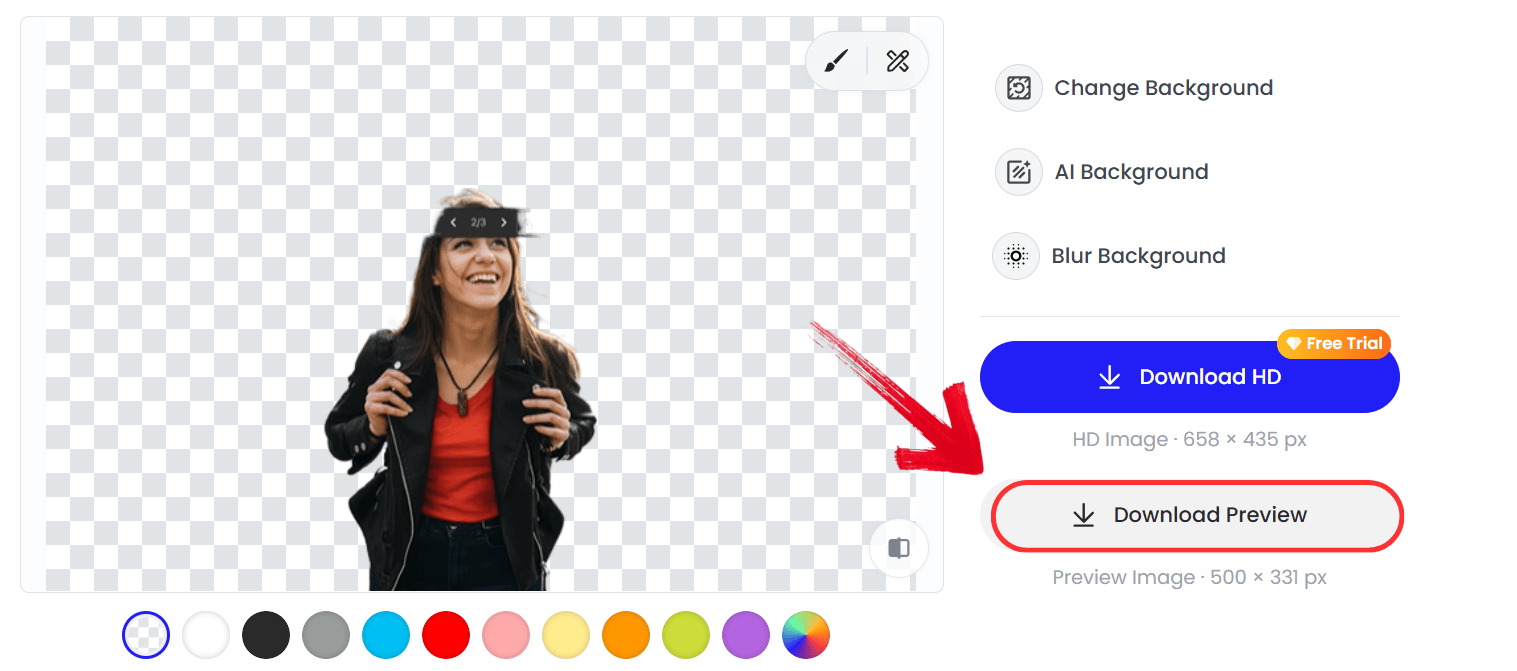
Step 2: Canva will automatically remove the background. Just click “Download Preview” to export the image.
6. Pixelcut Background Remover
While the previous tools are great for desktops, they can be heavy if you’re on your phone. Pixelcut Background Remover sets itself apart by being mobile-first. If a photo of a signature is snapped with a phone, this tool handles the translation to digital better than the rest. The edge detection is very sharp, often capturing tiny loops in cursive writing correctly on the first try without needing the manual mouse-work required by desktop software.
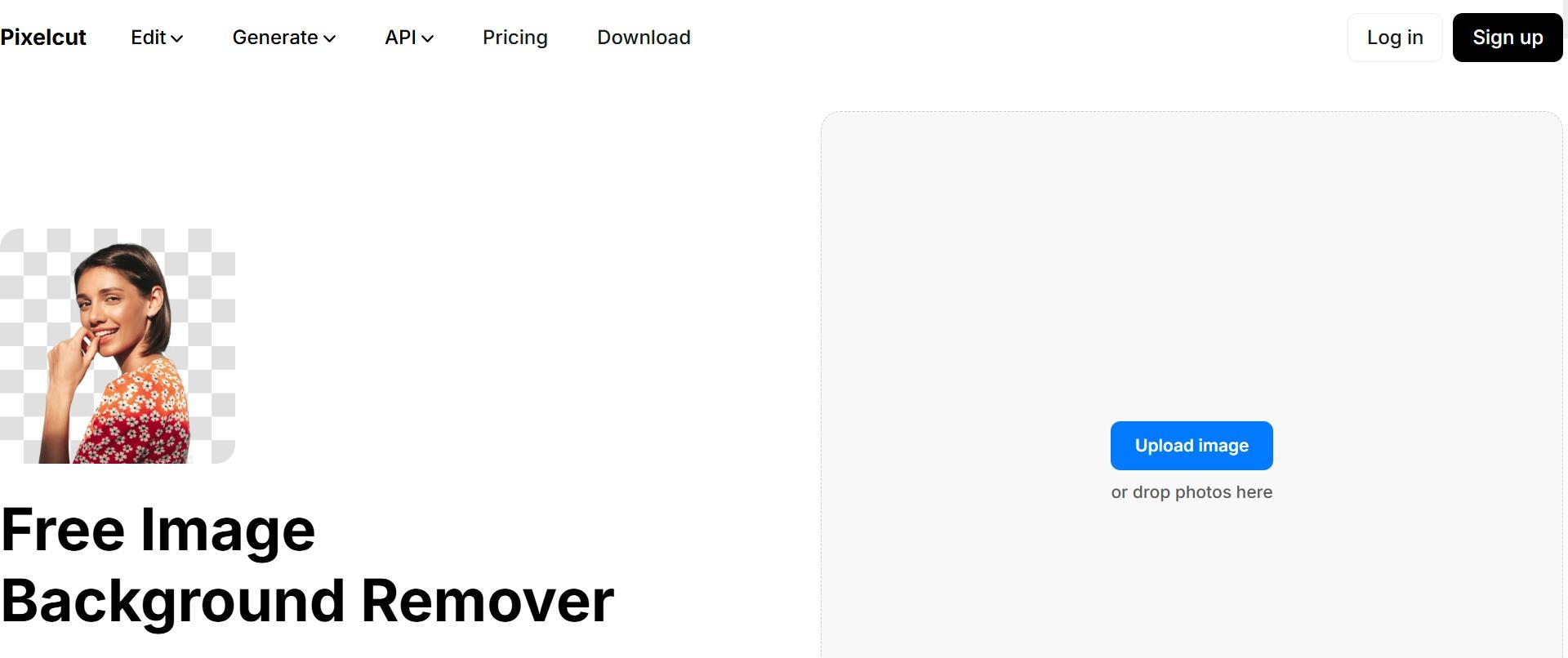
This tool is built specifically for the modern, on-the-go professional who works primarily from a smartphone. It differentiates itself with a slide-to-remove interface that feels native to mobile touchscreens, rather than a shrunken desktop site. It is arguably the fastest option for users who want to go from a camera snap to a signed PDF in under a minute, prioritizing speed and mobile-optimized precision above all else.
Features:
Mobile-First Design: Works incredibly well on smartphones for on-the-go editing.
High Precision: Isolates intricate details like thin pen strokes accurately.
Instant Cutout: Delivers the transparent image faster than most desktop tools.
Shadow Creator: Adds realistic drop shadows if a 3D effect is desired.
Pros:
Designed specifically for mobile devices.
Fast processing for on-the-go editing.
Sharp edge detection for pen strokes.
Intuitive "slide-to-edit" interface.
Cons:
Desktop version differs from mobile app.
Some features are locked behind paywalls.
How to use:
This PixelCut background remover review also covers easy-to-follow steps on using PixelCut. Getting started with PixelCut is extremely simple; there's no complicated onboarding, no steep learning curve.
Step 1: Visit the official PixelCut Background Remover website.
Step 2: Click on the “Upload image”option to get the removal process started, or you can directly drag and drop your image

Step 3: Your background will be removed as soon as you upload the image, within seconds
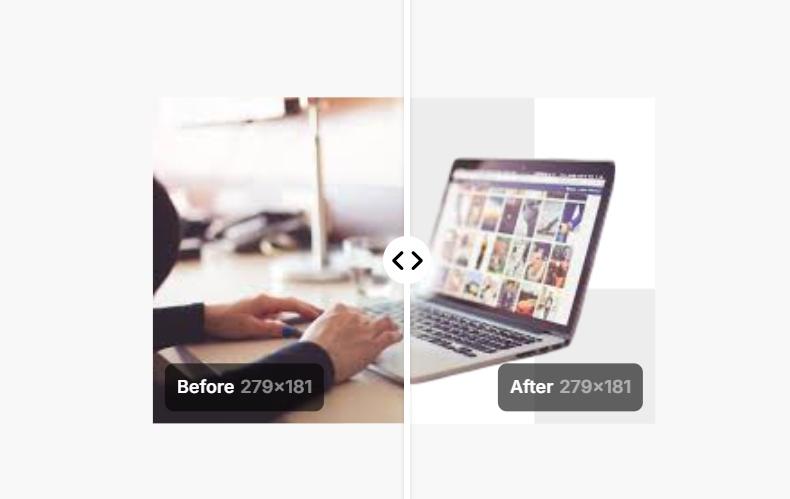
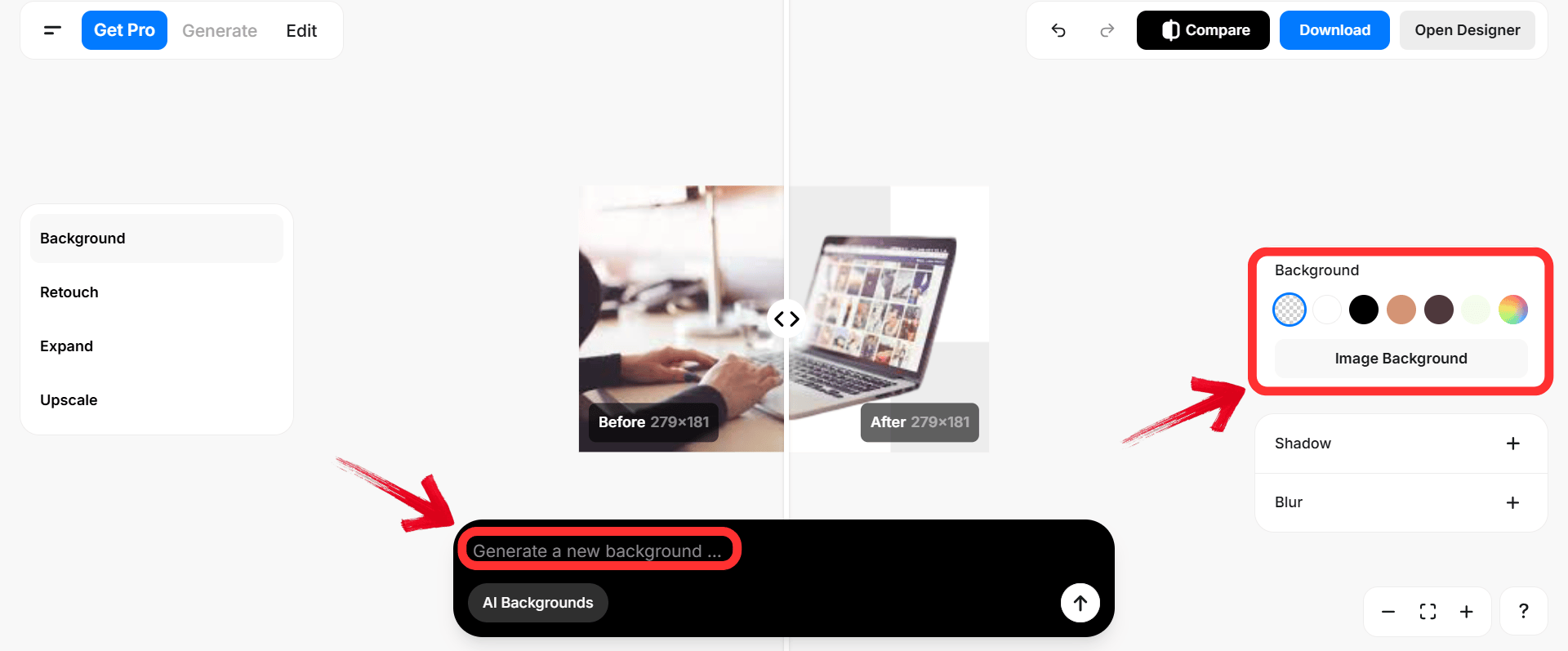
Step 4: You can change the background of your image through the built-in backgrounds or use AI to create a new background through your prompts.
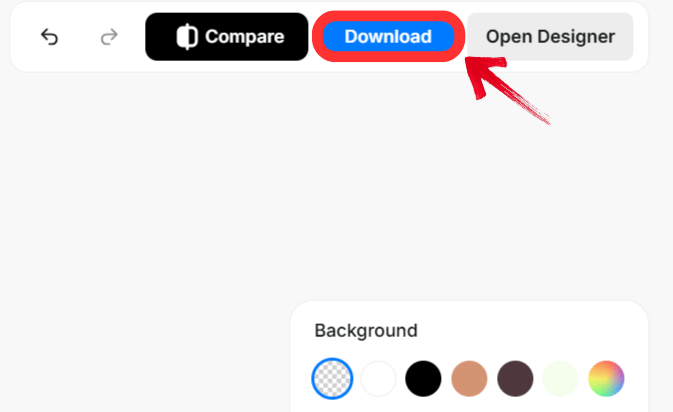
Step 5: Click the download button once you are done with the changes to export your image
Comparison of the Top 6 Signature Background Remover Tools
With so many options available, selecting the right sign background remover often comes down to platform preference and budget. The following table comparesthese tools to help clarify which one fits a specific workflow.
| Tool | Platforms | Free vs. Paid | Ease of Use | Accuracy | Extra Features |
|---|---|---|---|---|---|
| Toolsmart | Web | Free | Very High | High | No login needed, instant |
| Remove.bg | Web/PC/Mac | Freemium | High | Very High | API, Magic Brush |
| Adobe Express | Web/Mobile | Free (Login) | Medium | High | Design templates, cloud save |
| Canva | Web/Mobile | Paid (Pro) | High | High | Full design suite, branding |
| Fotor | Web/Mobile | Freemium | High | Medium | Batch editing, photo fixers |
| Pixelcut | Web/Mobile | Freemium | High | High | Mobile optimized, shadows |
Why Toolsmart Background Remover is the Best Choice
When drafting a contract or finalizing a letter, stopping to create an account or verify an emailaddress adds unnecessary friction. This is why professionals often prefer Toolsmart Background Remover. It respects your time by removing the friction by simply uploading, processing, and downloading.
Unlike other tools that might hide the high-resolution download behind a paywall or slap a watermark on official documents, Toolsmart keeps the output clean. It is surprisingly effective at preserving the sharp edges of ink, which is crucial when a background remover for signature task is needed for legal papers. It operates without a subscription model, offering a straightforward utility. For a complete professional finish, you can combine it with a document editor to get a clean PNG from Toolsmart, and then drop it into a Word or PDF editor.
FAQs
Q1: Is Toolsmart Background Remover free to use?
Yes, Toolsmart is completely free, requires no login, and adds no watermark, making it ideal for quick signature cleanup.
Q2: Which tool is best for beginners?
Fotor and Pixelcut are very beginner-friendly, while Toolsmart balances ease of use with advanced AI features.
Q3: Can Canva Background Remover be used without a Pro subscription?
No, the background remover is only available in Canva Pro, though the design features are free to try.
Q4: Do any of these tools leave watermarks on the signature?
Toolsmart, Remove.bg, Adobe Express, Canva, Pixelcut, and Fotor do not leave watermarks. However, Canva’s remover is only accessible in the Pro plan.
Q5: Does Adobe Express Background Remover work for scanned signatures?
Yes, Adobe Express can handle scanned signatures, but users must log in with an Adobe account to use the free background removal feature.
The Most Convenient Way to Create Clean Digital Signatures
There are many signature background remover tools that make it easy to remove background from signature images without complex editing. Each tool on the list works well, but Toolsmart Background Remover offers the strongest combination of accuracy, speed, and simplicity. Its free, watermark-free, no-login workflow makes it one of the most convenient ways to create clean digital signatures for documents, branding, or creative work.


