
'%3e%3cpath%20fill-rule='evenodd'%20clip-rule='evenodd'%20d='M19%208.5C24.799%208.5%2029.5%2013.201%2029.5%2019C29.5%2024.6782%2024.9928%2029.3036%2019.361%2029.4939L19%2029.5C18.8794%2029.5%2018.7592%2029.498%2018.6396%2029.4939L18.2811%2029.4758C12.8174%2029.1063%208.5%2024.5574%208.5%2019C8.5%2013.201%2013.201%208.5%2019%208.5ZM22.3063%2010.6267L22.2342%2010.6539C21.3423%2011.0061%2020.5541%2011.6368%2020.5606%2012.4987C20.5631%2012.8302%2020.869%2014.8871%2020.2141%2014.8486C19.5589%2014.8102%2019.413%2013.8753%2018.7116%2013.616C17.5944%2013.2026%2016.9819%2014.3401%2017.0939%2015.3106C17.1695%2015.9655%2018.9289%2018.3871%2017.9028%2019C17.292%2019.3651%2015.7279%2017.5692%2015.1007%2017.1842C14.4805%2016.8034%2013.2758%2017.3333%2012.4974%2016.7029C11.9874%2016.2899%2012.3881%2014.4098%2012.2786%2013.8372C12.2271%2013.5698%2012.1155%2013.3689%2011.9794%2013.2166L12.0402%2013.2934C10.7653%2014.8464%2010%2016.8339%2010%2019C10%2023.8465%2013.8307%2027.7982%2018.6295%2027.9925L18.6769%2027.9747C18.8597%2027.8677%2019.0394%2027.7557%2019.216%2027.6387C19.4137%2027.4534%2019.5436%2027.2072%2019.5849%2026.9394C19.8806%2025.1222%2018.3616%2025.4302%2017.9367%2024.5622C17.5489%2023.7695%2018.5712%2023.7684%2018.5524%2021.7923C18.4607%2021.1774%2018.5279%2020.547%2018.7211%2020.0315C19.1834%2018.7987%2020.7077%2017.2643%2022.5889%2018.0081C23.5567%2018.3906%2023.1524%2019.9831%2023.4737%2020.3394C24.251%2021.2018%2025.3228%2020.6863%2026.2856%2021.2253C26.7816%2021.5032%2026.9797%2022.41%2027.056%2023.2248L27.038%2023.0528C27.6534%2021.8348%2028%2020.4579%2028%2019C28%2015.1968%2025.6409%2011.9445%2022.3063%2010.6267Z'%20fill='%23757575'/%3e%3ccircle%20cx='19'%20cy='19'%20r='10.125'%20stroke='%23757575'%20stroke-width='2.25'/%3e%3c/g%3e%3cdefs%3e%3cclipPath%20id='clip0_1827_14613'%3e%3crect%20width='24'%20height='24'%20fill='white'%20transform='translate(7%207)'/%3e%3c/clipPath%3e%3c/defs%3e%3c/svg%3e)


Sound effects are an essential part of video production. They enhance realism, evoke emotions, and boost viewer engagement. However, manually adding sound effects is often time-consuming and requires a lot of skill, usually involving expensive software and complex editing. This poses a challenge for video creators, especially those who don’t have extensive technical expertise or a large budget for production tools.
But what if there were a way to automatically generate or add sound effects to your videos using AI? And better yet, can this be done online, for free, without compromising quality? The answer is yes. In this article, we will explore 6 AI tools that can add sound effects to your videos automatically, making the process faster, easier, and more affordable.
Part 1: Top 6 AI That Add Sound Effects to Video
1. ElevenLabs
Overview:
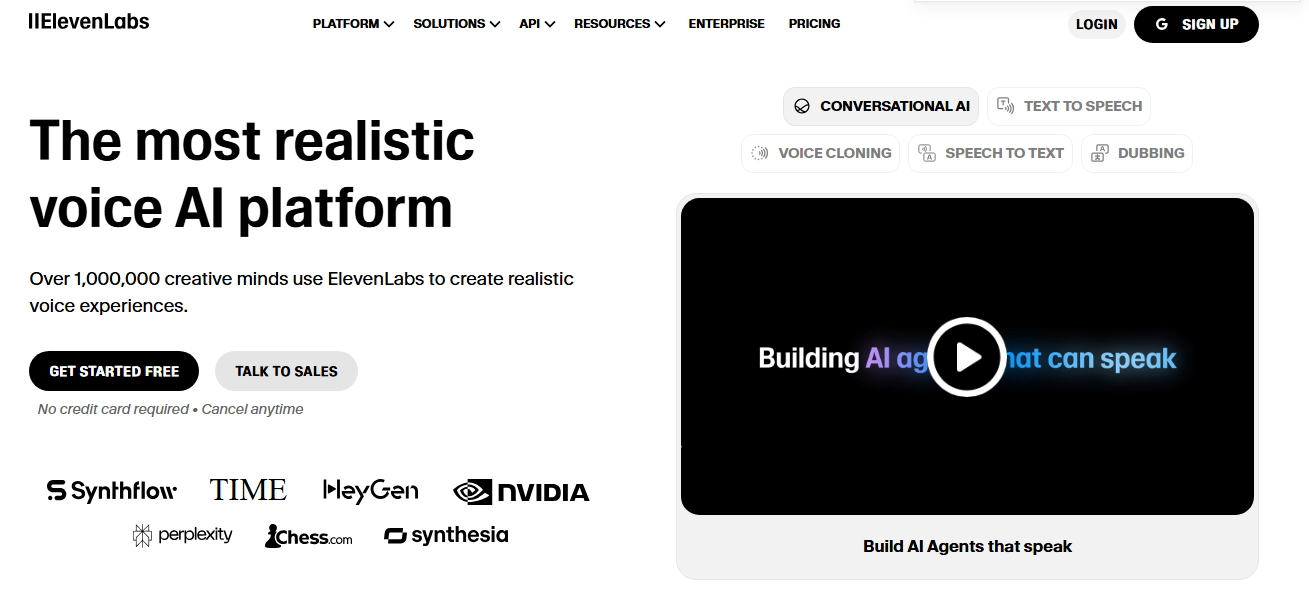
ElevenLabs is an advanced AI tool that allows you to generate
sound effects for your videos automatically. It uses AI to analyze the
video content and suggest appropriate sound effects based on visual
cues. It’s designed for professionals and beginners looking for a quick
and efficient way to enhance their video projects.
Key Features:
Automatic sound generation based on visual content.
High-quality, royalty-free sound effects.
User-friendly interface with easy integration into existing workflows.
Pros:
Quick and easy sound generation.
Customizable sound effects based on video content.
Integrates seamlessly with most video editing platforms.
Cons:
Requires a stable internet connection for optimal performance.
Limited advanced editing features compared to professional software.
Guide:
Check out the complete guide to using ElevenLabs here.
2. My Edit AI Sound Effect Generator
Overview:
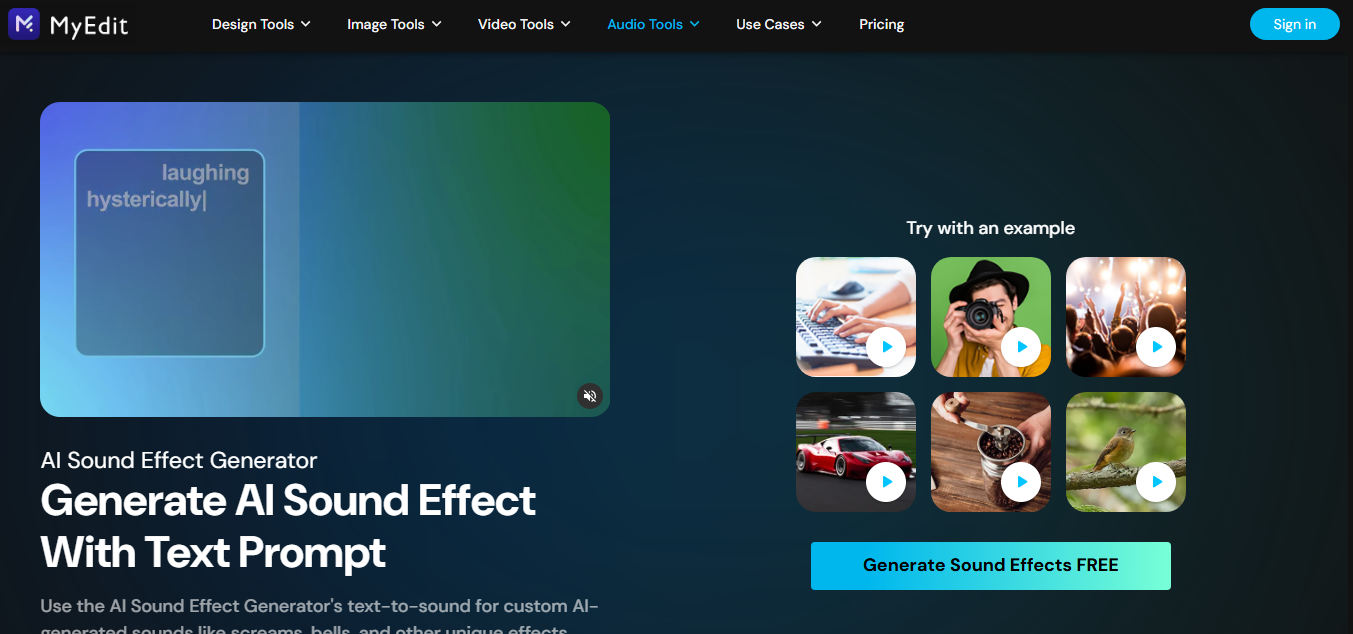
My Edit AI offers a video-to-sound AI tool that simplifies
sound effect generation. It allows users to create custom sound effects
from scratch and apply them to their videos effortlessly.
Key Features:
Generates sound effects from visual inputs.
Text-to-sound feature for creating unique sounds.
Editing tools for fine-tuning sound placements.
Pros:
Simple to use with no need for advanced editing skills.
Offers a variety of sound effects suitable for different video styles.
Text-to-sound functionality adds an extra creative dimension.
Cons:
The free version has limited access to advanced features.
Can be slow with large video files.
Guide:
Explore the My
Edit Sound Effect Generator for more details.
3. Clipchamp

Overview:
Clipchamp is an online video editing tool with an AI-powered
sound effects generator. It offers a simple interface for adding sound
effects to video clips, making it suitable for beginners and
professionals.
Key Features:
AI-powered sound suggestions based on video events.
Audio editing suite with volume adjustments, sound mixing, and fade effects.
Integrated stock library with sound effects and background music.
Pros:
Free to use with premium features available.
Provides a wide range of sound effects.
Intuitive video editing tools.
Cons:
Some advanced features require a subscription.
Limited control over AI-generated sound choices.
Guide:
Learn more about Clipchamp’s AI video editing features here.
4. Saifs.ai

Overview:
Saifs.ai is a comprehensive AI-driven tool that analyzes
visual content to add sound effects to videos. It is especially powerful
for professional video editors looking for a more nuanced audio
effect.
Key Features:
Action detection for generating sound effects that match specific video events.
Customizable sound selections based on video mood and action.
Royalty-free sound library with a wide range of effects.
Pros:
High-level sound matching accuracy.
Ideal for complex video content with multiple sound layers.
Offers both free and paid versions.
Cons:
It may be overkill for simple video projects.
Premium features can be costly.
Guide:
Check out Saifs.ai’s official
website for more information.
5. SFX Engine
Overview:
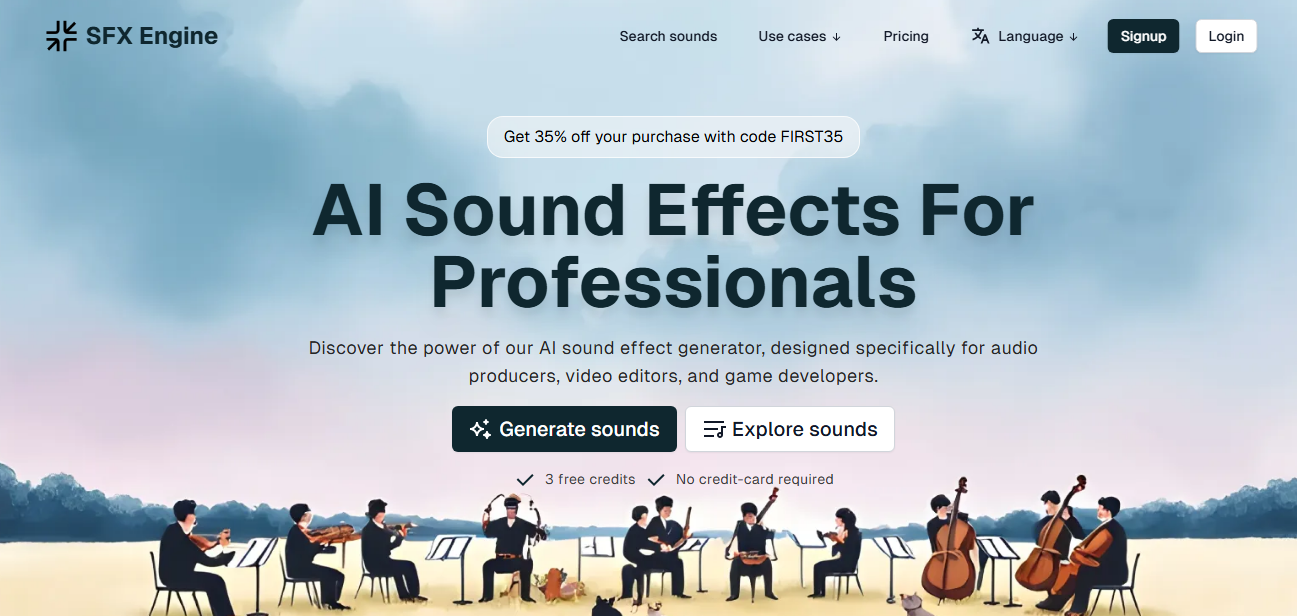
SFX Engine is a powerful AI tool for creating sound effects
for video. It provides a robust library of sounds and a user-friendly
interface suitable for both beginners and seasoned creators.
Key Features:
Real-time sound effect generation based on video content.
Extensive sound effect library across genres and moods.
AI-powered recommendations based on video scene analysis.
Pros:
Supports complex video projects with multiple sound requirements.
Offers a large variety of sounds, from ambient noise to action-packed effects.
Free trials are available for new users.
Cons:
Some limitations in custom sound fine-tuning.
A paid version is needed for access to the full library.
Guide:
For more information, visit the SFX Engine website.
6. Descript
Overview:
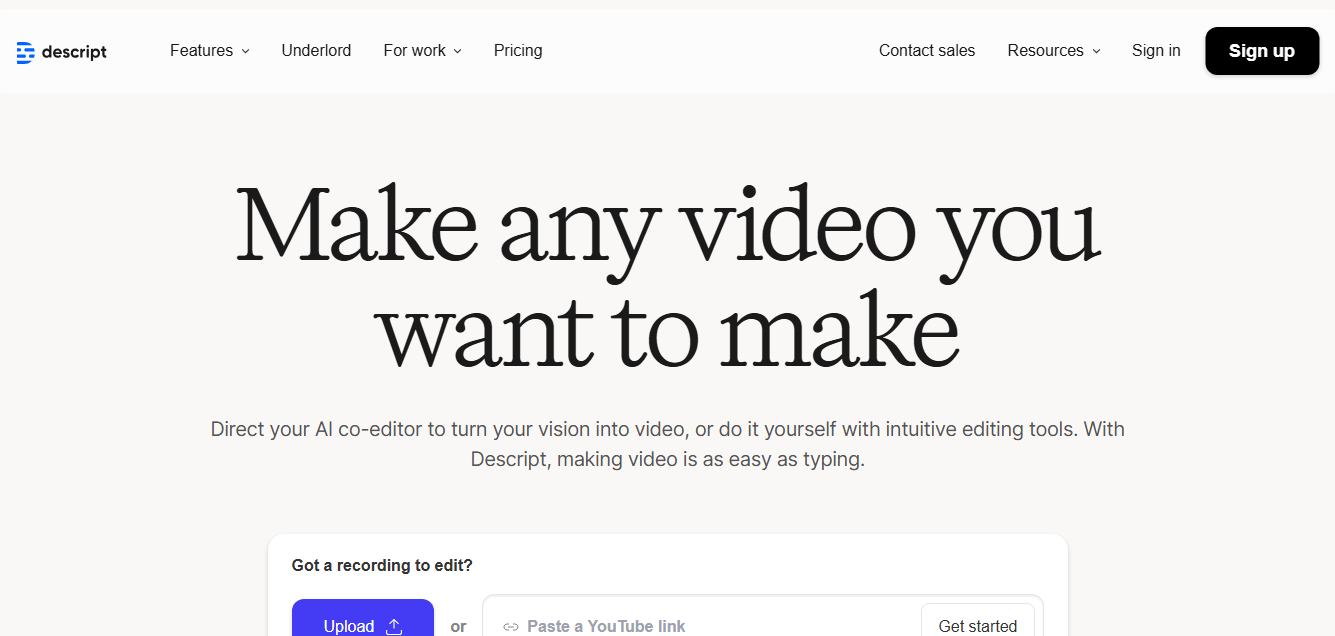
Descript is a multi-functional video editing platform with
AI-driven sound effects. It’s designed for creators who want to
streamline their video production by effortlessly adding sound
effects.
Key Features:
Automatic audio syncing with visual content.
Text-based video editing that helps generate sound effects based on the script.
Comprehensive editing tools for adjusting sound timings and volume.
Pros:
Ideal for text-based video creators (e.g., podcasts).
Supports video transcription and text-to-sound features.
Offers both free and paid plans.
Cons:
Limited in sound customization for free users.
It can be overwhelming for beginners.
Guide:
Visit Descript’s official
site to learn more.
Part 2: Comparison of the 6 Tools
When comparing AI tools that add sound effects to video, it's essential to focus on the following factors:
Sound Matching Accuracy: Does the AI accurately match sound effects to video events? For example, Clipchamp and Descript excel at syncing audio with visual content.
Library Quality: A comprehensive library with various sound effects enhances the tool’s utility. SFX Engine stands out here with its extensive collection.
Customization Options: Some tools, like Saifs.ai, allow fine-tuning sounds to suit specific video needs.
AI Intelligence: How well does the AI understand the video content? ElevenLabs and Descript are leaders in detecting actions and generating context-specific sounds.
User Interface: Tools like My Edit AI and Clipchamp offer intuitive interfaces, making them easier for beginners.
Speed and Performance: Most tools are fast, but larger video files may slow processing times.
Output Quality: Higher-end tools like SFX Engine and Saifs.ai offer superior sound mixing and spatial audio.
Cost: While some tools are free, others, like Saifs.ai, may require a subscription for full functionality.
Part 3: A Supplement Tool – YouTube Video to MP3 Converter of Toolsmart
Intro to Toolsmart’s YouTube to MP3 Converter:
Toolsmart’s YouTube to
MP3 converter can help you easily extract audio from videos if
you're working with YouTube content. This tool is perfect for anyone
looking to add YouTube audio tracks to their video projects without
hassle.
Core Features:
Free and unlimited downloads of MP3 files from YouTube.
High-quality audio conversion up to 320kbps.
Easy-to-use, browser-based interface with no software download required.
Pros:
Free and straightforward to use.
Supports high-quality audio conversion.
Doesn’t require user registration.
Cons:
Limited to YouTube videos.
MP3 format only; no other audio formats supported.
What Users Say About Toolsmart’s Free YouTube to MP3
Converter:
Users appreciate the straightforward interface and fast
conversion times. Many find it helpful in extracting music or sound
effects from YouTube videos quickly and without unnecessary steps.
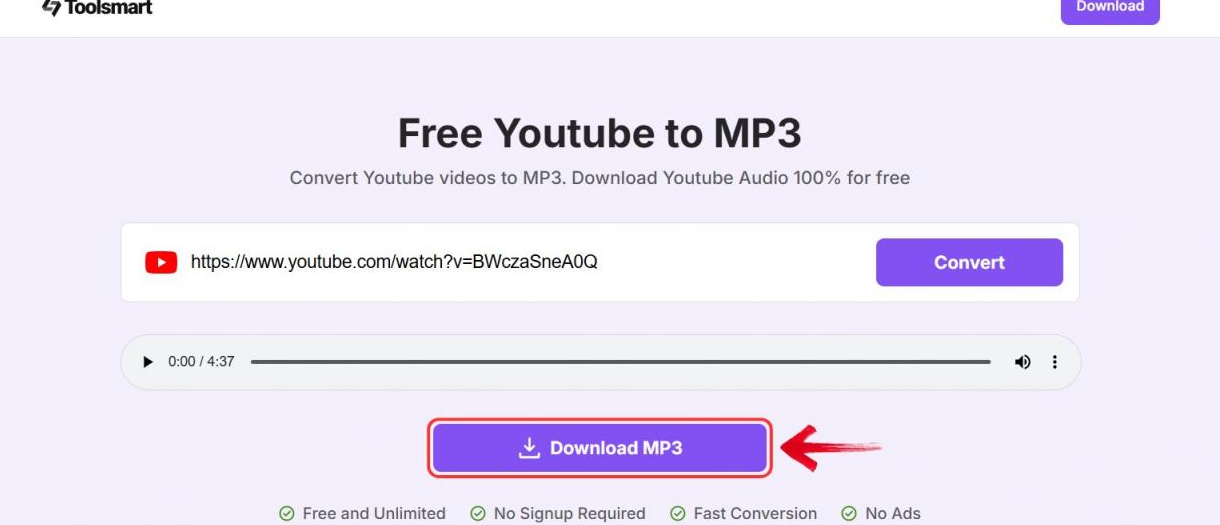
Part 4: How to Use the YouTube Video to MP3 Converter of Toolsmart?
Step 1: Go to the YouTube video you want to convert.
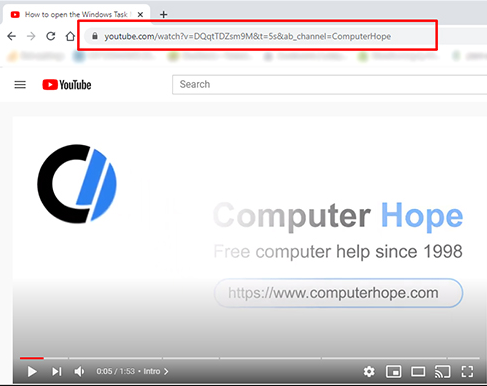
Step 2: Copy the video URL from the address bar.
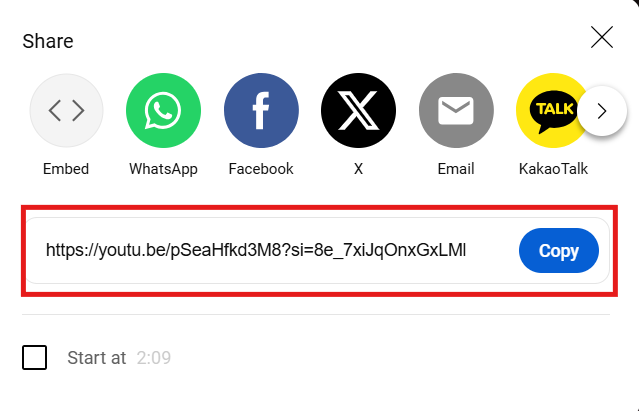
Step 3: Paste the URL into the YouTube to MP3 converter on Toolsmart’s website.
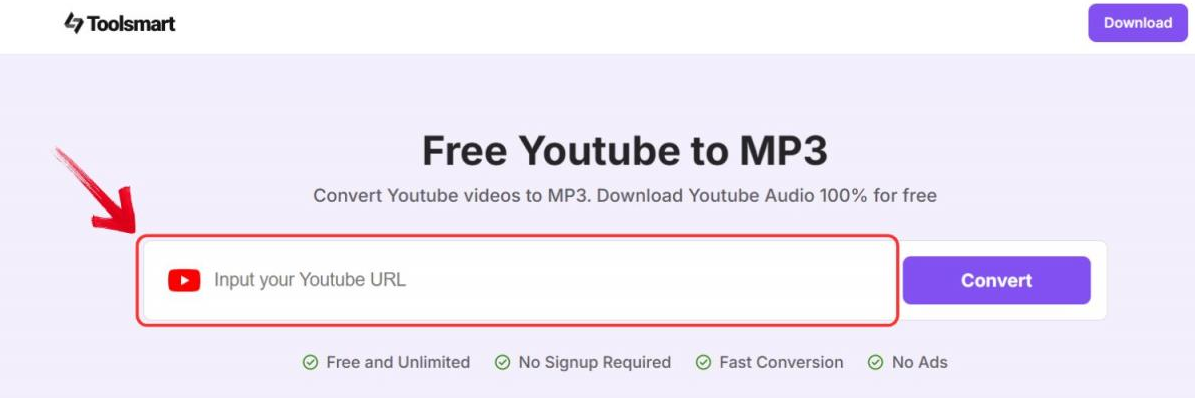
Step 4: Click the “Convert” button and wait for the conversion to complete.
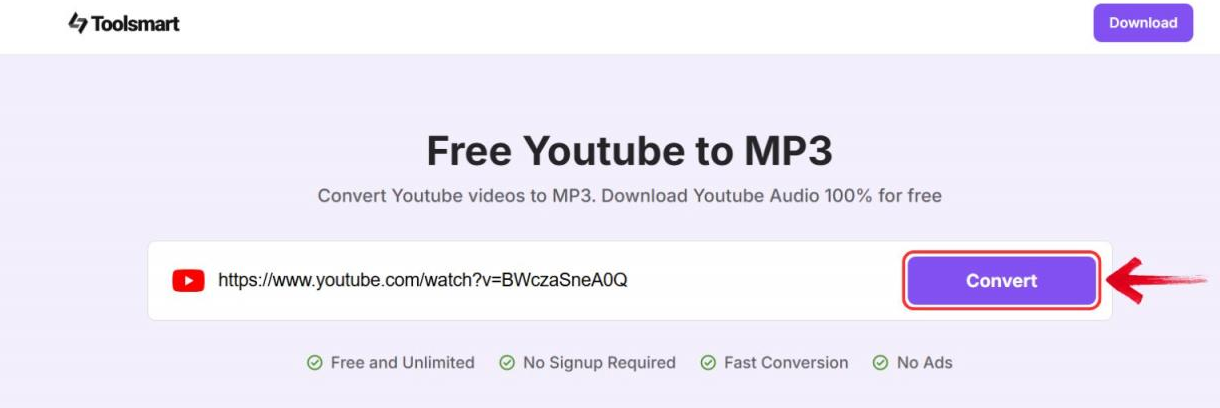
Step 5: Download the MP3 file and use it in your video project.
FAQs
Q1: Are AI-generated sound effects copyright-free?
AI-generated sound effects help avoid copyright issues by
creating unique sounds, but users should still check licensing terms for
compliance.
Q2: Is there an AI that generates sound effects?
Tools like ElevenLabs and Descript automatically generate
sound effects based on video content.
Q3: How long are my converted files stored in this YouTube to
MP3 Converter?
MP3 files are automatically deleted after one hour for
privacy.
Q4: What is the audio quality of MP3 downloads from this
YouTube to MP3 converter?
The tool provides high-quality MP3 conversions up to
320kbps.
Summary
AI tools for adding sound effects to video revolutionize video editing, making enhancing your content easier and faster than ever. Whether using ElevenLabs, Clipchamp, or Descript, these tools can significantly improve your production quality with minimal effort. Toolsmart’s YouTube to MP3 Converter is a handy tool for extracting audio from YouTube videos, allowing you to incorporate various sounds into your projects.


