
'%3e%3cpath%20fill-rule='evenodd'%20clip-rule='evenodd'%20d='M19%208.5C24.799%208.5%2029.5%2013.201%2029.5%2019C29.5%2024.6782%2024.9928%2029.3036%2019.361%2029.4939L19%2029.5C18.8794%2029.5%2018.7592%2029.498%2018.6396%2029.4939L18.2811%2029.4758C12.8174%2029.1063%208.5%2024.5574%208.5%2019C8.5%2013.201%2013.201%208.5%2019%208.5ZM22.3063%2010.6267L22.2342%2010.6539C21.3423%2011.0061%2020.5541%2011.6368%2020.5606%2012.4987C20.5631%2012.8302%2020.869%2014.8871%2020.2141%2014.8486C19.5589%2014.8102%2019.413%2013.8753%2018.7116%2013.616C17.5944%2013.2026%2016.9819%2014.3401%2017.0939%2015.3106C17.1695%2015.9655%2018.9289%2018.3871%2017.9028%2019C17.292%2019.3651%2015.7279%2017.5692%2015.1007%2017.1842C14.4805%2016.8034%2013.2758%2017.3333%2012.4974%2016.7029C11.9874%2016.2899%2012.3881%2014.4098%2012.2786%2013.8372C12.2271%2013.5698%2012.1155%2013.3689%2011.9794%2013.2166L12.0402%2013.2934C10.7653%2014.8464%2010%2016.8339%2010%2019C10%2023.8465%2013.8307%2027.7982%2018.6295%2027.9925L18.6769%2027.9747C18.8597%2027.8677%2019.0394%2027.7557%2019.216%2027.6387C19.4137%2027.4534%2019.5436%2027.2072%2019.5849%2026.9394C19.8806%2025.1222%2018.3616%2025.4302%2017.9367%2024.5622C17.5489%2023.7695%2018.5712%2023.7684%2018.5524%2021.7923C18.4607%2021.1774%2018.5279%2020.547%2018.7211%2020.0315C19.1834%2018.7987%2020.7077%2017.2643%2022.5889%2018.0081C23.5567%2018.3906%2023.1524%2019.9831%2023.4737%2020.3394C24.251%2021.2018%2025.3228%2020.6863%2026.2856%2021.2253C26.7816%2021.5032%2026.9797%2022.41%2027.056%2023.2248L27.038%2023.0528C27.6534%2021.8348%2028%2020.4579%2028%2019C28%2015.1968%2025.6409%2011.9445%2022.3063%2010.6267Z'%20fill='%23757575'/%3e%3ccircle%20cx='19'%20cy='19'%20r='10.125'%20stroke='%23757575'%20stroke-width='2.25'/%3e%3c/g%3e%3cdefs%3e%3cclipPath%20id='clip0_1827_14613'%3e%3crect%20width='24'%20height='24'%20fill='white'%20transform='translate(7%207)'/%3e%3c/clipPath%3e%3c/defs%3e%3c/svg%3e)


Instagram is one of the most popular apps for sharing photos and videos. But if your pictures don’t fit Instagram’s size rules, they might get cropped or lose quality. You may wonder how to make your photos fit perfectly without paying or using complicated tools. The good news is: you can resize photo for Instagram easily and for free.
This guide will show you the best Instagram pic resize tools to help your photos look perfect.
You’ll also learn how to download Instagram videos using a free and simple tool.
Part 1: Top 5 Free Instagram Pic Resize Tools
Finding a good Instagram pic resize tool can make your content look clean and professional. Below are five free tools that help you quickly adjust image size to fit Instagram's formats without losing quality.
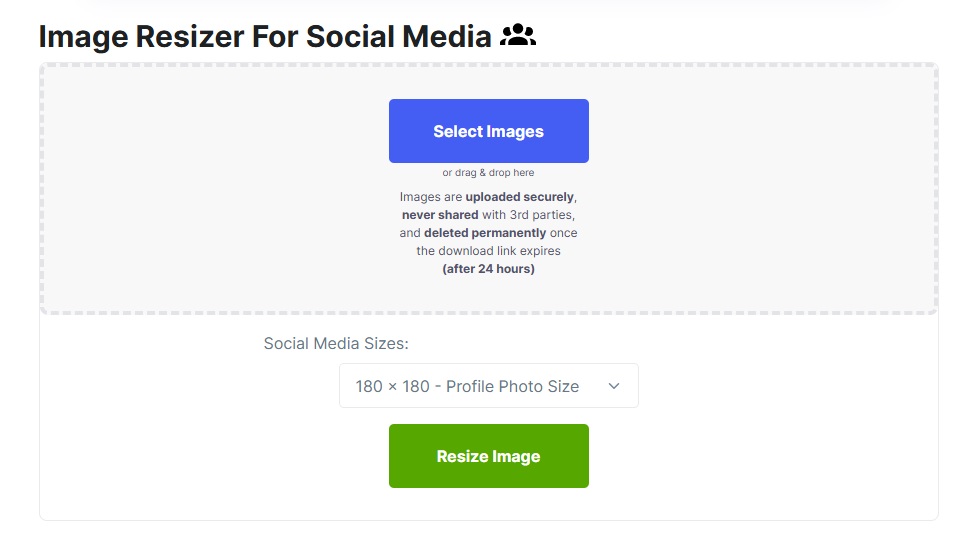
1. Social Image Resizer Tool
Features: Resize for social media formats, including Instagram
Pros:
No sign-up required
Quick and easy interface
Supports multiple formats
Cons:
Limited advanced editing options
No batch processing
How to Use:
Upload your image
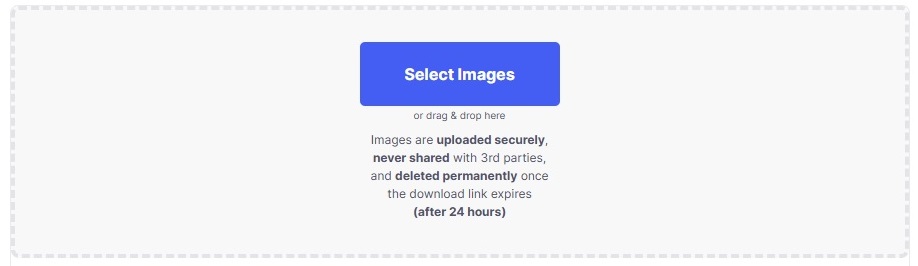
Select “Instagram” format
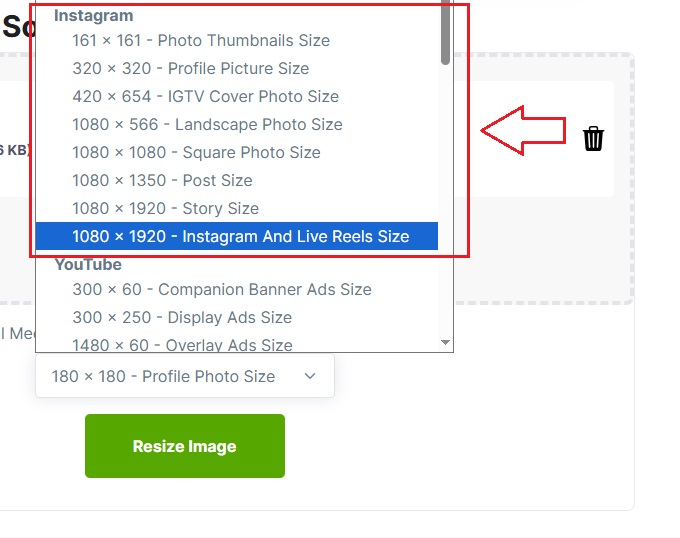
Adjust dimensions and download
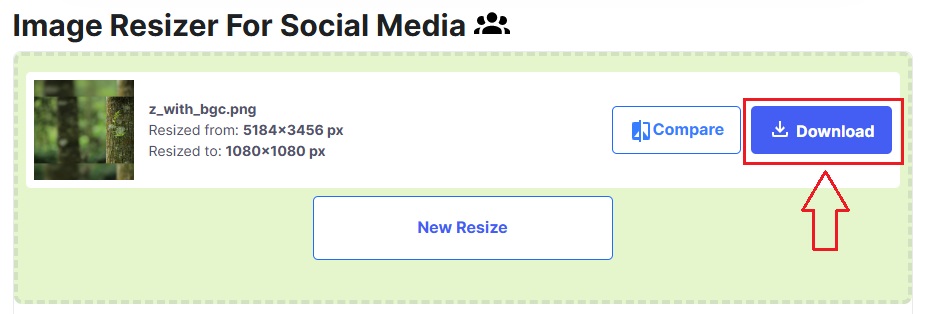
If you’re looking for a fast Instagram pic resize, this tool works great. I use it when I want to adjust one photo quickly without downloading a converter or using complex apps.
2. Simple Image Resizer
Features: Resize images by dimensions or percentage

Pros:
Beginner-friendly interface
No account needed
Supports JPEG and PNG
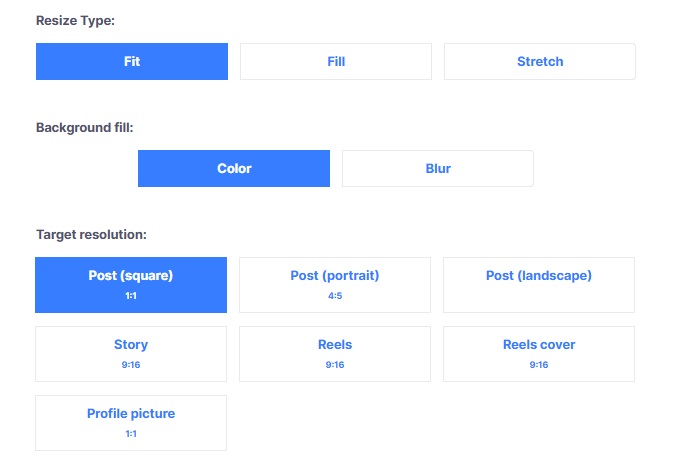
Cons:
Lacks extra editing tools
Only resizes one image at a time
How to Use:
Upload your image
Choose a new size (custom or preset for Instagram)
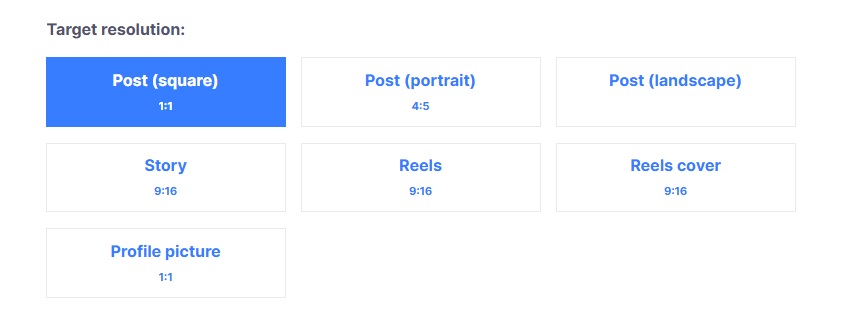
Download the final version
This is my go-to for quick Instagram pic resize tasks. It’s easy to use, and perfect when something just needs to be changed slightly to fit Instagram’s layout.
3. BeFunky
Features: Resize, crop, filters, effects, and batch editing

Pros:
Full editing suite
Stylish design and user-friendly
Supports many file types
Cons:
Some features require payment
Watermarks may appear on free version
How to Use:
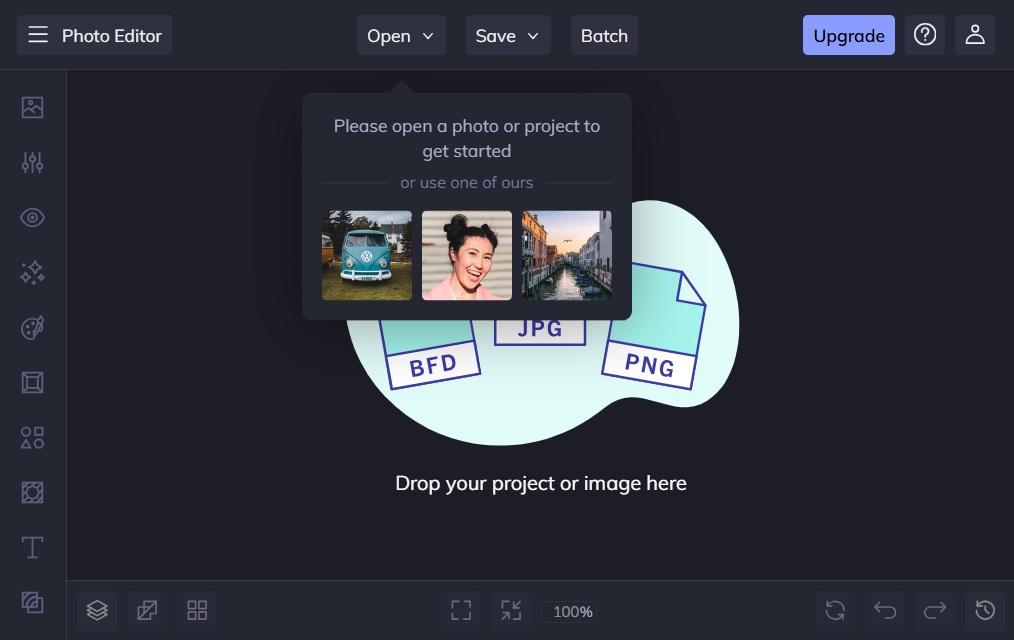
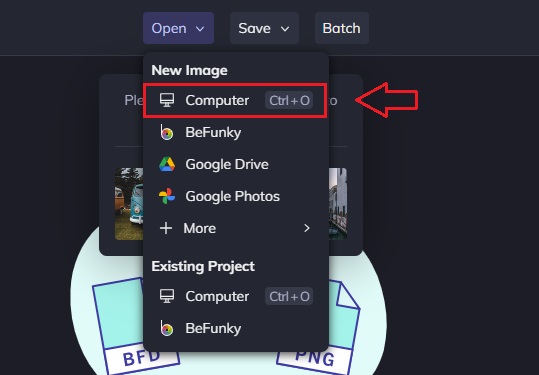
Upload your photo
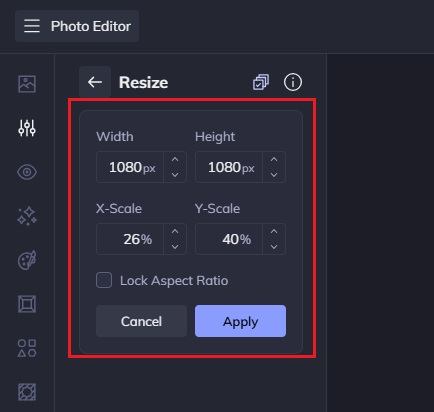
Click “Resize” and set Instagram dimensions
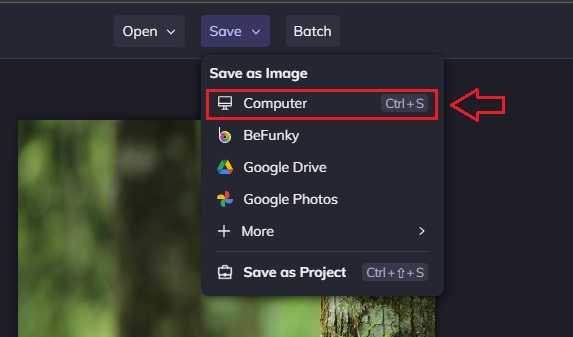
Save the edited image
BeFunky is ideal if you want more than just resizing. It lets you convert long photo to insta style easily with added filters and effects.
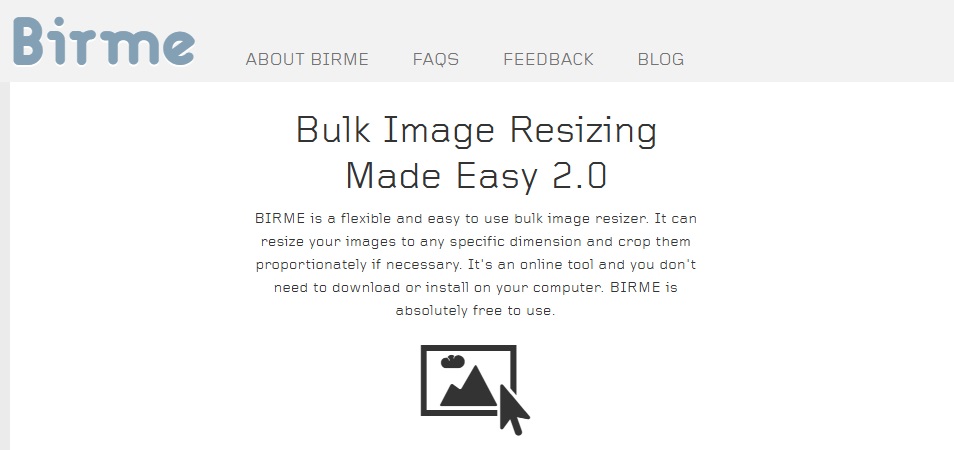
4. BIRME (Bulk Image Resizing Made Easy)
Features: Batch resize, auto-centring, padding options
Pros:
Great for resizing many images at once
Fast processing
Offers a preview before download
Cons:
Outdated look
No additional editing features
How to Use:
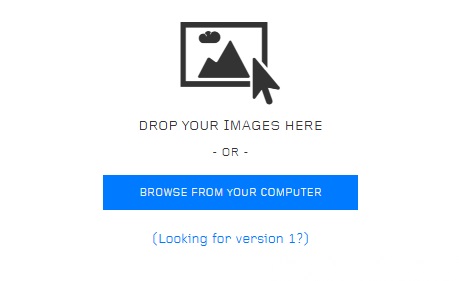
Upload multiple images
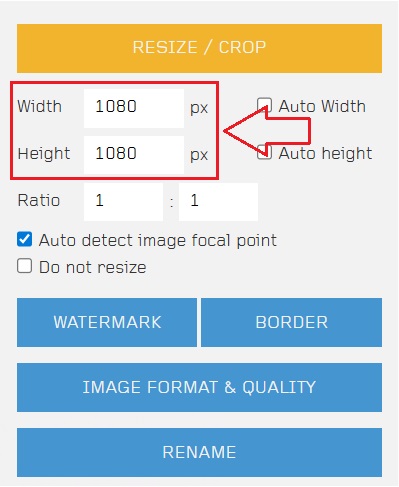
Set the dimensions for Instagram
Preview and download resized files
I use this when I need multiple images for a story or carousel. It speeds up my Instagram pic resize workflow massively.
5. PicResize
Features: Resize, crop, rotate, and apply effects
Pros:
Custom cropping
Simple preview before saving
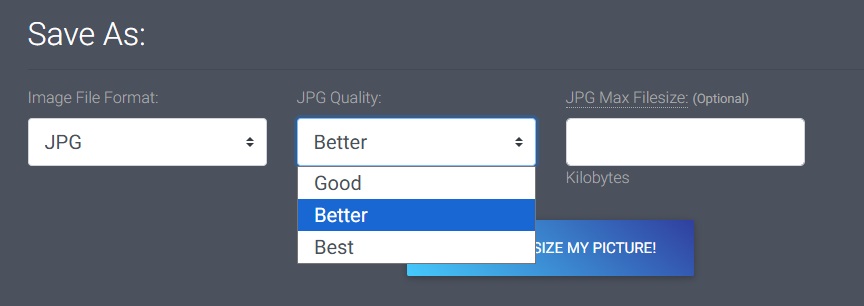
Extra options like compression
Cons:
Ads can be distracting
Only supports one image at a time
How to Use:
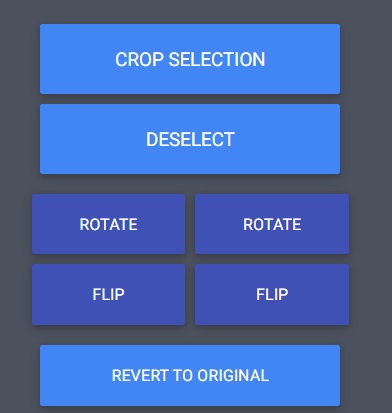
Upload your photo
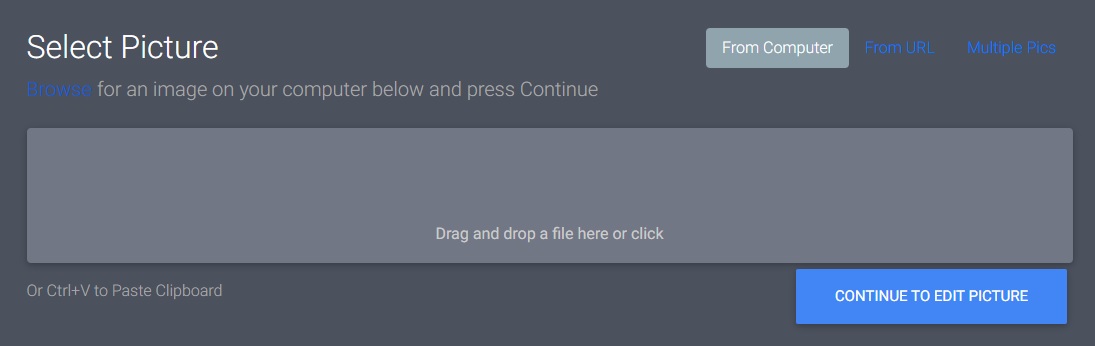
Choose to crop, resize, or apply effects
Click “Save to Disk” to download
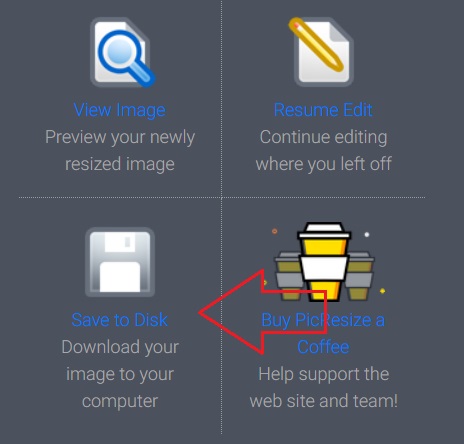
It’s reliable and works well for Instagram pic resize. I like using it when I want to customize the crop and size before uploading.
Part 2: Comparison of 5 Free Instagram Pic Resize Tools
| Tool | Clean Interface | Ease of Use | Plot Options | Customization | Speed & Access |
|---|---|---|---|---|---|
| Social Image Resizer | ⭐⭐⭐⭐☆ | ⭐⭐⭐⭐☆ | ⭐⭐☆☆☆ | ⭐⭐☆☆☆ | ⭐⭐⭐⭐☆ |
| Simple Image Resizer | ⭐⭐⭐⭐⭐ | ⭐⭐⭐⭐⭐ | ⭐☆☆☆☆ | ⭐⭐☆☆☆ | ⭐⭐⭐⭐⭐ |
| BeFunky | ⭐⭐⭐⭐☆ | ⭐⭐⭐⭐☆ | ⭐⭐⭐⭐☆ | ⭐⭐⭐⭐☆ | ⭐⭐⭐⭐☆ |
| BIRME | ⭐⭐☆☆☆ | ⭐⭐⭐☆☆ | ⭐⭐☆☆☆ | ⭐⭐⭐☆☆ | ⭐⭐⭐⭐☆ |
| PicResize | ⭐⭐⭐☆☆ | ⭐⭐⭐⭐☆ | ⭐⭐⭐☆☆ | ⭐⭐⭐☆☆ | ⭐⭐⭐⭐☆ |
Part 3: Want More from Instagram? Try Toolsmart Instagram Video Downloader
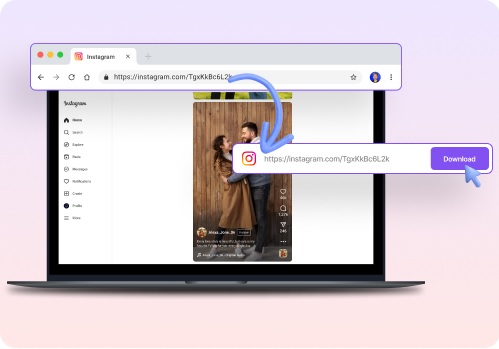
Once I finished resizing with my favourite Instagram photo resizer, I needed a way to save my favourite Reels. That’s when I found Toolsmart’s Instagram Video Downloader, and honestly, it’s been a game-changer.
Why I Prefer Toolsmart:
Easy to use: Just copy the Instagram video link and paste it — done!
Unlimited downloads: I never worry about limits or counts.
No software required: It’s all online — no apps, no installs.
Free: No hidden charges.
No file size cap: Long videos? No problem!
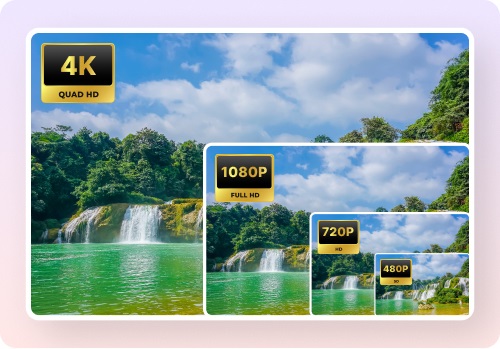
Toolsmart has become my go-to after every Instagram pic resize session. I save content to study trends or simply for fun.
Part 4: How to Use Toolsmart’s Instagram Video Downloader
Step-by-Step Guide:
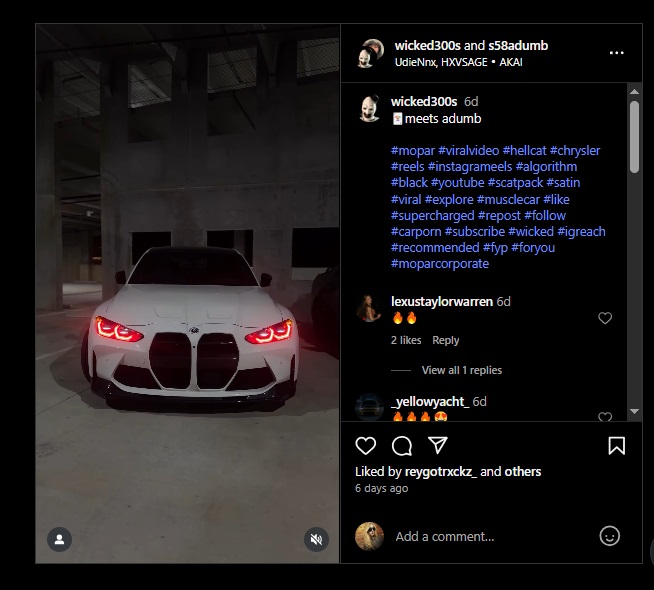
Find the Video: Go to Instagram and open the video post.
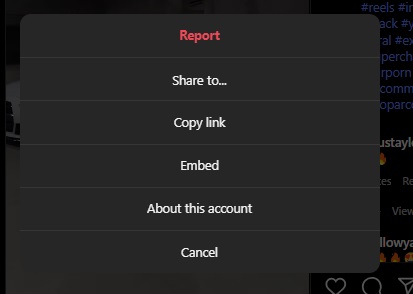
Copy the Link: Tap the three dots > "Copy Link."
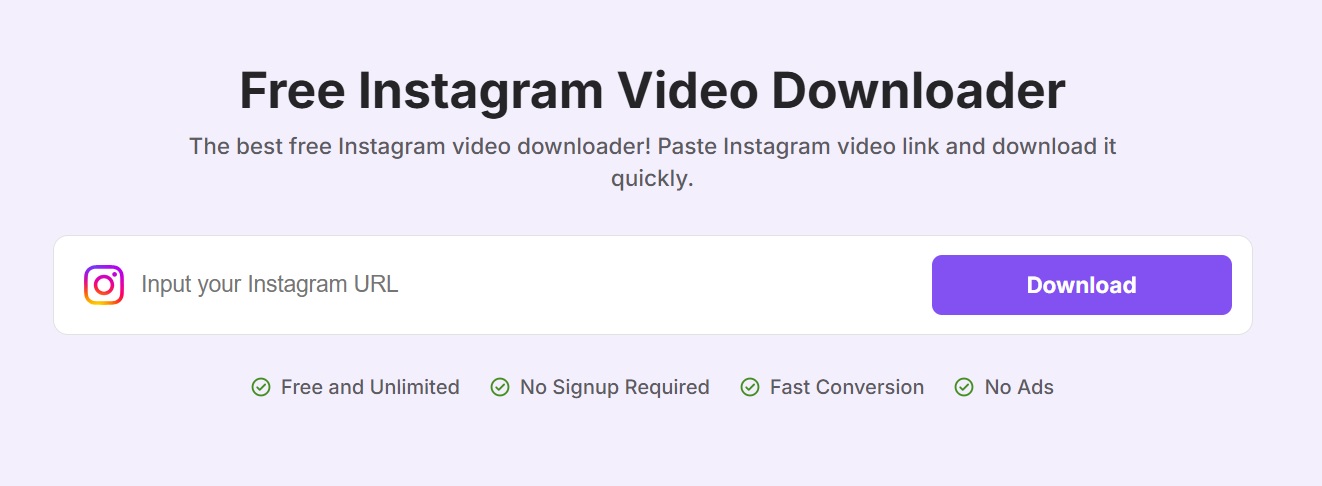
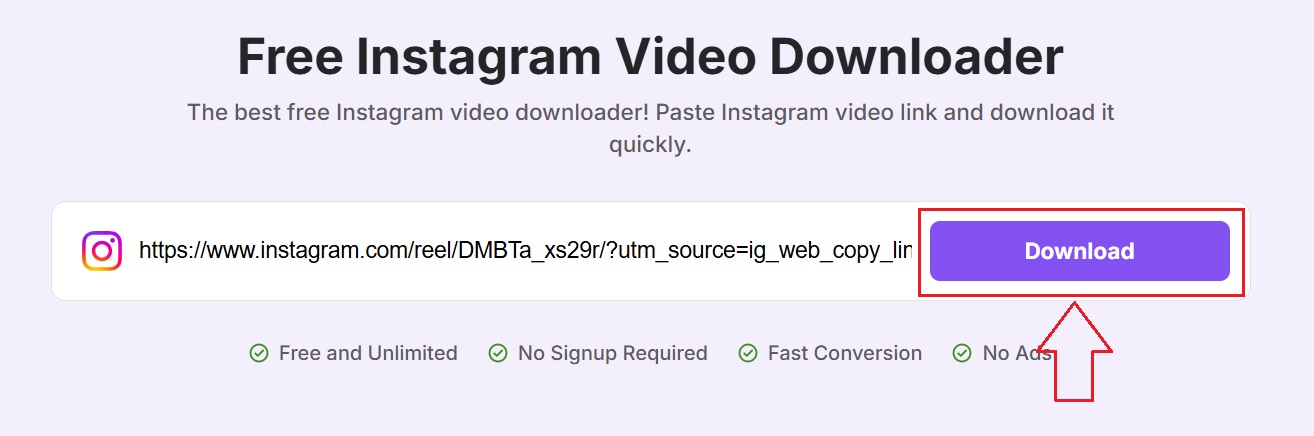
Visit Toolsmart: Open the Toolsmart Instagram Video Downloader website.
Paste the Link: Enter the copied URL in the input box.
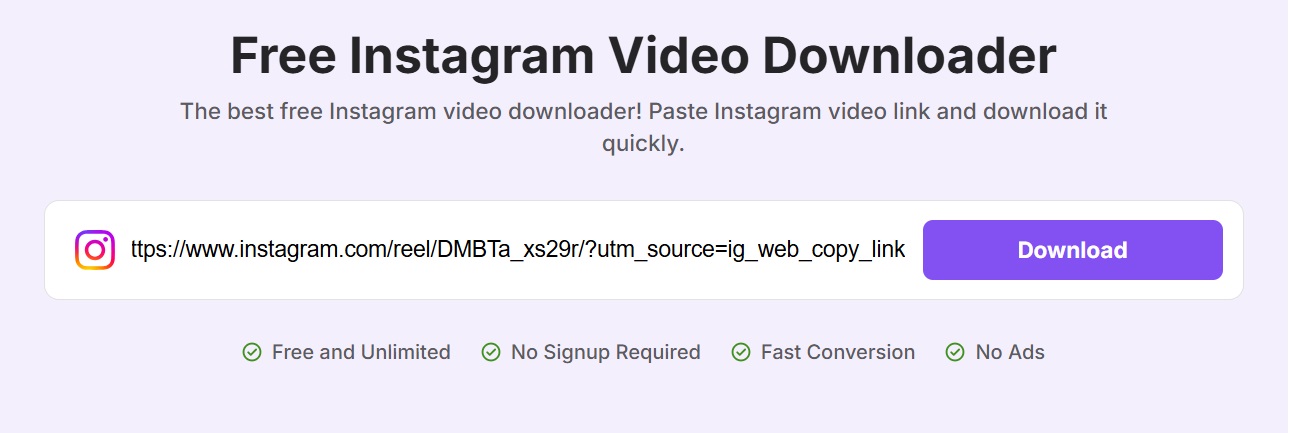
Download: Click “Download” and your video will be ready in seconds!
FAQs
Q: What are the advantages and disadvantages of
BeFunky?
A: It has great editing tools and supports multiple formats,
but the free version might add watermarks.
Q: What is your experience with Simple Image Resizer?
A: It’s very user-friendly, fast, and ideal for quick resizing.
However, it lacks complex editing features.
Q: Is the Instagram Video Downloader free?
A: Yes, completely free with no hidden charges.
Q: Is there a file size limit for video downloads?
A: No hard limit, but large files may take longer to
download.
Summary
This article reviewed the top 5 free tools for easy Instagram pic resizing in 2025. Whether you want to post photos or resize photo for Instagram Stories, tools like BeFunky and PicResize help greatly. For bulk jobs, BIRME works wonders. And once you're done with pictures, Toolsmart is your best bet to download Instagram videos with no limits. If you wanna convert a long photo to Insta style or download full HD clips, these tools make content creation a breeze. Use a reliable Instagram photo resizer to ensure your feed looks great, every time!



