
'%3e%3cpath%20fill-rule='evenodd'%20clip-rule='evenodd'%20d='M19%208.5C24.799%208.5%2029.5%2013.201%2029.5%2019C29.5%2024.6782%2024.9928%2029.3036%2019.361%2029.4939L19%2029.5C18.8794%2029.5%2018.7592%2029.498%2018.6396%2029.4939L18.2811%2029.4758C12.8174%2029.1063%208.5%2024.5574%208.5%2019C8.5%2013.201%2013.201%208.5%2019%208.5ZM22.3063%2010.6267L22.2342%2010.6539C21.3423%2011.0061%2020.5541%2011.6368%2020.5606%2012.4987C20.5631%2012.8302%2020.869%2014.8871%2020.2141%2014.8486C19.5589%2014.8102%2019.413%2013.8753%2018.7116%2013.616C17.5944%2013.2026%2016.9819%2014.3401%2017.0939%2015.3106C17.1695%2015.9655%2018.9289%2018.3871%2017.9028%2019C17.292%2019.3651%2015.7279%2017.5692%2015.1007%2017.1842C14.4805%2016.8034%2013.2758%2017.3333%2012.4974%2016.7029C11.9874%2016.2899%2012.3881%2014.4098%2012.2786%2013.8372C12.2271%2013.5698%2012.1155%2013.3689%2011.9794%2013.2166L12.0402%2013.2934C10.7653%2014.8464%2010%2016.8339%2010%2019C10%2023.8465%2013.8307%2027.7982%2018.6295%2027.9925L18.6769%2027.9747C18.8597%2027.8677%2019.0394%2027.7557%2019.216%2027.6387C19.4137%2027.4534%2019.5436%2027.2072%2019.5849%2026.9394C19.8806%2025.1222%2018.3616%2025.4302%2017.9367%2024.5622C17.5489%2023.7695%2018.5712%2023.7684%2018.5524%2021.7923C18.4607%2021.1774%2018.5279%2020.547%2018.7211%2020.0315C19.1834%2018.7987%2020.7077%2017.2643%2022.5889%2018.0081C23.5567%2018.3906%2023.1524%2019.9831%2023.4737%2020.3394C24.251%2021.2018%2025.3228%2020.6863%2026.2856%2021.2253C26.7816%2021.5032%2026.9797%2022.41%2027.056%2023.2248L27.038%2023.0528C27.6534%2021.8348%2028%2020.4579%2028%2019C28%2015.1968%2025.6409%2011.9445%2022.3063%2010.6267Z'%20fill='%23757575'/%3e%3ccircle%20cx='19'%20cy='19'%20r='10.125'%20stroke='%23757575'%20stroke-width='2.25'/%3e%3c/g%3e%3cdefs%3e%3cclipPath%20id='clip0_1827_14613'%3e%3crect%20width='24'%20height='24'%20fill='white'%20transform='translate(7%207)'/%3e%3c/clipPath%3e%3c/defs%3e%3c/svg%3e)


In today's digital-first world, the need for quick and easy photo editing has never been greater. Whether you're polishing up a selfie, fixing product photos for your business, or simply adding creative flair, having access to good apps to edit photos for free can make all the difference.
So, how do you find the best photo editing app that doesn't compromise on usability or quality?
In this article, I'll walk you through three of the top free tools, Canva, Fotor, and PhotoRoom, and compare them based on real-world use.
Part 1: Top 3 Apps to Edit Photos Free
1. Canva
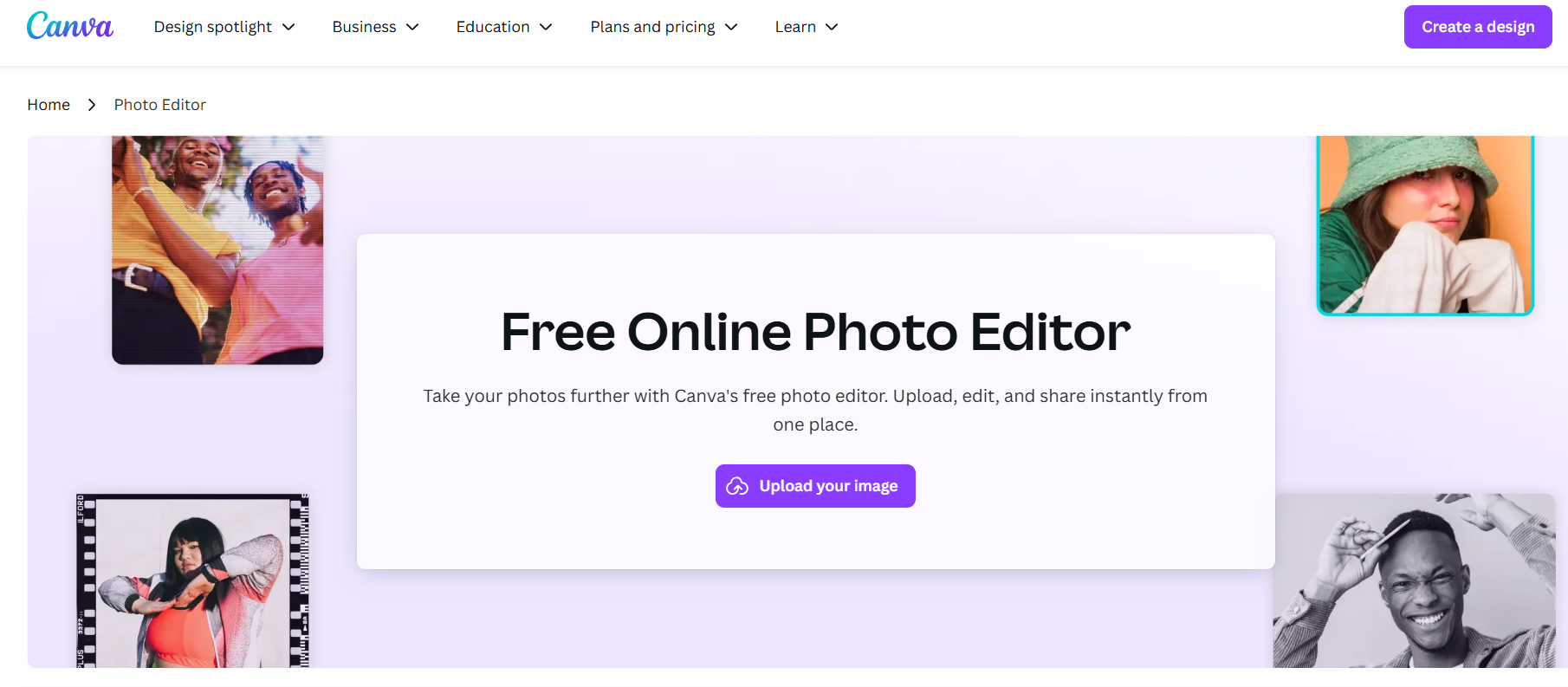
Canva is an all-in-one design and image editing app available on both desktop and mobile. It offers drag-and-drop functionality, pre-made templates, and powerful tools like background remover, filters, text overlays, and more.
Pros:
Beginner-friendly interface with guided tools
Cross-platform support (web, iOS, Android)
Rich template library and stock assets
Allows easy collaboration and cloud storage
Cons:
Some features, like background remover, are locked behind a paywall
Limited export customization in the free version
Canva is a go-to choice for many users, including myself, when quick graphic creation or light photo editing is needed. It's especially handy for social media content. While it may not be a full-featured image editing app, iPhone users might expect pixel-level edits, it's perfect for visual design work. I found the free photo editing app for iPhone version smooth, with minimal lag even when editing large files.
2. Fotor
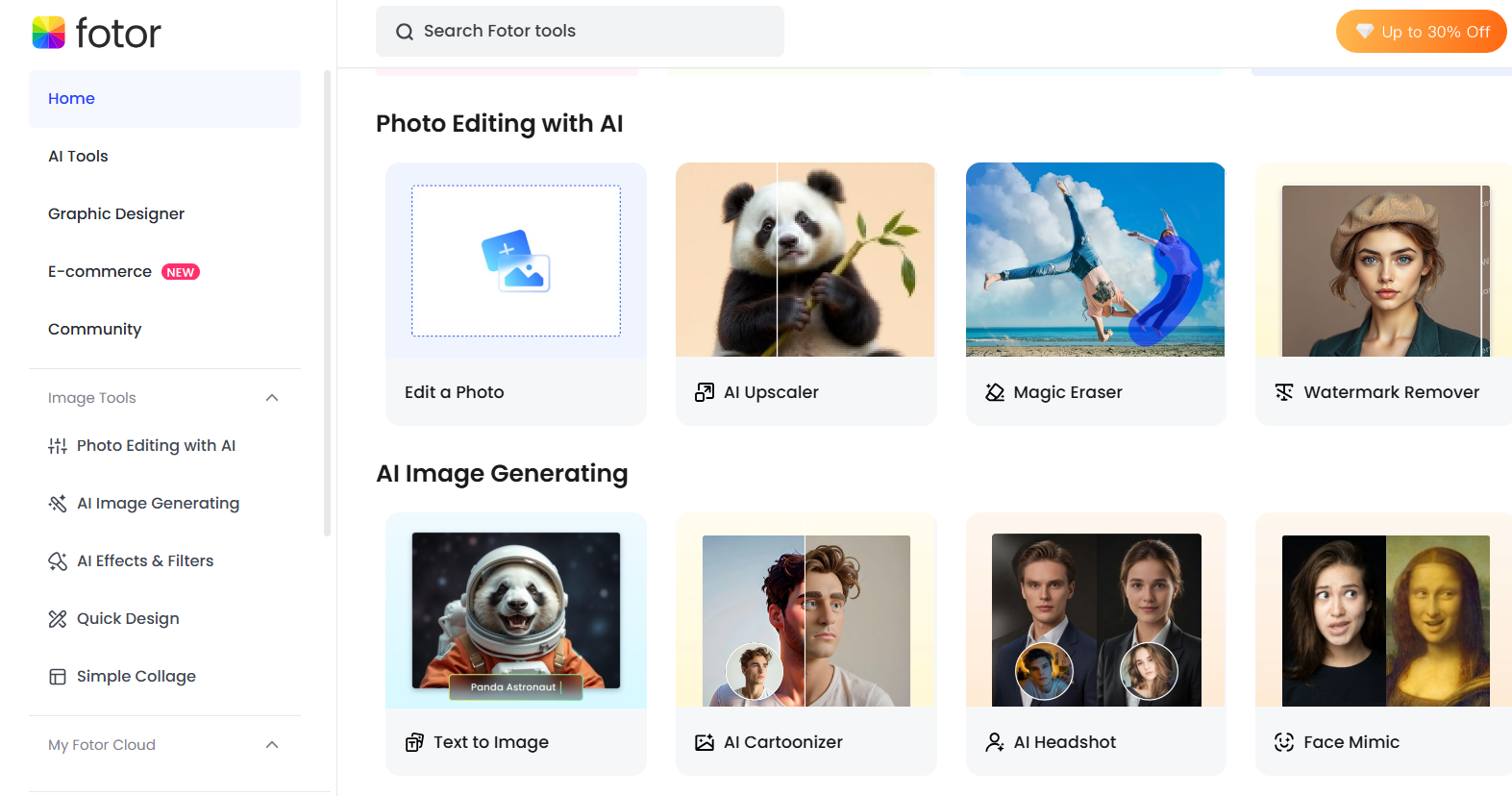
Fotor is a versatile photo editor app free for basic editing like cropping, retouching, and adding effects. It includes AI-powered tools for quick fixes, collage creation, and HDR editing.
Pros:
Clean, intuitive layout
AI photo enhancer and one-tap filters
Supports RAW files and high-resolution images
Available for PC, Mac, iOS, and Android
Cons:
Ads can be intrusive in the mobile app
Some effects and templates are locked behind the Pro version
I've used Fotor when editing travel and event photos. It's one of the good apps to edit photos free for PC that doesn't sacrifice speed for functionality. The auto-enhance tool performs well on underexposed images, and I appreciate how it syncs across desktop and mobile devices. It's also a strong contender as the best photo editing app if you want results fast without tweaking sliders endlessly.
3. PhotoRoom
PhotoRoom specializes in AI-powered background removal and smart object isolation. It's designed primarily for product shots, profile photos, and clean, studio-style visuals.

Pros:
Fast and accurate background removal
Perfect for product photos and social posts
Intuitive design, great for first-time users
Supports batch editing (Pro feature)
Cons:
The free version limits export resolution
Batch processing and HD output require an upgrade
For e-commerce listings and profile pics, PhotoRoom is unmatched. I tested it on both iPhone and desktop, and the cutouts were crisp in almost every scenario. It's ideal when you need clean, ready-to-use visuals without Photoshop-level skills. As one of the good apps to edit photos free online, it's very efficient. The only trade-off is that high-resolution exports are limited unless you go Pro.
Part 2: Comparison of Free Edit Photos Apps
| Feature | Canva | Fotor | PhotoRoom |
|---|---|---|---|
| Clean Interface | Minimalist and well-organized | Simple and modern | Sleek and intuitive |
| Ease of Use | Drag-and-drop, beginner-friendly | Easy navigation, guided tools | One-click features, fast workflow |
| Variety of Edit Options | Strong for templates and text overlays | Wide range of filters and adjustments | Focused mostly on background removal |
| Customization Level | Flexible with design tools | Manual adjustments and AI enhancement | Limited beyond cutout and presets |
| Speed & Accessibility | Fast on all platforms | Quick load and cloud sync | Fast processing, but HD exports are limited |
Personal Take:
If you're looking for an image editing app that iPhone users can master instantly, Canva and Fotor are excellent choices. Canva wins in creative design and multi-purpose use, while Fotor provides deeper photo editing capabilities. PhotoRoom, on the other hand, is ideal if your priority is clean cutouts and instant background removal, especially for product images or social media content.
Overall, each tool offers strengths depending on your editing goal. But if you want good apps to edit photos free online or on PC, you can't go wrong starting with these three.
Part 3: Beyond Photo Editing – Try These Smart AI Tools for Your Images
While Canva, Fotor, and PhotoRoom are excellent free photo editing apps, sometimes you need tools that go a step further, especially when you're working with low-resolution images, removing complex backgrounds, or preparing clean visuals for presentations. That's where Toolsmart comes in.
Why Toolsmart Stands Out
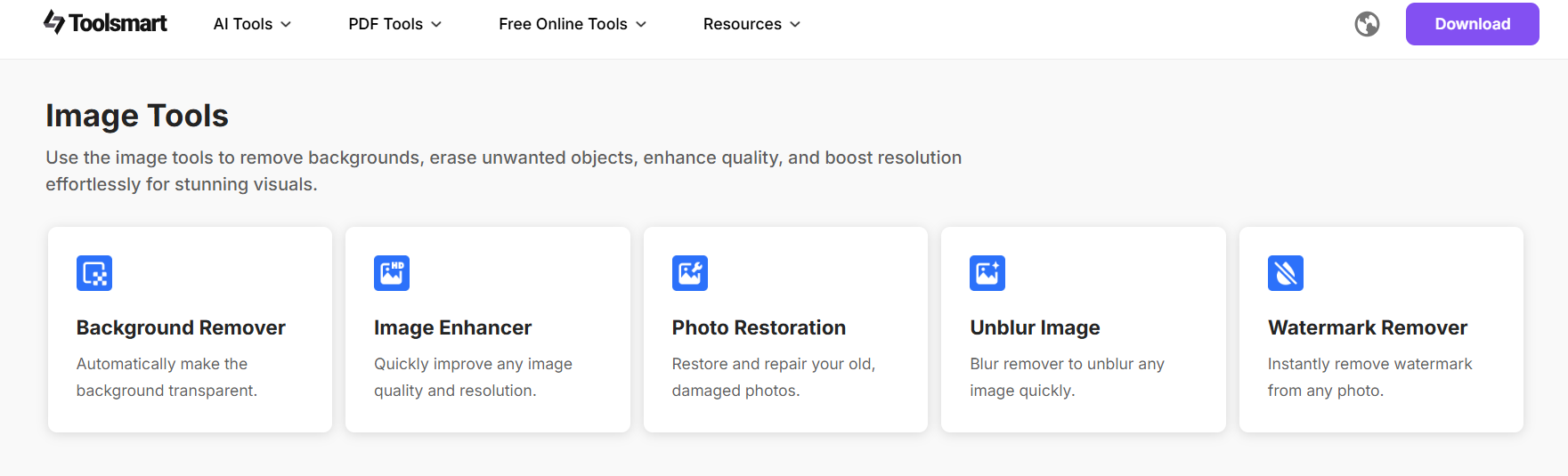
Toolsmart is a modern AI-powered image enhancer built for users who want speed and simplicity without the usual limitations of free tools. It includes several powerful features:
No watermark, no ads: You get clean, ready-to-use results with zero distractions.
One-click processing: Remove backgrounds, upscale images, and enhance photos instantly.
Supports large images (up to 4K): Ideal for professional or print-ready visuals.
Beginner-friendly interface: No steep learning curve, everything is clearly laid out.
After testing dozens of editors over the years, Toolsmart genuinely surprised me. I uploaded a blurry, low-light image and used itsAI photo enhancer; within seconds, the output looked noticeably sharper and brighter without any harsh over-processing.
The background remover also worked seamlessly on a product image I tested, perfectly isolating the object without any jagged edges. Unlike many photo editor app freeversions that sneak in watermarks or compress quality, Toolsmart delivered high-resolution results without any trade-offs.
It's one of those rare tools that feels like it should be paid, yet it's totally free, and it works both online and on desktop browsers. If you're searching for good apps to edit photos for free on PC or want to enhance images without downloading software, Toolsmart is a standout solution.
FAQs
Q: Can I use Fotor's free photo editor on PC and mobile?
Yes, Fotor is available on Windows, Mac, iOS, and Android devices. You can edit and enhance your photos across platforms with just one account, making it one of the most versatile apps to edit photos for free.
Q: Is Toolsmart really free to use?
Absolutely. Toolsmart is 100% free to use, with no sign-up, no ads, and no watermarks. Whether you're using it as a quick photo editor app free online or enhancing images on your desktop, it delivers a premium experience without cost.
Q: Does PhotoRoom support background removal for free?
Yes, the free version of PhotoRoom includes background removal. However, features like high-resolution export and batch processing may require a premium upgrade.
Summary
When it comes to finding good apps to edit photos for free, Canva, Fotor, and PhotoRoom each offer something valuable. Canva shines in graphic design and ease of use, Fotor delivers strong editing power across platforms, and PhotoRoom is a go-to for background removal. Whether you're editing on mobile or desktop, these tools provide reliable, user-friendly options for casual and professional use alike.
However, if you're looking for more advanced features, like AI upscaling, instant enhancement, and background removal, without watermarks, ads, or sign-ups, Toolsmart clearly stands out. It's fast, intuitive, and built for modern creators who want to elevate their visuals without the usual limitations of free tools. For anyone serious about image quality and efficiency, Toolsmart is the best free companion beyond basic editing.



