
'%3e%3cpath%20fill-rule='evenodd'%20clip-rule='evenodd'%20d='M19%208.5C24.799%208.5%2029.5%2013.201%2029.5%2019C29.5%2024.6782%2024.9928%2029.3036%2019.361%2029.4939L19%2029.5C18.8794%2029.5%2018.7592%2029.498%2018.6396%2029.4939L18.2811%2029.4758C12.8174%2029.1063%208.5%2024.5574%208.5%2019C8.5%2013.201%2013.201%208.5%2019%208.5ZM22.3063%2010.6267L22.2342%2010.6539C21.3423%2011.0061%2020.5541%2011.6368%2020.5606%2012.4987C20.5631%2012.8302%2020.869%2014.8871%2020.2141%2014.8486C19.5589%2014.8102%2019.413%2013.8753%2018.7116%2013.616C17.5944%2013.2026%2016.9819%2014.3401%2017.0939%2015.3106C17.1695%2015.9655%2018.9289%2018.3871%2017.9028%2019C17.292%2019.3651%2015.7279%2017.5692%2015.1007%2017.1842C14.4805%2016.8034%2013.2758%2017.3333%2012.4974%2016.7029C11.9874%2016.2899%2012.3881%2014.4098%2012.2786%2013.8372C12.2271%2013.5698%2012.1155%2013.3689%2011.9794%2013.2166L12.0402%2013.2934C10.7653%2014.8464%2010%2016.8339%2010%2019C10%2023.8465%2013.8307%2027.7982%2018.6295%2027.9925L18.6769%2027.9747C18.8597%2027.8677%2019.0394%2027.7557%2019.216%2027.6387C19.4137%2027.4534%2019.5436%2027.2072%2019.5849%2026.9394C19.8806%2025.1222%2018.3616%2025.4302%2017.9367%2024.5622C17.5489%2023.7695%2018.5712%2023.7684%2018.5524%2021.7923C18.4607%2021.1774%2018.5279%2020.547%2018.7211%2020.0315C19.1834%2018.7987%2020.7077%2017.2643%2022.5889%2018.0081C23.5567%2018.3906%2023.1524%2019.9831%2023.4737%2020.3394C24.251%2021.2018%2025.3228%2020.6863%2026.2856%2021.2253C26.7816%2021.5032%2026.9797%2022.41%2027.056%2023.2248L27.038%2023.0528C27.6534%2021.8348%2028%2020.4579%2028%2019C28%2015.1968%2025.6409%2011.9445%2022.3063%2010.6267Z'%20fill='%23757575'/%3e%3ccircle%20cx='19'%20cy='19'%20r='10.125'%20stroke='%23757575'%20stroke-width='2.25'/%3e%3c/g%3e%3cdefs%3e%3cclipPath%20id='clip0_1827_14613'%3e%3crect%20width='24'%20height='24'%20fill='white'%20transform='translate(7%207)'/%3e%3c/clipPath%3e%3c/defs%3e%3c/svg%3e)


Podcasts have become one of the most popular ways to share ideas, stories, and conversations. But uploading a podcast to Spotify isn't as simple as dragging and dropping an MP3. You need the right tools, some basic technical understanding, and a streamlined process.
So, how exactly do you upload a podcast to Spotify without making it overly complicated? This article answers that by walking you through the three best methods. Whether you're just starting or looking to switch platforms, these steps are easy to follow.
Part 1: Use Spotify for Podcasters
Spotify for Podcasters is the official platform provided by Spotify to help creators manage, track, and upload their podcasts directly to Spotify. It's free, beginner-friendly, and offers built-in analytics and episode management. However, you'll need an existing RSS feed to submit your show.
Step-by-Step Guide to Upload a Podcast to Spotify
Step 1: Go to Spotify for Podcasters
Visit podcasters.spotify.com. If you don't have a Spotify account, sign up; it's free. Then log in to access your dashboard.
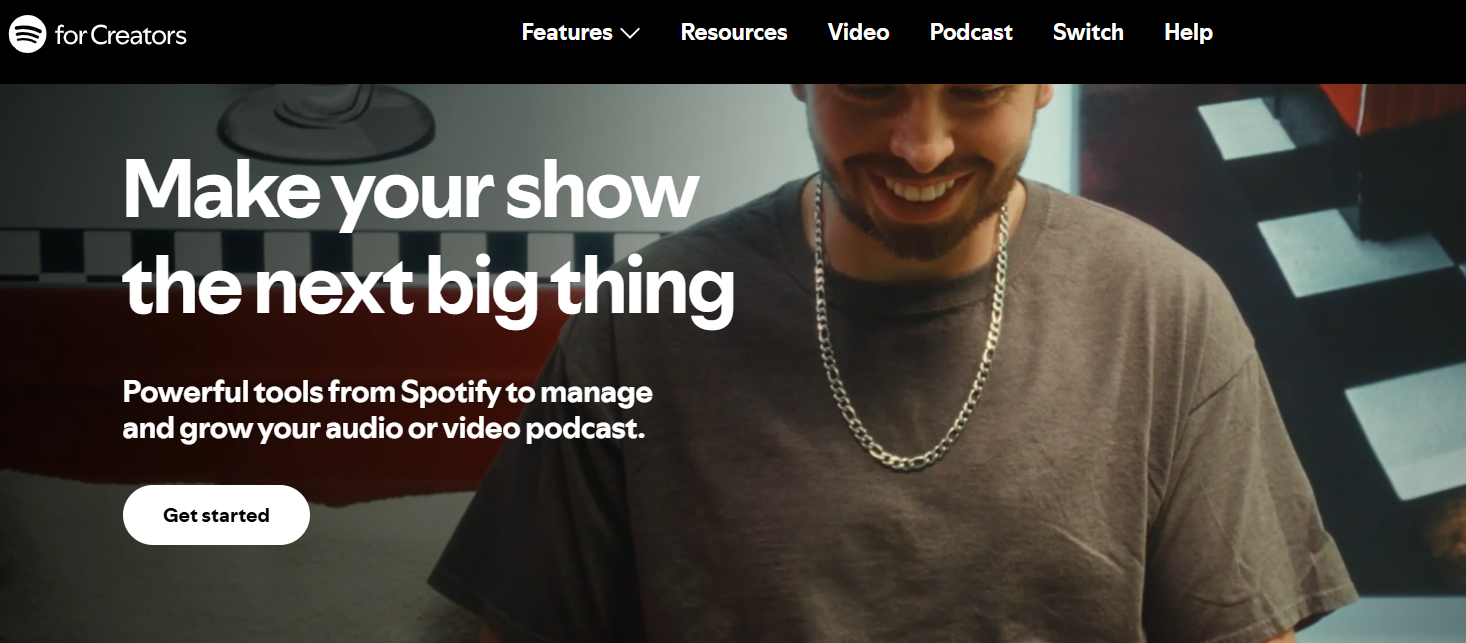
Step 2: Click "Get Started"
On the homepage, click "Get Started" and follow the prompts. This is where you'll begin the process of claiming or submitting your podcast.
Step 3: Submit Your RSS Feed
Paste your podcast's RSS feed URL. Spotify will pull in your show details like title, episodes, and artwork. You'll then be asked to verify ownership via email associated with the feed.
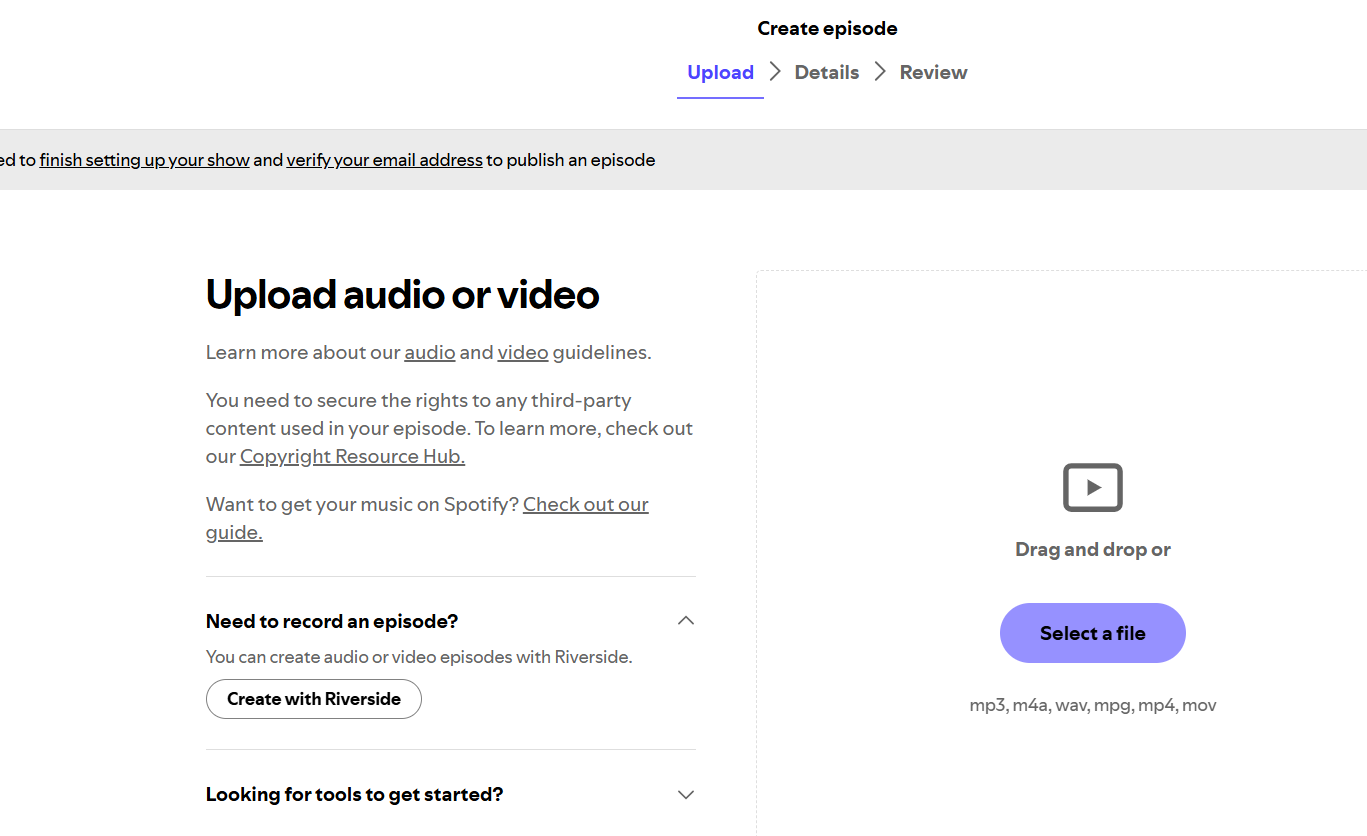
Step 4: Customize Podcast Info and Publish
After verification, you can customize your show's info, such as language, country, and category, and click "Submit". Your podcast will go live on Spotify after processing, usually within a few hours.
Tips from Experience
If you already have a podcast hosted elsewhere and just need to submit a podcast to Spotify, this method is perfect. It's streamlined, clean, and fully official. However, the need for an RSS feed can be a blocker for true beginners. If you're not familiar with feeds or don't already have one, I'd recommend checking out Anchor.fm instead.
Personally, I found Spotify for Podcasters incredibly efficient. The analytics dashboard is especially helpful; you get to see how your episodes perform, which demographics are listening, and more. But for creators starting from scratch, this isn't a one-stop solution. It works best if you're already using a podcast hosting platform.
Part 2: Use Anchor.fm
Anchor.fm is a free, all-in-one podcasting platform owned by Spotify. It allows you to record, edit, host, and distribute your podcast without needing an external RSS feed. This makes it ideal for beginners or creators who want a fast, simplified path to publish a podcast on Spotify.
Step-by-Step Guide to Upload a Podcast to Spotify with Anchor
Step 1: Visit Anchor.fm
Go to anchor.fm and sign up using your email or a connected account like Google or Spotify.
Step 2: Create Your Podcast
Once logged in, click "New Episode" or "Get Started" to begin building your podcast. Enter your podcast name, description, and upload a cover image.
Step 3: Record or Upload Audio
You can either record directly using Anchor's built-in audio recorder or upload MP3 files from your device. The editor also lets you trim, split, and add transitions.
Step 4: Publish to Spotify and Other Platforms
After uploading your audio, click "Publish" and choose where to distribute. Since Anchor is integrated with Spotify, your show is automatically submitted and will appear on Spotify in minutes.
Tips from Experience
Anchor is arguably the easiest tool for beginners to use when figuring out how to publish a podcast on Spotify. There's no need for technical knowledge, and you don't have to worry about generating an RSS feed; Anchor takes care of that.
I found the built-in audio editing tools surprisingly effective for quick episode touch-ups. The mobile app also makes it super convenient to publish podcasts directly from your iPhone or Android, which aligns with what many creators are searching for, such as how to upload a podcast to Spotify on iPhone.
If you're just starting out and want minimal friction, this is the tool I'd recommend.
Part 3: Use Podbean
Podbean is a professional podcast hosting service that supports creators at every level, from hobbyists to large networks. It offers both free and paid plans, and provides automatic distribution to Spotify, Apple Podcasts, and more. Podbean is especially useful if you're looking for flexible monetization, advanced analytics, and control over your podcast branding.
Step-by-Step Guide to Upload a Podcast to Spotify with Podbean
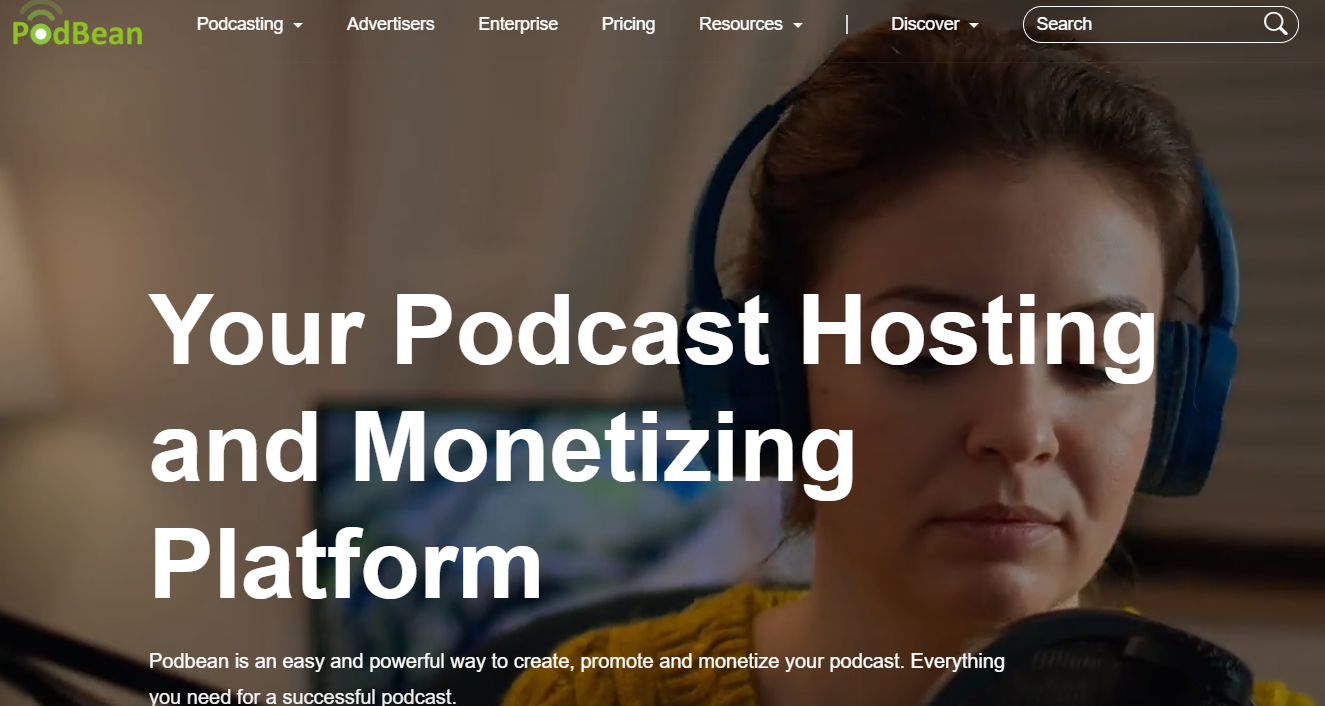
Step 1: Go to Podbean.com
Visit podbean.com and create a free account. You'll be prompted to name your podcast, choose a category, and add basic branding information.
Step 2: Upload Your MP3 File
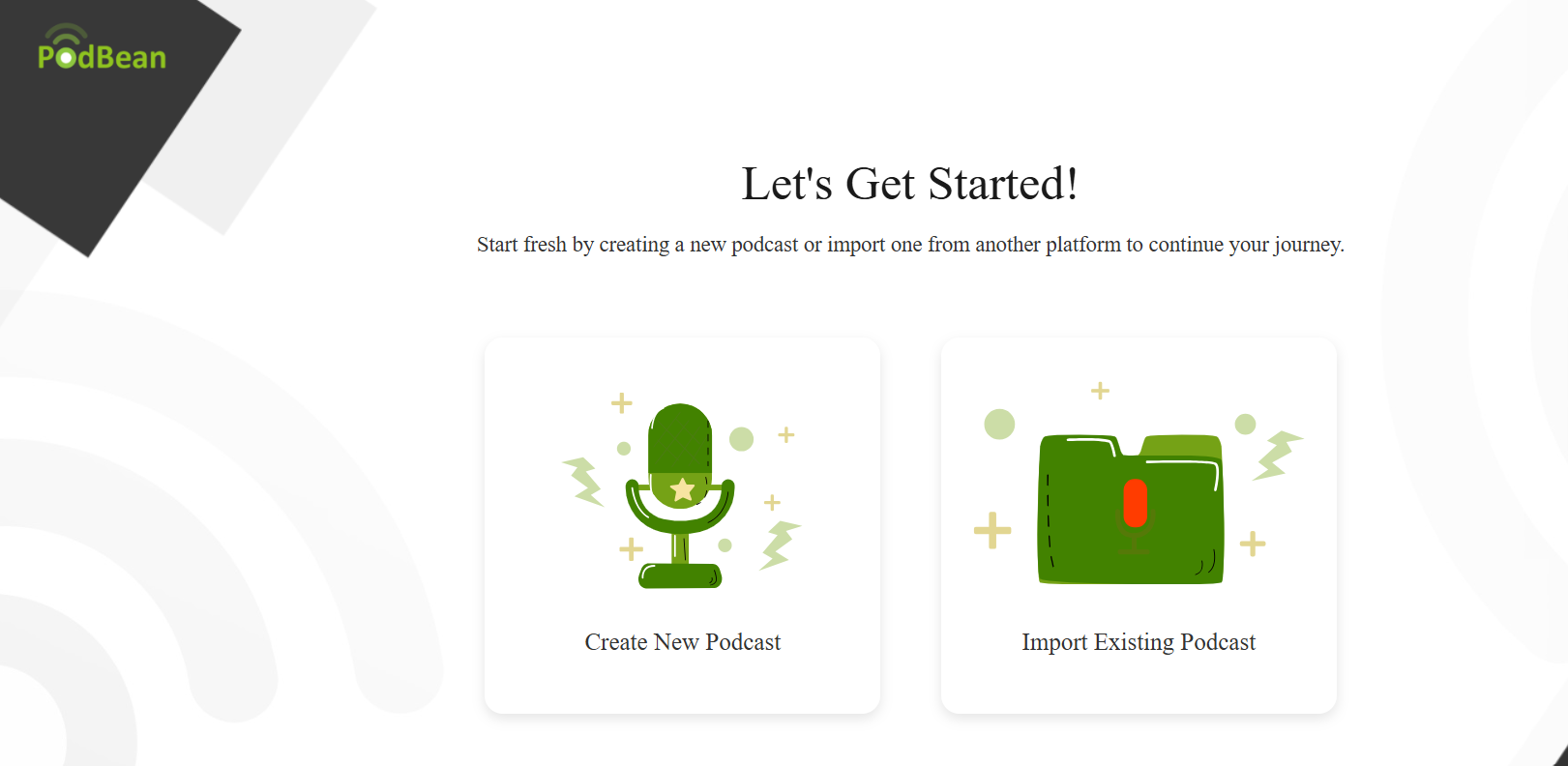
Click "Create New Podcast". You can drag and drop or upload your MP3 file manually. Add your episode title, show notes, and optional episode artwork.
Step 3: Set Episode Details and Publish
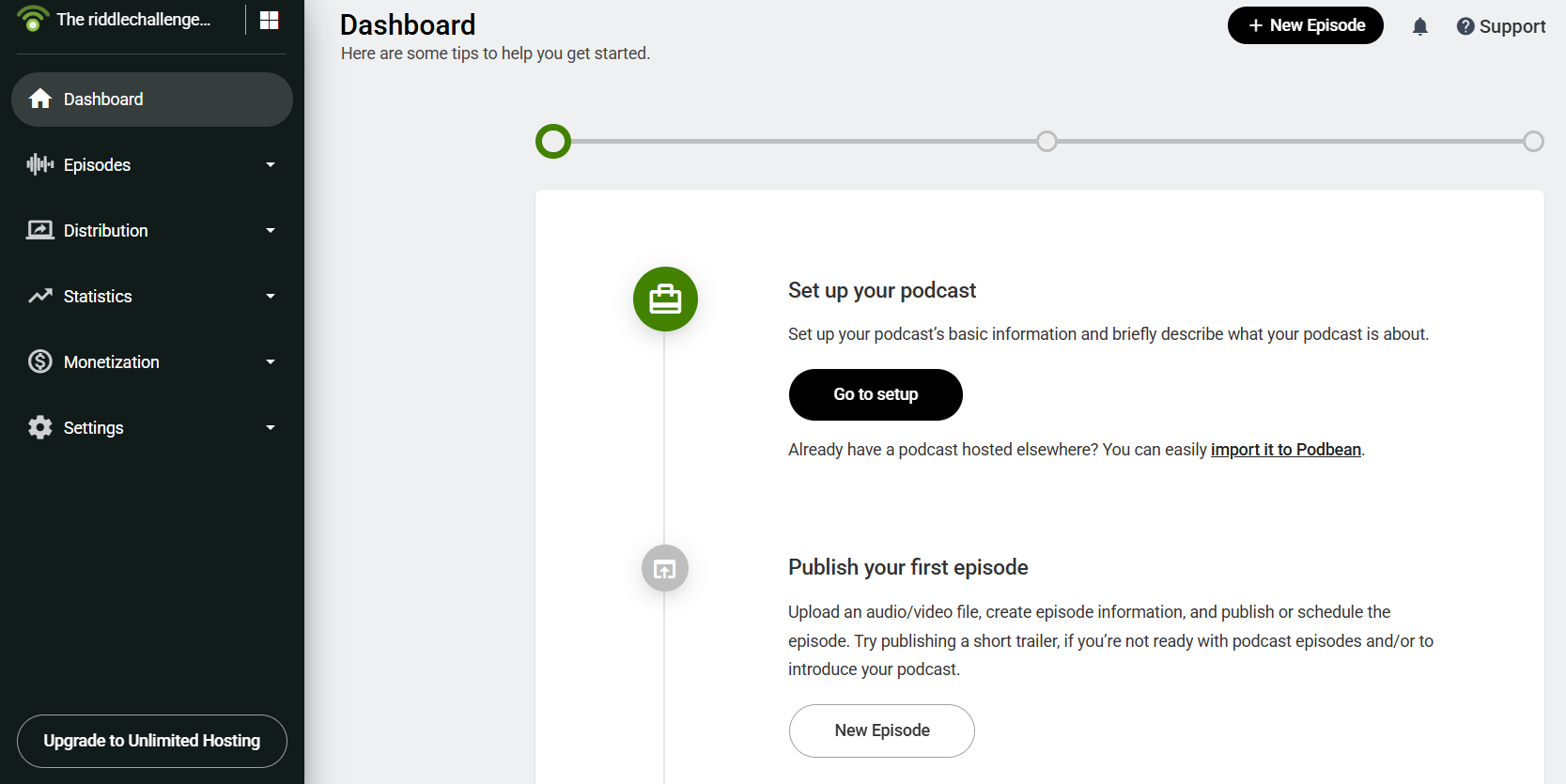
Fill in the metadata (season, episode number, keywords) and click"Publish Now" or schedule the release. You'll also have the option to enable download permissions and episode visibility.
Step 4: Connect to Spotify
Go to Settings > Social Share > Podcast Directory and choose Spotify. Follow the prompt to submit your show to Spotify. Once approved, all new episodes will sync automatically.
Tips from Experience
Podbean is a solid choice if you're aiming for a more professional podcast setup. Compared to Anchor or Spotify's native tools, it offers greater control over hosting, branding, and monetization. The analytics dashboard is detailed and helpful for tracking growth.
One thing to keep in mind: while Podbean does offer a free plan, there are storage limits. If you plan to publish longer or more frequent episodes, you may need to upgrade. That said, the ability to upload MP3 to Spotify podcast through Podbean is reliable and straightforward.
I'd recommend Podbean for intermediate to advanced podcasters, or those looking to monetize or publish on Spotify and Apple simultaneously.
Part 4: Comparison of the Three Methods
To help you decide which platform best suits your podcasting needs, here's a quick comparison of Spotify for Podcasters, Anchor, and Podbean based on personal experience and common use cases:
| Tool | Best For | Free? | Features |
|---|---|---|---|
| Spotify for Podcasters | Podcasters who already have an RSS feed | Yes | Direct integration with Spotify, analytics dashboard, and easy submission |
| Anchor | Beginners without an RSS feed | Yes | All-in-one recording, editing, hosting, and automatic Spotify distribution |
| Podbean | Professional creators | Yes (limited) | Monetization tools, detailed analytics, and multiple platform distribution |
Tips from Experience
Each tool offers a unique experience based on your needs:
If you already have a podcast hosted somewhere and want to submit a podcast to Spotify, Spotify for Podcasters is the most straightforward and official route.
If you're just starting out, especially if you're unsure how to deal with hosting or RSS feeds, Anchor is the easiest way to go live on Spotify quickly. It even works well on mobile if you're wondering how to upload a podcast to Spotify on iPhone.
For those who want to go beyond Spotify and scale their show professionally, Podbean is the most flexible option. It's a smart pick if you're looking to reach Spotify and Apple Music together with more control over monetization and content management.
Personally, I started with Anchor due to its simplicity, but later transitioned to Podbean when I wanted more control over episode scheduling and data. That said, each of these tools has its place in a podcaster's journey.
Part 5: Bonus – Convert Your Audio Using Toolsmart Free YouTube to MP3 Converter
If your podcast content is currently in video format, such as YouTube vlogs, interviews, or webinars, you'll need to convert it into an audio file before uploading it to your podcast host. Toolsmart's Free YouTube to MP3 Converter makes this process simple. It lets you turn any YouTube video into a high-quality MP3 file that's ready for distribution on platforms like Spotify.
Key Features of Toolsmart Free YouTube to MP3 Converter
Free and browser-based — No need to install anything
High-speed conversion — Convert and download MP3s quickly
No registration required — Start instantly
Compatible with all devices — Works on Windows, Mac, Android, and iPhone
Clean interface — No ads or confusing pop-ups
How to Use Toolsmart to Convert Video to MP3
Step 1: Copy the YouTube Video Link
Find the YouTube video you want to convert. Copy its URL from the address bar.
Step 2: Visit Toolsmart YouTube to MP3 Converter
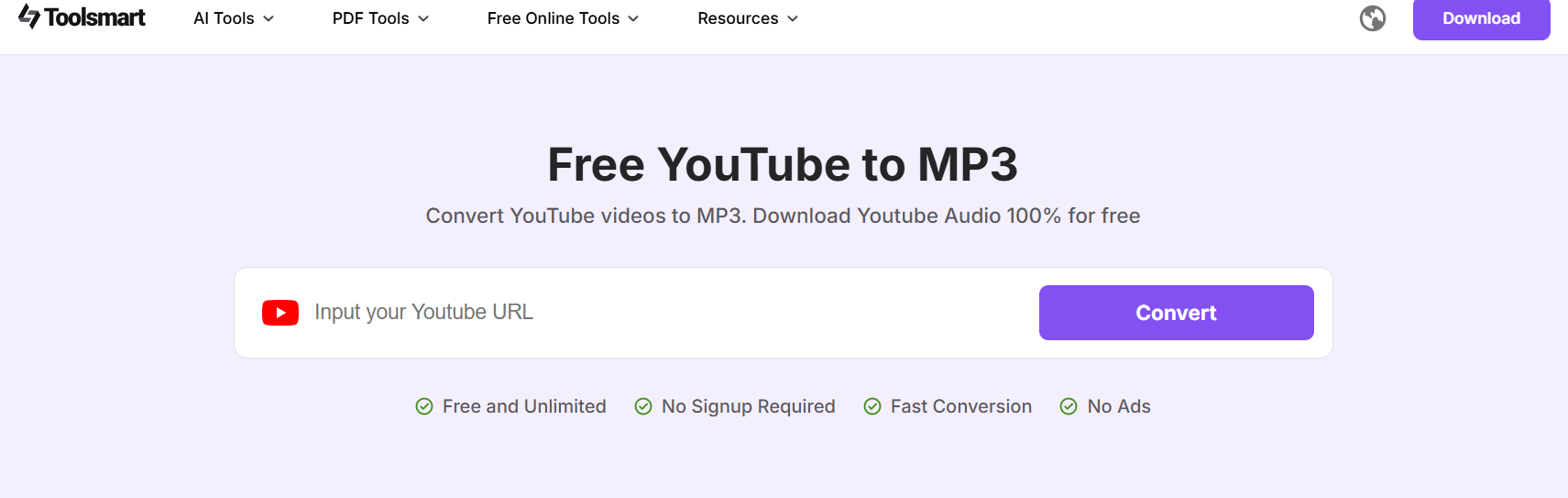
Go to the Toolsmart converter page. You can search "Toolsmart YouTube to MP3 Converter" to find the official site.
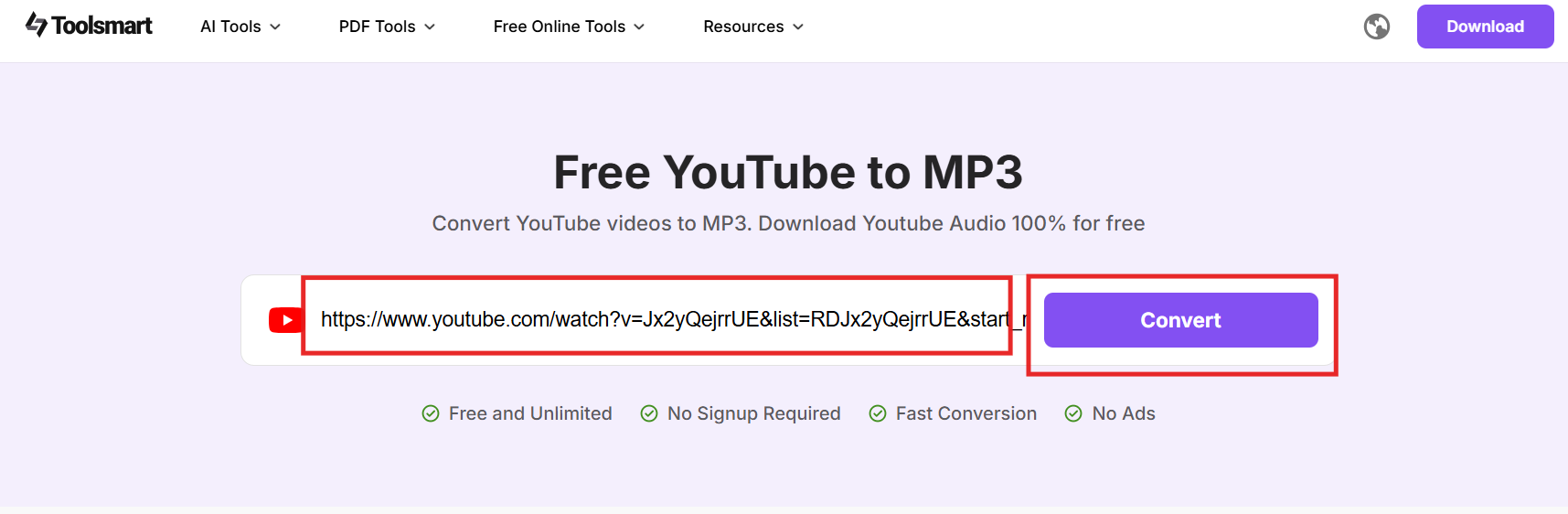
Step 3: Paste the Link and Click Convert
Paste the copied URL into the input box and hit"Convert". The tool will process the video and generate an MP3 file.
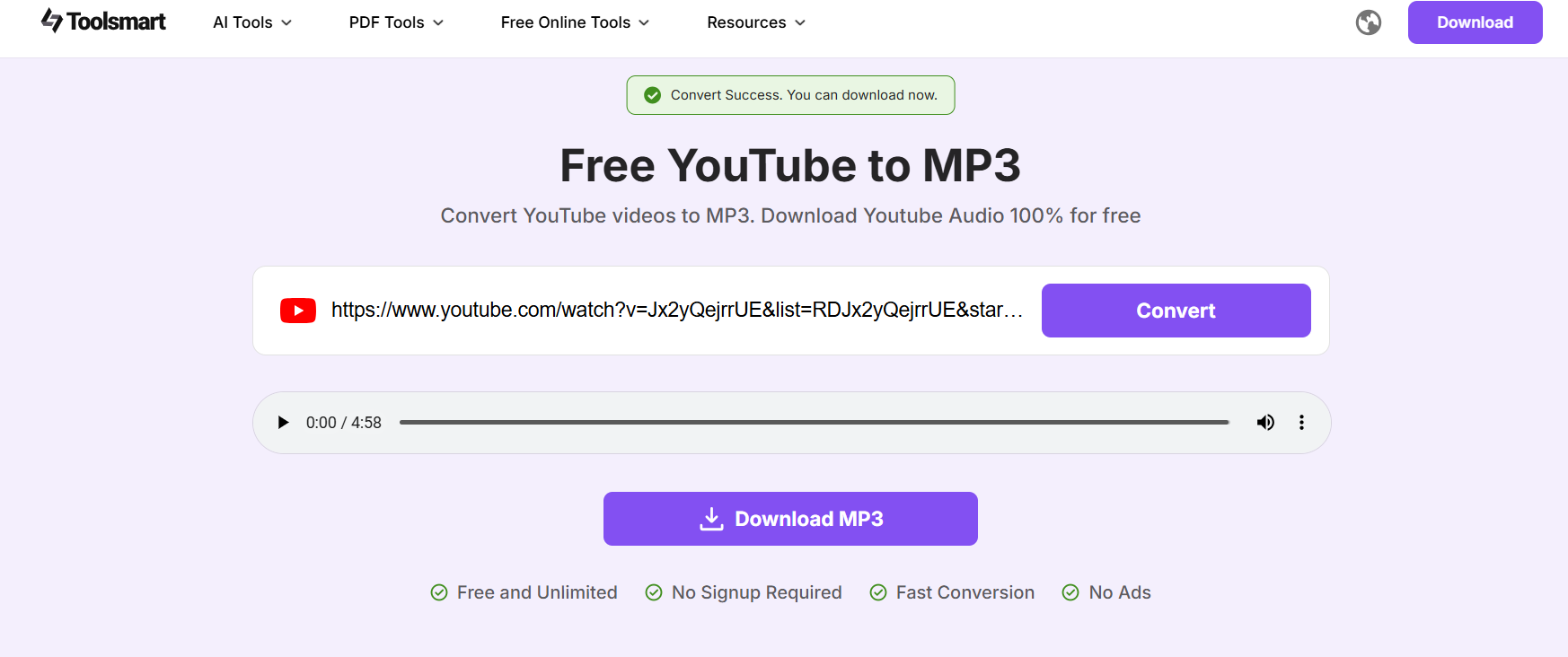
Step 4: Download the MP3 File
Once the conversion is complete, click "Download MP3" to save the MP3 to your device. You can now upload it to Anchor, Podbean, or any other podcast platform.
Tips from Experience
I've used a few YouTube to MP3 converters in the past, but Toolsmart really stands out for its speed and simplicity. There are no unnecessary steps or signup requirements, and the download quality is excellent.
What impressed me most was how clean the interface is, with no annoying ads or shady buttons. For podcasters repurposing YouTube content, this tool eliminates friction. If you're looking to upload an MP3 to a Spotify podcast, this is a reliable first step.
Whether you're migrating video interviews or converting tutorials, Toolsmart makes it easy to extract audio that's ready for hosting.
FAQs
Do I need an RSS feed to upload to Spotify?
Not always. If you're using a host like Anchor, it generates an RSS feed for you automatically. However, tools like Spotify for Podcasters require you to submit an existing feed.
What file format do I need to upload?
Spotify supports the MP3 format with a maximum file size of 200MB per episode. Ensure your file is compressed and exported in mono or stereo as required.
Can I upload directly to Spotify without a host?
No. Even though Spotify offers its own submission tool, it still requires your content to be hosted somewhere, whether it's Anchor, Podbean, or another provider.
How to upload a podcast to Spotify and Apple simultaneously?
Using Podbean or similar platforms, you can distribute your show to both Spotify and Apple Podcasts from a single dashboard. It's an efficient way to manage multiple platforms.
Can I upload a podcast to Spotify on an iPhone?
Yes, with apps like Anchor, you can record, edit, and publish directly from your iPhone without needing a desktop setup.
Summary
Uploading your podcast to Spotify doesn't have to be overwhelming. Whether you choose Spotify for Podcasters, Anchor, or Podbean, each method offers a different balance of control, simplicity, and features. Beginners may find Anchor ideal, while seasoned creators may lean toward Podbean for scalability and flexibility.
If your content starts as a video, Toolsmart's Free YouTube to MP3 Converter is a helpful bonus. It lets you quickly turn YouTube videos into podcast-ready audio files without the need for complicated editing tools.
By choosing the right tool and following the steps in this guide, you'll not only publish a podcast on Spotify, but you'll do it with confidence and ease.


