Stealth Writer Review: Features, Pricing, and Top Alternatives
January 17, 2026310 views
0
AI-generated content has transformed the writing landscape, offering
efficiency and scalability. However, such content often exhibits
detectable patterns, raising academic, professional, and SEO concerns.
Writers face a dilemma: leveraging AI's benefits while avoiding
penalties associated with detectable AI content. This article delves
into Stealth Writer's capabilities in addressing this issue and explores
superior alternatives for humanizing AI text.
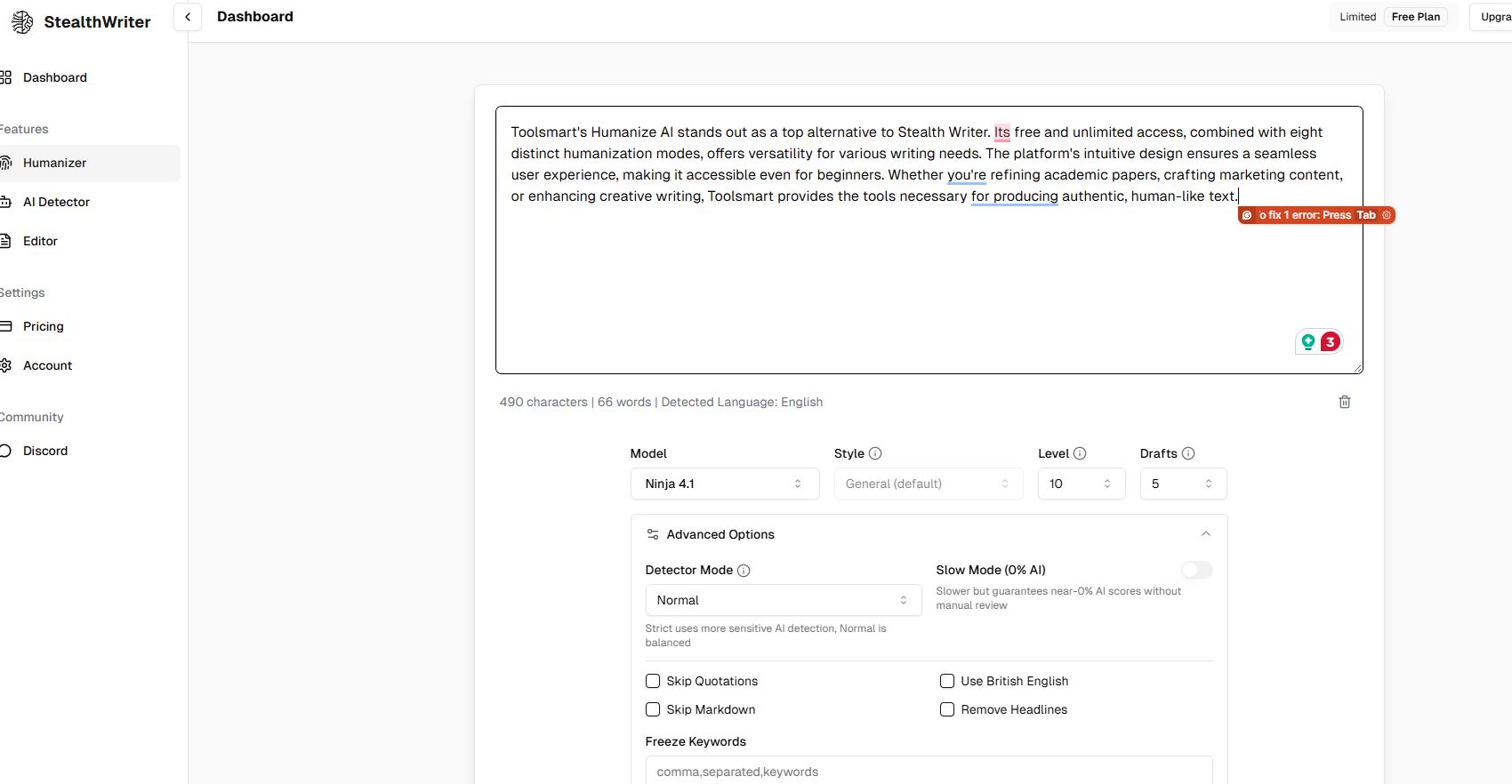
Image of the StealthWriter banner
Part 1: Stealth Writer
Review
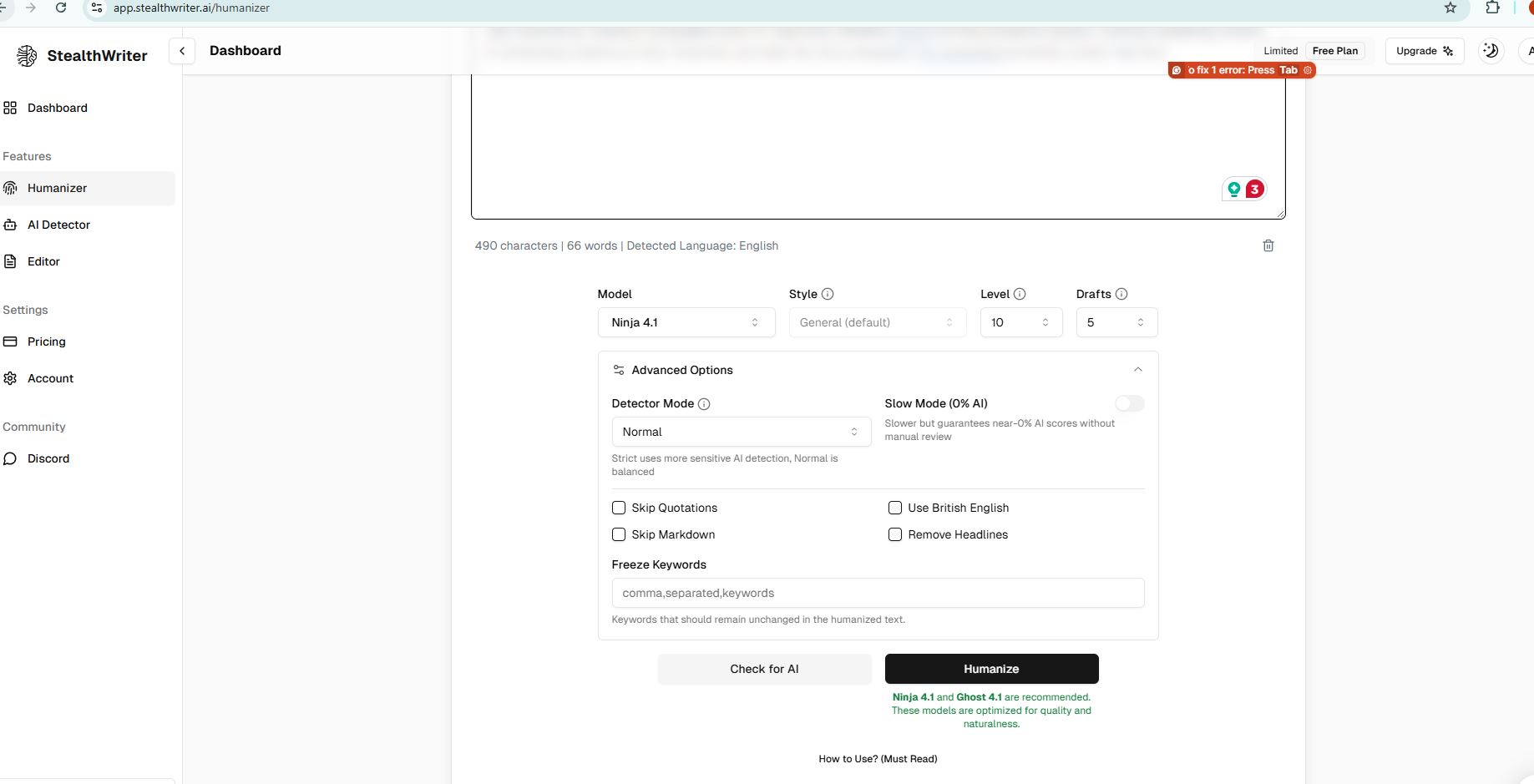
Image of the StealthWriter Review banner
What is Stealth
Writer?
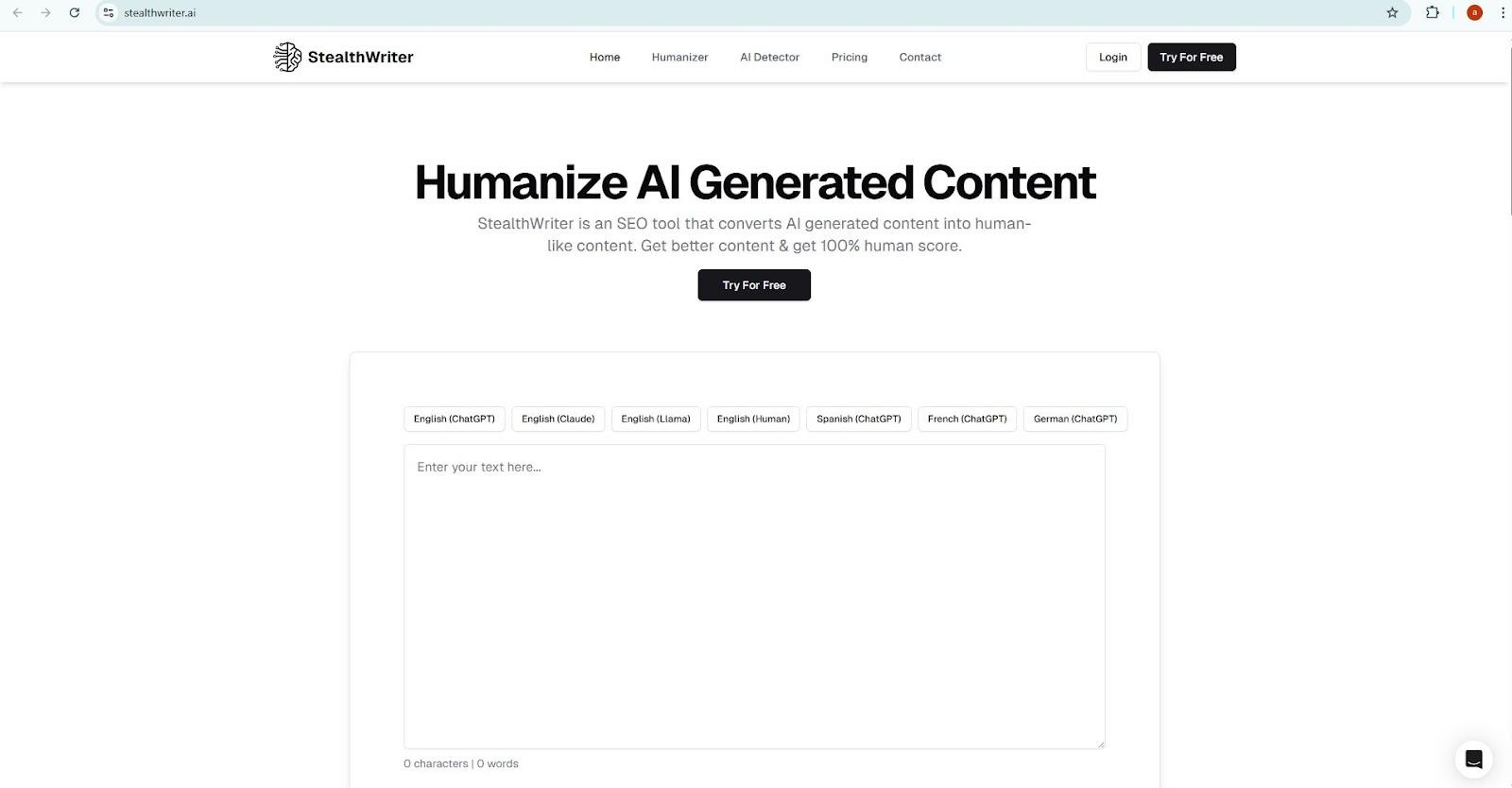
Stealth Writer is an AI-powered tool that transforms AI-generated
text into human-like content. Its primary function is to bypass AI
detectors, ensuring content appears authentically human.
Key Features
Humanize AI Text: Utilizes advanced algorithms
to rephrase AI-generated content, making it indistinguishable from human
writing.
Search Engine Optimization: Improves content to
boost visibility on search engines.
Multilingual Support: Supports various
languages, catering to a global audience.
Pricing Plans
Stealth Writer offers tiered pricing to accommodate different user
needs:
Free Plan: 300 words per request, access to
basic features, and a daily limit of 5,000 words.
Basic Plan ($20/month): 400 words per request,
unlimited Ninja words, and 20,000 Ghost words.
Standard Plan ($35/month): 1,000 words per
request, unlimited Ninja words, and 50,000 Ghost words.
Premium Plan ($50/month): 2,000 words per
request, unlimited Ninja words, and 100,000 Ghost words.
Tip: For optimal results, ensure your input text is clear
and concise before processing.
Part 3: Top 5
Stealth Writer Alternatives
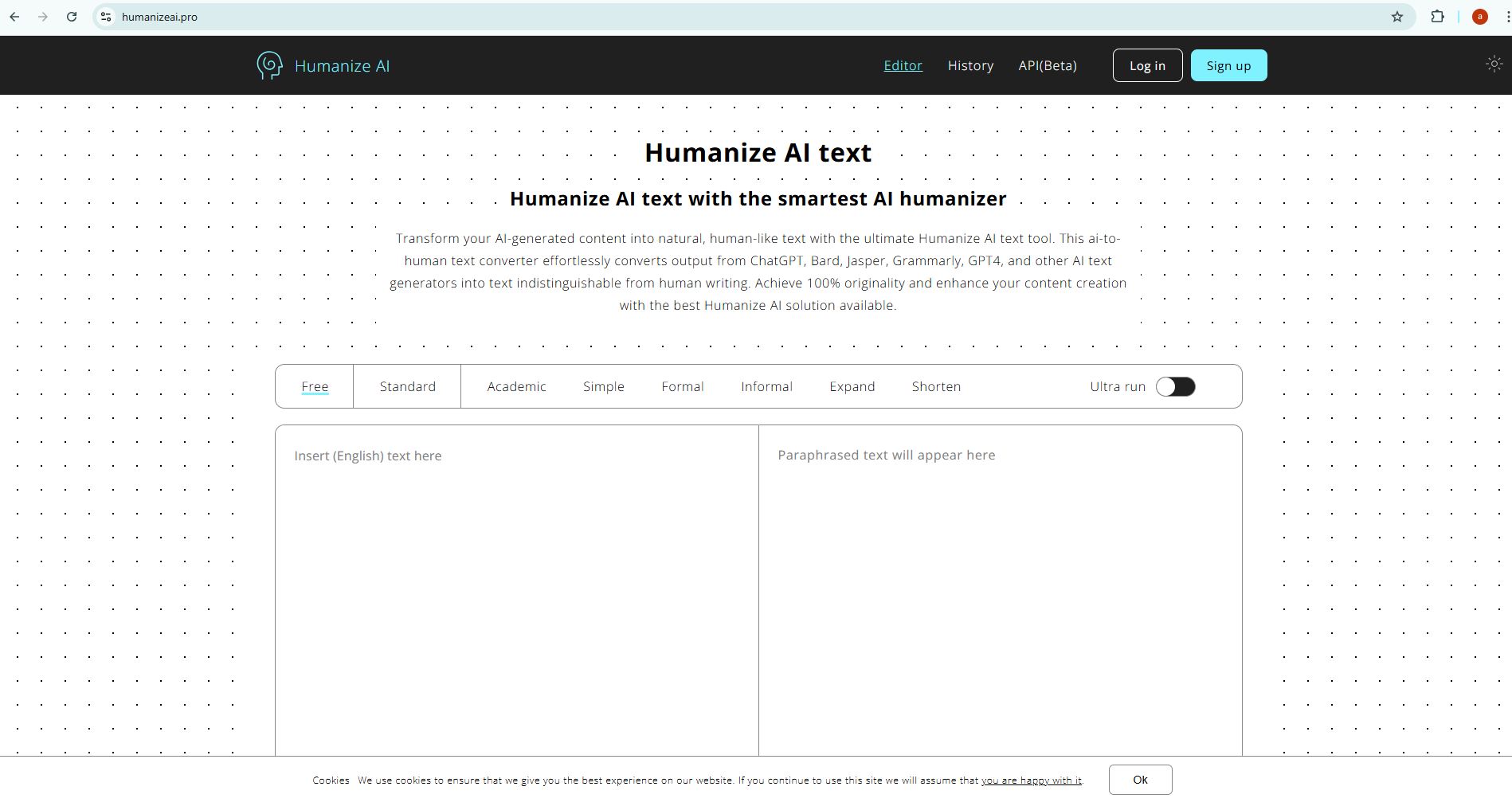
1. Humanize AI -
Toolsmart
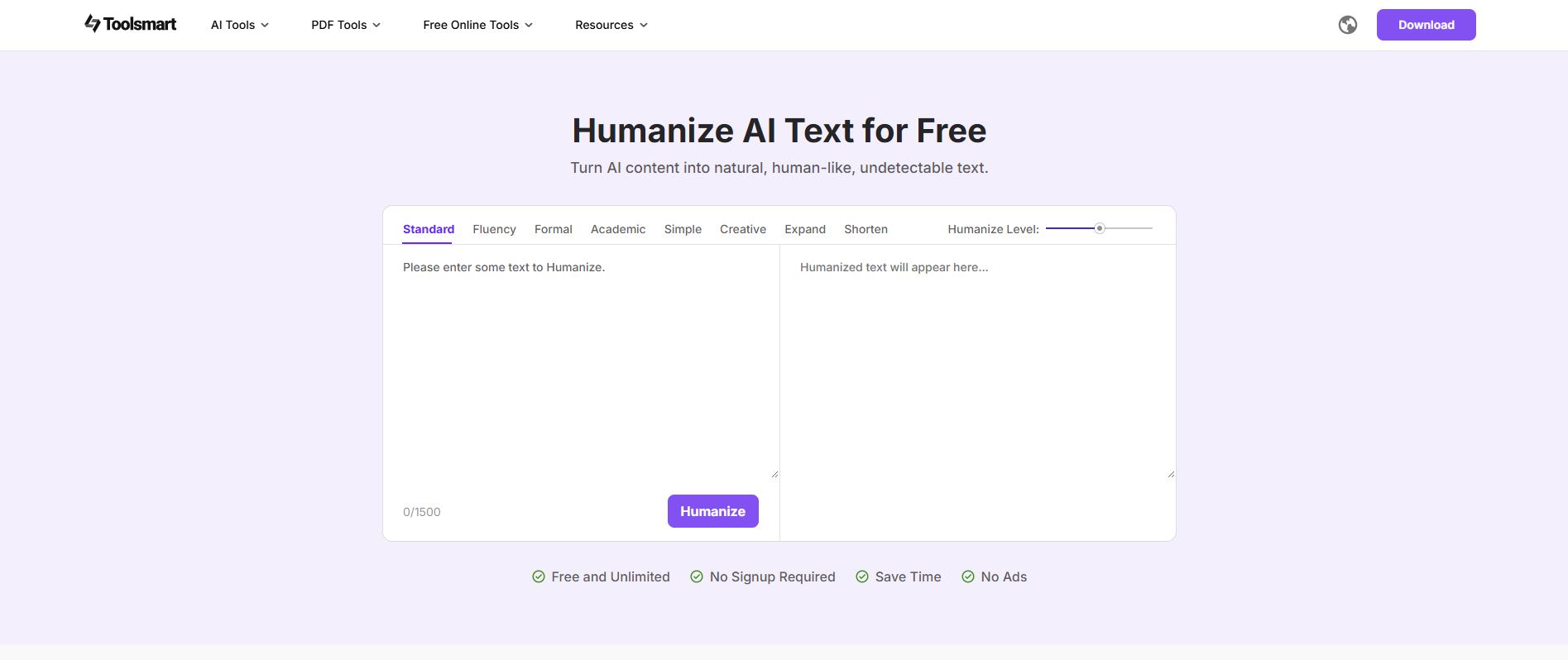
Image of Toolsmart skin
Features:
Free and unlimited usage.
Eight humanized modes to cater to various writing needs.
Customizable levels of humanization.
Pros:
No sign-up required.
Ad-free experience.
Intuitive interface.
Cons:
Limited advanced features compared to premium tools.
User Experience: Toolsmart offers a seamless experience,
especially for users seeking quick and effective humanization without
the hassle of subscriptions or ads.
User Experience: Jasper AI is a robust tool for content
creators, but it may not always produce content that feels entirely
human, necessitating additional editing.
3. ClickUp
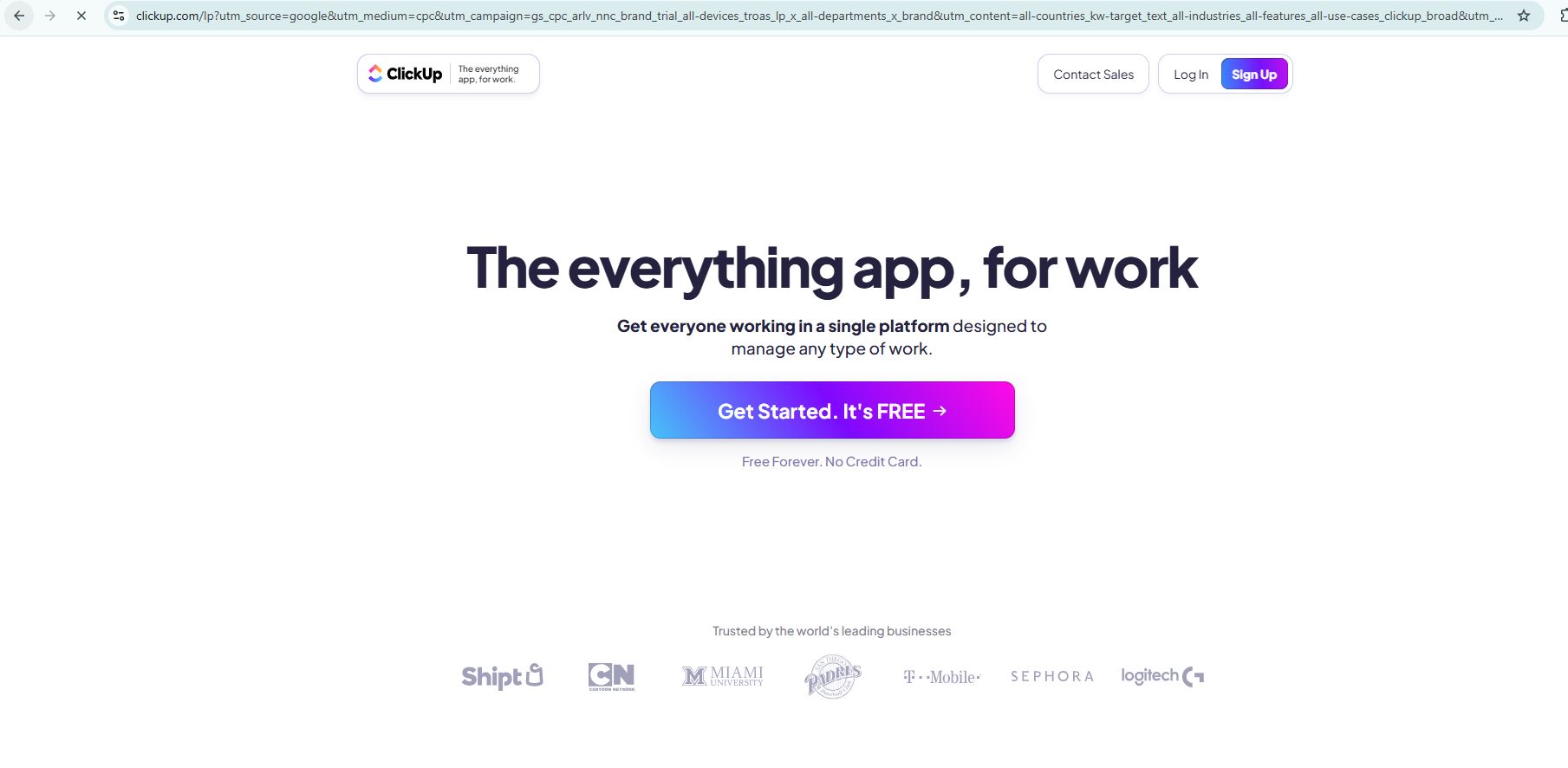
Image of the Clickup skin
Features:
AI-powered content editing and enhancement.
Integration with project management tools.
Customizable workflows.
Pros:
Streamlines content creation and project management.
Offers a free version with essential features.
Cons:
It may have a learning curve for new users.
User Experience: ClickUp is ideal for teams seeking an
all-in-one content creation and project management solution.
User Experience: A reliable tool for quick humanization
tasks, ensuring content feels more natural.
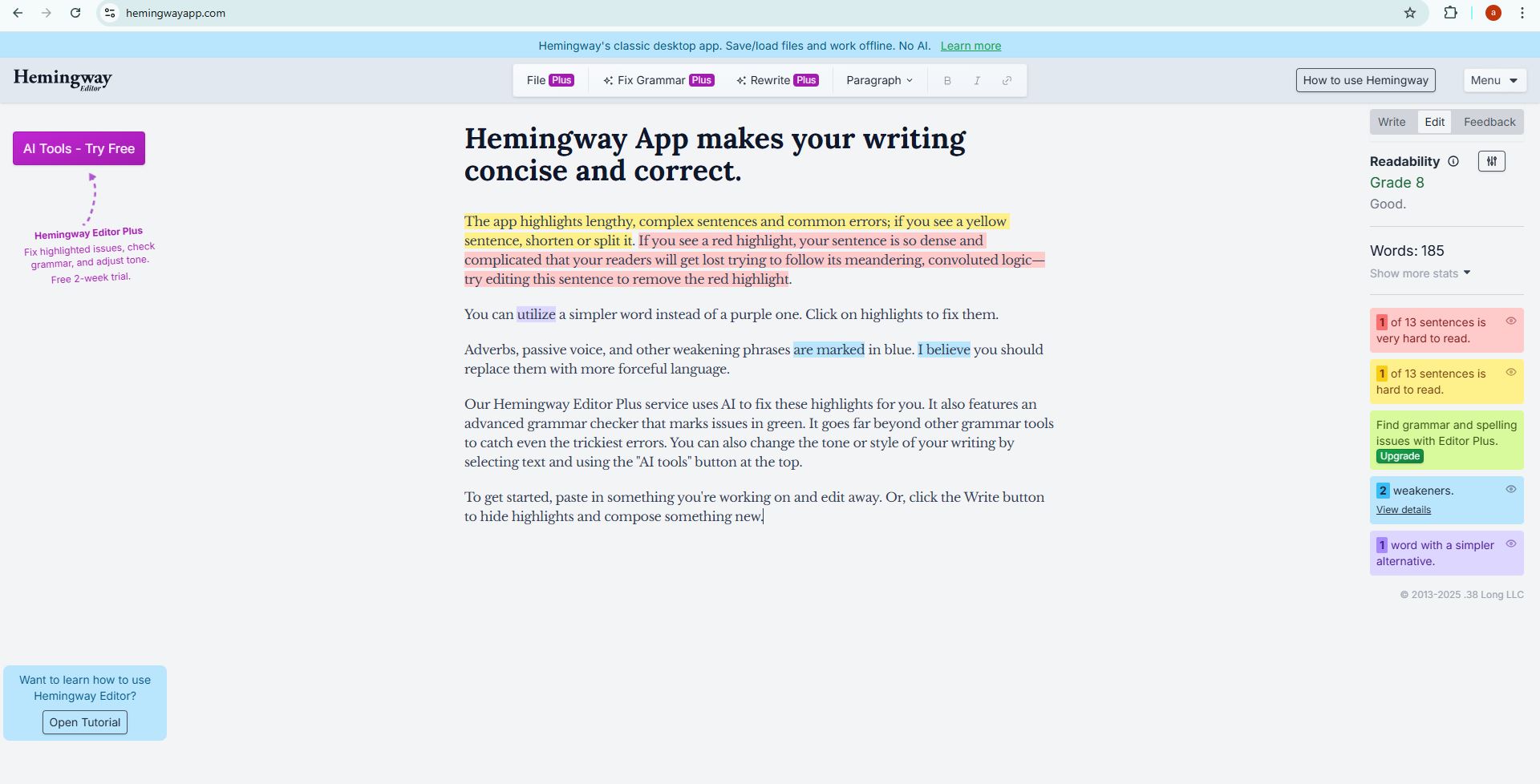
5. Hemingway Editor
Image of the Hemingway Editor skin
Features:
Highlights complex sentences and common errors.
Provides readability scores.
Pros:
Free online platform.
Enhances clarity and conciseness.
Cons:
Does not specifically humanize AI-generated content.
User Experience: Best suited for refining human-written
content, ensuring clarity and simplicity.
Part 4: Comparison of
Tools
Tool
Monitoring Evasion
Multi-Language Support
Output Quality
Free vs. Paid
Interface Simplicity
Stealth Writer
High
Yes
High
Both
Moderate
Toolsmart
Moderate
Limited
High
Free
High
Jasper AI
Moderate
Yes
High
Paid
High
ClickUp
Low
Yes
Moderate
Both
Moderate
Humanize AI
Moderate
Limited
High
Free
High
Hemingway Editor
Low
Limited
High
Free
High
Part 5:
Humanize AI - Toolsmart: The Best Alternative
Toolsmart's Humanize AI stands out as a top alternative to Stealth
Writer. It's free and unlimited access, and eight distinct humanization
modes offer versatility for various writing needs. The platform's
intuitive design ensures a seamless user experience, making it
accessible even for beginners. Whether refining academic papers,
crafting marketing content, or enhancing creative writing, Toolsmart
provides the tools necessary to produce authentic, human-like text.
FAQs
Q1: Is Stealth Writer free?
Yes, stealthwriter.aioffers a free plan with limited features, including 300 words per
request and a daily limit of 5,000 words.
Q2: What are the limitations of Stealth Writer?
While effective, Stealth Writer's free plan restricts word count and
access to advanced features. Higher-tier plans offer more capabilities
but come at a cost.
Q3: Which text types can I improve using Humanize AI -
Toolsmart?
Toolsmart is versatile and suitable for various content types,
including academic papers, reports, emails, creative writing, and
marketing copy.
Q4: When using Humanize AI - Toolsmart, is there any security
guarantee for the data?
Yes, Toolsmart prioritizes user privacy. The platform does not store
content, ensuring secure data processing.
Summary
In the evolving landscape of AI-generated content, tools like Stealth
Writer are crucial in ensuring content authenticity. However,
alternatives like Toolsmart's
Humanize AI offer comparable, if not superior, features without
the associated costs. By leveraging these tools, writers can maintain
the efficiency of AI-generated content while ensuring it resonates with
human authenticity.
I simplify tech—especially Office tools—so anyone can use it confidently. For 5+ years, I've created clear how-tos & guides to make tech feel easy, not overwhelming. Follow for practical tips!

'%3e%3cpath%20fill-rule='evenodd'%20clip-rule='evenodd'%20d='M19%208.5C24.799%208.5%2029.5%2013.201%2029.5%2019C29.5%2024.6782%2024.9928%2029.3036%2019.361%2029.4939L19%2029.5C18.8794%2029.5%2018.7592%2029.498%2018.6396%2029.4939L18.2811%2029.4758C12.8174%2029.1063%208.5%2024.5574%208.5%2019C8.5%2013.201%2013.201%208.5%2019%208.5ZM22.3063%2010.6267L22.2342%2010.6539C21.3423%2011.0061%2020.5541%2011.6368%2020.5606%2012.4987C20.5631%2012.8302%2020.869%2014.8871%2020.2141%2014.8486C19.5589%2014.8102%2019.413%2013.8753%2018.7116%2013.616C17.5944%2013.2026%2016.9819%2014.3401%2017.0939%2015.3106C17.1695%2015.9655%2018.9289%2018.3871%2017.9028%2019C17.292%2019.3651%2015.7279%2017.5692%2015.1007%2017.1842C14.4805%2016.8034%2013.2758%2017.3333%2012.4974%2016.7029C11.9874%2016.2899%2012.3881%2014.4098%2012.2786%2013.8372C12.2271%2013.5698%2012.1155%2013.3689%2011.9794%2013.2166L12.0402%2013.2934C10.7653%2014.8464%2010%2016.8339%2010%2019C10%2023.8465%2013.8307%2027.7982%2018.6295%2027.9925L18.6769%2027.9747C18.8597%2027.8677%2019.0394%2027.7557%2019.216%2027.6387C19.4137%2027.4534%2019.5436%2027.2072%2019.5849%2026.9394C19.8806%2025.1222%2018.3616%2025.4302%2017.9367%2024.5622C17.5489%2023.7695%2018.5712%2023.7684%2018.5524%2021.7923C18.4607%2021.1774%2018.5279%2020.547%2018.7211%2020.0315C19.1834%2018.7987%2020.7077%2017.2643%2022.5889%2018.0081C23.5567%2018.3906%2023.1524%2019.9831%2023.4737%2020.3394C24.251%2021.2018%2025.3228%2020.6863%2026.2856%2021.2253C26.7816%2021.5032%2026.9797%2022.41%2027.056%2023.2248L27.038%2023.0528C27.6534%2021.8348%2028%2020.4579%2028%2019C28%2015.1968%2025.6409%2011.9445%2022.3063%2010.6267Z'%20fill='%23757575'/%3e%3ccircle%20cx='19'%20cy='19'%20r='10.125'%20stroke='%23757575'%20stroke-width='2.25'/%3e%3c/g%3e%3cdefs%3e%3cclipPath%20id='clip0_1827_14613'%3e%3crect%20width='24'%20height='24'%20fill='white'%20transform='translate(7%207)'/%3e%3c/clipPath%3e%3c/defs%3e%3c/svg%3e)