
'%3e%3cpath%20fill-rule='evenodd'%20clip-rule='evenodd'%20d='M19%208.5C24.799%208.5%2029.5%2013.201%2029.5%2019C29.5%2024.6782%2024.9928%2029.3036%2019.361%2029.4939L19%2029.5C18.8794%2029.5%2018.7592%2029.498%2018.6396%2029.4939L18.2811%2029.4758C12.8174%2029.1063%208.5%2024.5574%208.5%2019C8.5%2013.201%2013.201%208.5%2019%208.5ZM22.3063%2010.6267L22.2342%2010.6539C21.3423%2011.0061%2020.5541%2011.6368%2020.5606%2012.4987C20.5631%2012.8302%2020.869%2014.8871%2020.2141%2014.8486C19.5589%2014.8102%2019.413%2013.8753%2018.7116%2013.616C17.5944%2013.2026%2016.9819%2014.3401%2017.0939%2015.3106C17.1695%2015.9655%2018.9289%2018.3871%2017.9028%2019C17.292%2019.3651%2015.7279%2017.5692%2015.1007%2017.1842C14.4805%2016.8034%2013.2758%2017.3333%2012.4974%2016.7029C11.9874%2016.2899%2012.3881%2014.4098%2012.2786%2013.8372C12.2271%2013.5698%2012.1155%2013.3689%2011.9794%2013.2166L12.0402%2013.2934C10.7653%2014.8464%2010%2016.8339%2010%2019C10%2023.8465%2013.8307%2027.7982%2018.6295%2027.9925L18.6769%2027.9747C18.8597%2027.8677%2019.0394%2027.7557%2019.216%2027.6387C19.4137%2027.4534%2019.5436%2027.2072%2019.5849%2026.9394C19.8806%2025.1222%2018.3616%2025.4302%2017.9367%2024.5622C17.5489%2023.7695%2018.5712%2023.7684%2018.5524%2021.7923C18.4607%2021.1774%2018.5279%2020.547%2018.7211%2020.0315C19.1834%2018.7987%2020.7077%2017.2643%2022.5889%2018.0081C23.5567%2018.3906%2023.1524%2019.9831%2023.4737%2020.3394C24.251%2021.2018%2025.3228%2020.6863%2026.2856%2021.2253C26.7816%2021.5032%2026.9797%2022.41%2027.056%2023.2248L27.038%2023.0528C27.6534%2021.8348%2028%2020.4579%2028%2019C28%2015.1968%2025.6409%2011.9445%2022.3063%2010.6267Z'%20fill='%23757575'/%3e%3ccircle%20cx='19'%20cy='19'%20r='10.125'%20stroke='%23757575'%20stroke-width='2.25'/%3e%3c/g%3e%3cdefs%3e%3cclipPath%20id='clip0_1827_14613'%3e%3crect%20width='24'%20height='24'%20fill='white'%20transform='translate(7%207)'/%3e%3c/clipPath%3e%3c/defs%3e%3c/svg%3e)


Clause AI is one of the most powerful AI assistants, which is well-known for its conversational ability and priority on ethical design. However, many users are unsure about Claude AI’s pricing plan and are unaware of the free limits. Fortunately, you don’t have to worry too much as I will be answering all of your questions. In this guide, I’ll be explaining the Claude AI free plan, its limitations, and how you can use its full potential for your own work.

Is Claude AI Free? Understanding the Free Plan
Claude AI can be a great tool to add to your workflow to maximize your efficiency and boost your productivity. But if you have never used Claude before, you may be wondering, “Is Claude free?”. In this section, I’ll be breaking down all the features provided in the free tier, along with covering the step-by-step guide for signing up for it to answer the question, “Is Claude AI free?”.
Features Included in the Free Tier
Access to the Claude.ai web interface
Basic conversational AI capabilities
File upload support (images, PDFs, TXT, etc.)
Limited number of queries per day (varies by region/server load)
Use of the Claude Instant model (lightweight version)
Features Not Included in the Free Tier
Claude Pro features (higher usage limits, priority access)
Early access to new features
Usage during peak times may be restricted
If Claude AI seems like the right tool to add to your workflow, I’ll be highlighting the steps you need to follow for a simple and hassle-free sign-up procedure.
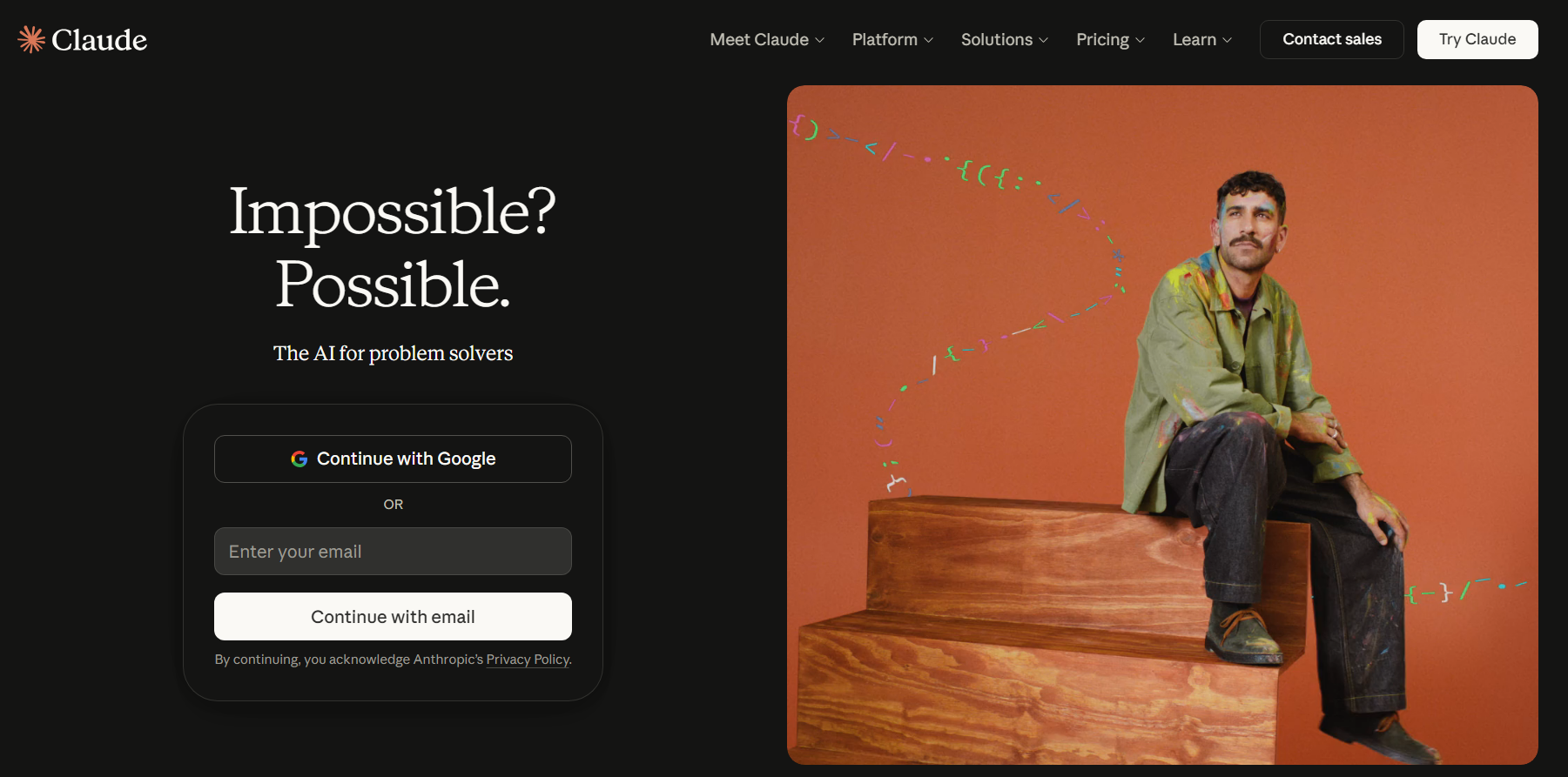
Step 1: Visit Claude AI’s official site on your web browser and select the sign-up option you want to go with.
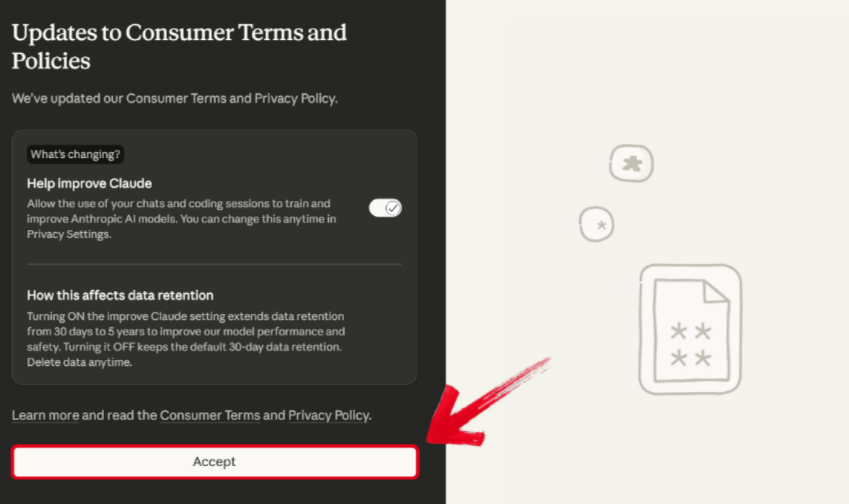
Step 2: Once you’ve added your own account, go through the terms and conditions and press Accept.
Claude Free vs. Claude Pro: Side-by-Side Comparison
If you’re confused between using the free version and the pro version, it can seem quite confusing. The Prounlocks many more new features and significantly larger limits for its usage, but it can be challenging to decide if all of that is worth the price you pay. In this section, I’ll compare the Claude free trial and pro versions side by side, helping you evaluate whether upgradingto the premium version is the right choice for your needs.
| Feature | Claude Free | Claude Pro |
|---|---|---|
| Cost | Free | $20/month (US) |
| Usage Limits | Limited queries/day | 5x more usage |
| Model Access | Claude Instant | Claude 3 Opus/Sonnet |
| Priority Access | No | Yes |
| File Upload Support | Yes (basic) | Enhanced |
| Best For | Casual use, students | Power users, professionals |
Common Misconceptions & How to Avoid Them
When doing research for this guide, I found that there were a lot of misconceptions on the internet regarding Claude AI and its features, which can often confuse potential users of the tool. If you are contemplating using Claude AI for your own work and are misled by the misinformation available online, I’ll clear it out in this section. I’ll be covering some of the most commonmisunderstandings I’ve found and helping you figure out how to avoid them altogether.
Myth 1: “Claude AI is completely unlimited for free”.
Truth: Free users have daily query limits and may experience slowdowns during peak times.
Myth 2: “Claude Free includes all features”.
Truth: Pro features like Claude 3 models and priority access are paid-only.
Myth 3: “I need a phone number to sign up”.
Truth: Only an email or social login is required.
Bonus Tip: Use Claude during off-peak hours for the best free experience.
Enhance Your AI Workflow with Free Tools – Introducing ToolSmart
While Claude is a great AI tool for text-based tasks, it does not support native image generation or enhancement, which can be limiting for many users. I personally use Toolsmart to expand my workflow and equip myself with all the utilities I need for images, documents, and general content creation. I’ve found it to be the perfect tool for anyone looking to enhance their digital workflow without having to worry about expensive subscriptions.
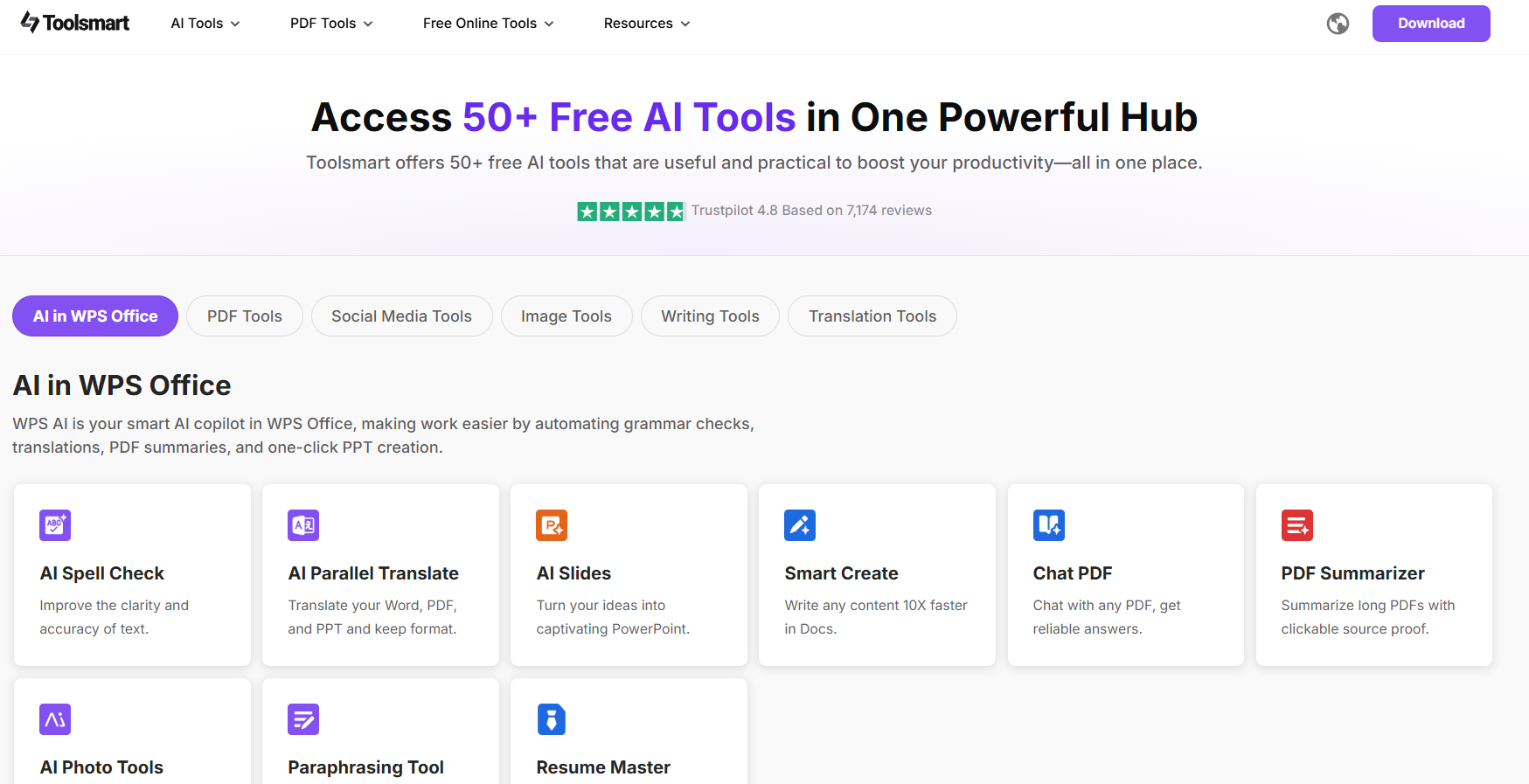
Features
Completely free functionality
No watermarks on outputs
No registration required
No downloads or installations
Multiple AI tools in one platform
Key Tools
Image Enhancer - Improve photo quality with one click
Background Remover - Instant background removal
Document Editor - AI-powered document processing
Content Generator - Create text content efficiently
File Converter - Convert between various formats
Why Choose Toolsmart
All-in-one platform - Multiple AI tools in a single website
Truly free - No hidden costs or premium tiers
User-friendly - Designed for beginners and professionals alike
Privacy-focused - No data retention or sharing
If Toolsmart seems like the right addition to your online workflow, I’ll be highlighting the steps you need to follow for quick and reliable results.
Step 1: Visit Toolsmart’s official websiteand select the tool you want to use. I’ll be using Toolsmart Image Enhancer for this example.
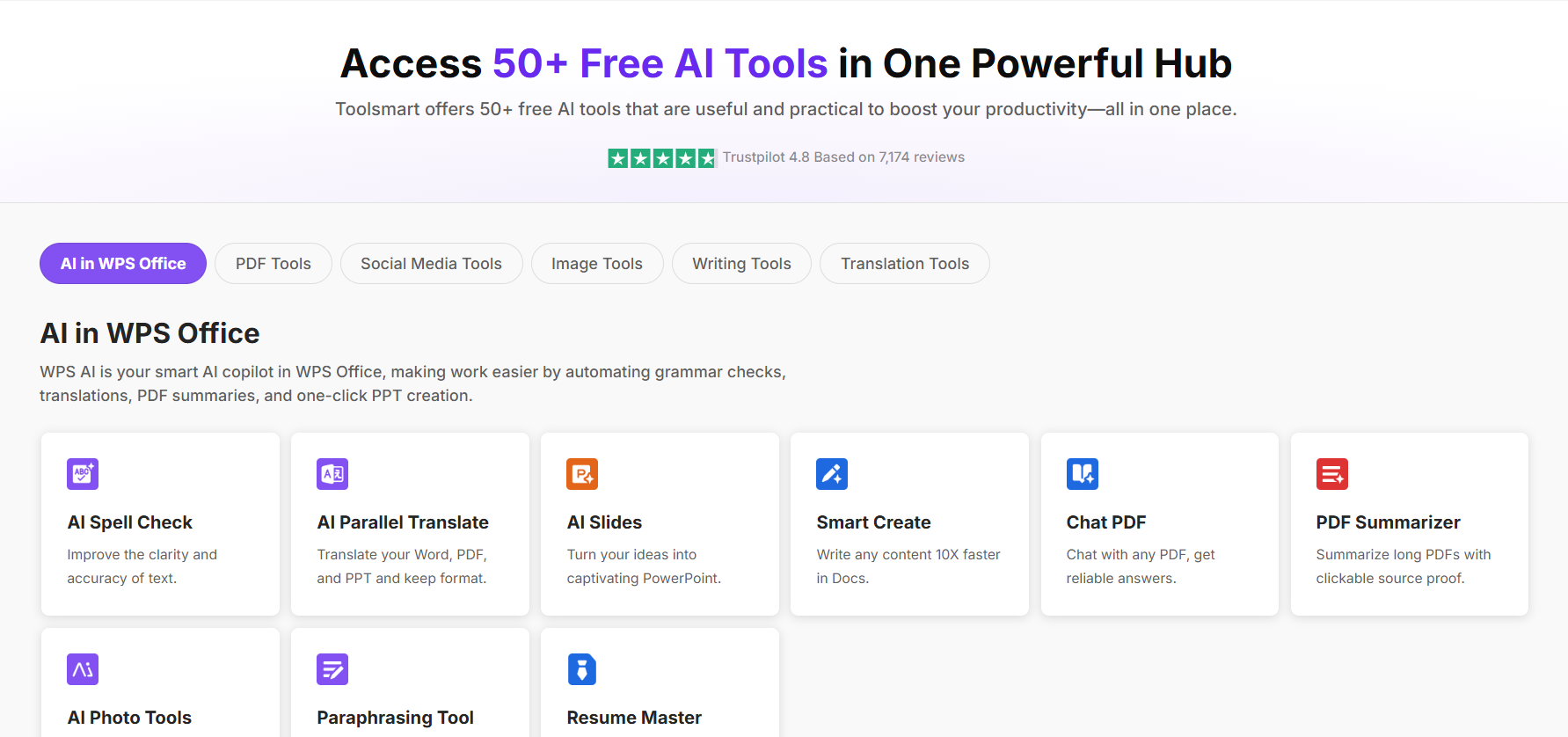
Step 2: Drag and drop your photo, or upload it manually to start enhancing your image quality.
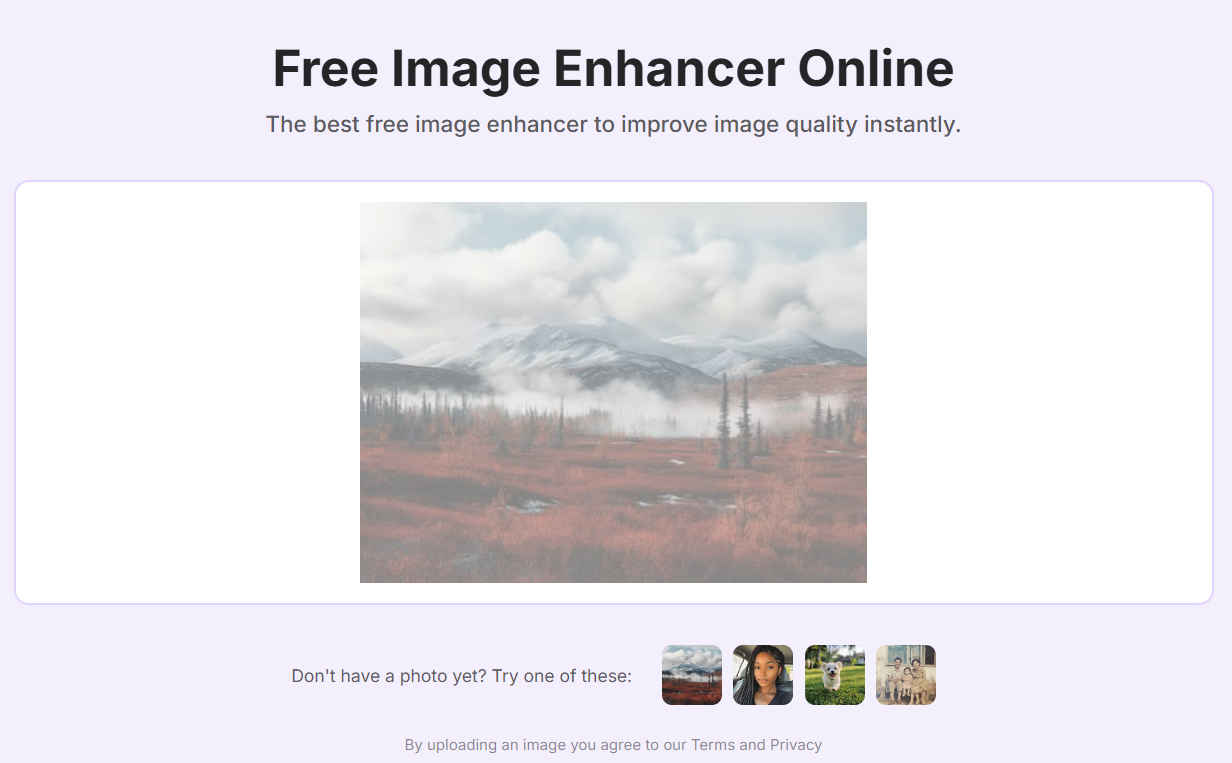
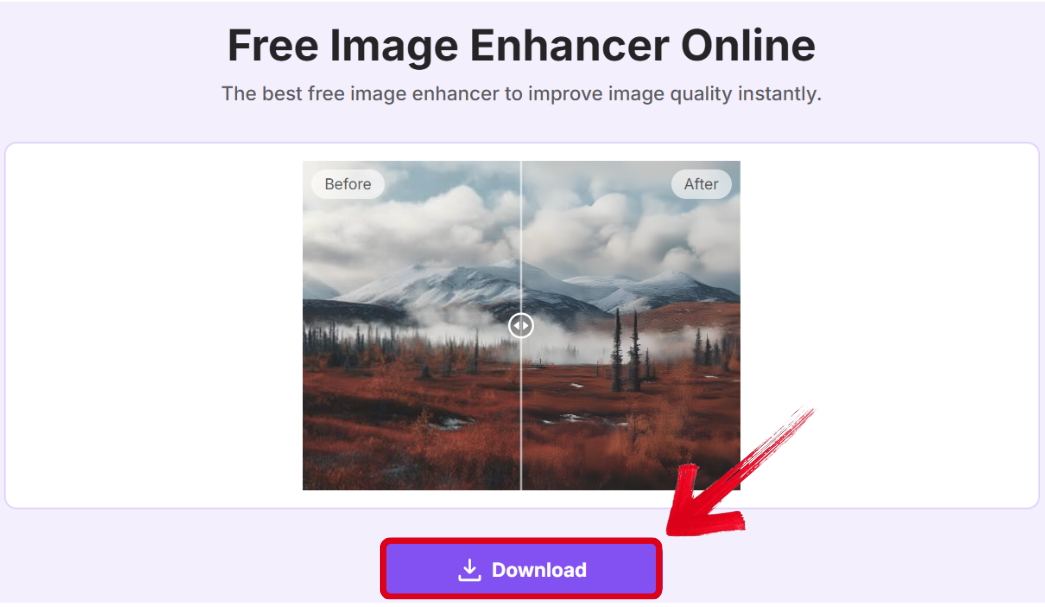
Step 3: Once your image has been fully processed and enhanced successfully, press Download to export it to your device.
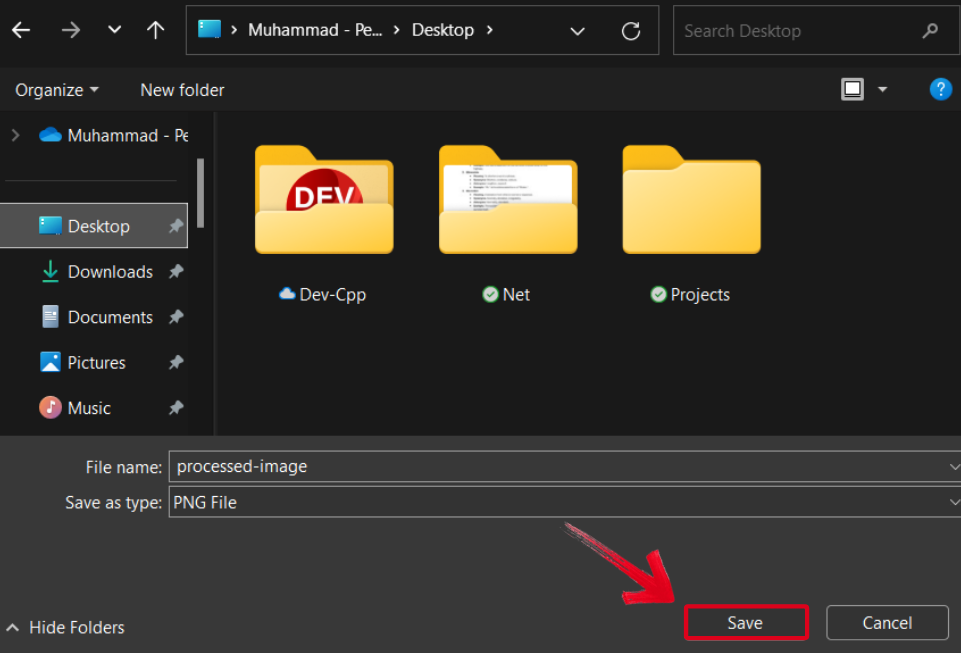
Step 4: Select the folder where you want your image saved, then press Save to export your image.
FAQs
Q1: Is Claude AI free forever?
Anthropic has not announced an end to the free plan, but usage limits may change.
Q2: Can I use Claude AI for free on mobile?
Yes, Claude.ai is mobile-friendly, but there is no dedicated app for free users.
Q3: Are there free Claude alternatives with more features?
Yes, tools like Microsoft Copilot offer free GPT-4 access with web search.
Streamlining Your Workflow Using Claude AI
Claude AI is one of the simplest and most reliable AI tools for enhancing your workflow and maximizing your efficiency. However, it may get confusing to understand the different pricing plans and their features if you’ve never used it before. In this guide, I’ve broken down and compared them side by side to help you decide if it’s worth upgrading. You can further enhance your workflow using Toolsmart. It offers a library filled with smart tools to make sure you have an all-in-one solution for all your productivity needs, completely free.


