
'%3e%3cpath%20fill-rule='evenodd'%20clip-rule='evenodd'%20d='M19%208.5C24.799%208.5%2029.5%2013.201%2029.5%2019C29.5%2024.6782%2024.9928%2029.3036%2019.361%2029.4939L19%2029.5C18.8794%2029.5%2018.7592%2029.498%2018.6396%2029.4939L18.2811%2029.4758C12.8174%2029.1063%208.5%2024.5574%208.5%2019C8.5%2013.201%2013.201%208.5%2019%208.5ZM22.3063%2010.6267L22.2342%2010.6539C21.3423%2011.0061%2020.5541%2011.6368%2020.5606%2012.4987C20.5631%2012.8302%2020.869%2014.8871%2020.2141%2014.8486C19.5589%2014.8102%2019.413%2013.8753%2018.7116%2013.616C17.5944%2013.2026%2016.9819%2014.3401%2017.0939%2015.3106C17.1695%2015.9655%2018.9289%2018.3871%2017.9028%2019C17.292%2019.3651%2015.7279%2017.5692%2015.1007%2017.1842C14.4805%2016.8034%2013.2758%2017.3333%2012.4974%2016.7029C11.9874%2016.2899%2012.3881%2014.4098%2012.2786%2013.8372C12.2271%2013.5698%2012.1155%2013.3689%2011.9794%2013.2166L12.0402%2013.2934C10.7653%2014.8464%2010%2016.8339%2010%2019C10%2023.8465%2013.8307%2027.7982%2018.6295%2027.9925L18.6769%2027.9747C18.8597%2027.8677%2019.0394%2027.7557%2019.216%2027.6387C19.4137%2027.4534%2019.5436%2027.2072%2019.5849%2026.9394C19.8806%2025.1222%2018.3616%2025.4302%2017.9367%2024.5622C17.5489%2023.7695%2018.5712%2023.7684%2018.5524%2021.7923C18.4607%2021.1774%2018.5279%2020.547%2018.7211%2020.0315C19.1834%2018.7987%2020.7077%2017.2643%2022.5889%2018.0081C23.5567%2018.3906%2023.1524%2019.9831%2023.4737%2020.3394C24.251%2021.2018%2025.3228%2020.6863%2026.2856%2021.2253C26.7816%2021.5032%2026.9797%2022.41%2027.056%2023.2248L27.038%2023.0528C27.6534%2021.8348%2028%2020.4579%2028%2019C28%2015.1968%2025.6409%2011.9445%2022.3063%2010.6267Z'%20fill='%23757575'/%3e%3ccircle%20cx='19'%20cy='19'%20r='10.125'%20stroke='%23757575'%20stroke-width='2.25'/%3e%3c/g%3e%3cdefs%3e%3cclipPath%20id='clip0_1827_14613'%3e%3crect%20width='24'%20height='24'%20fill='white'%20transform='translate(7%207)'/%3e%3c/clipPath%3e%3c/defs%3e%3c/svg%3e)


Modern YouTube users don’t have enough time to watch detailed and lengthy videos on YouTube. But manually summarizing videos can be inefficient, and there aren’t many free online solutions either. So, what are the best YouTube video summarizers you can use in 2025? In this guide, I’ll be highlighting some of the top YouTube video summarizer free tools you can use to help you save time and boost your productivity at the same time.


Overview of YouTube Video Summarization Needs
Watching lengthy videos can be a huge time-waster when I'm trying to learn a new skill or fix a technical issue. I've noticed that a lot of YouTubers stretch their videos out in an attempt to get as many views as possible. I can avoid distractions and concentrate on the main point of YouTube videos by summarizing them. In this section, I’ll highlight the key advantages of using AI tools to summarize your YouTube videos.
Top 4 YouTube Video Summarizers
Choosing the right tool to summarize YouTube videos can determine your entire experience. When I was trying to condense my videos into a short summary, I ran through a lot of unreliable and slow tools that only complicated the process. After trying and testing out many different tools, I’ve narrowed it down to 4 tools that actually helped me save time and simplified everything for me. I’ll be covering the key features of each one so you know which to choose for yourself.
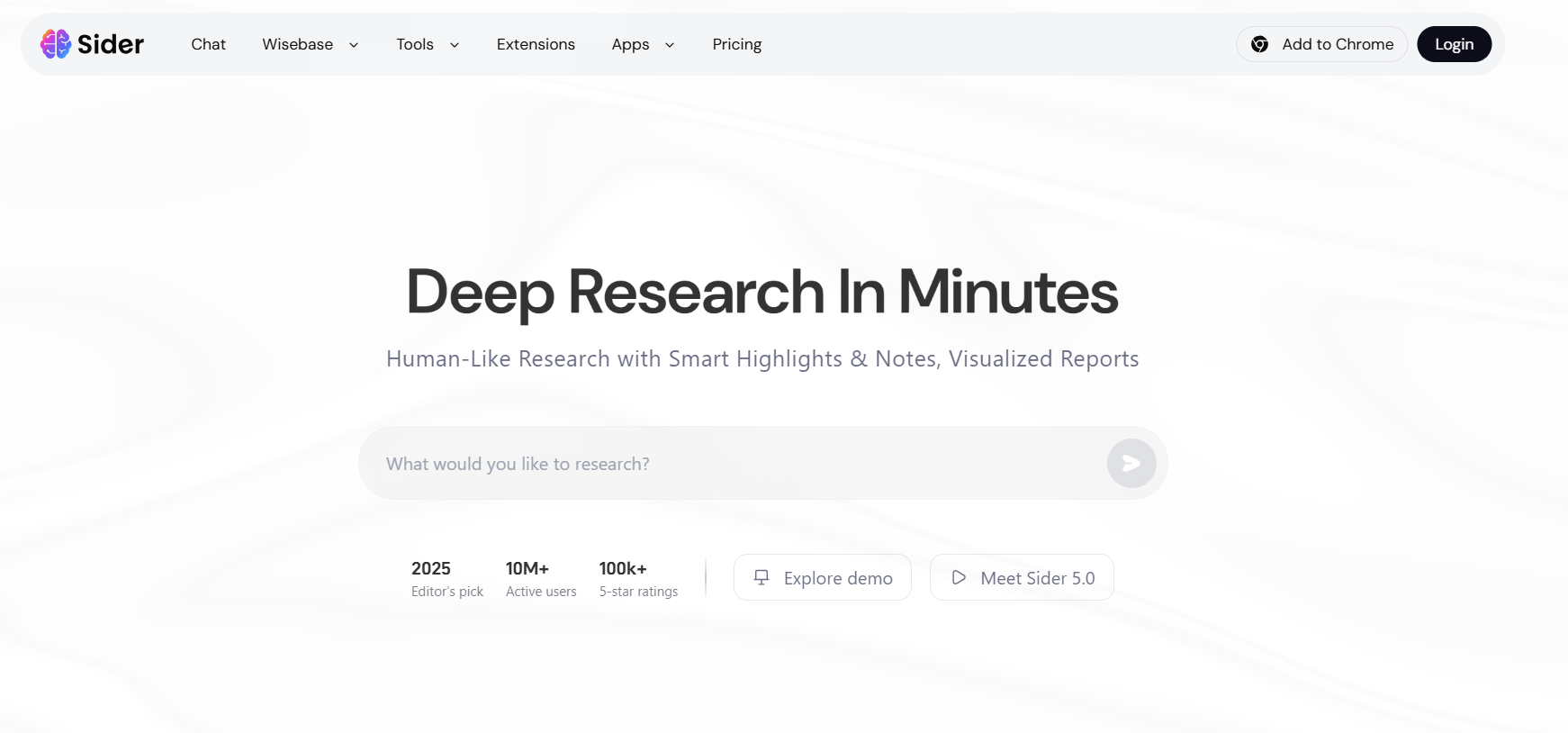
Sider AI
Sider AI is one of the first tools that came up when I was looking for different solutions. I used it myself and found it to be intuitive and beginner-friendly. My entire experience went smoothly as it didn’t have any unnecessary features that cluttered the interface. It allowed me to have all the key ideas in a short and concise summary without needing to sit through the entire video myself.
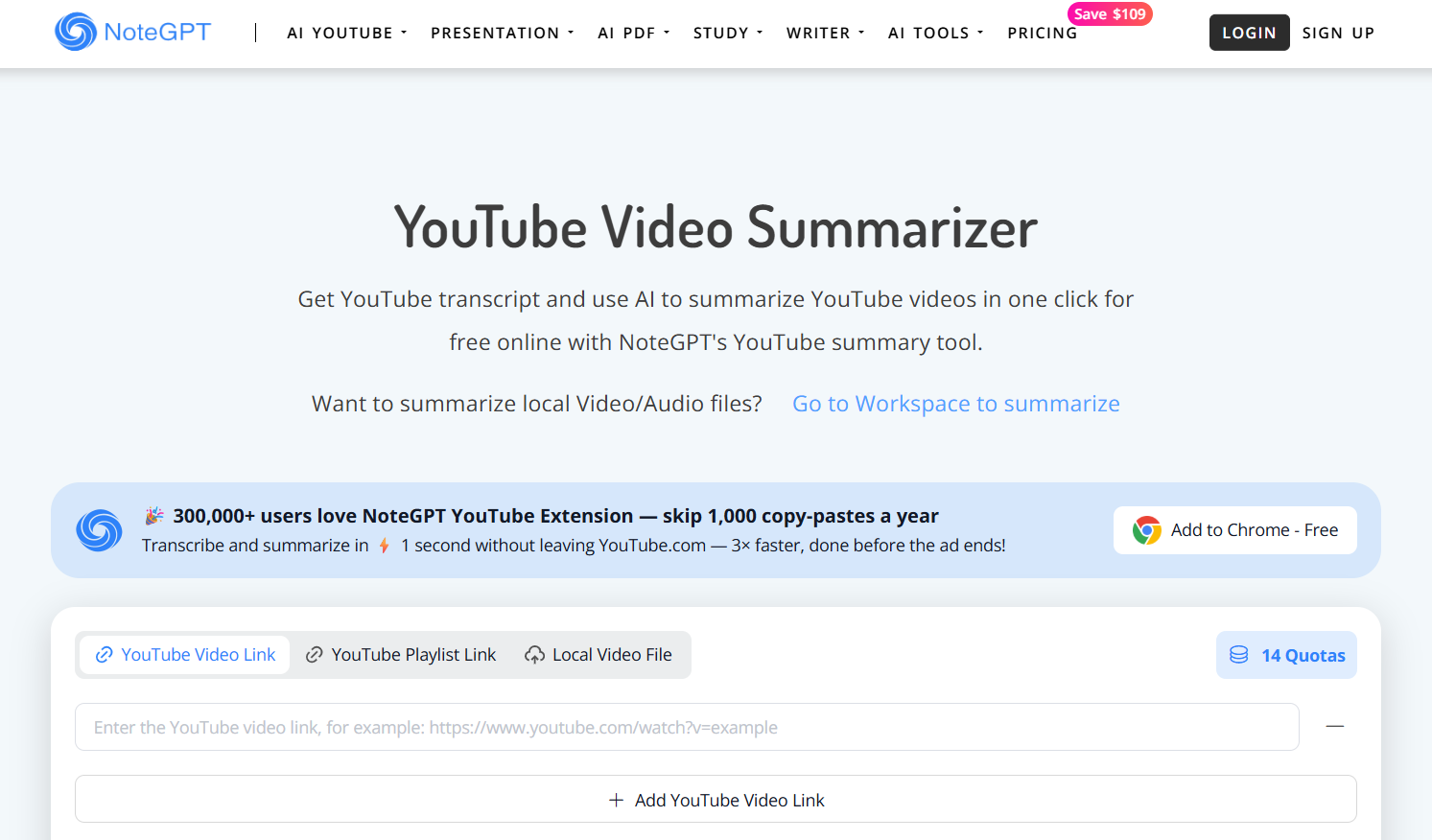
NoteGPT
NoteGPT was another tool that proved useful in my experience. I found it to be a bit more straightforward to use than Sider AI. It allowed me to paste the link of any YouTube video and then generate the entire summary by condensing the key points. It had a wide variety of features, but I personally didn’t like how it made the interface feel a bit overwhelming sometimes.
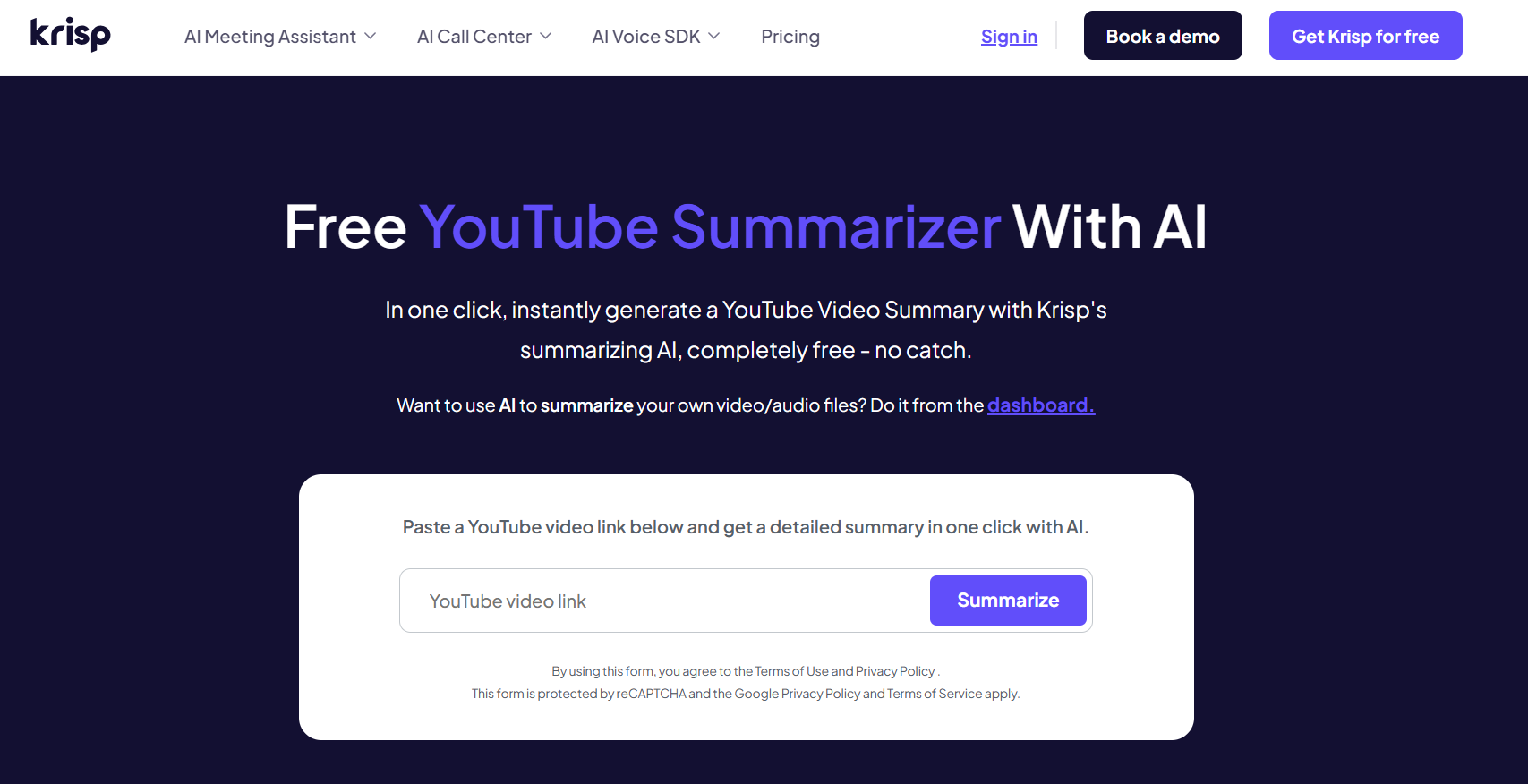
Krisp AI
Krisp AI proved to be one of the most reliable solutions for summarizing lengthy videos that I don’t have time for. It had a relatively simple and straightforward user interface that lacked ads, pop-ups, or any kind of registration requirements. By simply pasting the URL of any YouTube video, Krisp gave me a short summary of all the key highlights of it.
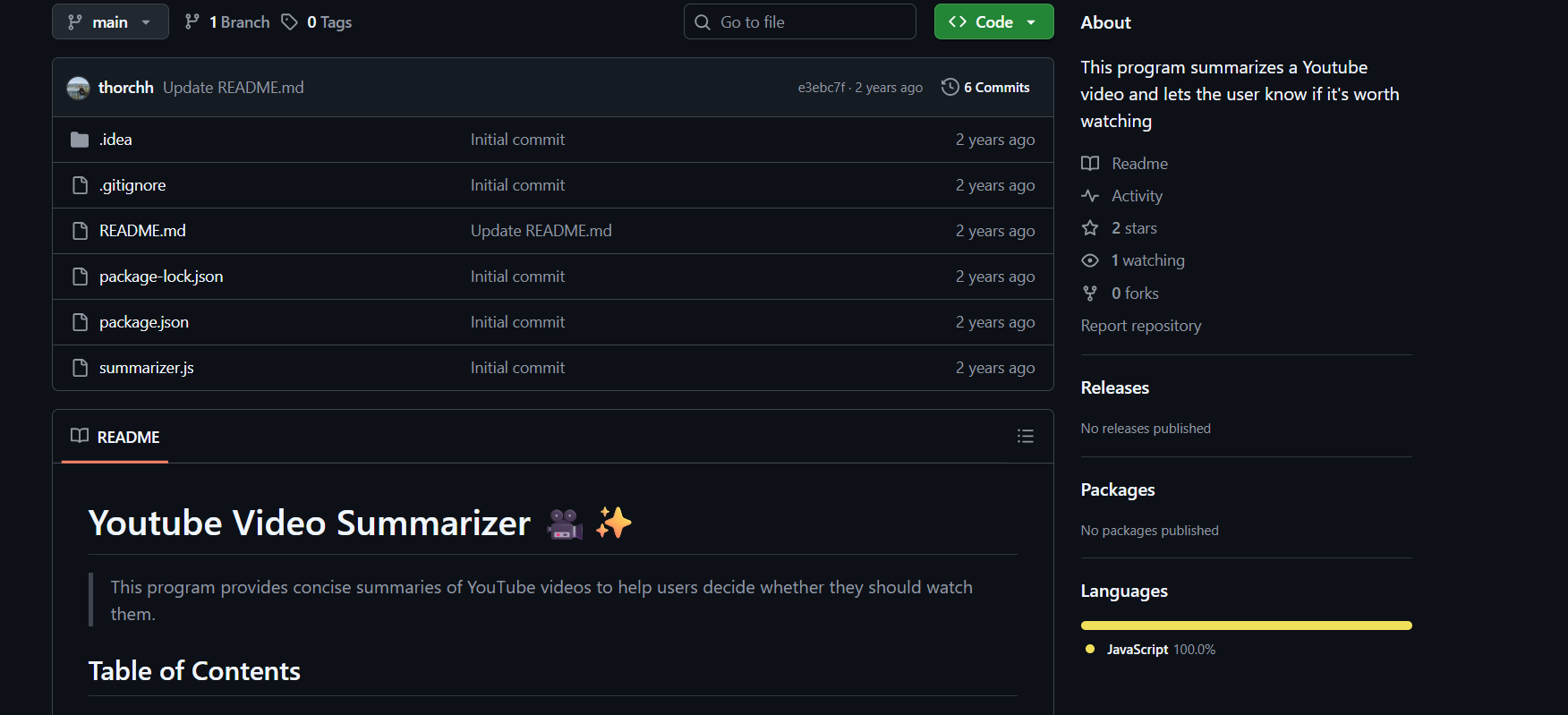
YouTube Video Summarizer (GitHub)
For more advanced and tech-savvy users, this developer-friendly YouTube Video Summarizer is a solid choice. It is a completely open-source solution for those who want better privacy and customization over their summaries. However, it can be a bit confusing to use if you lack the technical knowledge required. The only thing I didn’t like about it was the fact that I had to download it to use it.
Comparison of YouTube Video Summarization Tools
I’ve tried and tested each of these tools myself and have found them to be really reliable for video summarizing. Sider AI was the most beginner-friendly, offering clean summaries without any sign-up or clutter. NoteGPT stood out to me for its playlist support even though the interface felt slightly overwhelming. Krisp AI impressed me with its seamless performance and downloadable summaries which made it great for work use. On the other hand, the GitHub-based summarizer was perfect for advanced users who value privacy and full customization, though it does require a bit of technical skill to set up properly.
| Tool | Ease of Use | Accuracy | Language Support | Customization Options | Cost |
|---|---|---|---|---|---|
| Sider AI | Very beginner-friendly | Highlights key ideas well | Supports multiple languages | Limited customization | Free |
| NoteGPT | Simple interface, slightly cluttered | Good, but varies with video length | Supports multiple languages | Offers playlist and local video options | Free |
| Krisp AI | Clean, no ads or pop-ups | Accurate summaries with timestamps | Supports multiple languages | Downloadable summaries, integrates with tools | Free |
| GitHub Summarizer | Requires setup knowledge | Good if configured correctly | Depends on implementation | Highly customizable for developers | Free |
Download Videos Easily with Toolsmart's Free YouTube Video Downloader
Summarizing your videos can help save a lot of time from watching lengthy videos but it won’t work if you’re somewhere without the internet. This is why I use Toolsmart’s Free YouTube Video Downloader to save my videos directly to my device and then watch them later. This allows me to continue my research, even when my internet isn’t co-operating with me. It’s completely free and helps me export any video I want with just a URL.
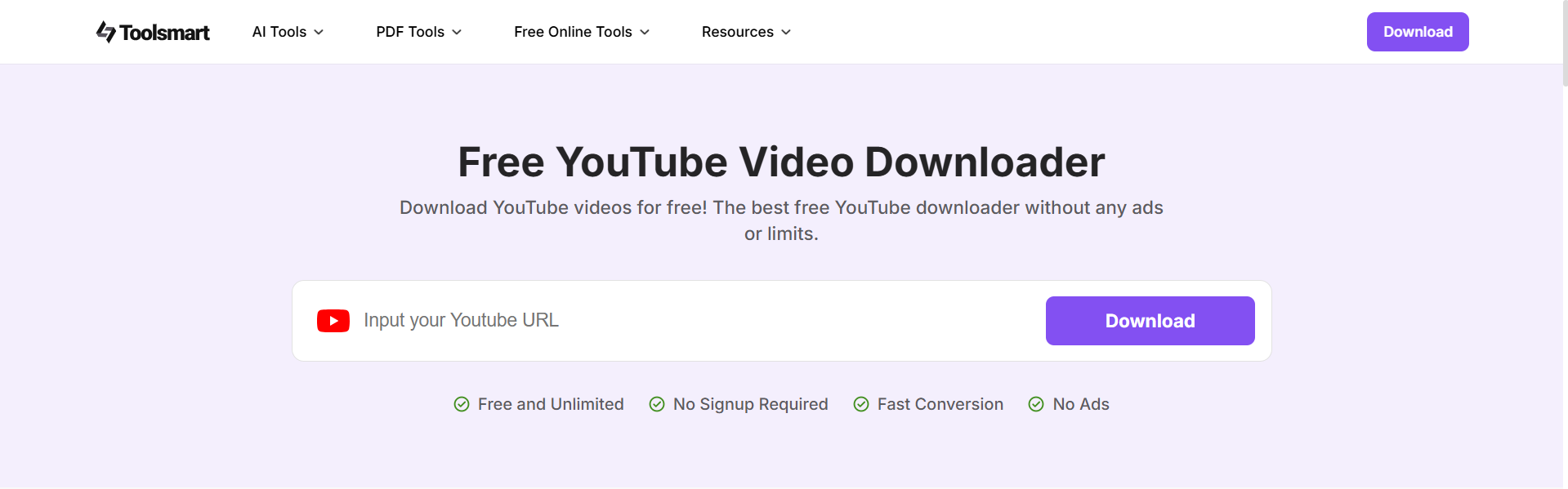
Once I download all my videos, I simply upload them to a summarizing tool like NoteGPT to generate a short synopsis that gives me an idea of what they are about. I combine the features of Toolsmart with the efficiency of a good summary generator to maximize my productivity and download YouTube videos for summarization.
FAQs
Q1: Are these YouTube summarization tools completely free?
Yes, all the tools listed offer free tiers or are entirely free to use.
Q2: Can I customize the summaries generated by these tools?
Some tools like NoteGPT and the GitHub-based solution allow customization, while others provide fixed outputs.
Q3: Why should I download a YouTube video before summarizing it?
Downloading allows you to work offline, use higher-quality content, and avoid playback or API restrictions.
Q4: Do I need technical skills to use the GitHub-based summarizer?
Yes, basic coding knowledge is required for setup and customization.


