
'%3e%3cpath%20fill-rule='evenodd'%20clip-rule='evenodd'%20d='M19%208.5C24.799%208.5%2029.5%2013.201%2029.5%2019C29.5%2024.6782%2024.9928%2029.3036%2019.361%2029.4939L19%2029.5C18.8794%2029.5%2018.7592%2029.498%2018.6396%2029.4939L18.2811%2029.4758C12.8174%2029.1063%208.5%2024.5574%208.5%2019C8.5%2013.201%2013.201%208.5%2019%208.5ZM22.3063%2010.6267L22.2342%2010.6539C21.3423%2011.0061%2020.5541%2011.6368%2020.5606%2012.4987C20.5631%2012.8302%2020.869%2014.8871%2020.2141%2014.8486C19.5589%2014.8102%2019.413%2013.8753%2018.7116%2013.616C17.5944%2013.2026%2016.9819%2014.3401%2017.0939%2015.3106C17.1695%2015.9655%2018.9289%2018.3871%2017.9028%2019C17.292%2019.3651%2015.7279%2017.5692%2015.1007%2017.1842C14.4805%2016.8034%2013.2758%2017.3333%2012.4974%2016.7029C11.9874%2016.2899%2012.3881%2014.4098%2012.2786%2013.8372C12.2271%2013.5698%2012.1155%2013.3689%2011.9794%2013.2166L12.0402%2013.2934C10.7653%2014.8464%2010%2016.8339%2010%2019C10%2023.8465%2013.8307%2027.7982%2018.6295%2027.9925L18.6769%2027.9747C18.8597%2027.8677%2019.0394%2027.7557%2019.216%2027.6387C19.4137%2027.4534%2019.5436%2027.2072%2019.5849%2026.9394C19.8806%2025.1222%2018.3616%2025.4302%2017.9367%2024.5622C17.5489%2023.7695%2018.5712%2023.7684%2018.5524%2021.7923C18.4607%2021.1774%2018.5279%2020.547%2018.7211%2020.0315C19.1834%2018.7987%2020.7077%2017.2643%2022.5889%2018.0081C23.5567%2018.3906%2023.1524%2019.9831%2023.4737%2020.3394C24.251%2021.2018%2025.3228%2020.6863%2026.2856%2021.2253C26.7816%2021.5032%2026.9797%2022.41%2027.056%2023.2248L27.038%2023.0528C27.6534%2021.8348%2028%2020.4579%2028%2019C28%2015.1968%2025.6409%2011.9445%2022.3063%2010.6267Z'%20fill='%23757575'/%3e%3ccircle%20cx='19'%20cy='19'%20r='10.125'%20stroke='%23757575'%20stroke-width='2.25'/%3e%3c/g%3e%3cdefs%3e%3cclipPath%20id='clip0_1827_14613'%3e%3crect%20width='24'%20height='24'%20fill='white'%20transform='translate(7%207)'/%3e%3c/clipPath%3e%3c/defs%3e%3c/svg%3e)


When I first decided to compile my recipes into a single, polished collection, I expected the process to be complicated. But with the right tools and a clear structure, making a recipe book turned into one of the most enjoyable creative projects I’ve done. It gave me the chance to organize my favorite dishes, personalize their presentation, and even gift copies to friends and family. In this guide, I’ll walk you through how to make a recipe book using platforms I’ve personally worked with, like Canva, Word, and Google Docs, and show you how to give your images a professional touch using Toolsmart’s Free Image Enhancer.
Why Recipe Books Matter
Understanding the importance of creating a recipebook is helpful before you start the creation process. I've now made a few, some for gifts and some for myself, and I've discovered that these books are used for more than just ingredient lists. They celebrate food-related memories, uphold family customs, and provide a very intimate means of expressing love and culture.
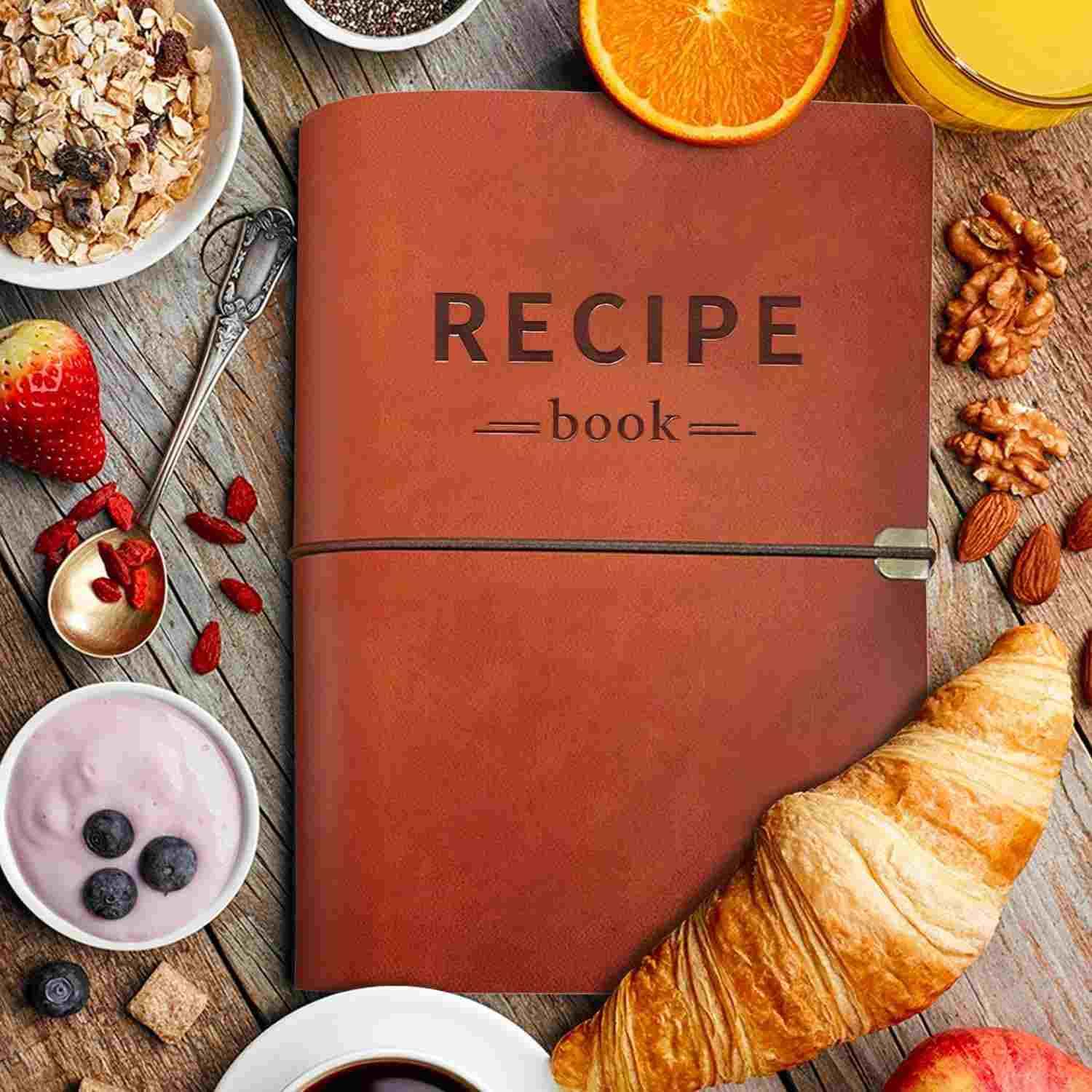
They preserve family traditions: A personalized recipe book captures memories and cooking methods passed down from generation to generation. It becomes something you can pass along, not just use.
They make meaningful gifts: I’ve made recipe books personalized as birthday and wedding gifts, and the personal touch always goes over well. It shows time, effort, and thought.
They help organize your kitchen: No more digging through notes or screenshots. With a digital or printed recipe book, all your favorites live in one easy-to-access place.
They allow for creative expression: From fonts and color schemes to storytelling, you get to turn simple meals into something visually and emotionally engaging.
They can be used professionally: If you’re a food blogger, nutritionist, or home chef, your recipe book can become a portfolio or even a small business product.
Each of these reasons made me appreciate the process more, and it’s what kept me going even through the formatting and photo work.
How to Make a Recipe Book (Step by Step)
Now, I'll show you how to use Canva, Word, and Google Docs to create a recipe book. These platforms work well for both digital and print formats, are easy to use, and are free. Over the years, I've used all three, sometimes for elegant presents, and other times for fast personal collections, and each has its own advantages. One of these tools will be ideal for you, regardless of your preferences for simple sharing, easy formatting, or visual flair.
Step 1: Choose your format and platform, decide if your recipe book will be digital, printable, or both. I usually start digitally for flexibility, then export to a print-friendly PDF using tools like Canva, Word, or Google Docs.

Step 2: Gather all your recipes in one place, grouping them by meal type or theme, and use a consistent format, ingredients first, then step-by-step instructions
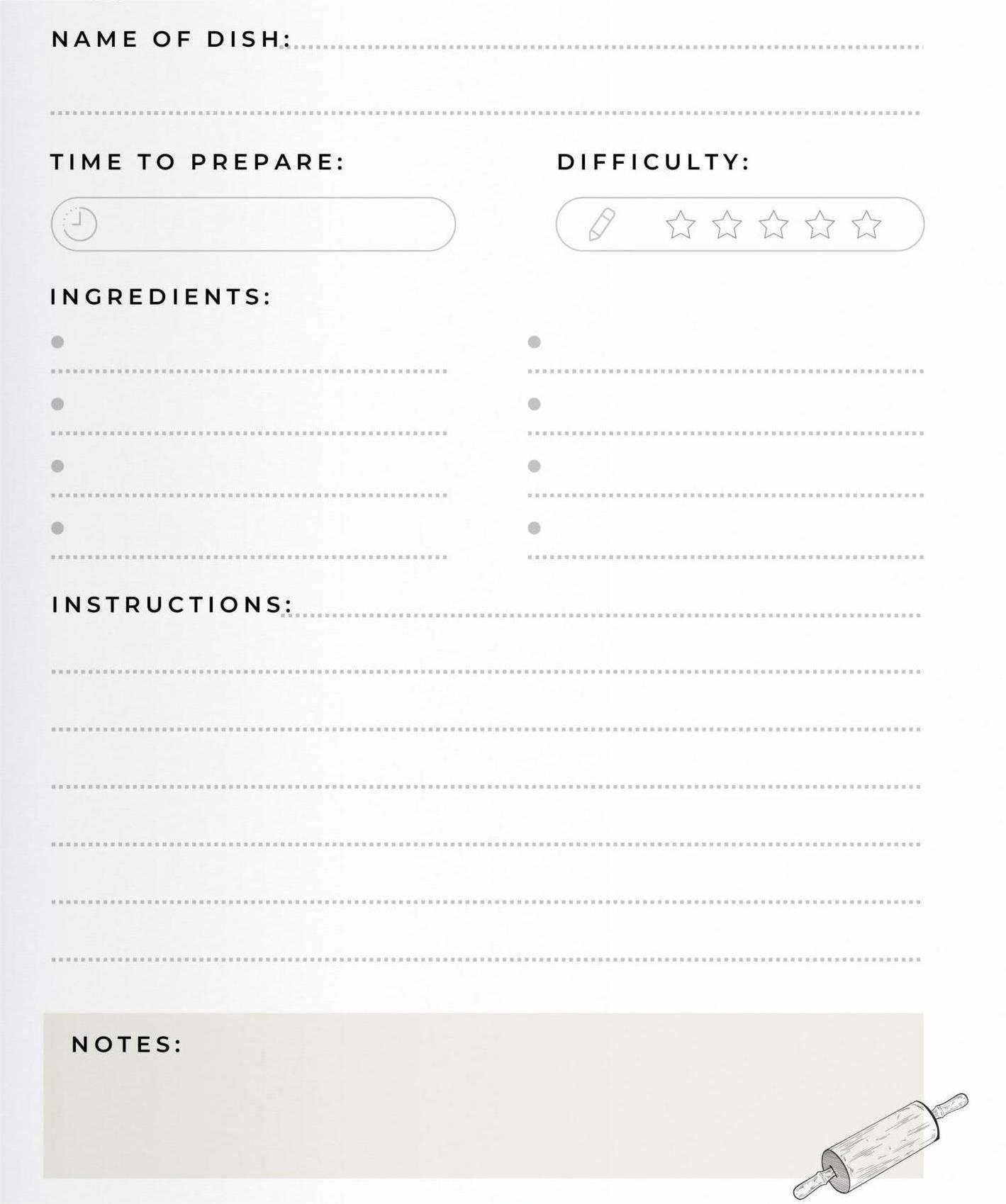
Step 3: Add a short story or title, like “Grandma’s go-to Sunday roast”, under each recipe name to personalize and bring it to life.
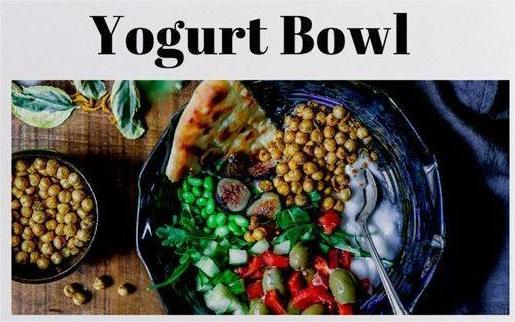
Step 4: Insert high-quality food photos above or beside each recipe, and use clean formatting, serif fonts for titles, sans-serif for text, and short, clear steps.
Step 5: Add a simple cover, table of contents, and a short dedication or intro to give your recipe book structure and a personal touch.
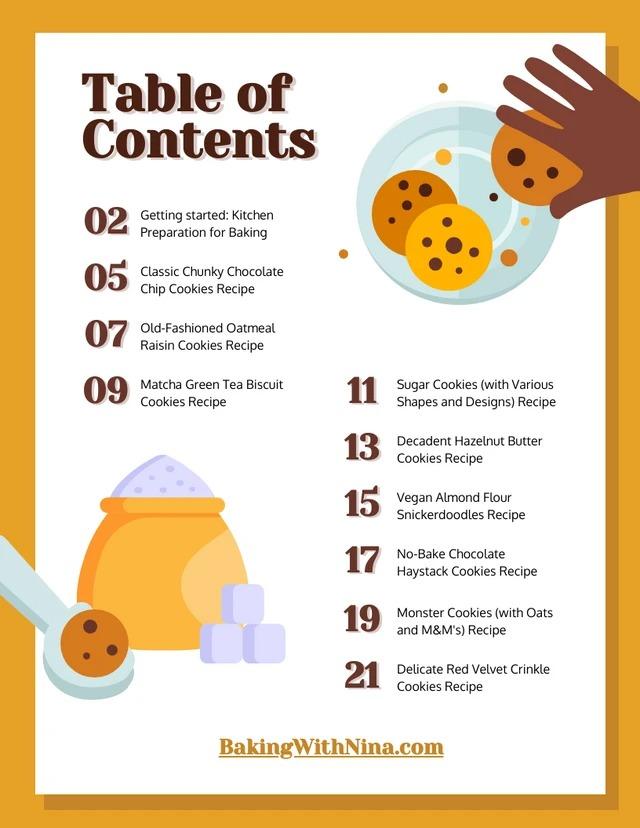
Step 6: Export your recipe book as a high-resolution PDF and print it or share it digitally, depending on how you plan to use or gift it.
Each time I’ve made a recipe book, the process got easier, and the results looked more refined. If it’s your first time, keep it simple and focus on consistency. It doesn’t need to be perfect to be meaningful.
Toolsmart Free Image Enhancer – Make Food Photos Pop
After getting my layouts in place, I always focus on my food photos. A dull or blurry image can take away from an otherwise great recipe. That’s why I started using Toolsmart’s Free Image Enhancer online, it gave my images the sharpness and contrast they needed without complicated editing.
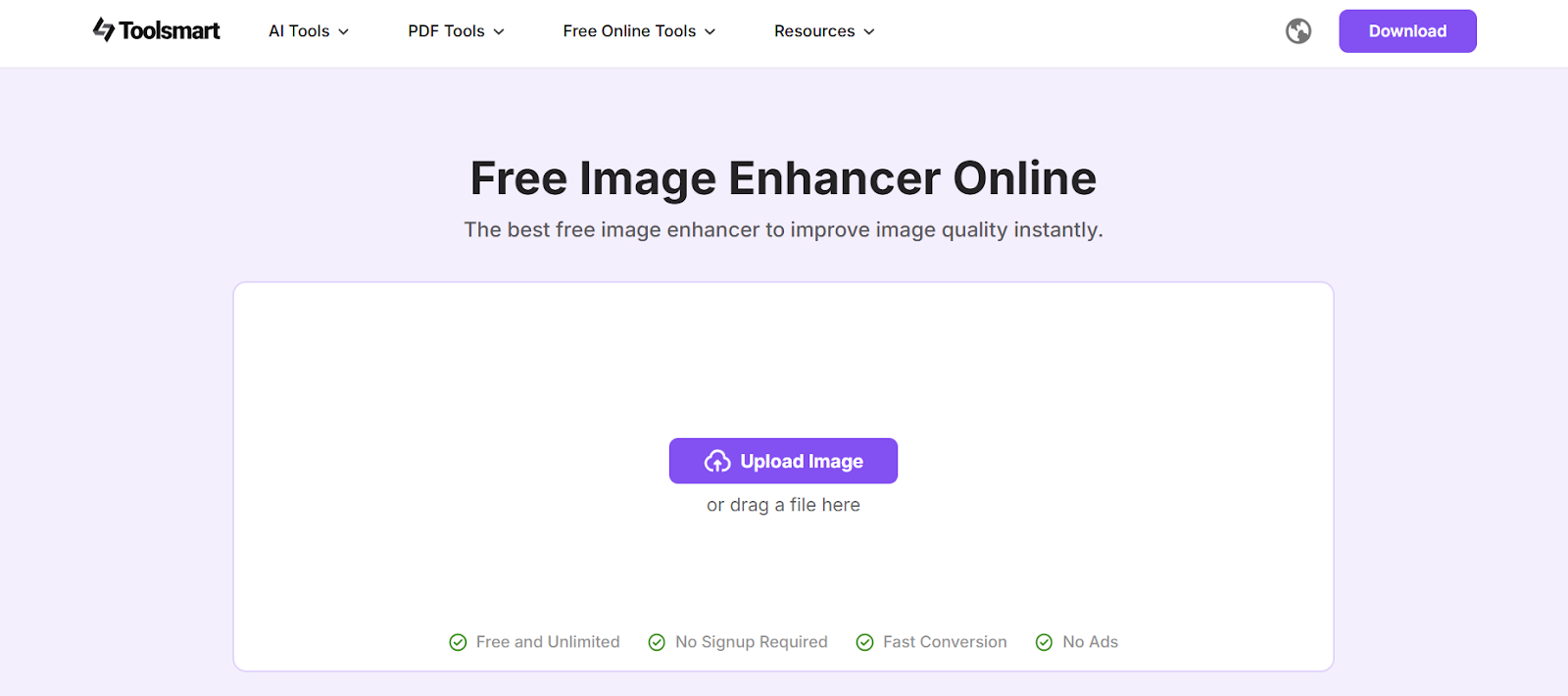
I found Toolsmart while looking for a quick way to fix photos for one of my earlier books. Since then, I’ve used it to brighten baked goods, sharpen soup textures, and even fix old family recipe scans. What I like is how it handles everything in the browser, without requiring a sign-up or app download. It’s efficient, clean, and has helped make my cookbooks look far more polished than before.
Features:
Here are some of Toolsmart's Image Enhancer's key features that truly make an impact:
Uses AI to enhance clarity automatically: It improves lighting, sharpness, and overall quality with one click, even on low-res or dark images.
Great for close-up food textures: I’ve used it to enhance fine details like melted cheese, grill marks, and icing, all of which now stand out more clearly on the page.
No watermark, no cost, no login: It’s a rare find, completely free and hassle-free with no limitations on use or image size.
Works across devices and browsers: I’ve used it on both desktop and mobile, and the upload-to-download flow is always smooth and fast.
How to Use Toolsmart to Enhance Your Food Photos
Before I add any food photo to my recipe book, I run it through Toolsmart’s Free Image Enhancer. It's become a key part of my process because no matter how good the layout is, a blurry or dull image can make the page fall flat. Toolsmart helps fix that instantly. I discovered it while scrambling to clean up photos for an earlier cookbook, and it’s been a go-to tool ever since. Whether it’s bringing out the golden tones in baked goods or restoring clarity to scanned family recipes, it consistently delivers sharp, vibrant results.
Step 1: Visit Toolsmart Image Enhancer on your browser.
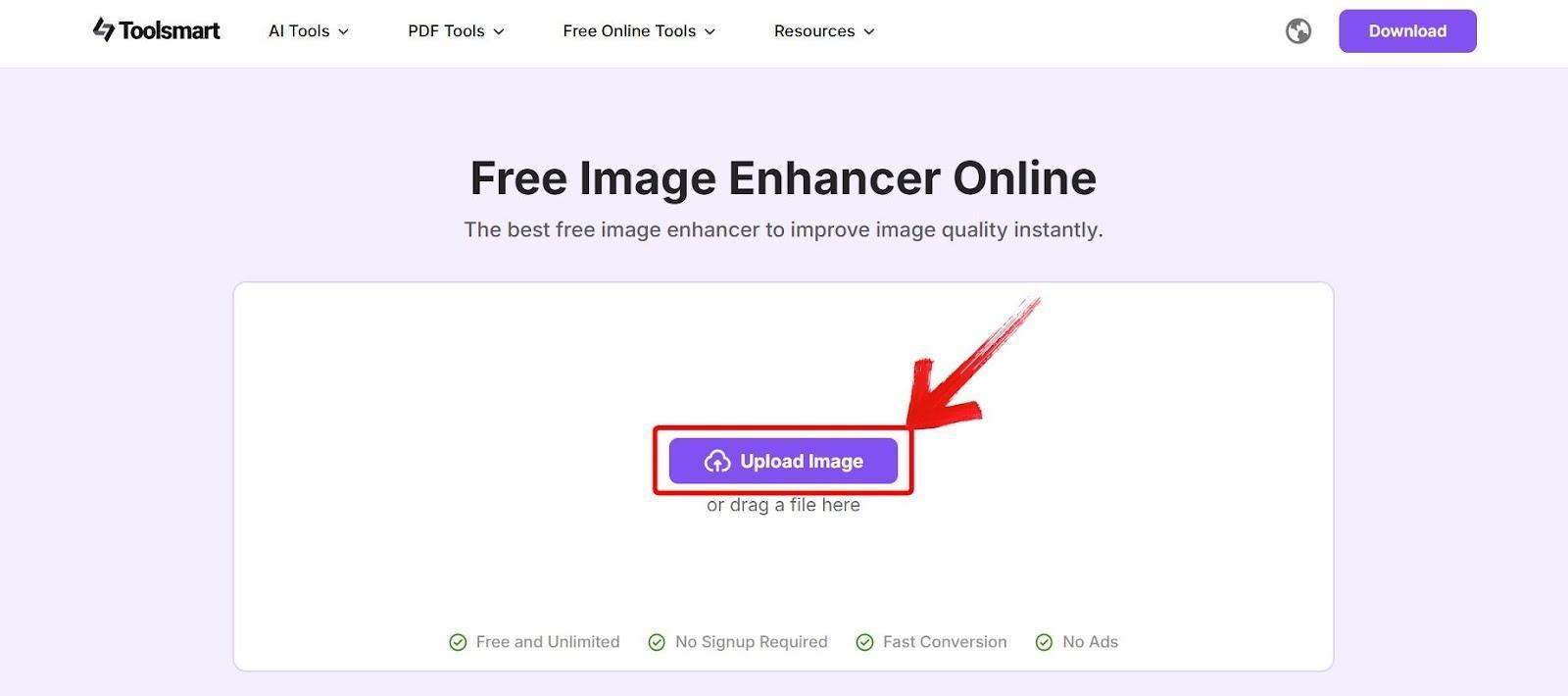
Step 2: Click on “Upload Image” and select the food photo that needs enhancing.
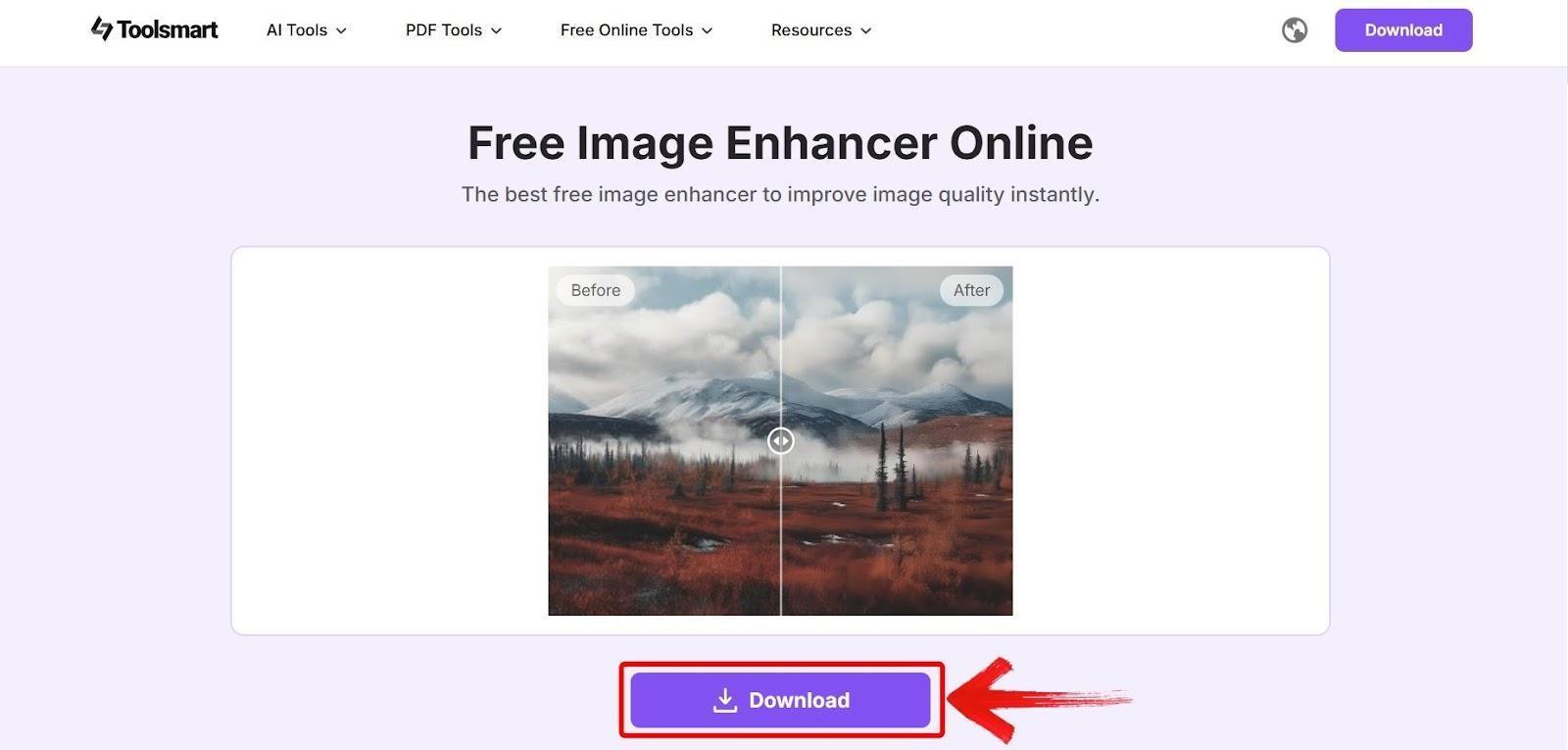
Step 3: Wait for the AI to enhance the image, then preview the clearer version and click on“Download” to save it.
I’ve used Toolsmart for dozens of food images now, and I rarely have to do additional editing afterward. It saves time while making your recipes shine visually.
FAQs
Q1: What’s the easiest platform to use for beginners?
Canva is the most user-friendly if you want a template-based design. Google Docs or Word are better for simple text-based layouts.
Q2: Can I make a printable recipe book at home?
Yes. Once you export your recipe book as a PDF, you can print it on standard paper, or use a print service for a more durable version.
Q3: How do I make my food photos look more professional?
Use natural lighting when taking your photos, and run them through Toolsmart Free Image Enhancer to improve clarity and color balance.
Q4: Is Toolsmart really free to use?
Yes, I’ve used it extensively with no fees, logins, or watermarks. It’s completely browser-based.
Q5: Can I use Toolsmart on my phone?
Absolutely. The interface works well on mobile browsers and doesn’t require downloads, which makes it easy to use on the go.
The Best Way to Make a Recipe Book in 2025
Learning how to make a recipe book in 2025 has become easier than ever with tools like Canva, Word, and Toolsmart Image Enhancer. Whether you're making one as a gift, for your own kitchen, or to share family history, the process is accessible and meaningful. My advice is to start small, focus on organizing your content clearly, and use tools that simplify design and photo enhancement. With just a little effort, you can create a book that’s as visually satisfying as the recipes inside.


