
'%3e%3cpath%20fill-rule='evenodd'%20clip-rule='evenodd'%20d='M19%208.5C24.799%208.5%2029.5%2013.201%2029.5%2019C29.5%2024.6782%2024.9928%2029.3036%2019.361%2029.4939L19%2029.5C18.8794%2029.5%2018.7592%2029.498%2018.6396%2029.4939L18.2811%2029.4758C12.8174%2029.1063%208.5%2024.5574%208.5%2019C8.5%2013.201%2013.201%208.5%2019%208.5ZM22.3063%2010.6267L22.2342%2010.6539C21.3423%2011.0061%2020.5541%2011.6368%2020.5606%2012.4987C20.5631%2012.8302%2020.869%2014.8871%2020.2141%2014.8486C19.5589%2014.8102%2019.413%2013.8753%2018.7116%2013.616C17.5944%2013.2026%2016.9819%2014.3401%2017.0939%2015.3106C17.1695%2015.9655%2018.9289%2018.3871%2017.9028%2019C17.292%2019.3651%2015.7279%2017.5692%2015.1007%2017.1842C14.4805%2016.8034%2013.2758%2017.3333%2012.4974%2016.7029C11.9874%2016.2899%2012.3881%2014.4098%2012.2786%2013.8372C12.2271%2013.5698%2012.1155%2013.3689%2011.9794%2013.2166L12.0402%2013.2934C10.7653%2014.8464%2010%2016.8339%2010%2019C10%2023.8465%2013.8307%2027.7982%2018.6295%2027.9925L18.6769%2027.9747C18.8597%2027.8677%2019.0394%2027.7557%2019.216%2027.6387C19.4137%2027.4534%2019.5436%2027.2072%2019.5849%2026.9394C19.8806%2025.1222%2018.3616%2025.4302%2017.9367%2024.5622C17.5489%2023.7695%2018.5712%2023.7684%2018.5524%2021.7923C18.4607%2021.1774%2018.5279%2020.547%2018.7211%2020.0315C19.1834%2018.7987%2020.7077%2017.2643%2022.5889%2018.0081C23.5567%2018.3906%2023.1524%2019.9831%2023.4737%2020.3394C24.251%2021.2018%2025.3228%2020.6863%2026.2856%2021.2253C26.7816%2021.5032%2026.9797%2022.41%2027.056%2023.2248L27.038%2023.0528C27.6534%2021.8348%2028%2020.4579%2028%2019C28%2015.1968%2025.6409%2011.9445%2022.3063%2010.6267Z'%20fill='%23757575'/%3e%3ccircle%20cx='19'%20cy='19'%20r='10.125'%20stroke='%23757575'%20stroke-width='2.25'/%3e%3c/g%3e%3cdefs%3e%3cclipPath%20id='clip0_1827_14613'%3e%3crect%20width='24'%20height='24'%20fill='white'%20transform='translate(7%207)'/%3e%3c/clipPath%3e%3c/defs%3e%3c/svg%3e)


Changing the colour of an image is now simple with many free tools available online in 2026. Whether you're fixing brightness or adding creative effects, the right tool makes a big difference. Designers and creators often struggle to pick between free, paid, or complex software. Some tools are limited unless paid, while others are not user-friendly.
This article highlights the top tools that are easy to use, effective, and accessible. It also compares their features to help users choose the best way to change the colour of image efficiently.
Part 1: Top 5 Tools for Image Color Changer
1. Pixelied
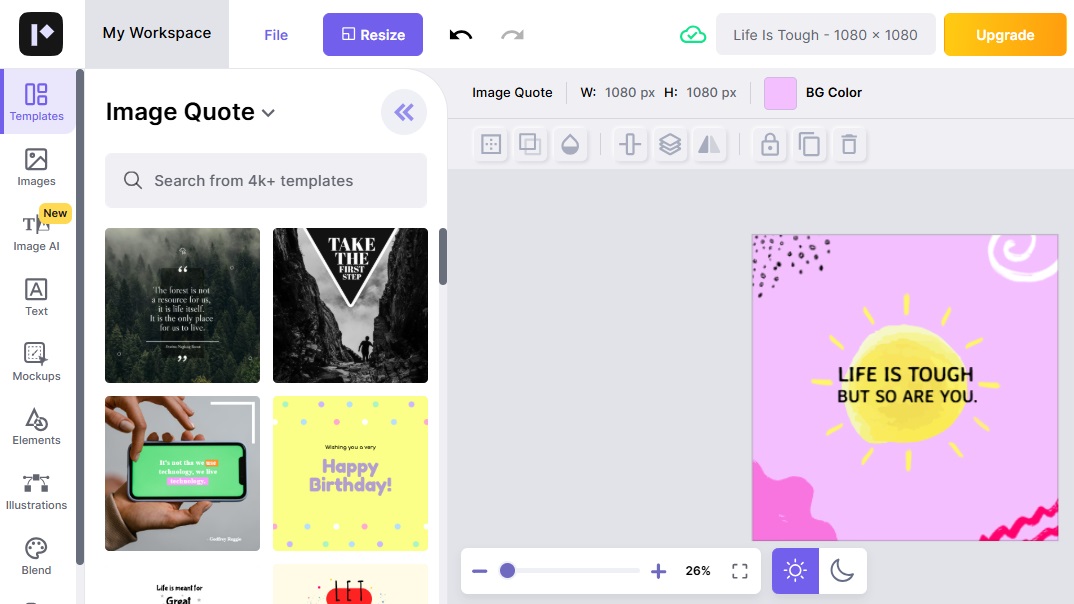
Pixelied is very smooth to use, especially for beginners. A great option to quickly change the colour of image without extra hassle. It also allows you to remove or replace the image background online free, making it a versatile choice for quick edits.
Features:
Change object and background colors
Layer editing and design tools
Export in multiple formats

How to Use:
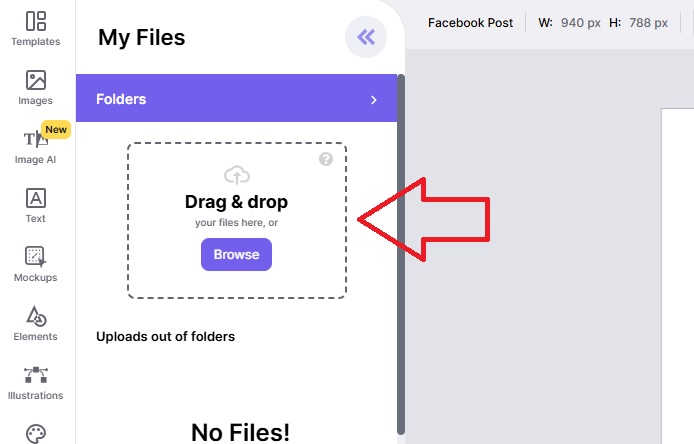
Upload your image
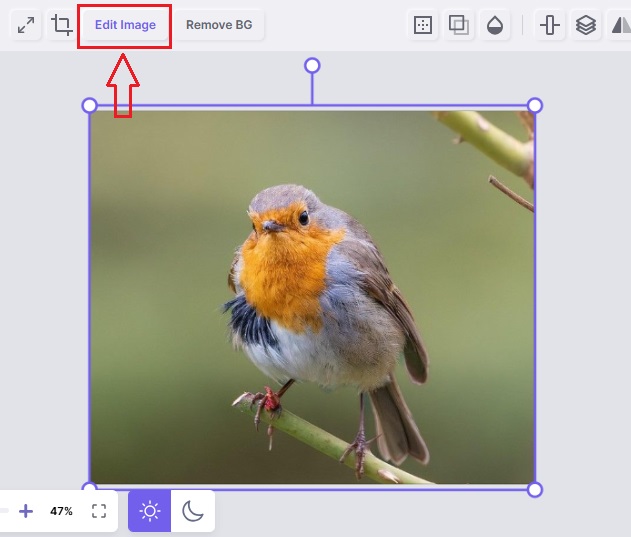
Click on the image and click the Edit image
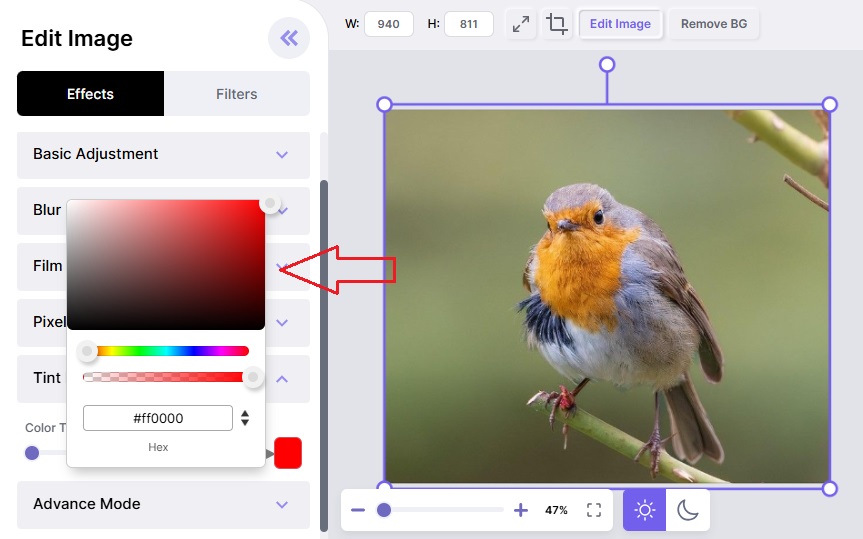
Select colors to replace
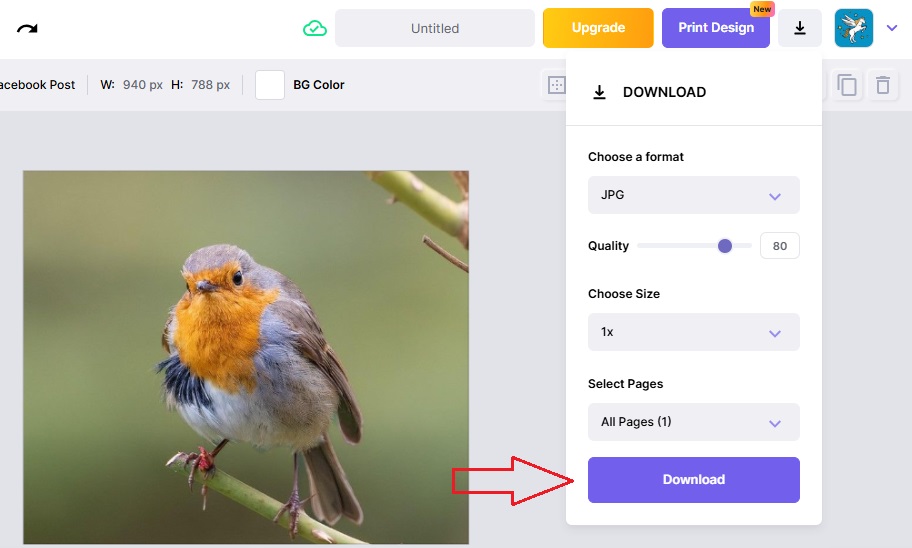
Download the enhanced image
Pros:
User-friendly interface
Free to use for basic features
Fast processing
Cons:
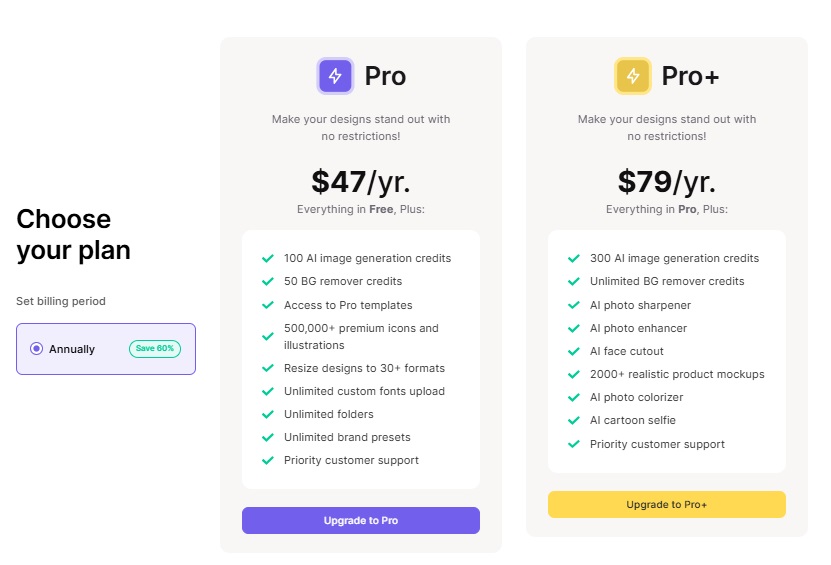
Some advanced tools are locked behind a paywall
2. IMGonline
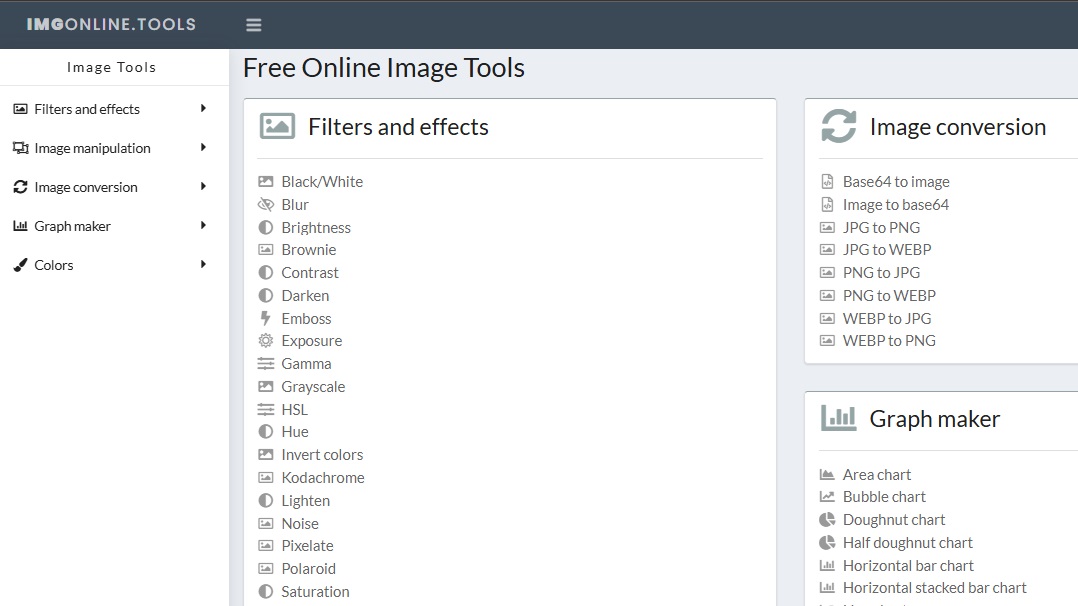
Features:
Replace one color with another precisely
Basic image processing tools
How to Use:
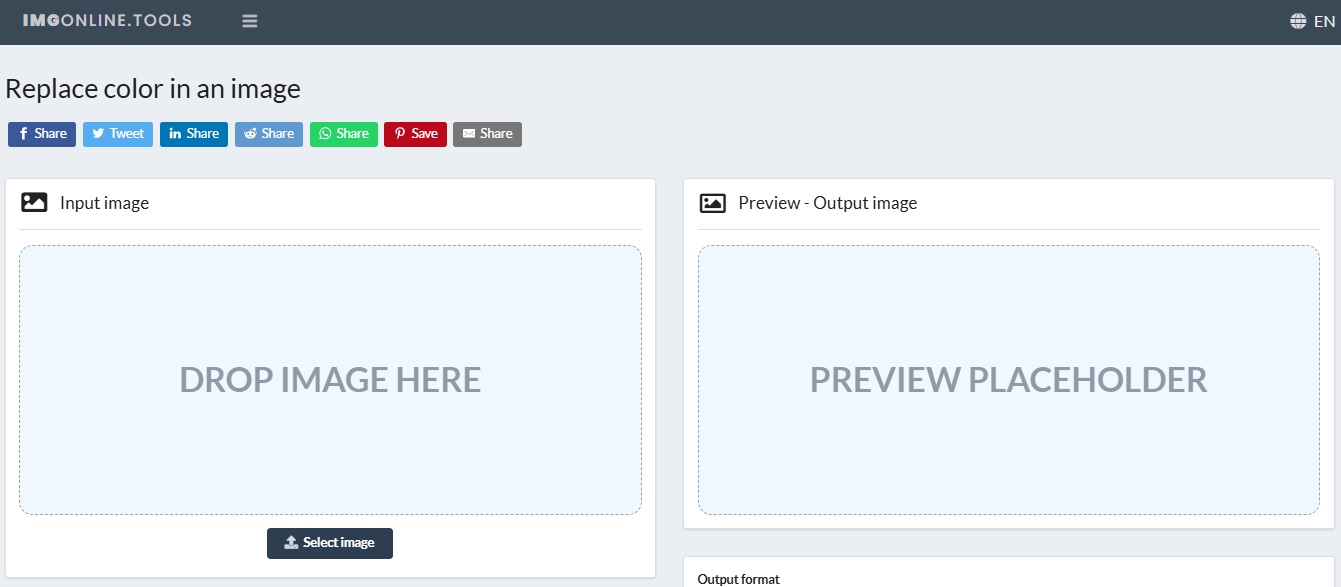
Upload your desired image

Select colors to replace
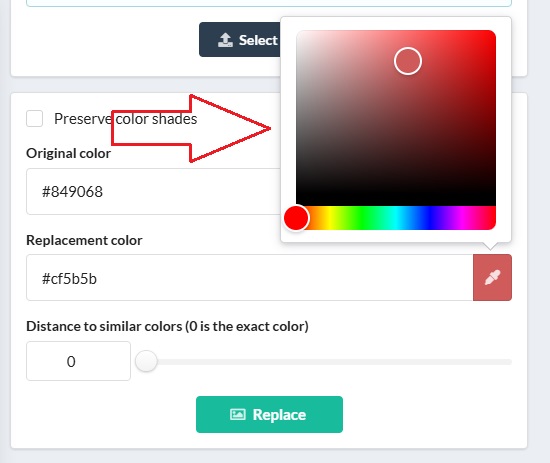
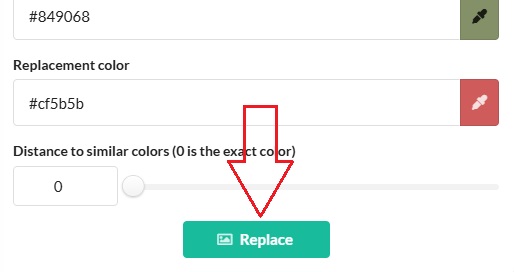
Click the Process button
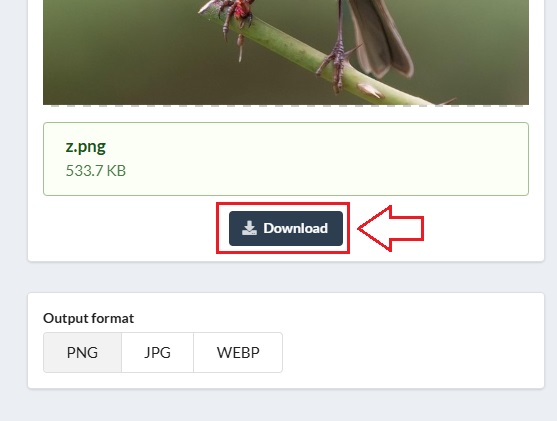
Download the image
Despite the old design, it's effective for simple tasks. Good for one-click color swaps.
Pros:
Lightweight and quick
No registration needed
Cons:
Outdated interface
Limited editing options
3. Lunapic
Features:
Replace color
apply filters
create animations
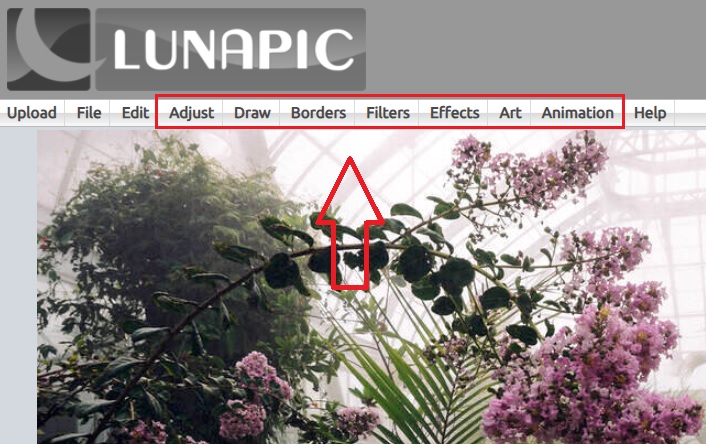
How to Use:
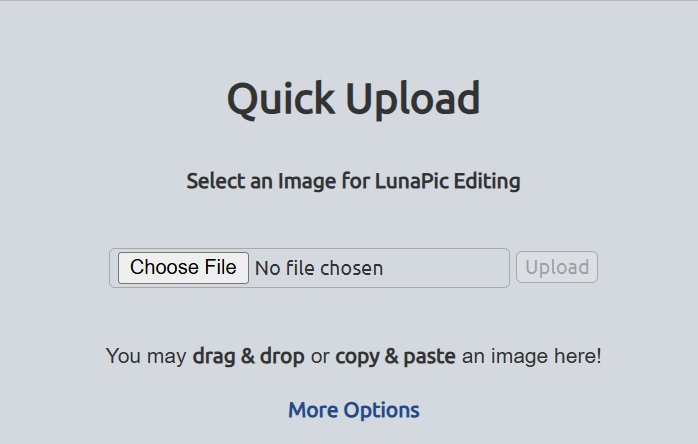
Upload your desired image
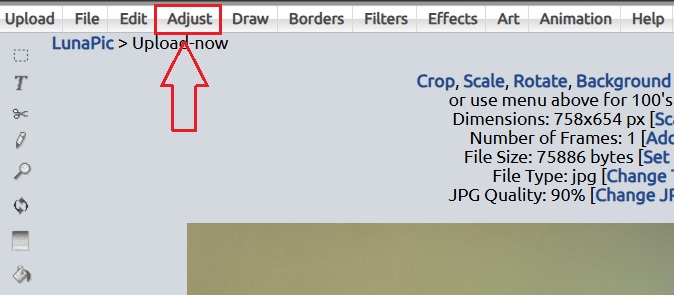
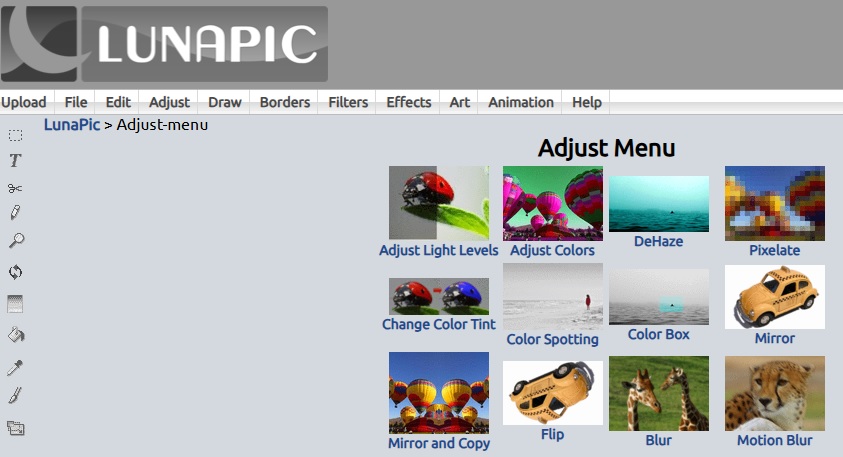
Go to the “Adjust” option
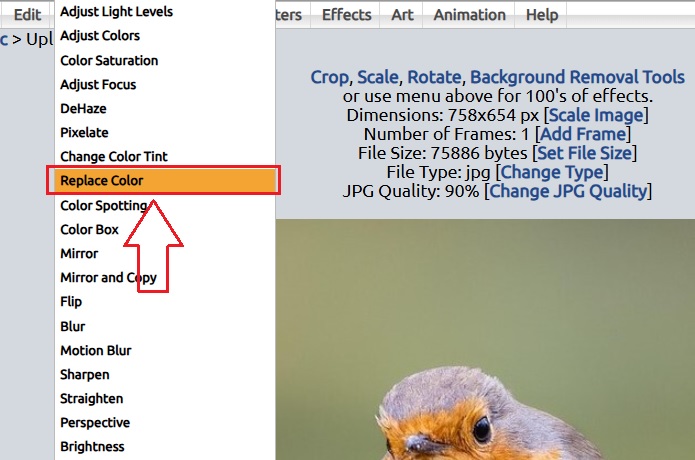
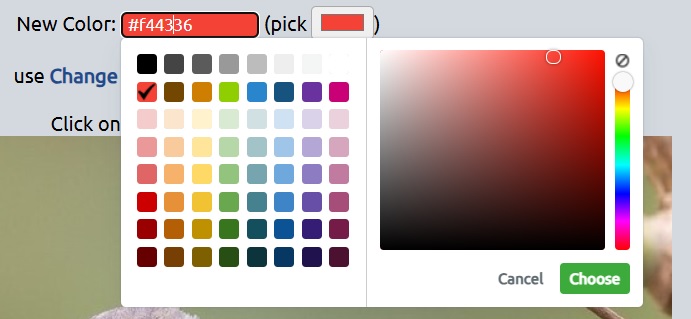
Select “Replace Color” and then click Apply
Download the converted image
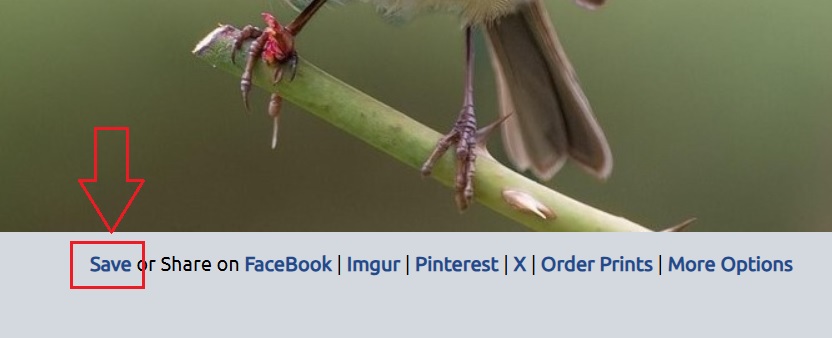
Took a minute to get used to, but effective in changing colors and adding fun effects.
Pros:
No login required
Flexible color tools
Cons:
Ads on page
Interface is outdated
4. Canva
Features:
Design templates, color palettes, image filters
Team collaboration features
How to Use:
Upload image
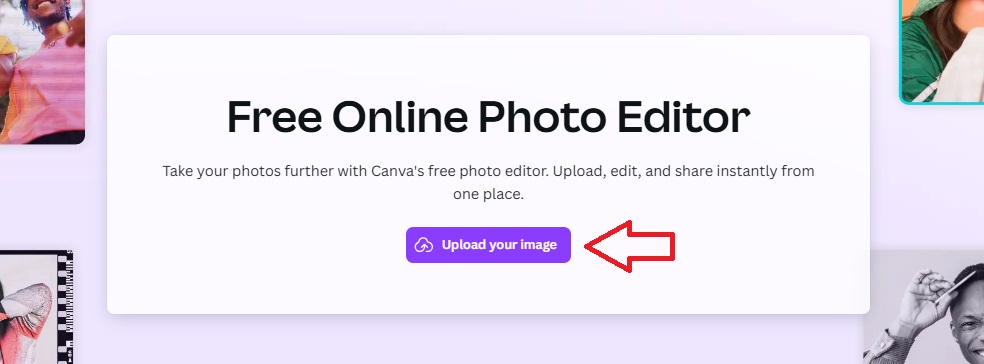
Click on image
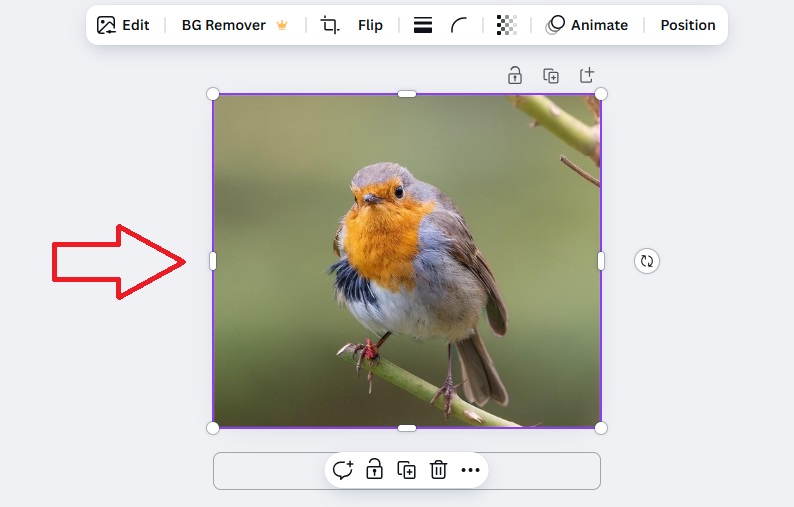
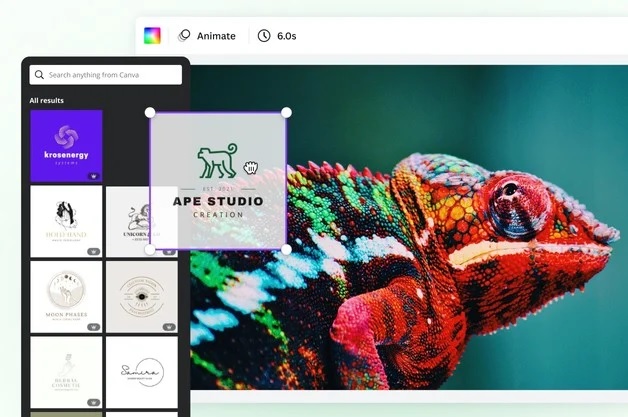
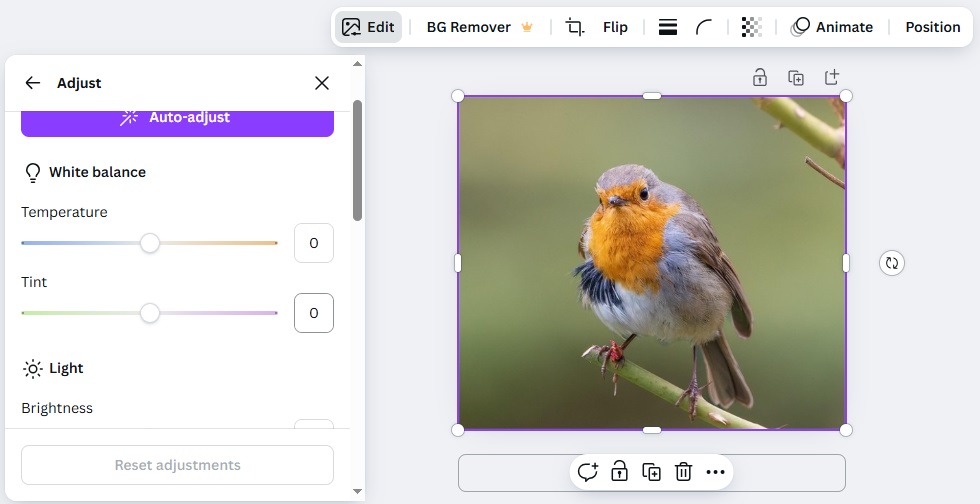
Use color change/edit options
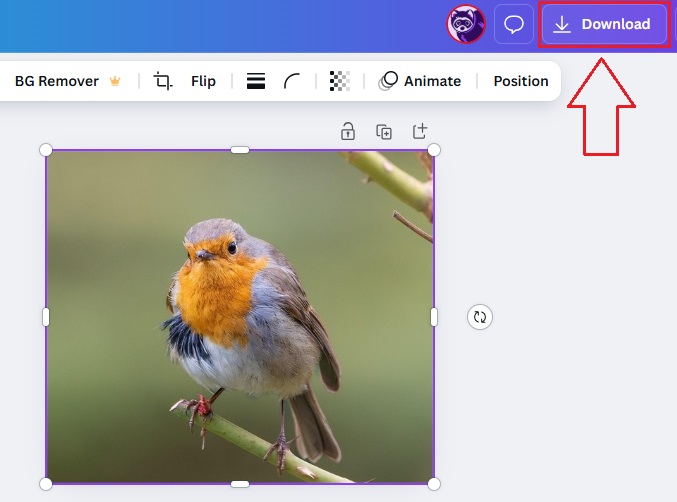
Export the converted image
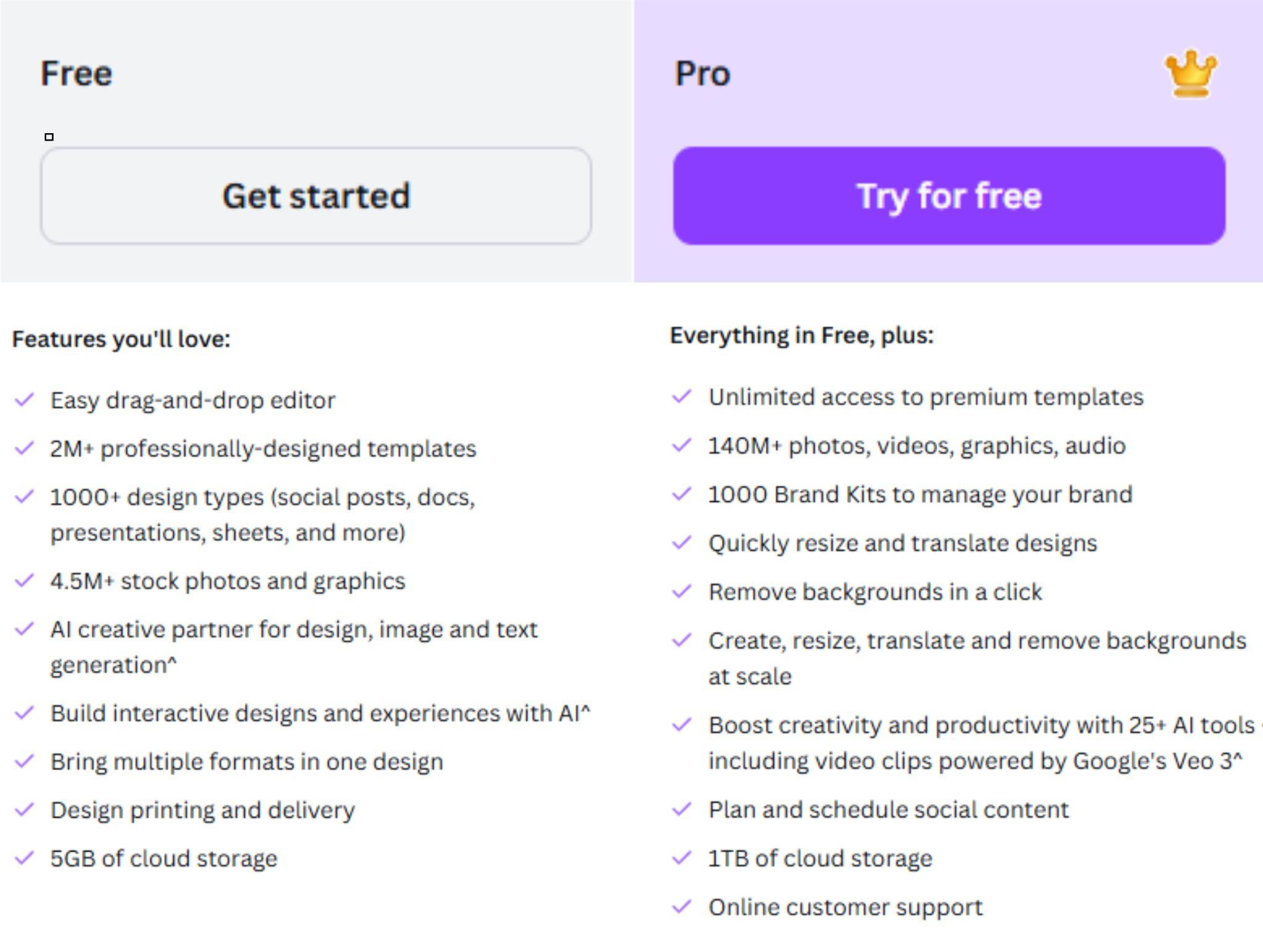
Very easy to use, perfect for social media visuals. Ideal for non-designers. Canva offers a wide range of design templates and built-in color palette tools for creative flexibility
Pros:
Modern and clean UI
Large library of templates

Cons:
Some features require a Pro subscription
Watermarks on free version assets
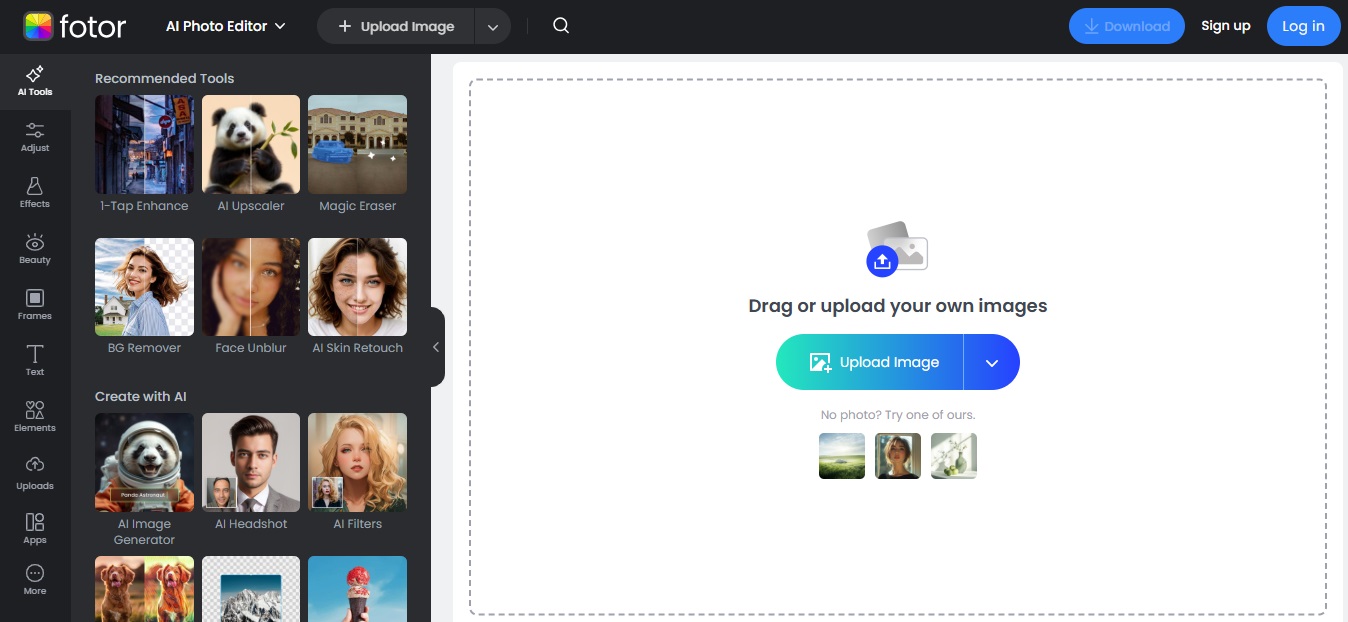
5. Fotor
Features:
Color editing, filters, photo effects
AI-based image processing

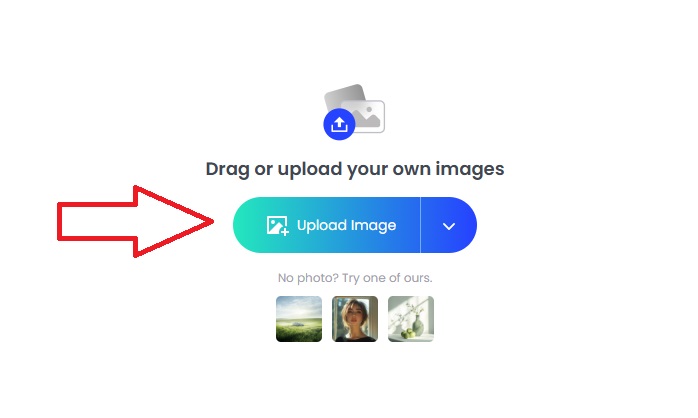
Upload photo
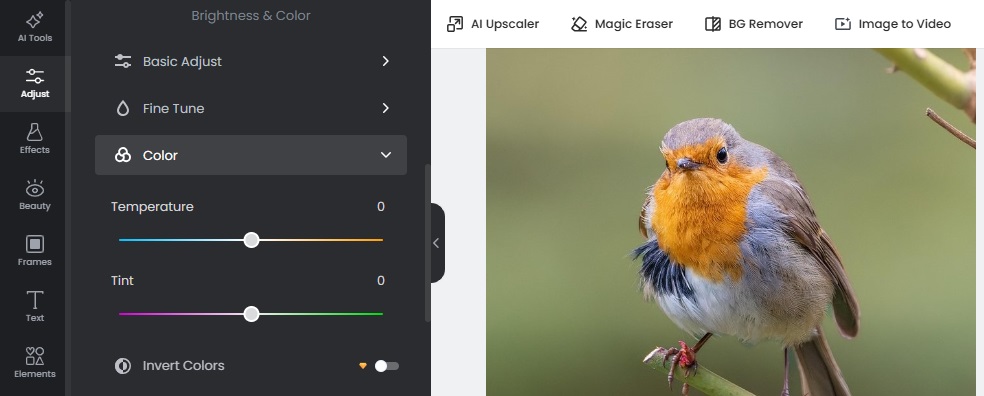
Use “Replace Color”
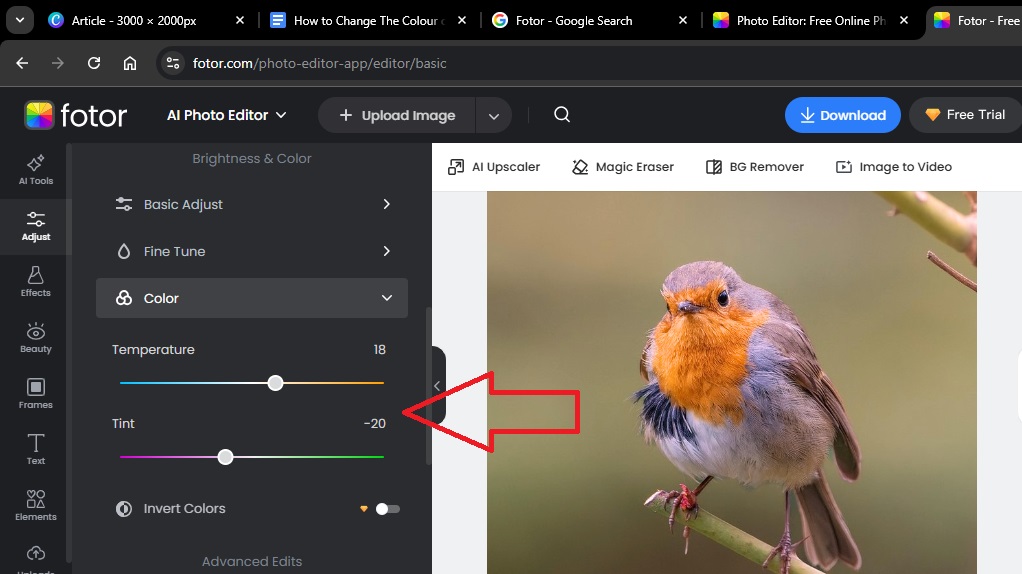
Adjust tone and save
Download the enhanced image
Great quality output and simple to use. Combines both color changing and enhancement tools.
Pros:
Sleek interface
Fast image processing
Cons:
Occasional upsell popups
Part 2: Comparing 5 Popular Image Color Changer Tools
Whether you're using a modern editor or classic tools like Paint, knowing their strengths helps you pick the best one. Here is a comparison table of all the above listed tools.
| Tool | Interface | Ease of Use | Affordability | Image Quality | Extra Features |
|---|---|---|---|---|---|
| Pixelied | Clean | High | Free & Paid | High | Layers, BG edit |
| IMGonline | Basic | Medium | Free | Medium | None |
| Lunapic | Basic | Medium | Free | Good | Animations |
| Canva | Modern | Very High | Free & Paid | High | Templates |
| Fotor | Stylish | High | Free & Paid | High | Filters, AI |
Part 3: Did the Picture Become Blurry After Changing Its Color? Enhance It with Toolsmart Image Enhancer
Whenever you change the colour of image, you might have sometimes noticed a drop in quality, slight blur or loss of sharp details. That’s when I rely on Toolsmart’s Image Enhancer to fix it effortlessly. To my surprise, it delivered high-quality results instantly, no downloads, no sign-ups, and no hidden fees.
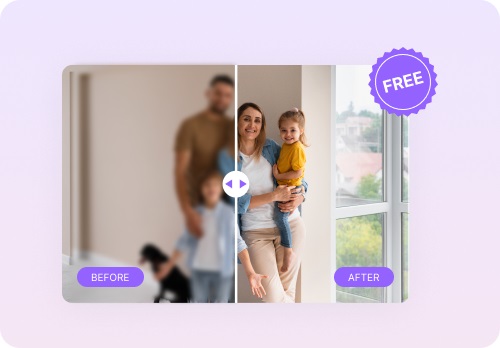
Here’s what stood out in my experience:
No Sign-Up Required: I could enhance my image immediately, without creating an account.
One-Click Enhancement: I simply uploaded the photo, clicked “Enhance,” and within seconds, it was ready.
High-Resolution Output: The final image looked sharp and detailed, even in 4K quality.
Effective Noise Reduction: It smoothed out grainy textures, especially in dark or low-light areas.
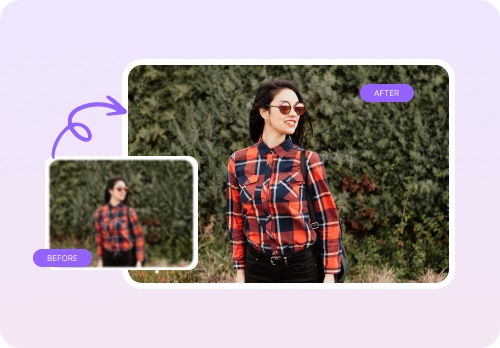
Overall, Toolsmart saved me time and gave my images a clean, professional finish, all for free. It's now my go-to tool for restoring clarity after color edits.
Part 4: How to Use Toolsmart’s Image Enhancer
Step-by-Step Guide:
If you're looking to change the colour of image and then enhance it without losing quality, Toolsmart makes the process fast and easy.
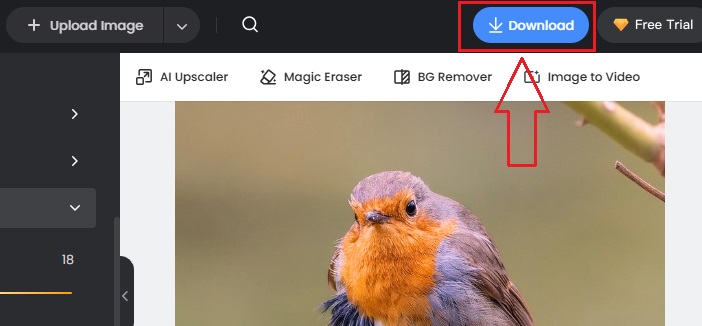
Go to the site: Click here
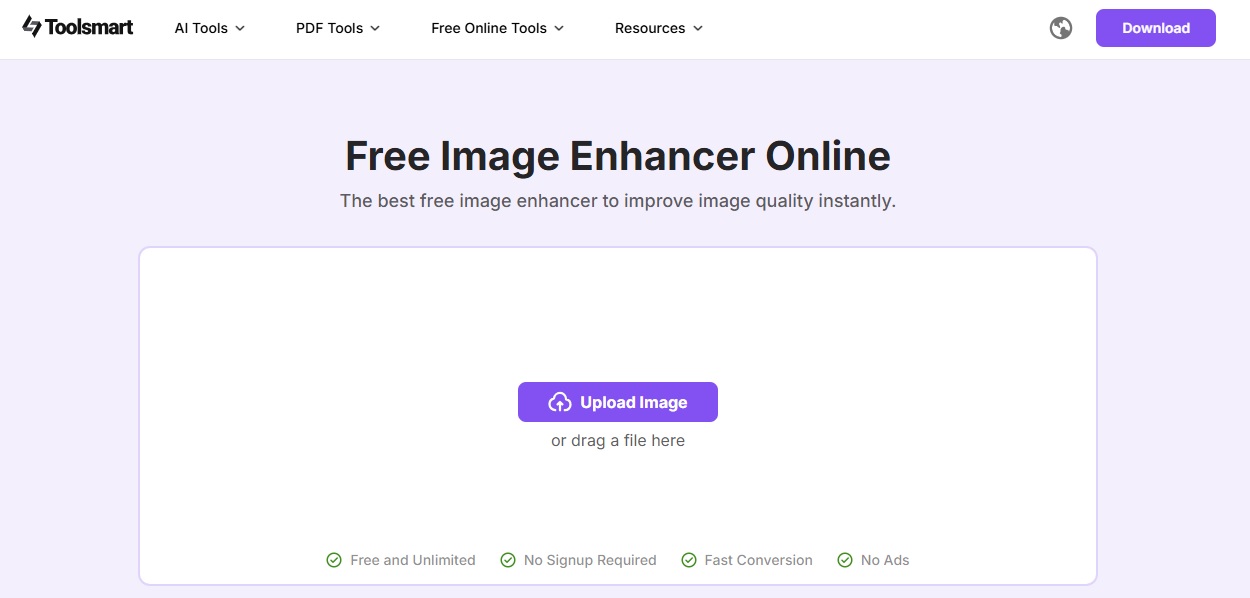
Upload Your Image: Drag or click to upload.

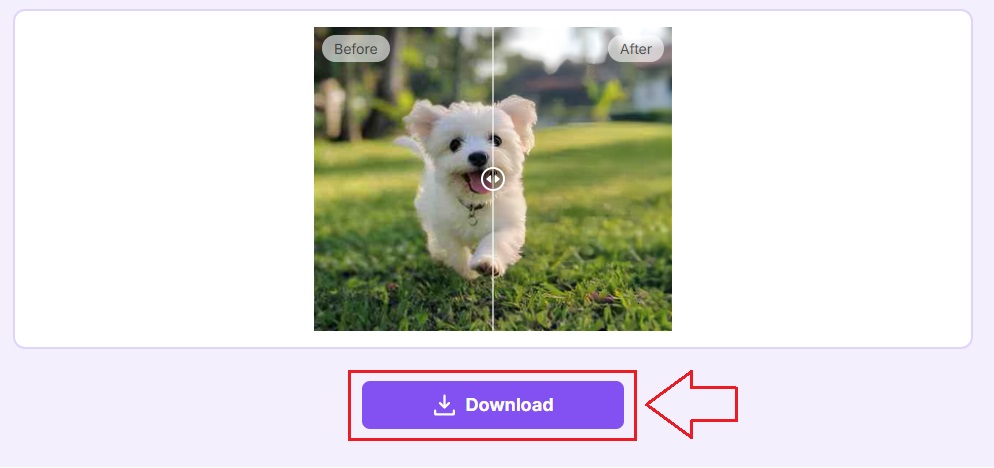
Click Enhance: Toolsmart will process it automatically.

Download: Save your improved, high-resolution image.
FAQ
Q: What are the differences between online tools and software
tools in changing the color of images?
A: Online tools are quick and don’t need installation, while
software tools like Photoshop are powerful but harder to learn.
Q: What are the pros and cons of Canva?
A: Pros: Easy to use, many templates, great for teams.
Cons: Some features are locked behind a paywall.
Q: How do I choose a good image color-changing tool?
A: Look for tools that are simple, effective, affordable, and
fit your editing needs. If you're already familiar with tools like
Figma, you may prefer an editor that offers layered control and
collaborative features.
Q: What's your review of Pixelied?
A: It's great for beginners, fast to use, but might not suit
those needing deep editing control.
Q: Is Toolsmart’s Image Enhancer really free?
A: Yes! It’s totally free with no hidden charges, registration,
or watermarks.
Q: Do I need to download software for Toolsmart?
A: No. Everything is done online, just upload, enhance, and
download.
Summary
This article reviewed five easy-to-use tools that help you change the colour of image without needing expensive software. Tools like Pixelied, Fotor, and Canva make color changing simple, even for beginners. When image quality drops, Toolsmart’s Image Enhancer brings your photos back to life with one click free of cost. If you're looking for a color changer that works fast, or an image color changer for better visuals, this guide has you covered. Try them today and give your photos a fresh new look using an image colour changer that suits your style.



