
'%3e%3cpath%20fill-rule='evenodd'%20clip-rule='evenodd'%20d='M19%208.5C24.799%208.5%2029.5%2013.201%2029.5%2019C29.5%2024.6782%2024.9928%2029.3036%2019.361%2029.4939L19%2029.5C18.8794%2029.5%2018.7592%2029.498%2018.6396%2029.4939L18.2811%2029.4758C12.8174%2029.1063%208.5%2024.5574%208.5%2019C8.5%2013.201%2013.201%208.5%2019%208.5ZM22.3063%2010.6267L22.2342%2010.6539C21.3423%2011.0061%2020.5541%2011.6368%2020.5606%2012.4987C20.5631%2012.8302%2020.869%2014.8871%2020.2141%2014.8486C19.5589%2014.8102%2019.413%2013.8753%2018.7116%2013.616C17.5944%2013.2026%2016.9819%2014.3401%2017.0939%2015.3106C17.1695%2015.9655%2018.9289%2018.3871%2017.9028%2019C17.292%2019.3651%2015.7279%2017.5692%2015.1007%2017.1842C14.4805%2016.8034%2013.2758%2017.3333%2012.4974%2016.7029C11.9874%2016.2899%2012.3881%2014.4098%2012.2786%2013.8372C12.2271%2013.5698%2012.1155%2013.3689%2011.9794%2013.2166L12.0402%2013.2934C10.7653%2014.8464%2010%2016.8339%2010%2019C10%2023.8465%2013.8307%2027.7982%2018.6295%2027.9925L18.6769%2027.9747C18.8597%2027.8677%2019.0394%2027.7557%2019.216%2027.6387C19.4137%2027.4534%2019.5436%2027.2072%2019.5849%2026.9394C19.8806%2025.1222%2018.3616%2025.4302%2017.9367%2024.5622C17.5489%2023.7695%2018.5712%2023.7684%2018.5524%2021.7923C18.4607%2021.1774%2018.5279%2020.547%2018.7211%2020.0315C19.1834%2018.7987%2020.7077%2017.2643%2022.5889%2018.0081C23.5567%2018.3906%2023.1524%2019.9831%2023.4737%2020.3394C24.251%2021.2018%2025.3228%2020.6863%2026.2856%2021.2253C26.7816%2021.5032%2026.9797%2022.41%2027.056%2023.2248L27.038%2023.0528C27.6534%2021.8348%2028%2020.4579%2028%2019C28%2015.1968%2025.6409%2011.9445%2022.3063%2010.6267Z'%20fill='%23757575'/%3e%3ccircle%20cx='19'%20cy='19'%20r='10.125'%20stroke='%23757575'%20stroke-width='2.25'/%3e%3c/g%3e%3cdefs%3e%3cclipPath%20id='clip0_1827_14613'%3e%3crect%20width='24'%20height='24'%20fill='white'%20transform='translate(7%207)'/%3e%3c/clipPath%3e%3c/defs%3e%3c/svg%3e)


Punctuation can totally make or break your writing—one rogue comma or missing period in an essay, resume, or tweet can make you look sloppy. Digging through your text for errors is such a pain, and lots of tools either cost a ton or just aren’t that great. How do you fix punctuation for free and make your words sparkle? This guide rounds up three awesome free punctuation checkers, breaks down what they’re good at, and throws in Toolsmart’s Free Sentence Rewriter to polish your writing even more. Let’s zap those commas and make your text shine!
Part 1: Why Punctuation Matters
Ever wonder how a tiny comma can wreck your writing? Here’s why nailing punctuation is a total game-changer.
Misplaced commas or missing periods can make your text look messy or even flip its meaning—like “Let’s eat, Grandma” vs. “Let’s eat Grandma” (whoops!). Whether you’re working on essays, resumes, blog posts, or social media captions, crisp punctuation makes you look sharp and clear. Even pros mess up commas, apostrophes, and semicolons sometimes. A quick check saves you from those awkward slip-ups.
I’ve facepalmed over my own email comma disasters—punctuation’s like the secret sauce that keeps your words on point!
Part 2: Key Features to Look for in a Punctuation Checker
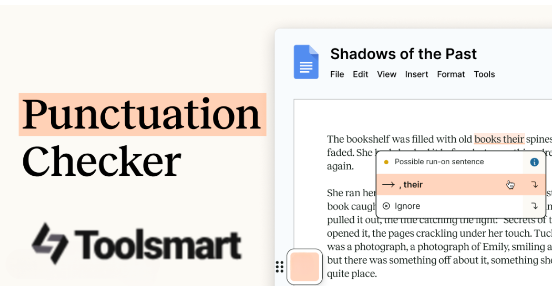
Not all punctuation checkers are created equal. Here’s what to look for to find one that’s fast, accurate, and fits your needs.
A great punctuation checker should make your life easier. Look for:
Speed: Real-time corrections so you’re not waiting around.
Accessibility: Mobile-friendly, no downloads or signups needed.
Accuracy: Catches commas, periods, apostrophes, and tricky stuff like semicolons.
Extras: Tips for style guides (like APA or Chicago) for academic or pro writing.
Pairing a checker with a style guide can level up your writing. I’ve found that a tool that works on my phone and catches sneaky errors saves me tons of time.
I love tools that fix my commas on the fly and work on my phone—makes editing feel like a breeze instead of a chore.
Part 3: Top 3 Free Punctuation Checkers
Ready to zap those punctuation errors? Here are three awesome free tools to check punctuation marks, with a table to compare them and my real-world experience using each.
Grammar Lookup
Grammar Lookup is a lightning-fast, no-signup tool that spots commas, periods, and more. It’s perfect for quick checks on any text. Ideal for students or bloggers.
Features: Instant comma/period detection, supports essays and emails, unlimited checks, basic grammar tips.
Pros:
No signup, totally free
Super fast and simple
Catches most punctuation errors
Cons:
No advanced style suggestions
Web-only, no app
How to Use:
Step 1: Visit Grammar Lookup.
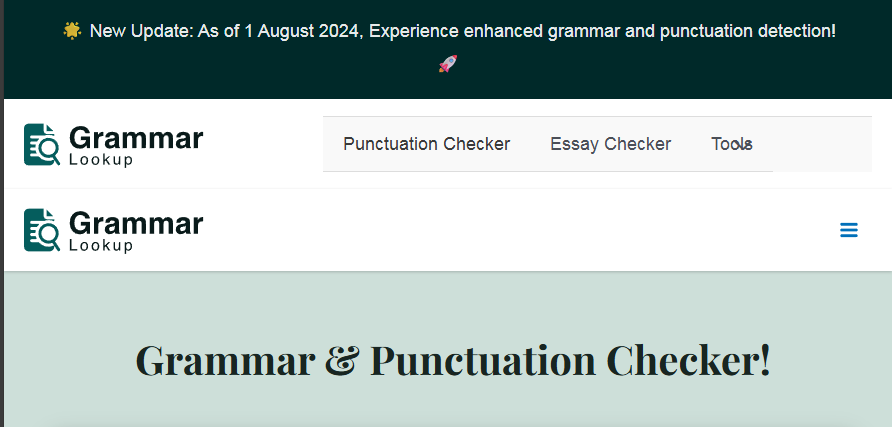
Step 2: Paste your text into the box.
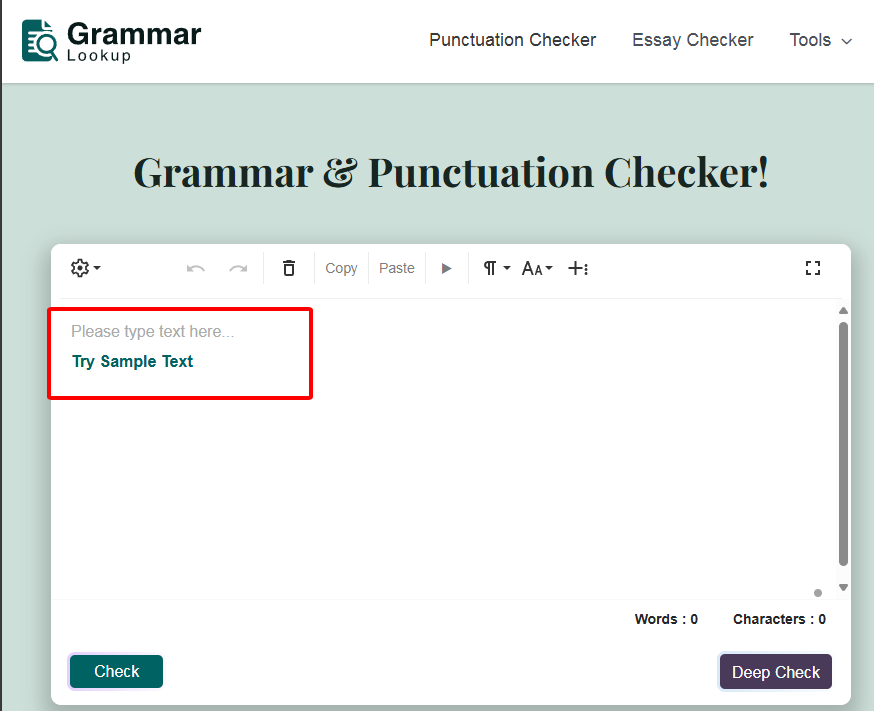
Step 3: Click “Check” to see punctuation fixes.
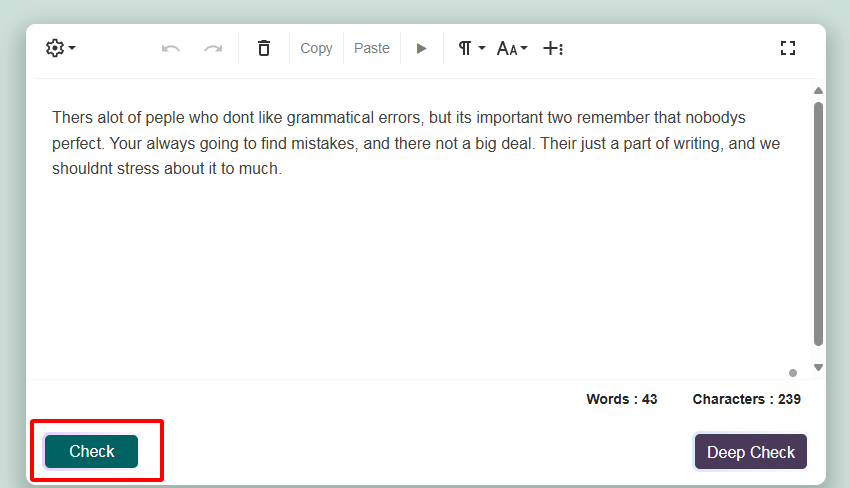
Step 4: Copy the corrected text.
I used Grammar Lookup on a blog post draft, and it caught a missing comma and a wonky apostrophe in seconds. It’s dead easy, but I wished for more style tips for my academic stuff.
Grammarly (Free Tier)
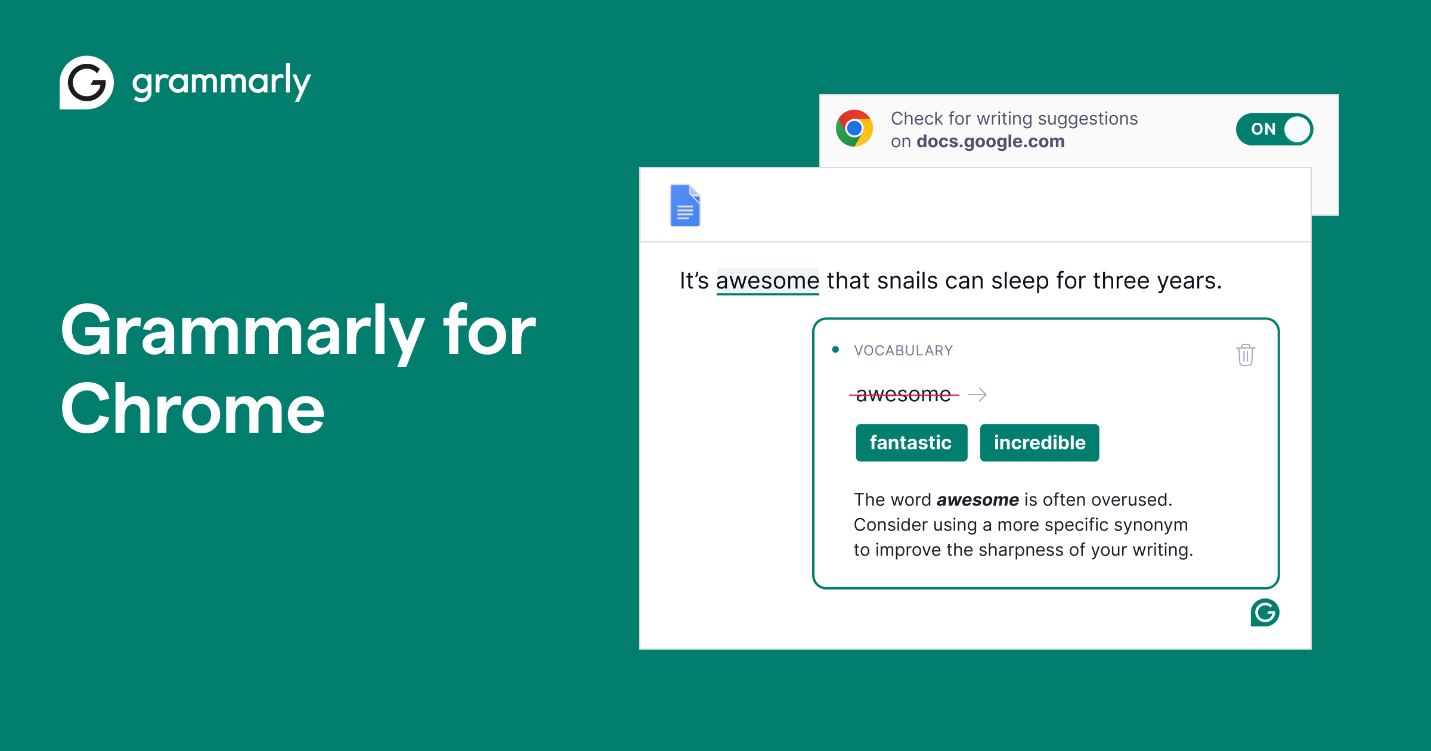
Grammarly’s free tier is a popular choice for basic punctuation fixes. It’s great for everyday writing but limits advanced features. Perfect for emails or posts.
Features: Fixes commas, periods, apostrophes, basic grammar, integrates with browsers and apps.
Pros:
Clean, user-friendly interface
Works in Google Docs and email
Solid punctuation detection
Cons:
Advanced features need premium ($12/month)
Requires signup
How to Use:
Step 1: Go to Grammarly.
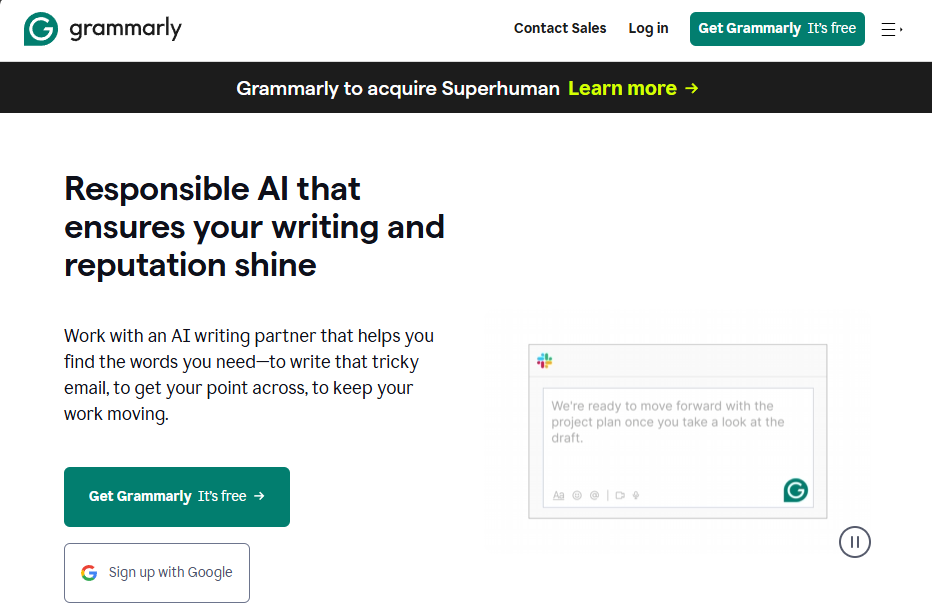
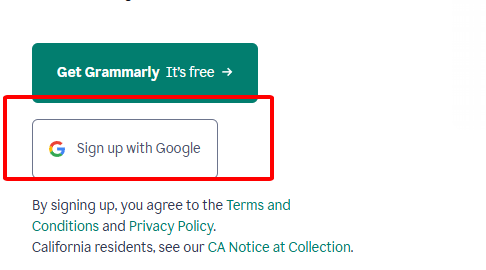
Step 2: Sign up and paste your text into the editor.
Step 3: Review suggested punctuation fixes.
Step 4: Copy or download the corrected text.
I ran an email through Grammarly’s free version, and it fixed a comma splice instantly. The signup’s a bit annoying, but it’s great for quick checks on my phone.
LanguageTool
LanguageTool is an open-source tool with multilingual support, catching punctuation errors across languages. It’s ideal for non-native speakers or multilingual writers.
Features: Checks commas, periods, semicolons, supports 20+ languages, browser extension available.
Pros:
Free and open-source
Multilingual punctuation checks
Decent accuracy
Cons:
Clunky interface
Limited style feedback
How to Use:
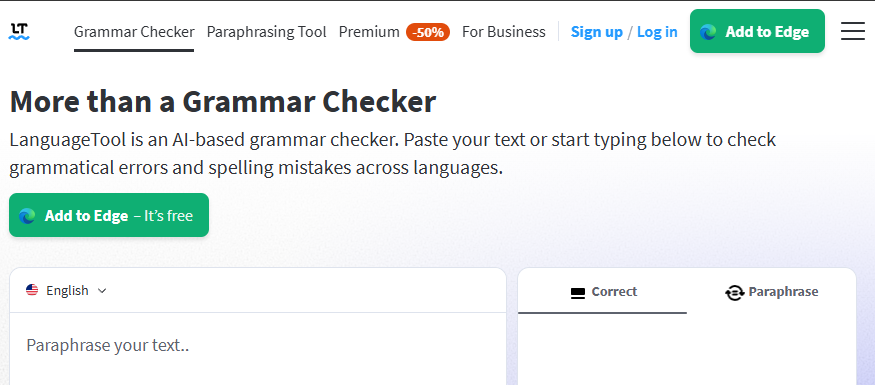
Step 1: Visit LanguageTool.
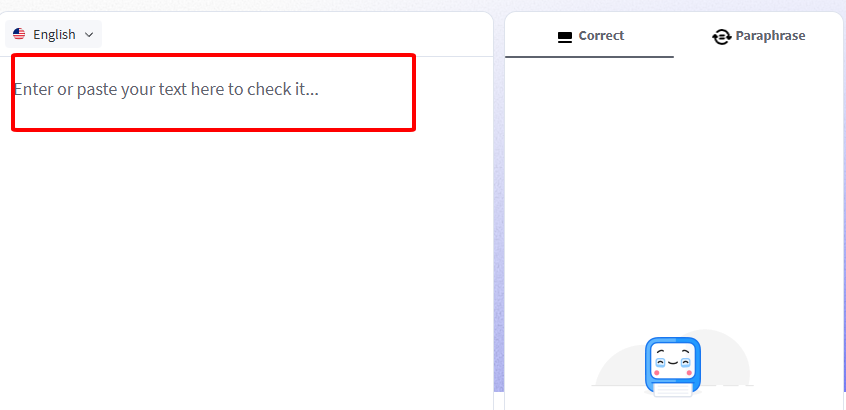
Step 2: Paste your text into the editor.
Step 3: Review highlighted punctuation errors.
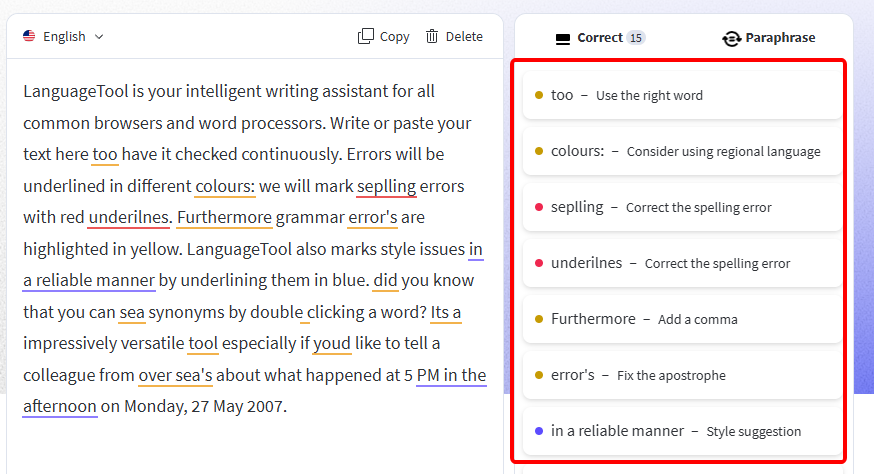
Step 4: Copy the fixed text.
I tested LanguageTool on a Spanish essay, and it caught a missing period and a comma error. The interface isn’t as slick as Grammarly’s, but it’s awesome for multilingual stuff.
Comparison Table:
| Tool | Features | Pros | Cons | Price |
|---|---|---|---|---|
| Grammar Lookup | Comma/period detection, unlimited checks | Fast, no signup, simple | No style tips, web-only | Free |
| Grammarly | Comma/period/apostrophe fixes, integrations | User-friendly, works in apps | Signup required, premium for extras | Free; $12/month premium |
| LanguageTool | Multilingual, comma/semicolon checks | Free, open-source, multilingual | Clunky UI, limited feedback | Free |
Grammar Lookup’s speed is unbeatable for quick fixes, Grammarly’s interface is slick but needs a signup, and LanguageTool shines for non-English texts. If you want no-hassle checks, Grammar Lookup’s your go-to; for app integration, Grammarly’s great.
Part 4: Beyond Punctuation—Polish with Toolsmart’s Sentence Rewriter
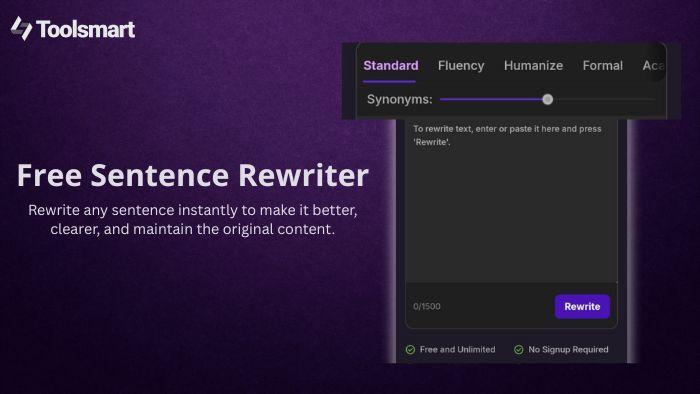
Fixed your commas? Awesome, but if your sentences still sound clunky, Toolsmart’s Free Sentence Rewriter can make them flow like a pro. Here’s why it’s a perfect follow-up.
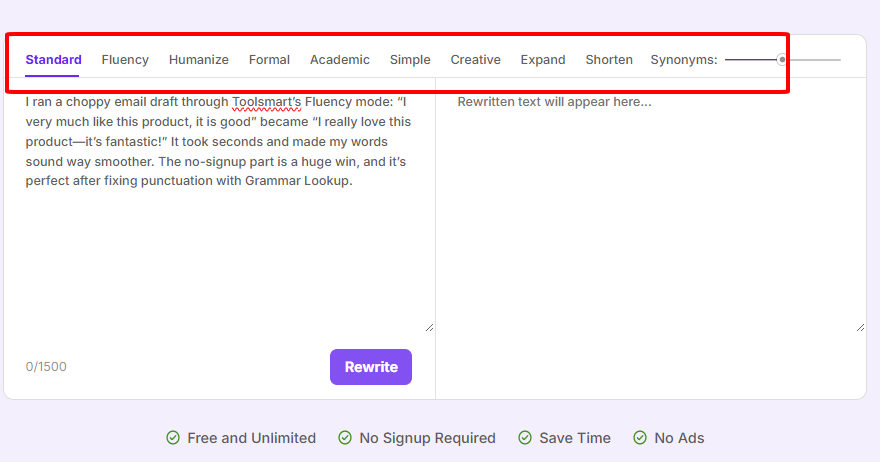
Perfect punctuation is just the start—awkward sentences can still make your writing feel off. Toolsmart’s Free Sentence Rewriter, powered by ChatGPT-4o, instantly rephrases clunky text to sound smooth and natural, complementing your punctuation fixes. It offers 9 modes (like Formal, Creative, Fluency), preserves your meaning, and has no word limits. It’s free, no signup needed, and works on any device, making it ideal for essays, emails, or blogs.
How to Use:
Step 1: Visit Toolsmart Sentence Rewriter.
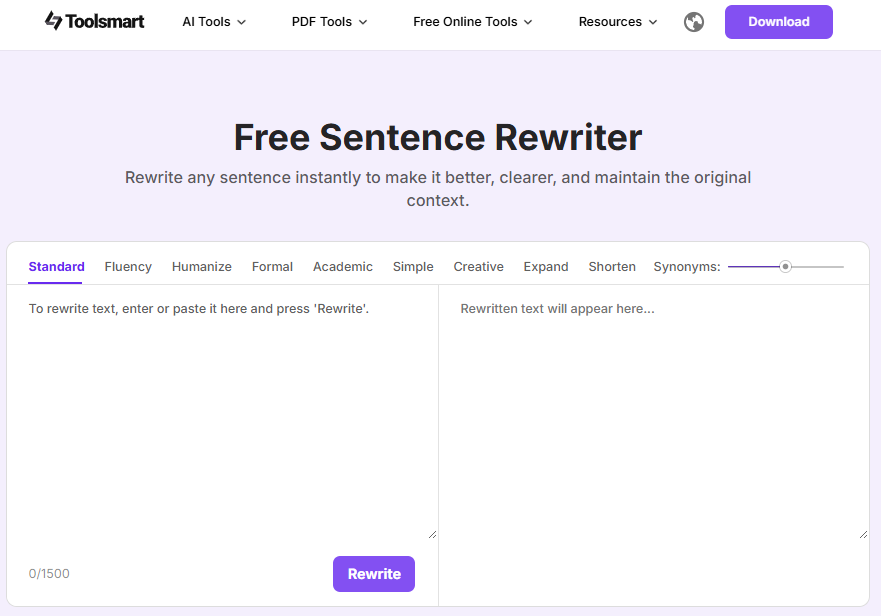
Step 2: Paste your text into the box.
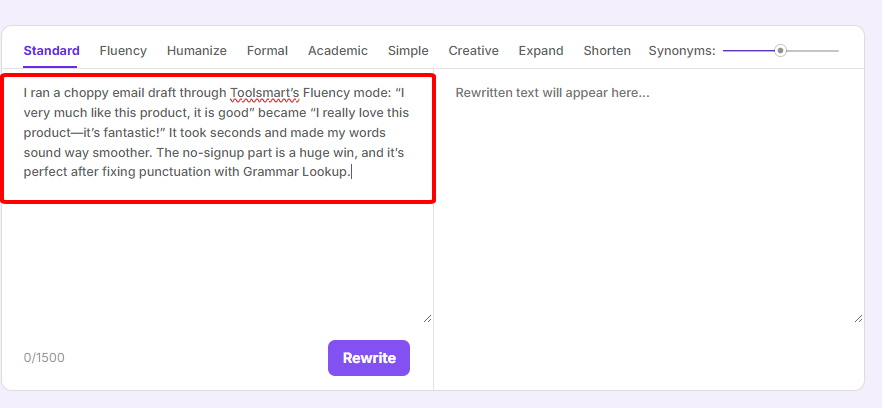
Step 3: Choose a mode (e.g., Fluency) and click “Reword.”
Step 4: Copy the polished text.
I ran a choppy email draft through Toolsmart’s Fluency mode: “I very much like this product, it is good” became “I really love this product—it’s fantastic!” It took seconds and made my words sound way smoother. The no-signup part is a huge win, and it’s perfect after fixing punctuation with Grammar Lookup.
Part 5: FAQs
Q1: Are free punctuation checkers accurate?
Yup, top ones like Grammar Lookup and Grammarly catch over 90% of errors, great for drafts, per LanguageTool’s insights.
Q2: Can I check punctuation in Google Docs?
Sure, but dedicated tools like Grammarly or LanguageTool dig deeper for comma and semicolon fixes.
Q3: Does Toolsmart’s Rewriter handle long-form content?
Totally! It tackles essays, reports, or blogs up to 1,500 words per session, per Toolsmart’s site.
Q4: Can these tools fix non-English punctuation?
LanguageTool’s your best bet for multilingual checks, supporting 20+ languages with solid accuracy.
Q5: Are these checkers safe for sensitive text?
Most, like Grammar Lookup and Toolsmart, process in-browser and don’t store data, but check privacy policies for peace of mind.
Summary
Free punctuation checkers online like Grammar Lookup, Grammarly, and LanguageTool zap comma, period, and apostrophe errors in seconds, making your writing look pro for essays, resumes, or posts. Grammar Lookup’s speed, Grammarly’s slick interface, and LanguageTool’s multilingual support cover all bases. For next-level polish, Toolsmart’s Free Sentence Rewriter smooths out clunky sentences with 9 modes, no signup, and no limits. Whether you’re a student, blogger, or pro, these tools make it easy to check punctuation marks and craft clear, sharp text that impresses.


