
'%3e%3cpath%20fill-rule='evenodd'%20clip-rule='evenodd'%20d='M19%208.5C24.799%208.5%2029.5%2013.201%2029.5%2019C29.5%2024.6782%2024.9928%2029.3036%2019.361%2029.4939L19%2029.5C18.8794%2029.5%2018.7592%2029.498%2018.6396%2029.4939L18.2811%2029.4758C12.8174%2029.1063%208.5%2024.5574%208.5%2019C8.5%2013.201%2013.201%208.5%2019%208.5ZM22.3063%2010.6267L22.2342%2010.6539C21.3423%2011.0061%2020.5541%2011.6368%2020.5606%2012.4987C20.5631%2012.8302%2020.869%2014.8871%2020.2141%2014.8486C19.5589%2014.8102%2019.413%2013.8753%2018.7116%2013.616C17.5944%2013.2026%2016.9819%2014.3401%2017.0939%2015.3106C17.1695%2015.9655%2018.9289%2018.3871%2017.9028%2019C17.292%2019.3651%2015.7279%2017.5692%2015.1007%2017.1842C14.4805%2016.8034%2013.2758%2017.3333%2012.4974%2016.7029C11.9874%2016.2899%2012.3881%2014.4098%2012.2786%2013.8372C12.2271%2013.5698%2012.1155%2013.3689%2011.9794%2013.2166L12.0402%2013.2934C10.7653%2014.8464%2010%2016.8339%2010%2019C10%2023.8465%2013.8307%2027.7982%2018.6295%2027.9925L18.6769%2027.9747C18.8597%2027.8677%2019.0394%2027.7557%2019.216%2027.6387C19.4137%2027.4534%2019.5436%2027.2072%2019.5849%2026.9394C19.8806%2025.1222%2018.3616%2025.4302%2017.9367%2024.5622C17.5489%2023.7695%2018.5712%2023.7684%2018.5524%2021.7923C18.4607%2021.1774%2018.5279%2020.547%2018.7211%2020.0315C19.1834%2018.7987%2020.7077%2017.2643%2022.5889%2018.0081C23.5567%2018.3906%2023.1524%2019.9831%2023.4737%2020.3394C24.251%2021.2018%2025.3228%2020.6863%2026.2856%2021.2253C26.7816%2021.5032%2026.9797%2022.41%2027.056%2023.2248L27.038%2023.0528C27.6534%2021.8348%2028%2020.4579%2028%2019C28%2015.1968%2025.6409%2011.9445%2022.3063%2010.6267Z'%20fill='%23757575'/%3e%3ccircle%20cx='19'%20cy='19'%20r='10.125'%20stroke='%23757575'%20stroke-width='2.25'/%3e%3c/g%3e%3cdefs%3e%3cclipPath%20id='clip0_1827_14613'%3e%3crect%20width='24'%20height='24'%20fill='white'%20transform='translate(7%207)'/%3e%3c/clipPath%3e%3c/defs%3e%3c/svg%3e)


Adobe Photoshop is the industry standard when it comes to professional photo editing solutions, providing a complete package filled with countless powerful tools to choose from. However, many users can’t pay the high subscription fees and need to look for substitutes. Fortunately, there are many free Photoshop alternatives you can add to your workflow. In this guide, I’ll be covering some of the most reliable options, including AI-powered solutions like Toolsmart, to help you boost your productivity.
What to Look for in a Free Photoshop Alternative
Photoshop is one of the best tools out there for professionals looking for a complete photo editing package, but not everyone can afford it. I’ve found many alternatives online, but a lot of them tend to be incredibly unreliable and only slow down my workflow. If you want a reliable solution to your photo editing needs, there are some key components you need to look out for. In this guide, I’ll be covering some of the most essential things you need to look for in Photoshopalternatives.
What to Look for
Key Features: Layer support, selection tools, brush engines, filter effects, text tools, export options, and AI capabilities.
Platform & Accessibility: Online vs. desktop vs. mobile. Cross-platform availability.
Learning Curve: Is the interface intuitive for beginners? Is there ample learning material available?
Limitations: Common drawbacks like watermarks, ads, reduced export resolution, or limited features in the free tier.
The 7 Best Free Photoshop Alternatives
Looking for reliable, free Photoshop alternativescan be stressful and confusing, with so many different options to choose from and so many features to look out for. Luckily, you don’t have to try out different options yourself as I’ve already tried and tested the most effective options for you. In this section, I’ll be covering 7 of the best Photoshop alternatives and breaking them down by their advantages and shortcomings, helping you decide the right optionfor your own workflow.
1. GIMP (GNU Image Manipulation Program)
GIMP, also known as the GNU Image Manipulation Program, is one of the most popular tools out there, providing its users with a complete photo editing package for free. It proved to be an incredibly reliable alternative to premium options like Photoshop, giving me all the tools I need to create polished and clean results without dealing with expensive subscriptions or lengthy registration processes.
Features
Feature-Rich Open-Source Alternative
Support for Layers, Masks, Custom Brushes, and Plugins
Extensive Customization Features
Best For
Advanced users, developers, and anyone needing a powerful, free desktop replacement for Photoshop.
Platforms
Desktop (Windows, Mac, Linux)
2. Photopea
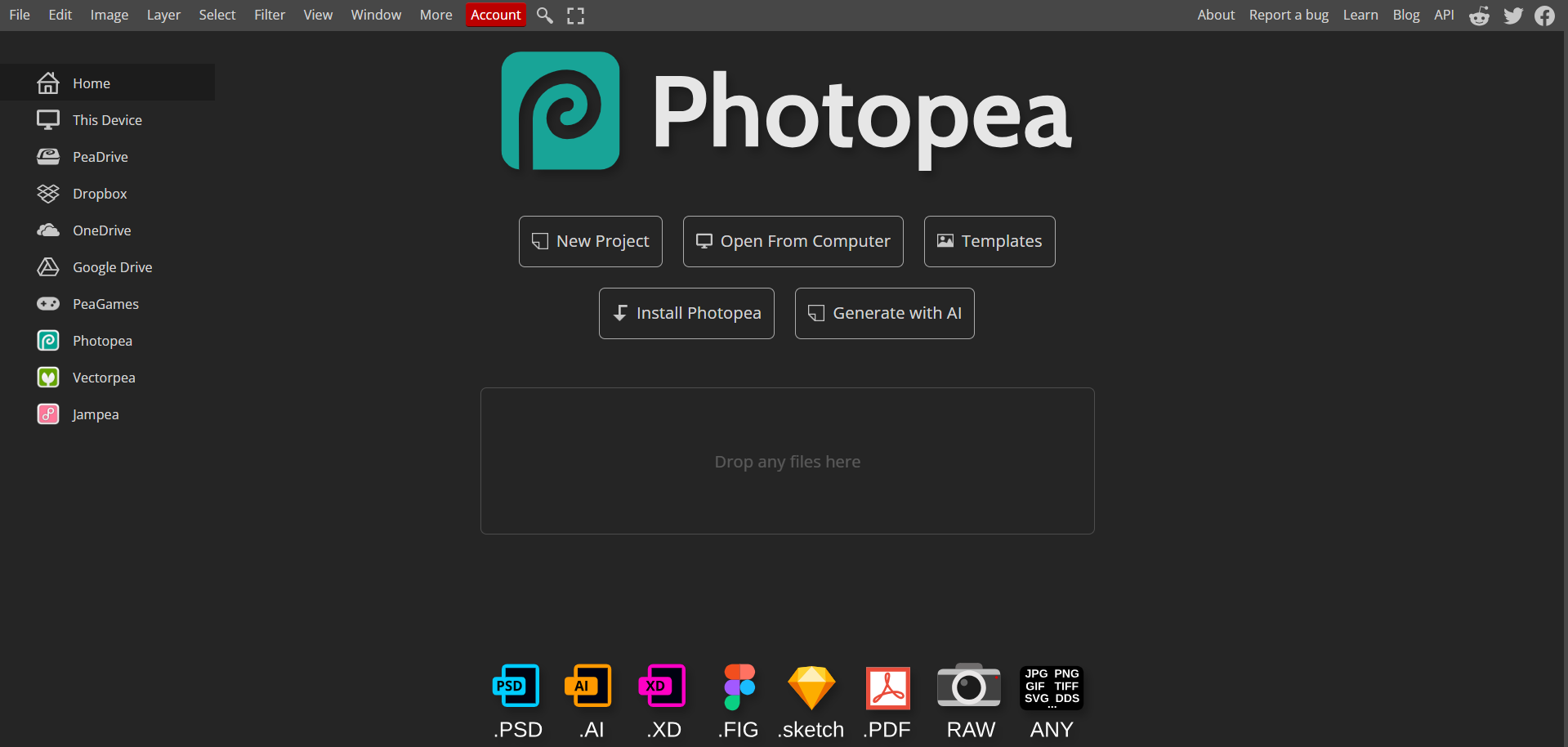
Photopea is one of the simplest and easiest to use tools I have found, providing a familiar interface to Photoshop users in a free, web-based package. It provided me with a completely smooth and hassle-free photo editing experience, offering me full compatibility with my old Photoshop files to ensure a seamless transition, which makes it one of the best options for Photoshop experts and beginners alike.
Features
Incredible PSD File Support
Familiar User Interface
Web-Based Functionality
Best For
Users who need a quick, no-install solution with full compatibility for Photoshop files.
Platforms
Web-Based
3. Krita
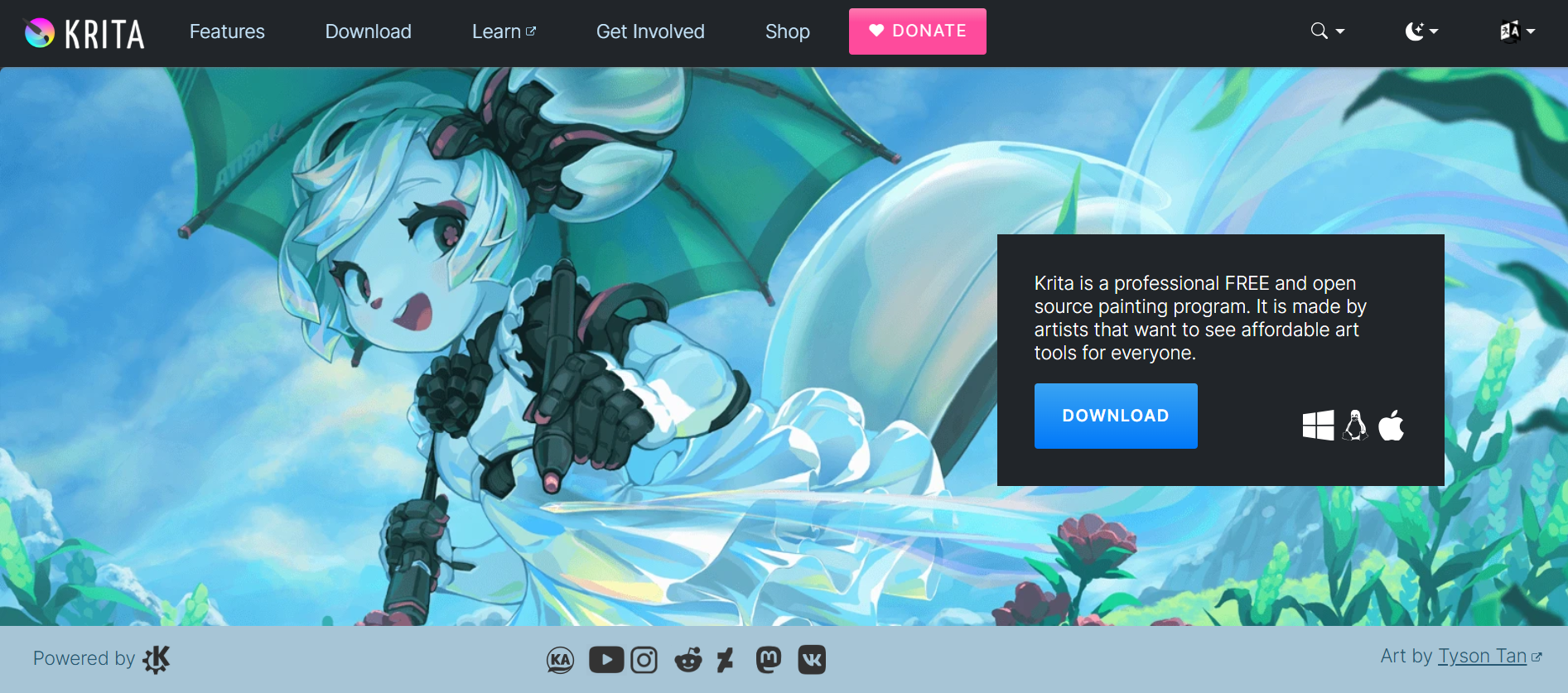
If you’re an aspiring artist looking for a free, open-source painting program, Krita is one of the best choices for you. It’s a free Photoshop alternative designed with artists in mind, offering an affordable and reliable solution for those looking to learn and start their art journey as a beginner. It gave me all the features I needed to create clean and polished illustrations without having me go through any hassle.
Features
Focus on Paintings and Illustrations
Excellent Brush Engines and Texture Support
Countless Animation Tools
Best For
Digital artists, illustrators, and concept artists.
Platforms
Desktop (Windows, Mac, Linux)
4. Canva
For graphic designers or aspiring photo-editors looking for a free and beginner-friendly Photoshop alternative, Canva is one of the best options out there. It provides an intuitive drag-and-drop experience that makes it incredibly accessible even for first-time users. Moreover, it offers a large library filled with various templates to build or take inspiration from, making it one of the best options for those looking to get into design and photo editing without spending too much on hefty subscriptions.
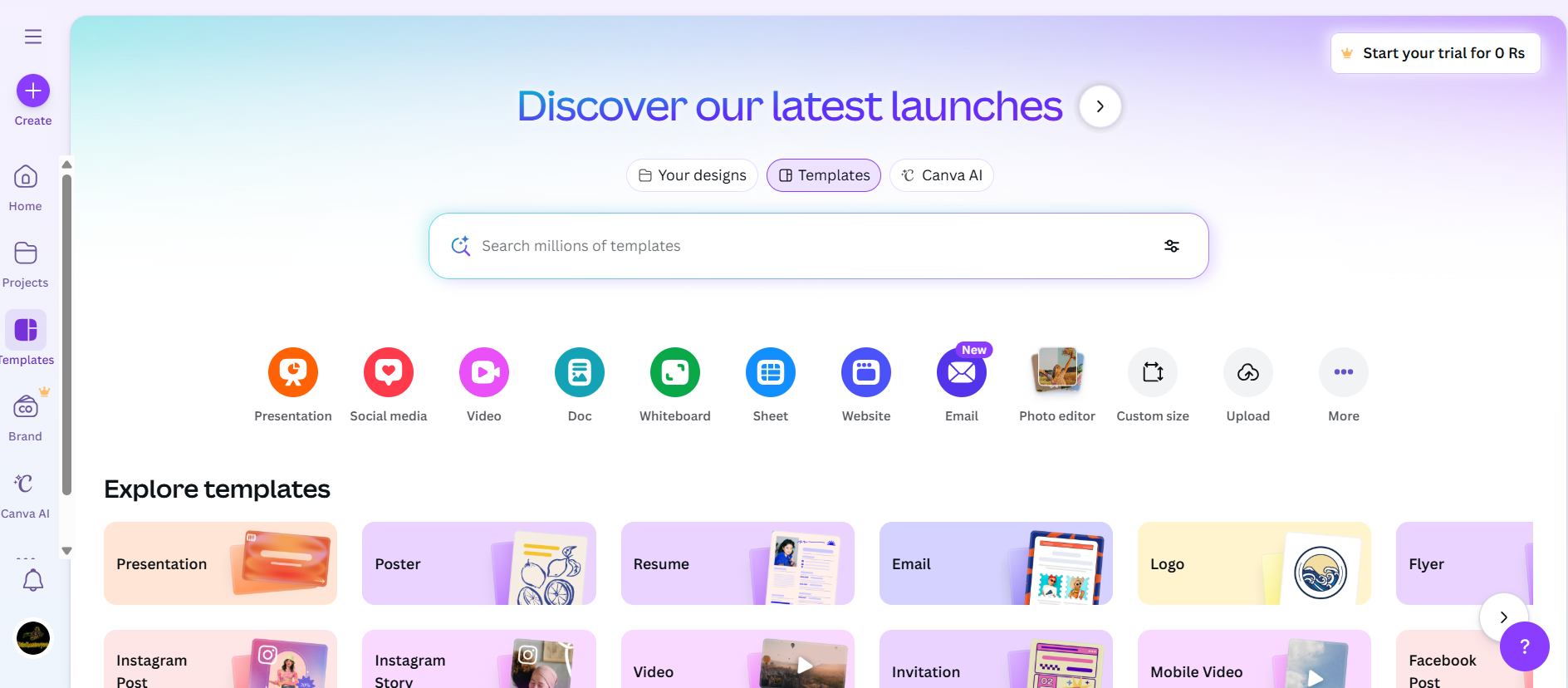
Features
Template-Based Design
Drag-and-Drop Simplicity
Growing AI Tools
Best For
Beginners, social media managers, and marketers are creating graphics quickly.
Platforms
Web-based, Mobile
5. Pixlr
Pixlr is a free AI-powered tool suite that is filled with smart and reliable features to help you be more productive and efficient in your workflow. With its simple and beginner-friendly Pixlr X providing AI-based automated features, Pixlr Pro is more suited towards Photoshop experts and features advanced tools like color grading, portrait correction, and graphic design.
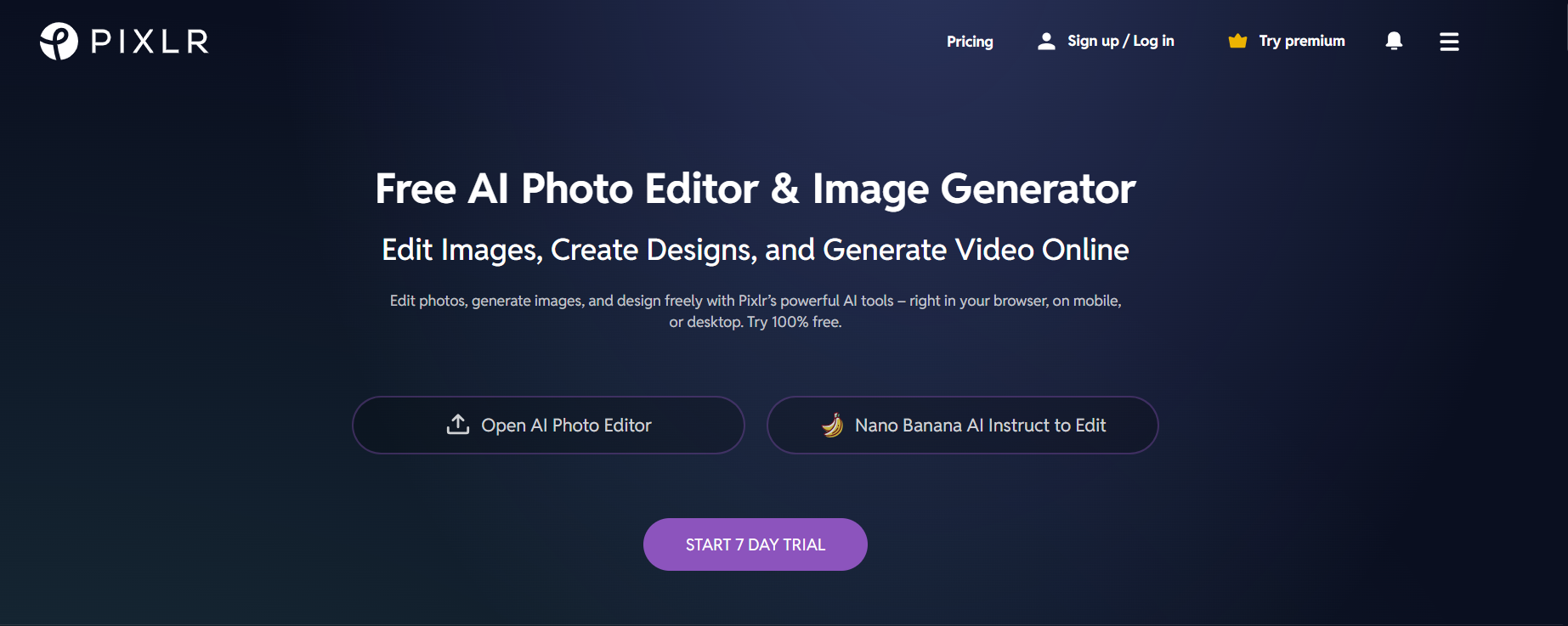
Features
Pixlr X for Simple and Quick Edits
Pixlr E for Advanced Edits with Layering Support
Balance of Features and Accessibility
Best For
Intermediate users looking for a capable online editor
Platforms
Web-based
6. Figma
For UI/UX designers looking for a professional and free Photoshop alternative, Figma is one of the most feature-rich and versatile options available. I found it to simplify complicated photo editing tasks and make them extremely easy to understand, especially if you’re a beginner. While its primarily targeted towards interface design, its graphic capabilities make it a feasible option for designers like me who are looking for a cheaper, more efficient substitute to Photoshop.
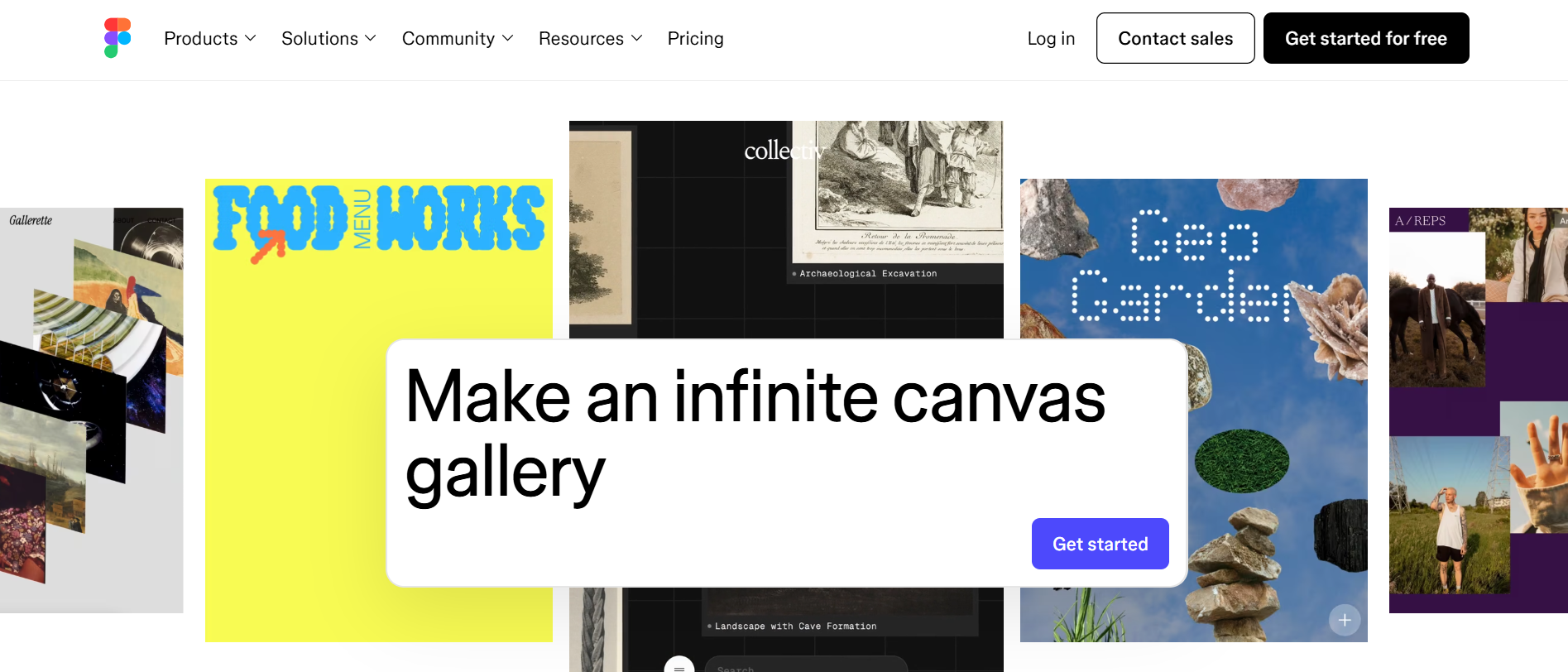
Features
Powerful Vector Editing
Prototyping Capabilities
Team Collaboration Features
Best For
Designers and teams focused on interface design, prototyping, and real-time collaboration.
Platforms
Web-based, Desktop (Windows, Mac)
7. Darktable
If you’re a photographer looking for an effective free alternative to Photoshop to edit your raw images and polish them, Darktable is one of the most excellent options out there. It’s an open-source, raw editor that gives me full control over my image files, featuring advanced editing and customization features to help me streamline my photo enhancement.
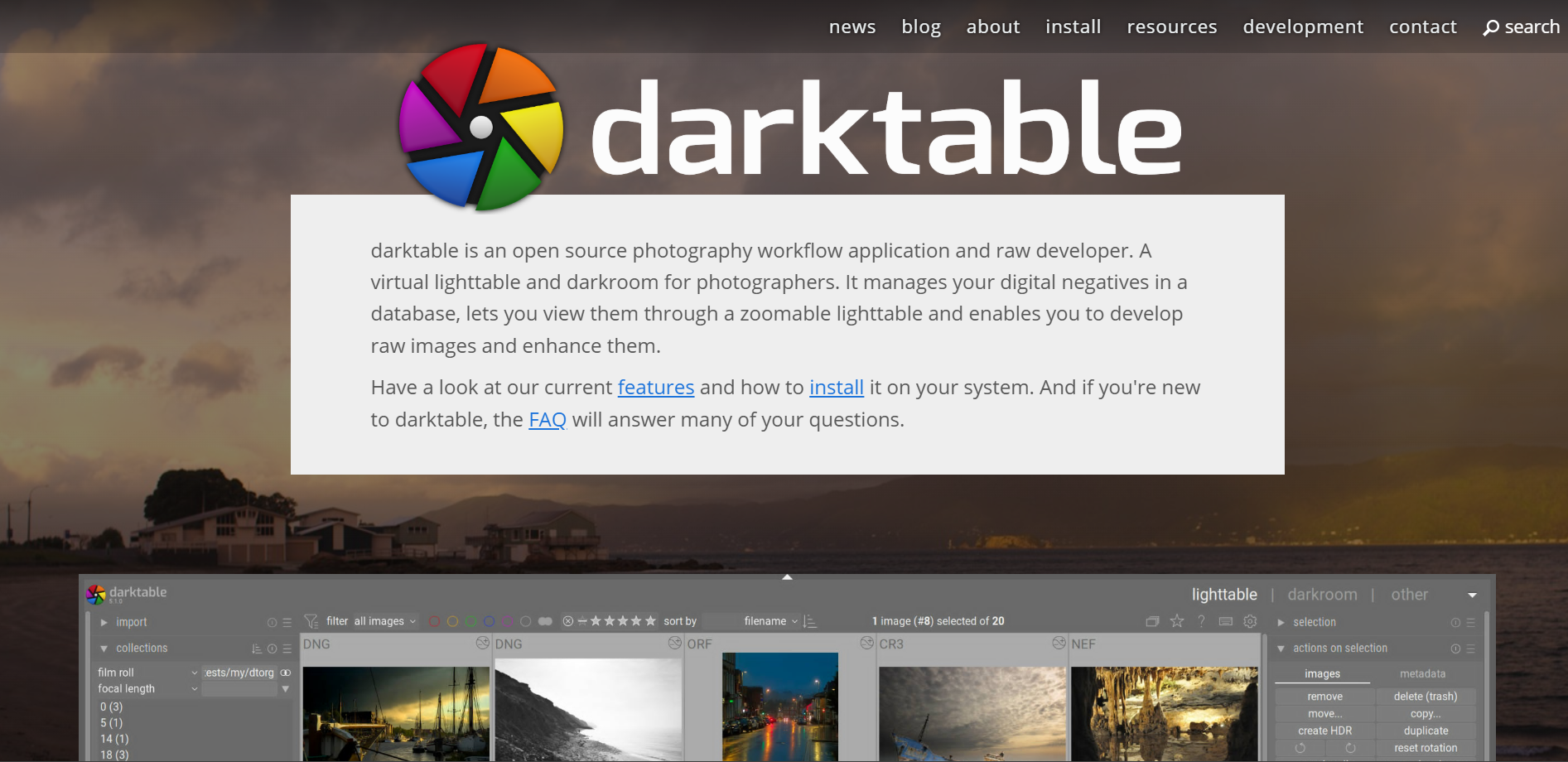
Features
Offers Non-Destructive Editing
Advanced Color Management
Raw Image Processing Modules
Best For
Photographers who need powerful RAW processing and a Lightroom-like workflow for free.
Platforms
Desktop (Windows, Mac, Linux)
Free Photoshop Alternatives Comparison Table
I’ve personally tried and thoroughly tested every one of the tools I’ve covered in this guide, all of them standing out for their unique strengthsand shining in their own specific scenarios. If you’re unsure of the right tool for yourself and your workflow, there’s nothing to worry about. I’ll be comparing each tool side by side, breaking them down by their key featuresand strengths, helping you decide what the best option is for you.
| Tool | Best For | Key Strength | Platform | Learning Curve | Limitations |
|---|---|---|---|---|---|
| GIMP | Power Users, Developers | Most features, customization, open-source | Desktop (Win, Mac, Linux) | Steep | Outdated UI, complex for beginners |
| Photopea | Photoshop Users, Quick Edits | Full PSD support, Photoshop-like UI | Web-based | Moderate | Ad-supported, requires internet |
| Krita | Digital Artists, Illustrators | Digital painting, brushes, textures | Desktop (Win, Mac, Linux) | Moderate | Weaker for photo editing |
| Canva | Beginners, Marketers, SMM | Templates, ease of use, drag-and-drop | Web-based, Mobile | Easy | Limited advanced editing, freemium |
| Pixlr | Intermediate Users | Good feature balance, web accessibility | Web-based | Easy/Moderate | Premium features paywalled |
| Figma | UI/UX Designers, Teams | Vector editing, prototyping, collaboration | Web-based, Desktop | Moderate | Not for photo editing, learning curve |
| Darktable | Photographers, RAW Editing | RAW processing, non-destructive workflow | Desktop (Win, Mac, Linux) | Steep | Only for photography, complex |
Key for Limitations
Freemium: Free base version with paid plans for more features/assets.
SMM: Social Media Marketing.
UI/UX: User Interface/User Experience design.
Bonus Tool — Toolsmart AI Photo Tool
When I’m editing photos on a daily basis, I often need additional tools to help me along the way. Instead of looking for a new tool for every single use, I rely on Toolsmart for all my productivity needs. It provides me with a complete tool suite filled with countless smart features which help me be more efficient and productive, all for completely free. If you’re looking for professional results without the complexity of traditional desktop software, Toolsmart is the perfect tool to addto your workflow.
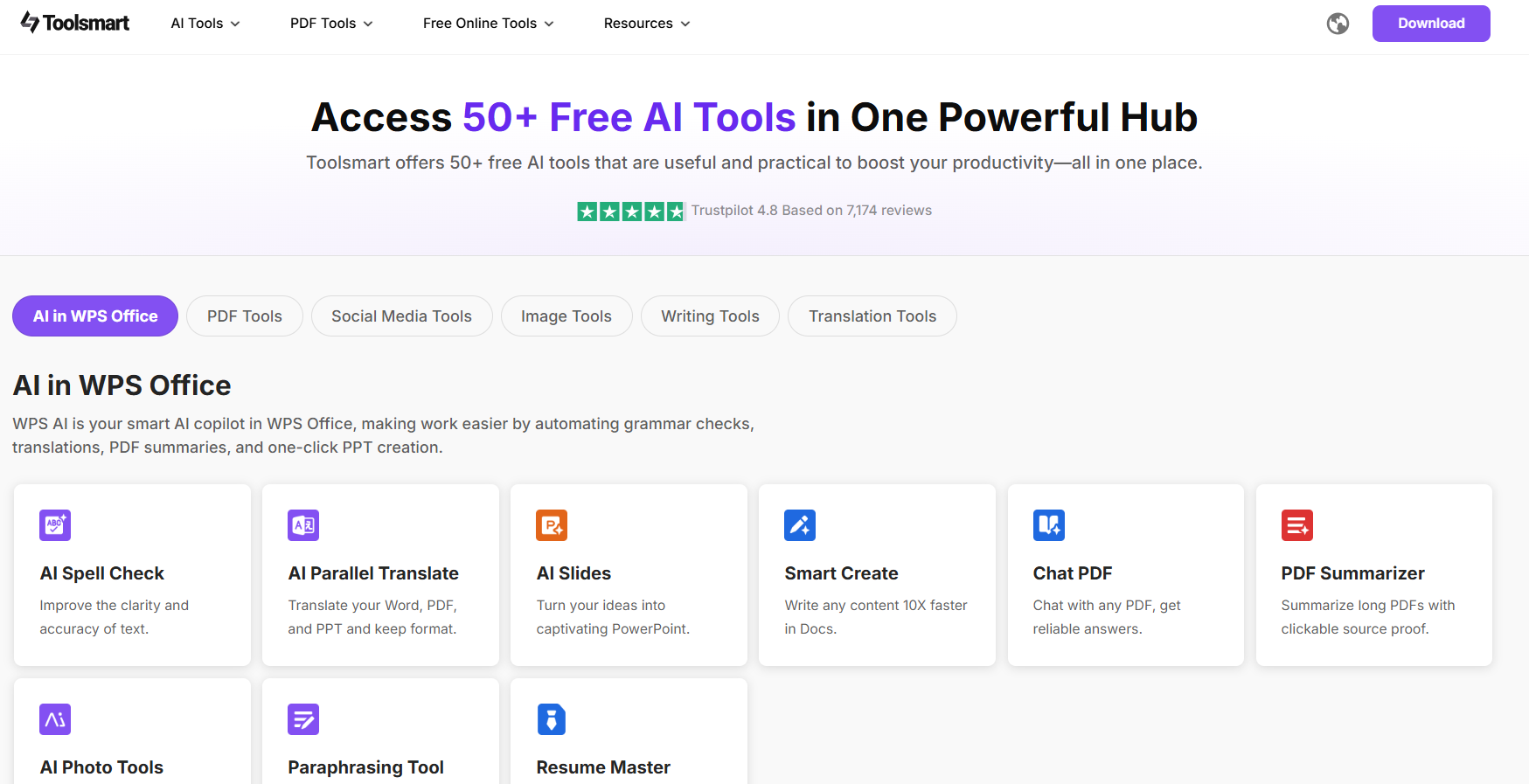
Features
AI-Powered Editing: Excels at tasks like background removal, object erasure, image enhancement, and retouching.
No Learning Curve: Provides an incredibly intuitive interface, making sure you don’t have to spend any time figuring out how to use it.
Free & Accessible: No download required. You can use it directly in your browser without dealing with any watermarks on exported images.
Key Tools
One-Click Background Remover
AI Object Eraser
Image Upscaler & Enhancer
Batch Processing
If Toolsmart seems like the right addition to your online workflow, I’ll be highlighting the steps you need to follow for quick and reliable results.
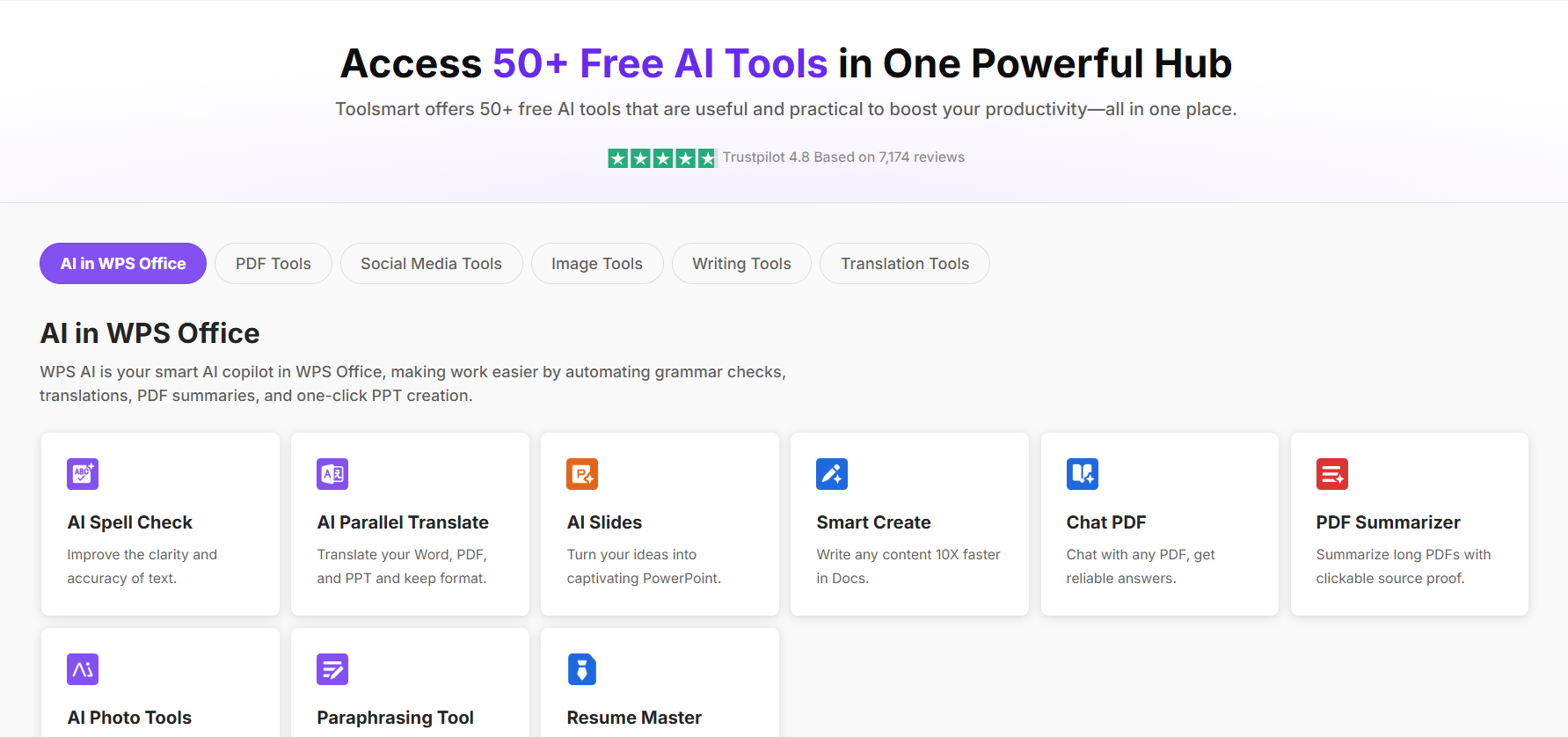
Step 1: Visit Toolsmart’s official websiteand select the tool you want to use. I’ll be using Toolsmart Background Remover for this example.
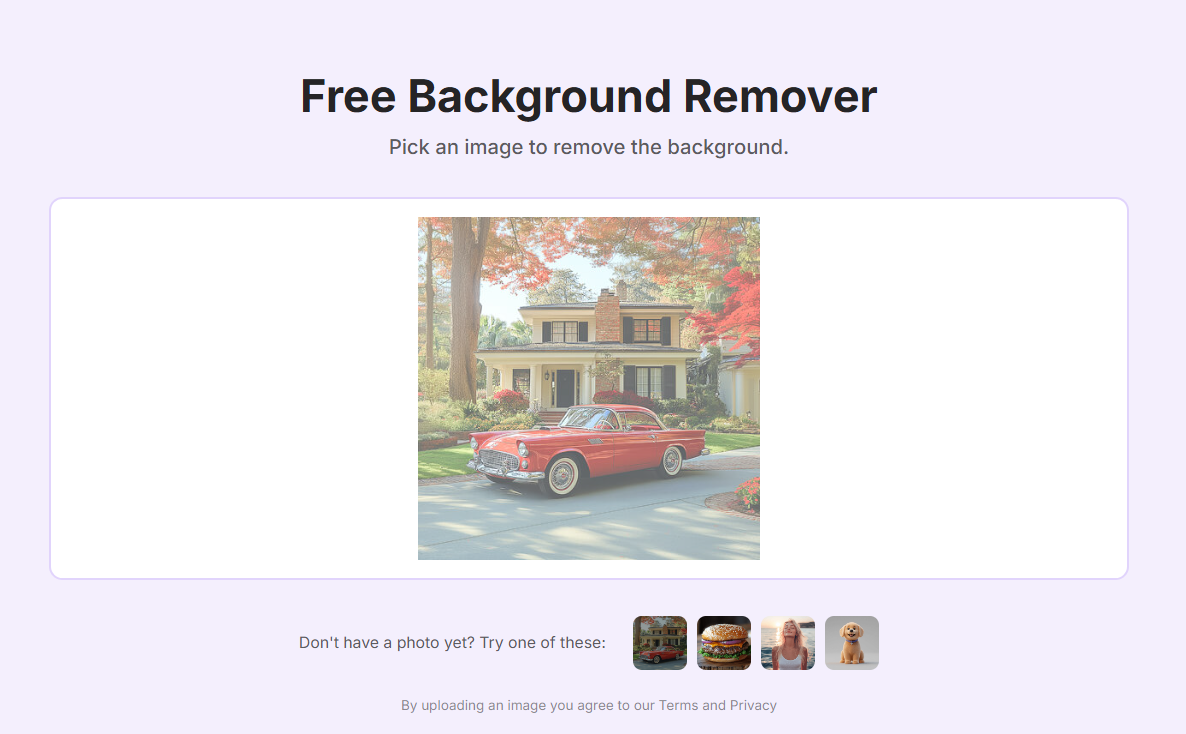
Step 2: Drag and drop your photo, or upload it manually to start removing the background.
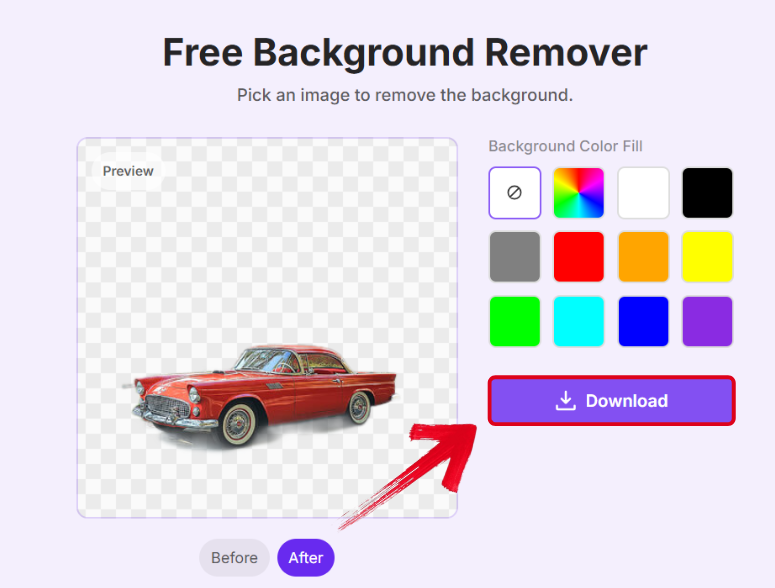
Step 3: Once your image has been fully processed, change the background color if you want and then pressDownload to export it to your device.
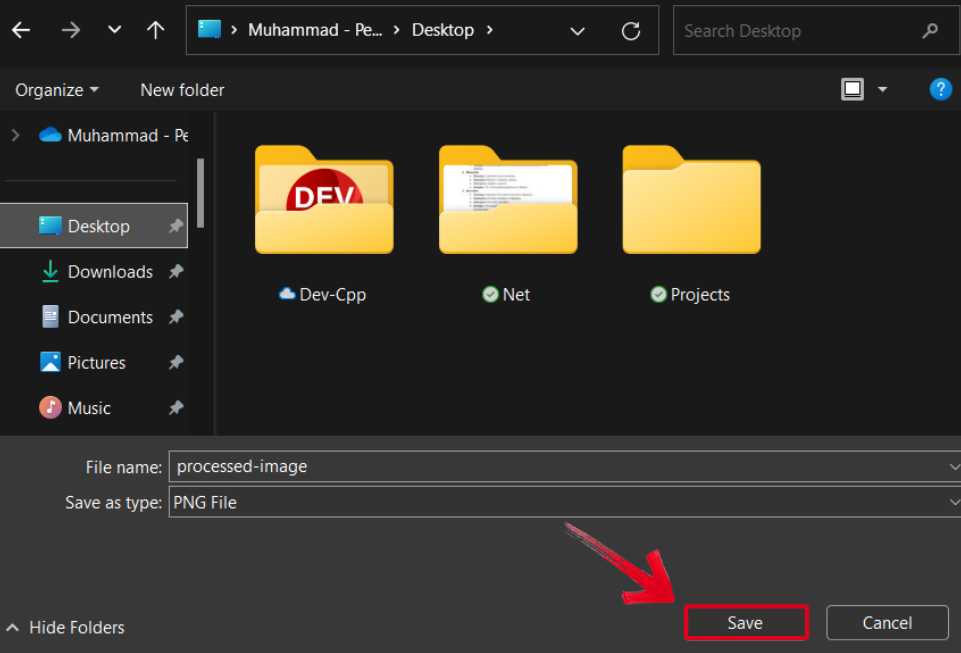
Step 4: Select the folder where you want your image saved, then press Save to export your image.
FAQs
Q1: Is there a truly free Photoshop alternative without watermarks?
Yes, GIMP, Photopea, Krita, and Toolsmart all offer free versions without watermarks on your exports.
Q2: Which free alternative is best for advanced photo manipulation?
GIMP is the strongest contender for advanced, Photoshop-level editing capabilities.
Q3: Can I open and edit PSD files in these free tools?
Yes, Photopea has the best PSD support. GIMP can also open PSD files but sometimes with minor compatibility issues.
Q4: Is Toolsmart good for beginners?
Absolutely. Toolsmart is arguably the easiest tool to use on this list, perfect for beginners who need powerful results quickly.
Q5: Are these alternatives safe to download and use?
The software listed here (GIMP, Krita, Paint.NET) is well-known and safe from official websites. Web-based tools (Photopea, Canva, Pixlr, Toolsmart) are safe to use in your browser.
Discovering Reliable Photoshop Alternatives
Finding photo editing alternatives to Photoshop can be a challenge, with the internet being filled with unreliable and clunky tools that only slow you down. In my years of experience, I’ve gone through my fair share of tools and have narrowed them down to 7 of the most reliable free Photoshop alternatives in this guide, helping you decide the right option for yourself. You can further enhance your productivity by usingToolsmart for your work. It’s completely free and equips you with all the tools you need to design professional images without dealing with any hassle.


