
'%3e%3cpath%20fill-rule='evenodd'%20clip-rule='evenodd'%20d='M19%208.5C24.799%208.5%2029.5%2013.201%2029.5%2019C29.5%2024.6782%2024.9928%2029.3036%2019.361%2029.4939L19%2029.5C18.8794%2029.5%2018.7592%2029.498%2018.6396%2029.4939L18.2811%2029.4758C12.8174%2029.1063%208.5%2024.5574%208.5%2019C8.5%2013.201%2013.201%208.5%2019%208.5ZM22.3063%2010.6267L22.2342%2010.6539C21.3423%2011.0061%2020.5541%2011.6368%2020.5606%2012.4987C20.5631%2012.8302%2020.869%2014.8871%2020.2141%2014.8486C19.5589%2014.8102%2019.413%2013.8753%2018.7116%2013.616C17.5944%2013.2026%2016.9819%2014.3401%2017.0939%2015.3106C17.1695%2015.9655%2018.9289%2018.3871%2017.9028%2019C17.292%2019.3651%2015.7279%2017.5692%2015.1007%2017.1842C14.4805%2016.8034%2013.2758%2017.3333%2012.4974%2016.7029C11.9874%2016.2899%2012.3881%2014.4098%2012.2786%2013.8372C12.2271%2013.5698%2012.1155%2013.3689%2011.9794%2013.2166L12.0402%2013.2934C10.7653%2014.8464%2010%2016.8339%2010%2019C10%2023.8465%2013.8307%2027.7982%2018.6295%2027.9925L18.6769%2027.9747C18.8597%2027.8677%2019.0394%2027.7557%2019.216%2027.6387C19.4137%2027.4534%2019.5436%2027.2072%2019.5849%2026.9394C19.8806%2025.1222%2018.3616%2025.4302%2017.9367%2024.5622C17.5489%2023.7695%2018.5712%2023.7684%2018.5524%2021.7923C18.4607%2021.1774%2018.5279%2020.547%2018.7211%2020.0315C19.1834%2018.7987%2020.7077%2017.2643%2022.5889%2018.0081C23.5567%2018.3906%2023.1524%2019.9831%2023.4737%2020.3394C24.251%2021.2018%2025.3228%2020.6863%2026.2856%2021.2253C26.7816%2021.5032%2026.9797%2022.41%2027.056%2023.2248L27.038%2023.0528C27.6534%2021.8348%2028%2020.4579%2028%2019C28%2015.1968%2025.6409%2011.9445%2022.3063%2010.6267Z'%20fill='%23757575'/%3e%3ccircle%20cx='19'%20cy='19'%20r='10.125'%20stroke='%23757575'%20stroke-width='2.25'/%3e%3c/g%3e%3cdefs%3e%3cclipPath%20id='clip0_1827_14613'%3e%3crect%20width='24'%20height='24'%20fill='white'%20transform='translate(7%207)'/%3e%3c/clipPath%3e%3c/defs%3e%3c/svg%3e)


TikTok videos are a great source of entertainment for quick breaks from stressful days, but the app doesn’t support built-in downloading. Users are forced to look at third-party options, but most of them just compress the videos and add watermarks. So, how can you download TikTok original quality videos without any watermarks? In this guide, I’ve reviewed the best TikTok video downloader without watermark, comparing their features and introducing Toolsmart as a reliable alternative.
6 Tools for Downloading TikTok Original Quality Videos
If you’re trying to figure out how to download TikTok videos in HD, there are many different solutionsavailable online. However, most of them tend to be extremely unreliable and either fill my videos with watermarks or compress them to ruin their original quality. I’ve gone through different tools myself and have narrowed them down to 6 of the best tools to download TikTok videos in original quality. I’ll be reviewing each of them and comparing their features so you can pick the right option for yourself.
Toolsmart Free TikTok Downloader
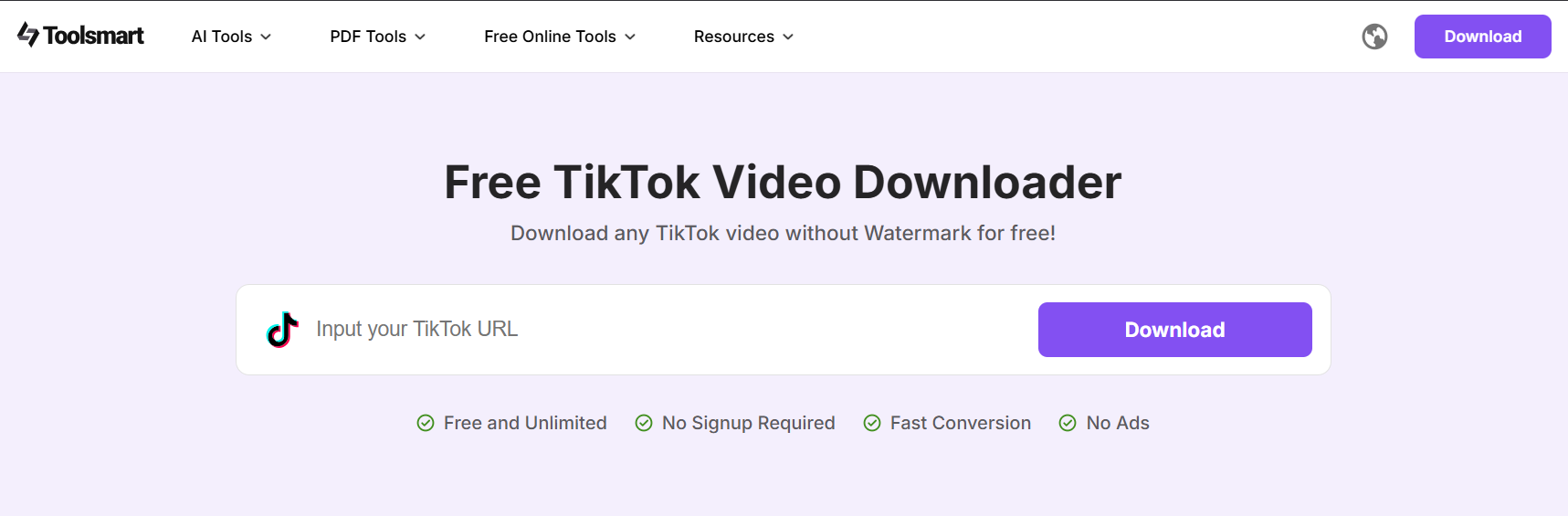
Toolsmart’s TikTok Video Downloader stood out as one of the most reliable tools I’ve tried out during my entire testing. It offered a clean and intuitive interface that made the entire downloading process really easy and seamless. Toolsmart offers a wide variety of different quality and format options for my TikTok videos, letting me save the exact version I want for completely free.
Features
Browser-Based Downloading: Operates completely in the browser, so you don’t need to go through any installation or registration hassles.
Audio Conversion: Offers capabilities to convert videos directly to MP3 format for easy and simple audio conversion.
Pros
Minimalistic and simple interface, which is perfect for beginners
Ad-free and clean experience
No installation or registration required
Cons
No support for batch downloads
Requires internet
App Rating: 5/5
I’ll walk you through the entire step-by-step process of downloading TikTok videos through Toolsmart, so you don’t have to deal with any confusion alone.
Step 1: Open up your web browser and visit Toolsmart’s TikTok Video Downloader.
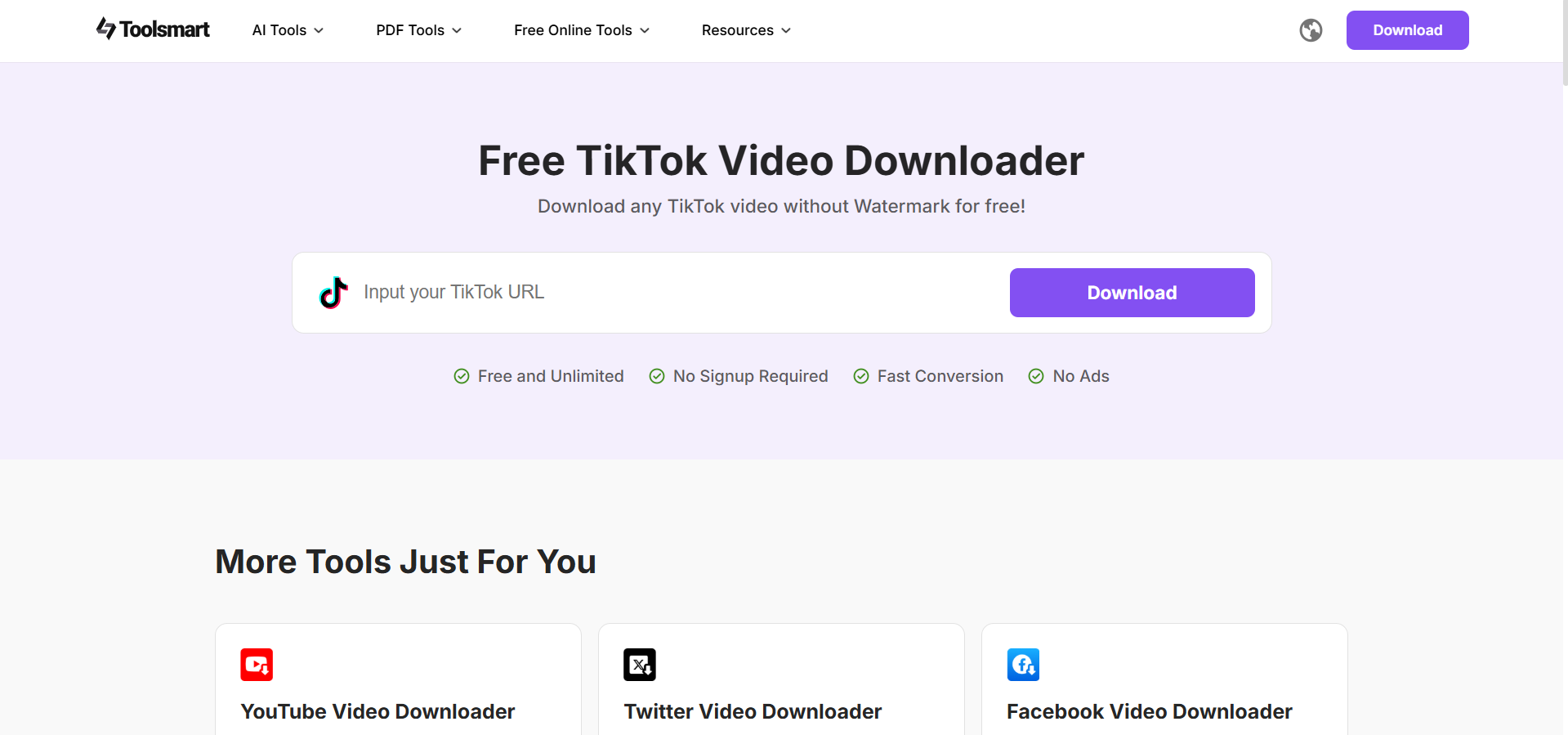
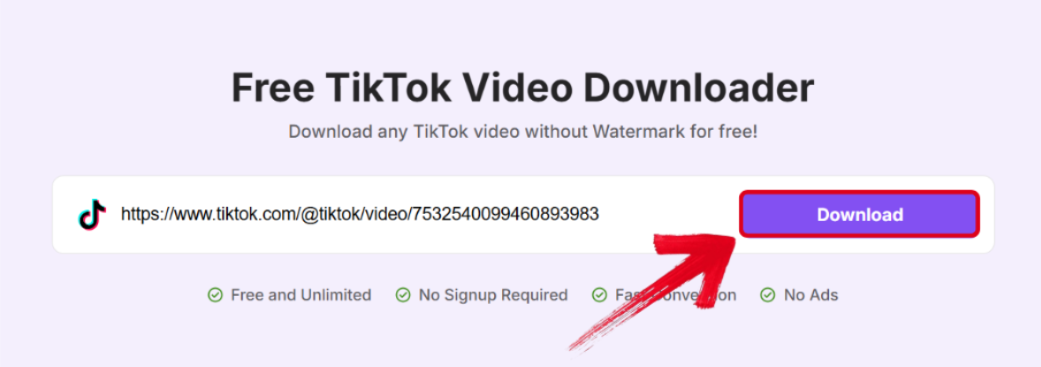
Step 2: Paste the link of your TikTok video in the text box by pressing Ctrl + V, then pressDownload.
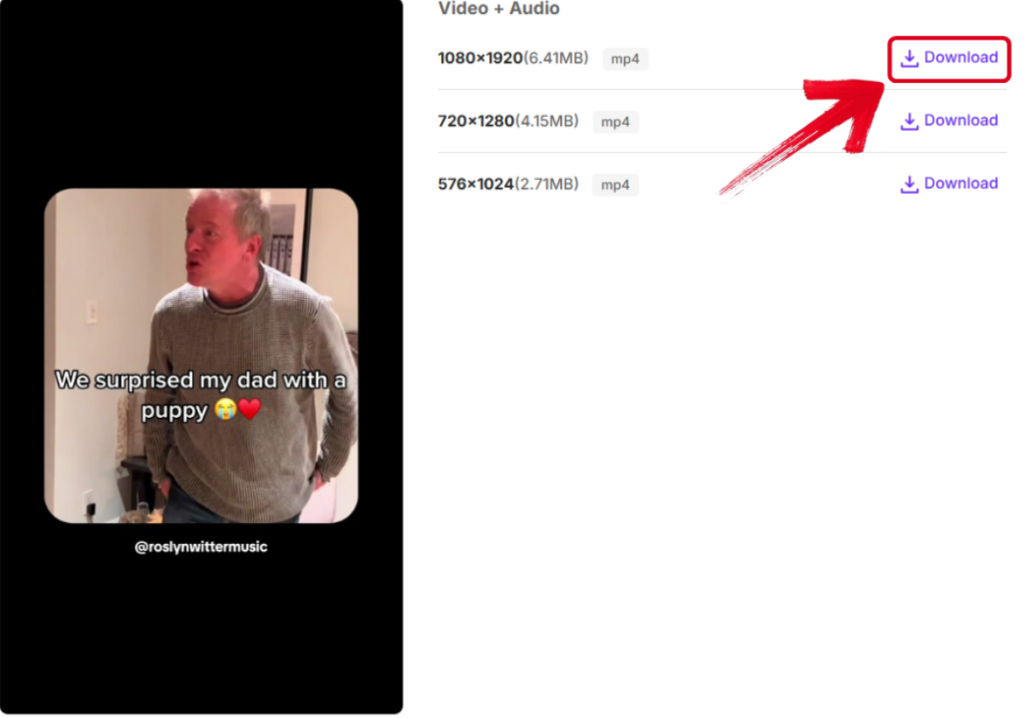
Step 3: You’ll be shown a variety of different quality and format options. Select the version you want to save and press Download in front of it.
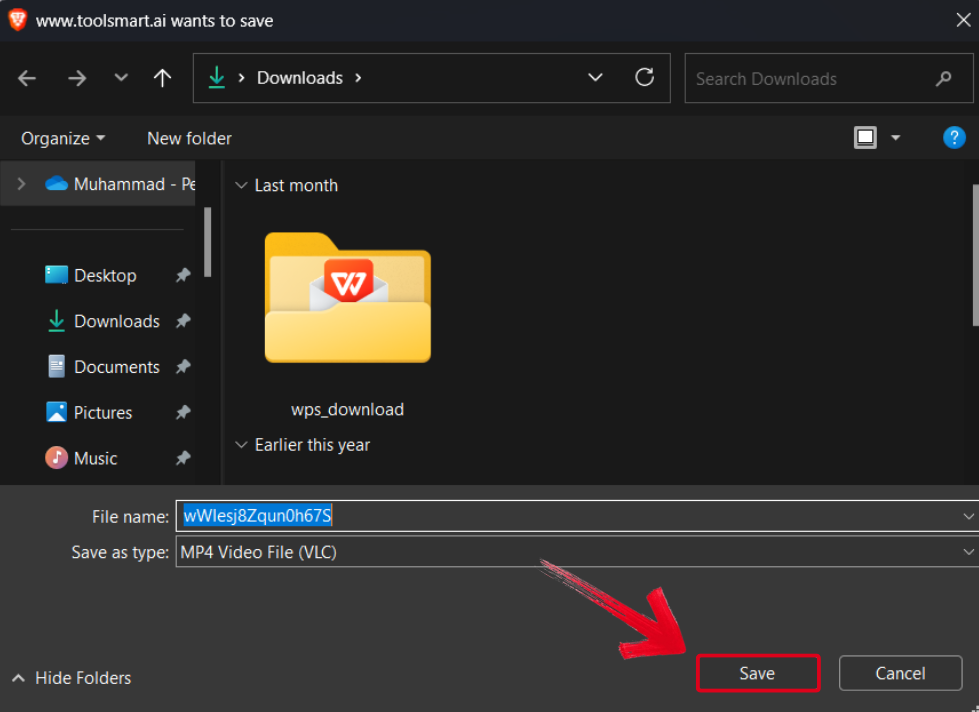
Step 4: Now, simply select your installation folder and press Save to finish the process.
I found this to be the best tool I tried out of all the other options available online. It didn’t overwhelm me with complicated menus or cluttered interfaces, just provided a simple interface for completely free. It quickly became my go-to downloading solution for downloading my favourite content, without dealing with any slowdowns or hiccups.
TikMate
TikMate was another tool I came across during my testing, which proved to be really effective for my video downloading. It was completely free and didn’t clutter my screen with too many unnecessary features. TikMate offered me a reliable and simple way to download my favourite content for easy offline access. The only thing I didn’t find too appealing was the ad integration; other than that, it works decently well.
Features
Unlimited Downloads: There’s no limit or paywall for downloads, so you can download as many as you want without any worry.
Multi-Platform Support: Its browser-based functionality allows you to use it on any device you want, whether it’s a phone or a desktop browser.
Pros
Strong encryption, which protects your personal data
Fast processing speeds
No compression or loss in quality
Cons
Lacks support for different formats
Occasionally displays ads
App Rating: 3.5/5
I’ll highlight each step of the downloading process of TikMate, so you don’t have to worry about figuring everything out by yourself.
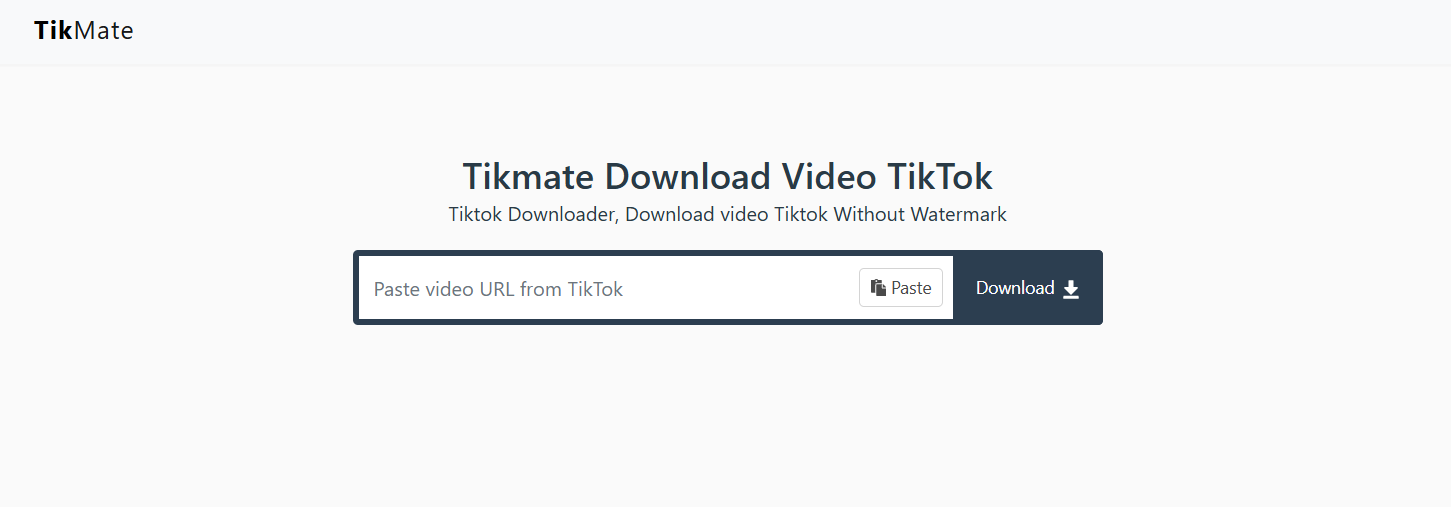
Step 1: Open your web browser and visit TikMate’s official website.
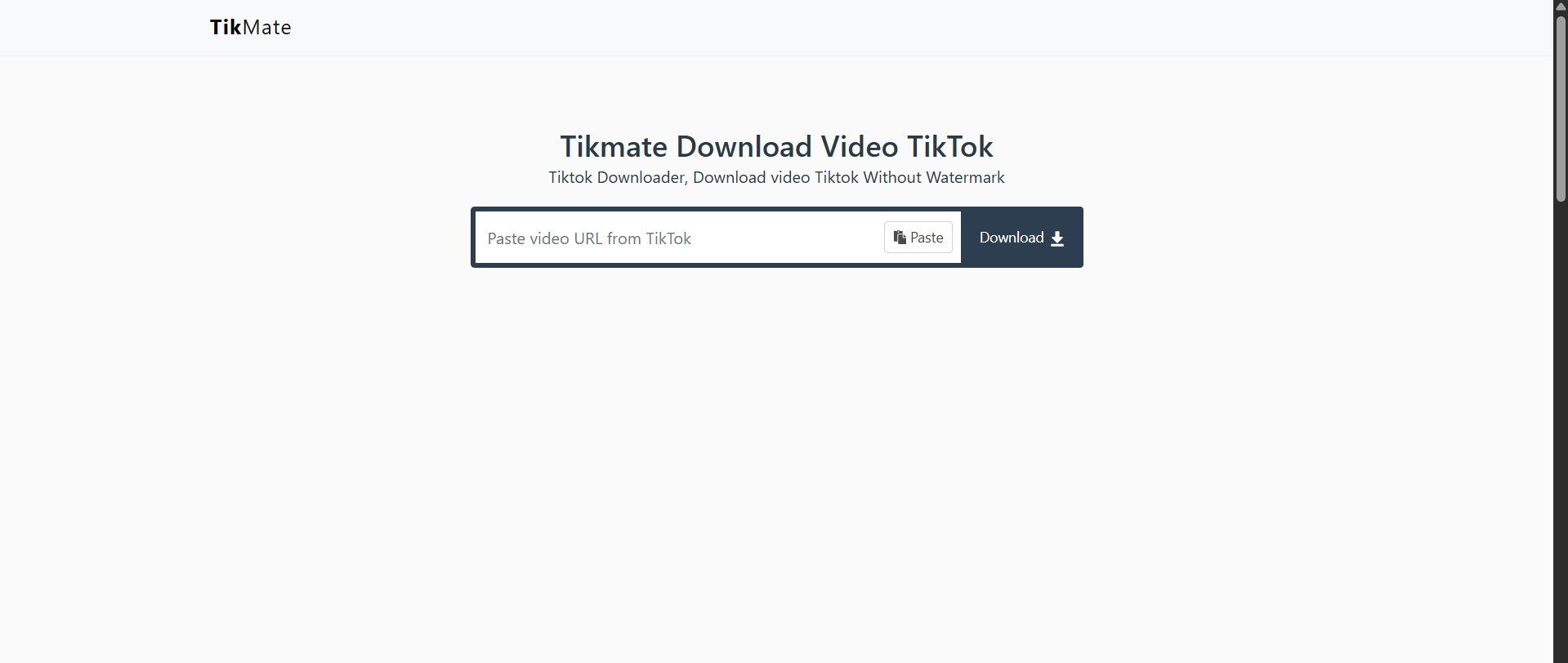
Step 2: Paste your TikTok link by pressingCtrl + V, then press the Downloadbutton.
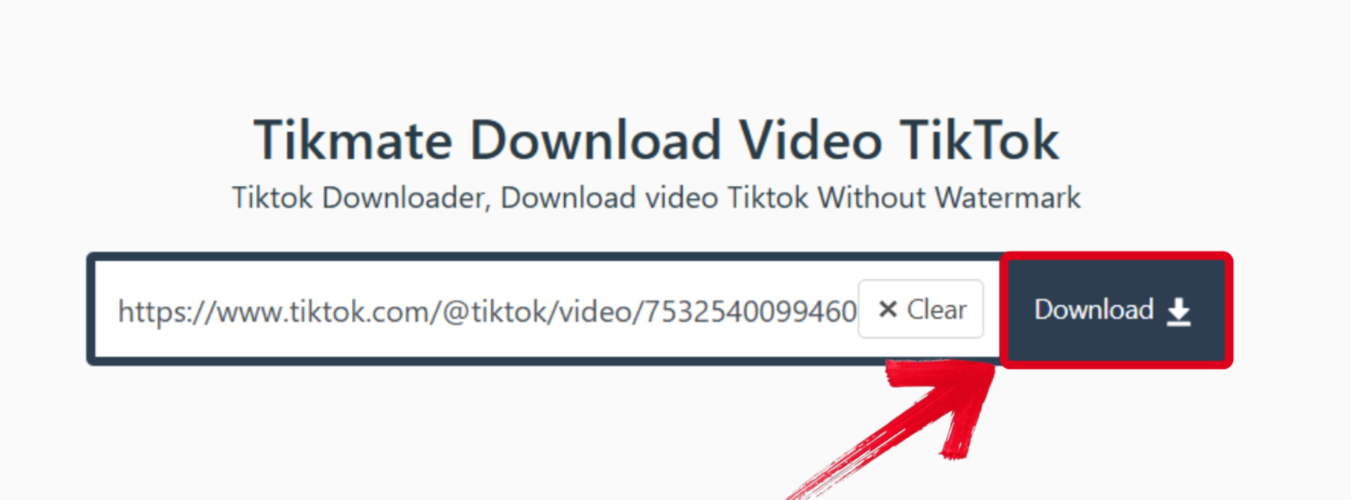
Step 3: Select the folder where you want to download your video, then press Save.
MusicallyDown
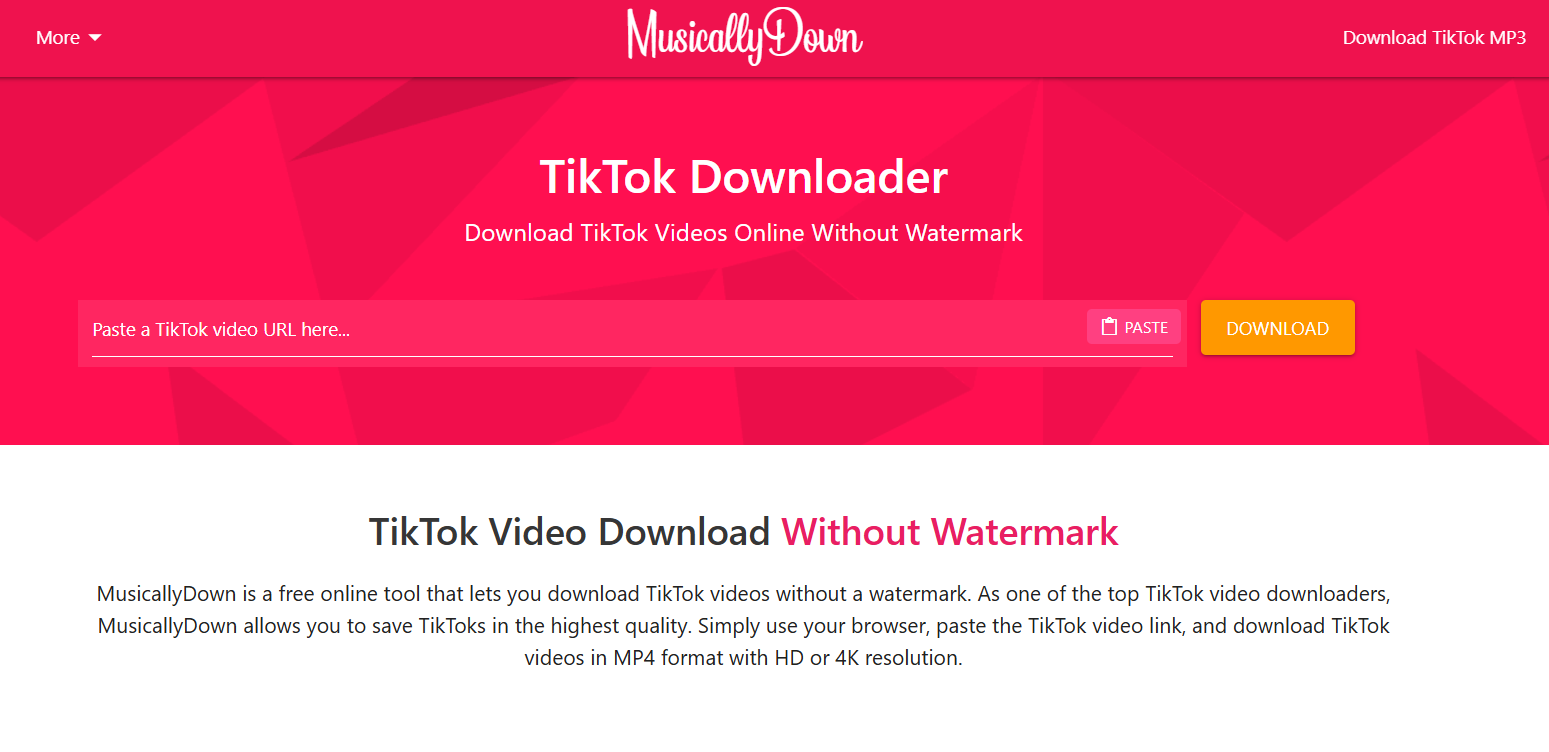
MusicallyDown was another reliable tool I stumbled upon during my testing process, and I really liked it. It offered me a simple yet exciting interface which made the downloading process fun and simple. It gave me multiple options for my downloaded video, and even allowed me to convert the entire video to MP3 for audio access. However, one thing to note is that the videos did have a watermark but it’s not that intrusive.
Features
Audio Extraction: Capable of turning entire TikTok videos into compact MP3 files if you want to extract their audio directly.
HD Support: High-quality video downloads without going through any compression or losing their original quality.
Pros
Beginner-friendly and attractive interface
Easy downloading in a few simple steps
Support for HD and MP3 formats
Cons
Pop-up ads sometimes disrupt the experience
Adds watermarks to videos
App Rating: 4.5/5
If you want to download your favourite TikTok content through MusicallyDown, the process is really simple and I’ll be walking you through each step.
Step 1: Visit MusicallyDown’s official website on your device’s web browser to get started.
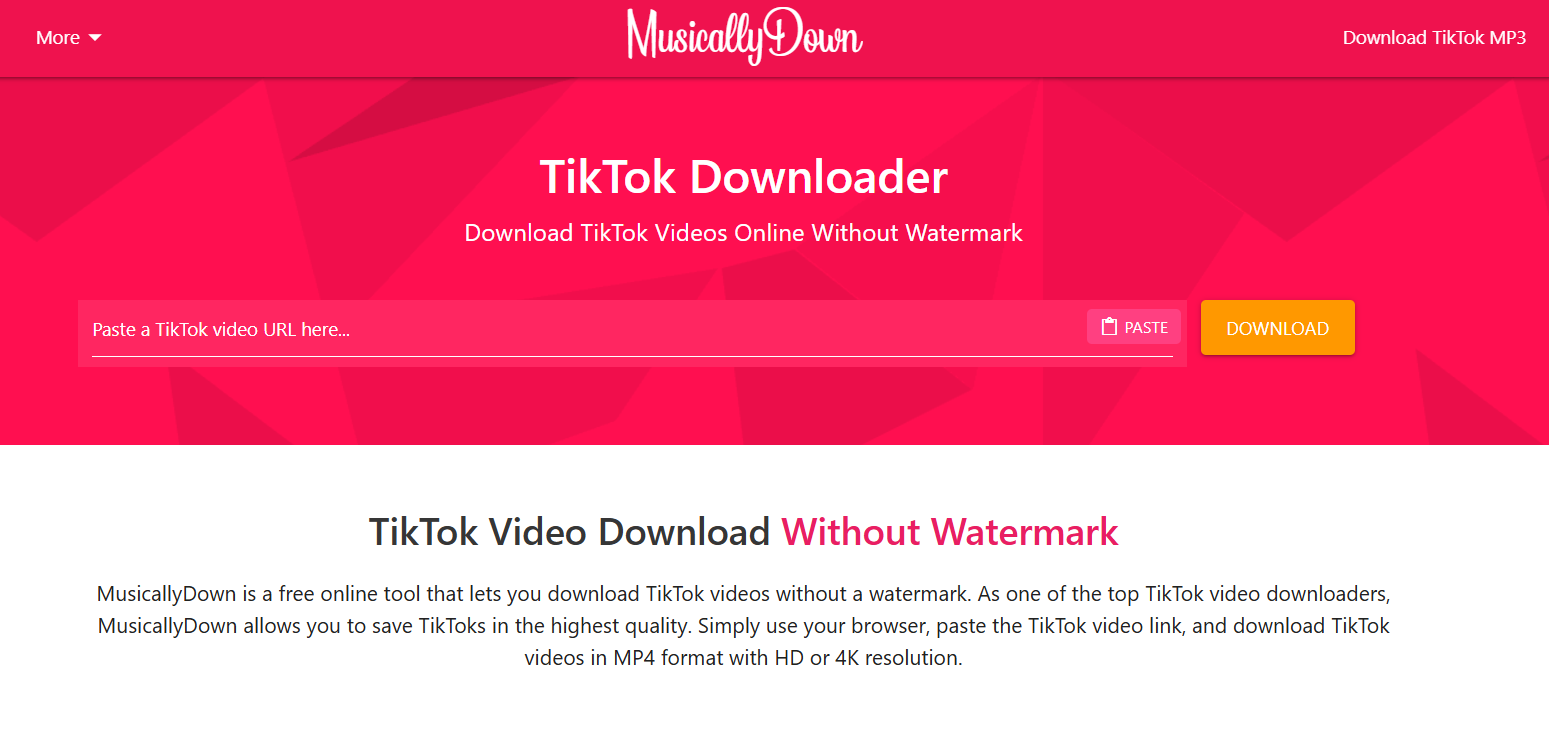
Step 2: Paste the link of your TikTok video and press Download.

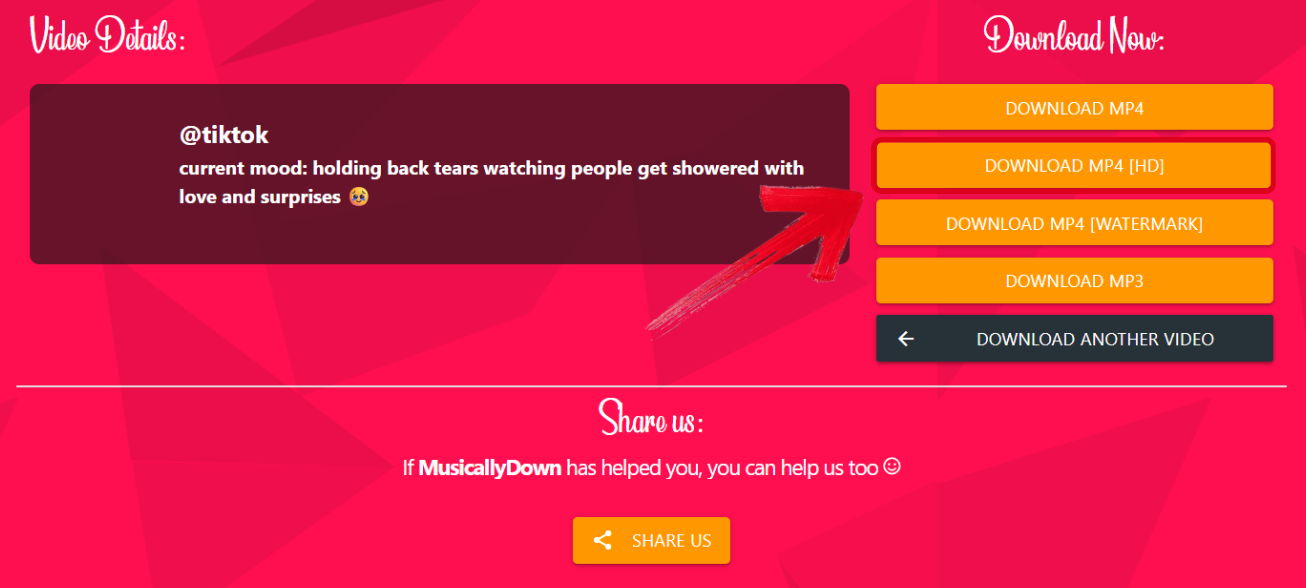
Step 3: You’ll now be shown the details of your video, along with the format options. Select the formatyou want your video in to start downloading.
SSSTikTok
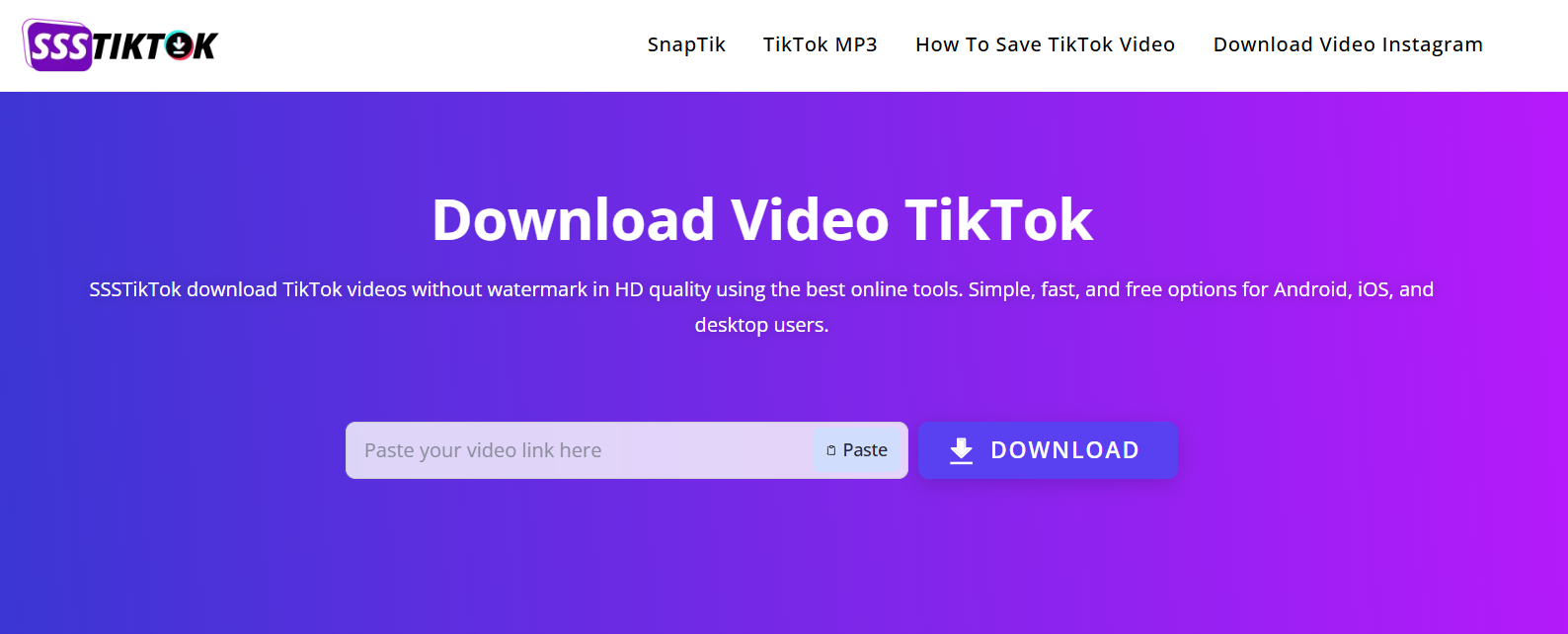
SSSTikTok proved to be another effective and reliable tool for downloading my TikTok videos quickly, in just a few simple and easy steps. The interface was clean and simple, so I didn’t have to go through any hassle during the downloading process. It was also compatible with my phone so I could download my videos even when I was travelling, which was another big advantage.
Features
Watermark-Free Downloads: Downloads your TikTok videos without adding any watermarks or compression, preserving the original quality.
Privacy-Focused: It ensures that no personal data of yours gets collected, no cookies and no login details are saved during the download process.
Pros
Simple and easy process, perfect for a beginner
Fast downloading speeds
HD downloads without any loss in quality
Cons
Occasional server errors which may slow you down
No built-in editing options
App Rating: 4/5
If you’re trying to figure out how to download your TikTok videos through SSSTikTok, don’t worry. I’ll walk you through each step myself to simplify the entire process for you.
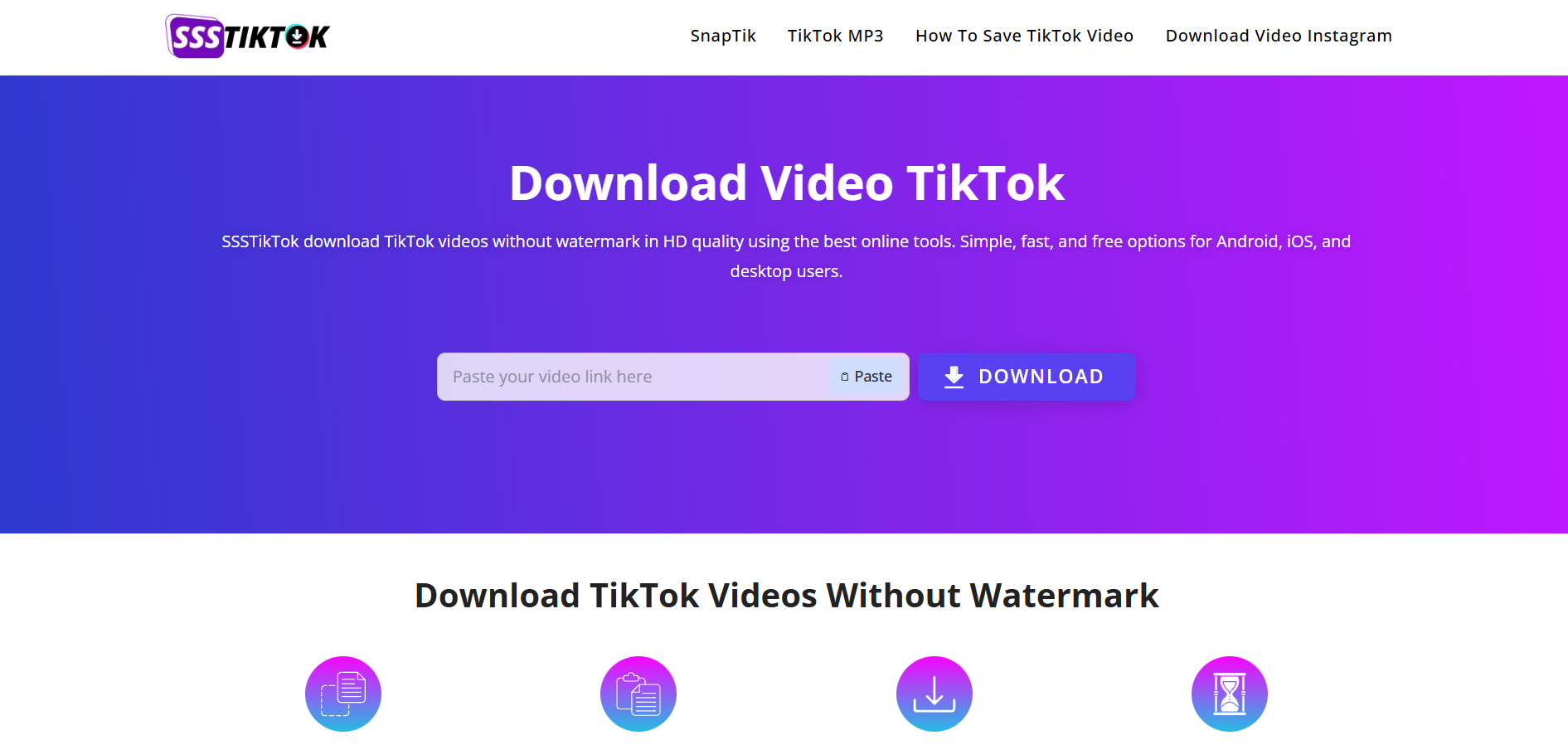
Step 1: Open SSSTikTok on your internet browser to get started.
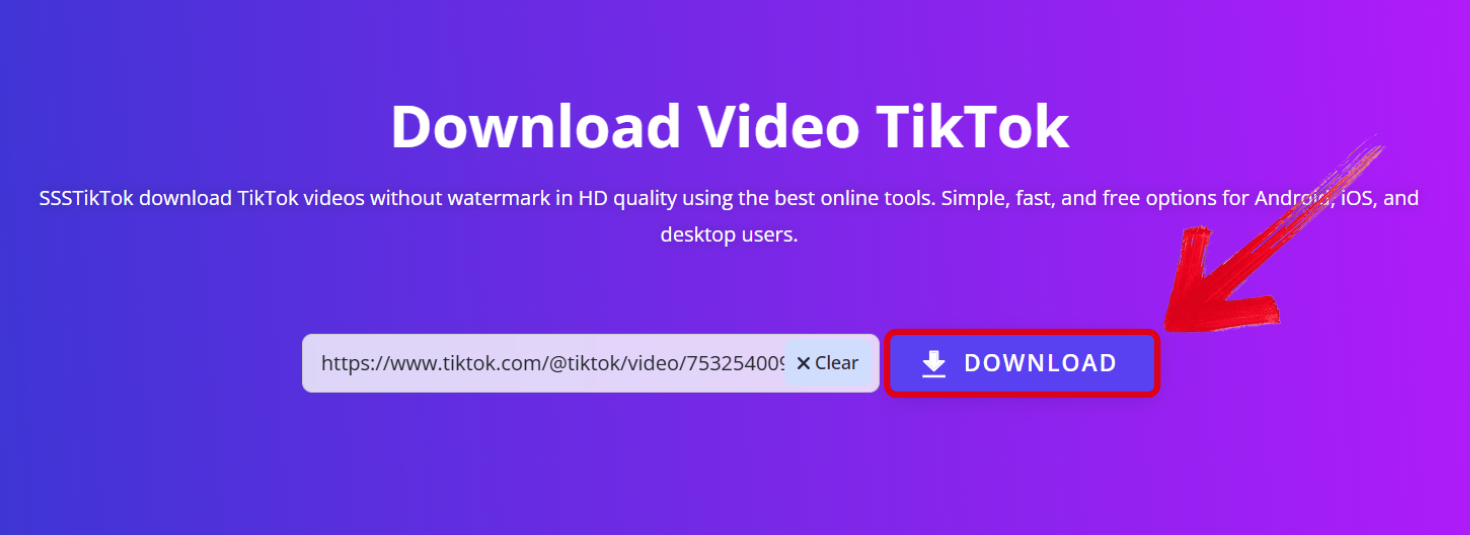
Step 2: Paste your video link in and press theDownload button.
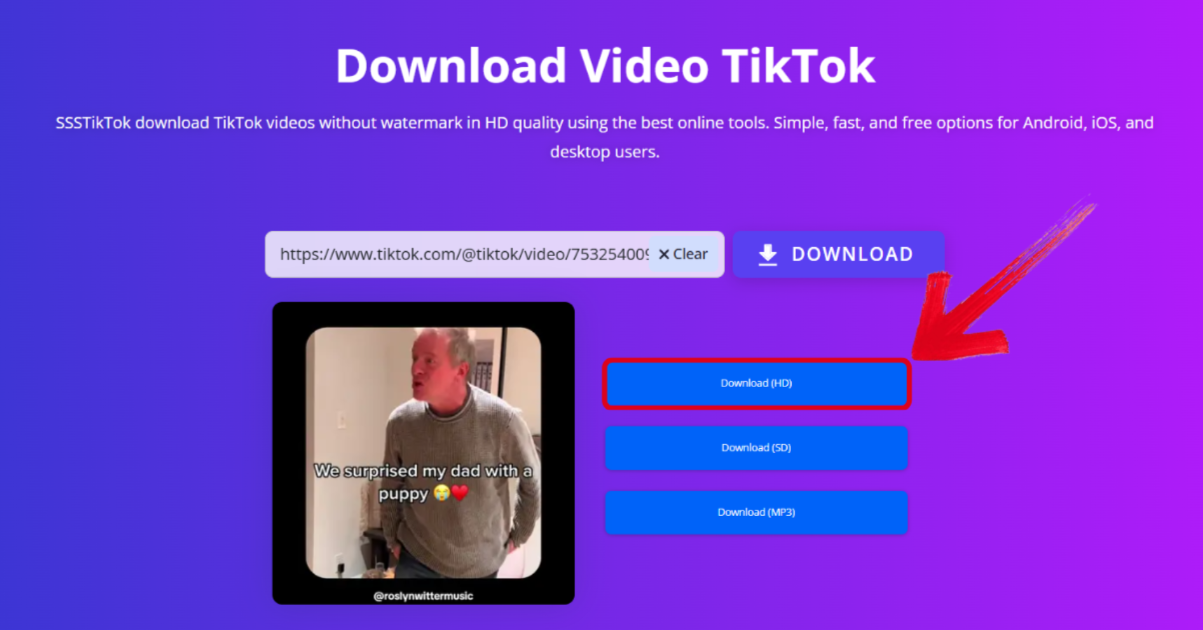
Step 3: Select the format you want your video to be in to start the download.
ExpertsPHP
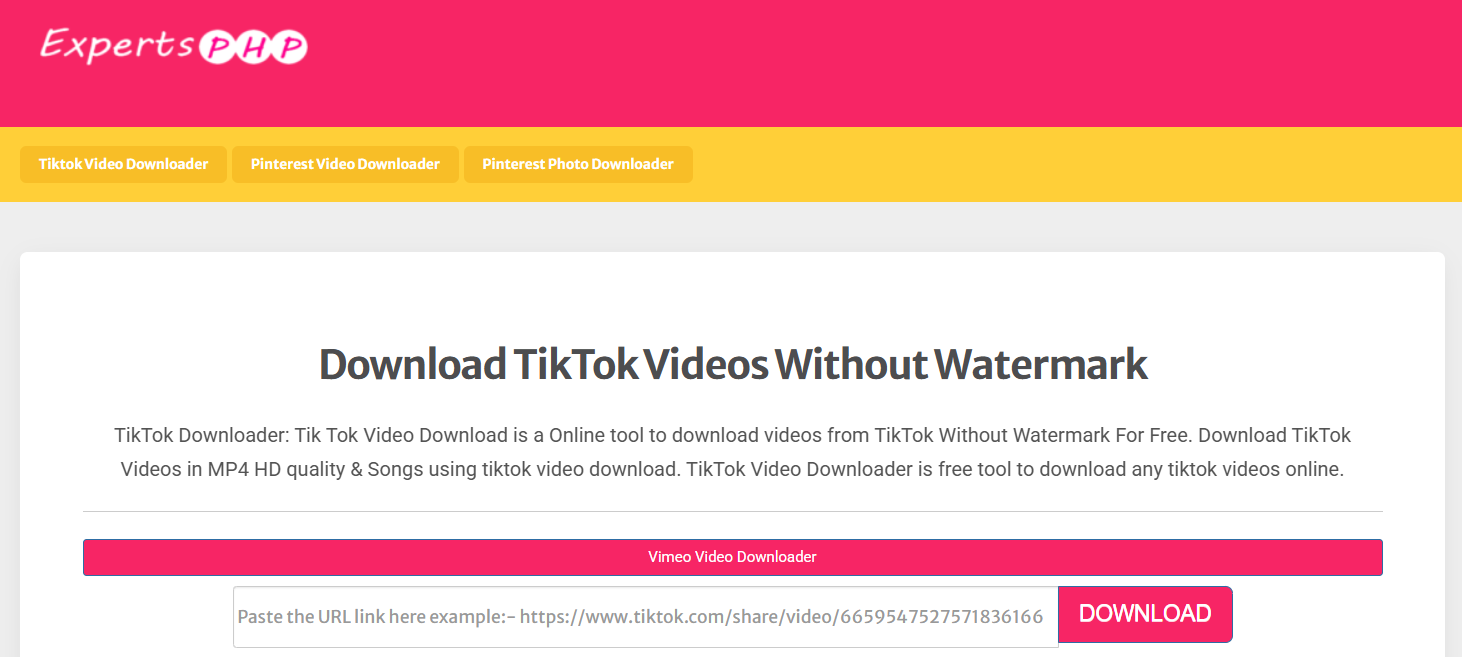
ExpertsPHPis a free browser-based platform I found which was filled with different downloading tools. It lets me download videos from a variety of different platforms including TikTok, Pinterest, Vimeo, and even Facebook. The site is also filled with other calculator tools and code guides in multiple programming languages. The downloading process was straightforward, but the interface did feel a bit cluttered at times.
Features
Registration-Free Process: The entire downloading process takes place directly in your web browser, without any installation or registration required.
Built-In Calculators & Developer Tools:Other than basic downloading, it offers a diverse library of technical tools for calculations and coding.
Pros
Support for multiple formats, including MP4 and MP3
Quick downloading in a few simple steps
Allows thumbnail downloads for TikTok videos
Cons
The interface is cluttered with irrelevant features
Frequent crashes and errors which mess up the experience
App Rating: 4/5
If you want to download your TikTok videos from ExpertsPHP, I’ll walk you through how to do just that in a few simple steps.
Step 1: Launch your browser and open ExpertsPHPto start the process.
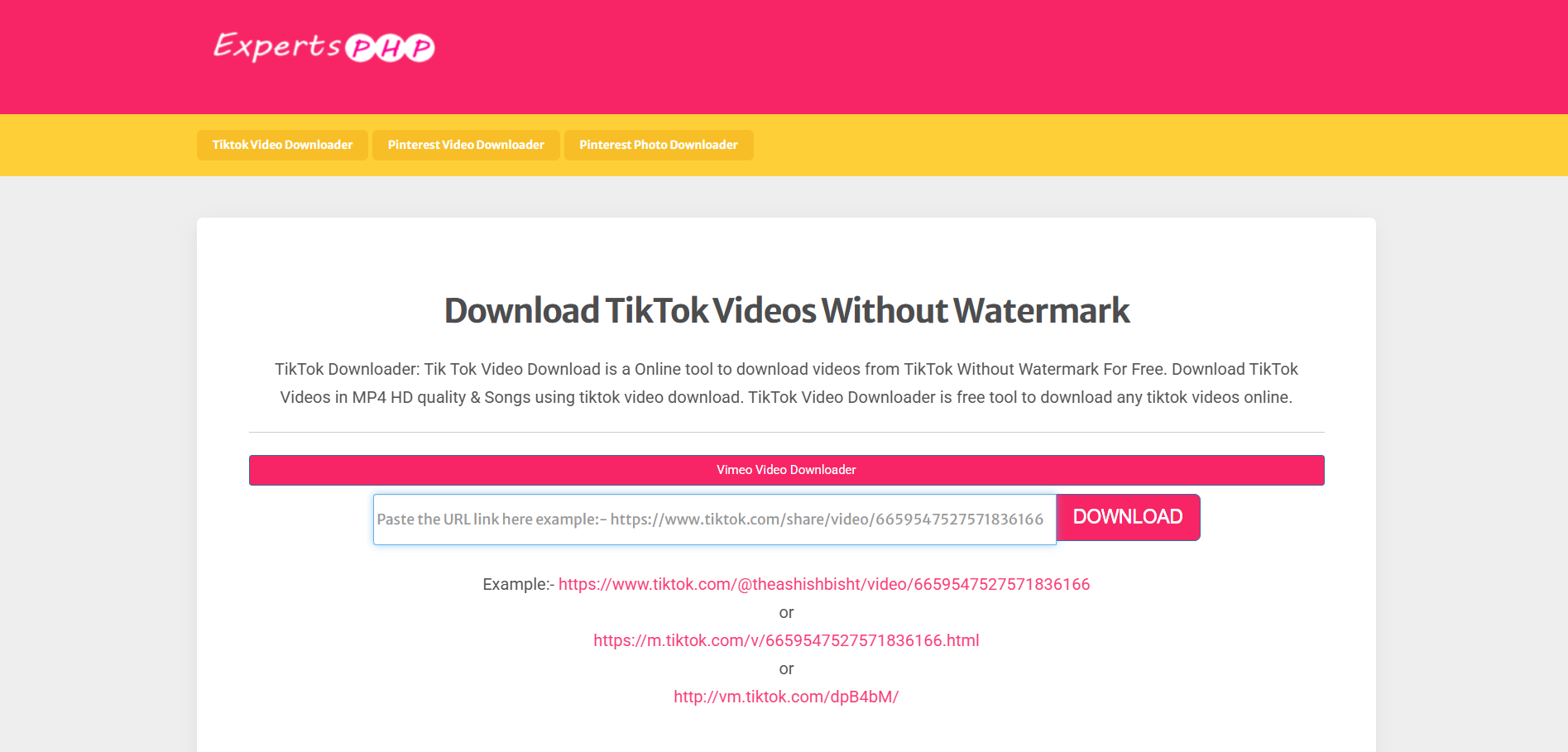
Step 2: Press Ctrl + V to paste your copied TikTok link and then hit Download.
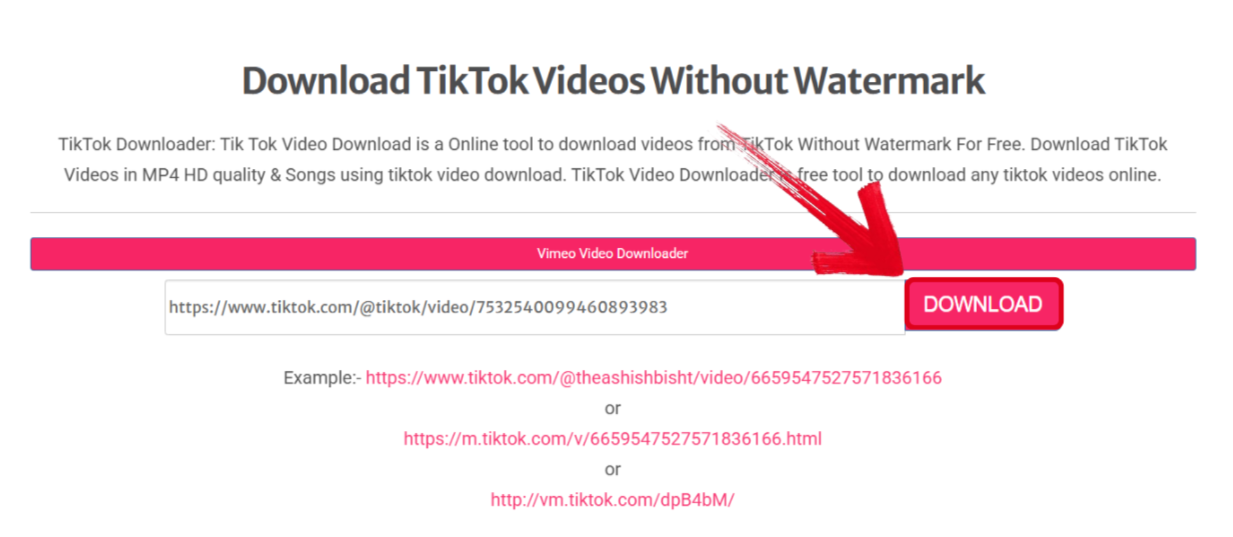
Step 3: Select your installation folder for the downloaded video, then press Save.
TTDownloader
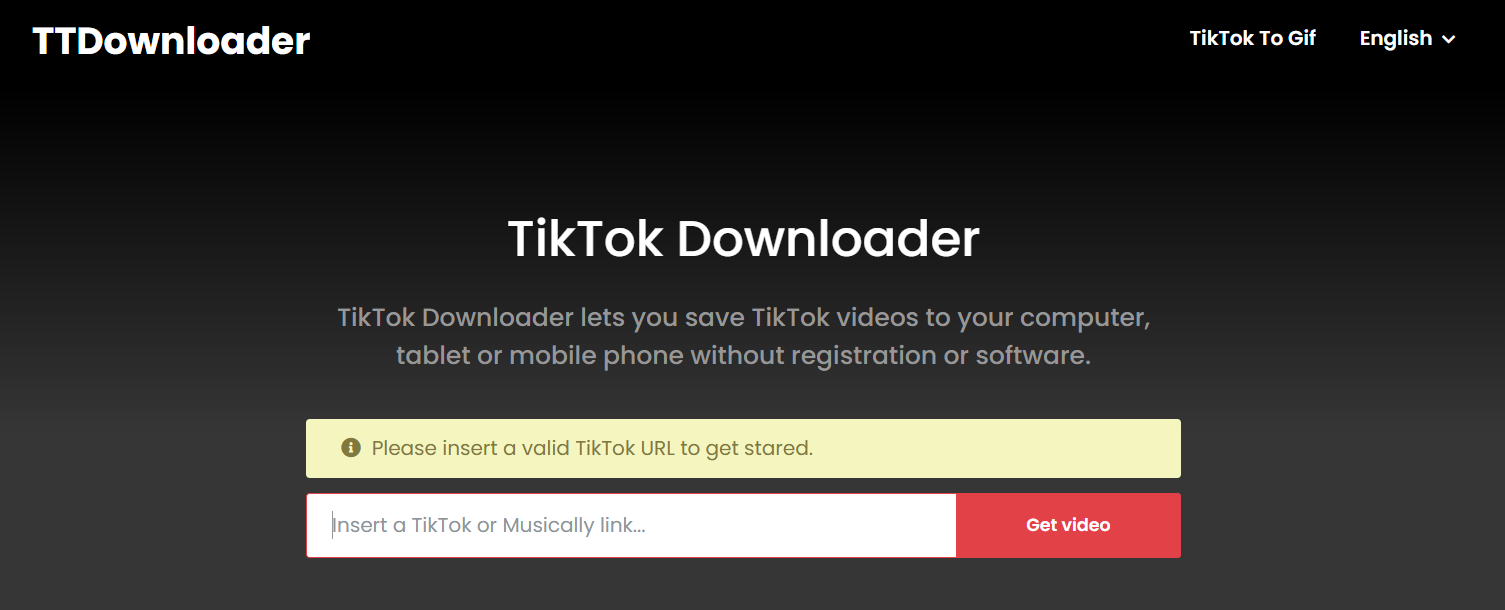
TTDownloader actually stood out to me a lot even when I first opened it, especially because of its extremely well-designed and clean interface. When I tried downloading the video myself, the entire experience was extremely clean and professional. All I had to do was simply paste the link into the textbox, and in just a few simple steps, I’d have my downloaded video in high-quality.
Features
Fast Processing Speeds: Allows you to download videos quickly so you don’t have to deal with any slowdowns or delays.
Secure Encryption: Protects your privacy and personal data through SSL encryption, making sure that all content is processed privately.
Pros
No compression or quality loss
All features are available for free, without any paywalls
HD video downloads in multiple formats
Cons
Sometimes redirects to other websites
No batch download support
App Rating: 4.5/5
If you decide to choose TTDownloader for all your TikTok video downloading, the process is very simple. I’ll walk you through each step myself so you don’t have to deal with any hassle.
Step 1: Launch your web browser and open TTDownloader.
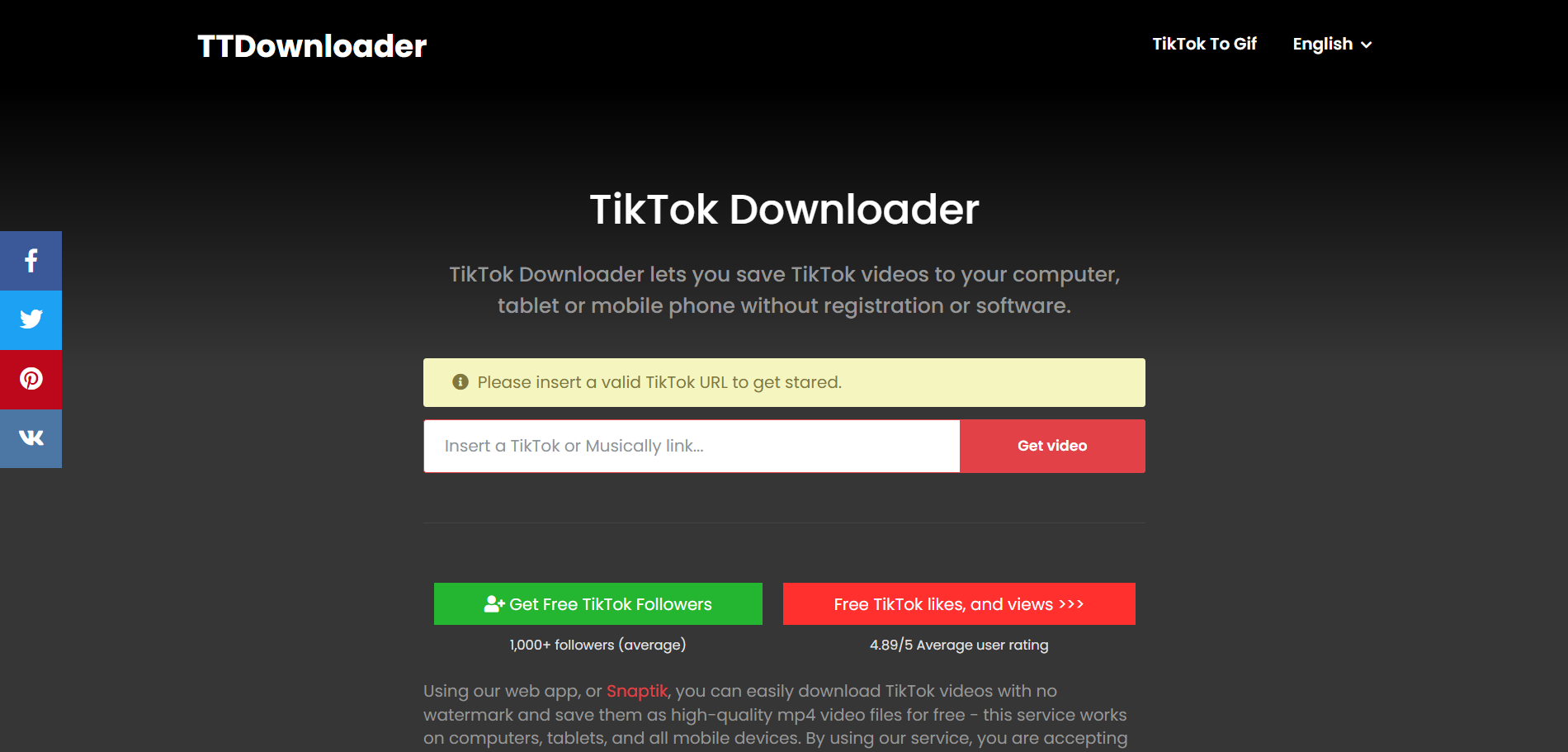
Step 2: Paste your TikTok video link by pressingCtrl + V, and press Get video.
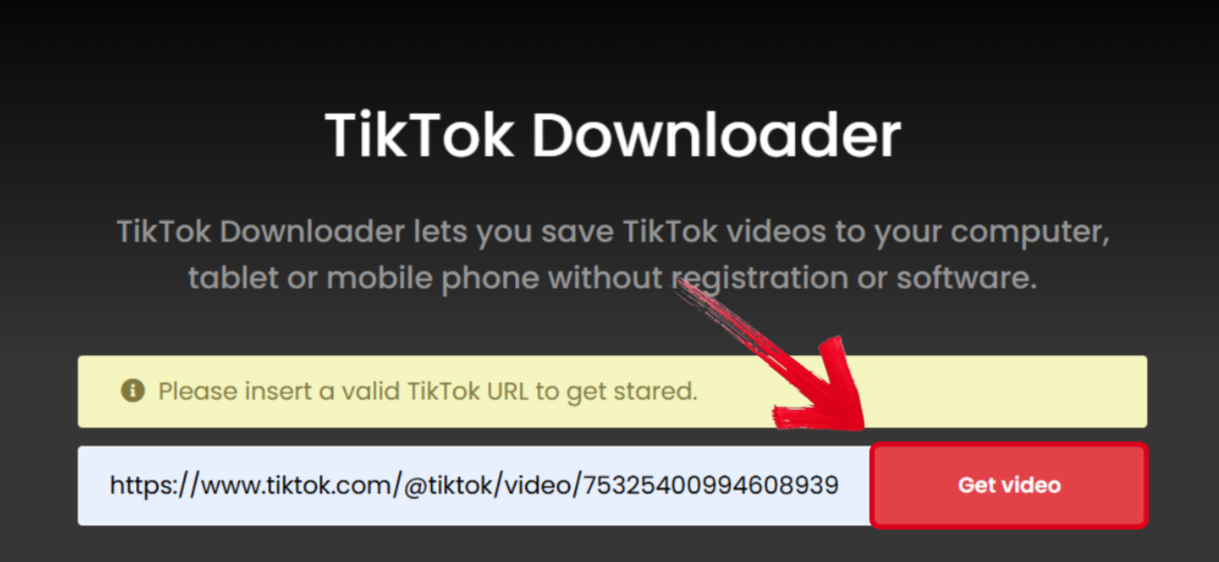
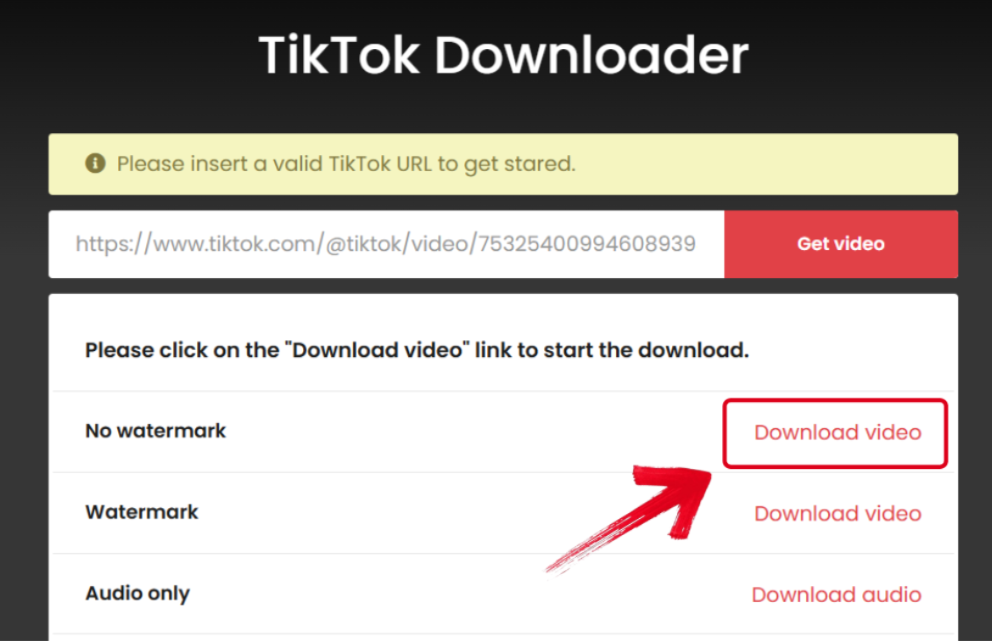
Step 3: You’ll now be shown different download formats for your TikTok video, press Download video in front of your desired format.
Comparison of TikTok Downloaders
All of these tools are thoroughly tested and then narrowed out by me, and all of them were really effective in serving their purpose. Toolsmart stood out to me as the most polished and straightforward experience, easily becoming my top choice. Whereas TikMate delivered clean, high-quality results while protecting my data. MusicallyDown gave me more flexibility with its MP3extraction features. On the other hand, SSSTikTok had an extremely simple downloading process and worked really well on my phone. ExpertsPHP offered a wide variety of tools and support for multiple platforms, but TTDownloader gave me a premiumexperience with quick downloading speeds. I’ll compare each of these tools side by side so you can decide the right one for yourself.
| Criteria | Toolsmart | TikMate | MusicallyDown | SSSTikTok | ExpertsPHP | TTDownloader |
|---|---|---|---|---|---|---|
| Max Quality | 1080p+ | 1080p+ | 1080p | 1080p+ | Up to 4K | 1080p+ |
| Free vs. Paid | Fully Free | Fully Free | Fully Free | Fully Free | Fully Free | Fully Free |
| Ease of Use | Very easy and clean | Simple and straightforward | Fun and beginner-friendly | Easy and mobile-friendly | Somewhat cluttered | Clean and professional |
| Batch Downloads | Not supported | Not supported | Not supported | Not supported | Not supported | Not supported |
| Watermark | No watermark | No watermark | Adds watermark | No watermark | No watermark | No watermark |
| Best For | Clean, ad-free downloads for beginners | Fast downloads with strong privacy | MP3 extraction and casual use | Mobile downloads and on-the-go use | Multi-platform use and developer tools | Sleek design and secure downloading |
Why Toolsmart TikTok Downloader Stands Out
Out of all the tools I’ve tried for downloading TikTok videos, the one that stood out the most has been Toolsmart’s TikTok Video Downloader. It really impressed me with how simple it made the entire downloading process, and its support for different quality formats. Moreover, it did not require me to register or install anything to use all its features, which was another big advantage. In this section, I’ll highlight each feature of Toolsmart that makes it an essential part of my workflow.
Why Choose Toolsmart?
Completely free experience
High-quality videodownloads, without any watermarks or compression
No installation or registration requirement
Compatible with multiple video formats
Toolsmart quickly became my top choice for video downloading, especially because of its extensive support for social media apps, including YouTube and Instagram. If you’re someone looking for a simple and efficient way to download your favourite TikTok videos offline, Toolsmart is an ideal choice.
FAQs
Q1: Is downloading TikTok videos legal?
Downloading is legal for personal use only. Avoid reposting or distributing videos that aren't your own.
Q2: Why does my downloaded video have lower quality?
Some tools automatically compress or downgrade video resolution. For the best results, use Toolsmart to preserve original quality.
Q3: Can I download private TikTok videos?
No, only public videos are accessible through third-party downloaders.
Q4: Does Toolsmart work on iPhones?
Yes. Toolsmart is fully compatible with iOS viaSafari or Chrome, with no app installation needed.
Downloading TikTok Videos Easily
If you’re trying to figure out how to download TikTok original quality videos, it can be incredibly confusing sometimes. The internet is filled with too many tools that claim to be the best, but fail to deliver on their promises. Most of them inject my videos with annoying watermarks or bombard me with countless ads. After going through a bunch of tools myself, I’ve narrowed them down to a list of 6 reliable options, covering their key features and comparing each one side by side.
Toolsmart’s TikTok Video Downloader stands out to me as the best tool I've tried. It was simple, efficient, and did the job without making me deal with any slowdowns. It’s the perfect tool for anyone trying to download TikTok videos without jumping through any hoops.


