
'%3e%3cpath%20fill-rule='evenodd'%20clip-rule='evenodd'%20d='M19%208.5C24.799%208.5%2029.5%2013.201%2029.5%2019C29.5%2024.6782%2024.9928%2029.3036%2019.361%2029.4939L19%2029.5C18.8794%2029.5%2018.7592%2029.498%2018.6396%2029.4939L18.2811%2029.4758C12.8174%2029.1063%208.5%2024.5574%208.5%2019C8.5%2013.201%2013.201%208.5%2019%208.5ZM22.3063%2010.6267L22.2342%2010.6539C21.3423%2011.0061%2020.5541%2011.6368%2020.5606%2012.4987C20.5631%2012.8302%2020.869%2014.8871%2020.2141%2014.8486C19.5589%2014.8102%2019.413%2013.8753%2018.7116%2013.616C17.5944%2013.2026%2016.9819%2014.3401%2017.0939%2015.3106C17.1695%2015.9655%2018.9289%2018.3871%2017.9028%2019C17.292%2019.3651%2015.7279%2017.5692%2015.1007%2017.1842C14.4805%2016.8034%2013.2758%2017.3333%2012.4974%2016.7029C11.9874%2016.2899%2012.3881%2014.4098%2012.2786%2013.8372C12.2271%2013.5698%2012.1155%2013.3689%2011.9794%2013.2166L12.0402%2013.2934C10.7653%2014.8464%2010%2016.8339%2010%2019C10%2023.8465%2013.8307%2027.7982%2018.6295%2027.9925L18.6769%2027.9747C18.8597%2027.8677%2019.0394%2027.7557%2019.216%2027.6387C19.4137%2027.4534%2019.5436%2027.2072%2019.5849%2026.9394C19.8806%2025.1222%2018.3616%2025.4302%2017.9367%2024.5622C17.5489%2023.7695%2018.5712%2023.7684%2018.5524%2021.7923C18.4607%2021.1774%2018.5279%2020.547%2018.7211%2020.0315C19.1834%2018.7987%2020.7077%2017.2643%2022.5889%2018.0081C23.5567%2018.3906%2023.1524%2019.9831%2023.4737%2020.3394C24.251%2021.2018%2025.3228%2020.6863%2026.2856%2021.2253C26.7816%2021.5032%2026.9797%2022.41%2027.056%2023.2248L27.038%2023.0528C27.6534%2021.8348%2028%2020.4579%2028%2019C28%2015.1968%2025.6409%2011.9445%2022.3063%2010.6267Z'%20fill='%23757575'/%3e%3ccircle%20cx='19'%20cy='19'%20r='10.125'%20stroke='%23757575'%20stroke-width='2.25'/%3e%3c/g%3e%3cdefs%3e%3cclipPath%20id='clip0_1827_14613'%3e%3crect%20width='24'%20height='24'%20fill='white'%20transform='translate(7%207)'/%3e%3c/clipPath%3e%3c/defs%3e%3c/svg%3e)


We all want our writing to sound sharp and professional, but editing can be a real time sink. I’ve been there too, wondering how to clean up sentences quickly without relying on clunky software. That’s where ChatGPT grammar check really steps in. It’s not just a chatbot anymore, it can be your go-to grammar corrector for essays, emails, or anything else. I’ll guide you through how to use it, when to consider alternatives, and how to take things up a notch with paraphrasing tools.
Introduction to ChatGPT Grammar Check
ChatGPThas evolved way beyond answering trivia. With prompt-based input, you can now use it as a legit AI grammar checker ChatGPT users love for quick edits. It can spot run-on sentences, fix awkward phrasing, and even adjust tone based on what you need. Whether you're writing a formal essay or a casual email, it tailors corrections to fit the vibe.
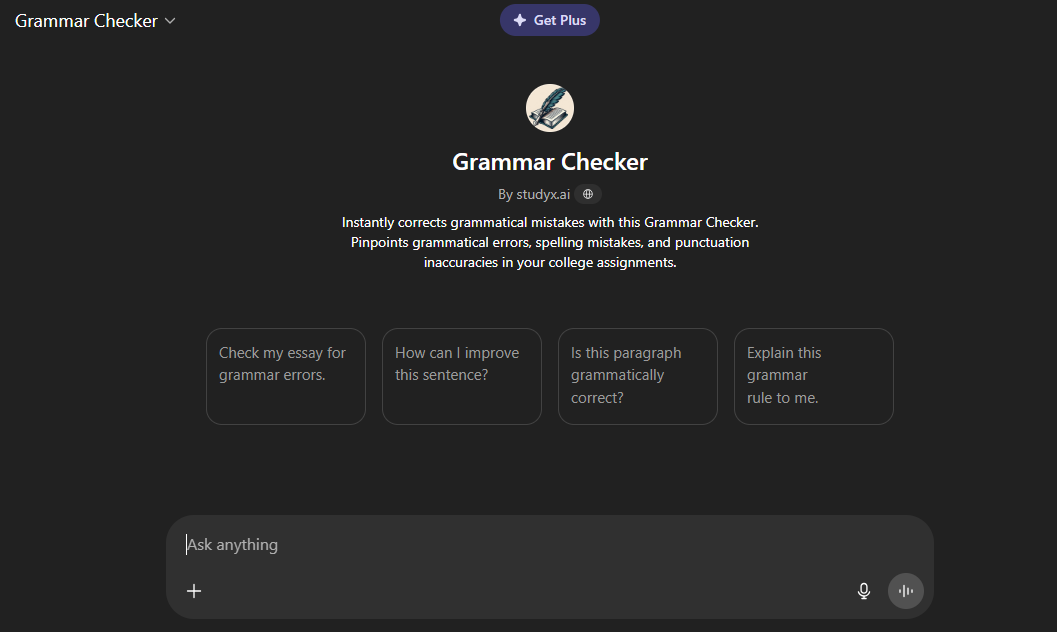
The best part is that a free grammar tool by ChatGPT doesn’t just correct, it explains why a change makes sense. That means you’re not just fixing errors, you’re leveling up your writing game too.
Features:
Instant grammar and spelling correction:
ChatGPT can detect sentence-level issues and correct them in a flash, depending on how you prompt it.
Suggestions for tone, clarity, and fluency:
Not just grammar, you get helpful tipsto enhance sentence smoothness and flow.
Ideal for quick edits and rough drafts:
Perfect for checking early versions of your writingor last-minute submissions.
Pros:
Completely free on the ChatGPT platform:
You don’t need to spend a dime for standard checks. Perfect for students, freelancers, or anyone on a budget.
No installation or sign-up required:
Just go to ChatGPT, and you’re ready to roll. It works directly in your browser, super convenient for on-the-go use.
Real-time suggestions via prompt-based input:
As soon as you paste your content and prompt the tool, feedback is nearly instant. You stay in control of how much or how little help you want.
Cons:
Lacks real-time inline editing like Grammarly:
It won’t underline mistakes on the fly. You’ll need to manually compare the original and corrected versions.
Requires careful prompting for optimal results:
You have to be clear and specific in how you ask for corrections. A vague prompt might miss key issues or give surface-level feedback.
How to Use ChatGPT for Grammar Correction
This isn’t some hidden feature, you just need the right approach.
Step 1: First of all, open the official website of ChatGPT or a public GPT Grammar fixer.
Step 2: Once you’re on this interface, simply paste your text into the message box.
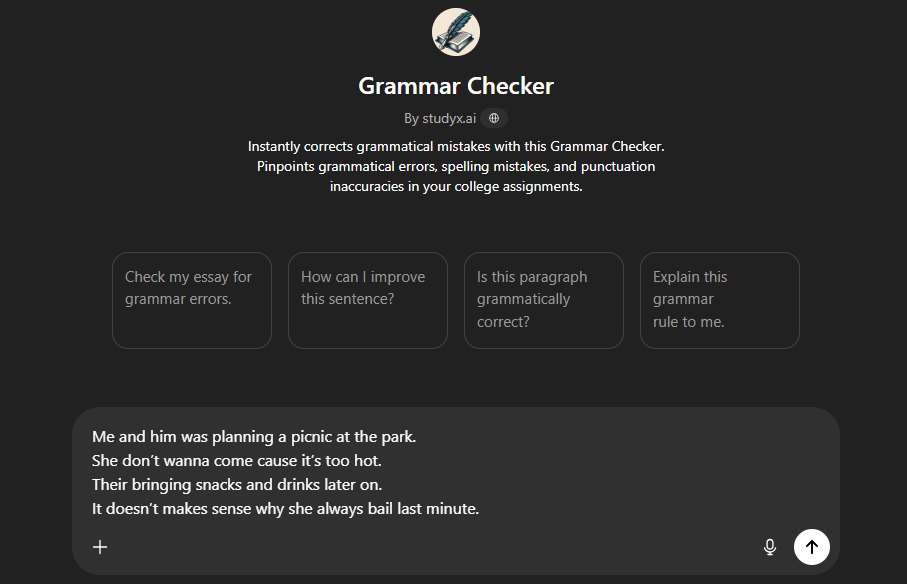
Step 3: Then use a prompt like: “Can you check this for grammar, tone, and clarity?” and hit “Enter” on your keyboard.
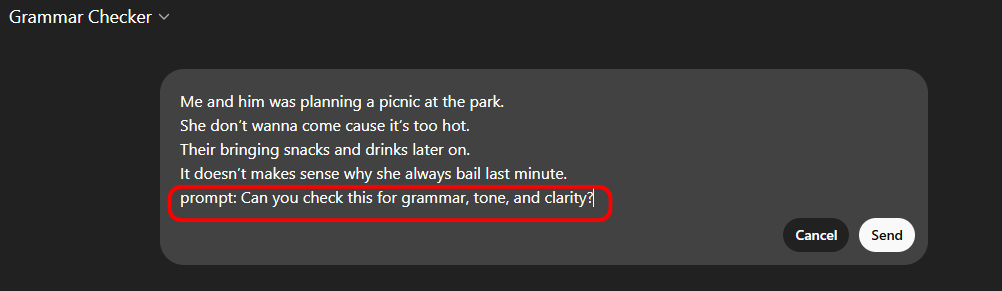
Step 4: Once done, review the feedback and copy the corrected version.
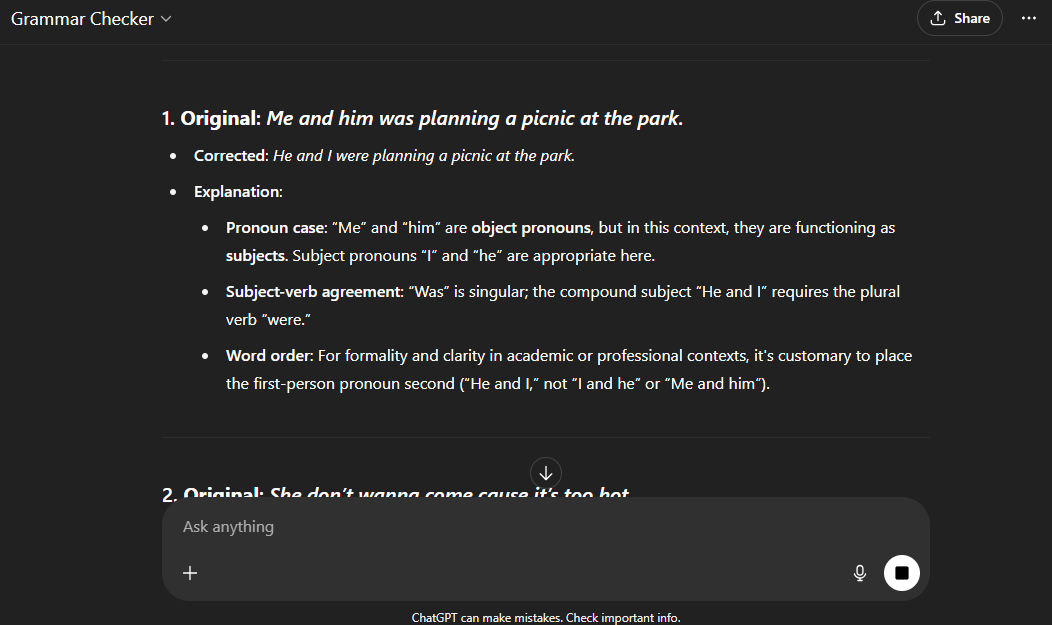
I’ve used this many times for tuition write-ups and emails. It helped me save time and avoid awkward sentence constructions, especially when I was too tired to proofread properly. Once you get the hang of the prompts, it becomes second nature.
4 Alternatives to ChatGPT Grammar Check
Sometimes, ChatGPT alone might not be enough, like when you need inline suggestions or deeper structure fixes. For those moments, a grammar corrector for essays can really step up your editing game. Here are four great tools you can switch to or use side-by-side.
Engram
Engram is a newer player but quickly gaining love for its real-time grammar analysis and context-aware suggestions. Unlike basic checkers, it digs deep into sentence structure and style. It’s especially useful for academic or professional writing where clarity and tone matter.
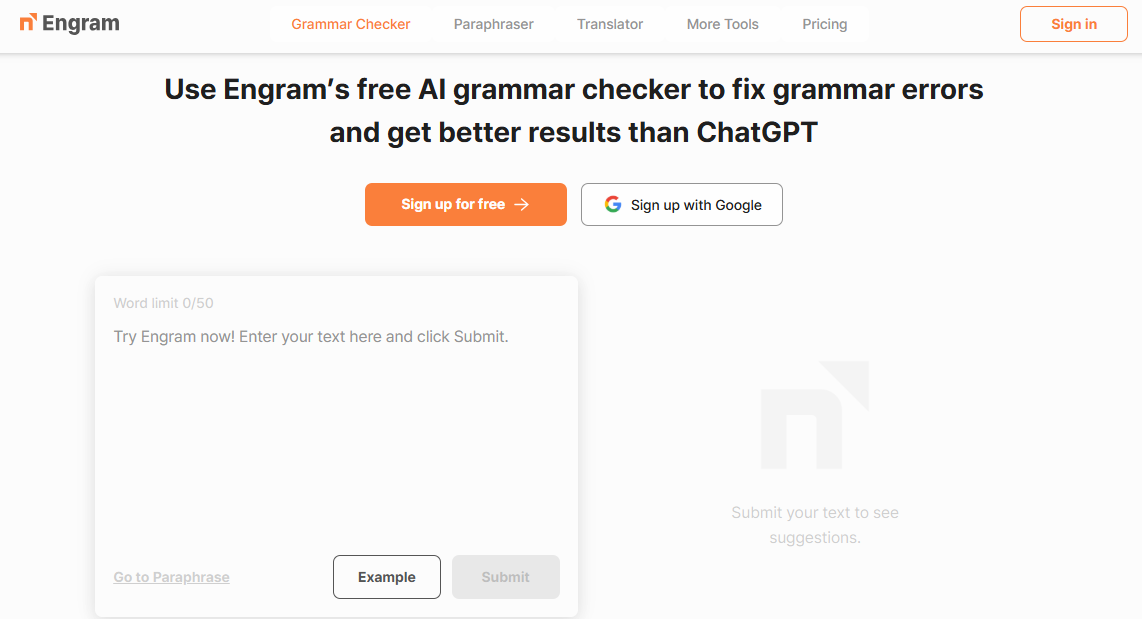
The interface is minimal but efficient, keeping distractions low. Engram doesn’t just highlight what’s wrong, it tells you whyit’s wrong. That’s a huge plus if you’re trying to actually learn and improve your grammar over time.
Features:
AI-powered grammar and style checks
Instant corrections with highlighted edits
No login required for quick checks
Pros:
Simple, clean interface
Ideal for longer academic writing
Cons:
Limited character count in free mode
I used it to run a lesson plan draft. It flagged passive constructions that ChatGPT missed and even suggested stronger verbs. It’s solid when clarity and academic tone matter.
QuillBot
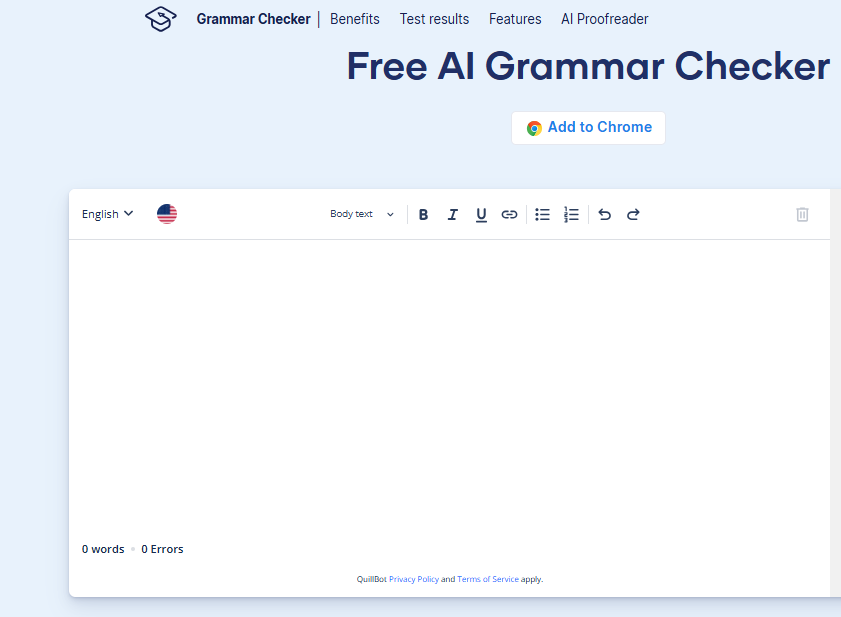
Quillbotstarted off as a paraphrasing tool but now offers a solid grammar check feature that’s built right into its platform. It balances correction with creativity, helping you maintain your tone while fixing structural issues. It’s especially useful for essay writing or academic drafts where flow and clarity matter. The tool works fast and doesn’t feel clunky, even with longer text.
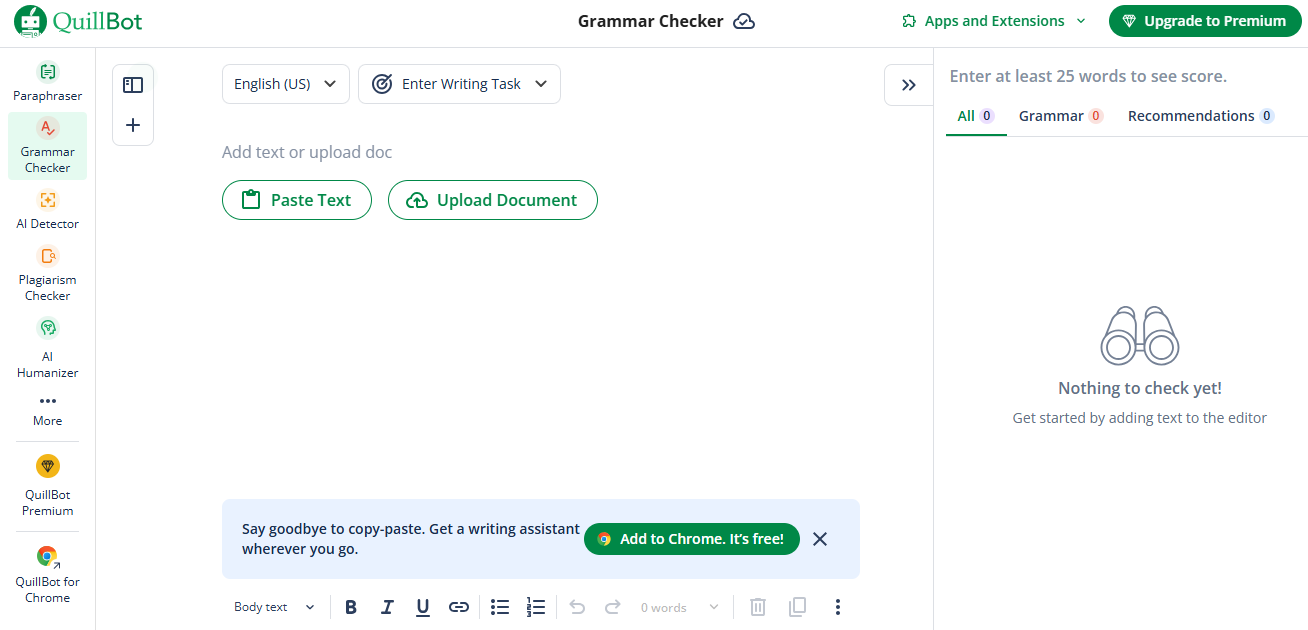
You can switch between modes like “Fluency” and “Formal” to match your intent. It also explains grammar changes in simple terms, which is super helpful for learners. Plus, the built-in thesaurus and rewrite tools make it a multi-functional space for writers.
Features:
Grammar, punctuation, and fluency checker
Inline editing with suggestions
Paraphrasingintegration
Pros:
Fast results and high accuracy
Chrome extension available
Cons:
Free version is limited
For editing my CV and essays, this tool helped tighten phrasing. The inline view made it easier to understand the "why" behind each fix.
ZeroGPT Grammar Check
ZeroGPTis mostly known for its AI detection, but its grammar checker is surprisingly efficient and user-friendly. It’s aimed at quick proofreading, giving direct corrections without much fluff. The platform focuses on making clean edits—perfect for resumes, emails, or social posts. There’s no overwhelming dashboard or pop-ups, which keeps the editing process chill.
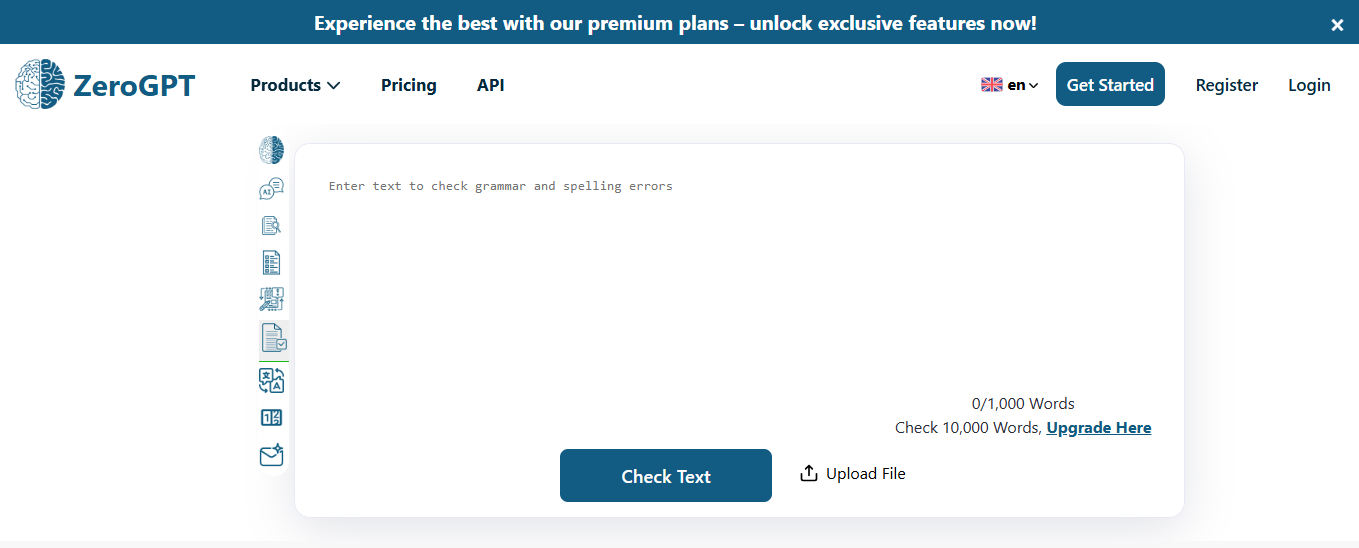
It’s not flashy, but it gets the job done quickly. The tool also spots repetition and awkward phrasing, which many checkers overlook. It’s a solid companion when you just need fast, no-nonsense grammar clean-up.
Features:
Grammar and punctuation focus
Light and fast interface.
No registration or ads
Pros:
Minimalistic and distraction-free
Works well on mobile
Cons:
Limited suggestions on style or tone
I ran one of my old O-Level notes through it and was surprised at how quickly it spotted repeated prepositions and awkward joins. Fast and clean.
Scribbr Grammar Checker
Scribbris a go-to for students, especially those working on academic papers, dissertations, or journal submissions. It’s not just a grammar tool—it focuses on academic tone, sentence structure, and proper citation formatting. The checker is powered by an advanced language model that targets formal English. You get tailored suggestions that fit scholarly writing without watering it down.
It’s designed to work with APA, MLA, and Chicago style guides, which is a huge plus. There’s also a built-in plagiarism checker that pairs well with the grammar tool. Scribbr takes academic polish seriously, and it shows in every feature.
Features:
In-depth grammar and citation checker
Academic writing tools included
Designed for university-level texts
Pros:
Professional-level accuracy
Built-in APA, MLA, and Chicago guides
Cons:
May feel too academic for general use
Used this for a scholarship essay and it polished the tone in a way other tools couldn’t. It kept everything formal without sounding robotic.
Tip Tool – Toolsmart Free Paraphrasing Tool
Now let’s talk about taking your writing to the next level post-grammar check. Toolsmartdoesn’t fix grammar directly but works wonders when paired with ChatGPT grammar check. It’s especially useful for rephrasing stiff sentences after you’ve corrected grammar.
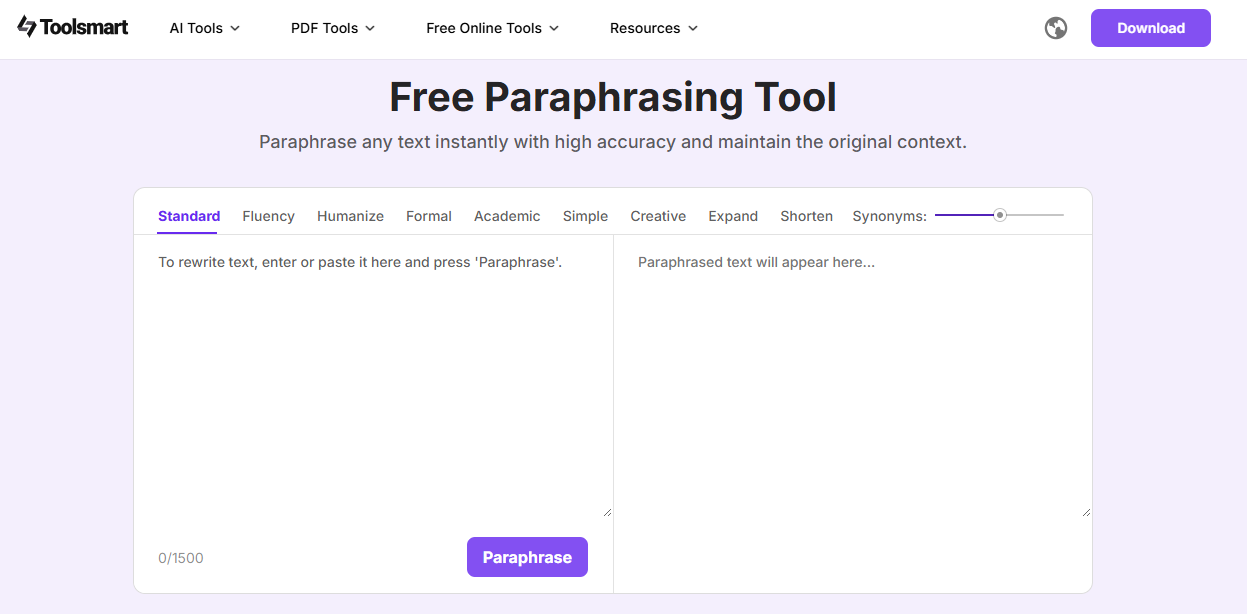
This tool is designed to improve fluency, clarify meaning, and even help adopt an academic tone where needed. There’s no login, and it supports various rewrite styles. You can choose from options like formal, simple, or creative depending on your writing goals. It’s a great follow-up after grammar checks when you want your writing to sound smoother and more intentional. Here’s why Toolsmart works:
Paraphrasing after grammar correction
Improves sentence rhythm and clarity
Free, with no sign-up required
Supports academic tone selection
Multiple rewrite options
Clean, ad-free design
Perfect for polishing drafts
After cleaning up grammar with ChatGPT, I used Toolsmart to make my writing feel more fluid. It helped turn robotic-sounding fixes into natural, human-like sentences.
FAQs
Q1: Can ChatGPT correct grammar mistakes in essays or emails?
Yes, ChatGPT can review grammar and style across writing formats. Just paste your content and prompt it directly.
Q2: Does ChatGPT work better than Grammarly?
ChatGPT is excellent for flexible corrections and tone adjustments. Grammarly, however, gives more detailed and automated inline suggestions.
Q3: Is the ChatGPT grammar tool free?
Yes, using ChatGPT for grammar checking is free, either directly or via public GPT grammar fixers.
Q4: What if I need to rephrase corrected text for clarity?
Toolsmart's paraphrasing tool is your best follow-up option to smooth out any awkward constructions.
Q5: Is Scribbr better for academic grammar?
Yes, Scribbr is built for formal academic writing and includes citation tools.
Summary
To wrap it up, ChatGPT grammar check is an underrated but powerful tool for real-time sentence correction. It can polish grammar, enhance clarity, and give tone suggestions, all without needing extra apps. When you need more advanced help, tools like Engram, QuillBot, and Scribbr step in. But don’t forget the final glow-up: use Toolsmart Free Paraphrasing Tool Free Paraphrasing Tool to make your writing sound smooth and natural. It’s all about layering the right tools for the job.


