
'%3e%3cpath%20fill-rule='evenodd'%20clip-rule='evenodd'%20d='M19%208.5C24.799%208.5%2029.5%2013.201%2029.5%2019C29.5%2024.6782%2024.9928%2029.3036%2019.361%2029.4939L19%2029.5C18.8794%2029.5%2018.7592%2029.498%2018.6396%2029.4939L18.2811%2029.4758C12.8174%2029.1063%208.5%2024.5574%208.5%2019C8.5%2013.201%2013.201%208.5%2019%208.5ZM22.3063%2010.6267L22.2342%2010.6539C21.3423%2011.0061%2020.5541%2011.6368%2020.5606%2012.4987C20.5631%2012.8302%2020.869%2014.8871%2020.2141%2014.8486C19.5589%2014.8102%2019.413%2013.8753%2018.7116%2013.616C17.5944%2013.2026%2016.9819%2014.3401%2017.0939%2015.3106C17.1695%2015.9655%2018.9289%2018.3871%2017.9028%2019C17.292%2019.3651%2015.7279%2017.5692%2015.1007%2017.1842C14.4805%2016.8034%2013.2758%2017.3333%2012.4974%2016.7029C11.9874%2016.2899%2012.3881%2014.4098%2012.2786%2013.8372C12.2271%2013.5698%2012.1155%2013.3689%2011.9794%2013.2166L12.0402%2013.2934C10.7653%2014.8464%2010%2016.8339%2010%2019C10%2023.8465%2013.8307%2027.7982%2018.6295%2027.9925L18.6769%2027.9747C18.8597%2027.8677%2019.0394%2027.7557%2019.216%2027.6387C19.4137%2027.4534%2019.5436%2027.2072%2019.5849%2026.9394C19.8806%2025.1222%2018.3616%2025.4302%2017.9367%2024.5622C17.5489%2023.7695%2018.5712%2023.7684%2018.5524%2021.7923C18.4607%2021.1774%2018.5279%2020.547%2018.7211%2020.0315C19.1834%2018.7987%2020.7077%2017.2643%2022.5889%2018.0081C23.5567%2018.3906%2023.1524%2019.9831%2023.4737%2020.3394C24.251%2021.2018%2025.3228%2020.6863%2026.2856%2021.2253C26.7816%2021.5032%2026.9797%2022.41%2027.056%2023.2248L27.038%2023.0528C27.6534%2021.8348%2028%2020.4579%2028%2019C28%2015.1968%2025.6409%2011.9445%2022.3063%2010.6267Z'%20fill='%23757575'/%3e%3ccircle%20cx='19'%20cy='19'%20r='10.125'%20stroke='%23757575'%20stroke-width='2.25'/%3e%3c/g%3e%3cdefs%3e%3cclipPath%20id='clip0_1827_14613'%3e%3crect%20width='24'%20height='24'%20fill='white'%20transform='translate(7%207)'/%3e%3c/clipPath%3e%3c/defs%3e%3c/svg%3e)


Editing your Instagram profile picture might seem simple, but a poorly polished DP can leave the wrong impression. Many people upload selfies or casual shots, unaware that lighting, cropping, or clarity could be undermining their online presence. An Instagram DP editor gives you control, helping you create a sharp, professional profile picture that truly represents you. In this guide, I’ll introduce the top Instagram DP editor tools, show you how to avoid common editing mistakes, and give practical tips for achieving a standout, studio-like DP in minutes.
Top Instagram DP Editors
Before exploring the tools themselves, I want to set the stage for why these platforms stand out. Each tool I’ve selected offers something unique, from ease of use to advanced editing strength, helping you shape your InstagramDP exactly how you imagine it. As you go through them, you’ll notice how each editor solves a different problem, making your decision much easier.
Canva Instagram Profile Picture Maker
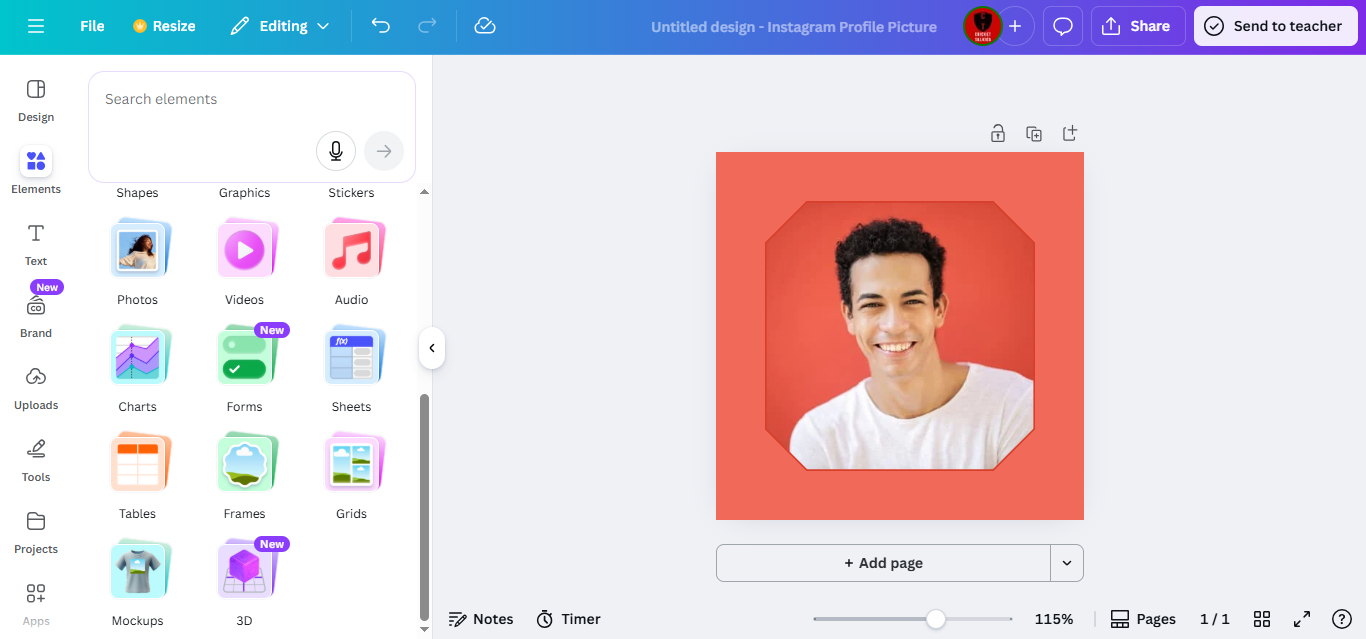
Canvahas always been a lifesaver for me on tight deadlines. It gives you a complete editing experience without overwhelming you. If you’ve been looking for an editor DP for Instagram that feels intuitive yet powerful, Canva checks those boxes. Its interface feels smooth, the design elements are professionally crafted, and it gives you full control over your final look. I’ve used it extensively, and it remains one of the easiest tools for beginners.
Features
Canva includes top-tier professional templates that simplify the design process. You can pick a template and customize it to match your personality.
With its background removal tool, you can clean up your DP instantly, especially if your image was taken in a messy setting.
Various filters and effects help you create subtle or bold styles without distorting the natural look of your face.
The text overlay feature lets you add names, titles, or simple accents if needed.
You can resize and crop specifically for Instagram, ensuring the perfect 1:1 finish.
Pros
Beginner-friendly interface.
A huge variety of templates.
Smooth background removal.
Cons
Some premium features require a subscription.
Can feel heavy on slower devices.
AI tools are limited compared to fully AI-driven platforms.
Canva has consistently delivered clean, polished DPs for my projects without requiring long editing hours.
Adobe Express Instagram Profile Picture Maker
Adobe Express brings a professional-grade feel without the complexity of Photoshop. When I tested it for profile picture creation, its AI-drivenfeatures made every adjustment precise. It’s highly suitable for users who want a polished, clean business profile photo.
Features
Adobe’s advanced AI enhances lighting and clarity automatically.
Premium templates make your DP look like it was designed by a brand stylist.
The background removal feels clean and extremely accurate.
Its professional filters mimic real studio retouching.
The interface offers an easy drag-and-drop structure.
Pros
Highly professional outputs.
Reliable AI tools.
Strong brand identity elements.
Cons
Some features sit behind a paywall.
Can feel overwhelming for casual users.
Export options are slightly limited in the free version.
Adobe Express gave me one of the sharpest DPs I’ve made without needing time-consuming manual edits.
Fotor Instagram DP Editor
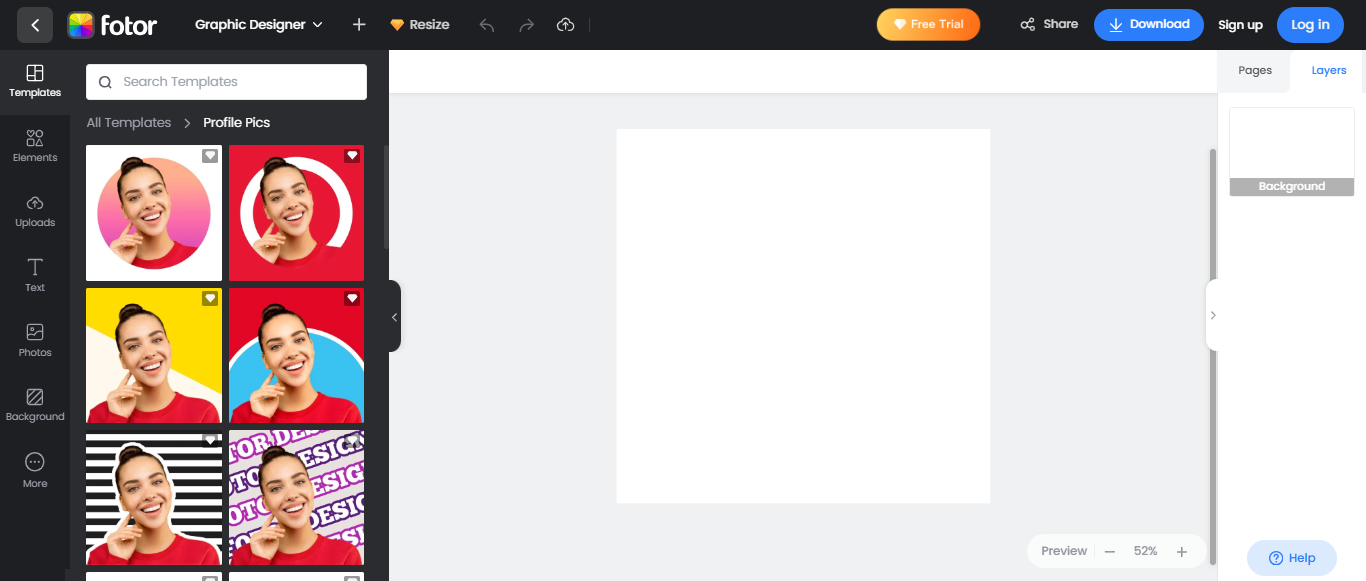
Fotorfocuses heavily on beautification and simple corrections. When I needed a quick glow-up for selfies, Fotor was the first tool I turned to. It’s efficient, lightweight, and ideal for anyone searching for fast upgrades without going into advanced edits. I also found that its AI enhancements save a lot of time, especially when you’re trying to polish a photo in minutes. It offers just enough control to refine your look without overwhelming you with too many tools.
Features
One-click enhancement instantly brightens and sharpens your photo.
Beauty retouching helps you fix skin texture issues without making the DP look unrealistic.
The collage maker allows you to create multiple DP variations in one go.
The background changer lets you shift styles for branding.
AI photo effects help polish lighting and color.
Pros
Very fast enhancement.
Easy for beginners.
Strong beautify effects.
Cons
Some edits may feel too strong.
Free version has ads.
Limited advanced tools.
Fotor gave me great results when I needed a natural-looking retouch within seconds.
PFPMaker
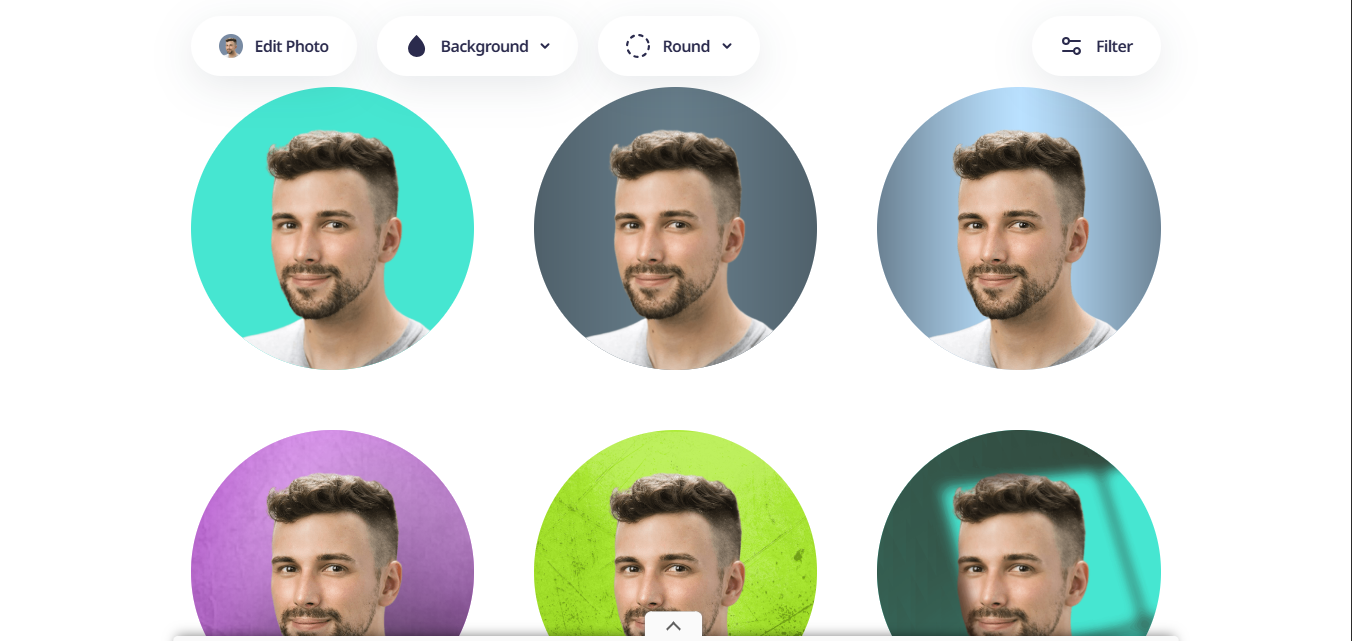
PFPMaker is built for quick, clean profile pics, so it’s clutch when you’re short on time or not in the mood to mess around with settings. When I tried it out, it pumped out a bunch of solid options super fast. It clears out the background automatically and gives you a bunch of pro-looking styles right away. Even if your original photo has messy lighting or a weird backdrop, PFPMaker basically fixes all that for you.
Features:
Creates lots of profile photo variations, giving vibes that range from approachable to fully professional.
Cleans up and swaps out backgrounds, replacing messy scenes with sharp, studio-style options.
Offers polished, business-focused looks that fit perfectly in corporate settings.
Pros:
Super quick, perfect when you need something ASAP.
Handles everything automatically so you don’t have to edit a thing.
Produces clean, modern, professional-looking results.
Cons:
Free version only lets you download a few images each day.
A couple of styles still carry that slight AI look.
Customization is pretty limited unless you upgrade.
PFPMaker basically feels like a cheat code for pro-looking profile pics. I use it whenever I need something clean and fast without diving into detailed editing.
ProfileBakery AI Headshot Generator
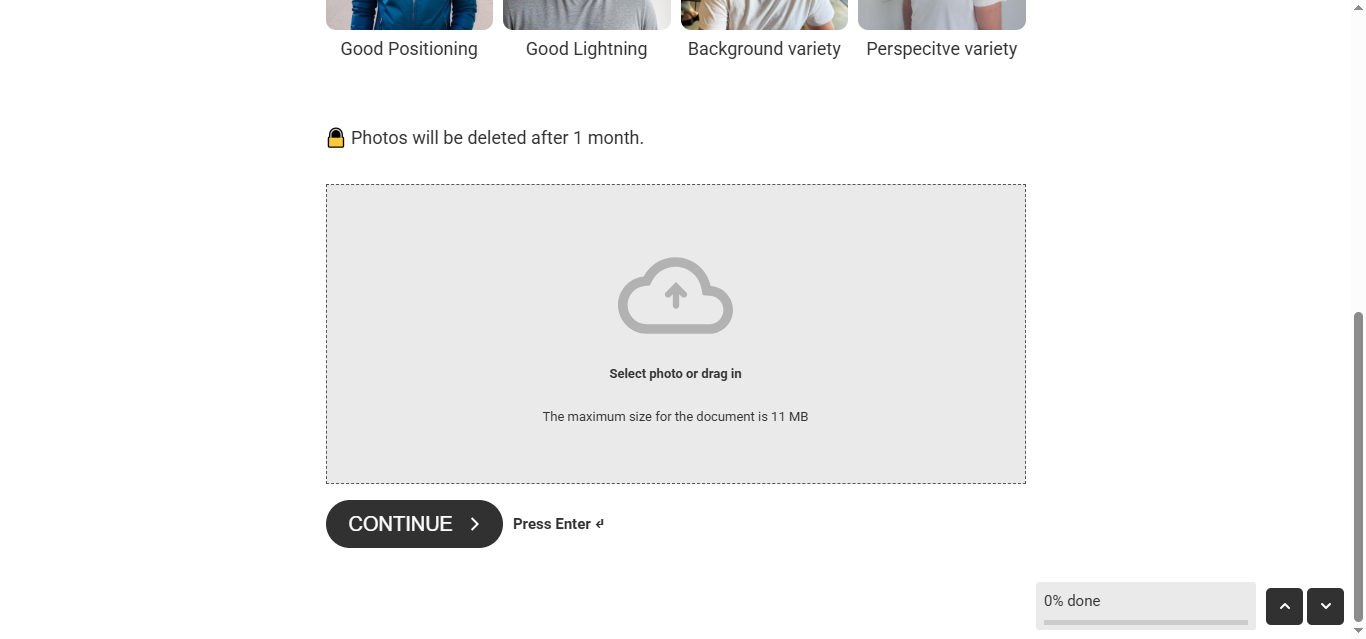
ProfileBakery is the tool I recommend to anyone who wants an AI-generated headshot that looks studio-made. It creates a polished, professional DP even if your original selfie lacks quality. What impressed me most was how natural the final images looked, avoiding the overly edited vibe many AI tools struggle with. You also get a range of styles, so the output matches your personal or professional brand easily. Every time I used it, the results felt clean, sharp, and surprisingly consistent.
Features
Offers multiple AI-generated headshot styles.
High-resolution exports ensure your DP looks crisp.
Great for LinkedIn and Instagram branding.
Requires only one photo for the system to analyze.
Generates multiple variations for you to choose from.
Pros
Very realistic AI results.
Perfect for professional branding.
High-quality exports.
Cons
Fully paid with no strong free plan.
May generate styles you don’t connect with.
Slightly longer processing time.
The headshots I generated with ProfileBakery looked like I walked into a photography studio.
Remove.bg Instagram Editor
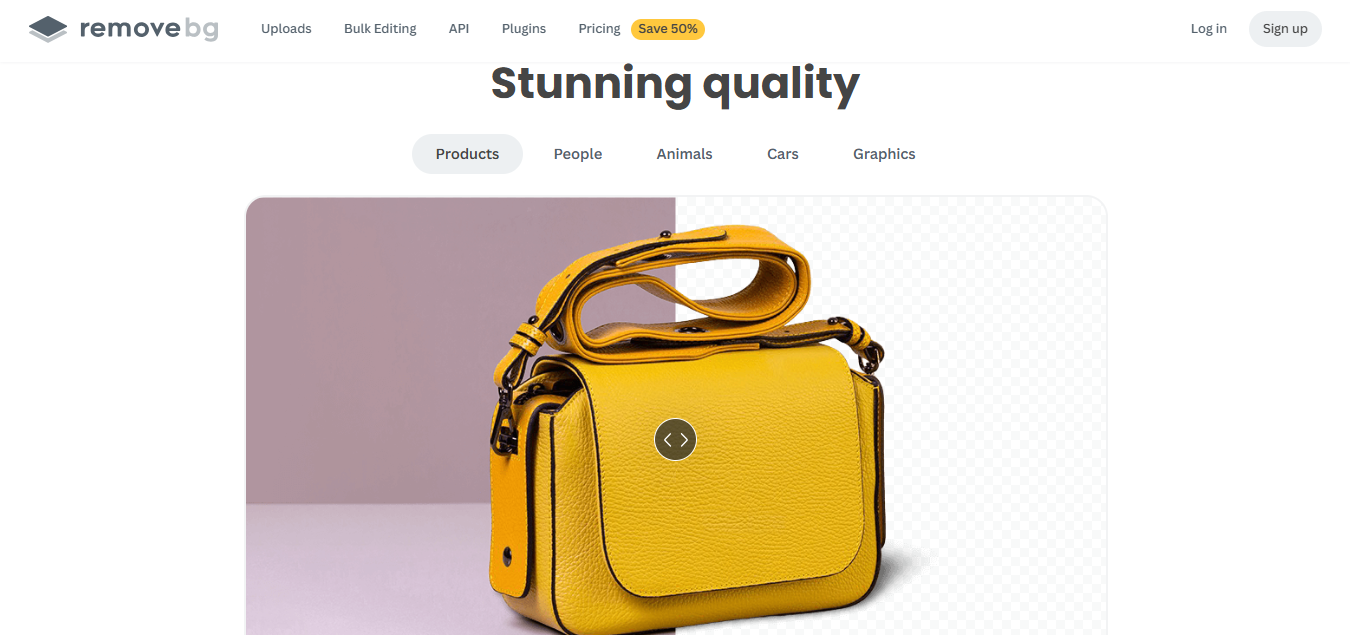
Remove.bg is one of the most reliable background removal tools available. It’s incredibly accurate, and the instant processing works flawlessly for Instagram DPs. The platform delivers clean cutouts with minimal effort, even on photos that have tricky edges or shadows. Its workflow stays fast and consistent, making it easy to refine images without spending extra time. This makes it a dependable option for users aiming to create sharp, distraction-free profile pictures.
Features
Removes background with one click.
Supports transparent backgrounds.
Allows clean auto-cropping.
Perfect for replacing busy backgrounds.
Fastest background remover I’ve tested.
Pros
Extremely fast.
Highly accurate detection.
Easy export.
Cons
High-resolution downloads require credits.
No filters or beautify tools.
Limited to background work.
Remove.bg consistently gives me clean cutouts ideal for pairing with Canva or Adobe Express.
Comparative Analysis of Top Tools
This section makes it easy to see how each tool stands out without drowning you in technical details. It gives a simple, side-by-side look at what each option does well, where it falls short, and who it’s best suited for. The idea is to help you match your editing style and goals with the right platform. Once these differences are laid out clearly, choosing the right Instagram DP editor feels far more natural and less overwhelming.
| Tool | Key Features | Pricing | Best For |
|---|---|---|---|
| Canva Instagram Editor | Templates, background removal, filters, text overlay | Freemium | Beginners, content creators |
| Adobe Express | AI editing, premium templates, professional effects | Freemium | Professionals, brands |
| Fotor Photo Editor | One-click enhance, beauty retouch, collage maker | Freemium | Quick edits, selfies |
| PFPMaker | Instagram crop, preset filters, simple interface | Paid | Quick auto-generation |
| ProfileBakery AI | AI headshots, multiple styles, high-res output | Paid | Professional headshots |
| Remove.bg | Background removal, auto-crop, transparent BG | Freemium | Background removal |
After comparing these tools side by side, I found that each suits a different editing mood or need. You just need to match your intention with the right editor.
Common Mistakes & How to Avoid Them
Before jumping into the tools, it helps to understand the mistakes people commonly make while editing their Instagram DP. These slip-ups might seem small, but they can seriously impact how your profile pictureappears to others. By learning what to avoid, you save time and get a cleaner, more polished result. This section walks you through those pitfalls so your edits stay intentional and professional. Here are the most common mistakes:
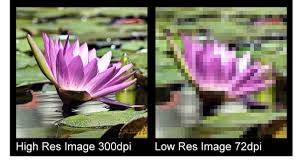
Mistake 1: Using Low-Resolution Images
Low-resolution photos instantly weaken your branding. Always begin with a high-quality photo or enhance it using AI.
Mistake 2: Overcomposing the Image
Crowding your DP with too many elements distracts viewers. A clean, centered face always works best.
Mistake 3: Ignoring Platform Guidelines
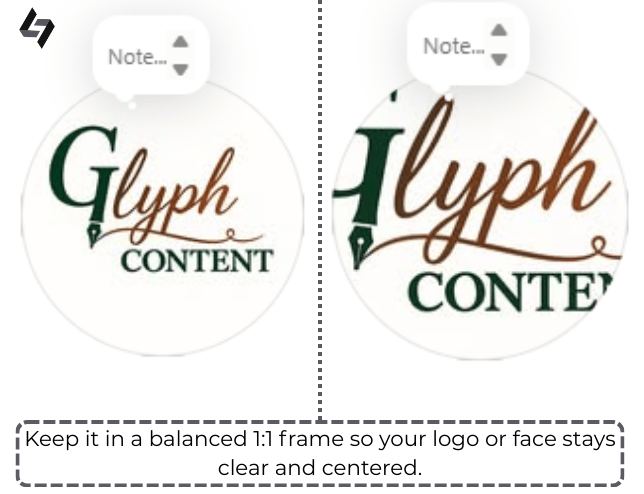
The wrong cropcan ruin an otherwise perfect DP. Stick to the 1:1 ratio for a clean profile look.
Mistake 4: Inconsistent Branding
Switching filters from image to image makes your page feel scattered. Pick one tone and stick to it.
Mistake 5: Not Saving Edits Separately
It’s easy to lose your original image. Always keep backups for future edits.
Once I started following these rules, my profiles began looking much more cohesive and professional.
Enhance Your Instagram DP with Image Enhancer
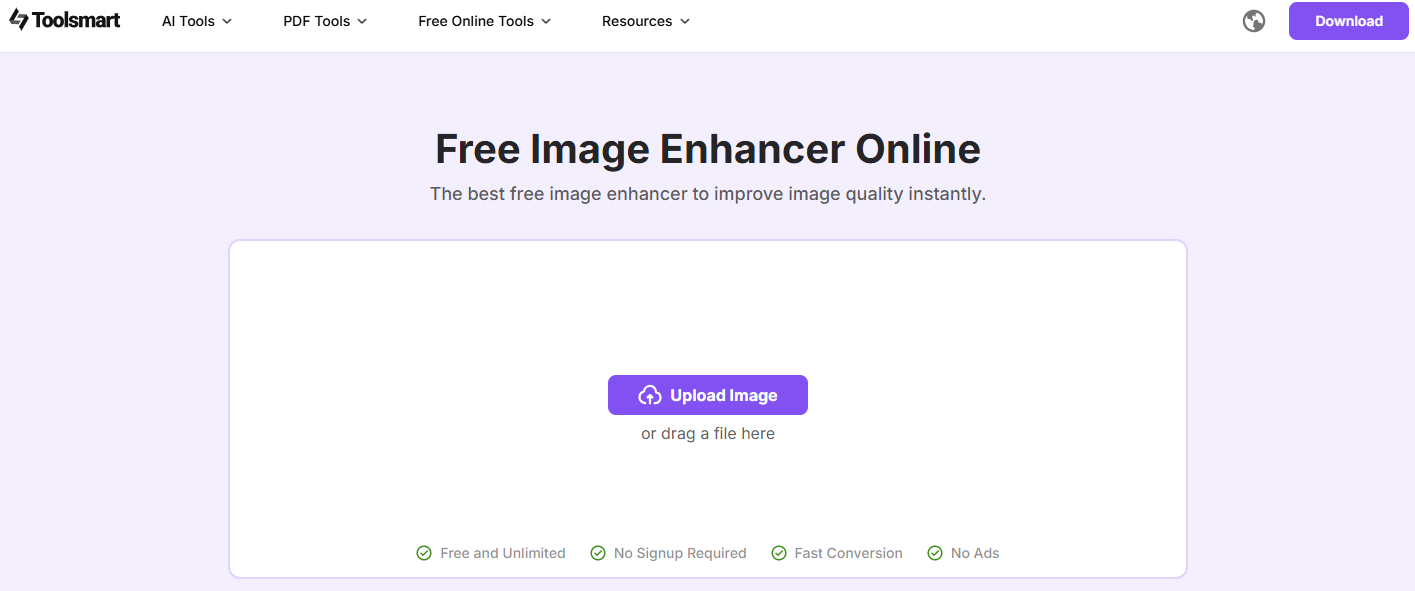
Toolsmart Image Enhancer has become one of my go‑to tools for sharpening images. Every time I work with a low-light or slightly blurred photo, this tool rescues it. It’s fully free, doesn’t add watermarks, and processes images in seconds. It improves details without making the image look artificial, bringing out textures and subtle highlights that often go unnoticed. Colorsare adjusted for better vibrancy while keeping skin tones natural.
Even minor imperfections are smoothed over delicately, giving a polished finish. Its simplicity means anyone can get professional-looking results in just a few clicks, and it supports multiple image formats, making it versatile for any social platform. Overall, it’s an essential tool for enhancing Instagram DPs quickly and effectively.
Features
No logins or downloads are required.
Enhances resolution with real AI correction.
Supports every imageformat.
Instantly brightens and sharpens your DP.
Completely free to use.
How to Use Toolsmart Image Enhancer:
Here’s an easy guide on how to use this tool.
Step 1: First of all, navigate to the official website of Toolsmart Free Image Enhancer on your browser.
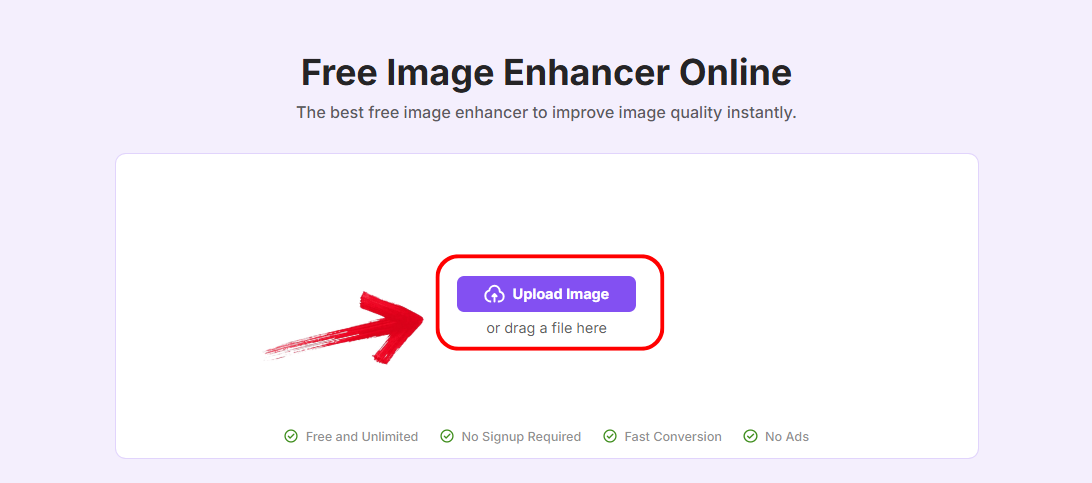
Step 2: Click “Upload Image” and select the photo you’ve just finished editing with Picwand, YouCam, or any other app.
Step 3: Wait a few seconds. The AI will automatically enhance sharpness and colors. You’ll see a side-by-side preview.
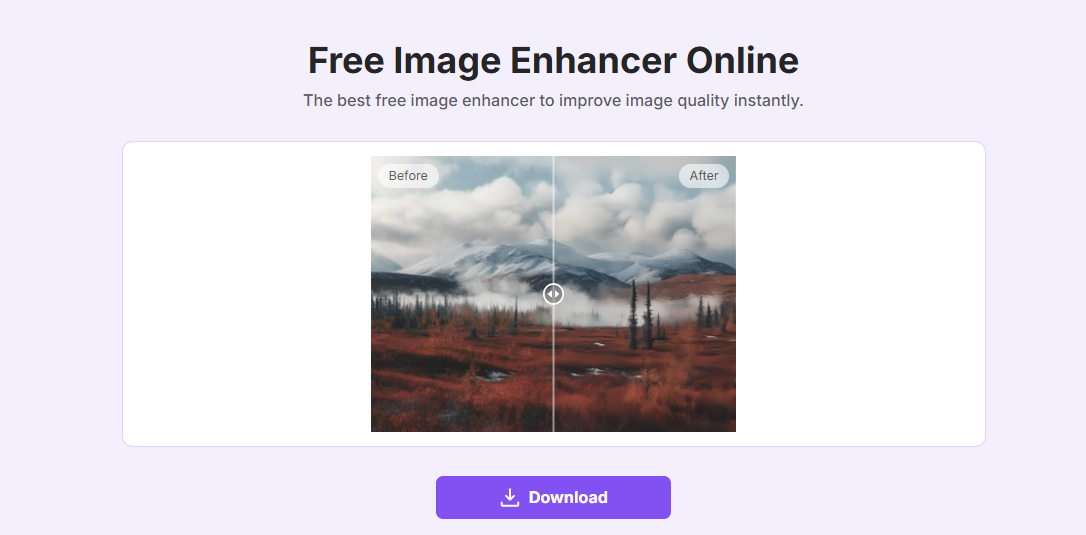
Step 4: Click “Download” to save your enhanced photo without any watermark.
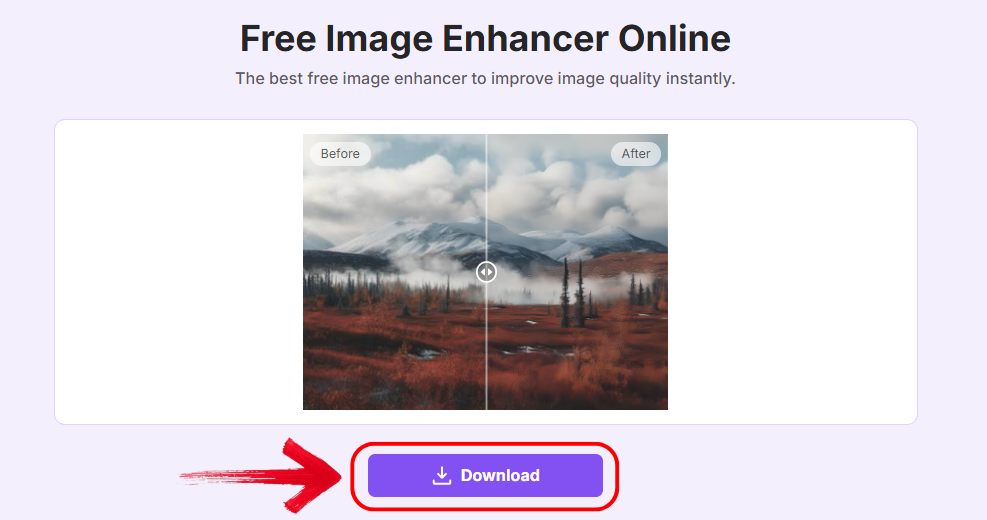
Every DP I enhanced with this tool came out sharper, clearer, and visually stronger.
FAQs
Q1: Can I use these tools on mobile?
Yes, most platforms provide mobile support.
Q2: Is it free to edit an Instagram DP?
Many tools offer free versions, though advanced features may be locked.
Q3: Can I use Image Enhancer for other platforms?
Absolutely, the tool works for any image.
Q4: Do these tools work with group photos for DPs?
Yes, as long as the main subject is cropped correctly.
Your Instagram DP Toolkit: Final Thoughts
Choosing the right Instagram DP editor can make a noticeable difference in how your profile is perceived. Each tool on this list offers unique benefits, from AI-generated headshots to quick photo enhancements. Depending on your needs and style, some editors will suit you better than others. For fast, high-quality improvements without any cost, Toolsmart Image Enhancer stands out as a reliable choice. It’s simple, efficient, and perfect for anyone looking to instantly upgrade their profile picture.


