
'%3e%3cpath%20fill-rule='evenodd'%20clip-rule='evenodd'%20d='M19%208.5C24.799%208.5%2029.5%2013.201%2029.5%2019C29.5%2024.6782%2024.9928%2029.3036%2019.361%2029.4939L19%2029.5C18.8794%2029.5%2018.7592%2029.498%2018.6396%2029.4939L18.2811%2029.4758C12.8174%2029.1063%208.5%2024.5574%208.5%2019C8.5%2013.201%2013.201%208.5%2019%208.5ZM22.3063%2010.6267L22.2342%2010.6539C21.3423%2011.0061%2020.5541%2011.6368%2020.5606%2012.4987C20.5631%2012.8302%2020.869%2014.8871%2020.2141%2014.8486C19.5589%2014.8102%2019.413%2013.8753%2018.7116%2013.616C17.5944%2013.2026%2016.9819%2014.3401%2017.0939%2015.3106C17.1695%2015.9655%2018.9289%2018.3871%2017.9028%2019C17.292%2019.3651%2015.7279%2017.5692%2015.1007%2017.1842C14.4805%2016.8034%2013.2758%2017.3333%2012.4974%2016.7029C11.9874%2016.2899%2012.3881%2014.4098%2012.2786%2013.8372C12.2271%2013.5698%2012.1155%2013.3689%2011.9794%2013.2166L12.0402%2013.2934C10.7653%2014.8464%2010%2016.8339%2010%2019C10%2023.8465%2013.8307%2027.7982%2018.6295%2027.9925L18.6769%2027.9747C18.8597%2027.8677%2019.0394%2027.7557%2019.216%2027.6387C19.4137%2027.4534%2019.5436%2027.2072%2019.5849%2026.9394C19.8806%2025.1222%2018.3616%2025.4302%2017.9367%2024.5622C17.5489%2023.7695%2018.5712%2023.7684%2018.5524%2021.7923C18.4607%2021.1774%2018.5279%2020.547%2018.7211%2020.0315C19.1834%2018.7987%2020.7077%2017.2643%2022.5889%2018.0081C23.5567%2018.3906%2023.1524%2019.9831%2023.4737%2020.3394C24.251%2021.2018%2025.3228%2020.6863%2026.2856%2021.2253C26.7816%2021.5032%2026.9797%2022.41%2027.056%2023.2248L27.038%2023.0528C27.6534%2021.8348%2028%2020.4579%2028%2019C28%2015.1968%2025.6409%2011.9445%2022.3063%2010.6267Z'%20fill='%23757575'/%3e%3ccircle%20cx='19'%20cy='19'%20r='10.125'%20stroke='%23757575'%20stroke-width='2.25'/%3e%3c/g%3e%3cdefs%3e%3cclipPath%20id='clip0_1827_14613'%3e%3crect%20width='24'%20height='24'%20fill='white'%20transform='translate(7%207)'/%3e%3c/clipPath%3e%3c/defs%3e%3c/svg%3e)


Binary code—like “01001000 01100101 01101100 01101100 01101111” spelling “Hello”—is what makes computers tick, but trying to decode it manually is a straight-up headache. Whether you’re a coder squashing bugs, a computer science student grinding through assignments, or just nerding out over those cryptic 0s and 1s, you need a free tool that’s fast, accurate, and doesn’t cost a cent. How do you snag a translator for binary code that actually works? This guide dives into three killer free binary translators, spills what makes them awesome, and tosses in Toolsmart’s AnyDoc Translator to handle stuff like PDFs or Word docs like a breeze. Let’s decode that binary and keep it chill!
Part 1: How Binary Translators Work
Binary code is like the secret handshake of computers—just a string of 0s and 1s that holds everything from text to photos. Turning it into words we get means breaking it into 8-bit chunks, each one matching a letter in ASCII or Unicode—like “01001000” becoming “H.” Free translators handle this for you, sparing you the mind-numbing math that’s super easy to botch. They’re built to grab clean binary, slice it up right, and spit out perfect text, per Evertise’s guide on binary translation. Whether you’re debugging code, sweating over a comp-sci assignment, or just geeking out, these tools make it crazy easy. I’ve battled binary homework before, and trust me, these translators are lifesavers for coders and students!
Part 2: Top 3 Free Binary Code Translators
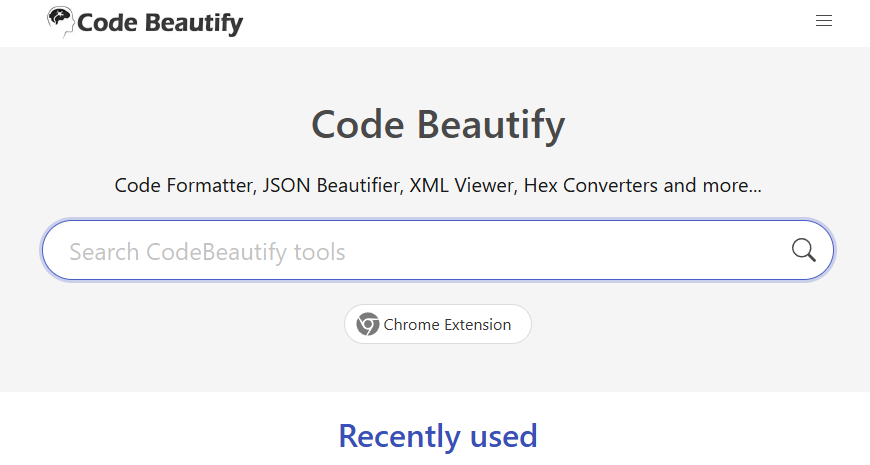
Code Beautify
Code Beautify’s binary translator is a web-based gem that instantly converts binary to text or text to binary. It’s perfect for coders and students needing quick, accurate results. No signup required.
Features: Real-time binary-to-text and text-to-binary conversion, supports ASCII/UTF-8, handles large inputs, offers sample codes, supports hex/decimal outputs.
Pros:
Instant results—no “convert” button needed
Supports multiple formats (ASCII, hex, decimal)
Free, no signup or ads
Sample codes for beginners
Cons:
Web-only, no mobile app
Basic error handling for invalid inputs
How to Use:
Step 1: Visit Code Beautify Binary Translator.
Step 2: Paste your binary code (e.g., “01001000 01100101 01101100 01101100 01101111”).
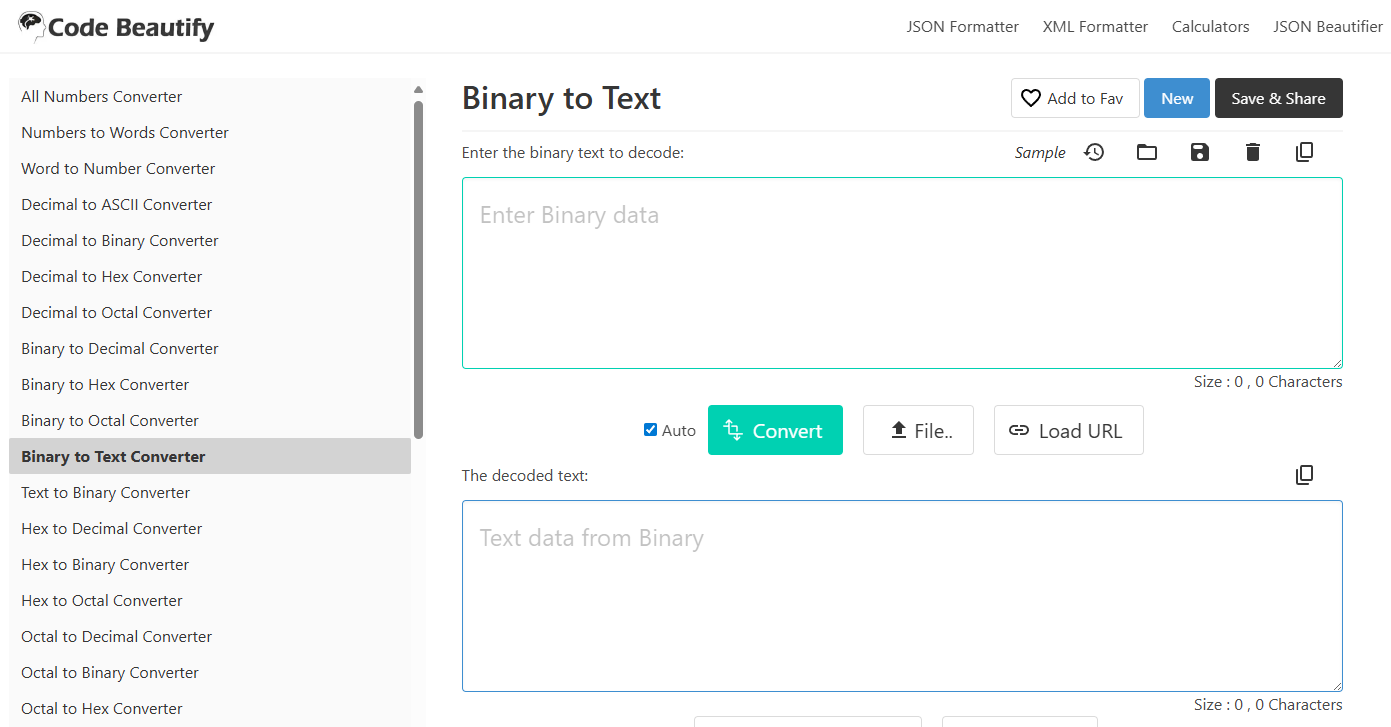
Step 3: See the text output (“Hello”) instantly in real-time.
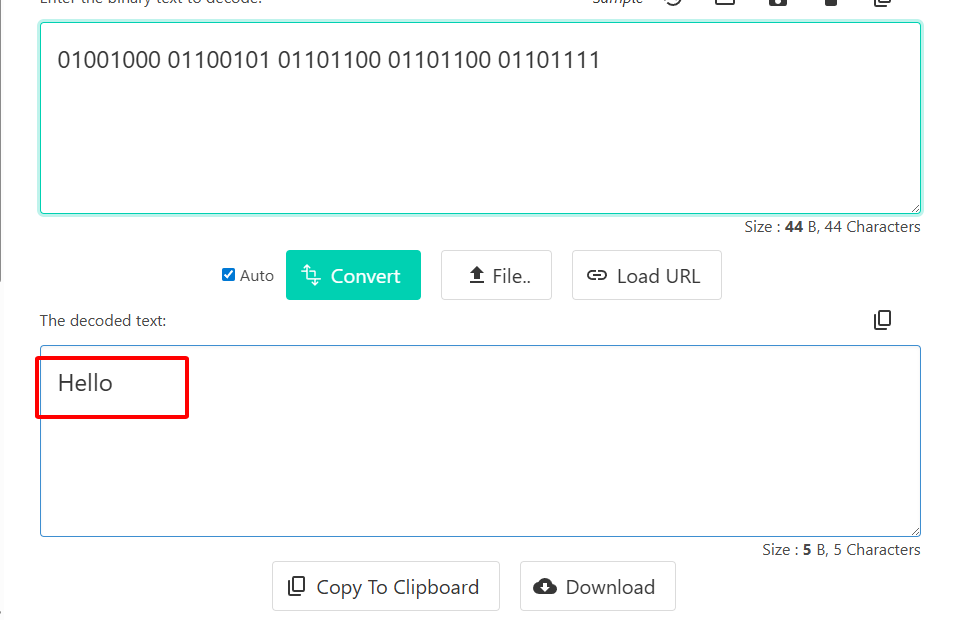
Step 4: Copy or download the result for your project.
I used Code Beautify for a coding assignment, pasting a long binary string, and it decoded “Hello” in a snap. The real-time conversion felt like magic, and the sample codes helped me double-check my work. I did mistype a bit once, though, and wished for clearer error messages to catch it faster.
Certiology Binary Translator
Certiology’s translator is a no-frills, beginner-friendly tool for binary-to-text conversion. It’s great for quick checks without complexity. Works on any browser.
Features: Binary-to-text and text-to-binary conversion, ASCII/UTF-8 support, simple interface, handles basic inputs up to 1000 bits.
Pros:
Lightning-fast and super simple
No signup or ads
Clean, distraction-free design
Cons:
No support for hex or decimal formats
Weak error handling for messy inputs
Limited to shorter binary strings
How to Use:
Step 1: Go to Certiology Binary Translator.
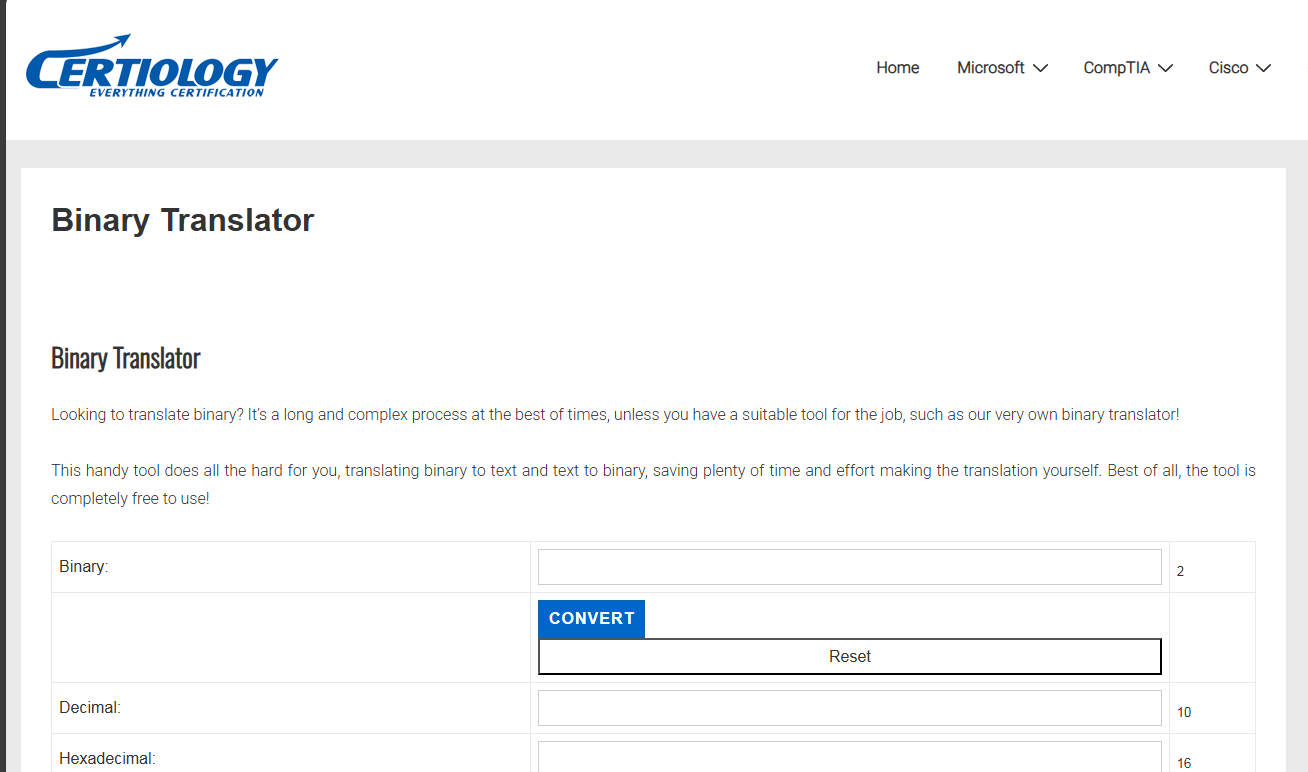
Step 2: Enter your binary code (e.g., “01001000 01101001”).
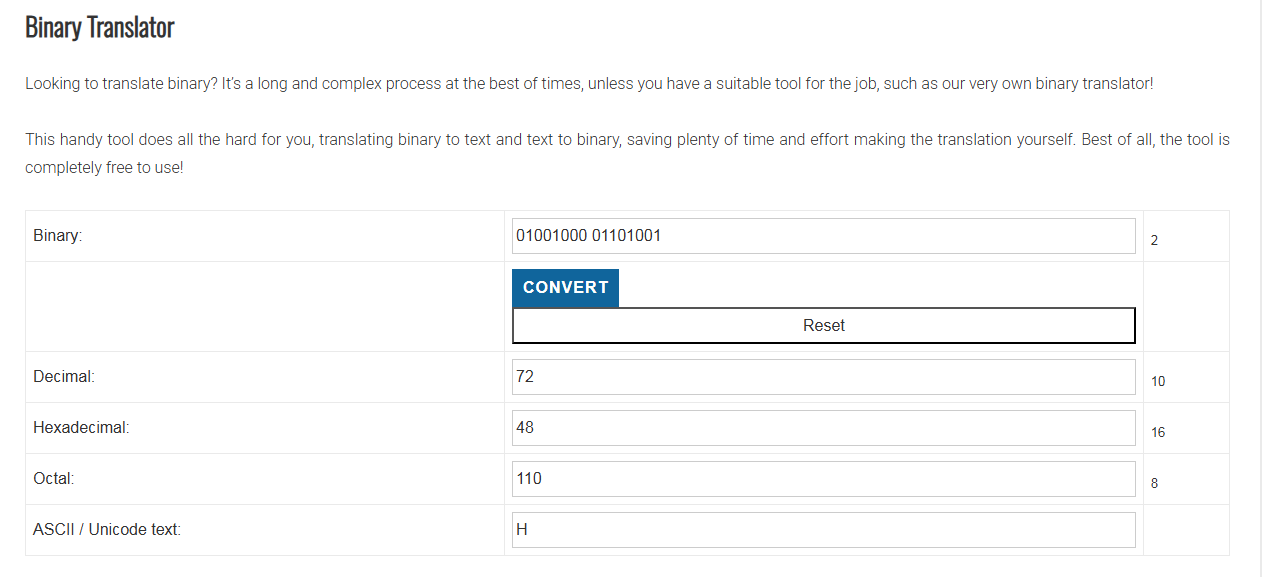
Step 3: Click “Translate” to see the text output (“Hi”).
Step 4: Copy the result for your project.
I tested Certiology on a short binary string for a class project, and it spit out “Hi” in seconds. It’s perfect for quick, simple tasks, but when I tried a garbled input, it didn’t give much feedback to fix it, which was a bit frustrating.
Browserling
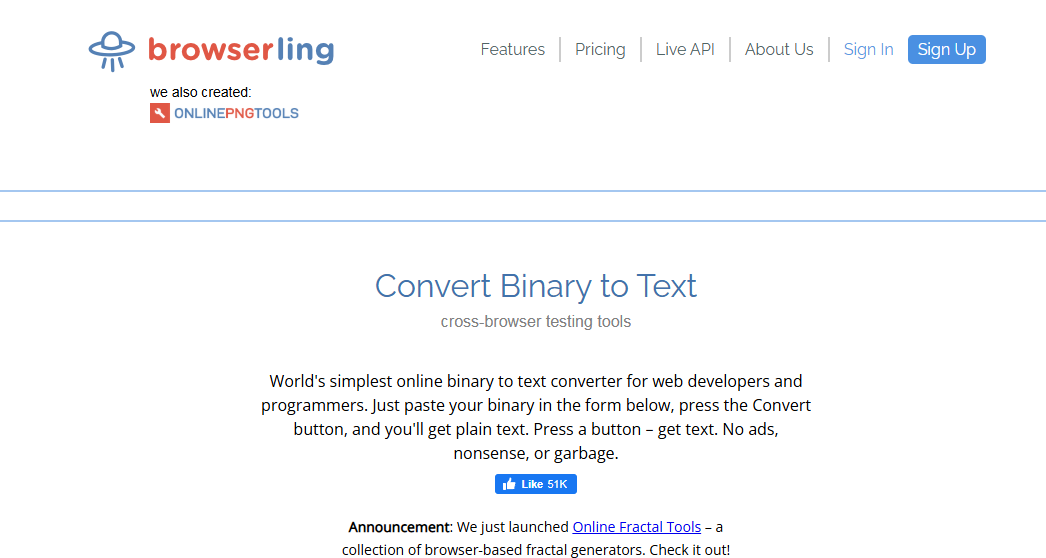
Browserling’s binary translator is a reliable pick for coders, offering real-time binary-to-text conversion. It’s great for debugging with error detection. No signup for basic use.
Features: Instant binary-to-text conversion, ASCII/UTF-8 support, error detection for invalid inputs, browser extension, mobile-friendly.
Pros:
Real-time results, no button needed
Solid error handling for bad inputs
Works on mobile browsers
Cons:
Free use limited to 10 conversions/day
Advanced features need premium ($19/month)
How to Use:
Step 1: Visit Browserling Binary Translator.
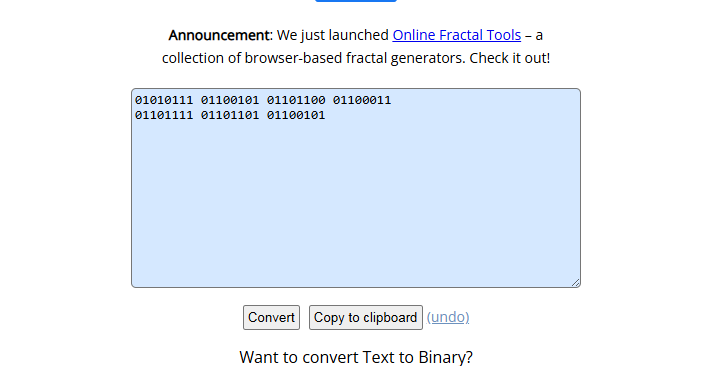
Step 2: Paste your binary code (e.g., “01010111 01100101 01101100 01100011
01101111 01101101 01100101”).
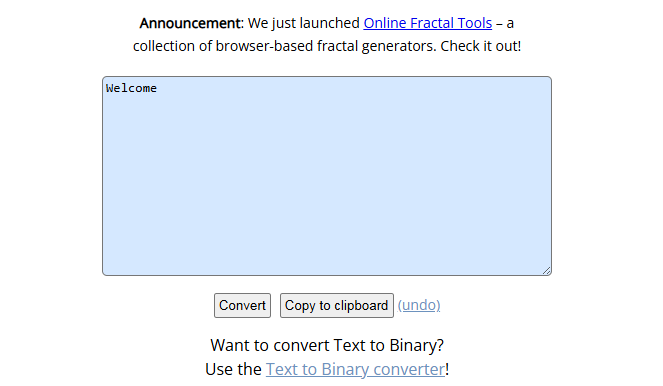
Step 3: See the text (“Welcome”) instantly.
Step 4: Copy or save the output for your needs.
I used Browserling for a coding quiz, decoding a long binary string to “Welcome” in a flash. Its error alerts saved me when I flubbed a digit, but hitting the 10-use daily limit was annoying for bigger projects.
Comparison Table:
| Tool | Best For | Limitations |
|---|---|---|
| Code Beautify | Real-time conversion, multiple formats | Web-only, basic error handling |
| Certiology | Simple, beginner-friendly checks | No hex/decimal, weak error handling |
| Browserling | Error detection, mobile-friendly | 10/day free limit, premium for extras |
Code Beautify’s speed and format options make it my top pick for quick conversions. Certiology’s great for newbies, but Browserling’s error handling is clutch for debugging. For unlimited checks, Code Beautify’s the winner.
Part 3: Beyond Binary—Toolsmart’s AnyDoc Translator
Binary translators are awesome for code, but what about translating real-world documents like PDFs, Word files, or images? Most binary tools only handle pasted text, leaving you stuck with files. Toolsmart’s AnyDoc Translator is a free, AI-powered gem that translates over 30 formats—Docx, PDFs, Excel, PPT, even scanned images—in 100+ languages with side-by-side previews and one-click full-page web translations. It’s perfect for students, coders, or anyone juggling multilingual docs, per Toolsmart’s AnyDoc page.
Key Features:
High-quality translations in seconds for 100+ languages.
Side-by-side preview for easy comparison.
One-click full-page web translation, preserving layouts.
Supports Doc, PDF, Excel, PPT, and scanned images.
How to Use:
Step 1: Visit Toolsmart AnyDoc Translator.
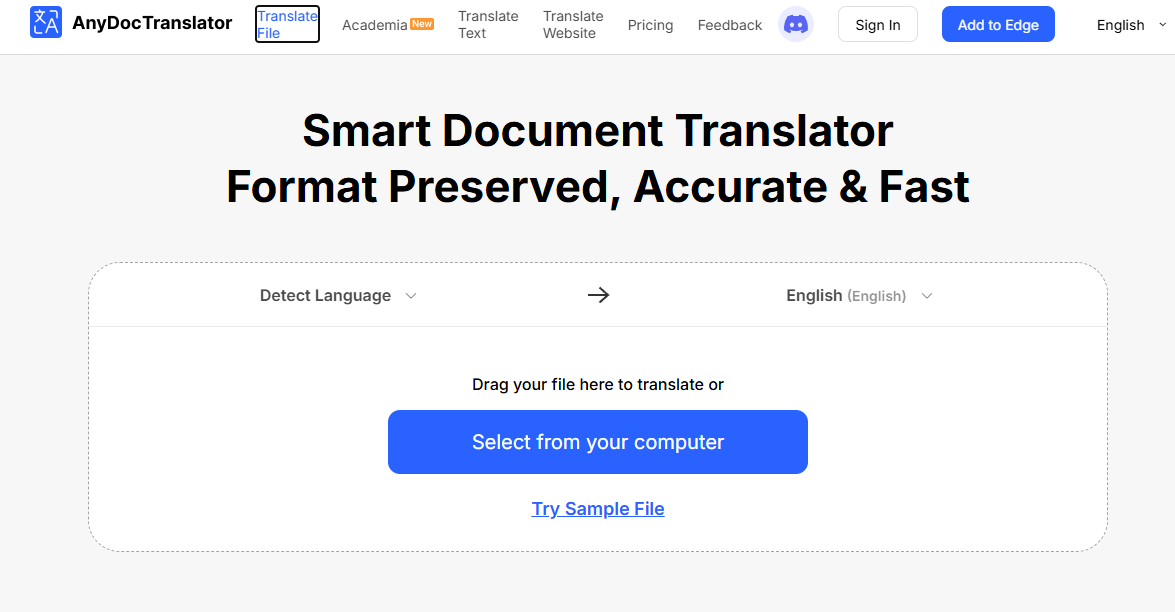
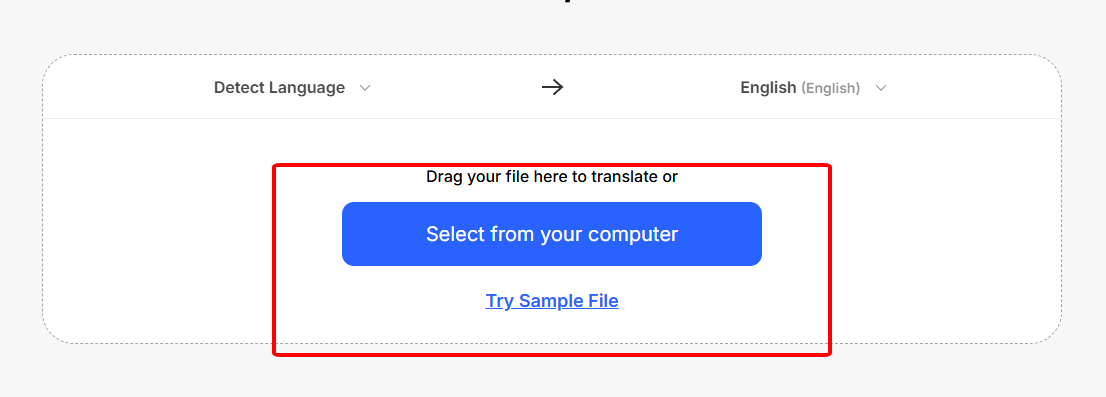
Step 2: Upload your file (PDF, Docx, image, etc.).
Step 3: Pick the target language and click “Translate.”
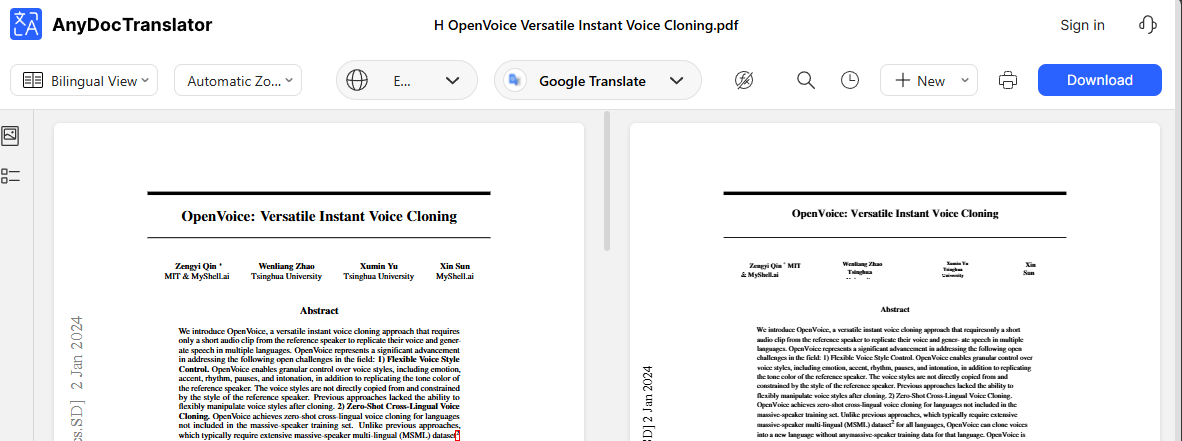
Step 4: Download or copy the translated file.
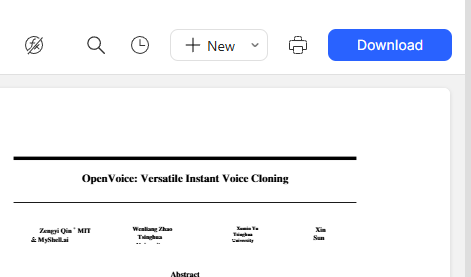
I uploaded a Spanish PDF syllabus to AnyDoc, and it turned it into English in seconds with a side-by-side view that made checking a breeze. It’s a lifesaver for docs binary tools can’t touch, and the no-signup part is a huge win for quick tasks.
Part 4: FAQs
Q1: Are free binary translators accurate?
Top tools like Code Beautify hit over 95% accuracy with clean inputs, per their site. Messy or compressed binaries can trip them up, though, so double-check your input.
Q2: Is AnyDoc Translator free?
Yup, it’s totally free for document translations! Premium membership unlocks advanced AI language model features, but the basics are no-cost.
Q3: Are there sample codes for Code Beautify?
Yes, their samples section has ready-to-use binary code examples to help you get started.
Q4: What encoding do these translators use?
Most, like Code Beautify and Browserling, use UTF-8 for ASCII/Unicode, ensuring wide compatibility across text formats.
Q5: How many formats does AnyDoc support?
Over 30, including Doc, Docx, PDF, Excel, PPT, and scanned images, making it a versatile translator, per Toolsmart’s site.
Summary
Free binary code translators like Code Beautify, Certiology, and Browserling turn strings like “01001000 01100101 01101100 01101100 01101111” into “Hello” in a flash, making life easy for coders and students. Code Beautify’s lightning-fast real-time conversion, Certiology’s dead-simple interface, and Browserling’s handy error catching have you covered. Need to translate more than binary? Toolsmart’s AnyDoc Translator is a free, AI-powered champ, handling PDFs, Word docs, and images in over 100 languages without breaking a sweat. Whether you’re debugging code or translating a class syllabus, these tools are quick, spot-on, and cost nothing—perfect for nailing your next project!


