
'%3e%3cpath%20fill-rule='evenodd'%20clip-rule='evenodd'%20d='M19%208.5C24.799%208.5%2029.5%2013.201%2029.5%2019C29.5%2024.6782%2024.9928%2029.3036%2019.361%2029.4939L19%2029.5C18.8794%2029.5%2018.7592%2029.498%2018.6396%2029.4939L18.2811%2029.4758C12.8174%2029.1063%208.5%2024.5574%208.5%2019C8.5%2013.201%2013.201%208.5%2019%208.5ZM22.3063%2010.6267L22.2342%2010.6539C21.3423%2011.0061%2020.5541%2011.6368%2020.5606%2012.4987C20.5631%2012.8302%2020.869%2014.8871%2020.2141%2014.8486C19.5589%2014.8102%2019.413%2013.8753%2018.7116%2013.616C17.5944%2013.2026%2016.9819%2014.3401%2017.0939%2015.3106C17.1695%2015.9655%2018.9289%2018.3871%2017.9028%2019C17.292%2019.3651%2015.7279%2017.5692%2015.1007%2017.1842C14.4805%2016.8034%2013.2758%2017.3333%2012.4974%2016.7029C11.9874%2016.2899%2012.3881%2014.4098%2012.2786%2013.8372C12.2271%2013.5698%2012.1155%2013.3689%2011.9794%2013.2166L12.0402%2013.2934C10.7653%2014.8464%2010%2016.8339%2010%2019C10%2023.8465%2013.8307%2027.7982%2018.6295%2027.9925L18.6769%2027.9747C18.8597%2027.8677%2019.0394%2027.7557%2019.216%2027.6387C19.4137%2027.4534%2019.5436%2027.2072%2019.5849%2026.9394C19.8806%2025.1222%2018.3616%2025.4302%2017.9367%2024.5622C17.5489%2023.7695%2018.5712%2023.7684%2018.5524%2021.7923C18.4607%2021.1774%2018.5279%2020.547%2018.7211%2020.0315C19.1834%2018.7987%2020.7077%2017.2643%2022.5889%2018.0081C23.5567%2018.3906%2023.1524%2019.9831%2023.4737%2020.3394C24.251%2021.2018%2025.3228%2020.6863%2026.2856%2021.2253C26.7816%2021.5032%2026.9797%2022.41%2027.056%2023.2248L27.038%2023.0528C27.6534%2021.8348%2028%2020.4579%2028%2019C28%2015.1968%2025.6409%2011.9445%2022.3063%2010.6267Z'%20fill='%23757575'/%3e%3ccircle%20cx='19'%20cy='19'%20r='10.125'%20stroke='%23757575'%20stroke-width='2.25'/%3e%3c/g%3e%3cdefs%3e%3cclipPath%20id='clip0_1827_14613'%3e%3crect%20width='24'%20height='24'%20fill='white'%20transform='translate(7%207)'/%3e%3c/clipPath%3e%3c/defs%3e%3c/svg%3e)
"I receive printed reports scanned as JPGs. Instead of retyping everything, I use this jpg to excel tool and get straight to analysis."
Daniel Okonkwo
Financial Analyst
Use convert jpg to excel workflows to turn image data into spreadsheet-ready information for analysis, editing, and sharing.
nebo přetáhněte soubor JPG
 Zdarma a neomezeněNení vyžadována registraceUšetřete časBez reklam
Select a photo of a table, receipt, or data sheet from your device. Our jpg to excel tool works with any clear image.

One click starts the extraction. Use jpg to excel convert to recognize rows, columns, and text from your image.

Download your spreadsheet in seconds after jpg to excel processing. Open it in Excel, Google Sheets, or any data tool — ready to sort, filter, or analyze.
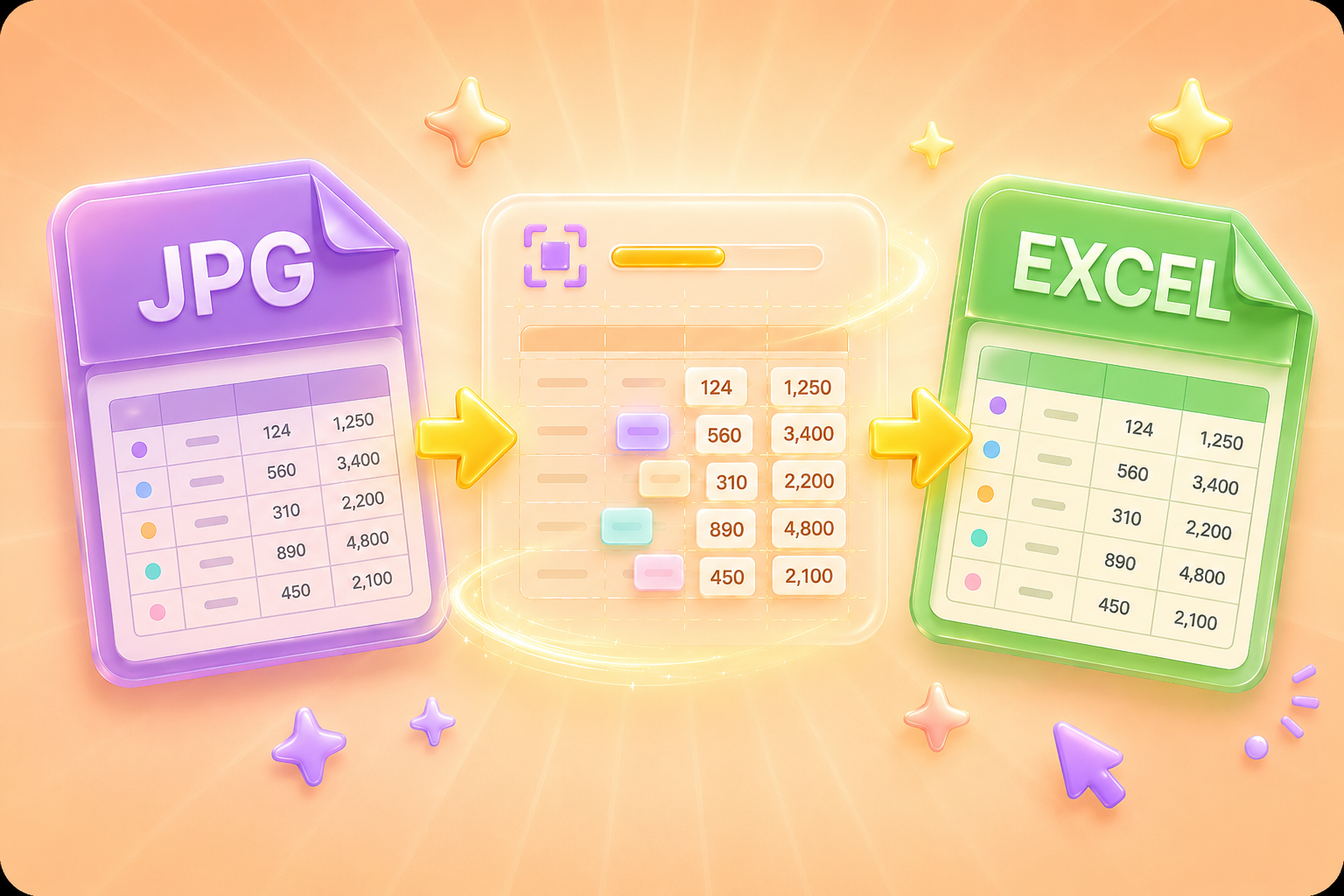
That screenshot of a table? That photo of a printed report? Our jpg to excel tool pulls the data out and gives you a working spreadsheet. No more retyping numbers or rebuilding tables by hand. Upload, convert, and start working with your data.
Get StartedDuring jpg to excel conversion, structure matters. Our tool identifies rows, columns, and text placement to recreate your table accurately. Headers stay headers, numbers stay numbers — your data arrives ready for work, not cleanup.
Get Started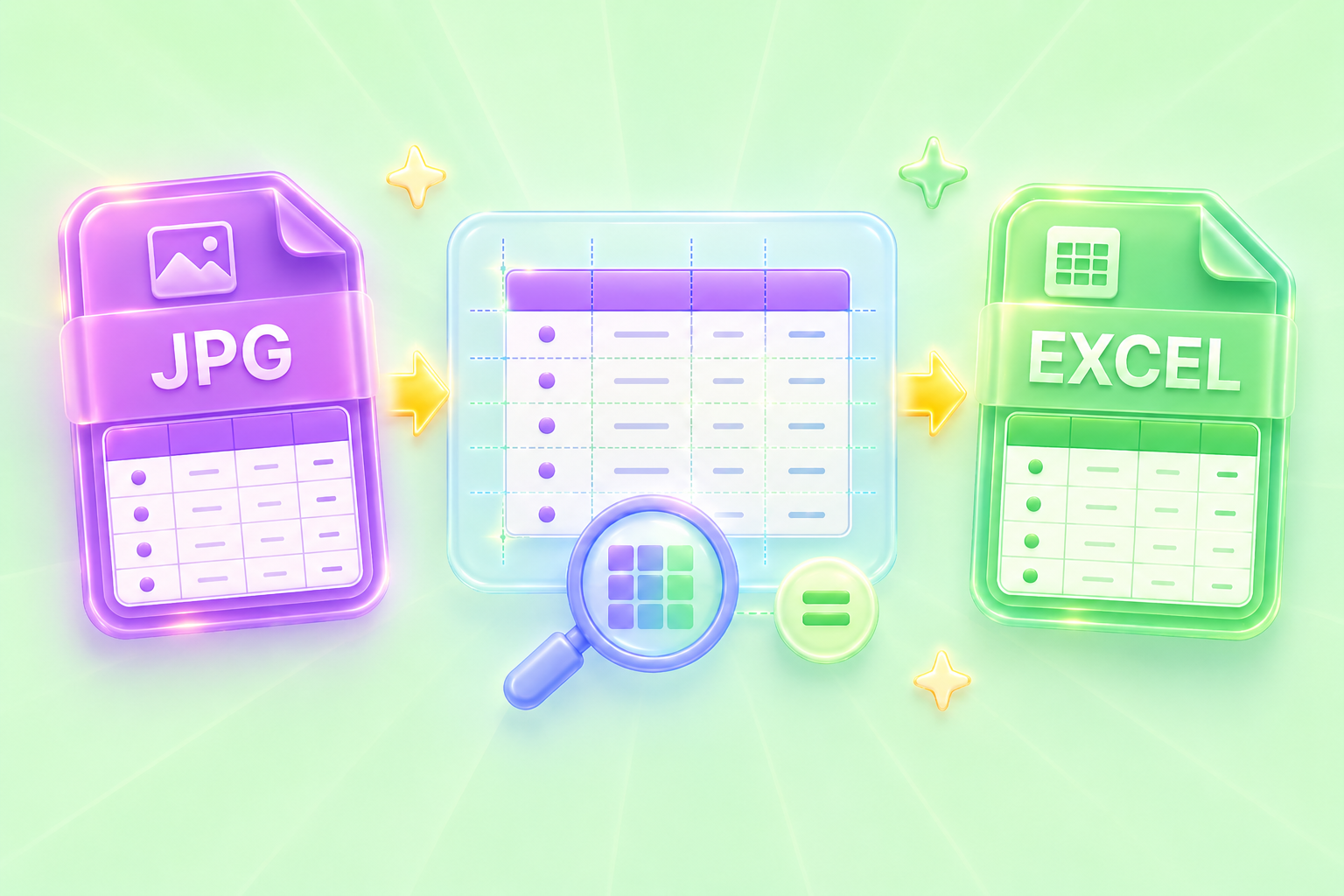
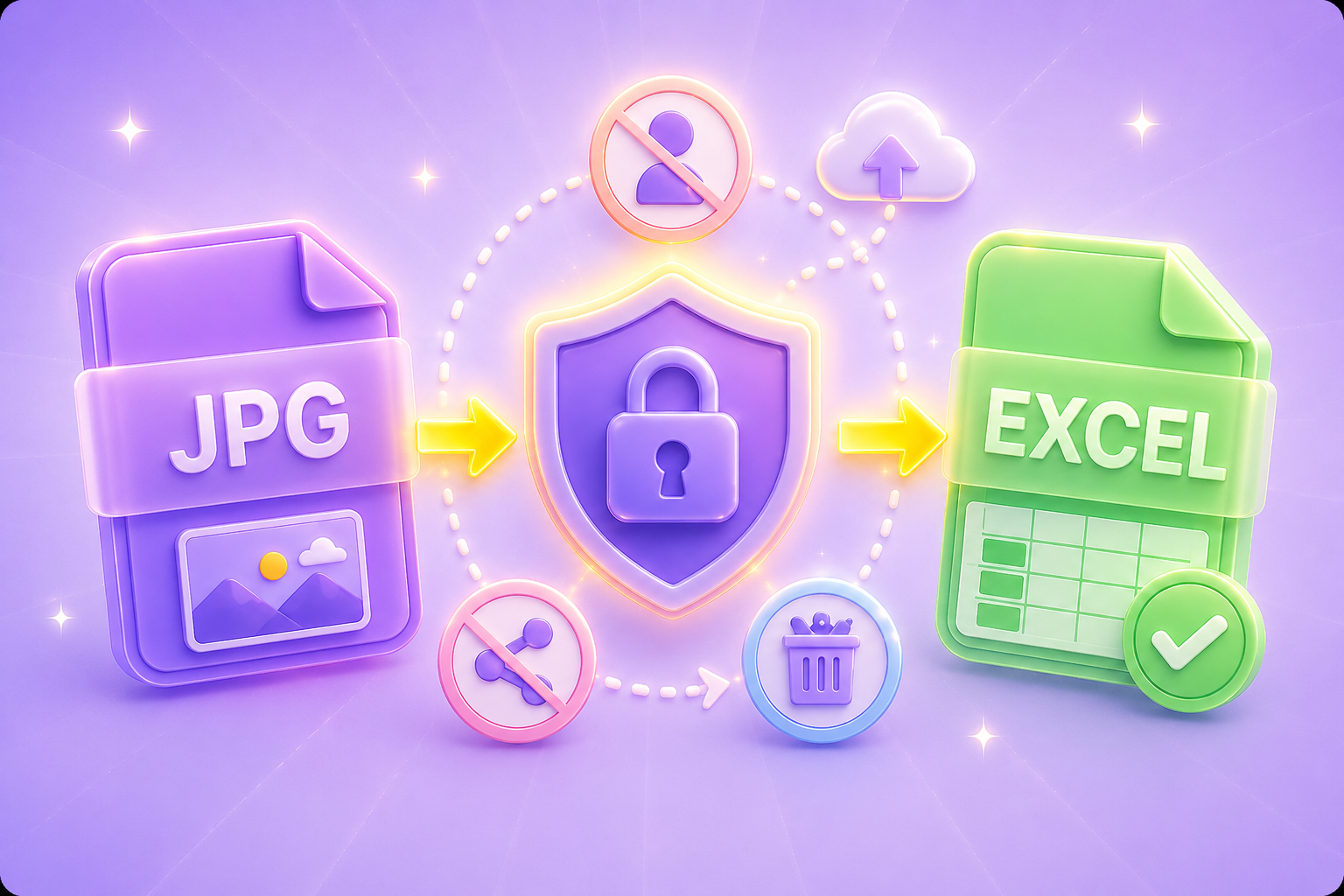
Your images contain data you care about. Files are uploaded securely and automatically removed from our servers after conversion. No account creation, no data mining, no watermarks. Just a straightforward jpg to excel tool that respects your privacy.
Get StartedLaptop at work? Tablet on the go? Desktop at home? Our tool runs in any modern browser — no extra software needed. Just open the page, upload your image, and run jpg to excel wherever you happen to be.
Get Started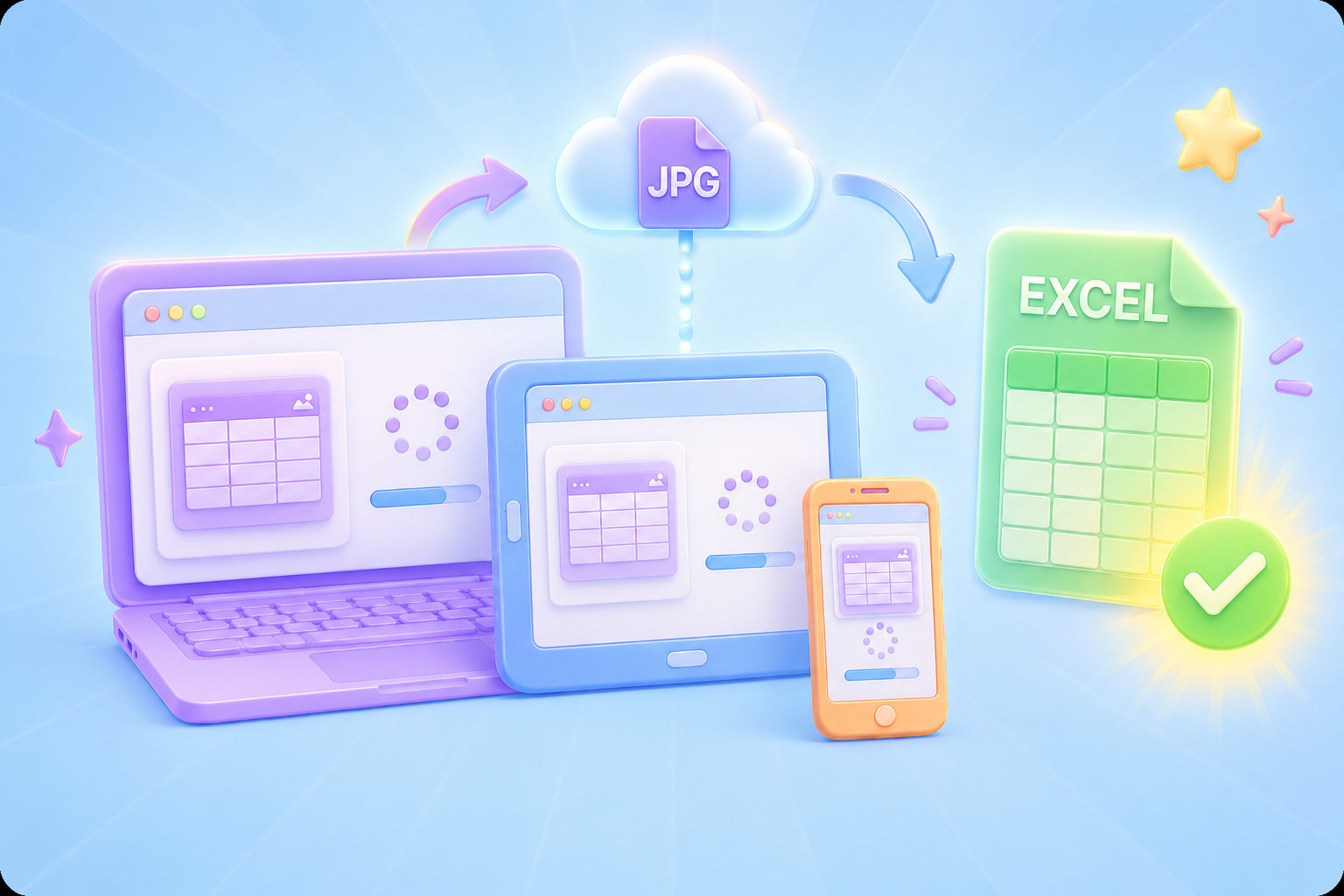

Převod PDF souborů do upravitelných dokumentů DOC a DOCX.

Načítání dat přímo z PDF souborů do excelových tabulek.

Převeďte své PDF soubory do upravitelných formátů PPT a PPTX.

Usnadněte si čtení souborů DOC a DOCX jejich převodem do formátu PDF.

Usnadněte si čtení tabulek v Excelu jejich převodem do PDF.

Usnadněte si čtení PPP a PPTX jejich převodem do PDF.

Převod obrázků JPG do PDF. Snadné nastavení orientace a okrajů.

Sloučit PDF soubory v požadovaném pořadí.

rozdělit velký PDF soubor a extrahovat stránky do více PDF souborů.

Zmenšete velikost souboru a zároveň optimalizujte pro maximální kvalitu PDF.

Podepište se sami nebo si vyžádejte elektronické podpisy od ostatních.

Seřaďte si stránky PDF souboru dle libosti.

"I receive printed reports scanned as JPGs. Instead of retyping everything, I use this jpg to excel tool and get straight to analysis."
Daniel Okonkwo
Financial Analyst

"My team captures inventory sheets as photos. This image-to-spreadsheet tool turns those images into spreadsheets we can update and share instantly."
Sophia Mendez
Operations Coordinator

"I scan old research tables and need them in digital form. JPG to Excel saves me from manual entry — and it's surprisingly accurate."
James Whitmore
Academic Researcher

