
'%3e%3cpath%20fill-rule='evenodd'%20clip-rule='evenodd'%20d='M19%208.5C24.799%208.5%2029.5%2013.201%2029.5%2019C29.5%2024.6782%2024.9928%2029.3036%2019.361%2029.4939L19%2029.5C18.8794%2029.5%2018.7592%2029.498%2018.6396%2029.4939L18.2811%2029.4758C12.8174%2029.1063%208.5%2024.5574%208.5%2019C8.5%2013.201%2013.201%208.5%2019%208.5ZM22.3063%2010.6267L22.2342%2010.6539C21.3423%2011.0061%2020.5541%2011.6368%2020.5606%2012.4987C20.5631%2012.8302%2020.869%2014.8871%2020.2141%2014.8486C19.5589%2014.8102%2019.413%2013.8753%2018.7116%2013.616C17.5944%2013.2026%2016.9819%2014.3401%2017.0939%2015.3106C17.1695%2015.9655%2018.9289%2018.3871%2017.9028%2019C17.292%2019.3651%2015.7279%2017.5692%2015.1007%2017.1842C14.4805%2016.8034%2013.2758%2017.3333%2012.4974%2016.7029C11.9874%2016.2899%2012.3881%2014.4098%2012.2786%2013.8372C12.2271%2013.5698%2012.1155%2013.3689%2011.9794%2013.2166L12.0402%2013.2934C10.7653%2014.8464%2010%2016.8339%2010%2019C10%2023.8465%2013.8307%2027.7982%2018.6295%2027.9925L18.6769%2027.9747C18.8597%2027.8677%2019.0394%2027.7557%2019.216%2027.6387C19.4137%2027.4534%2019.5436%2027.2072%2019.5849%2026.9394C19.8806%2025.1222%2018.3616%2025.4302%2017.9367%2024.5622C17.5489%2023.7695%2018.5712%2023.7684%2018.5524%2021.7923C18.4607%2021.1774%2018.5279%2020.547%2018.7211%2020.0315C19.1834%2018.7987%2020.7077%2017.2643%2022.5889%2018.0081C23.5567%2018.3906%2023.1524%2019.9831%2023.4737%2020.3394C24.251%2021.2018%2025.3228%2020.6863%2026.2856%2021.2253C26.7816%2021.5032%2026.9797%2022.41%2027.056%2023.2248L27.038%2023.0528C27.6534%2021.8348%2028%2020.4579%2028%2019C28%2015.1968%2025.6409%2011.9445%2022.3063%2010.6267Z'%20fill='%23757575'/%3e%3ccircle%20cx='19'%20cy='19'%20r='10.125'%20stroke='%23757575'%20stroke-width='2.25'/%3e%3c/g%3e%3cdefs%3e%3cclipPath%20id='clip0_1827_14613'%3e%3crect%20width='24'%20height='24'%20fill='white'%20transform='translate(7%207)'/%3e%3c/clipPath%3e%3c/defs%3e%3c/svg%3e)
"I review dozens of research papers each week. This ai summarizer gives me the key takeaways in seconds — I decide what to read in full."
Marcus Chen
Graduate Researcher
Summarize articles, reports, essays, and research papers in seconds with our AI summarizer. Get clear key points, reduce reading time, and create summaries that match your audience.


 Zdarma a neomezeněNení vyžadována registraceUšetřete časBez reklam
Copy and paste any article, report, or notes. Our ai summarizer handles everything from short paragraphs to lengthy documents.

Choose the length and age group. The summarizer adjusts complexity and detail accordingly.

Your condensed version appears in seconds. Copy, edit, or adjust settings and regenerate until it’s exactly what you need.
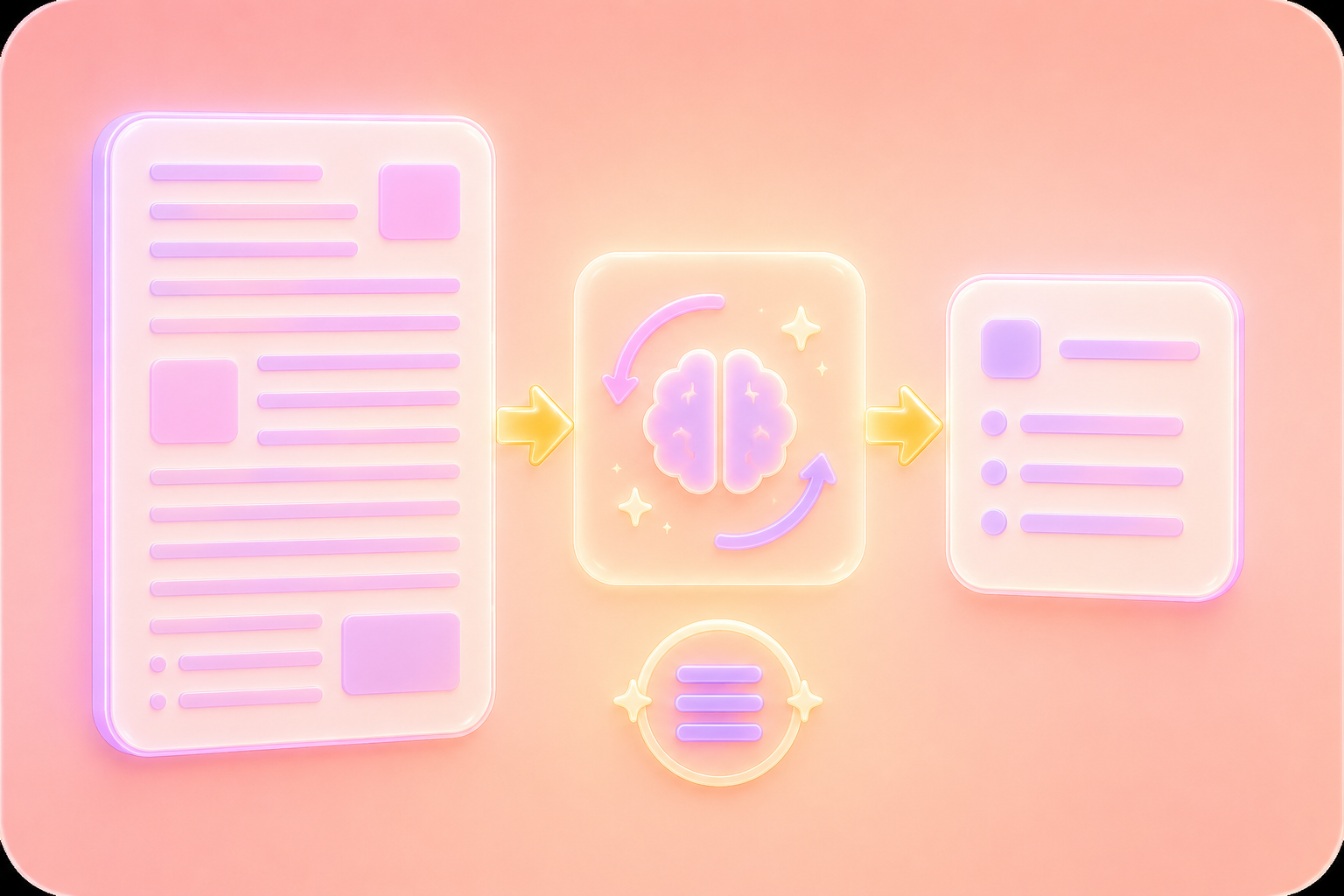
Use this ai summarizer to turn long articles, reports, and papers into clear takeaways fast. The ai summarizer online keeps context, while ai summarizer results stay concise for busy readers.
Summarize Text NowChoose audience and length, then let the ai summarizer shape the tone. This ai summarizer free workflow makes summaries easier to read, revise, and share, while ai summarizer guidance stays clear.
Generate Smarter Summaries

For private notes, the ai summarizer helps reduce text without storing content. Use ai summarizer online for secure summaries, and trust this ai summarizer with sensitive drafts.
Get StartedOpen the ai summarizer on any device, paste text, and get focused results quickly. An ai summarizer free experience makes this ai summarizer useful, with ai summarizer output ready for study, meetings, and travel.
Start Summarizing Anywhere

Převod PDF souborů do upravitelných dokumentů DOC a DOCX.

Načítání dat přímo z PDF souborů do excelových tabulek.

Převeďte své PDF soubory do upravitelných formátů PPT a PPTX.

Usnadněte si čtení souborů DOC a DOCX jejich převodem do formátu PDF.

Usnadněte si čtení tabulek v Excelu jejich převodem do PDF.

Usnadněte si čtení PPP a PPTX jejich převodem do PDF.

Převod obrázků JPG do PDF. Snadné nastavení orientace a okrajů.

Sloučit PDF soubory v požadovaném pořadí.

rozdělit velký PDF soubor a extrahovat stránky do více PDF souborů.

Zmenšete velikost souboru a zároveň optimalizujte pro maximální kvalitu PDF.

Podepište se sami nebo si vyžádejte elektronické podpisy od ostatních.

Seřaďte si stránky PDF souboru dle libosti.

"I review dozens of research papers each week. This ai summarizer gives me the key takeaways in seconds — I decide what to read in full."
Marcus Chen
Graduate Researcher

"I write daily briefs for my team. The summarizer turns long articles into clear bullet points I can share instantly."
Elena Foster
Team Lead

"I use this summarize ai tool to help my students break down complex readings. The age group setting keeps explanations appropriate."
Sophia Rivera
High School Teacher

