
'%3e%3cpath%20fill-rule='evenodd'%20clip-rule='evenodd'%20d='M19%208.5C24.799%208.5%2029.5%2013.201%2029.5%2019C29.5%2024.6782%2024.9928%2029.3036%2019.361%2029.4939L19%2029.5C18.8794%2029.5%2018.7592%2029.498%2018.6396%2029.4939L18.2811%2029.4758C12.8174%2029.1063%208.5%2024.5574%208.5%2019C8.5%2013.201%2013.201%208.5%2019%208.5ZM22.3063%2010.6267L22.2342%2010.6539C21.3423%2011.0061%2020.5541%2011.6368%2020.5606%2012.4987C20.5631%2012.8302%2020.869%2014.8871%2020.2141%2014.8486C19.5589%2014.8102%2019.413%2013.8753%2018.7116%2013.616C17.5944%2013.2026%2016.9819%2014.3401%2017.0939%2015.3106C17.1695%2015.9655%2018.9289%2018.3871%2017.9028%2019C17.292%2019.3651%2015.7279%2017.5692%2015.1007%2017.1842C14.4805%2016.8034%2013.2758%2017.3333%2012.4974%2016.7029C11.9874%2016.2899%2012.3881%2014.4098%2012.2786%2013.8372C12.2271%2013.5698%2012.1155%2013.3689%2011.9794%2013.2166L12.0402%2013.2934C10.7653%2014.8464%2010%2016.8339%2010%2019C10%2023.8465%2013.8307%2027.7982%2018.6295%2027.9925L18.6769%2027.9747C18.8597%2027.8677%2019.0394%2027.7557%2019.216%2027.6387C19.4137%2027.4534%2019.5436%2027.2072%2019.5849%2026.9394C19.8806%2025.1222%2018.3616%2025.4302%2017.9367%2024.5622C17.5489%2023.7695%2018.5712%2023.7684%2018.5524%2021.7923C18.4607%2021.1774%2018.5279%2020.547%2018.7211%2020.0315C19.1834%2018.7987%2020.7077%2017.2643%2022.5889%2018.0081C23.5567%2018.3906%2023.1524%2019.9831%2023.4737%2020.3394C24.251%2021.2018%2025.3228%2020.6863%2026.2856%2021.2253C26.7816%2021.5032%2026.9797%2022.41%2027.056%2023.2248L27.038%2023.0528C27.6534%2021.8348%2028%2020.4579%2028%2019C28%2015.1968%2025.6409%2011.9445%2022.3063%2010.6267Z'%20fill='%23757575'/%3e%3ccircle%20cx='19'%20cy='19'%20r='10.125'%20stroke='%23757575'%20stroke-width='2.25'/%3e%3c/g%3e%3cdefs%3e%3cclipPath%20id='clip0_1827_14613'%3e%3crect%20width='24'%20height='24'%20fill='white'%20transform='translate(7%207)'/%3e%3c/clipPath%3e%3c/defs%3e%3c/svg%3e)
"I used the AI email writer for follow-up emails after client calls. It helped me turn rough notes into clear messages I could edit and send quickly."
Robert Miller
Sales Coordinator
Write clear emails from a short idea. Use the AI email writer to choose output length, generate a polished draft, and copy it for work, school, or daily communication.


 Zdarma a neomezeněNení vyžadována registraceUšetřete časBez reklam
Type what you want to say, such as a request, reply, apology, follow-up, thank-you note, or business message.

Select the email length that fits your situation, from a short reply to a more detailed message with context and explanation.

Review the generated email, make any final edits, then copy it into Gmail, Outlook, school platforms, work tools, or messaging apps.
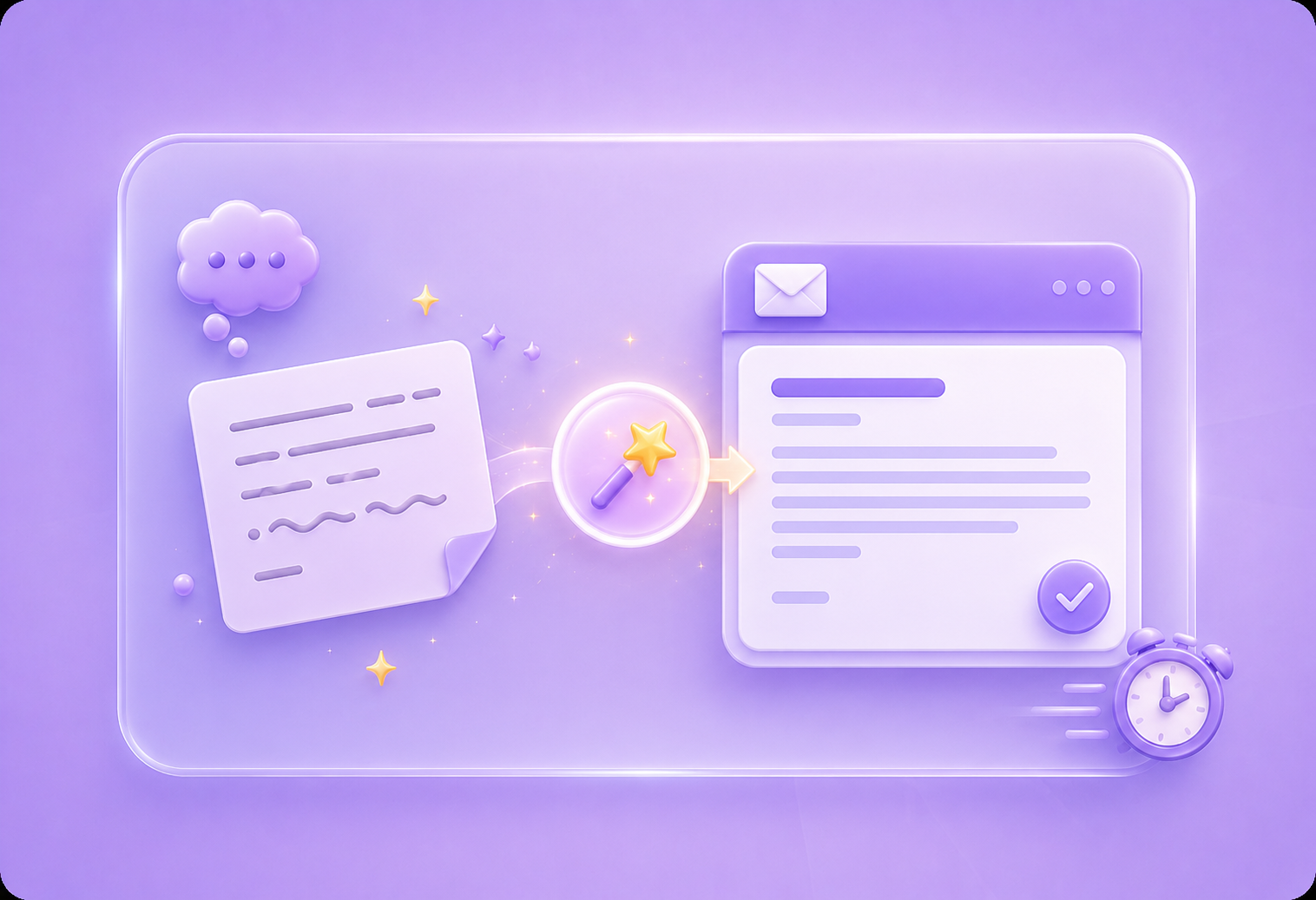
Writing emails can take longer than expected when you know the message but cannot find the right wording. The AI email writer turns your rough idea into a clear draft, helping you avoid awkward phrasing, missing context, and unclear requests. It is useful for office workers, students, and general users who need emails that sound organized, polite, and easy to understand.
Write An EmailMany people waste time deciding how formal, friendly, direct, or detailed an email should be. The AI email writer helps shape your message into a usable draft based on what you want to express. It can help with follow-ups, meeting requests, customer replies, teacher emails, application messages, and daily communication where tone matters.
Start AI Email Writer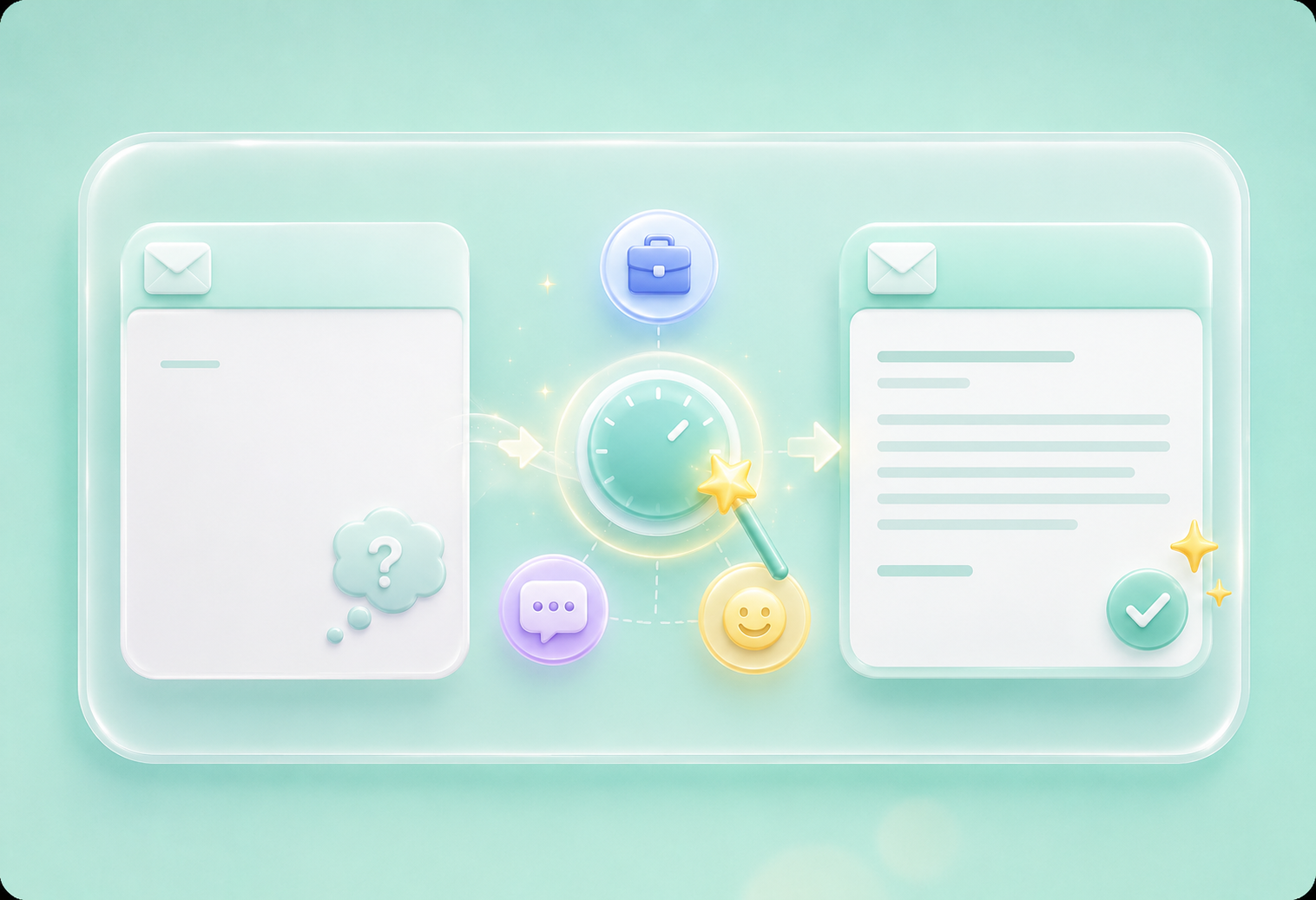
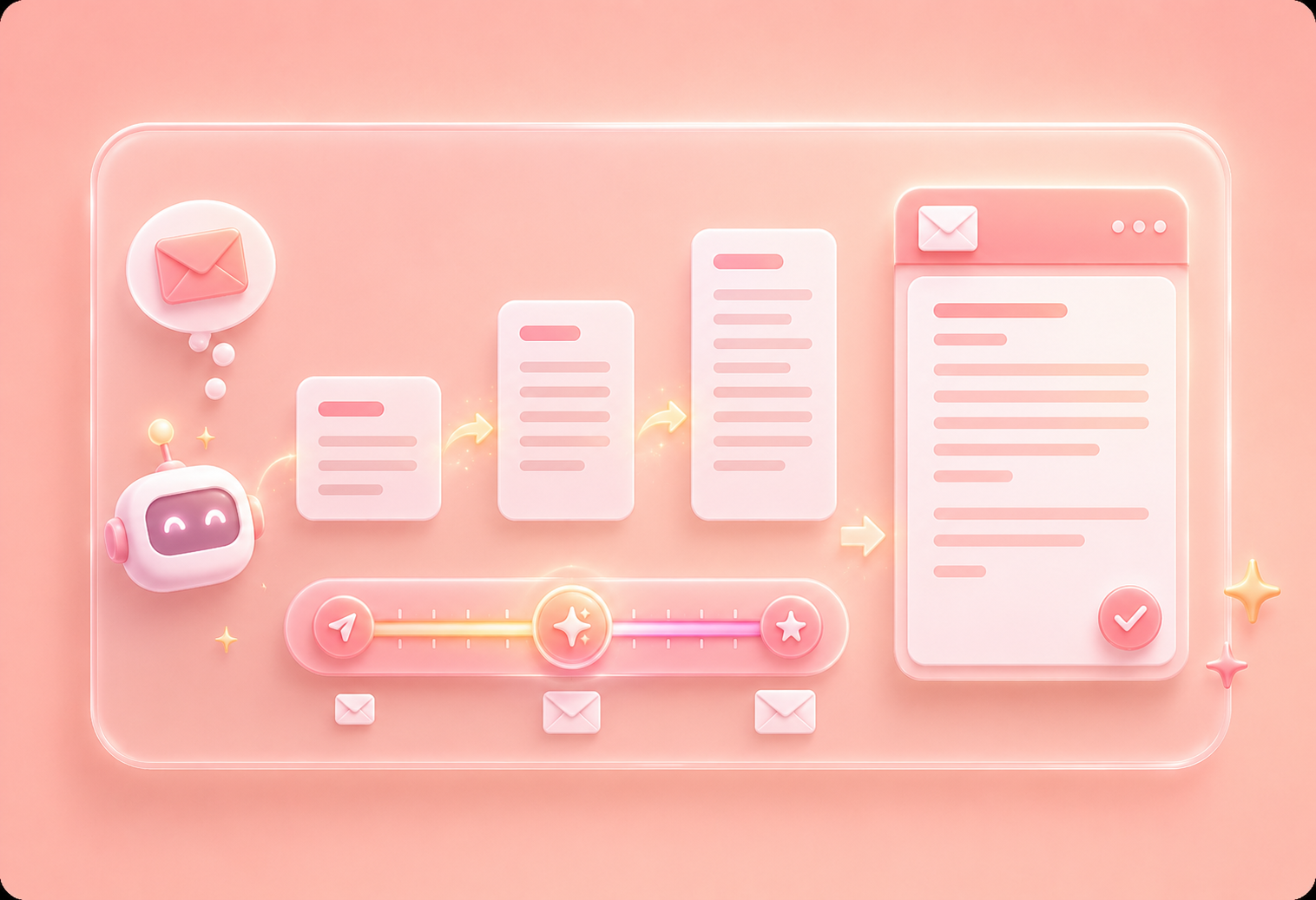
Some emails should be short and direct, while others need more explanation. The AI email writer lets you choose the output length before generating the draft, so the result better fits a quick reply, a detailed request, a professional update, or a careful response. This helps you avoid emails that feel too brief, too long, or unclear.
Choose Email LengthAfter generating your email, you can copy the draft and paste it into the platform you already use. The AI email writer keeps the workflow simple: enter your meaning, choose length, generate text, review it, and copy the final version. This reduces repeated rewriting and helps you move from idea to finished email with less friction.
Copy Email Draft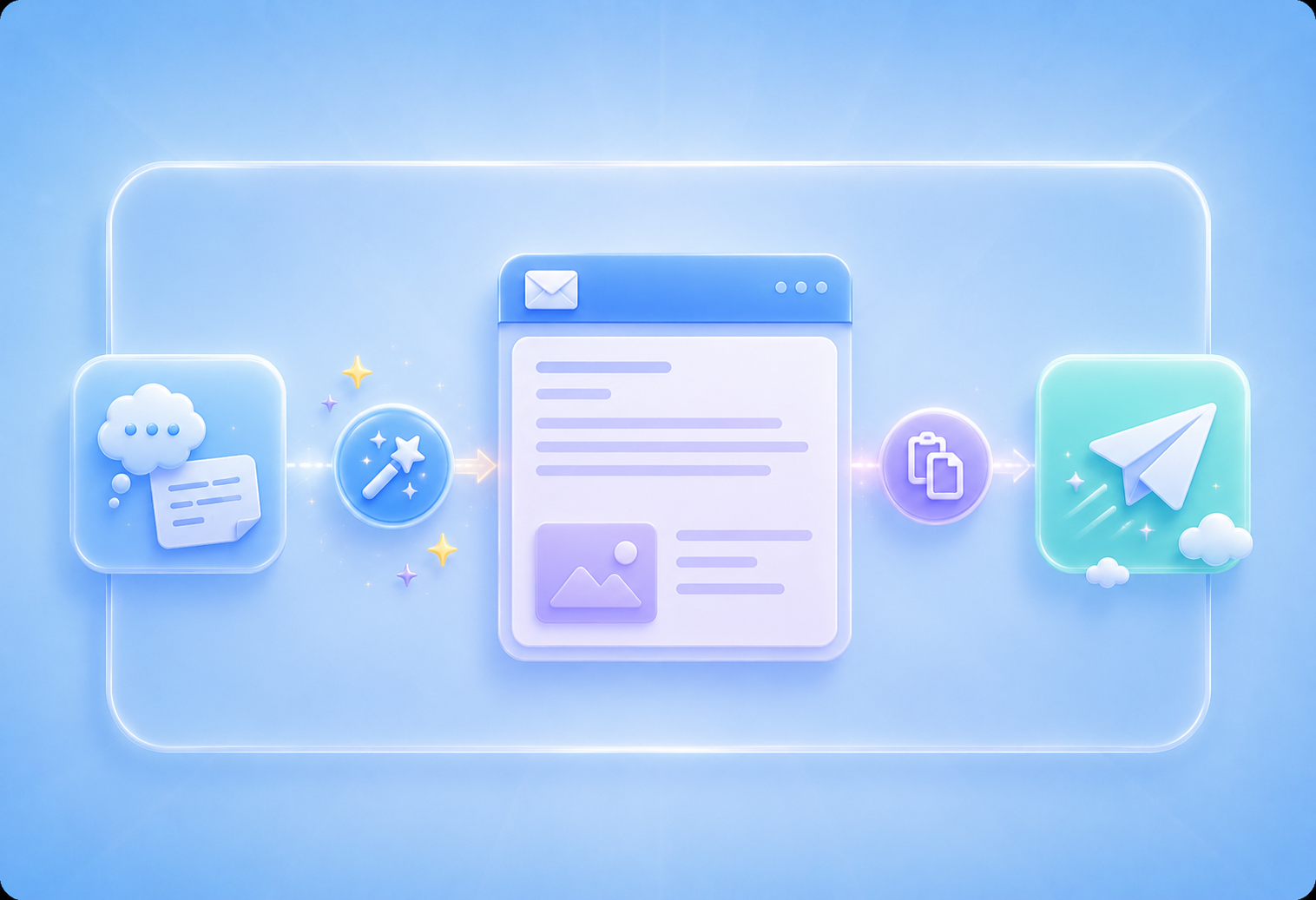

Převod PDF souborů do upravitelných dokumentů DOC a DOCX.

Načítání dat přímo z PDF souborů do excelových tabulek.

Převeďte své PDF soubory do upravitelných formátů PPT a PPTX.

Usnadněte si čtení souborů DOC a DOCX jejich převodem do formátu PDF.

Usnadněte si čtení tabulek v Excelu jejich převodem do PDF.

Usnadněte si čtení PPP a PPTX jejich převodem do PDF.

Převod obrázků JPG do PDF. Snadné nastavení orientace a okrajů.

Sloučit PDF soubory v požadovaném pořadí.

rozdělit velký PDF soubor a extrahovat stránky do více PDF souborů.

Zmenšete velikost souboru a zároveň optimalizujte pro maximální kvalitu PDF.

Podepište se sami nebo si vyžádejte elektronické podpisy od ostatních.

Seřaďte si stránky PDF souboru dle libosti.

"I used the AI email writer for follow-up emails after client calls. It helped me turn rough notes into clear messages I could edit and send quickly."
Robert Miller
Sales Coordinator

"I needed to email my professor about an assignment extension. The AI email writer helped me sound polite, clear, and specific."
Laura Bennett
College Student

"I often know what I want to say but struggle with wording. The AI email writer gives me a clean draft that I can adjust before copying."
Grace Thompson
Administrative Assistant

