
'%3e%3cpath%20fill-rule='evenodd'%20clip-rule='evenodd'%20d='M19%208.5C24.799%208.5%2029.5%2013.201%2029.5%2019C29.5%2024.6782%2024.9928%2029.3036%2019.361%2029.4939L19%2029.5C18.8794%2029.5%2018.7592%2029.498%2018.6396%2029.4939L18.2811%2029.4758C12.8174%2029.1063%208.5%2024.5574%208.5%2019C8.5%2013.201%2013.201%208.5%2019%208.5ZM22.3063%2010.6267L22.2342%2010.6539C21.3423%2011.0061%2020.5541%2011.6368%2020.5606%2012.4987C20.5631%2012.8302%2020.869%2014.8871%2020.2141%2014.8486C19.5589%2014.8102%2019.413%2013.8753%2018.7116%2013.616C17.5944%2013.2026%2016.9819%2014.3401%2017.0939%2015.3106C17.1695%2015.9655%2018.9289%2018.3871%2017.9028%2019C17.292%2019.3651%2015.7279%2017.5692%2015.1007%2017.1842C14.4805%2016.8034%2013.2758%2017.3333%2012.4974%2016.7029C11.9874%2016.2899%2012.3881%2014.4098%2012.2786%2013.8372C12.2271%2013.5698%2012.1155%2013.3689%2011.9794%2013.2166L12.0402%2013.2934C10.7653%2014.8464%2010%2016.8339%2010%2019C10%2023.8465%2013.8307%2027.7982%2018.6295%2027.9925L18.6769%2027.9747C18.8597%2027.8677%2019.0394%2027.7557%2019.216%2027.6387C19.4137%2027.4534%2019.5436%2027.2072%2019.5849%2026.9394C19.8806%2025.1222%2018.3616%2025.4302%2017.9367%2024.5622C17.5489%2023.7695%2018.5712%2023.7684%2018.5524%2021.7923C18.4607%2021.1774%2018.5279%2020.547%2018.7211%2020.0315C19.1834%2018.7987%2020.7077%2017.2643%2022.5889%2018.0081C23.5567%2018.3906%2023.1524%2019.9831%2023.4737%2020.3394C24.251%2021.2018%2025.3228%2020.6863%2026.2856%2021.2253C26.7816%2021.5032%2026.9797%2022.41%2027.056%2023.2248L27.038%2023.0528C27.6534%2021.8348%2028%2020.4579%2028%2019C28%2015.1968%2025.6409%2011.9445%2022.3063%2010.6267Z'%20fill='%23757575'/%3e%3ccircle%20cx='19'%20cy='19'%20r='10.125'%20stroke='%23757575'%20stroke-width='2.25'/%3e%3c/g%3e%3cdefs%3e%3cclipPath%20id='clip0_1827_14613'%3e%3crect%20width='24'%20height='24'%20fill='white'%20transform='translate(7%207)'/%3e%3c/clipPath%3e%3c/defs%3e%3c/svg%3e)
"I use this sentence rewriter to polish client emails. It catches awkward phrasing and gives me a cleaner version instantly."
James Morrison
Freelance Consultant
Rewrite unclear, awkward, or repetitive sentences in seconds. This sentence rewriter helps you improve wording, adjust sentence length, and make your writing sound more natural while keeping the original meaning.


 Безкоштовно та без обмеженьБез реєстраціїЕкономія часуБез реклами
Paste the sentence you want to rewrite — from a simple line to a complex statement. Our sentence rewriter handles it all.

Pick short for a concise version, medium for balanced flow, or long for a more detailed rewrite. The tool adjusts structure and word count.

Your new sentence appears in seconds. Copy it directly or tweak settings and regenerate until it's perfect.
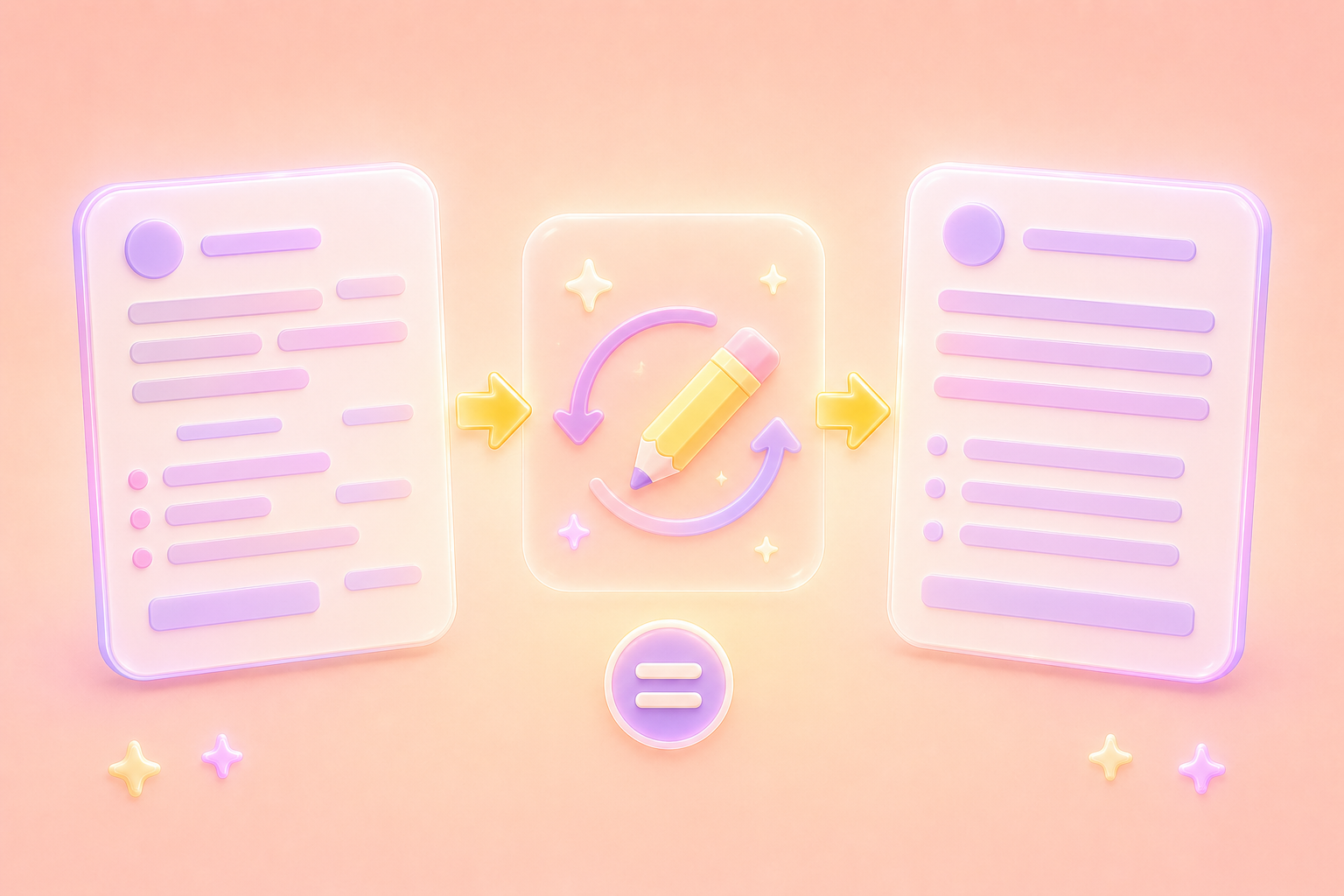
Sometimes a sentence sounds awkward, repetitive, or unclear even when the idea is correct. This sentence rewriter improves wording instantly while keeping your original meaning intact. When you need to make this sentence better, the sentence rewriter makes emails, essays, captions, and messages easier to read and more natural.
Rewrite SentenceNeed a concise sentence for a headline or a longer version for an email or report? This free sentence rewriter adjusts sentence length based on your goal, and the sentence rewriter helps you rewrite content without manually editing every line yourself. Use the sentence rewriter to compare short, medium, and detailed versions in seconds.
Try Different Lengths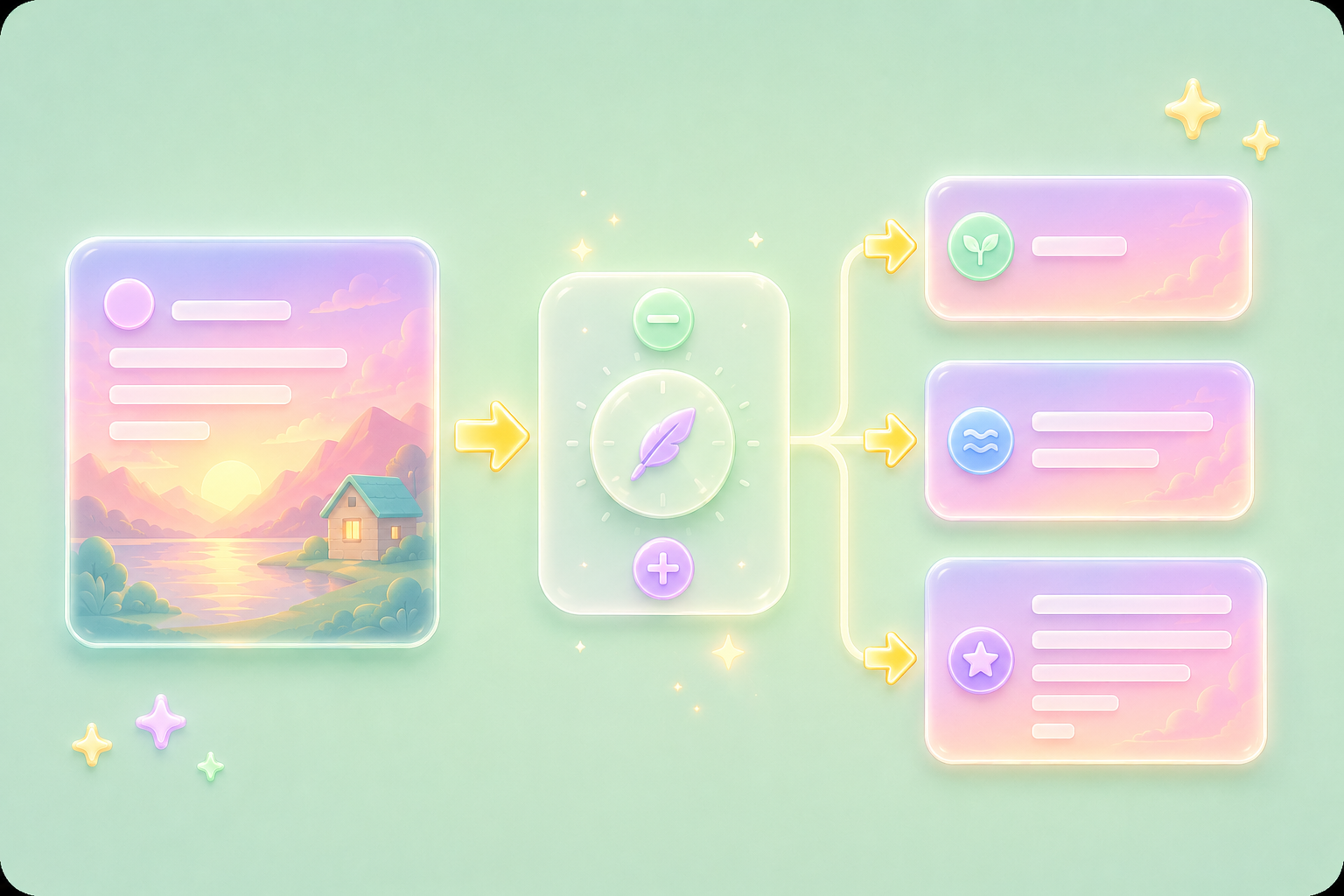

Whether you're rewriting business emails, school assignments, or personal writing, your text is processed securely and never stored. Use the sentence rewriter confidently when you need to rewrite sentences online free without creating an account. The sentence rewriter helps protect your privacy while improving your wording.
Rewrite SecurelyOpen the sentence rewriter on your laptop, tablet, or phone and improve sentences instantly in any browser. For anyone wondering how to rewrite a sentence, this sentence rewriter offers quick options while you work on the go. The sentence rewriter is ideal for students, remote workers, marketers, and writers who need fast rewrites anywhere.
Get Started

Конвертуйте PDF-файли в редаговані документи DOC та DOCX.

Отримуйте дані безпосередньо з PDF-файлів у електронні таблиці Excel.

Перетворіть свої PDF-файли на редаговані PPT та PPTX.

Зробіть файли DOC та DOCX зручними для читання, конвертувавши їх у PDF.

Зробіть електронні таблиці Excel зручними для читання, конвертувавши їх у PDF.

Зробіть PPT та PPTX зручними для читання, конвертувавши їх у PDF.

Конвертуйте зображення JPG у PDF. Легко налаштуйте орієнтацію та поля.

Об’єднайте PDF-файли в потрібному порядку.

розділити великий PDF-файл та витягти сторінки у кілька PDF-файлів.

Зменште розмір файлу, одночасно оптимізуючи його для максимальної якості PDF.

Підпишіть себе або запросіть електронні підписи від інших.

Сортуйте сторінки PDF-файлу як завгодно.

"I use this sentence rewriter to polish client emails. It catches awkward phrasing and gives me a cleaner version instantly."
James Morrison
Freelance Consultant

"I'm an English learner, and rewriting sentences helps me understand different structures. This tool is like having a language coach."
Marta Diaz
ESL Student

"I write social media posts and often need to shorten or expand a sentence. The length control on this sentence rewriter is exactly what I needed."
David Park
Content Creator

