

"Acknowledge a missed deadline or broken commitment to classmates without shifting blame. Follow the card with a clear plan to repair the work."
Missed Commitment
Classmates and teams
Gumawa ng personalized na sorry card mula sa ugnayan, sitwasyon, at inaasahang resulta na iyong ilalarawan. Magdagdag ng mga opsiyonal na kagustuhan sa estilo, kulay, at komposisyon, pagkatapos ay suriin at i-download ang nabuong apology card bilang PNG.
Ginagawa naming isang pinag-isipang parisukat na PNG card ang iyong mga detalye. Karaniwan itong tumatagal nang sandali.

Enter your relationship to the recipient, what happened, and the outcome you hope for. Add optional style, color theme, or composition details to guide the image.

Generate the apology card from the details you supplied. Review the wording and visual tone carefully, especially for a sensitive or serious situation.

Download the selected apology card as a PNG. Use it in a message or email when a visual note is appropriate, or as a starting point for a direct conversation.

A generic “sorry” may not explain what you are taking responsibility for. The Sorry Card Maker asks for the relationship, event, and desired outcome, then uses those details to prepare an apology card draft. Check that the final message acknowledges the specific mistake without making excuses.
Get started nowAn apology to a partner may sound different from one for a friend, classmate, customer, or coworker. Use the relationship field to provide context, then review the generated apology card for the right level of formality and personal detail.
Get started now

Before sending the sorry card, remove excuses, threats, blame-shifting, and pressure to forgive. A useful apology message card should identify what happened, acknowledge its effect, and leave the recipient free to respond in their own time.
Get started nowUse the optional style, color theme, and composition fields to guide elements such as flowers, hearts, or a handwritten-note look. Keep the design restrained when the situation is serious, then review the square PNG before downloading it.
Get started now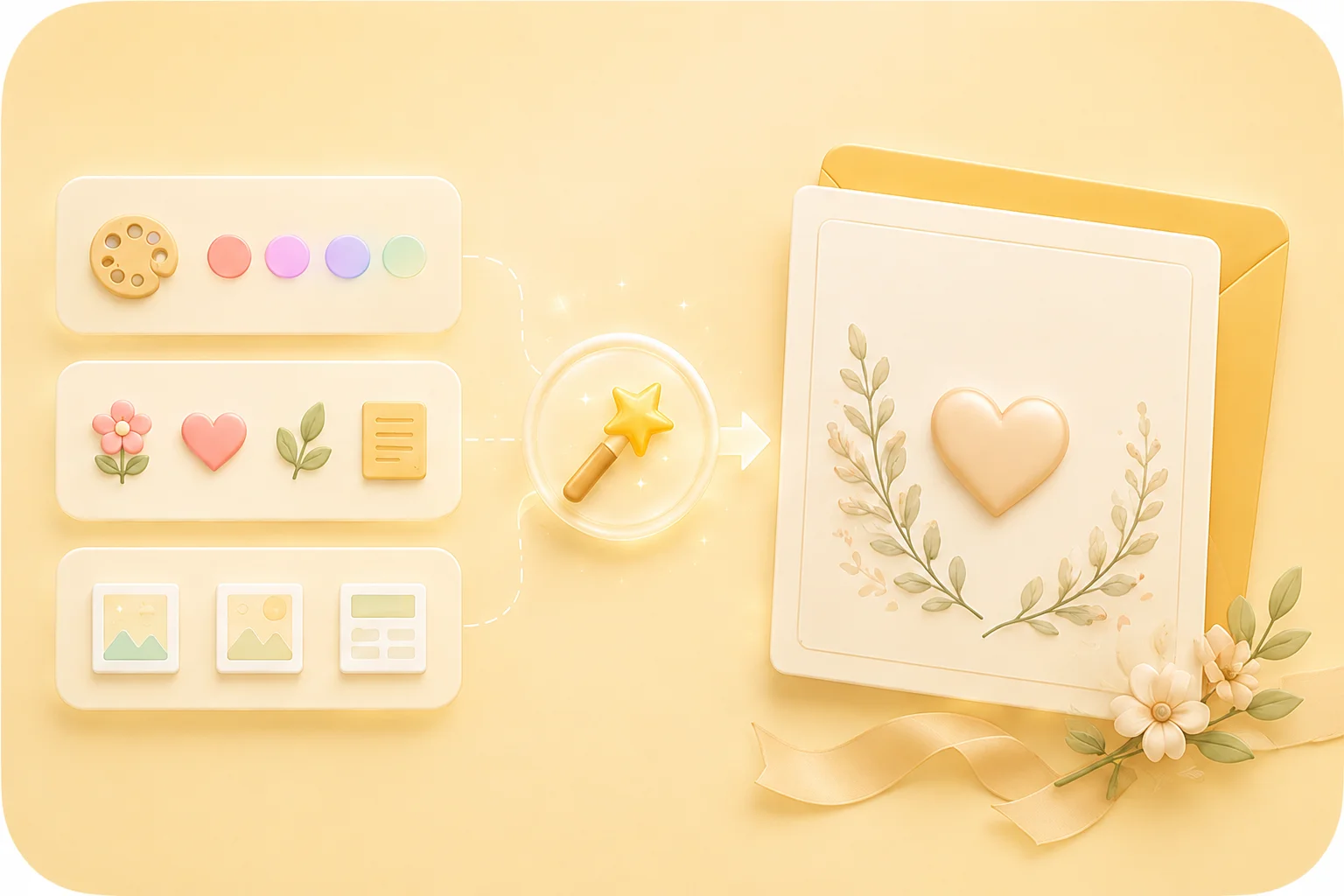

Convert PDF files into editable DOC and DOCX documents.

Pull data straight from PDFs into Excel spreadsheets.

Turn your PDF files into editable PPT and PPTX.

Make DOC and DOCX files easy to read by converting them to PDF.

Make Excel spreadsheets easy to read by converting them to PDF.

Make PPT, PPTX easy to read by converting them to PDF.

Convert JPG images to PDF. Easily adjust orientation and margins.

Combine PDFs in the order you want.

split a large PDF file and extract pages into multiple PDF files.

Reduce file size while optimizing for maximal PDF quality.

Sign yourself or request electronic signatures from others.

Sort pages of your PDF file however you like.

"Acknowledge a missed deadline or broken commitment to classmates without shifting blame. Follow the card with a clear plan to repair the work."
Missed Commitment
Classmates and teams

"Prepare a concise apology card for a missed workplace handoff, then speak directly with the people affected when the situation requires it."
Workplace Apology
Coworkers and managers

"Draft an apology to a friend, partner, or family member and remove defensive wording before sending the message."
Personal Apology
Friends and family
