
'%3e%3cpath%20fill-rule='evenodd'%20clip-rule='evenodd'%20d='M19%208.5C24.799%208.5%2029.5%2013.201%2029.5%2019C29.5%2024.6782%2024.9928%2029.3036%2019.361%2029.4939L19%2029.5C18.8794%2029.5%2018.7592%2029.498%2018.6396%2029.4939L18.2811%2029.4758C12.8174%2029.1063%208.5%2024.5574%208.5%2019C8.5%2013.201%2013.201%208.5%2019%208.5ZM22.3063%2010.6267L22.2342%2010.6539C21.3423%2011.0061%2020.5541%2011.6368%2020.5606%2012.4987C20.5631%2012.8302%2020.869%2014.8871%2020.2141%2014.8486C19.5589%2014.8102%2019.413%2013.8753%2018.7116%2013.616C17.5944%2013.2026%2016.9819%2014.3401%2017.0939%2015.3106C17.1695%2015.9655%2018.9289%2018.3871%2017.9028%2019C17.292%2019.3651%2015.7279%2017.5692%2015.1007%2017.1842C14.4805%2016.8034%2013.2758%2017.3333%2012.4974%2016.7029C11.9874%2016.2899%2012.3881%2014.4098%2012.2786%2013.8372C12.2271%2013.5698%2012.1155%2013.3689%2011.9794%2013.2166L12.0402%2013.2934C10.7653%2014.8464%2010%2016.8339%2010%2019C10%2023.8465%2013.8307%2027.7982%2018.6295%2027.9925L18.6769%2027.9747C18.8597%2027.8677%2019.0394%2027.7557%2019.216%2027.6387C19.4137%2027.4534%2019.5436%2027.2072%2019.5849%2026.9394C19.8806%2025.1222%2018.3616%2025.4302%2017.9367%2024.5622C17.5489%2023.7695%2018.5712%2023.7684%2018.5524%2021.7923C18.4607%2021.1774%2018.5279%2020.547%2018.7211%2020.0315C19.1834%2018.7987%2020.7077%2017.2643%2022.5889%2018.0081C23.5567%2018.3906%2023.1524%2019.9831%2023.4737%2020.3394C24.251%2021.2018%2025.3228%2020.6863%2026.2856%2021.2253C26.7816%2021.5032%2026.9797%2022.41%2027.056%2023.2248L27.038%2023.0528C27.6534%2021.8348%2028%2020.4579%2028%2019C28%2015.1968%2025.6409%2011.9445%2022.3063%2010.6267Z'%20fill='%23757575'/%3e%3ccircle%20cx='19'%20cy='19'%20r='10.125'%20stroke='%23757575'%20stroke-width='2.25'/%3e%3c/g%3e%3cdefs%3e%3cclipPath%20id='clip0_1827_14613'%3e%3crect%20width='24'%20height='24'%20fill='white'%20transform='translate(7%207)'/%3e%3c/clipPath%3e%3c/defs%3e%3c/svg%3e)
"I used the paragraph rewriter to clean up a client update that sounded too long. The shorter version kept the main point and was easier to send."
Michael Harris
Account Coordinator
Одмах препишите пасусе да буду јаснији, професионалнији или стилски другачији, уз очување изворног значења.

Enter the paragraph, draft, note, message, or sentence you want to rewrite. The tool works best when your original meaning is clear.

Select strict faithfulness, conciseness, professionalism, or naturalness. Then choose neutral, professional, academic, formal, or friendly tone and set the length.

Review the rewritten paragraph, make any final edits, then copy it into your assignment, email, report, document, presentation, or message.
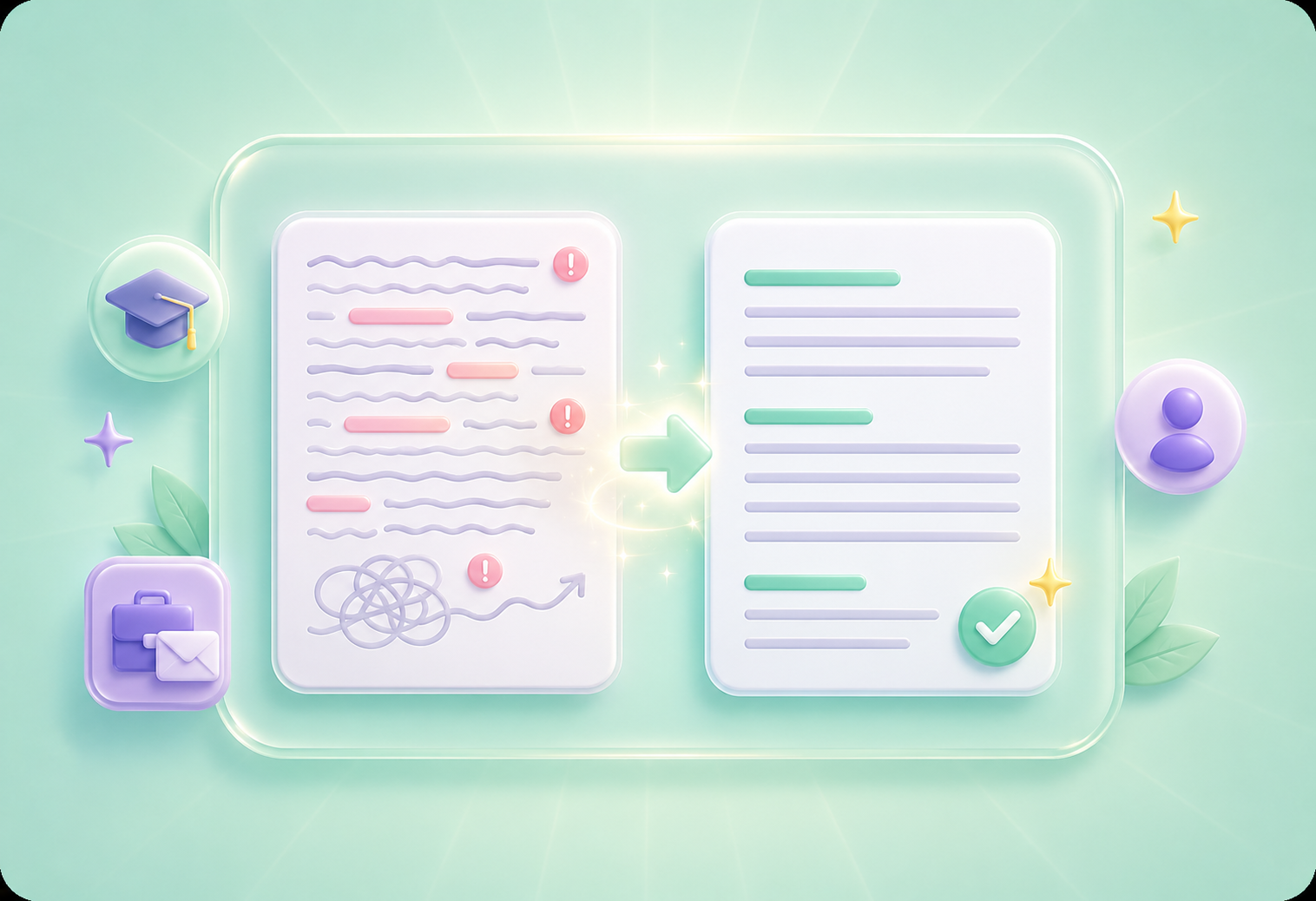
A paragraph can contain the right idea but still feel confusing, wordy, repetitive, or awkward. The paragraph rewriter helps reshape your text into clearer wording while keeping the message useful for the reader. It is helpful for students polishing assignments, office workers improving reports and emails, and general users who want cleaner paragraphs before sending or submitting them.
Rewrite ParagraphSometimes you need a rewrite that stays close to the original. Other times, you need a shorter, more professional, or more natural version. The paragraph rewriter gives you rewrite modes for strict faithfulness, conciseness, professionalism, and naturalness, helping the result match your purpose instead of producing a one-size-fits-all rewrite.
Choose Rewrite Mode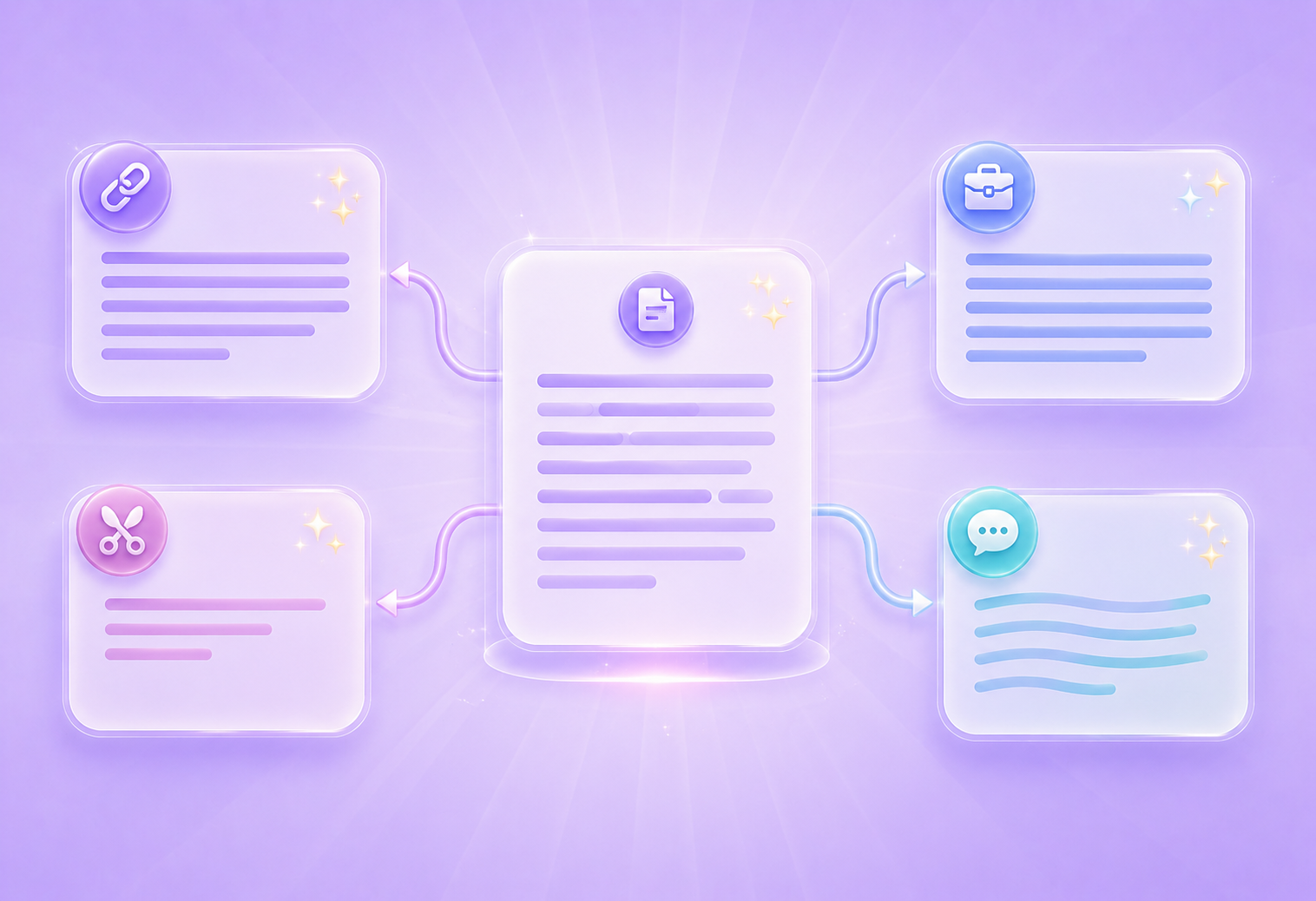

The same paragraph can sound too casual for work, too formal for a message, or too simple for academic writing. The paragraph rewriter lets you choose neutral, professional, academic, formal, or friendly tone. This helps you adjust wording for teachers, classmates, clients, managers, coworkers, or general readers without rewriting the whole paragraph manually.
Select ToneDifferent writing tasks need different paragraph lengths. A quick email may need a shorter version, while an essay or report may need more explanation. The paragraph rewriter lets you choose shorter, same, or longer output, so the rewritten text better fits your assignment, document, message, report section, presentation note, or workplace update.
Set Paragraph Length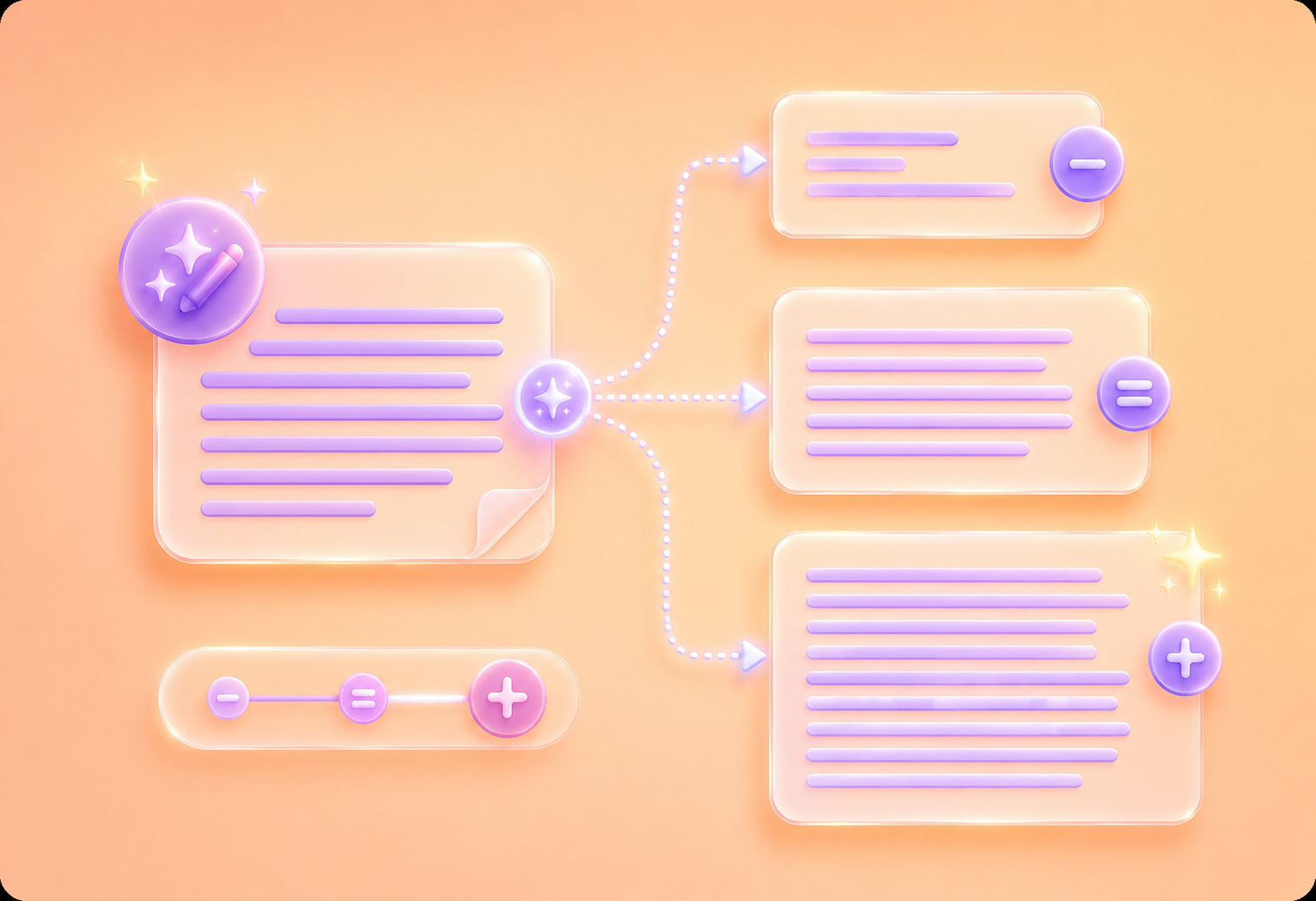

Конвертовање PDF датотека у DOC и DOCX документе који се могу уређивати.

Преузмите податке директно из PDF-ова у Excel табеле.

Претворите своје PDF датотеке у PPT и PPTX формате које можете уређивати.

Олакшајте читање DOC и DOCX датотека тако што ћете их конвертовати у PDF.

Учините Ексел табеле једноставним за читање тако што ћете их конвертовати у ПДФ.

Учините PPT и PPTX једноставним за читање тако што ћете их конвертовати у PDF.

Конвертујте JPG слике у PDF. Лако подесите оријентацију и маргине.

Комбинујте ПДФ-ове у жељеном редоследу.

поделите велику PDF датотеку и издвојите странице у више PDF датотека.

Смањите величину датотеке уз оптимизацију за максимални квалитет PDF-а.

Потпишите се сами или затражите електронске потписе од других.

Сортирајте странице вашег PDF фајла како год желите.

"I used the paragraph rewriter to clean up a client update that sounded too long. The shorter version kept the main point and was easier to send."
Michael Harris
Account Coordinator

"My essay paragraph had the right idea, but it felt awkward. The paragraph rewriter helped me make it more academic before I revised it myself."
Emily Parker
College Student

"I often need to rewrite status updates for different audiences. The paragraph rewriter helps me switch between professional and friendly tone quickly."
Sarah Collins
Administrative Assistant

