
'%3e%3cpath%20fill-rule='evenodd'%20clip-rule='evenodd'%20d='M19%208.5C24.799%208.5%2029.5%2013.201%2029.5%2019C29.5%2024.6782%2024.9928%2029.3036%2019.361%2029.4939L19%2029.5C18.8794%2029.5%2018.7592%2029.498%2018.6396%2029.4939L18.2811%2029.4758C12.8174%2029.1063%208.5%2024.5574%208.5%2019C8.5%2013.201%2013.201%208.5%2019%208.5ZM22.3063%2010.6267L22.2342%2010.6539C21.3423%2011.0061%2020.5541%2011.6368%2020.5606%2012.4987C20.5631%2012.8302%2020.869%2014.8871%2020.2141%2014.8486C19.5589%2014.8102%2019.413%2013.8753%2018.7116%2013.616C17.5944%2013.2026%2016.9819%2014.3401%2017.0939%2015.3106C17.1695%2015.9655%2018.9289%2018.3871%2017.9028%2019C17.292%2019.3651%2015.7279%2017.5692%2015.1007%2017.1842C14.4805%2016.8034%2013.2758%2017.3333%2012.4974%2016.7029C11.9874%2016.2899%2012.3881%2014.4098%2012.2786%2013.8372C12.2271%2013.5698%2012.1155%2013.3689%2011.9794%2013.2166L12.0402%2013.2934C10.7653%2014.8464%2010%2016.8339%2010%2019C10%2023.8465%2013.8307%2027.7982%2018.6295%2027.9925L18.6769%2027.9747C18.8597%2027.8677%2019.0394%2027.7557%2019.216%2027.6387C19.4137%2027.4534%2019.5436%2027.2072%2019.5849%2026.9394C19.8806%2025.1222%2018.3616%2025.4302%2017.9367%2024.5622C17.5489%2023.7695%2018.5712%2023.7684%2018.5524%2021.7923C18.4607%2021.1774%2018.5279%2020.547%2018.7211%2020.0315C19.1834%2018.7987%2020.7077%2017.2643%2022.5889%2018.0081C23.5567%2018.3906%2023.1524%2019.9831%2023.4737%2020.3394C24.251%2021.2018%2025.3228%2020.6863%2026.2856%2021.2253C26.7816%2021.5032%2026.9797%2022.41%2027.056%2023.2248L27.038%2023.0528C27.6534%2021.8348%2028%2020.4579%2028%2019C28%2015.1968%2025.6409%2011.9445%2022.3063%2010.6267Z'%20fill='%23757575'/%3e%3ccircle%20cx='19'%20cy='19'%20r='10.125'%20stroke='%23757575'%20stroke-width='2.25'/%3e%3c/g%3e%3cdefs%3e%3cclipPath%20id='clip0_1827_14613'%3e%3crect%20width='24'%20height='24'%20fill='white'%20transform='translate(7%207)'/%3e%3c/clipPath%3e%3c/defs%3e%3c/svg%3e)
Create a birthday digital bouquet with the recipient's favorite flowers or colors, then add the downloaded PNG to a personal message.
Birthday Bouquets
Friends and classmates
Create a digital flower bouquet for a birthday, thank-you, celebration, or thoughtful message. Enter the recipient and relationship, add optional flowers, colors, style, and blessing keywords, then review and download the bouquet image.

Enter the recipient and your relationship. Add preferred flowers, a visual style, color theme, composition details, or blessing keywords when you have a specific idea.

Generate the bouquet from the details you supplied. Review the flower choices, colors, composition, and any visual interpretation before deciding whether to keep the result.

Download the selected result as a PNG. Add the image to a message, greeting card, email, or post after checking that it suits the recipient and occasion.
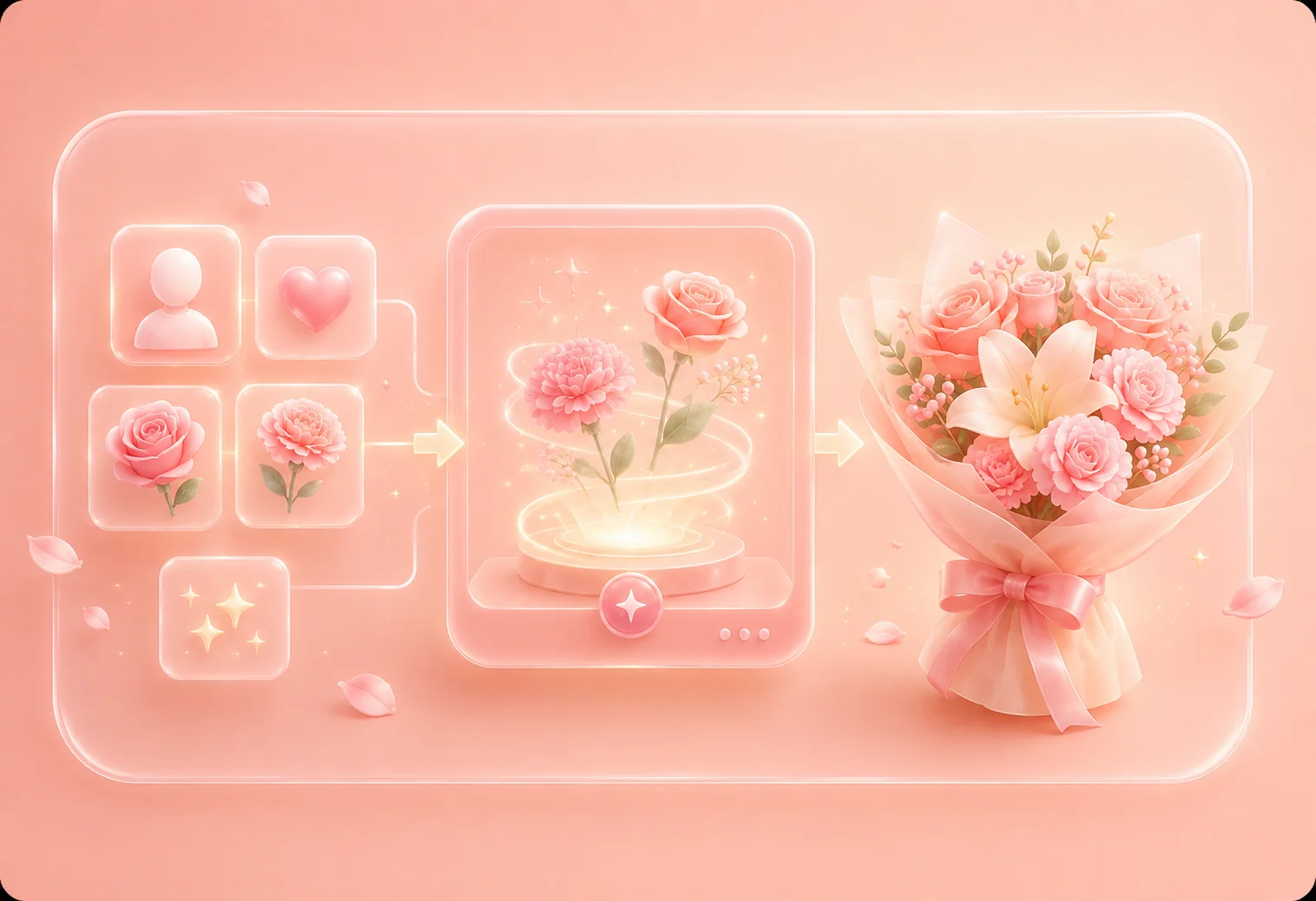
Start with who the bouquet is for and what you want it to express. The digital bouquet maker provides separate fields for the relationship, preferred flowers, blessing keywords, style, color theme, and composition, giving the generator clear context without requiring one long image prompt.
Get started nowCreate a digital flower bouquet for a birthday, thank-you, congratulations, encouragement, or another personal moment. Add only the context you are comfortable using, then check whether the generated flowers and mood fit both the recipient and the occasion.
Get started now

Use the optional controls to request roses, tulips, lilies, or another flower; choose a watercolor, realistic, or other available style; and describe colors or elements such as ribbons and a vase. These inputs guide the AI flower bouquet generator, but the final image should still be reviewed for unexpected details.
Get started nowFlower combinations, colors, and composition instructions can be interpreted in different ways. If the first virtual flower bouquet does not fit your idea, revise the available details and generate another version. Download the PNG only after checking the result for the intended use.
Get started now

Create a birthday digital bouquet with the recipient's favorite flowers or colors, then add the downloaded PNG to a personal message.
Birthday Bouquets
Friends and classmates

Prepare a thank-you bouquet for a coworker or teacher. Keep the relationship context appropriate and review the generated flowers before sharing.
Thank-You Flowers
Coworkers and teachers

Use warm blessing keywords and a preferred color palette for a family greeting, then check the virtual bouquet before downloading it.
Family Greetings
Parents and relatives
