
'%3e%3cpath%20fill-rule='evenodd'%20clip-rule='evenodd'%20d='M19%208.5C24.799%208.5%2029.5%2013.201%2029.5%2019C29.5%2024.6782%2024.9928%2029.3036%2019.361%2029.4939L19%2029.5C18.8794%2029.5%2018.7592%2029.498%2018.6396%2029.4939L18.2811%2029.4758C12.8174%2029.1063%208.5%2024.5574%208.5%2019C8.5%2013.201%2013.201%208.5%2019%208.5ZM22.3063%2010.6267L22.2342%2010.6539C21.3423%2011.0061%2020.5541%2011.6368%2020.5606%2012.4987C20.5631%2012.8302%2020.869%2014.8871%2020.2141%2014.8486C19.5589%2014.8102%2019.413%2013.8753%2018.7116%2013.616C17.5944%2013.2026%2016.9819%2014.3401%2017.0939%2015.3106C17.1695%2015.9655%2018.9289%2018.3871%2017.9028%2019C17.292%2019.3651%2015.7279%2017.5692%2015.1007%2017.1842C14.4805%2016.8034%2013.2758%2017.3333%2012.4974%2016.7029C11.9874%2016.2899%2012.3881%2014.4098%2012.2786%2013.8372C12.2271%2013.5698%2012.1155%2013.3689%2011.9794%2013.2166L12.0402%2013.2934C10.7653%2014.8464%2010%2016.8339%2010%2019C10%2023.8465%2013.8307%2027.7982%2018.6295%2027.9925L18.6769%2027.9747C18.8597%2027.8677%2019.0394%2027.7557%2019.216%2027.6387C19.4137%2027.4534%2019.5436%2027.2072%2019.5849%2026.9394C19.8806%2025.1222%2018.3616%2025.4302%2017.9367%2024.5622C17.5489%2023.7695%2018.5712%2023.7684%2018.5524%2021.7923C18.4607%2021.1774%2018.5279%2020.547%2018.7211%2020.0315C19.1834%2018.7987%2020.7077%2017.2643%2022.5889%2018.0081C23.5567%2018.3906%2023.1524%2019.9831%2023.4737%2020.3394C24.251%2021.2018%2025.3228%2020.6863%2026.2856%2021.2253C26.7816%2021.5032%2026.9797%2022.41%2027.056%2023.2248L27.038%2023.0528C27.6534%2021.8348%2028%2020.4579%2028%2019C28%2015.1968%2025.6409%2011.9445%2022.3063%2010.6267Z'%20fill='%23757575'/%3e%3ccircle%20cx='19'%20cy='19'%20r='10.125'%20stroke='%23757575'%20stroke-width='2.25'/%3e%3c/g%3e%3cdefs%3e%3cclipPath%20id='clip0_1827_14613'%3e%3crect%20width='24'%20height='24'%20fill='white'%20transform='translate(7%207)'/%3e%3c/clipPath%3e%3c/defs%3e%3c/svg%3e)
Prepare a first-pass Codex skill package for recurring research, writing, code review, QA, or documentation workflows.
Internal workflow teams
Example scenario
Generate OpenAI Codex-compatible skill packages from your idea, including a valid SKILL.md, recommended folder structure, and downloadable project files for faster skill authoring.

Write the task, audience, expected output, and any constraints the Codex skill should follow.

Add an optional skill name and include notes, examples, or source material that should guide the generated draft.

Generate the package, inspect the SKILL.md and folder structure, then revise the files before testing them in Codex.
A reusable Codex skill starts with clear instructions, boundaries, and examples. Codex Skills Generator gives you a structured way to move from a rough idea to a first draft package, so the review work starts from organized files instead of a blank SKILL.md.
Get Started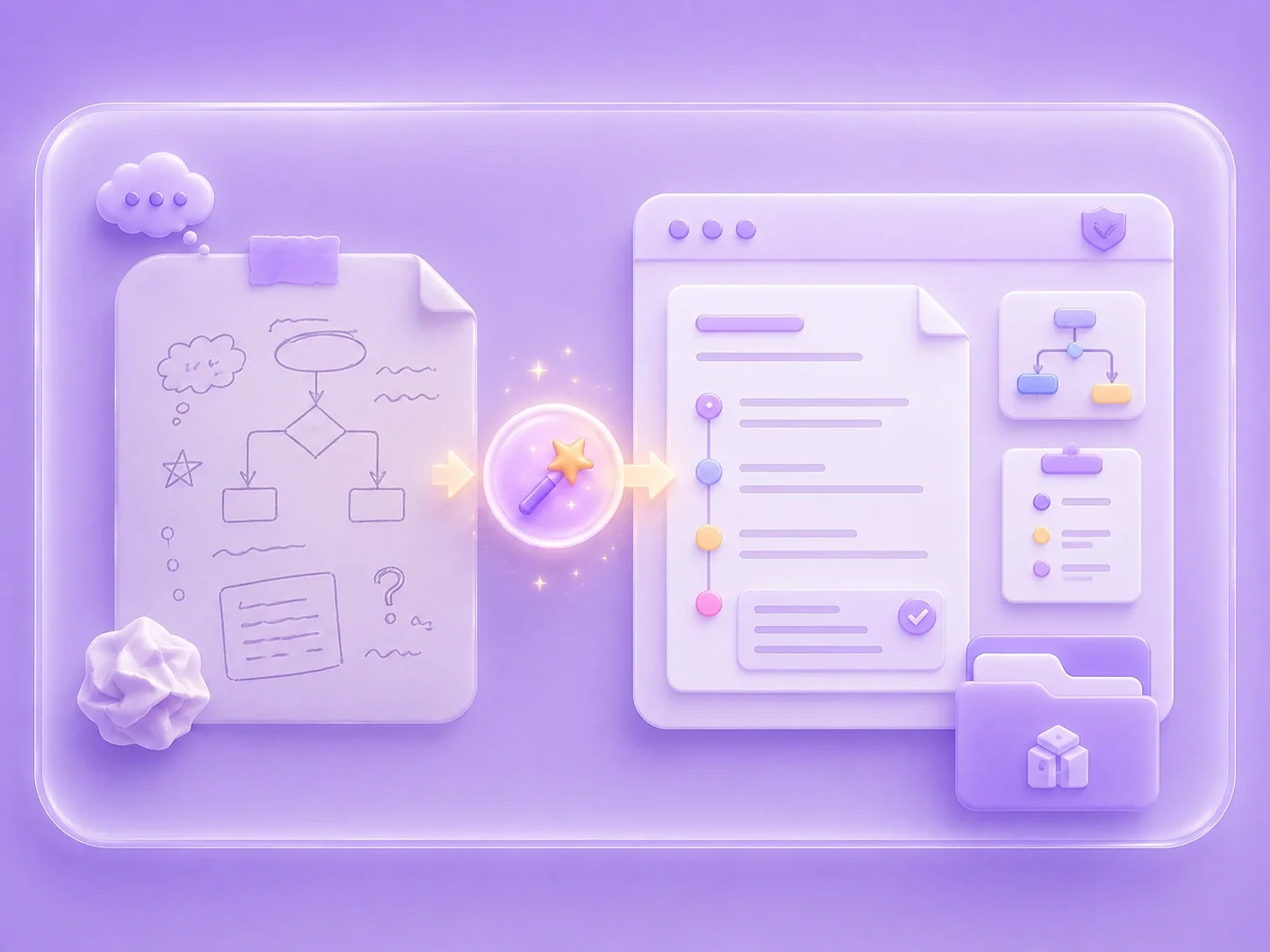
Many skills depend on team-specific rules, examples, terminology, or output formats. By adding reference material before generation, you can give the draft more task context and reduce the amount of rewriting needed after the first pass.
Get Started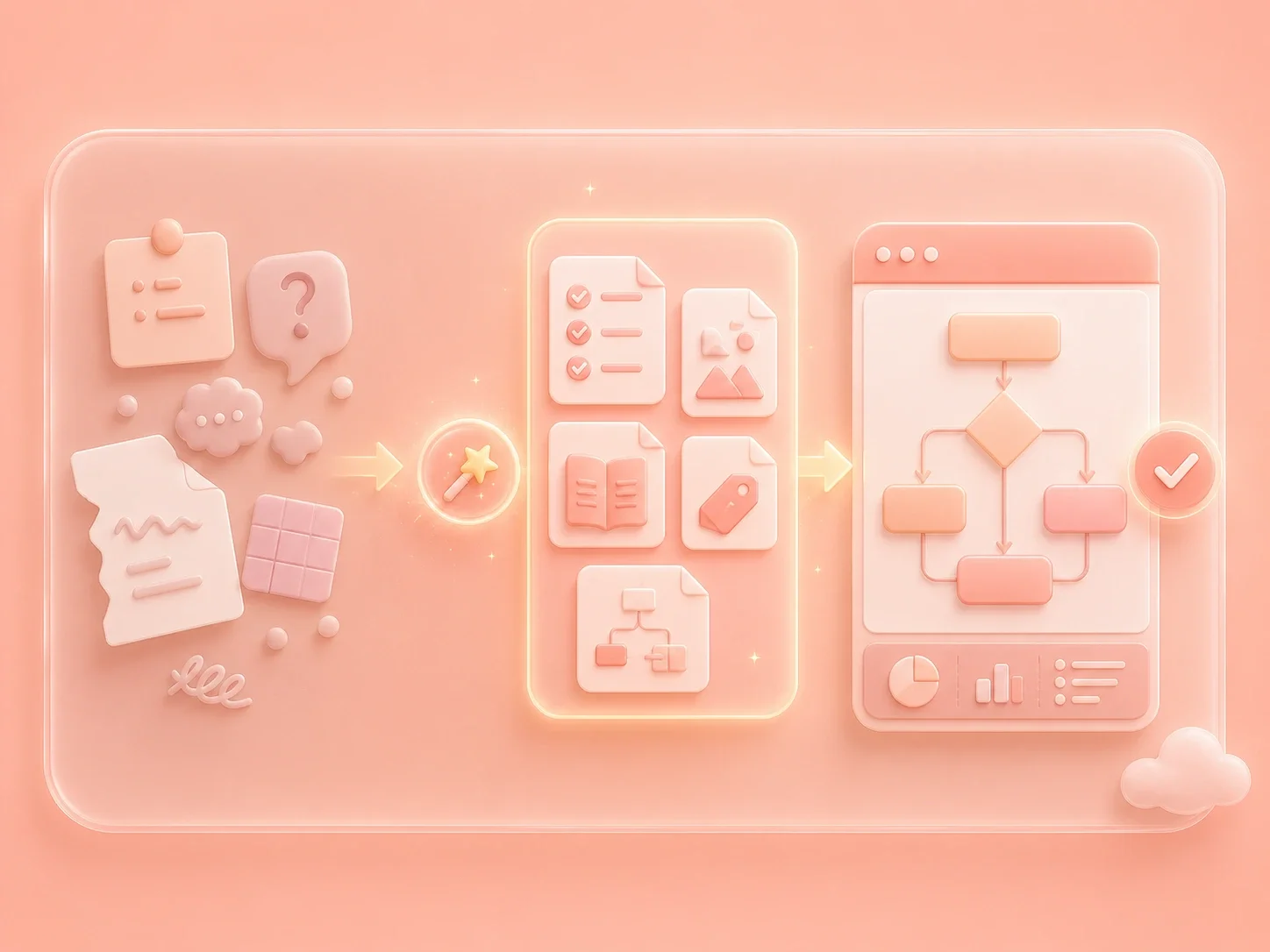
A skill package is easier to evaluate when the instruction file and folder structure are considered together. Use this Codex skill package generator to prepare a draft layout, then check triggers, file names, examples, and required resources before adoption.
Get Started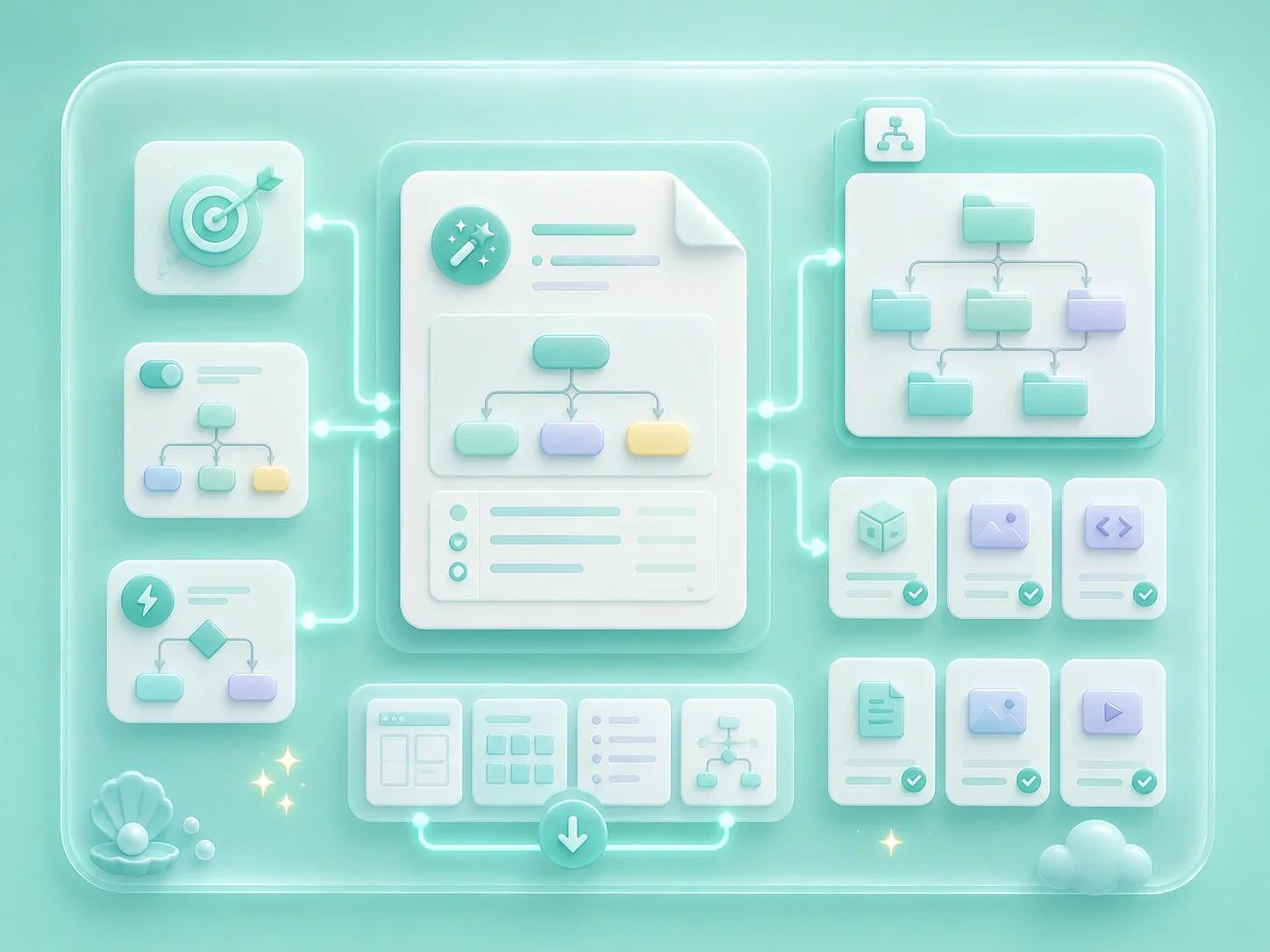
Generated skill packages should be treated as editable drafts. Confirm the scope, remove unsupported instructions, tighten examples, and test the behavior in real Codex tasks before sharing the package with a team.
Get Started

Prepare a first-pass Codex skill package for recurring research, writing, code review, QA, or documentation workflows.
Internal workflow teams
Example scenario

Turn process notes, formatting rules, or handoff requirements into a structured SKILL.md draft for team review.
Template and operations owners
Example scenario

Create a downloadable package draft, then inspect instructions and folder structure before testing the behavior in Codex.
Skill authors and testers
Example scenario