
'%3e%3cpath%20fill-rule='evenodd'%20clip-rule='evenodd'%20d='M19%208.5C24.799%208.5%2029.5%2013.201%2029.5%2019C29.5%2024.6782%2024.9928%2029.3036%2019.361%2029.4939L19%2029.5C18.8794%2029.5%2018.7592%2029.498%2018.6396%2029.4939L18.2811%2029.4758C12.8174%2029.1063%208.5%2024.5574%208.5%2019C8.5%2013.201%2013.201%208.5%2019%208.5ZM22.3063%2010.6267L22.2342%2010.6539C21.3423%2011.0061%2020.5541%2011.6368%2020.5606%2012.4987C20.5631%2012.8302%2020.869%2014.8871%2020.2141%2014.8486C19.5589%2014.8102%2019.413%2013.8753%2018.7116%2013.616C17.5944%2013.2026%2016.9819%2014.3401%2017.0939%2015.3106C17.1695%2015.9655%2018.9289%2018.3871%2017.9028%2019C17.292%2019.3651%2015.7279%2017.5692%2015.1007%2017.1842C14.4805%2016.8034%2013.2758%2017.3333%2012.4974%2016.7029C11.9874%2016.2899%2012.3881%2014.4098%2012.2786%2013.8372C12.2271%2013.5698%2012.1155%2013.3689%2011.9794%2013.2166L12.0402%2013.2934C10.7653%2014.8464%2010%2016.8339%2010%2019C10%2023.8465%2013.8307%2027.7982%2018.6295%2027.9925L18.6769%2027.9747C18.8597%2027.8677%2019.0394%2027.7557%2019.216%2027.6387C19.4137%2027.4534%2019.5436%2027.2072%2019.5849%2026.9394C19.8806%2025.1222%2018.3616%2025.4302%2017.9367%2024.5622C17.5489%2023.7695%2018.5712%2023.7684%2018.5524%2021.7923C18.4607%2021.1774%2018.5279%2020.547%2018.7211%2020.0315C19.1834%2018.7987%2020.7077%2017.2643%2022.5889%2018.0081C23.5567%2018.3906%2023.1524%2019.9831%2023.4737%2020.3394C24.251%2021.2018%2025.3228%2020.6863%2026.2856%2021.2253C26.7816%2021.5032%2026.9797%2022.41%2027.056%2023.2248L27.038%2023.0528C27.6534%2021.8348%2028%2020.4579%2028%2019C28%2015.1968%2025.6409%2011.9445%2022.3063%2010.6267Z'%20fill='%23757575'/%3e%3ccircle%20cx='19'%20cy='19'%20r='10.125'%20stroke='%23757575'%20stroke-width='2.25'/%3e%3c/g%3e%3cdefs%3e%3cclipPath%20id='clip0_1827_14613'%3e%3crect%20width='24'%20height='24'%20fill='white'%20transform='translate(7%207)'/%3e%3c/clipPath%3e%3c/defs%3e%3c/svg%3e)
"I used Meme Generator for a team chat joke after a long meeting. Uploading the image and placing the caption took less effort than opening a full design app."
Daniel Brooks
Project Coordinator
Create meme images from uploaded photos, captions, and AI descriptions. Add top, bottom, or custom-position text, preview your meme, and download it for work, school, chats, or social posts.
or drag and drop an image file
 Free and UnlimitedNo Signup RequiredFast ConversionNo Ads
Upload your image to Meme Generator from your device. The tool checks image format, file size, and dimension limits before you add meme text.

Enter top text, bottom text, or text for another position. You can also describe the meme effect you want and let AI generate a meme-style result from your uploaded image.

Adjust font, size, outline, color, and position. Preview the meme image with a watermark, then download it for chats, social posts, work messages, or school projects.
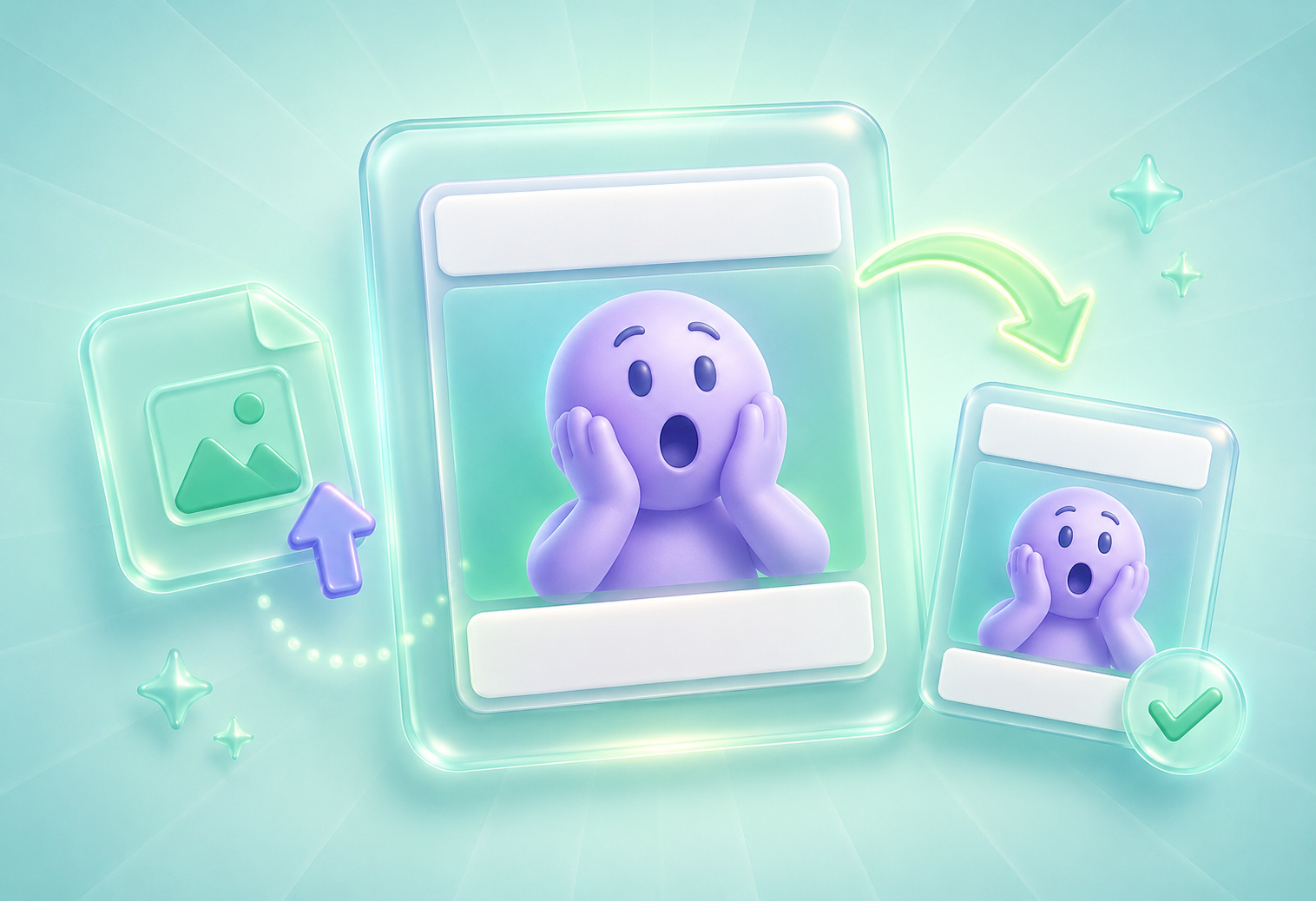
Many users open a Meme Generator because they need a fast way to turn a photo, screenshot, or reaction image into a clear meme. Meme Generator lets you upload your own image and add classic top and bottom text without building the layout in a complex design app. It is useful for office jokes, class projects, group chats, social posts, and quick reactions where the caption needs to be easy to read.
Add Meme TextMeme text can become hard to read when the image background is bright, dark, or visually busy. Meme Generator helps you adjust font, font size, outline, color, and position so the caption stays clear. You can place text at the top, bottom, or another area of the image, making it easier to match the punchline to the right visual detail.
Customize Meme Text
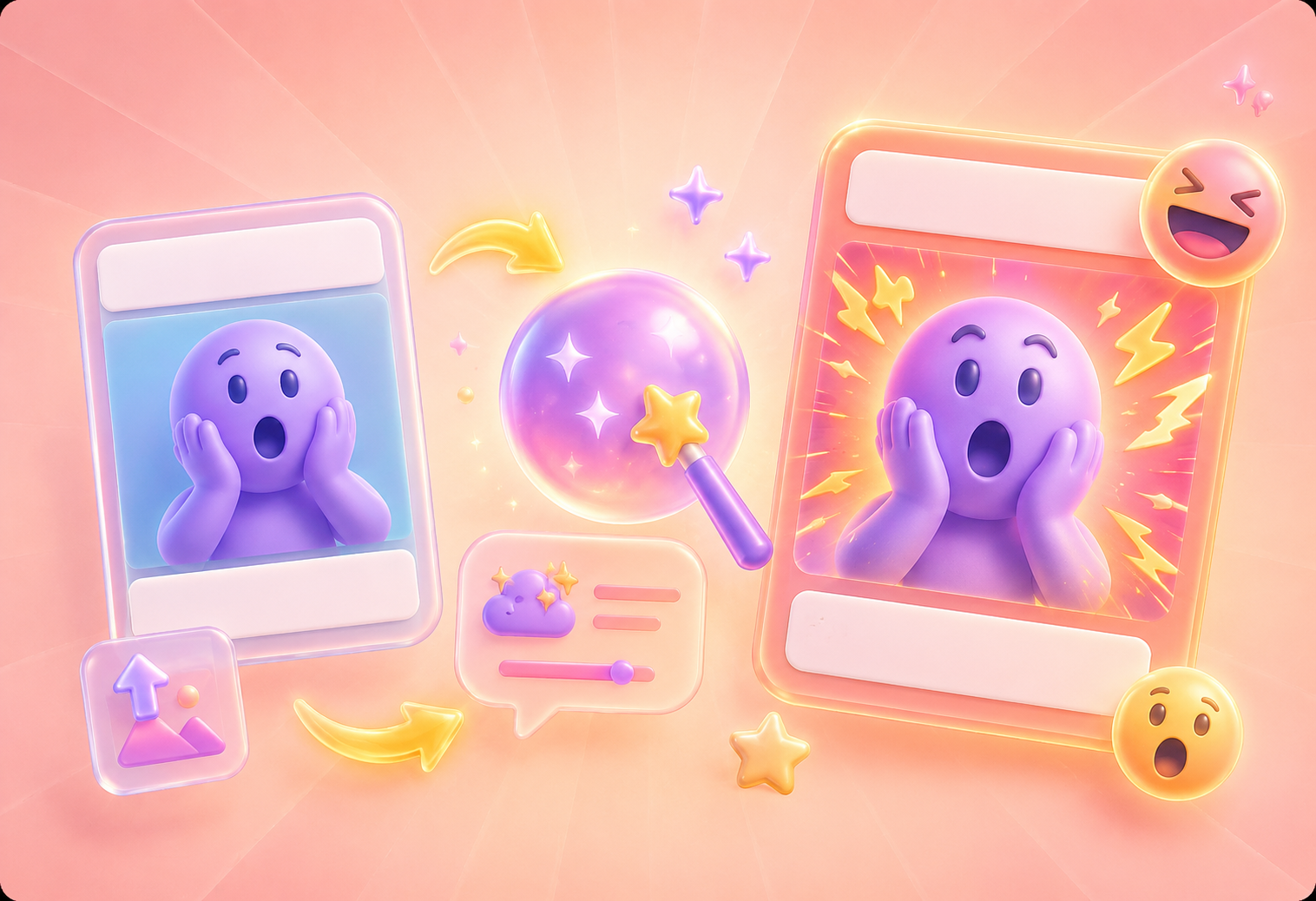
Sometimes you have a meme idea but cannot picture the final effect. Meme Generator supports AI description-based generation, so you can upload an image and describe the style, mood, or meme effect you want. AI uses the uploaded image and your description to help create a more expressive meme result for chats, social posts, office messages, or student projects.
Try AI Meme GenerationMeme Generator lets you preview the meme image with a watermark before downloading. This helps you check whether the text is readable, the caption length fits, and the position supports the joke. The tool also validates image format, image dimensions, and text length, reducing failed edits when you need a meme for work, school, social media, or personal chats.
Preview Your Meme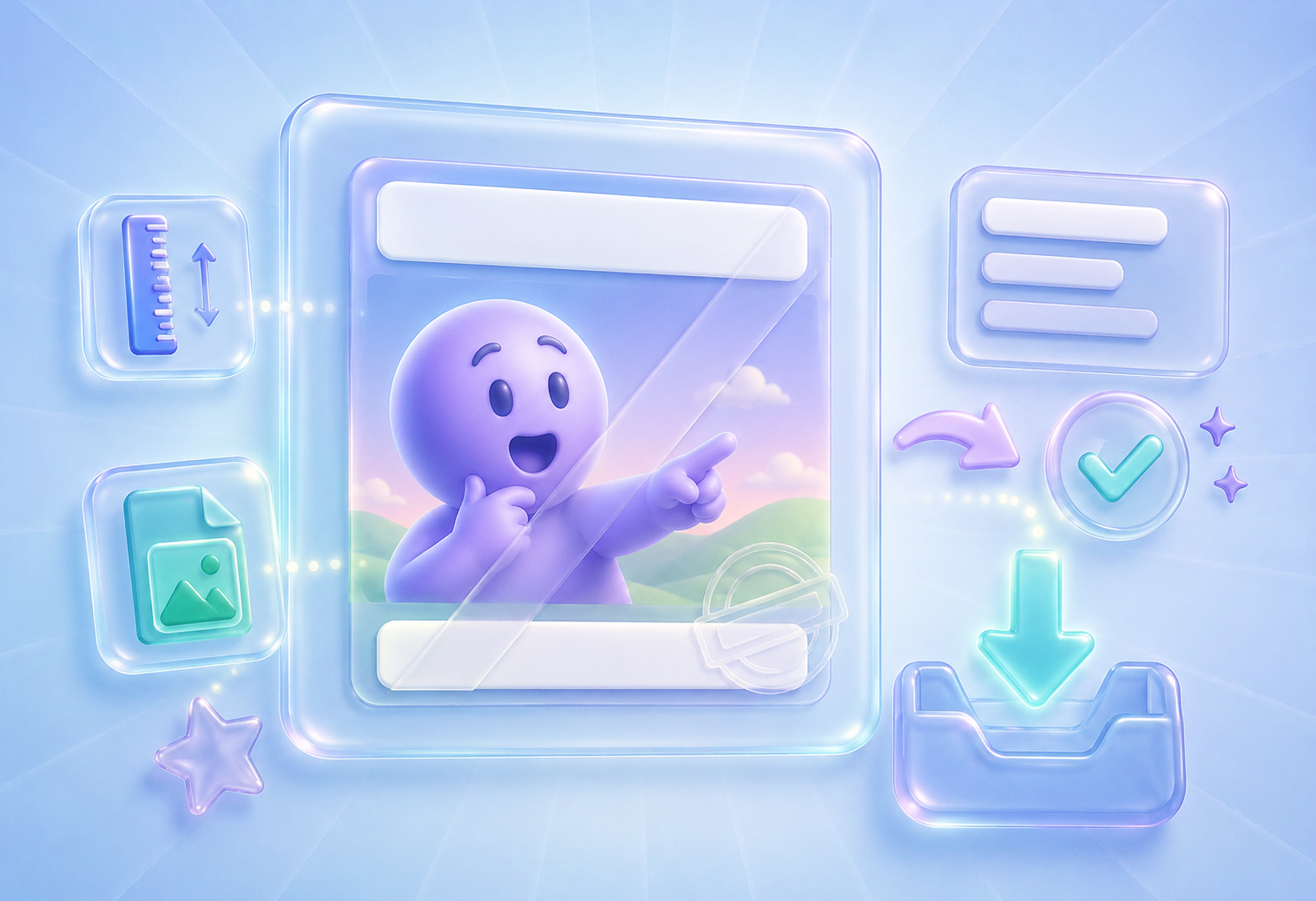

Convert PDF files into editable DOC and DOCX documents.

Pull data straight from PDFs into Excel spreadsheets.

Turn your PDF files into editable PPT and PPTX.

Make DOC and DOCX files easy to read by converting them to PDF.

Make Excel spreadsheets easy to read by converting them to PDF.

Make PPT, PPTX easy to read by converting them to PDF.

Convert JPG images to PDF. Easily adjust orientation and margins.

Combine PDFs in the order you want.

split a large PDF file and extract pages into multiple PDF files.

Reduce file size while optimizing for maximal PDF quality.

Sign yourself or request electronic signatures from others.

Sort pages of your PDF file however you like.

"I used Meme Generator for a team chat joke after a long meeting. Uploading the image and placing the caption took less effort than opening a full design app."
Daniel Brooks
Project Coordinator

"Meme Generator helped me make a class meme from a screenshot. The outline and font size controls made the text easy to read on a busy image."
Olivia Bennett
University Student

"I use Meme Generator for quick social posts. The AI description option helps when I have an idea but need a more visual meme effect."
Emma Collins
Social Media Assistant
