

"Create a birthday card for a friend or classmate by adding the relationship, milestone, shared memories, and a tone that fits how you normally speak."
Birthday Cards
Friends and classmates
誕生日、応援、卒業、ペットの追悼、お祝い、感謝のメッセージなど、パーソナライズされたAIグリーティングカードを作成できます。カードのシチュエーション、受取人との関係、背景の詳細、トーン、長さ、言語をカスタマイズして、ダウンロード可能なPNG形式のカード画像としてすぐに生成します。
AIがカードを作成しています...

Choose birthday, good luck, graduation, pet memorial, compliment, or thank you. Enter the recipient and your relationship to set the context for the greeting.

Add any memories, message ideas, colors, or symbols you want included. Set the tone, message length, language, and visual style before generating the card.

Generate the card, review the wording and design, and download the PNG. Use the image in a chat, email, presentation, or printed keepsake.
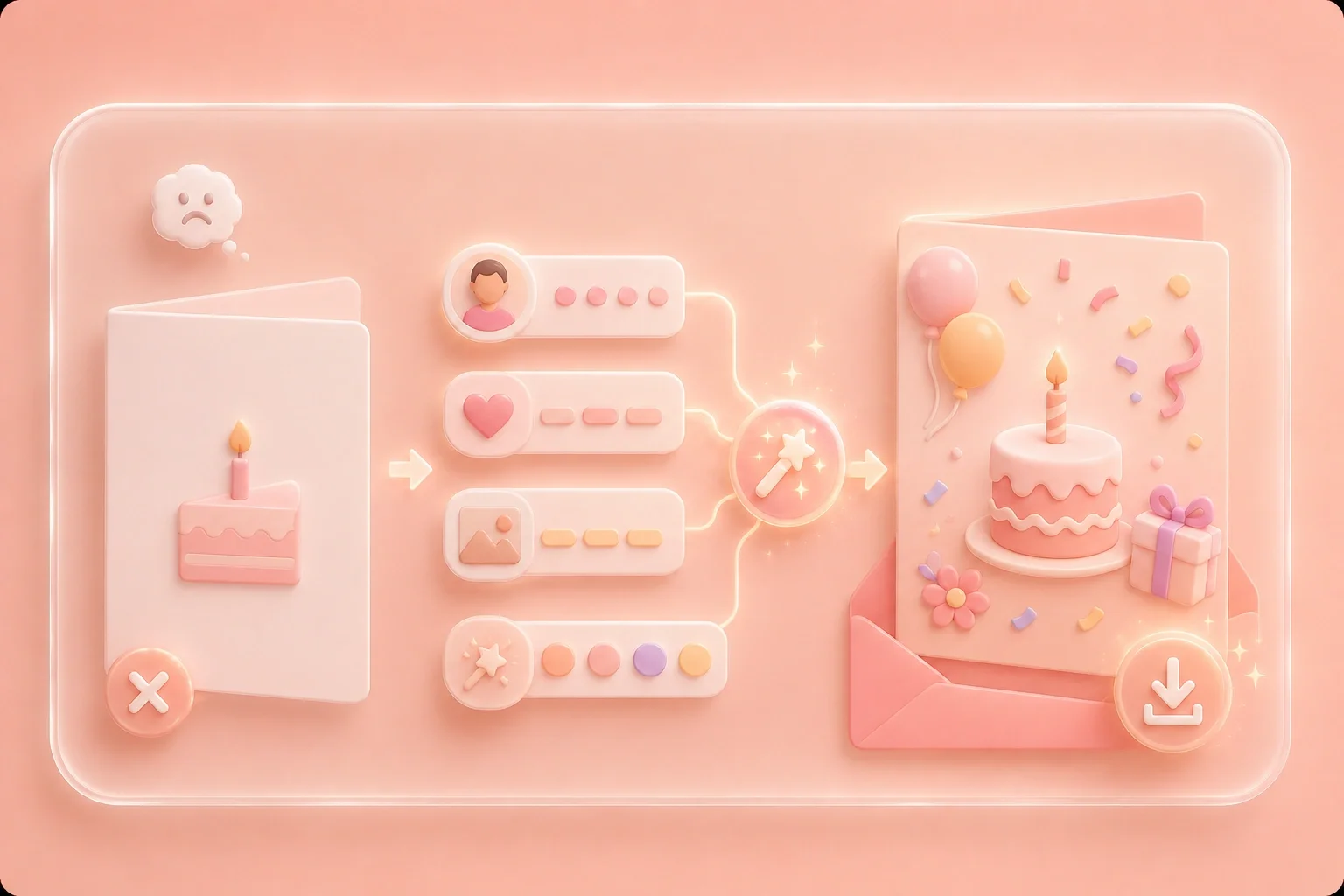
A birthday card generator is useful when a generic message does not fit the recipient. Add a name, relationship, memories, and preferred tone; the AI birthday card generator uses those choices to prepare wording and a design for you to review before downloading.
Get StartedUse the online card maker for an exam, interview, new job, competition, or other milestone. Describe the occasion and recipient, select a tone, and review the generated message so the final greeting fits the moment.
Get Started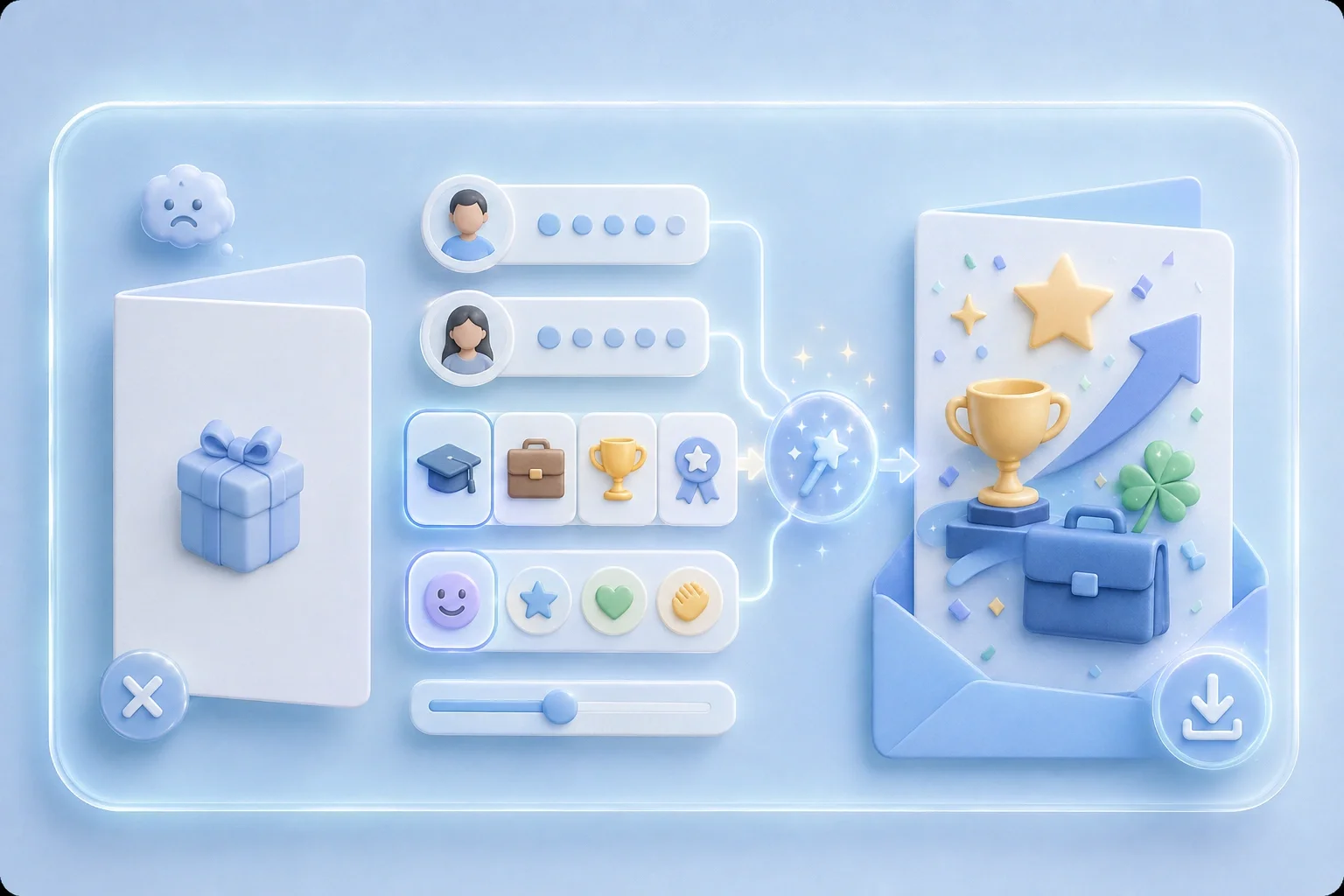
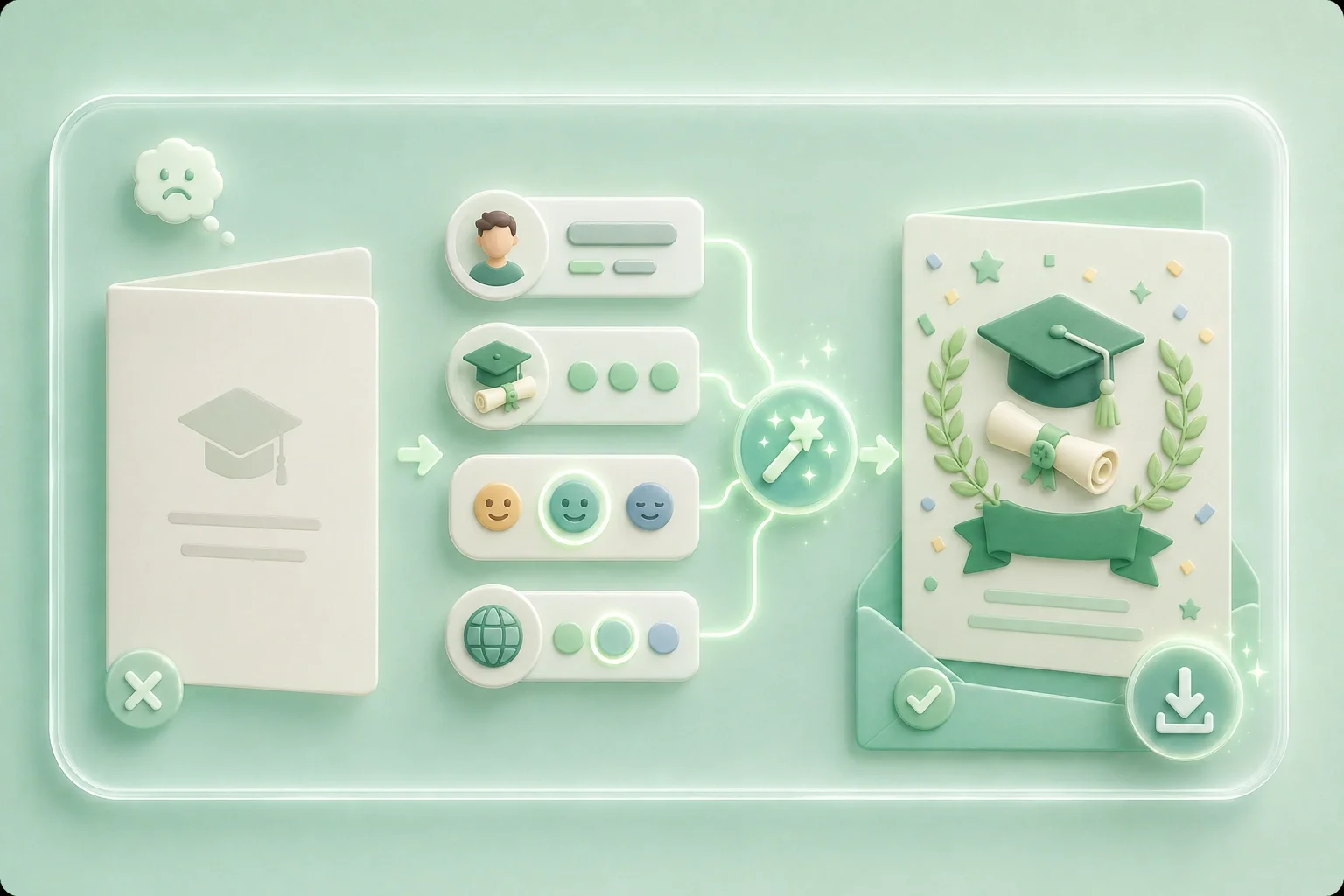
Create a personalized greeting card around the graduate's achievement rather than relying on a stock phrase. Add details about the person and milestone, choose the tone and language, and check the generated message before saving the card.
Get StartedStart with the card type and the details you want to express, then use the available tone, length, language, and style controls to shape the result. Review sensitive wording—especially a pet memorial message—before sharing it with the recipient.
Get Started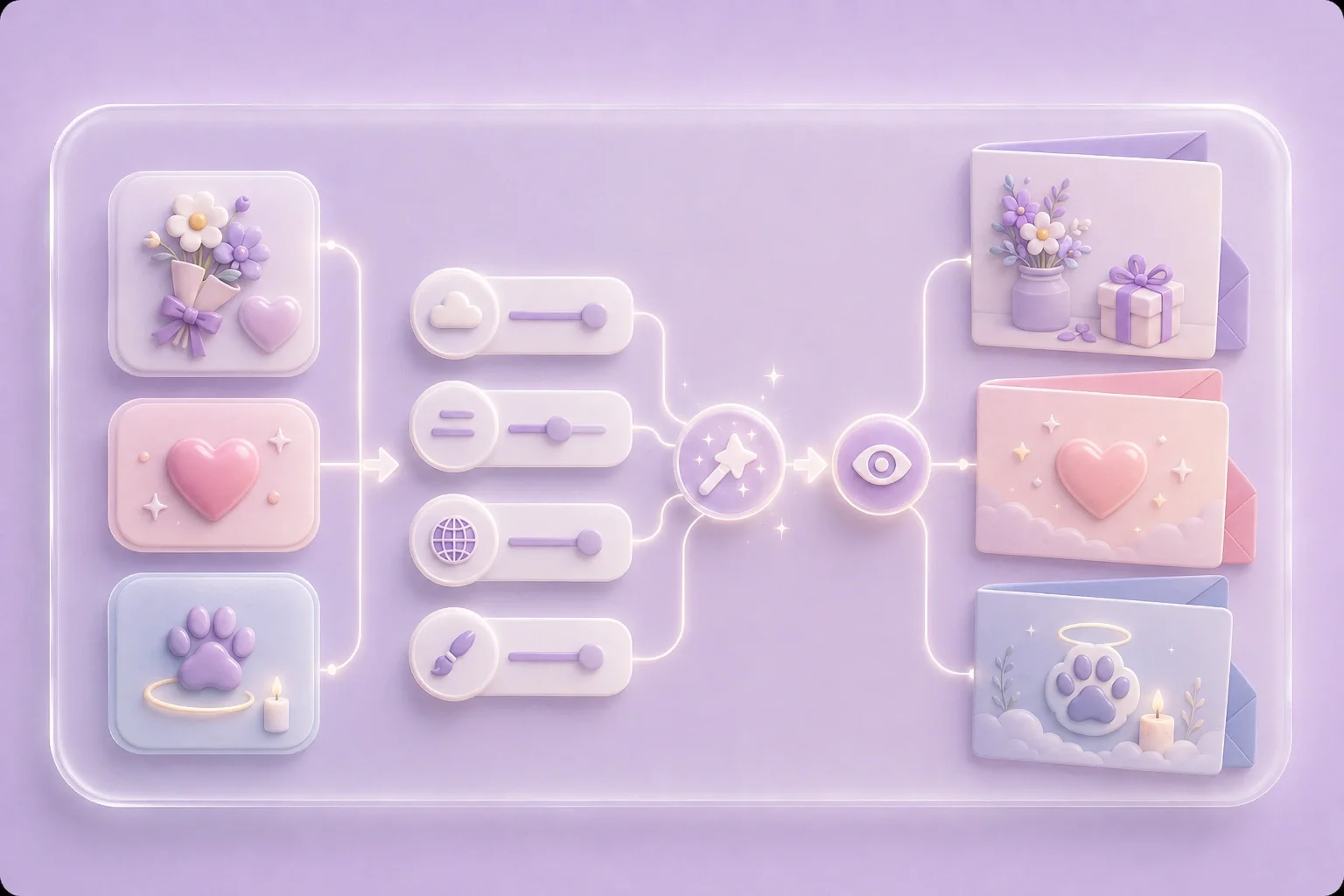

PDFファイルを編集可能なDOCおよびDOCXドキュメントに変換します。

PDFから直接データを抽出してExcelスプレッドシートに変換します。

PDFファイルを編集可能なPPTおよびPPTXに変換します。

DOCおよびDOCXファイルをPDFに変換して読みやすくします。

ExcelスプレッドシートをPDFに変換して読みやすくします。

PPTやPPTXファイルをPDFに変換して読みやすくします。

JPG画像をPDFに変換します。向きや余白も簡単に調整できます。

複数のPDFを希望の順序で結合します。

大きなPDFファイルを分割し、ページを複数のPDFファイルに抽出します。

最高のPDF品質を維持しながらファイルサイズを縮小します。

自分で署名するか、他の人に電子署名をリクエストします。

PDFファイルのページを自由に並べ替えます。

"Create a birthday card for a friend or classmate by adding the relationship, milestone, shared memories, and a tone that fits how you normally speak."
Birthday Cards
Friends and classmates

"Prepare a good-luck or congratulations card for a coworker. Keep personal details appropriate for work and review the message before the team shares it."
Work Milestones
Colleagues and teams

"Draft a pet memorial card when the right words are difficult to organize. Check names, memories, and sensitive wording carefully before sharing."
Pet Memorials
Family and pet owners
