

"Create a workplace-appropriate new baby congratulations card for a manager or coworker. Review the message as a team before sharing or printing it."
Workplace Congratulations
Coworkers and teams
お手元の情報から、出産祝いカード、お祝いのメッセージ、誕生のお知らせ、記念ポスターを作成できます。ご両親との関係と任意の赤ちゃんの情報を入力し、生成されたデザインを確認してPNGまたはPDFでダウンロードします。
ご両親との関係に合わせて文面を調整し、赤ちゃんの情報を組み合わせて、プレビュー用のカードレイアウトを準備しています。
アプリをインストールして保存と管理を簡単に
デスクトップアプリでは、生成した出産祝いカードや記念ポスターをまとめて保存、整理し、後から見返せます。

Enter your relationship to the parents. Add the baby's name, birth date, and gender when known; the interface marks these baby details as optional.

Start the generator to prepare a newborn greeting, birth card, announcement, and keepsake-style design from the information you supplied.

Review names, dates, wording, and design details, then download PNG or PDF. Use the result in a message, email, printed group card, or keepsake.

A message for close family usually sounds different from a workplace congratulations note. Enter your relationship to give the baby card generator useful context, then review the wording and adjust anything that feels too formal, casual, or personal.
Get StartedUse the birth announcement maker to organize a baby's name, birth date, and other supplied details into a shareable design. Because the name, date, and gender fields are optional in the interface, you can generate a draft with only the information you have.
Get Started

Use the keepsake-style output to present the birth details you provide in a visual format for family sharing or a group gift. Verify spelling and dates in the preview before saving or printing the file.
Get StartedChoose PNG for a raster image you can place in messages, posts, or email. Choose PDF when you want a document file for printing, an office group card, a family album, or a keepsake folder.
Get Started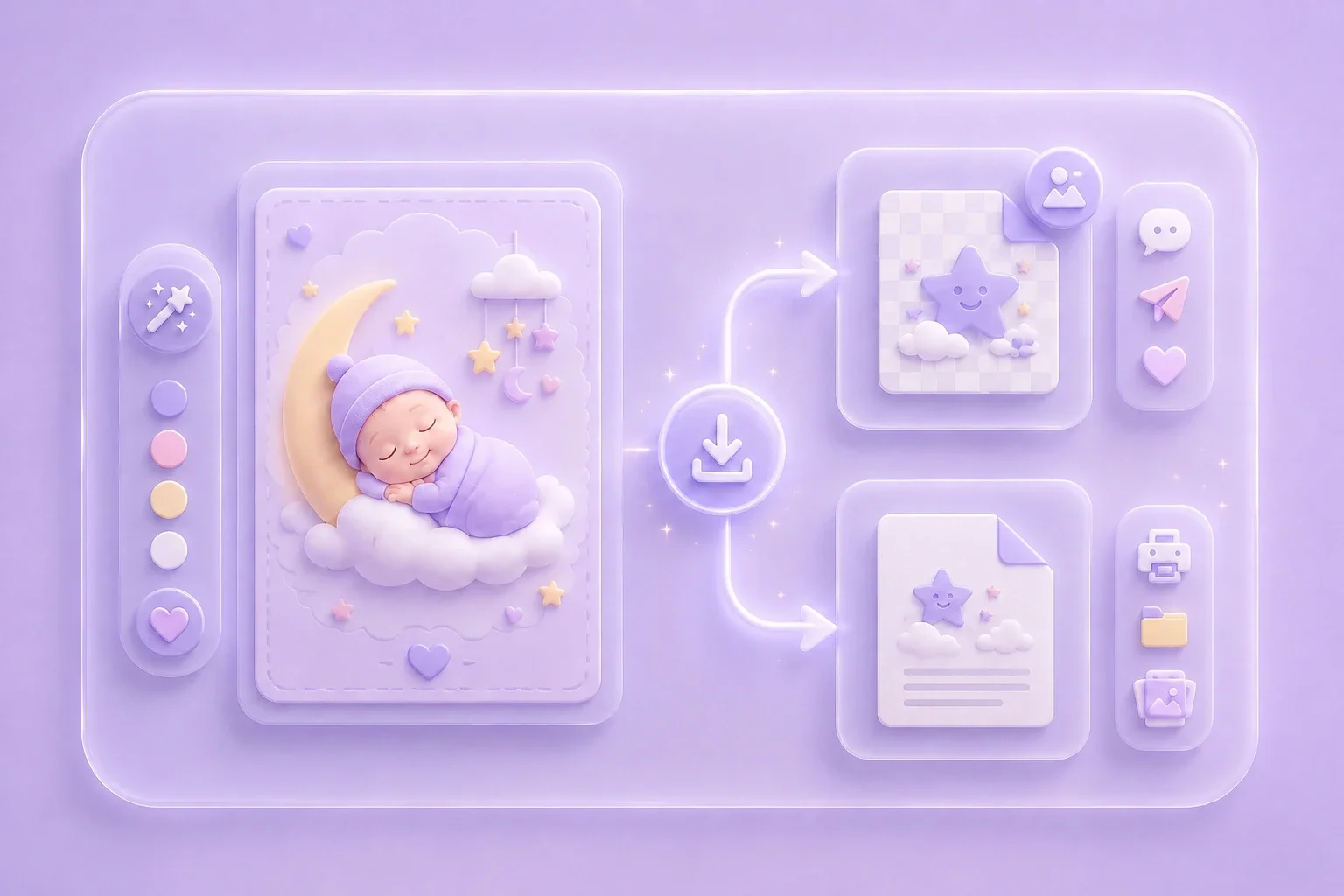

PDFファイルを編集可能なDOCおよびDOCXドキュメントに変換します。

PDFから直接データを抽出してExcelスプレッドシートに変換します。

PDFファイルを編集可能なPPTおよびPPTXに変換します。

DOCおよびDOCXファイルをPDFに変換して読みやすくします。

ExcelスプレッドシートをPDFに変換して読みやすくします。

PPTやPPTXファイルをPDFに変換して読みやすくします。

JPG画像をPDFに変換します。向きや余白も簡単に調整できます。

複数のPDFを希望の順序で結合します。

大きなPDFファイルを分割し、ページを複数のPDFファイルに抽出します。

最高のPDF品質を維持しながらファイルサイズを縮小します。

自分で署名するか、他の人に電子署名をリクエストします。

PDFファイルのページを自由に並べ替えます。

"Create a workplace-appropriate new baby congratulations card for a manager or coworker. Review the message as a team before sharing or printing it."
Workplace Congratulations
Coworkers and teams

"Make a newborn card for a relative using the baby's name and birth date when available. Check every personal detail before downloading the PNG or PDF."
Family Greetings
Relatives and friends

"Arrange the supplied birth details in a keepsake-style poster for a friend or family member. Verify names and dates in the preview before printing."
Keepsake Poster
Birth details and memories
